Close Loops in Reverse Order
Learn the order to close open loops in a YouTube script: pay off the last tease first, with timestamps, examples, and a Studio check for creators.

10 min readUpdated
In this guide
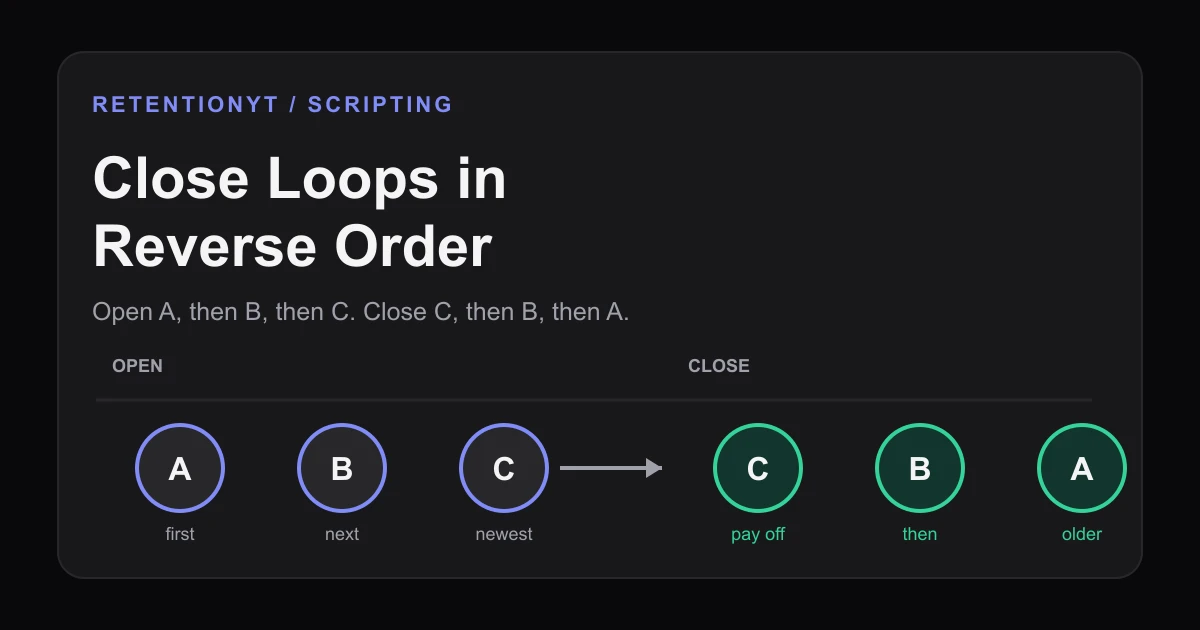
If you opened A, then B, then C, close C first. The live tension is C. Closing A at minute 4 while C is still dangling feels like a topic change — which is a dip. Reverse-order closes keep the graph from stair-stepping. Use this as a working rule of thumb: pay off your newest meaningful tease before you spend time on an older one, then check the result against your own timestamps.
What Close Loops in Reverse Order actually is (and what it is not)
A loop is a question, promise, or missing piece you leave unresolved so the viewer has a reason to continue. “I’ll show you the failed version before the fix” opens one; it closes when you give the promised answer, example, or consequence clearly.
Close Loops in Reverse Order is a sequencing rule: at a handoff, resolve the newest open loop first, then move backward through older loops. If the open stack is A, B, C, the next close is C, then B, then A. The rule is not a command to rush, hide answers, or postpone every promise until the end.
| Loop state | What it means in this method | Next move |
|---|---|---|
| Open | A specific promise has been made but its answer is still withheld | Keep it on the timeline with an ID |
| Active | The newest unresolved promise is shaping the viewer’s next question | Pay this one off before an older loop |
| Closed | The promised answer, evidence, or consequence has landed clearly | Mark the close and open the next useful loop |
| Stale | The script is answering an older question while a newer one hangs | Stop, bridge back, or reorder the close |
YouTube does not expose a metric called “reverse-order closes.” This manual writing method is not permission to add endless teasers; cut any loop that does not change the viewer’s next decision.
Where RetentionYT fits
The manual method works alone. The product shortens the loop. Try RetentionYT for an optional pre-record pass.

Why this shows up in YouTube Studio
The practical check is a comparison between timestamped promises and your audience’s visible response. Mark each opening and close before publishing so the review has something specific to test.
The locked SOURCE 1 URL currently opens a YouTube Help page titled “Understand your YouTube video reach.” It describes Reach reports and a path through Content, Analytics, and Reach, but it does not contain the audience-retention claims named in the brief. The conflict is recorded; the article uses only what the page says and does not claim it verifies a retention graph.
The locked SOURCE 2 page says the Content tab in YouTube Analytics gives an overview of how viewers find content, what they watch, and how they interact with it. It also defines metrics such as engaged views, average view duration, average percentage viewed, and watch time. These definitions do not prove a percentage change; the loop method remains a rule of thumb.
Put the tease, planned close, and evidence to inspect in your outline. A close answers the promise with a line, shot, example, or consequence.

Worked example 1: the failure
Here is an illustrative three-loop failure, not YouTube data. The creator opens A with a skipped setup step, B with a hidden problem, and C with a final test that explains the stall. At minute 4, the script returns to A because it was written first while newer B and C remain active.
The problem is not that A is unimportant. The transition ignores the latest question, so the video can feel like it changed subjects while the promised test and hidden problem remain unpaid.
The table uses illustrative timestamps and retention-style values, not published benchmarks or YouTube data.
| Time | Bad close | Why it leaks |
|---|---|---|
| 0:20 | Open A: skipped setup step | The first promise is clear, but it is not yet urgent |
| 1:10 | Open B: hidden problem in draft two | B becomes the newer active question |
| 2:00 | Open C: final test explains the stall | C is now the freshest unresolved promise |
| 4:00 | Close A first; illustrative curve at 48% | The script answers an older question while C is still dangling |
| 5:10 | Explain B; illustrative curve at 41% | The viewer has waited through a stale handoff |
| 6:30 | Close C; illustrative curve at 35% | The strongest recent promise arrives after the drift |

If a transition says “before we get to that” while C is unresolved, mark it as a failure and move the close using your loop IDs.
Worked example 2: the fix
Keep the same three loops and opening order, but make every close audible: close C at about 2:30 with the final test and consequence, B at about 3:20 with the hidden problem, and A at about 4:10 by returning to the skipped setup.
The first payoff need not reveal the entire video. It must answer C clearly enough to release that question. Then B becomes live, while A remains an older question worth answering.
Use a bridge sentence when the move feels abrupt: “Now that the final test explains the stall, go back to the hidden problem that made the second draft fail.” It names the close and the next active loop.

A ten-minute script might use 0:20 for A, 1:10 for B, 2:00 for C, then close C at 2:30, B at 3:20, and A at 4:10. These are illustrative planning numbers, not a benchmark. For more outline structure, use the YouTube script outline template and how to script a YouTube video; neither promises a retention result.
How to check this in YouTube Studio (step by step)
- Underline every future promise in the script and give it an ID: A, B, C, or a descriptive label.
- Add opening and planned close timestamps beside each ID. If you cannot name the close, the loop is not ready to record.
- Sort open loops at every transition from newest to oldest. Circle any older close that interrupts a newer unresolved loop.
- Record the exact sentence, example, shot, or consequence that closes each loop; do not write “explain more.”
- Review the upload using analytics reports available to your account. Open YouTube Studio and compare the loop map with visible audience response around those timestamps when the relevant report is available.
- Treat a mismatch between intended payoff and audience response as a debugging clue, not proof of a universal rule.
- Rewrite transitions: move the newest payoff earlier, add its consequence, or remove the weak loop.
The method works without signing up. If you want a second pass, RetentionYT and the RetentionYT script review tool can help inspect transitions before recording; both are optional.
The trap
The trap is “reverse order” without a visible close. You move C before B but never tell the viewer that C is answered, then open another loop immediately. Do not confuse recency with importance: if C is a throwaway aside and A is the title promise, close C quickly and bridge back to A. Cut weak loops opened faster than you can close them.
The trap
The move

Use this sentence test in the edit: “The loop that is still on the viewer’s mind is ___, and the next line answers it by ___.” If you cannot fill both blanks, the transition is not doing enough work. Rewrite the line or remove the loop.
What to do in the next upload
Before recording, run this compact pass. The manual method makes promises visible before footage makes them expensive to change.
- Write every tease as a specific question, promise, or missing result.
- Give each tease an ID and an opening timestamp.
- Write the exact answer or consequence that will close it.
- Mark the newest unresolved loop at each transition.
- Close the newest meaningful loop before an older one.
- Say the payoff clearly enough that the viewer can recognize the close.
- Add a bridge when you move backward from C to B or A.
- Label illustrative planning numbers as illustrative in your notes.
- Review the upload against the timestamp map when the relevant analytics report is available.
- Cut any loop that adds curiosity but no useful payoff.
Do not wait for the outro to repair a loose middle. Move part of the answer earlier and let the ending add consequence or a clean next step.
Close the newest promise first, then make the backward move feel intentional.
Write A, B, and C down, attach times, close C, then B, then A, and compare response. Keep conclusions modest.
Frequently asked questions
- What order should I pay off teases?
- Pay off teases in reverse order: close the last loop you opened, then the previous one, then the first. If your script opens A, B, and C, make C the next meaningful payoff. This keeps the newest promise active instead of asking the viewer to remember it while you return to older material.
- Why reverse order?
- Reverse order is a practical scripting rule of thumb. The latest tease is usually the freshest promise in the viewer’s working memory, so closing it first creates a clean handoff to the next payoff. It also prevents an older loop from feeling like a topic change while a newer, more urgent question is still hanging.
- Can I close two loops at once?
- Yes, when both loops share the same evidence, scene, or answer. Name the newer loop first, deliver its answer, then explicitly close the older loop in one sentence. Do not bundle unrelated teases just to move faster; a compressed payoff should feel like one clear reveal, not two answers hidden in a paragraph.
- Should the outro close the first hook?
- Usually no. The first hook should earn an early answer or a clear progress marker, not wait silently for the outro. Use the ending for the final consequence, bonus, or next action. If the original hook still has an unanswered promise, rewrite the structure before recording instead of hoping the outro rescues it.
- Example of reverse-order closes?
- Suppose your script opens A at 0:20, B at 1:10, and C at 2:00. A reverse close pays off C first, then B, then A, with each transition naming what was just answered. A bad close does A at 4:00 while B and C remain open, making the viewer wait through a stale promise.
- How do I apply “Close Loops in Reverse Order” on my next upload?
- Write every tease on a timeline before you record. Give each one an ID, opening timestamp, promised payoff, and planned close. Sort open loops by opening time from newest to oldest at each transition. Then read the script aloud and mark any moment where an older close interrupts a newer unresolved promise.
- Where in YouTube Studio do I check “Close Loops in Reverse Order”?
- You do not look for a button named Close Loops in Reverse Order. Treat it as a manual script-review rule: open your video’s analytics in YouTube Studio, compare visible dips with your timestamped loop map when the relevant report is available, and revise the next script. The method lives in your outline, not a Studio setting.
- What is the most common mistake with “Close Loops in Reverse Order”?
- The common mistake is reversing the order mechanically without making the payoff clear. Creators close the newest tease with a vague sentence, then move to the next topic and leave the viewer unsure whether the loop is finished. State the answer, show the consequence, and mark the loop closed before opening another one.
Give your next script a second look
Paste a script into RetentionYT for suggestions on your hook, pacing, and structure. Choose the edits that serve your video, then check audience behavior in YouTube Analytics after publishing.
Get retention tips in your inbox
Occasional, practical emails on hooks, pacing, and retention. No spam.
Related posts
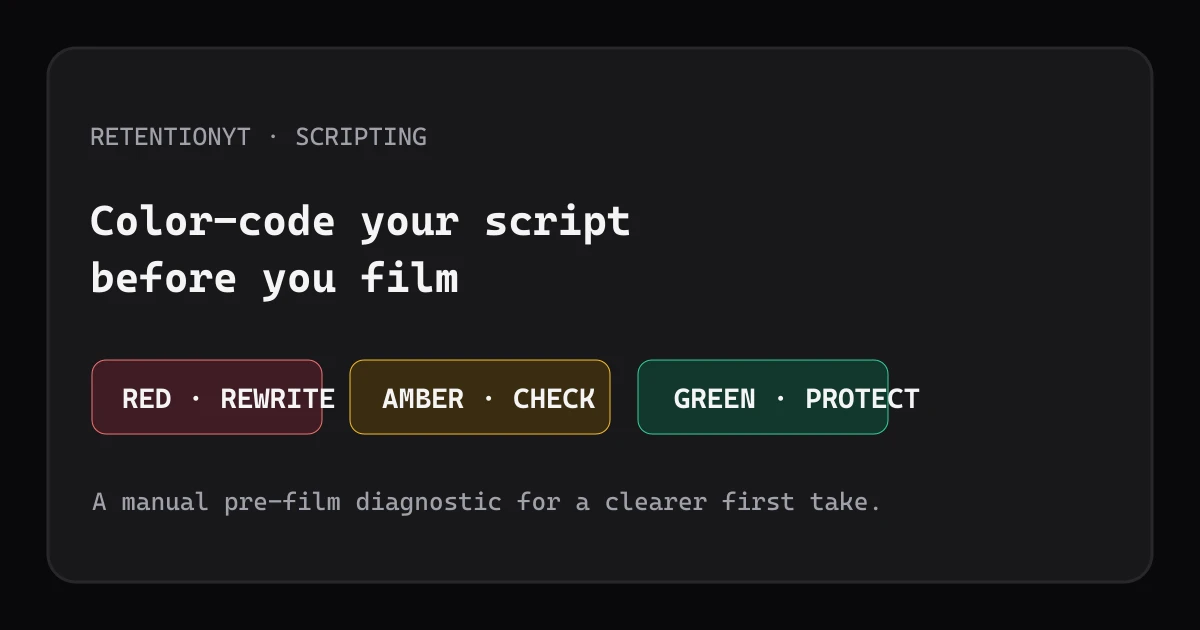
Color-Code a Script by Retention Risk Before You Film
Use a three-color script audit to catch weak opening promises, delayed payoffs, and vague lines before filming your next YouTube video upload.
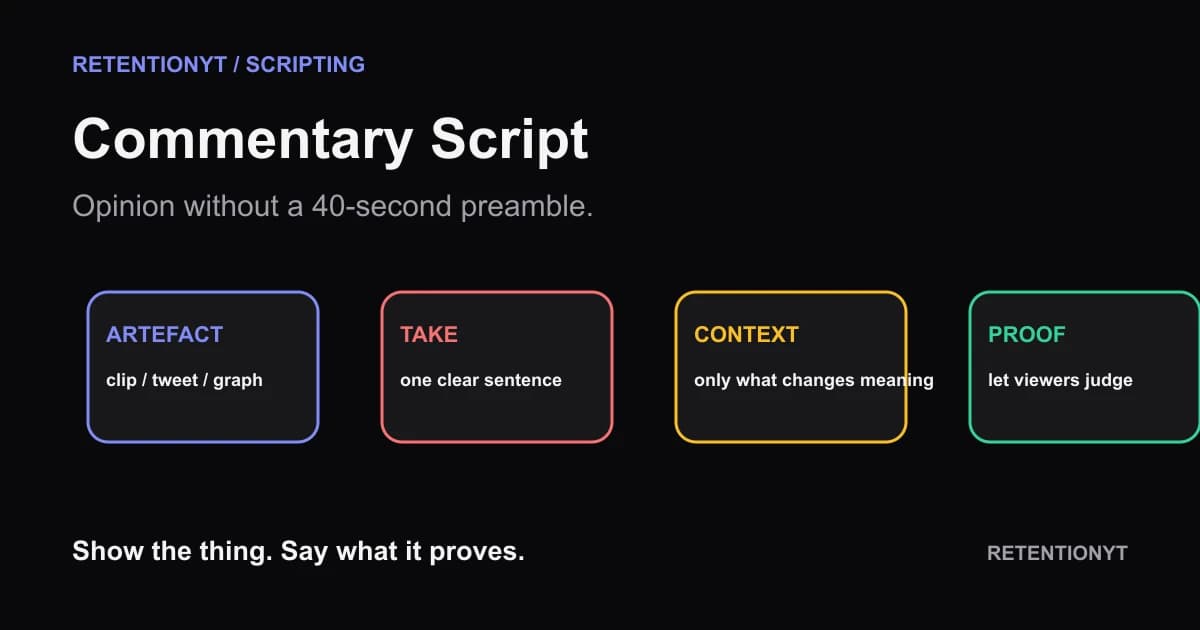
Commentary Script: Opinion Without a 40-Second Preamble
Build a YouTube commentary video script start around the clip, tweet, or graph—not your biography. Put the artefact and one-sentence take on screen, then earn the context.
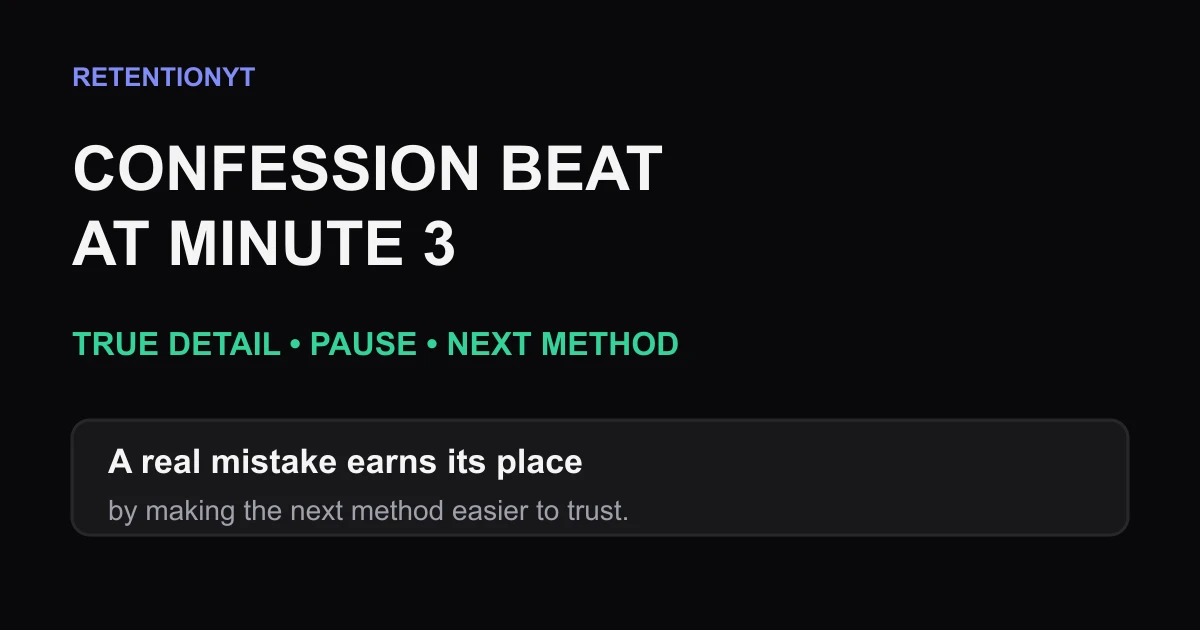
Confession Beat at Minute 3
Use a true 15-second confession around minute 3 to reset a lecture, rebuild trust, and lead into the next tutorial method without turning your story into an ad.