Commentary Script: Opinion Without a 40-Second Preamble
Build a YouTube commentary video script start around the clip, tweet, or graph—not your biography. Put the artefact and one-sentence take on screen, then earn the context.

10 min readUpdated
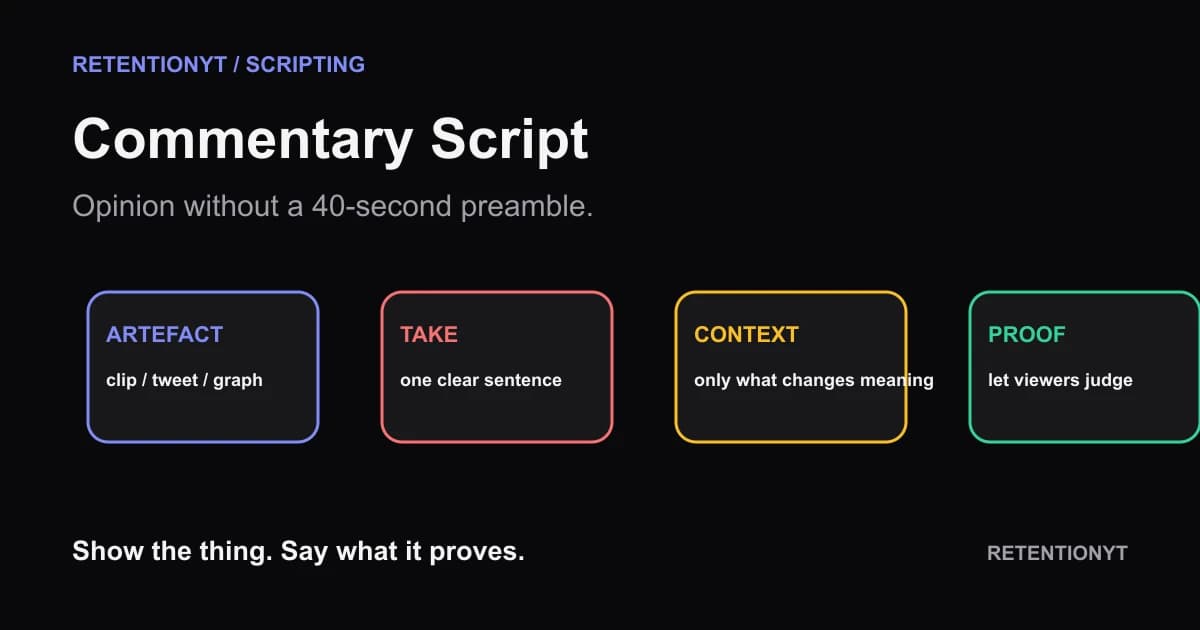
In this guide
Put the artefact on screen in frame 1: the clip, tweet, graph, or headline you are about to interpret. Give your one-sentence take before your biography. A 40-second preamble about who you are and why commentary matters delays the only question the viewer came to answer: what is this, and what do you think it proves?

Where RetentionYT fits
Manual outlining works alone. Product shortens the loop. Try RetentionYT when you want a structural read on the opening before you record.
What Commentary Script actually is (and what it is not)
A commentary script is an argument built around an object. The object might be a short clip, a tweet, a graph, a headline, or a screen recording. Your opening does not need to prove the whole argument; it needs to put the object in view, tell the viewer your angle, and create a clean path to the evidence.
A biography-led intro asks the viewer to evaluate your credentials before the claim. An accuracy or attribution note can matter, but it belongs where it clarifies the object, not where it replaces the object.
The editorial method here is simple: artefact → take → minimum context → mechanism → judgment. “Artefact” means the thing the audience can inspect. “Take” means your one-sentence interpretation. “Minimum context” means only the background that changes the interpretation. “Mechanism” means the detail that connects the object to your claim. “Judgment” means the conclusion the viewer can now assess.
| Opening job | What the viewer gets | What you write |
|---|---|---|
| Artefact | A concrete subject | The clip, post, graph, or frame in view |
| Take | Your angle | One sentence with a clear claim |
| Context | The missing key | Date, source, or setting that changes meaning |
| Mechanism | The “why” | Detail, comparison, or replay that supports the take |
| Judgment | A usable conclusion | What the viewer should believe, question, or do |
This sequence is a writing choice, not a promise about recommendations or retention. Handle any legal or attribution explanation accurately and separately; it should not replace the editorial object in the first minute.
Why this shows up in YouTube Studio
You do not need a special “commentary script” report. You need to compare the opening you wrote with the response to the published video and the audience source around it. The locked YouTube Help source says the Content tab gives a channel-level overview of how viewers find content, what they watch, and how they interact with it. For videos, it lists Key moments for audience retention and says typical retention can compare the 10 latest videos of similar length. YouTube Help, August 2026
The Reach source gives the acquisition context. It describes the Reach tab as a snapshot of metrics including click-through rate, watch time, and views, and says traffic-source reporting shows how viewers found content within YouTube and external sources. It also says the YouTube search report shows terms viewers searched when they found a video. YouTube Help, August 2026 Use those reports to describe what happened around an opening, not to invent a universal rule about every commentary channel.
Before publishing, record the object, first take, context line, and mechanism time. If you compare uploads, note differences in title, source mix, duration, and audience.

Worked example 1: the failure
This illustrative example uses a fictional commentary subject with no invented channel name: a graph showing a sudden change in views. The creator starts with credentials and a disclaimer:
“I have analysed online video performance for years, and before we begin, commentary is complicated and clips can be taken out of context. In this video I’ll explain why this graph matters.”
The line may be responsible, but it makes the viewer wait to see the graph. The topic is abstract, the take is missing, and the object that could anchor the claim is not yet visible. The opening uses seconds to request trust instead of giving the viewer something to inspect.
| Illustrative time | What is on screen | Failure |
|---|---|---|
| 0:00–0:12 | Talking head and credentials | No artefact to evaluate |
| 0:12–0:28 | General disclaimer | Context without a concrete claim |
| 0:28–0:40 | Topic announcement | Take and evidence still withheld |
| 0:40+ | Graph finally appears | The object arrives after the preamble |
These timings are illustrative, not YouTube Analytics data. The sequence fails because the viewer cannot judge a graph that has not appeared.
Replace “This is complicated” with a concrete question: “The graph jumps after the title changes; I think the timing matters more than the headline.” Now the viewer has an object and an angle to test.
Worked example 2: the fix
Keep the same graph and rebuild the opening around it:
“This graph is not a story about views going up; the break happens right after the title changes. I’ll show you the two points that make that reading stronger, then the context the graph leaves out.”
This illustrative script makes the graph the artefact, the break the mechanism, and the missing context the reason to continue. The biography can appear after the first proof.
Draft three versions for the same upload: object-first shows the graph, take-first states the angle over it, and hybrid does both before adding the comparison. They differ in how quickly the interpretation arrives.
Choose the clearest version for your object and audience.

How to check this in YouTube Studio (step by step)
Check the published opening against the reports available for your video. The goal is not to prove that a single sentence controls performance; it is to build a dated record for your next script.
- Open YouTube Studio on a computer and select the published commentary video.
- From the left menu, select Analytics, then select Content from the top menu. This is the computer path stated in the locked YouTube Help source.
- Open the available video reports and look for Key moments for audience retention when it is shown. Mark the opening, the first appearance of the artefact, and the first mechanism or proof.
- In your notes, record the exact first spoken sentence, the object used, the clip or graph duration, and the time at which your take ends. These are your test details, not universal targets.
- Review traffic context before comparing uploads. Note whether viewers arrived through YouTube search, suggested videos, browse features, or an external source when the report provides that breakdown.
- If a typical-retention comparison is available, use it as context for similar-length videos. The source describes it as a comparison with your 10 latest videos of similar length.
- Use SEE MORE or ADVANCED MODE when you need expanded data, comparison, or export. Save the report name and access date beside your observation.
- Change one opening variable on the next upload: move the artefact earlier, sharpen the take, shorten the context, or surface the mechanism sooner. Keep the other decisions visible so you know what changed.
Keep the script and first frame together; when they disagree, fix the promise before blaming the audience.

The trap
The trap is confusing “no preamble” with “no explanation.” If you throw a clip on screen and give a dramatic verdict without explaining what the viewer should inspect, you have removed context rather than improving the opening. The correct sequence is faster, not emptier.
The trap
The move
An attribution note should answer a real question about the object, not become biography before the viewer sees it.

Do not ask the viewer to trust your commentary before you show them what you are commenting on.
What to do in the next upload
Put the object at the top of your outline: the exact clip, tweet, graph, headline, or frame. Under it, write your one-sentence take and the single detail that could prove or weaken it. Then draft three openings before you record.
- Choose the artefact before writing your biography or channel introduction.
- Put the clip, tweet, graph, or headline in the first visual when possible.
- Write one sentence that states your take without explaining the entire history.
- Add only the context that changes how the object should be read.
- Mark the mechanism, replay, crop, timestamp, or comparison the viewer should inspect.
- Give the opening a timecode and spoken-word budget.
- Label sample timings and curve values as illustrative when they are not source data.
- Keep credentials, channel history, and extended context after the first proof.
- Draft object-first, take-first, and hybrid versions for the same upload.
- Change one opening variable on the next test and record the limitation.
- Save the exact opening words with the published video notes.
If you want a structural check before recording, use the YouTube script review tool, but the manual method works without signing up. For the writing sequence, read how to script a YouTube video. When you want a timed outline for the editor, use the YouTube script outline template.
Start with the thing the viewer can inspect. Say what it means, add context that changes the reading, and show the mechanism. Your bio can come later; the artefact cannot.
Frequently asked questions
- How should a commentary video start?
- Start on the thing you are discussing: the clip, tweet, graph, headline, or screen recording. Put it in frame one and give your one-sentence take before your biography. Then name the question the video will answer and add only the context needed to understand the object. The opening should make the subject and your angle obvious immediately.
- Do I need to introduce myself?
- No. You can introduce yourself later, put a short identity line in the description, or let the work establish your point of view. If your name or role is necessary to understand a conflict, say it in one clause after the artefact and take. A 40-second biography before the object asks the viewer to trust context they have not received yet.
- Should I show the clip first?
- Usually show enough of the clip or artefact first to make your take concrete, then pause, crop, annotate, or replay the exact moment you are analysing. Do not treat “first” as a universal command or a license to remove context. The opening job is to make the object visible, state your angle, and promise the explanation that follows.
- How long can the clip be?
- There is no universal clip length in the locked sources. Use the shortest excerpt that lets the viewer understand your point, and cut away when the viewer has the relevant fact. Treat the timing as a test variable: record the clip duration, your first spoken take, and the moment the analysis begins. Label any sample timing illustrative, not a platform benchmark.
- Where do I put context?
- Put context immediately after the artefact and your take, in the smallest block that changes how the viewer interprets the object. Give the date, source, or missing background when it affects the claim, then return to the evidence. If context needs a long history lesson, split it into a later section and preview why it matters.
- How do I apply “Commentary Script” on my next upload?
- Choose the object you will analyse and write your one-sentence take beside it. Draft three opening versions with the same object: clip first, take first, and hybrid. Give each a timecode, word budget, visual, and job. Read them aloud, keep the version that makes the claim clearest, and move biography or extended context after the first proof.
- Where in YouTube Studio do I check “Commentary Script”?
- On a computer, open YouTube Studio, select Analytics from the left menu, and select Content from the top menu. For a published video, inspect the available audience-retention and traffic-source reports, then note the date and the opening you are evaluating. Use the report to form a better next hypothesis, not to claim one intro caused every outcome.
- What is the most common mistake with “Commentary Script”?
- The most common mistake is making the viewer wait through credentials, disclaimers, and channel history before showing the object. The opposite mistake is showing a dramatic clip without stating what you think it proves. Start with the artefact and take, add the minimum context, then show the mechanism or evidence that lets the viewer judge your opinion.
Give your next script a second look
Paste a script into RetentionYT for suggestions on your hook, pacing, and structure. Choose the edits that serve your video, then check audience behavior in YouTube Analytics after publishing.
Get retention tips in your inbox
Occasional, practical emails on hooks, pacing, and retention. No spam.
Related posts
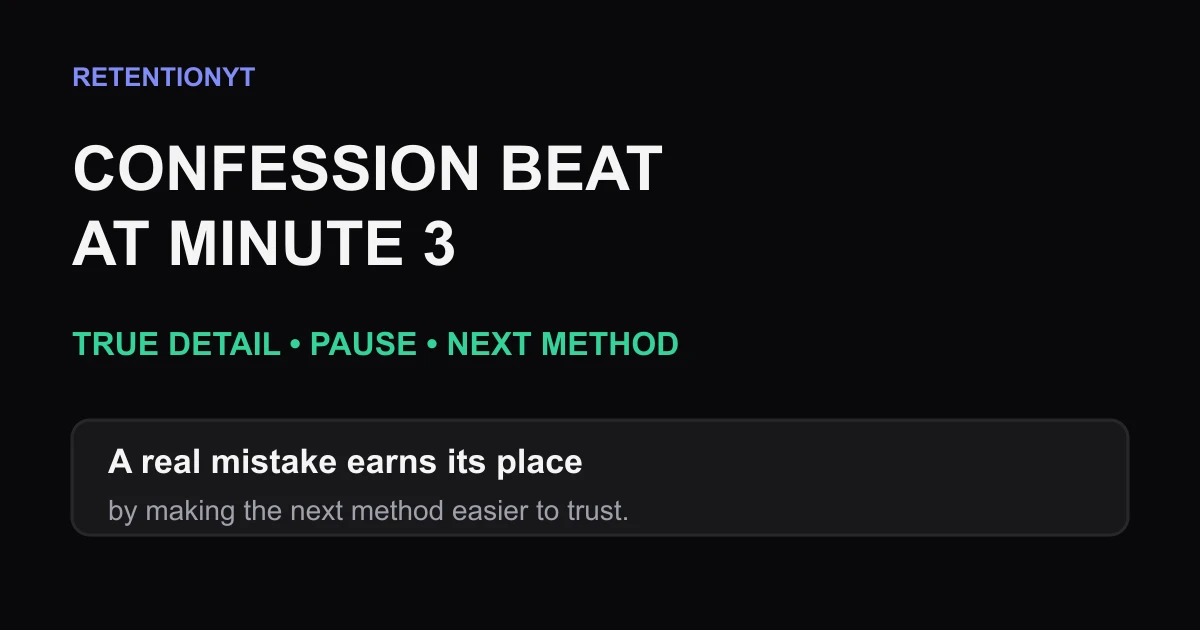
Confession Beat at Minute 3
Use a true 15-second confession around minute 3 to reset a lecture, rebuild trust, and lead into the next tutorial method without turning your story into an ad.
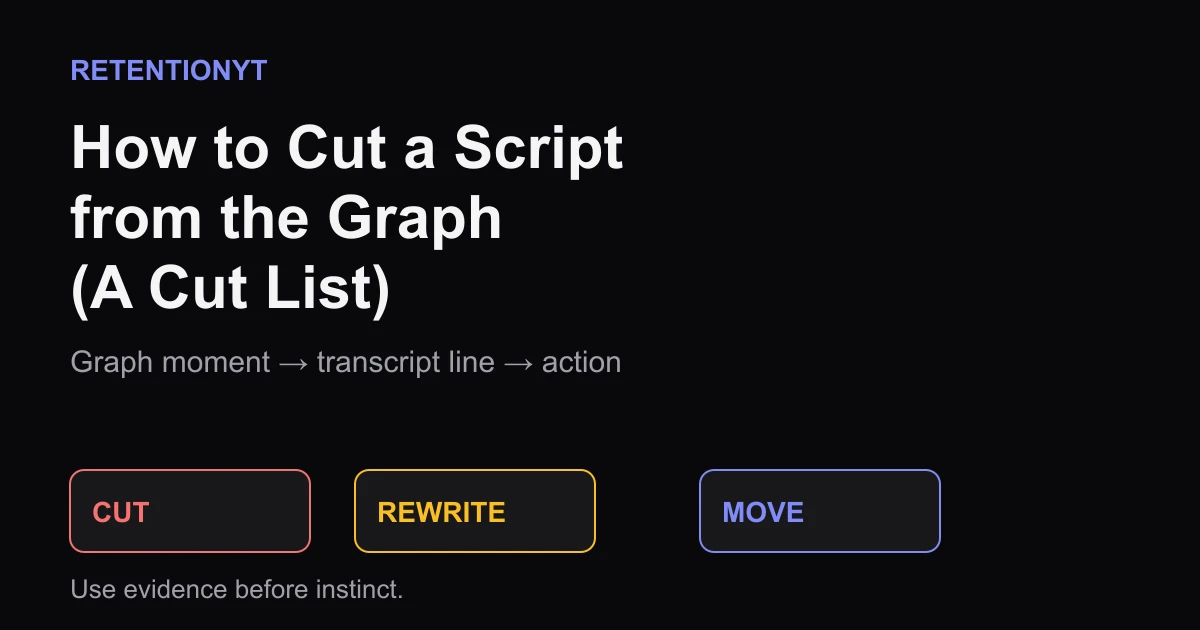
How to Cut a Script from the Graph (A Cut List)
Edit your YouTube script using the retention graph: export the dip, map it to the exact line, then mark CUT, REWRITE, or MOVE without guessing.
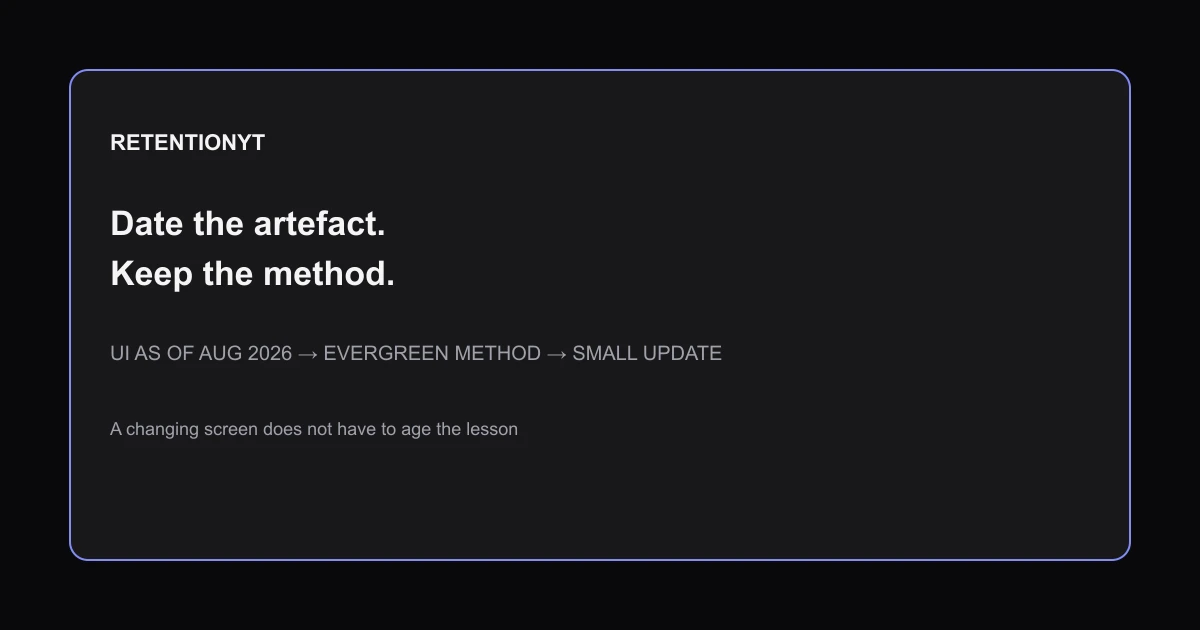
Evergreen vs Newsy Retention: How to Date a Script Without Aging It
Make a YouTube tutorial evergreen without sounding outdated: date UI artefacts, keep the method stable, and reshoot only the changed seconds.