Evergreen vs Newsy Retention: How to Date a Script Without Aging It
Make a YouTube tutorial evergreen without sounding outdated: date UI artefacts, keep the method stable, and reshoot only the changed seconds.

10 min readUpdated
In this guide
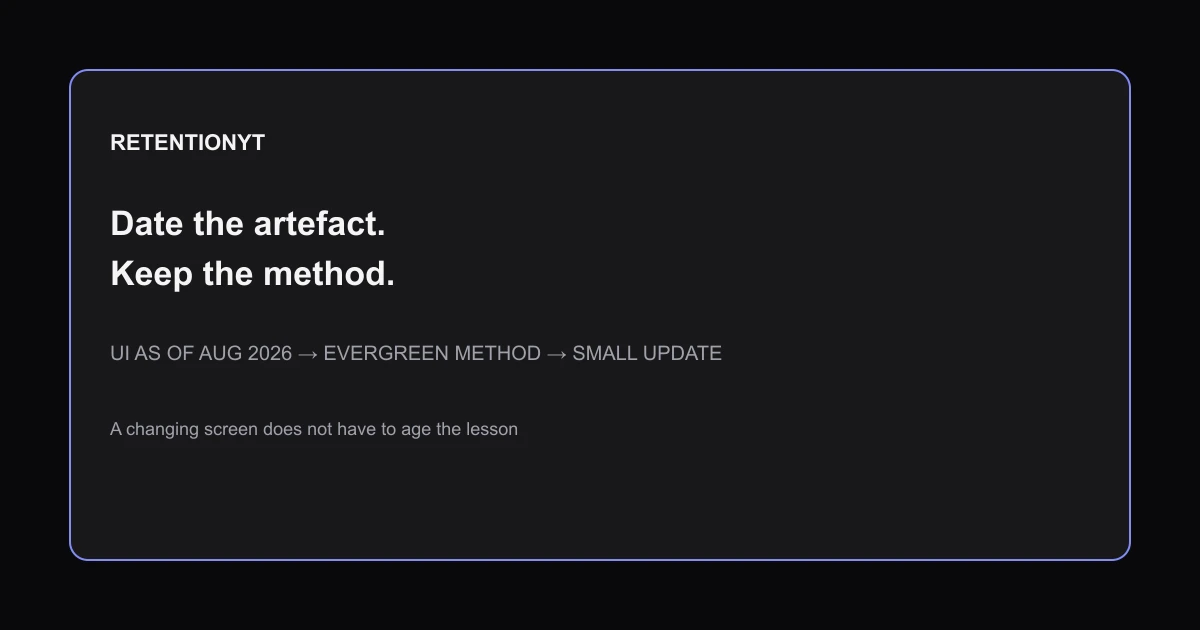
If a tutorial depends on a dated button label, do not date the whole lesson. Put “Studio as of August 2026” on the changing screen, keep the method in plain language, and isolate the replacement clip. An illustrative 20-second reshoot can repair the artefact without reopening a 14-minute explanation. Date the evidence. Keep the method.

Where RetentionYT fits
Manual method works alone. Product shortens the review loop. Use RetentionYT when you want a faster script check.
What Evergreen vs Newsy Retention actually is (and what it is not)
An evergreen method is a sequence that remains useful after the interface, example, or news cycle changes. A newsy artefact is the time-sensitive evidence around it: a button name, a dated metric explanation, a current policy, or a screen recording. The two can sit in one tutorial, but they should not be written as one fragile block.
Your job is to label the artefact, not make the method sound temporary. Say “Studio as of August 2026” over the screen capture, then narrate the durable decision underneath: open the relevant report, identify the moment you want to inspect, and explain what the viewer should look for. That structure lets a future editor replace a narrow clip instead of rerecording every principle.
| Layer | What belongs here | How to date it |
|---|---|---|
| Method | The repeatable decision or sequence | Do not date unless it truly expires |
| Artefact | UI label, screenshot, policy, or metric wording | Add month and year beside the artefact |
| Example | Demonstration with illustrative values | Label illustrative in prose and caption |
| Revision note | What changed and where | Record the affected clip and date |
The distinction is not a promise that any video will retain viewers. It is a production design that makes stale information easier to find. YouTube’s current performance page says the Content tab includes a video report for “Key moments for audience retention” and allows typical retention comparison for the latest ten videos of similar length 1. That is a source-backed reporting description, not proof that evergreen topics always win.
The Stats values are illustrative production examples, not YouTube benchmarks. The “20 sec” and “14 min” values are editorial sizing examples, not measured retention or update performance.
Why this shows up in YouTube Studio
You see the problem when a tutorial tells viewers to find a label that no longer appears where the recording says it does. Open YouTube Studio with the finished script beside you and mark every sentence that depends on a screen. Those sentences are candidates for a dated artefact label.
YouTube’s current performance guidance says to open Analytics and select Content on a computer, then describes a Key metrics card for videos and a Key moments for audience retention report. It also says you can use SEE MORE or ADVANCED MODE for expanded reports, comparisons, and exports 2. The current Reach page separately explains that Reach helps you understand how viewers find content and notes that some reports may not be available on mobile 3.
That distinction matters in your script. Do not write one permanent Studio path for every device and account. Say what the viewer is trying to inspect, name the current screen as of the recording date, and leave a short bridge for the next interface change.

Worked example 1: the failure
Consider this illustrative lesson: a creator records a 14-minute tutorial and says, “YouTube just changed views; click this button.” The statement bundles a current fact, a UI instruction, and a method into one opening. When the label moves, the entire video sounds stale even if the underlying way of checking performance still helps.
At 04:10, the creator shows a dated screen without naming the date. At 09:40, the script repeats the button name as if it were permanent. The failure is not that the creator used a current screen; the failure is that the current screen was allowed to carry the whole lesson.
| Illustrative failure item | Value | What expires |
|---|---|---|
| Total lesson | 14 minutes | The time is an example, not a benchmark |
| Dated screen | 04:10 | Button label or layout |
| Repeated instruction | 09:40 | UI-dependent wording |
| Stable method | Inspect the relevant report | The decision can remain useful |
| Update burden | Entire lesson | Caused by poor separation |
These times and values are illustrative. They are not taken from YouTube Analytics or a RetentionYT dataset. The test is whether an editor can point to the stale artefact without rereading every paragraph of the lesson.
Worked example 2: the fix
Keep the same illustrative lesson, but rewrite the opening: “As of August 2026, this is the Studio screen where the report appears. The method is unchanged: locate the report, identify the key moment, and decide what the next edit should test.” The date now describes the screen, not the method.
Put the dated screen in its own chapter. Add a replacement note in the project file: “If the label changes, reshoot the 20-second screen clip and the two sentences around it.” That 20-second value is illustrative, not a production guarantee. The note gives the next editor a bounded task.

Keep the manual method available even if you use the YouTube script review tool. A tool can shorten the alignment work; it cannot decide whether your date belongs on the artefact or the method. For a durable outline, see how to script a YouTube video and keep the current screen in a separate block.

How to check this in YouTube Studio (step by step)
-
Open the current upload in Studio and list every on-screen label, metric name, and navigation instruction in the script. Mark each one as method, artefact, example, or revision note.
-
Add a date to the artefact only. “Studio as of August 2026” belongs beside a changing screen. Do not put “2026” into every sentence that explains the durable decision.
-
Open Analytics and select Content when that is the current label in your account. YouTube’s current performance guidance documents the Content tab, a video Key metrics card, and Key moments for audience retention 2. If your screen differs, record the visible label rather than inventing a path.
-
Check the report context before writing a conclusion. Source 2 defines average percentage viewed as the average percentage watched among viewers who stayed to watch, and it distinguishes engaged views, unique reach, and watch time 2. Keep those terms separate in narration.
-
Use a chapter called “Studio as of August 2026” for the dated screen. In the next chapter, restate the method without the button name: find the report, inspect the moment, and choose one edit to test.
-
Record a replacement note. Include the affected timestamp, the exact sentence before and after the screen, the current date, and the file or capture that needs replacing. This is your update map.
-
Watch the join from evergreen narration to dated evidence. The viewer should understand the method even if the screen is muted. If the explanation collapses without the screenshot, move more reasoning into the narration.
-
After publishing, review the available reports and note the date and device. Source 1 says Reach reports explain how viewers find content and that some reports may not be available on mobile 3. That limitation belongs in your production notes, not as a universal claim about every account.
-
Recheck the video before a future update. If only the UI changed, replace the artefact and its bridge. If the metric definition or method changed, update the durable chapter and leave a dated conflict note.
Use YouTube script outline template to keep the method, artefact, and replacement note in separate rows. A clean outline is the cheapest place to prevent a future reshoot from spreading across the full lesson.
The trap
The trap is treating “new” as a writing style instead of a maintenance boundary. A tutorial can mention a current update and still be durable if the date hugs the update. A tutorial can also sound evergreen while hiding a brittle button name in its core instruction.
BAD — date the whole lesson
GOOD — date the artefact

Do not promise that evergreen structure guarantees retention. The current performance page says typical retention can compare a video with the latest ten videos of similar length 2. That gives you context to inspect, not a license to claim that topic age caused a result.
Date the screen your viewer sees; keep the decision your viewer learns.
What to do in the next upload
Build the maintenance boundary before you record. Put the date next to the evidence, put the method in narration, and give the next editor a replacement note that names the smallest affected clip.
- Label changing UI with month and year, such as “Studio as of August 2026.”
- Keep the durable method in narration instead of tying it to one button name.
- Mark every screen-dependent sentence in the script before filming.
- Put illustrative times and durations in a caption or sentence that says illustrative.
- Separate a news hook from the method that should survive the news cycle.
- Give each dated artefact its own chapter or clearly bounded block.
- Record the exact sentence before and after a screen that may need reshooting.
- Reopen the current Studio labels before publishing an update.
- Review Analytics context without treating one metric as causal proof.
- Change only the stale clip when the method itself still works.
The manual method works without signing up for RetentionYT. The product can shorten review, but your script should still explain what is durable, dated, and replaceable.
Frequently asked questions
- How do I make a tutorial evergreen?
- Make the method the durable part of the tutorial and date only the interface, example, or policy that can change. Explain the task first, then add a short label such as “Studio as of August 2026” beside the dated screen. That lets you update a small artefact without rerecording the reasoning that still works.
- Should I say the year in a video?
- Say the year when it identifies a changing artefact: a screen label, policy, metric definition, or example. Do not stamp the entire lesson as if every step expires on December 31. Separate “as of August 2026” from the method so a future edit can replace the dated evidence while preserving the teaching.
- What if YouTube changes the UI?
- Keep the method in narration and isolate the UI in a short chapter. Record the exact screen, date, and sentence that depends on it. When the interface changes, replace that clip and its transition, then rerecord only the affected explanation. Recheck the live Studio labels instead of trusting an old path.
- Do newsy videos retain better?
- Newsy videos do not automatically retain better. A timely topic may attract a different audience, but retention depends on what viewers see and understand after they click. Use your available Analytics context to inspect key moments and compare carefully; do not treat a date, format, or single metric as a universal causal explanation.
- How do I update a video?
- First identify what changed: the screen, the spoken method, or the example. Replace the smallest unit that is now stale, update the chapter label and description, then watch the joins before publishing. If the method changed too, say what changed and why. Keep a dated revision note so the next update starts from evidence.
- How do I apply “Evergreen vs Newsy Retention” on my next upload?
- Before filming, split the lesson into a durable method and dated artefacts. Put “Studio as of August 2026” on the UI chapter, capture the current screen, and write a replacement note for the next interface change. Then review the chapter in Studio and record which clip would need a reshoot.
- Where in YouTube Studio do I check “Evergreen vs Newsy Retention”?
- Open YouTube Studio and select Analytics, then Content, or use the report labels visible in your account. The current Content performance guidance documents key metrics and key moments for audience retention for videos, while the Reach guidance documents the Reach tab. Reports and navigation can vary, so verify the current screen rather than asserting a permanent path.
- What is the most common mistake with “Evergreen vs Newsy Retention”?
- The common mistake is dating the whole lesson instead of the thing that can expire. A creator says “the 2026 method” when only a button label is time-sensitive, then must reshoot the entire tutorial. Put the date beside the artefact, explain the stable method separately, and test the join between them.
Give your next script a second look
Paste a script into RetentionYT for suggestions on your hook, pacing, and structure. Choose the edits that serve your video, then check audience behavior in YouTube Analytics after publishing.
Get retention tips in your inbox
Occasional, practical emails on hooks, pacing, and retention. No spam.
Related posts
If You Already Know X, Stay for Y
Use “If You Already Know X, Stay for Y” to keep expert and beginner viewers in one YouTube hook, with a ready-to-use template, timing rule, and six examples.
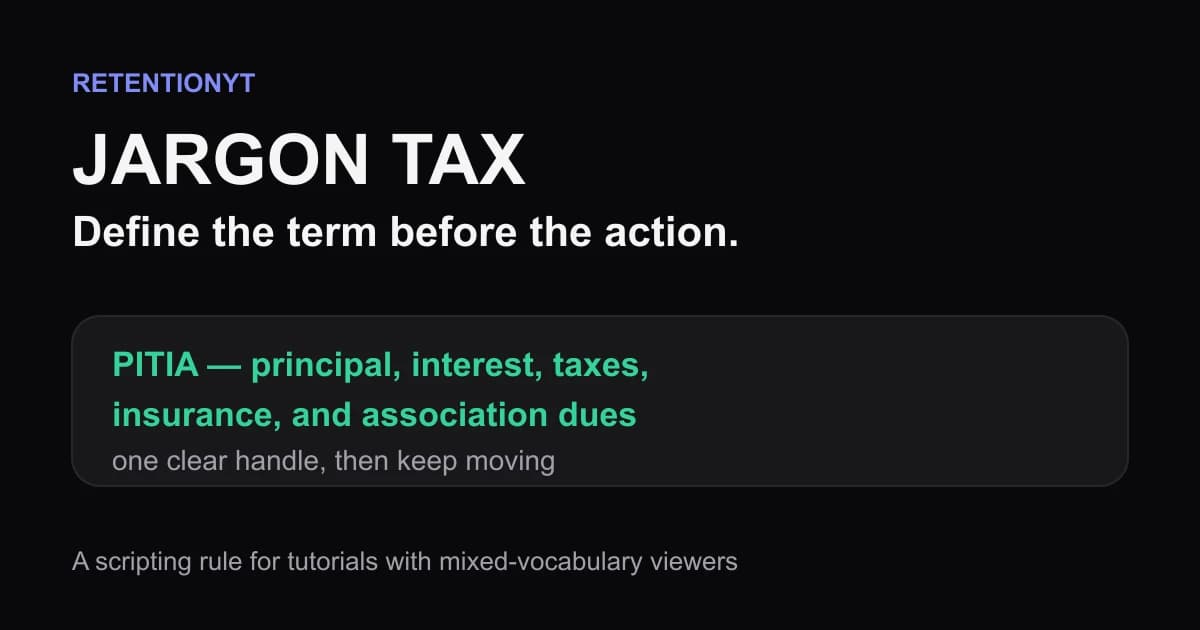
Jargon Tax: How One Unexplained Term Cliffs a Tutorial
Explain jargon in a YouTube tutorial before viewers have to guess, using a one-clause definition, a visible formula, and a Studio check that protects retention.
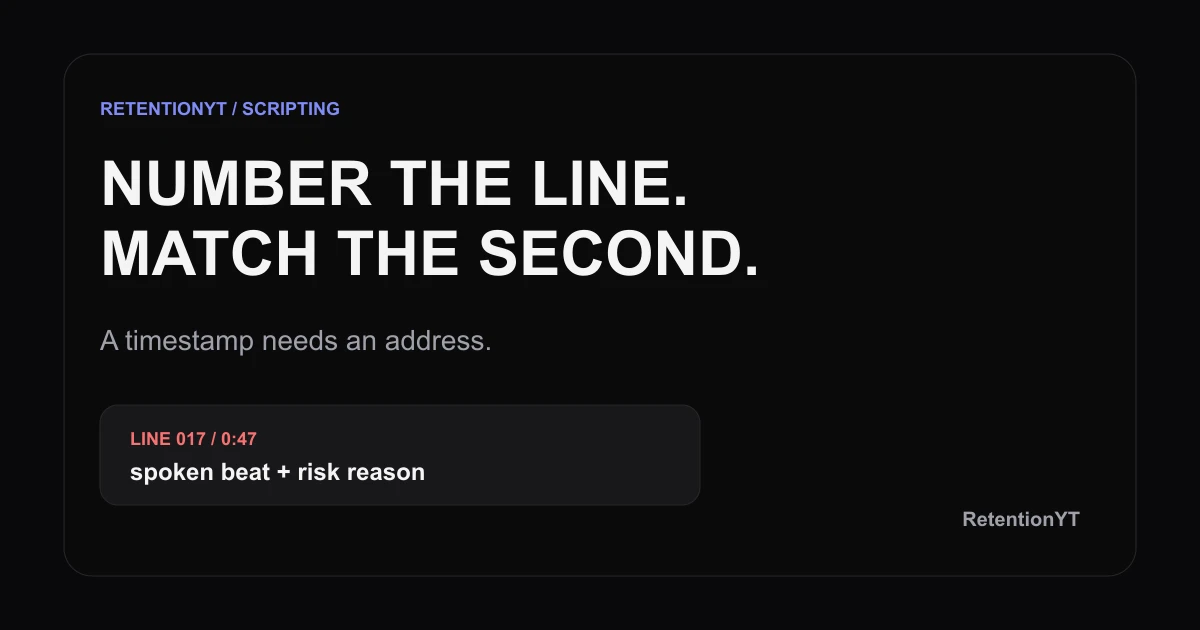
Line-Numbered Scripts: A Template that Matches Studio Seconds
Use a YouTube script template with timestamps and line numbers to match Studio moments to exact sentences, flag risk, and fix pacing before you record.