Key Moments in Studio: Intro, Top Moments, Spikes and Dips
Decode YouTube Studio key moments with a practical timestamp method: keep spike lines, rewrite dips, and turn the intro label into a sharper first-30-second promise.

11 min readUpdated
In this guide
As of August 24, 2026, use the label on your graph as a timestamp prompt, not a verdict. Mark the second, read the words around it, and take one script action: keep the pattern behind a spike, cut or rewrite the line at a dip, and treat Intro as a check on the promise you made in the first 30 seconds. Goal: a narrower rewrite, not new video.

What Key Moments in Studio actually is (and what it is not)
YouTube’s current performance page lists a Key moments for audience retention report in the Videos section. It says the report shows how well different moments held viewers’ attention and that you can compare with typical retention from your 10 latest videos of similar length.2 That is the useful centre of gravity: a report about moments, not a grade stamped on your entire upload.
This brief uses four working labels: Intro, Top Moments, Spikes, and Dips. Use them as a decoder ring for the graph in front of you. The SOURCE 1 URL currently opens YouTube Help’s Reach page, not an Audience retention page, so it does not support a claim that this exact page defines those labels. The method below keeps them as a workflow without publishing a made-up threshold.
Where RetentionYT fits
Manual method works alone. Product shortens the loop. RetentionYT can help you inspect script pacing before you record, but you do not need to sign up to apply the timestamp method here.
A movement tells you where to look; diagnose it by aligning the graph with the words, visual change, cut, and promise.
| Label | What to inspect | Script action |
|---|---|---|
| Intro | The promise and first 30 seconds | State the payoff sooner and remove warm-up |
| Top Moments | The section that held attention best | Preserve the order, proof, or reveal pattern |
| Spikes | The line or beat around an upward move | Keep the underlying pattern and test a cousin |
| Dips | The line or edit at a downward move | Cut, clarify, or rewrite that narrow moment |
Why this shows up in YouTube Studio
The report sits inside a larger analytics system. Source 2 says the Content tab is channel-level and covers how viewers find, watch, and interact with content. Its Videos key metrics card lists views, average view duration, impressions, and impressions click-through rate. A retention shape is one signal, not a substitute for understanding the promise before the click.
Start with the current computer path: sign in, open Analytics, choose Content, then look in Videos for Key moments for audience retention. The page also notes SEE MORE or ADVANCED MODE for an expanded report. Record the screen you used; do not turn a remembered path into a universal rule.
Source 1 gives a different path for Reach: sign in, choose Content, select a video, choose Analytics, then choose Reach. That is useful for traffic context, but it is not evidence that Reach is the home of Key Moments. Follow the report label you can actually see.
Source 2 also states that views are counted when a video starts to play across formats beginning August 24, 2026. It does not give permission to publish a universal “Key Moments appears at X views after Y days” rule.
Worked example 1: the failure
Here is an illustrative failure, not a channel result and not a YouTube benchmark. A creator publishes a 6-minute tutorial called “Fix Your Audio in 10 Minutes.” At 0:00–0:08, the script says, “Before we fix anything, here is a little background about my setup.” The first visible dip is marked at 0:08. The creator rewrites the outline and changes the thumbnail.
That reaction is too broad. The marked second is a location, not a verdict. Isolate the opening sentence and the distance between the promise and the first useful action.
The numbers below are illustrative, not YouTube data; keep that distinction in the prose and caption.
| Timestamp | Illustrative curve reading | Transcript beat | Failure hypothesis |
|---|---|---|---|
| 0:00 | 100% starting point | “Fix your audio in 10 minutes.” | Clear promise is present |
| 0:08 | 72% after an illustrative dip | “Before we fix anything…” | Setup delays the promised action |
| 0:30 | 64% at an illustrative checkpoint | First tool appears | Viewers who stayed finally get value |
| 2:10 | 52% in an illustrative example | Second long explanation | Possible pacing issue; not tested yet |
| end | 38% illustrative endpoint | Final recap | Record for context, do not over-read it |

The conclusion is small: the opening spends words before the promise. Do not rewrite the topic, thumbnail, or every section. Deliver the first action immediately and keep the rest stable for comparison.
Worked example 2: the fix
The rewrite keeps the same illustrative tutorial and the same production premise. The old line becomes: “Your audio sounds distant because your microphone is hearing the room first. In the next 10 minutes, move it here, set this level, and listen for the difference.” That is a script change, not a claim that YouTube will reward a specific sentence.
The creator records the new opening, marks 0:08 again, and checks 0:03 to 0:13. The test asks whether the revised line removed the delay before the promised action; it does not try to prove a universal rule.
A spike deserves the same discipline. If the graph rises around a before-and-after demonstration, preserve the sequence: problem, visible change, proof. Study the structure, not the creator’s exact wording.
An Intro label is your promise check. Put the title’s payoff into the first 30 seconds and ask whether the opening earns the next sentence. Remove friction; do not pile on hooks.

How to check this in YouTube Studio (step by step)
-
Open the report you can actually access. On the current Source 2 computer instructions, sign in to YouTube Studio, choose Analytics, and choose Content. In the Videos area, look for Key moments for audience retention. You can also use the YouTube Studio link from a desktop browser; if it asks you to sign in, stop there rather than pretending you inspected a graph.
-
Write the date and video length. Note, for example, “August 24, 2026; 6:00 upload; checked at 14:10.” Do not write “after two days” or “once you reach 100 views” unless an authoritative page states that rule.
-
Choose one label. Start with Intro, a clear Top Moment, a Spike, or a Dip. If you have several marks, choose the one closest to the decision you are trying to improve. Keep the question narrow.
-
Mark the timestamp in mm:ss. Do not round 0:08 to “the first few seconds.” Write 0:08. Then read a small window around it, such as 0:03–0:13, because the visible movement may lag the spoken line or the edit.
-
Align the transcript and edit. Note the exact sentence and what the viewer saw and heard: claim, transition, silence, sponsor mention, screen change, or proof. Name a concrete event, not a mood.
-
Choose the matching action. For a Spike, keep the information pattern. For a Dip, cut throat-clearing, move proof forward, or rewrite the confusing line. For Intro, compare the promise with the title and first payoff. For Top Moments, study order and density.
-
Change one variable. Changing the title, opening, edit, and middle together gives you a new video, not a readable test. Keep the change explainable in one sentence.
-
Log the next check. Save the timestamp, old line, replacement, and review date. The point is a repeatable rewrite habit, not a perfect-graph prediction.
For a broader line-by-line workflow, read how to read your YouTube retention graph. For first seconds before recording, use the first-30-seconds guide. The viewer retention checker can shorten the pre-recording pass, but the manual method works without an account.

The trap
The trap is treating the label as the explanation. “Dip” becomes “bad topic,” “Spike” becomes “copy everything,” and “Intro” becomes “add another hook.” That skips the transcript line where the useful change lives.
A second trap is using an unsourced threshold as a stop sign. The brief supplied 60 seconds, approximately 100 views, and a 1–2 day delay as a fact seed, but the two locked pages opened for this job do not state that rule. Do not put those numbers in a reader’s head as a platform guarantee. When the report is absent, write “not available in this view on this date” and move on.
The trap
The move

A third trap is confusing shape with cause. A dip tells you where to inspect, not why the viewer left. Write “test whether this sentence delayed the promise,” not “this sentence caused every exit.”
“A label is useful when it makes your next rewrite smaller.”
What to do in the next upload
Open your notes before the next script. Carry forward one pattern from a Top Moment or Spike and one repair from a Dip or Intro check. Keep both as hypotheses until the next upload gives you another timestamp.
- Write the title promise in one sentence before drafting the first 30 seconds.
- Put the first useful action or proof immediately after the opening promise.
- Save the exact review date, video length, and timestamp in mm:ss.
- Read the transcript from about 5 seconds before to 5 seconds after the mark.
- Name the line, visual, transition, or silence you are testing.
- For a Spike, preserve the information pattern rather than copying the wording.
- For a Dip, cut or rewrite one narrow line before touching the whole outline.
- Keep the rest of the edit stable enough to learn from the change.
- Compare the same time window on the next upload and record what changed.
- Do not publish a threshold, benchmark, or account behaviour that the locked sources do not state.
The next useful question is not “Was this video good?” It is “What happened at 0:08, what line was on screen, and what will I change once?” That turns a graph into a script decision. Repeat it on the next upload and let the comparison—not the label alone—guide the next experiment.
Frequently asked questions
- What are key moments in YouTube analytics?
- Key moments are a way to inspect how different moments held viewers’ attention. The current YouTube Help page lists a “Key moments for audience retention” report for videos and says it can be compared with typical retention from 10 recent videos of similar length. Treat each marked moment as a prompt to inspect the corresponding line, not as a verdict on the whole video.
- What does a spike mean?
- A spike is an upward movement in your retention curve. In this working method, start by checking whether viewers replayed or lingered on a specific sentence, reveal, or visual beat. Mark the timestamp, read the transcript around it, and keep the underlying pattern in a future script. Do not copy the wording blindly; copy the reason it earned attention.
- What does a dip mean?
- A dip is a downward movement that tells you to inspect what happened at that second. Read the transcript and edit together: a promise mismatch, slow setup, confusing phrase, or abrupt transition may be the line to test. A dip is evidence for a narrow hypothesis, not proof that the entire topic failed and not permission to rewrite every section.
- How many views until key moments appear?
- The locked YouTube Help sources do not state a universal view threshold or delay for Key Moments, so this package does not publish the brief’s 60-second or approximately 100-view figures as fact. Check the report when it is available on your video, and record the date you looked. Availability can vary by report and account; do not manufacture a threshold from a different page.
- How do I fix a dip?
- Fix a dip by pairing its timestamp with the transcript, naming the first line that could have caused the exit, and writing one replacement. Cut throat-clearing before the promise, move proof closer to the claim, or clarify a term that arrived too late. Test the replacement on the next upload and compare the same time window rather than judging the edit by instinct.
- How do I apply “Key Moments in Studio” on my next upload?
- Use the report as a revision loop: open the video analytics, mark the label’s timestamp, read the transcript window around that point, and choose one script action. A spike becomes a pattern to preserve, a dip becomes a line to cut or rewrite, and the intro becomes a promise check. Keep your timestamp notes so the next upload has a testable change.
- Where in YouTube Studio do I check “Key Moments in Studio”?
- On the current Help page, the computer instructions begin in YouTube Studio: sign in, open Analytics, and choose Content. In the Videos section, the page lists a Key moments for audience retention report. If the report is not visible, record that as unavailable rather than substituting another account’s screenshot or inventing a threshold.
- What is the most common mistake with “Key Moments in Studio”?
- The common mistake is treating a label as a complete diagnosis. A spike does not tell you to copy everything around it, and a dip does not prove the topic or title is broken. The useful move is narrower: line up the timestamp, read the words and edit beat, write one hypothesis, and make one controlled change on the next upload.
Give your next script a second look
Paste a script into RetentionYT for suggestions on your hook, pacing, and structure. Choose the edits that serve your video, then check audience behavior in YouTube Analytics after publishing.
Get retention tips in your inbox
Occasional, practical emails on hooks, pacing, and retention. No spam.
Related posts
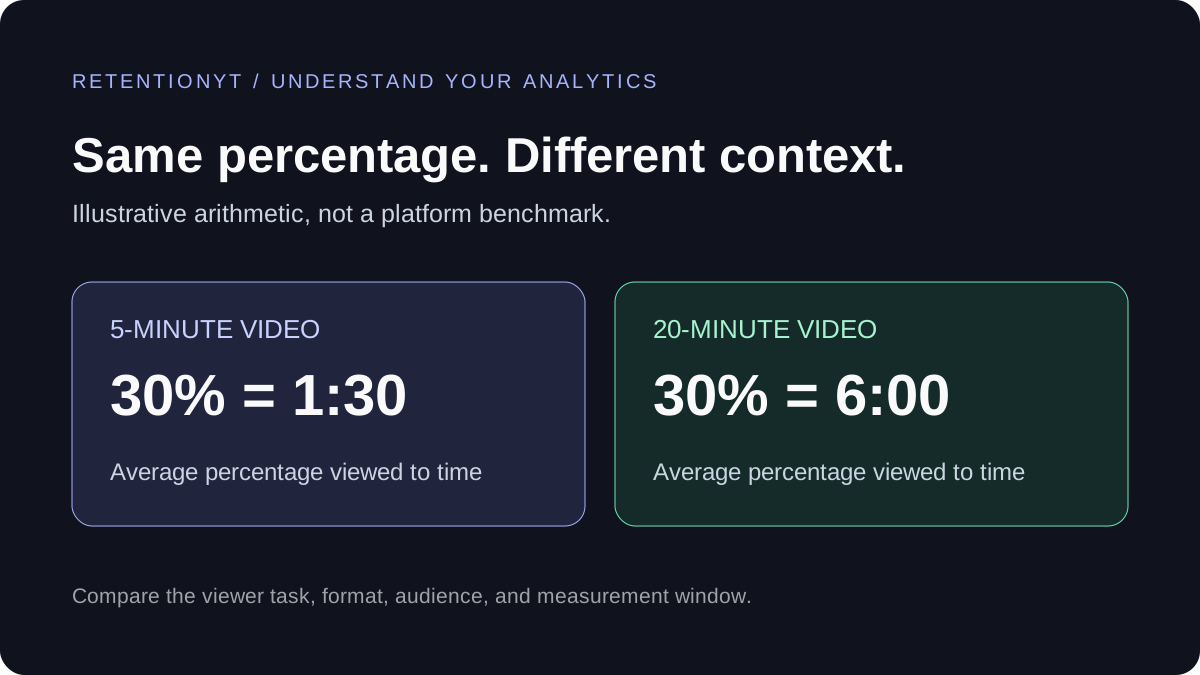
What Is a Good YouTube Audience Retention Rate?
A retention percentage needs context. Compare similar videos, separate intro retention from average percentage viewed, and find one useful change for your next script.
How to Read Your YouTube Retention Graph (and Fix What It Shows)
Your YouTube retention graph is a line-by-line map of where viewers left. Learn to read every dip, cliff, and spike — and fix each one with concrete script and edit techniques.
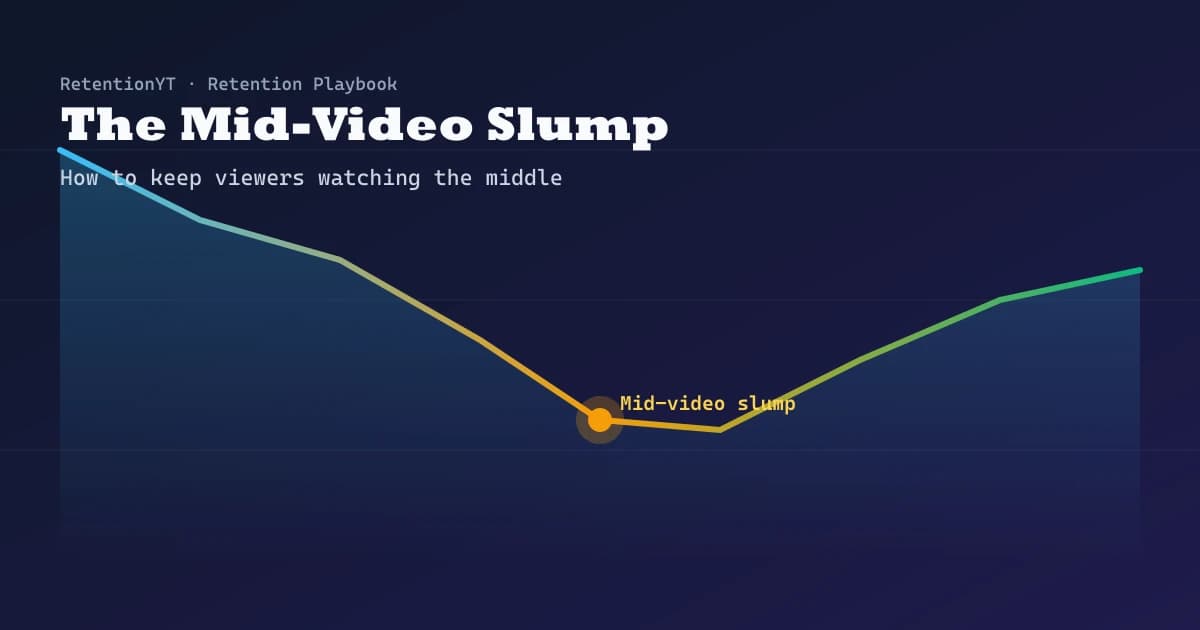
The Mid-Video Slump: How to Keep Viewers Watching the Middle
The hook gets the attention — the middle is where you lose it. Learn how to diagnose the mid-video slump, hold the sagging middle of your YouTube video, and lift average view duration with proven retention techniques.