How to Audit a Transcript in 20 Minutes Without Software
Audit a YouTube transcript by hand in 20 minutes: check the first 20 words, mark 90-second payoffs, define jargon, score 0-8, and order your CTA.

12 min readUpdated
In this guide
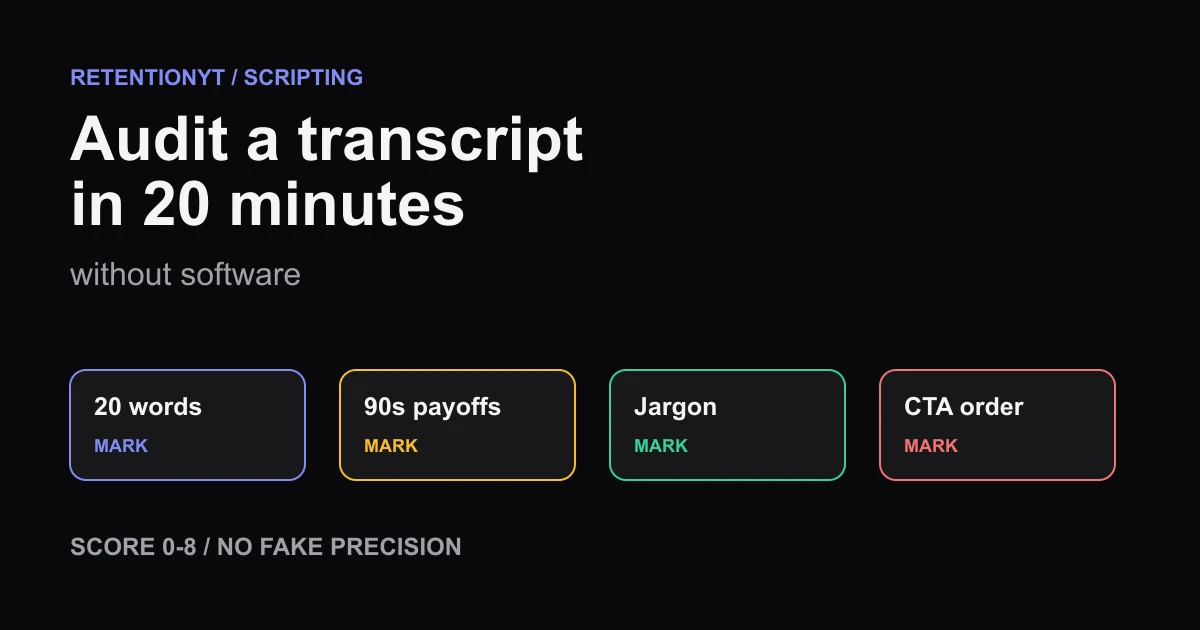
You can audit a transcript in 20 minutes: check the first 20 words against the title, mark a payoff about every 90 seconds, define jargon at first use, and put the CTA after value. Score 0–8 honestly, then rewrite only the failed checks before your next upload, while the edits are still cheap.

What How to Audit a Transcript in 20 Minutes Without Software actually is (and what it is not)
This is a timed transcript review, not a second draft and not a guarantee of audience retention. You inspect the words that create the first promise, the moments that should refresh attention, the terms that could slow comprehension, and the order of your call to action. Retention here means the share of viewers who continue watching at a point in the video; your score is a writing checklist, not a platform metric.
The protocol has four passes. First, test whether the opening keeps the title alive in its first 20 words. Second, place a pencil mark every 90 seconds and ask what the viewer receives there. Third, circle jargon and check that each technical term is explained the first time it appears. Fourth, audit the ending: payoff, next video, then subscribe.
Where RetentionYT fits
Manual method works alone. RetentionYT shortens the repeatable loop when you want a faster second pass.
| Audit item | What you mark | Pass condition | What a fail means |
|---|---|---|---|
| Opening | First 20 words | Title noun, problem, or promised result is clear | Rewrite the first sentence |
| Payoff rhythm | About every 90 seconds | A concrete result, example, decision, or re-hook appears | Add value or cut the stretch |
| Jargon | First use of each technical term | Plain-language explanation appears immediately | Define, replace, or remove the term |
| CTA order | End sequence | Payoff, next video, subscribe | Move asks after value |
| Score | Eight checks | Each point has an evidence note | Do not average away a failure |
A pass does not mean “good.” It means the transcript met the test you defined. A fail does not mean the whole video is unusable. It tells you where to make the smallest rewrite that changes what a viewer can understand, expect, or do next.
The manual method must work without signing up. If you choose RetentionYT later, use it to shorten the repeatable loop, not to avoid reading the first 20 words or deciding whether the payoff is real.
Why this shows up in YouTube Studio
The audit happens before recording, but the published video gives you a second source of evidence. In August 2026, Source 2 says the Content tab in YouTube Analytics gives an overview of how viewers find content, what they watch, and how they interact with it. Under Videos, it describes Key moments for audience retention and says typical retention can compare your 10 latest videos of similar length.
That source does not validate a 20-minute transcript protocol or a 0–8 score. It tells you where to inspect the finished result. Your manual marks explain the hypothesis: “the promise arrived late,” “this term was unclear,” or “the CTA appeared before the useful ending.” Studio can then show whether the opening and later moments held attention; it cannot tell you which sentence to rewrite without your editorial judgment.
The other locked Source 1 currently opens as “Understand your YouTube video reach,” not the brief’s supplied “Audience retention” title. Its current text describes Reach as a way to understand how viewers find content and lists metrics such as click-through rate, watch time, and views. This article uses that current Reach wording only and does not force the brief’s unsupported description onto the source.
Use Studio after you publish, not as permission to skip the transcript pass. The report is a check on your hypothesis; the transcript is where the fix is cheapest.

Worked example 1: the failure
Imagine a tutorial about cleaning up a YouTube script. The transcript begins with a greeting, a 25-second biography, and a broad promise to discuss pacing. The actual rewrite does not appear until minute three. This is an illustrative example, not a report from a real channel.
Paste the text into a document and mark what the viewer receives. The first 20 words are spent on the creator rather than the title problem. The first 90-second checkpoint contains background but no example. Jargon such as “information density” appears before a plain-language explanation. The CTA asks for a subscription before the payoff and next-video handoff.
| Time or check | Illustrative transcript evidence | Result |
|---|---|---|
| 0:00–0:20 | Greeting, biography, then “today we’ll discuss pacing” | Fail: title problem is not specific |
| 1:30 | More context, no rewrite or decision | Fail: no concrete payoff |
| 3:00 | The before-and-after rewrite finally appears | Late: useful object arrives after setup |
| Ending | Subscribe request, then a related video suggestion | Fail: CTA order is reversed |
The 0–8 score is illustrative and deliberately simple. If eight checks exist and four fail, record 4/8; do not turn that into “50% predicted retention.” The point is to find four edits, not to create a number that sounds scientific.
The first repair is not a new hook formula. It is moving the before-and-after rewrite into the opening, explaining “information density” when it first appears, placing a payoff or example at the first checkpoint, and moving the CTA after the next-video handoff.
Worked example 2: the fix
Keep the same topic and rewrite the audit target. The first 20 words now show the problem and the object: “This 42-word intro hides the useful idea; here is the 17-word version I would record.” Those numbers are illustrative, not YouTube data, and the caption for this worked example is marked illustrative above.
At the next 90-second mark, the transcript gives a second before-and-after and states what changed. The jargon is defined in the same sentence: “Information density means how much usable meaning reaches the viewer in a stretch of speech.” The ending delivers the editing rule, points to the next video, and asks for a subscription last.
The improved version does not need eight novelty tricks. It needs the promised object sooner, a concrete payoff at the checkpoint, a definition where the term first appears, and an orderly CTA. That is exactly what a manual audit is for: locating a small change that makes the transcript easier to follow and easier to record.

The same protocol works for a health or finance video, but the proof standard changes with the claim. Do not use an illustrative example as medical, financial, or performance evidence. Mark the sentence that needs a real source, then verify or cut it before recording.

How to check this in YouTube Studio (step by step)
- Open the transcript and write the title at the top. Start a 20-minute timer. Do not edit yet; first mark evidence.
- Read the first 20 words aloud. Underline the title noun, problem, or result. If none appears, mark the opening as a fail and write the replacement idea in the margin.
- Add a mark at roughly 90-second intervals. At each mark, write the payoff in five words or fewer: “shows the rewrite,” “answers the objection,” or “demonstrates the step.” If you cannot name the payoff, mark that interval as a fail.
- Circle every technical term. The first use must explain it in the same sentence or replace it with plain language. Later uses can be shorter.
- Find the CTA. The order should be payoff, then a next-video direction, then subscribe. If the ask arrives before the viewer receives value, move it and score the original order as a fail.
- Score eight checks from 0 to 8. Use one point per pass, keep a note beside every point, and never convert the score into a performance forecast. A 6/8 means two edits remain.
- Rewrite only the failed lines. Read the new opening and each checkpoint aloud. Stop when the sentence is clear at performance speed, not when the document looks busy.
- After publishing, open the video’s Analytics area in YouTube Studio. The current Source 2 guidance places the channel-level Content tab under Analytics and describes Key moments for audience retention under Videos. Follow the live labels you see; do not rely on a frozen path.
- Compare your marked transcript with the finished video. If a drop appears near a marked promise, inspect whether the spoken line, on-screen proof, and title were aligned. If the report differs from your hypothesis, update the next transcript rather than defending the old score.
- Save the transcript, audit marks, score, and post-publish note together. The habit is the asset; the software, if you use it, is only a faster loop.
This procedure separates two questions. “Did I write a clear promise and payoff?” is a transcript question. “What happened after viewers encountered the finished video?” is a Studio question. Keep the evidence for both.
The trap
The trap is replacing a review with a ritual. A creator highlights every 90 seconds, adds a transition sound, and calls the transcript audited. That is activity without a decision. The mark only matters when you can name what the viewer receives and what you will change if it is missing.
Another trap is treating the 0–8 score as a grade for the creator. It is a queue of tests. A 3/8 transcript with three clear fixes is more useful than an 8/8 score written from a vague impression with no evidence.
Do not confuse an auto-caption with a verified transcript. Correct names, numbers, negations, and domain terms before using it for an exact word check. If you cannot correct a section, mark that part unavailable instead of assigning it a clean pass.
The trap
The move
The method is intentionally plain. You are not trying to prove that a curve will rise. You are trying to make the transcript’s promise, proof, pacing, language, and next action visible before you spend time recording.
What to do in the next upload
Run this checklist with the transcript and title open. Keep the score honest and the edits small.
- Paste the complete transcript into a working document.
- Write the title above it before marking any sentence.
- Check the first 20 words for the title promise.
- Mark a concrete payoff at roughly every 90-second interval.
- Circle jargon and define each term at first use.
- Remove biography, greeting, and setup that delay the subject.
- Confirm the first useful object or example appears early.
- Put CTA order at payoff, next video, then subscribe.
- Score eight checks from 0 to 8 with evidence notes.
- Label every unsourced example number as illustrative.
- Read every rewritten line aloud at recording speed.
- After publishing, compare the notes with Studio’s retention report.
For a faster second pass, use the YouTube Script Review Tool. For the writing layer, read How to Script a YouTube Video That Keeps Viewers Watching and YouTube Script Outline Template. The manual audit still comes first when you need an answer without software.

Software can shorten the loop, but it cannot decide whether your promise is worth the viewer’s next 90 seconds.
Set the timer, mark the first 20 words, check each 90-second payoff, define the jargon, and move the CTA after value. A manual 0–8 score is enough to tell you what to fix next, provided every point has an evidence note.
Frequently asked questions
- How do I audit a script by hand?
- Paste the transcript into a document, read the first 20 words, mark every payoff or re-hook at roughly 90-second intervals, define jargon at first use, and inspect the call-to-action order. Score each check as pass or fail. The result is a practical editing queue, not a prediction of performance.
- How long should a script audit take?
- Use 20 minutes for a fast pre-recording pass: three minutes for the opening, ten for 90-second checkpoints, four for jargon and transitions, and three for the CTA and score. If the transcript is unusually long, keep the same checks but record which sections you did not inspect rather than pretending the audit was complete.
- Do I need RetentionYT?
- No. The manual method works without signing up. RetentionYT is optional when you want a faster second pass on the same questions, but software does not replace your judgment about the title, audience, promise, proof, or payoff. Start with the checklist if you need a decision today and a tool later.
- What do I mark first?
- Mark the first 20 words and compare them with the title’s promise. The opening should make the subject and reason to continue legible before it spends time on biography, greetings, or setup. Then mark the first promised payoff and note whether the transcript delivers something concrete before asking the viewer to wait.
- Can I audit after publishing using auto-captions?
- Yes, as a practical review method. Export or copy the auto-captions, correct names and material transcription errors, then run the same checks. Treat the caption file as a working transcript, not perfect evidence. After publishing, compare your notes with the audience-retention report rather than rewriting the transcript to explain away a drop.
- How do I apply “How to Audit a Transcript in 20 Minutes Without Software” on my next upload?
- Set a 20-minute timer, paste the transcript, mark the first 20 words, add a note at each 90-second payoff point, circle jargon at first use, check payoff to next video to subscribe, and score eight checks from 0 to 8. Fix the failed items before recording, then save the audit beside the upload.
- Where in YouTube Studio do I check “How to Audit a Transcript in 20 Minutes Without Software”?
- Open the video’s Analytics area after publishing. YouTube’s current content-performance guidance places Analytics and Content in the channel-level Content tab and describes Key moments for audience retention under Videos. The manual transcript audit happens before that report; Studio is where you inspect what happened after viewers saw the finished video.
- What is the most common mistake with “How to Audit a Transcript in 20 Minutes Without Software”?
- The most common mistake is scoring the transcript from memory instead of marking exact words and time points. A second mistake is treating every 90-second note as a demand for a gimmick. Mark the evidence, fail the item when the promise is late or unclear, and make one specific rewrite before you record.
Give your next script a second look
Paste a script into RetentionYT for suggestions on your hook, pacing, and structure. Choose the edits that serve your video, then check audience behavior in YouTube Analytics after publishing.
Get retention tips in your inbox
Occasional, practical emails on hooks, pacing, and retention. No spam.
Related posts
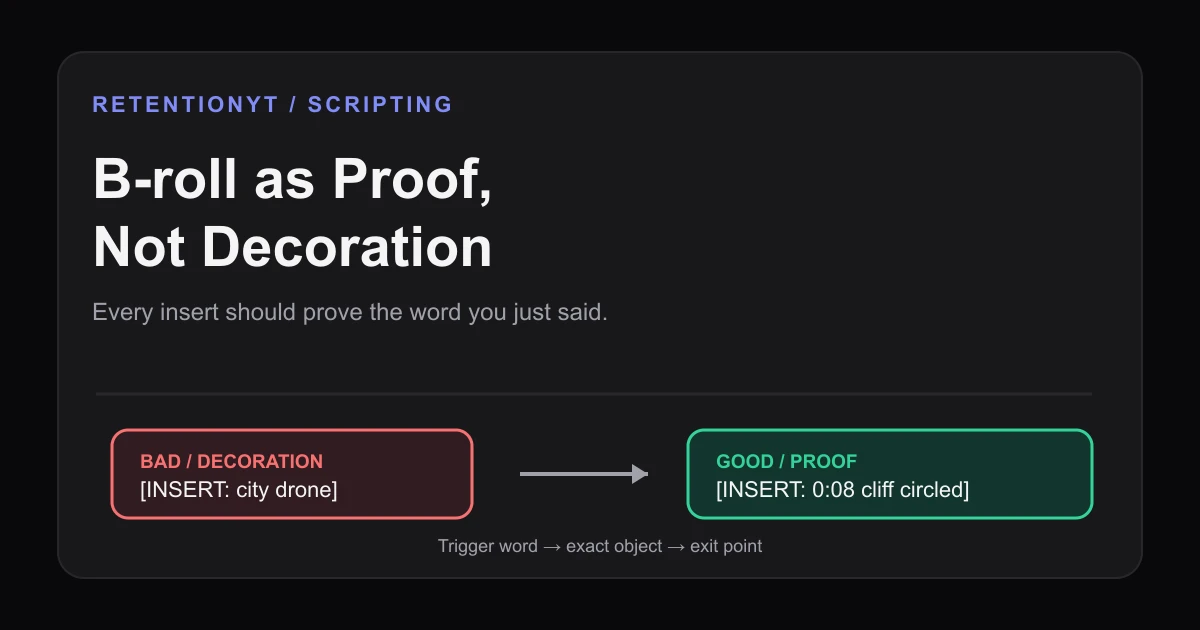
B-roll as Proof, Not Decoration: Script Cues for Inserts
Learn how to script B-roll for retention by tying every insert to a spoken claim, with proof cues, timestamps, failure and fix examples, and a Studio check.
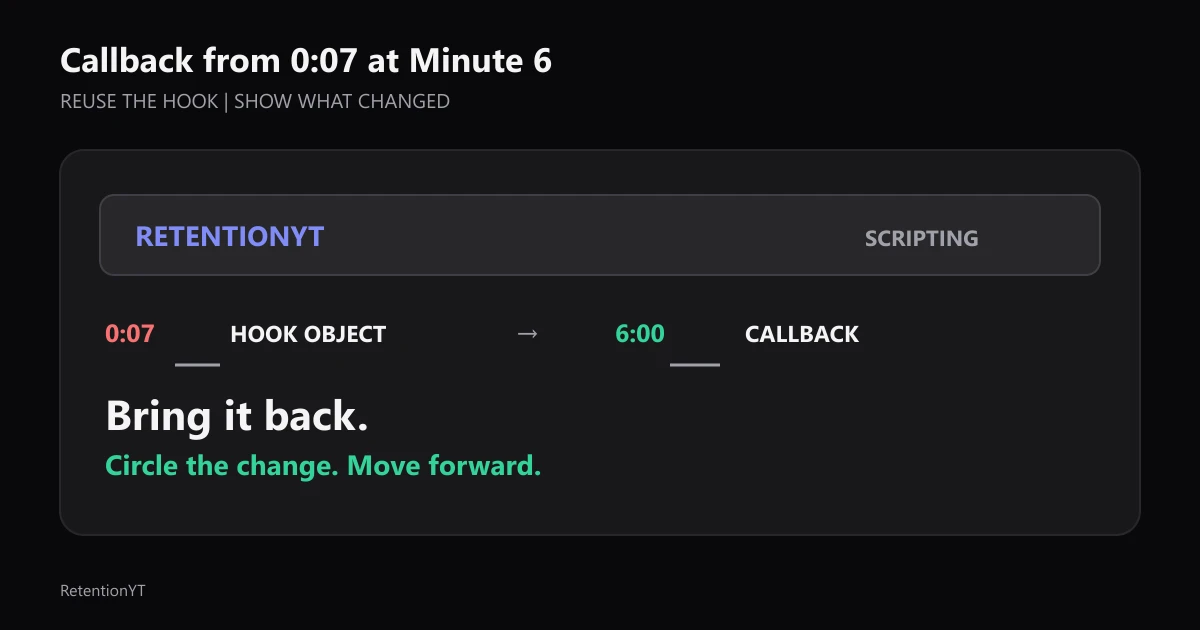
Callback from 0:07 at Minute 6
Use the object or phrase from your 0:07 hook again at minute 6, circle what changed, and write the callback into the outline before the edit buries it.
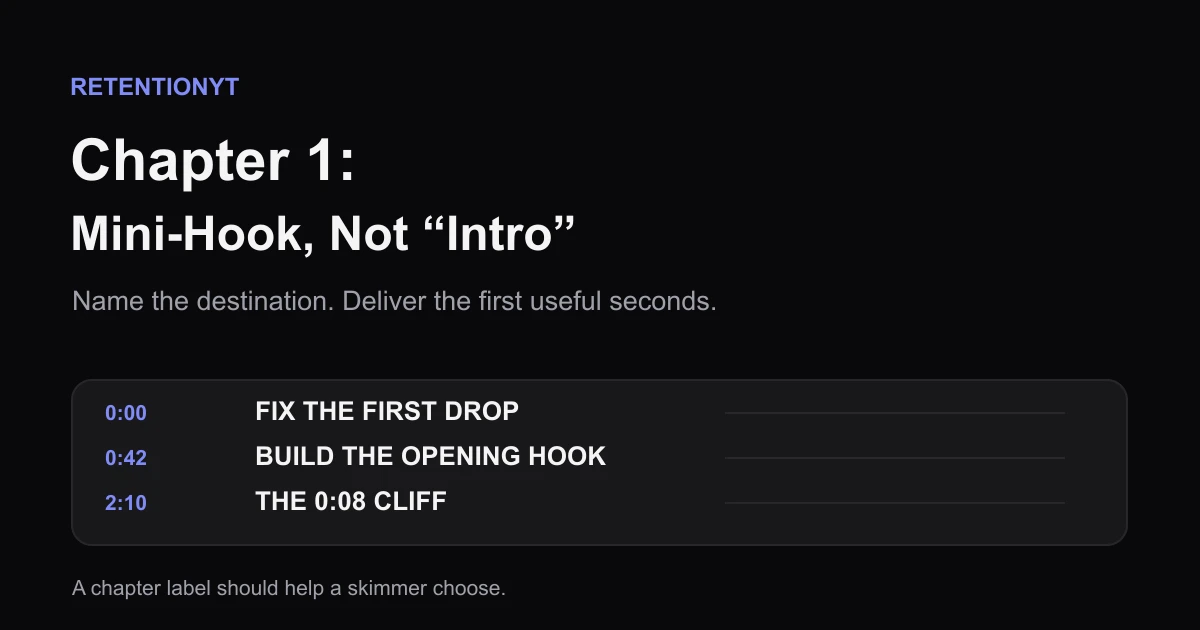
Chapter 1 Title as a Mini-Hook, Not 'Intro'
Replace a skippable YouTube chapter 1 label with a four-to-six-word promise, then use the timestamp and opening seconds to deliver what the viewer expects.