B-roll as Proof, Not Decoration: Script Cues for Inserts
Learn how to script B-roll for retention by tying every insert to a spoken claim, with proof cues, timestamps, failure and fix examples, and a Studio check.

9 min readUpdated
In this guide
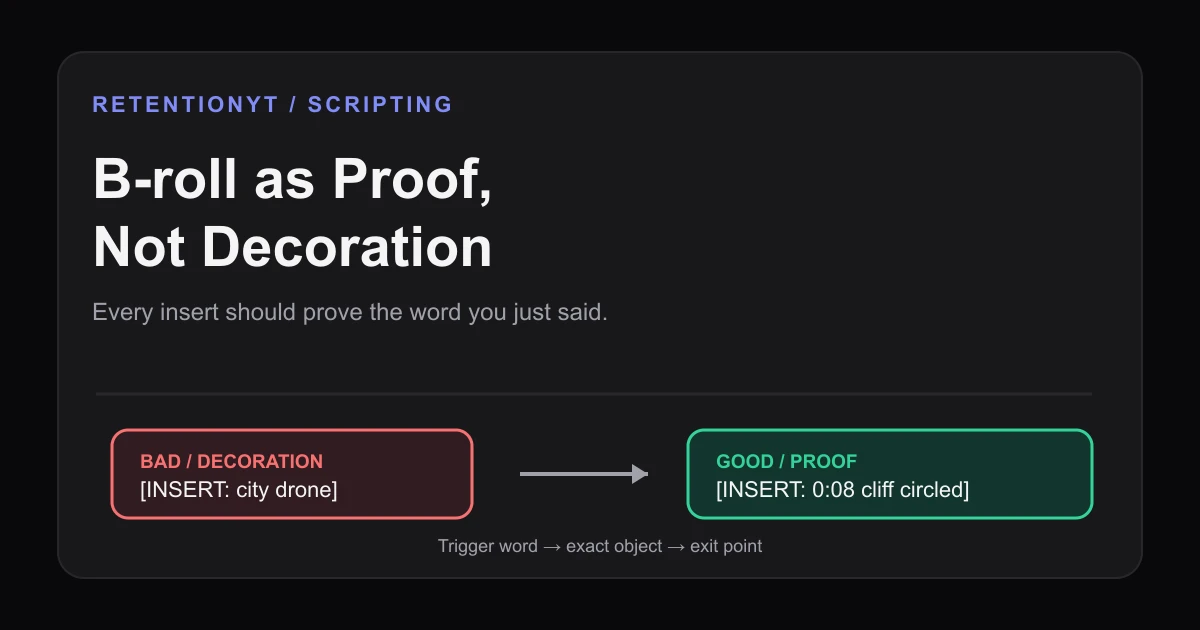
Write B-roll as a proof cue, not a decoration cue. At 0:08, “[INSERT: the Studio graph with the cliff circled]” proves the drop you just named; “[INSERT: generic city]” proves nothing. If you cannot name what the insert proves, delete the cue. This is a scripting rule of thumb, not a promise that any shot will raise retention.
What B-roll as Proof, Not Decoration actually is (and what it is not)
B-roll is proof when the insert gives visible evidence for a spoken claim. If you say “the first eight seconds lose the thread,” show the graph or marked timeline. If you say “this setting changes the export,” show the setting and result. State the visual’s job in one sentence.
B-roll is decoration when it supplies motion or mood without helping the viewer test the sentence. A skyline under a retention-curve explanation is decoration; the curve with its 0:08 point circled is proof. Meaning matters more than production budget.
| Cue type | What the viewer should receive | Script test |
|---|---|---|
| Proof insert | Visible evidence for the exact spoken claim | Can you name the word, object, or result it proves? |
| Clarifying insert | A simpler view of a process or relationship | Does it reduce the work of understanding the line? |
| Consequence insert | The result that follows from the stated action | Can the viewer see what changed or why it matters? |
| Decorative insert | Motion or mood without claim-level evidence | If you remove it, does the explanation lose meaning? |
The method is not “add more B-roll”; it is “make each insert earn its seconds.” Some lines need the speaker, a pause, or a screen recording. Write the cue after you know the job.
Where RetentionYT fits
The manual method works alone. The product can shorten the review loop. Try RetentionYT for an optional script pass.

Why this shows up in YouTube Studio
Your cue sheet becomes useful when compared with the finished video. Mark the trigger, proof shot, and exit before recording. After publishing, inspect available analytics around those moments, but treat a visible change as an observation, not proof that B-roll caused it.
In August 2026, SOURCE 1 describes the Reach tab as a way to understand how viewers find content. It lists click-through rate, watch time, and views, and gives the computer path YouTube Studio: Content, selected video Analytics, then Reach. It does not establish that decorative B-roll creates a dip or proof B-roll creates a spike.
In August 2026, SOURCE 2 says the Content tab summarizes how an audience finds, watches, and interacts with content. It defines engaged views, average view duration, average percentage viewed, and watch time. That context does not validate a universal B-roll formula or guaranteed lift.
Use the cue map’s exact words when reviewing. If the line says “the 0:08 cliff,” check that the visual shows it. If it says “the object is cracked,” show the crack rather than a workshop shot. Keep the same noun in the script, edit, and review.

Worked example 1: the failure
This is an illustrative failure, not YouTube data. The line says, “At 0:08, the explanation is still abstract,” but the cue is “[INSERT: city drone].” The shot moves without showing the explanation, promise, or inspectable object.
City footage is not forbidden. It can prove a line about a street plan. Here the idea is an explanation and a 0:08 cliff, so show the graph, marked timeline, or concrete object that makes it visible.
The timestamps and curve values below are illustrative planning values only, not published benchmarks. They show the difference between a cue that names motion and a cue that names proof.
| Time | Failure cue | Illustrative review note |
|---|---|---|
| 0:04 | [INSERT: skyline] | Illustrative curve at 82%; mood changes, but no claim is shown |
| 0:08 | [INSERT: city drone] | Illustrative curve at 68%; the live explanation remains abstract |
| 0:18 | [INSERT: laptop] | Illustrative curve at 61%; device is shown without the referenced screen |
| 0:34 | [INSERT: more stock city] | Illustrative curve at 54%; motion continues without new evidence |
| 0:52 | [INSERT: busy office] | Illustrative curve at 47%; the viewer has no visible proof of the result |

Read the failure cues without footage. “Skyline,” “city drone,” and “laptop” are nouns, not instructions. A useful cue tells the editor what to show and why it belongs.
Worked example 2: the fix
Replace the decorative nouns with proof cues. At 0:08, write “[INSERT: Studio-style graph with the 0:08 cliff circled; hold until ‘cliff’ ends].” At 0:18, write “[INSERT: settings panel named in the line; highlight the changed field].” At 0:34, write “[INSERT: before-and-after frame showing the result].”
Each cue has a trigger, object, and exit. The editor knows whether “laptop” means a dashboard, settings panel, or message, and the viewer gets that object when the narration asks for it.
Use “[INSERT at ‘trigger’: exact proof; exit when ___].” Write any needed label or circle. If the visual cannot be sourced, recorded, or built, do not promise it as proof.

Simple footage can work: a screen capture, close-up, marked document, or still frame can prove the sentence’s noun. For a timed outline, use the YouTube script outline template; for the broader workflow, read how to script a YouTube video.
How to check this in YouTube Studio (step by step)
- Read the script and underline every concrete claim, object, measurement, screen, change, or consequence.
- Beside each underline, write the visual proof in plain language. “The actual 0:08 cliff with the drop circled” is usable; “cool B-roll” is not.
- Add the trigger word and exit point: “[INSERT at ‘cliff’: graph with drop circled; exit after the sentence].”
- Record a separate decision for speaker, proof insert, or no insert. Do not assume every line needs movement.
- Review the rough cut at the cue timestamp. Ask whether the first visible frame shows the object named in the narration.
- Open YouTube Studio and use the analytics reports available to your account. Compare the cue map with visible audience response when the relevant report is available; do not treat correlation as proof of causation.
- Rewrite the next upload’s weakest cues. Replace unnamed objects, add the missing proof, shorten the hold, or remove the insert.
The manual method works without signing up. If you want a second pass, RetentionYT and the related tool can help you review cue specificity before recording. The tool is optional; the proof test is the requirement.
The trap
The trap is using B-roll to bandage a weak line. “This matters” cuts to a keyboard, creating motion without showing what “this” is. Do not let movement hide an unnamed claim.
Another trap is late proof. If the line names the graph at 0:08 but it appears at 0:20, move the cue to the trigger or rewrite the line.
Do not overload one insert with five jobs. Split the cue or choose the most important job; a clean proof is easier to understand than a crowded montage.
The trap
The move

Test every cue with: “This insert proves ___ because it shows ___.” If either blank fails, rewrite the cue or shot list before editing.
What to do in the next upload
Run this pass before recording. Keep it manual even if you use a review tool.
- Underline the exact spoken word or claim that needs visual support.
- Write the proof object, screen, measurement, or consequence beside it.
- Format the cue with a trigger word and an exit point.
- Replace “city,” “laptop,” and “drone” with a specific visual job.
- Mark whether the beat needs the speaker, proof B-roll, or no insert.
- Check that the first frame shows the noun in the spoken line.
- Hold the proof only until the explanation no longer needs it.
- Label illustrative planning numbers as illustrative in the script notes.
- Review the rough cut at 0:08 and every other cue timestamp.
- Compare the cue map with available analytics without claiming causation.
- Cut any insert that adds motion but no evidence.
The strongest cue lets the viewer see the word you just said. Write the claim, proof, trigger, and exit, then decide whether the shot earns its seconds.
If the insert cannot prove the line, it is only decoration.
For the next upload, audit the first 60 seconds before opening the stock library. At 0:08, ask what the viewer should see, then make that object the cue. Analytics can tell you what to inspect; your script tells the editor what to show.
Frequently asked questions
- Does B-roll help retention?
- B-roll can support retention when it proves or clarifies the words being spoken. It is not automatically helpful because it moves. Script the insert’s job: show the object, screen, step, or consequence named in the line. Treat any retention lift as something to test against your own edit and analytics, not as a guaranteed result.
- What B-roll should I script?
- Script B-roll that answers a visual question in the narration: the actual graph, object, screen, measurement, location, or before-and-after state. Write the proof beside the cue, such as [INSERT: the 0:08 cliff circled]. If you cannot say what the shot proves, it is probably decoration and should be cut or replaced.
- Is stock footage bad?
- Stock footage is not automatically bad. A stock shot can work when it proves a specific line, establishes a place the story genuinely discusses, or supplies a clearly labelled example. A generic skyline under a live explanation usually adds motion without evidence. Judge the shot by its job, not by whether you licensed it or filmed it yourself.
- Should I cut to B-roll during explanations?
- Cut to B-roll when the visual reduces the work of understanding the explanation. Stay on the speaker when the face, delivery, or emotion is the evidence. Before recording, mark the exact word that triggers the insert and the moment the proof is complete; do not cover every sentence with unrelated motion.
- How do I mark inserts in a script?
- Use a bracketed cue with three parts: the trigger word, the visual proof, and the exit point. For example: [INSERT at ‘0:08 cliff’: Studio graph with the drop circled; hold 3 seconds, then return]. This tells the editor what to show, why it belongs, and when the spoken explanation can continue without visual support.
- How do I apply “B-roll as Proof, Not Decoration” on my next upload?
- Read the script once for claims and once for pictures. Underline each concrete claim, add a bracketed insert only when a visual can prove or clarify it, then write the trigger and exit point. Delete cues that say only “city,” “laptop,” or “drone” without naming the spoken word they support.
- Where in YouTube Studio do I check “B-roll as Proof, Not Decoration”?
- You do not look for a Studio setting with this name. Treat the method as a script and edit review. Use the analytics reports available to your account, compare your cue timestamps with visible audience response when the relevant report is available, and revise the next upload. The rule lives in your cue sheet, not a product toggle.
- What is the most common mistake with “B-roll as Proof, Not Decoration”?
- The common mistake is writing the shot before writing its proof. A cue such as [INSERT: city drone] describes movement but not meaning, so it can cover the sentence without helping the viewer understand it. Replace it with the object, screen, measurement, or consequence that proves the exact word you just said.
Give your next script a second look
Paste a script into RetentionYT for suggestions on your hook, pacing, and structure. Choose the edits that serve your video, then check audience behavior in YouTube Analytics after publishing.
Get retention tips in your inbox
Occasional, practical emails on hooks, pacing, and retention. No spam.
Related posts
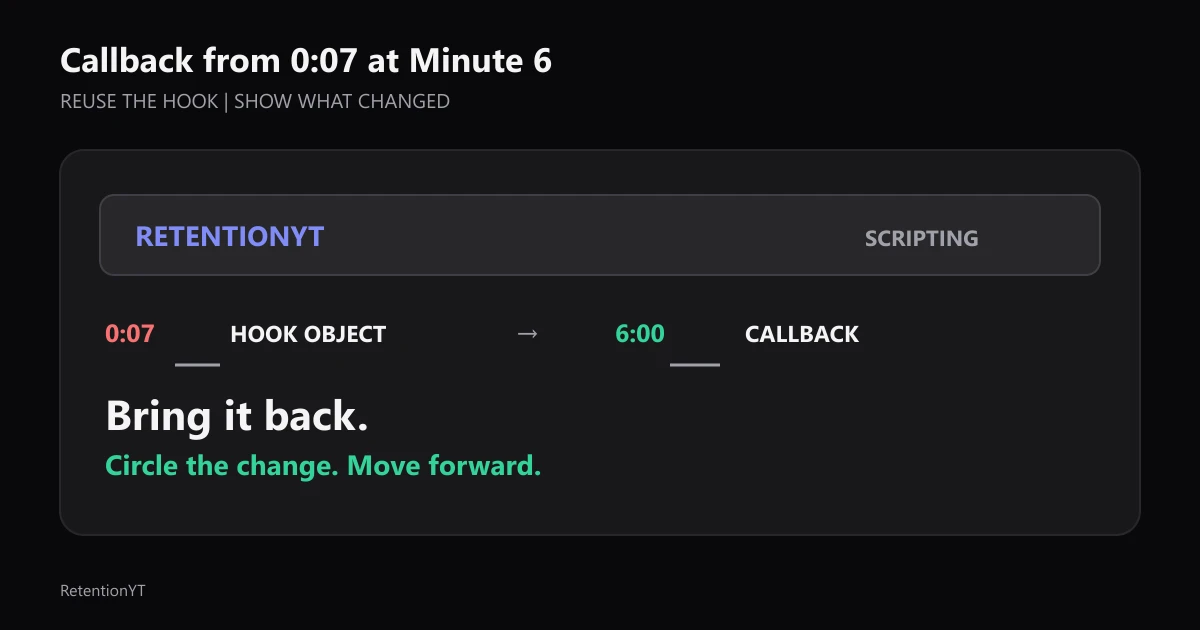
Callback from 0:07 at Minute 6
Use the object or phrase from your 0:07 hook again at minute 6, circle what changed, and write the callback into the outline before the edit buries it.
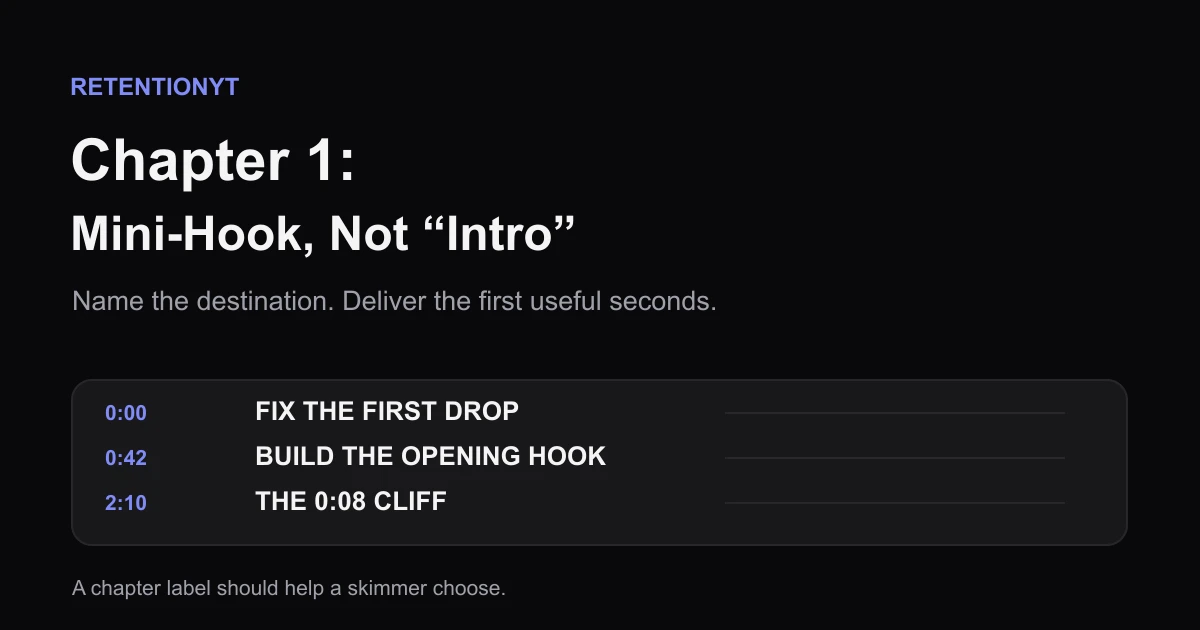
Chapter 1 Title as a Mini-Hook, Not 'Intro'
Replace a skippable YouTube chapter 1 label with a four-to-six-word promise, then use the timestamp and opening seconds to deliver what the viewer expects.
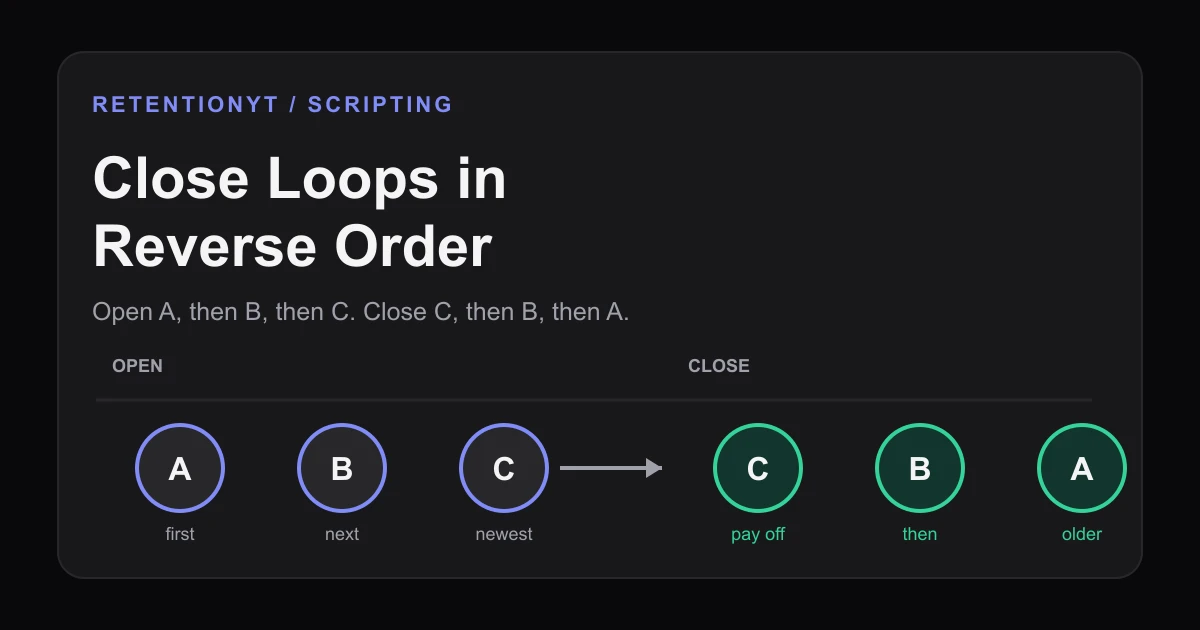
Close Loops in Reverse Order
Learn the order to close open loops in a YouTube script: pay off the last tease first, with timestamps, examples, and a Studio check for creators.