The Credibility Stack: 12 Seconds of Trust Without a Bio
Build credibility in a YouTube intro without a bio: stack one proof artefact, one defensible number, and one short credential inside the first 12 seconds.

10 min readUpdated
In this guide
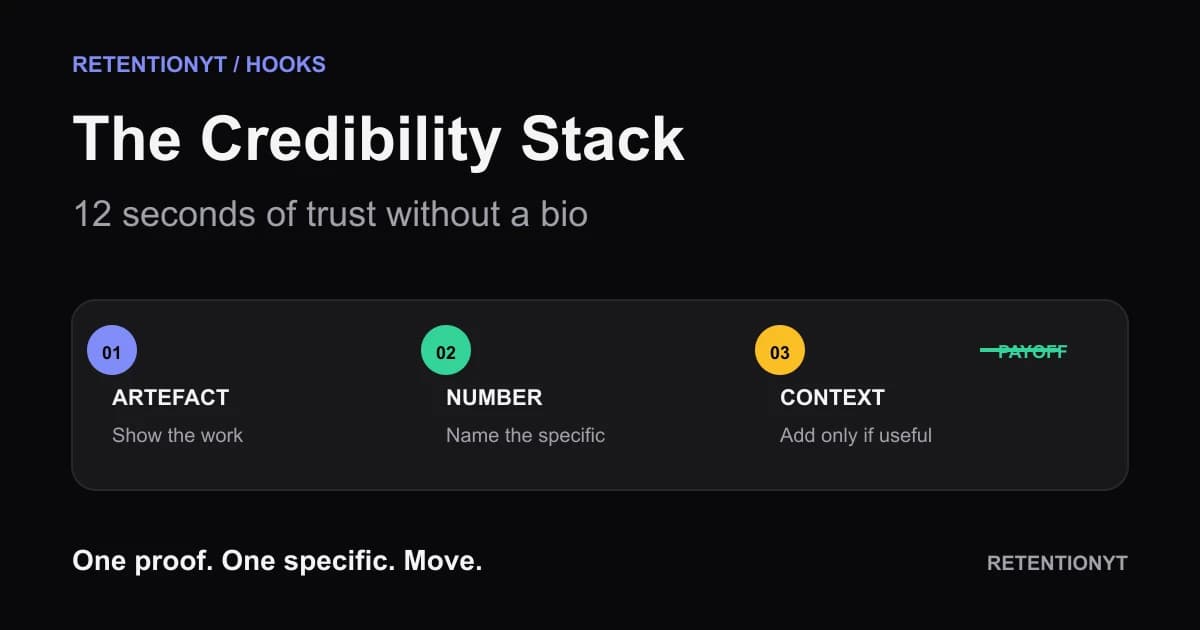
You have about 12 seconds to make a new viewer believe that this video is worth their time. Use that window for a credibility stack: one visible artefact, one specific number you can defend, and—only if it helps—six words of context about who you are. A 40-second biography spends the opening on you. The stack spends it on proof.

Where RetentionYT fits
Manual method works alone. Product shortens the loop. Try RetentionYT when you want another structural read on your script.
What The Credibility Stack actually is (and what it is not)
The Credibility Stack is a compact opening pattern, not a personal-brand ceremony. You lead with something the viewer can inspect, attach one concrete number or named detail to it, and add a short credential in parentheses only when that context changes the meaning of the proof. Then you hand the viewer the next step.
The artefact answers, “Is this real?” The number answers, “Is this specific?” The parenthetical answers, “Why should I trust this person to interpret it?” That order matters because each part earns the next. The stack is not a slide about your career, a logo sting, a list of clients, or a promise that your expertise is impressive.
| Element | What the viewer should see or hear | What to cut |
|---|---|---|
| Artefact | The export, marked-up script, before-and-after, or finished object that belongs to the promise | A logo, vague testimonial, or stock image |
| Specific | One number, named setting, date, or decision that makes the proof concrete | Uncheckable superlatives such as “best” or “insane” |
| Credential | A short parenthetical that explains relevant context | Job history, awards list, or a 40-second bio |
| Payoff | The next action or result the video will deliver | A second introduction or a request to wait |
Try this illustrative script: “This is the Studio export from the opening I rewrote yesterday. It moved the promise into the first sentence; I’ll show you the three cuts.” The export is the artefact, “yesterday” is the specific, and the three cuts are the payoff. Add a relevant credential only after the proof.
Why The Credibility Stack shows up in YouTube Studio
You are not looking for a magic “credibility” score. You are checking whether the opening gives viewers enough clarity to keep watching, then using the reports available for your video. On the current YouTube Help page, the Content tab is described as a channel-level overview of how viewers find content, what they watch, and how they interact with it; the page also lists a Videos report for key moments for audience retention and typical retention comparisons. YouTube Help, August 2026
The Reach page also says that its Reach tab provides a snapshot of metrics such as click-through rate, watch time, and views, and describes a traffic-source report for how viewers found a video. YouTube Help, August 2026 Use those reports for context around the click and the audience source, while the audience-retention view helps you inspect where attention holds or falls.

Worked example 1: the failure
Here is an illustrative failure, not a measurement from a real channel. The creator has a useful video about repairing a weak intro, but the opening starts with a biography:
“Hey everyone, welcome back. I’m a former producer who has worked on hundreds of videos, and on this channel I break down what makes content perform. Today I want to talk about intros, so if you’re new here, subscribe and stick around.”
The problem is not that the credential is false. The problem is that the viewer has no reason to value it yet. The line delays the artefact, gives no specific thing to inspect, and spends the available opening on channel context. “Hundreds” is also an unverified number in this example, so it should not be presented as evidence.
| Checkpoint | Illustrative observation | Why the opening loses force |
|---|---|---|
| 0:00 | Biography and greeting begin | The viewer sees no proof tied to the promise |
| 0:04 | Employment history continues | The topic remains abstract |
| 0:08 | The video is finally named | The payoff still has not appeared |
| 0:12 | Subscribe request arrives | The viewer is asked for action before value |
Those timestamps are illustrative checkpoints, not YouTube Analytics results. Read the words aloud with a timer. If the first concrete object arrives after the opening window, move it forward. Replace career claims with a timestamp, cut, word count, setting, or before-and-after attached to the viewer’s problem.
Worked example 2: the fix
Now keep the same topic and rebuild only the first 12 seconds:
“This intro hides the payoff until second 22. Here’s the marked-up script: cut the biography, show the proof in the first shot, and keep the credential to six words if you need it. I’ll rewrite the opening in three lines.”
This is an illustrative script. It gives the viewer a visible artefact, a specific checkpoint—second 22—and a bounded payoff—the three-line rewrite. “Six words” is a production constraint for this method, not a YouTube benchmark. Write one artefact-first version and one number-first version, read both aloud, and choose the one that makes the next shot obvious.

How to check this in YouTube Studio (step by step)
Use the reports as a feedback loop, not as a source of invented certainty. You are comparing your own opening choices against the response to the upload, while keeping the rest of the test as stable as you can.
- Open YouTube Studio on a computer and select the video you want to inspect.
- Select Analytics from the left menu, then Content from the top menu. This is the computer path described in the locked YouTube Help source.
- Start with the video-level cards that are available for the upload. Look for the report that helps you inspect key moments for audience retention, rather than assuming every account displays an identical set of cards.
- Mark the first visible opening checkpoints in your notes: 0:00, the end of your spoken stack, and the moment the promised method begins. These are your review points, not universal benchmarks.
- Compare versions only when audience, promise, length, and packaging are comparable; note any limitation.
- If the report offers a typical-retention comparison, read it as context for similar-length videos and not as a target to manufacture. The locked source describes typical retention as a comparison with the latest ten videos of similar length.
- Use SEE MORE or ADVANCED MODE when the available report needs expanded data, comparison, or export. Save the date and the exact report name in your notes so a later rewrite is reproducible.
- Rewrite one variable for the next upload: move the artefact earlier, replace a vague claim with one specific, or shorten the credential. Do not change all three and then pretend you know which move mattered.

The trap
The trap is confusing more credentials with more credibility. A viewer does not need your complete work history to understand one marked-up script. They need the script, the exact change, and a reason to believe the next step will be useful.
The trap
The move
Attach expertise to the object in front of the viewer. If the credential does not help the viewer read the artefact, leave it out.

Show the work that makes your claim believable; let your biography arrive only when it helps the viewer read the work.
What to do in the next upload
Draft the opening in your script before you open the camera app. If you already use a writing workflow, you can run the draft through the YouTube script analyzer for another structural read, but the manual method below works without signing up. RetentionYT can shorten the loop; it does not replace the proof you need to show.
- Write the payoff in one sentence before writing your credential.
- Choose one artefact that the viewer can actually see in the first shot.
- Attach one number, named setting, date, or decision to that artefact.
- Label any made-up comparison or curve as illustrative in the sentence.
- Keep the credential in a short parenthetical and remove job history.
- Read the opening aloud and time the first 12 seconds.
- Cut greetings, channel history, and “today we are going to” setup.
- Make the second sentence deliver a micro-payoff or open the next question.
- Note the exact moment when the promised method begins.
- After publishing, record the report name, date, and comparison limitation.
- Change one opening variable on the next upload so the lesson stays usable.
If you want more opening patterns, keep the YouTube hook formulas guide beside your draft. If the stack exposes a broader scripting problem, use writing hooks that work to rebuild the promise before you polish the first sentence. The goal is not to perform expertise. The goal is to make the viewer see the reason to stay.
Frequently asked questions
- How do I look credible without a long intro?
- Show the work before you explain yourself. Put one proof artefact on screen, say one number you can defend, and add a short parenthetical credential only if it changes how the viewer should interpret the proof. Then move into the promised method. Your goal is not to prove your whole career; it is to make this video feel specific and trustworthy.
- Should I say my credentials first?
- Usually, no. Open with the viewer's problem or the result you will demonstrate, then place your credential in a short parenthetical after the proof. A resume-style opening asks a new viewer to care about your history before you have earned attention. Let the artefact and the specificity carry the first beat; use your background as context, not as the headline.
- Do new channels need a bio hook?
- A new channel does not need a long bio hook. It needs a clear promise and enough evidence that the promise is real. Show the document, edit, result, or Studio export that the viewer will understand, then say what they can do next. If your identity matters, use six words or fewer after the proof instead of pausing for a biography.
- What is a proof artefact?
- A proof artefact is a visible piece of work that makes your claim concrete: a Studio export, a before-and-after frame, a marked-up script, a receipt, or the finished object. It is not a logo or a vague testimonial. The artefact should connect directly to the promised outcome, stay on screen long enough to read, and be honest about whether its numbers are illustrative.
- Can I put credentials on screen instead?
- Yes, when the credential helps the viewer understand the proof without stealing attention from it. Use a compact lower-third or parenthetical beside the artefact, not a title card with your employment history. Keep the words short, make the relationship clear, and return the visual focus to the example. If the credential adds no decision-relevant context, leave it out.
- How do I apply “The Credibility Stack” on my next upload?
- Before recording, write a 12-second opening with three parts: the artefact you will show, one number you can defend, and a short credential only when useful. Read it aloud, cut every greeting and biography sentence, then place the artefact in the first shot. After publishing, compare the opening with the retention evidence available in your Studio reports.
- Where in YouTube Studio do I check “The Credibility Stack”?
- On a computer, open YouTube Studio, select Analytics from the left menu, and select Content from the top menu. For a video, review the Key moments for audience retention report when it is available, and use the comparison view described by YouTube Help when appropriate. The exact reports you see can depend on the content and account context, so inspect the available cards rather than assuming a fixed screen.
- What is the most common mistake with “The Credibility Stack”?
- The common mistake is turning the stack into a second biography. Creators show a credential, add their job history, explain why the artefact matters, and delay the promised method. Keep the order tight: show the proof, state the specific, add only the context that earns trust, and move. If the viewer can repeat your credential but cannot name the payoff, the stack is backwards.
Give your next script a second look
Paste a script into RetentionYT for suggestions on your hook, pacing, and structure. Choose the edits that serve your video, then check audience behavior in YouTube Analytics after publishing.
Get retention tips in your inbox
Occasional, practical emails on hooks, pacing, and retention. No spam.
Related posts
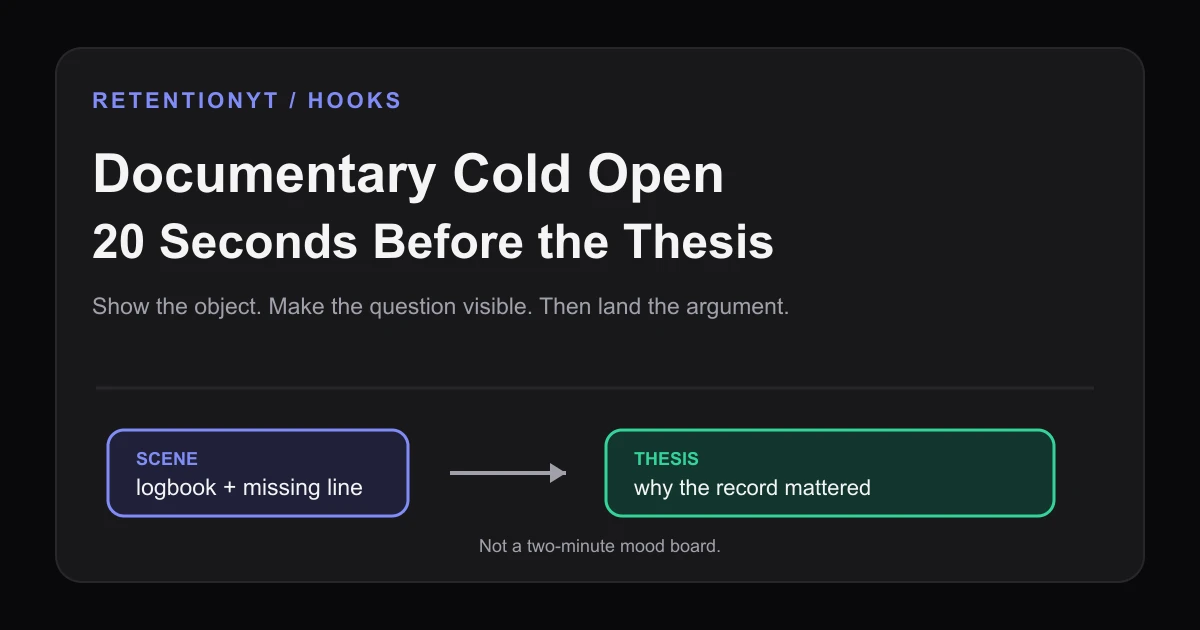
Documentary Cold Open: 20 Seconds of Scene Before the Thesis
Script a YouTube documentary cold open as a 20-second scene with a concrete object, then land the thesis before the viewer mistakes atmosphere for the story.
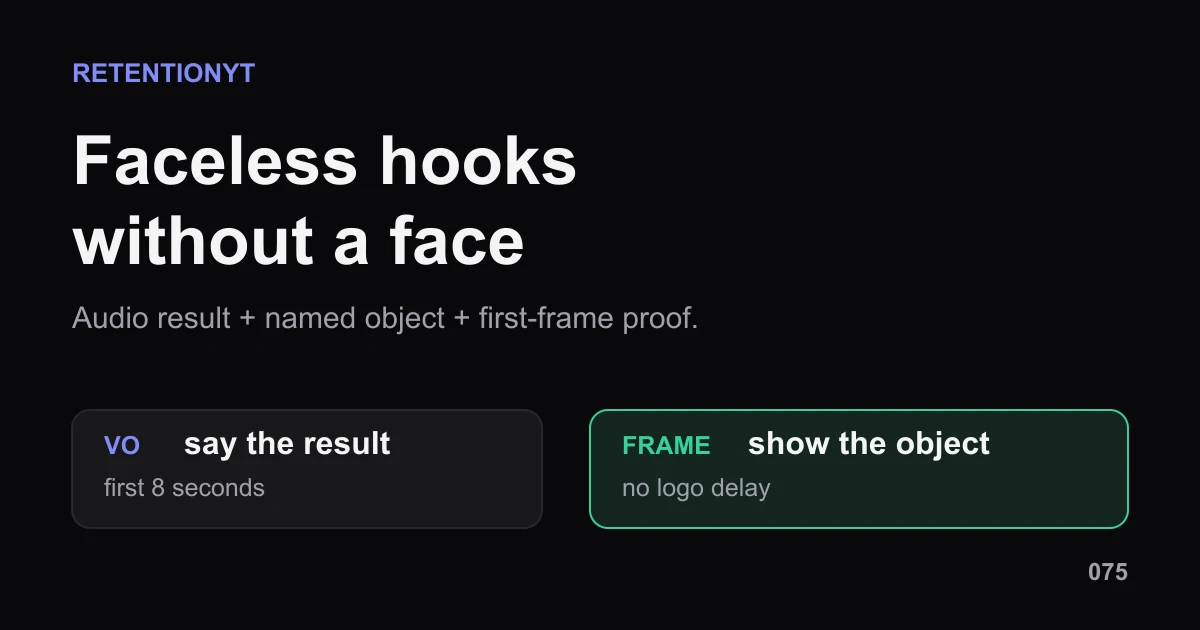
Faceless Channel Scripting: Audio Hooks When There's No Face
Faceless YouTube hook without a face: build the first 8 seconds from a voiceover result, a named object, and a first-frame graphic your viewer can read.
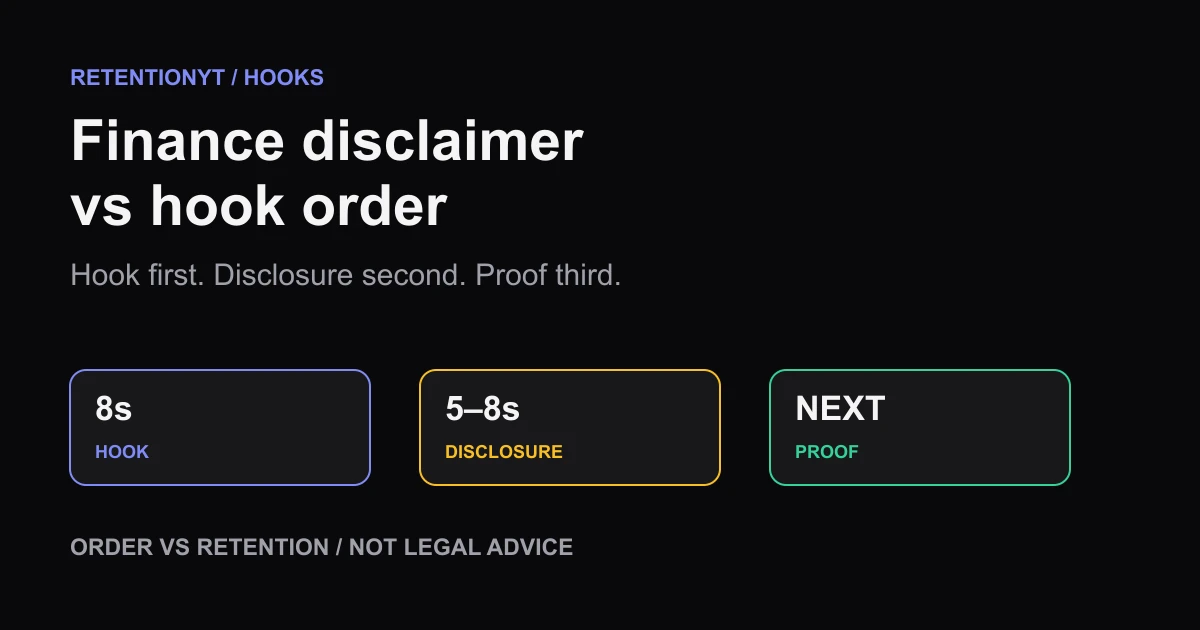
Finance YouTube: Disclaimer vs Hook (Order That Doesn't Cliff)
Put your finance disclaimer after the hook, not before it: deliver the promise in 8 seconds, add a short disclosure, then show proof without giving legal advice.