Faceless Channel Scripting: Audio Hooks When There's No Face
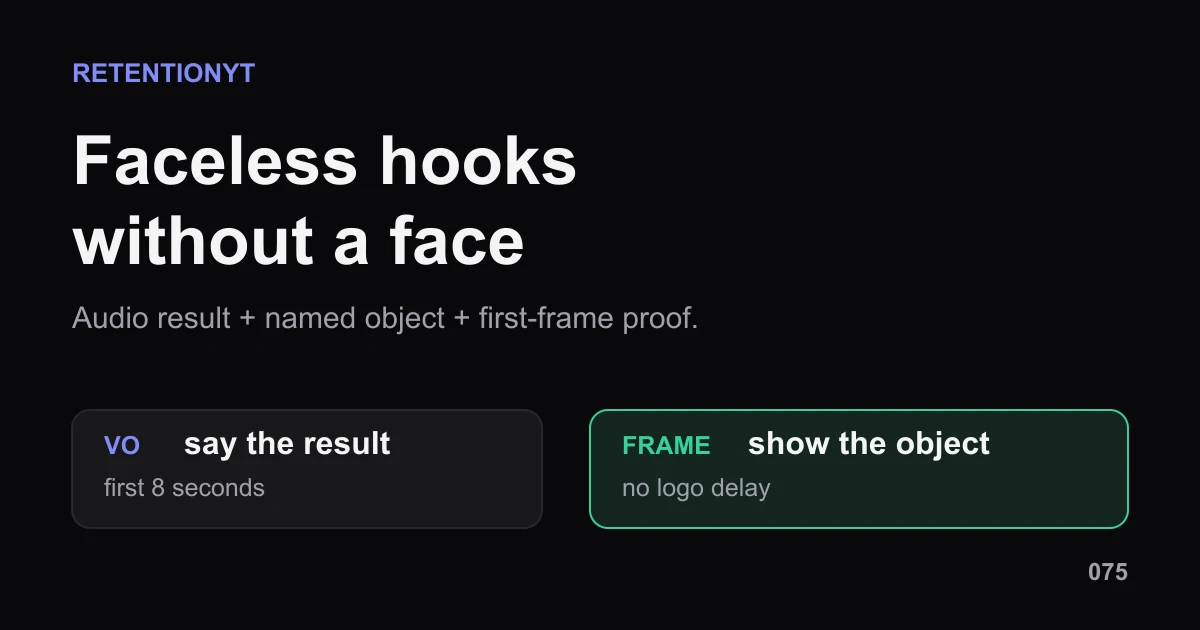
Faceless YouTube hook without a face: build the first 8 seconds from a voiceover result, a named object, and a first-frame graphic your viewer can read.

10 min readUpdated
In this guide
Faceless hooks do not need a smile; they need a clear handoff. As a working rule of thumb, use the first 8 seconds for a voiceover result and a first-frame object the viewer can name. Add a cut or sound cue when the proof begins. A logo and a vague intro spend the opening without telling your viewer what to watch.

What Faceless Channel Scripting actually is (and what it is not)
Faceless Channel Scripting is the practice of writing the audio and visual handoff together when your face is not carrying the opening. Voiceover gives the viewer the result or question. The first frame gives them a concrete object to look at. A pattern interrupt is a planned change in cut, sound, crop, cursor, or object state; it is not an eyebrow raise.
Start with one noun. Write “toggle,” “invoice,” “pan,” “map,” or “timeline,” not “the thing on screen.” Then write the first voiceover sentence so it earns that noun: “This toggle stops the leak.” The viewer can hear a result and see the object that makes the result testable. If you need several objects, choose the one that proves the title fastest.
| Element | Job in the first 8 seconds | Risk to remove |
|---|---|---|
| Voiceover | State the result, tension, or question | Vague narration with no payoff |
| Named object | Give the eye one concrete anchor | Decorative montage or logo delay |
| Cut or sound cue | Mark the start of proof | Random motion with no meaning |
Use the format as a tool, not an identity. A faceless channel can still feel specific because the narrator names the object, admits the job, and lets the viewer see the evidence. If the first frame and first sentence point at different subjects, rewrite one of them before you record.
The 8-second window, one-object rule, one-result rule, and [HIT] cue are editorial planning counters. They are not YouTube benchmarks. They keep a faceless hook concrete enough to write, record, and revise.
Why this shows up in YouTube Studio
You need Studio for the check after the writing is on screen. The locked SOURCE 1 page currently identifies itself as YouTube video reach. It says the Reach tab helps you understand how viewers find your content, and it documents the path through YouTube Studio, Content, the selected video, Analytics, and Reach, with reports and metrics such as click-through rate, views, average view duration, and watch time 1 (August 2026).
The locked SOURCE 2 page documents the current audience-retention wording. Under Videos, it says the Key moments for audience retention report shows how different moments held viewers’ attention, and that typical retention can compare the 10 latest videos of similar length 2 (August 2026). That tells you where to inspect the result; it does not establish that faceless audio hooks are preferred by YouTube.
There is a source-label conflict in the brief. The brief calls SOURCE 1 Audience retention and assigns it key-moments facts, but the opened URL is a Reach page. SOURCE 2 contains the key-moments and typical-retention sentence. The handoff records this difference, and the article attributes each claim to the page that actually supports it.
Where RetentionYT fits
Manual method works alone. Product shortens the loop. Use RetentionYT for an optional script pass, but you can run this method with a timer, a screen recording, and the analytics already available in Studio.
Worked example 1: the failure
Consider an illustrative 6-minute tutorial about cleaning a spreadsheet. The creator opens with a four-second logo, then says, “Today I’ll show you how to fix a common spreadsheet issue,” while a slow montage plays. The named object—the duplicate column—is not visible until 00:14. The voiceover is not wrong; it is late and unspecific.
The numbers below are illustrative, not YouTube data. They show what to annotate around the first object and proof. The opening has spent 14 seconds before the viewer can connect a word to a visible thing.
| Checkpoint | Illustrative viewers remaining | What the opening communicates |
|---|---|---|
| 00:00 logo begins | 1,000 | Brand appears; job is unclear |
| 00:04 vague promise | 930 | Result is named broadly |
| 00:08 montage continues | 860 | No object anchors the sentence |
| 00:14 duplicate column appears | 740 | Proof finally becomes visible |
The failure is not “faceless.” It is an unnamed object and a delayed proof cue. Replace the logo with the duplicate column in frame one. Say, “This duplicate column is why your totals drift,” then mark [HIT] as the cursor selects it. The viewer can hear the result, see the noun, and recognize the change.

Do not read the green or red line as a target. It is a diagnosis sketch. SOURCE 2 lets you inspect key moments and typical retention comparisons; it does not convert these illustrative values into a universal faceless-hook benchmark.
Worked example 2: the fix
Keep the same illustrative tutorial, title, and spreadsheet problem. Start with the duplicate column already visible. Say, “This duplicate column is why your totals drift; watch the one setting that removes it.” At [HIT], cut tighter as the cursor opens the setting. Keep the voiceover short while the viewer reads the cell labels.
Now the first frame is the graphic. The voiceover supplies the result and the question. The sound or cut announces proof. You do not need a face because the object is doing the orientation work a face might otherwise carry. If the viewer must trust a difficult judgment, add a sentence that explains your basis; do not add a logo to fill the opening.
The fix is testable because it has a timestamp and a handoff. You can compare the opening claim, the first object, and the first proof in your available report. The goal is not a prettier curve; it is a viewer who knows what to hear and where to look.

For more hook patterns, use the related analyzer as an optional pre-recording pass. The YouTube Hook Formulas guide gives more opening structures, and Writing Hooks That Work gives a compact process for payoff, specificity, stakes, compression, and testing.
How to check this in YouTube Studio (step by step)
- Write the object first. Pick one noun the viewer can see in frame one: toggle, chart, file, ingredient, or map.
- Write the voiceover result. Use one sentence that tells the viewer why the object matters. Avoid a greeting, biography, or channel pitch before proof.
- Mark the first 8 seconds. Treat this as a working planning window, not a platform benchmark. Put the object and result inside it when the video job allows.
- Add the cue. Write [HIT], cut, cursor landing, crop change, or before-and-after. Tell the editor what changes and why.
- Measure your VO. Record 60 seconds, count the words, and start around 130–160 WPM for screen-heavy narration. Slow down when the viewer must read. This is a rule of thumb, not a YouTube requirement.
- Open your YouTube Studio analytics. The current Reach documentation describes Content, the selected video, Analytics, and Reach as the path for reach reports [1]. Use the controls visible in your account.
- Open the video performance view. SOURCE 2 documents Key moments for audience retention and typical retention for the 10 latest videos of similar length [2]. If the report is unavailable, record that limitation rather than inventing a result.
- Inspect the first object and first proof. Note the timestamp, spoken line, visible noun, cut or sound cue, and what the viewer should understand next.
- Change one variable in the next upload. Shorten the VO, move the object earlier, make the cue clearer, or remove the logo. Keep the promise stable while you learn.

The trap
The trap is treating “faceless” as permission to delay the useful thing. A logo, music bed, abstract b-roll, or channel biography may be easy to assemble, but none tells the viewer what to watch. If the first sentence points to a missing object, the audio has created a question the frame refuses to answer.
A second trap is using sound as decoration. A whoosh does not become a pattern interrupt just because it is loud. Tie [HIT] to a visible change: the cursor lands, the number flips, the crop reveals the label, or the before-and-after appears. The cue should reduce uncertainty.
A third trap is borrowing talking-head pacing without the face. A talking head can use a look or gesture as an orientation cue; a faceless edit has to write that cue into words, objects, and cuts. Use the sentence “Watch the red toggle” when the viewer needs an instruction, not a mystery.
The trap
The move

What to do in the next upload
Write the hook before you open the editor. Use this checklist:
- Name the one object visible in the first frame.
- Write the result in the first voiceover sentence.
- Put the object and result inside the first 8 seconds when possible.
- Replace a logo delay with a proof-bearing frame.
- Mark [HIT], cut, cursor landing, or crop change in the script.
- Record a 60-second VO sample and measure WPM.
- Slow narration where the viewer must read or compare.
- Add one verbal handoff telling the viewer where to look.
- Inspect the first object and first proof in Studio analytics.
- Change one variable on the next upload and keep the promise stable.
A faceless hook is not less human; it is more explicit. The voiceover carries the intention, the named object carries the graphic, and the cut or sound cue carries the change. If you want an optional review before recording, RetentionYT is available, but the manual loop remains the standard: object, result, cue, proof, check.
When there is no face, make the first frame say the noun your voiceover just promised.
Frequently asked questions
- How do faceless channels hook viewers?
- Use the first 8 seconds as a two-part promise: voiceover says the result, and the first frame shows one named object that makes the result concrete. Add a deliberate cut or sound cue when the proof begins. The hook is not a logo or a biography; it is audio plus a readable object.
- Do I need a face for retention?
- No universal face requirement is established by the locked YouTube Help pages. A faceless opening can earn attention with a clear spoken result and a visible object. Treat that as an editorial method, not a platform guarantee, then inspect your own audience-retention response at the opening and first proof.
- What is on screen in the first frame?
- Put the object the viewer needs to understand first: a toggle, file, chart, ingredient, map, or other concrete noun. The frame should make the voiceover sentence easier to picture. Avoid a six-second logo unless the logo itself is the promised proof, which is uncommon for a how-to opening.
- How do I pattern-interrupt without a face?
- Write the interrupt as a production cue: a hard cut, a sound hit, a cursor landing, a crop change, or a sudden before-and-after. Label it in the script as [HIT] so the editor knows it is intentional. The change should reveal or sharpen proof, not add noise for its own sake.
- Is VO WPM different?
- Treat voiceover pacing as a measured starting range, not a YouTube rule. Try roughly 130–160 spoken words per minute for a screen-heavy pass, then slow down where the viewer must read or follow a change. Record a 60-second sample, count words, and tune comprehension before chasing speed.
- How do I apply “Faceless Channel Scripting” on my next upload?
- Name the object in the first frame, write the result in the first voiceover line, and mark the first cut or sound cue. Draft a face-free version and read it with the screen visible. Keep the promise stable, publish, inspect the opening and first proof, and carry one learning into the next outline.
- Where in YouTube Studio do I check “Faceless Channel Scripting”?
- There is no locked-source Studio score called Faceless Channel Scripting. Use the documented analytics reports instead. YouTube lists a path through Studio, Content, the selected video, Analytics, and Reach; its performance page also lists Key moments for audience retention under Videos. Record what your account actually shows.
- What is the most common mistake with “Faceless Channel Scripting”?
- The common mistake is replacing the face with empty time: a logo, channel bio, or vague voiceover before the named object appears. Start with the object and result. If the viewer cannot tell what to watch in the first 8 seconds, add a clearer frame, shorter line, or explicit sound-and-cut cue.
Give your next script a second look
Paste a script into RetentionYT for suggestions on your hook, pacing, and structure. Choose the edits that serve your video, then check audience behavior in YouTube Analytics after publishing.
Get retention tips in your inbox
Occasional, practical emails on hooks, pacing, and retention. No spam.
Related posts
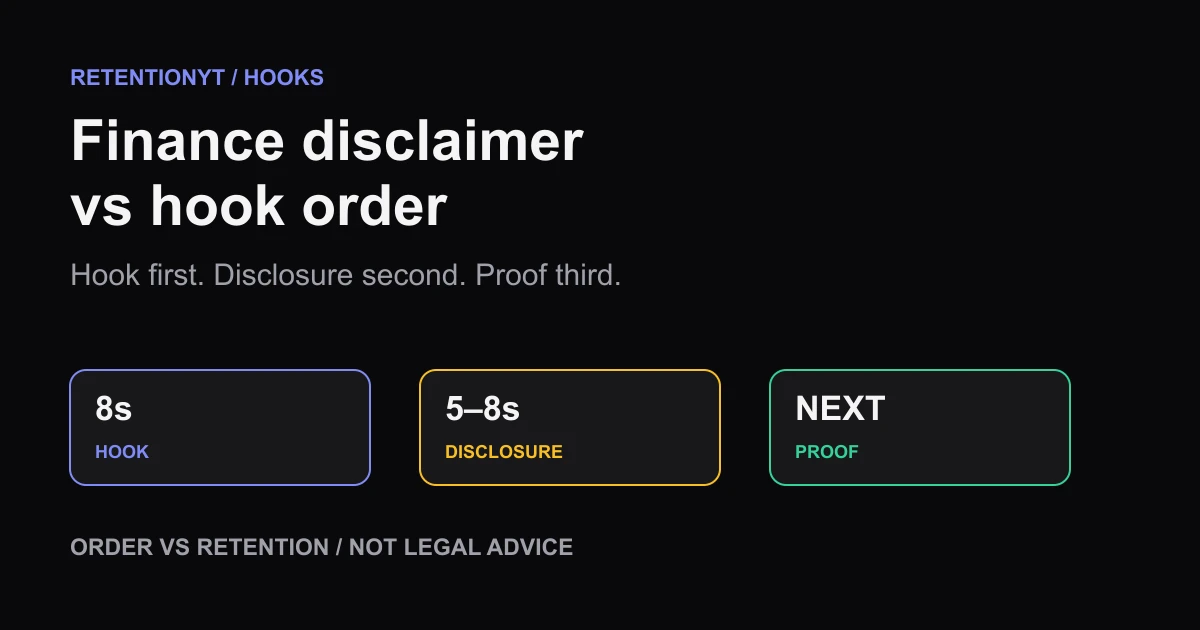
Finance YouTube: Disclaimer vs Hook (Order That Doesn't Cliff)
Put your finance disclaimer after the hook, not before it: deliver the promise in 8 seconds, add a short disclosure, then show proof without giving legal advice.
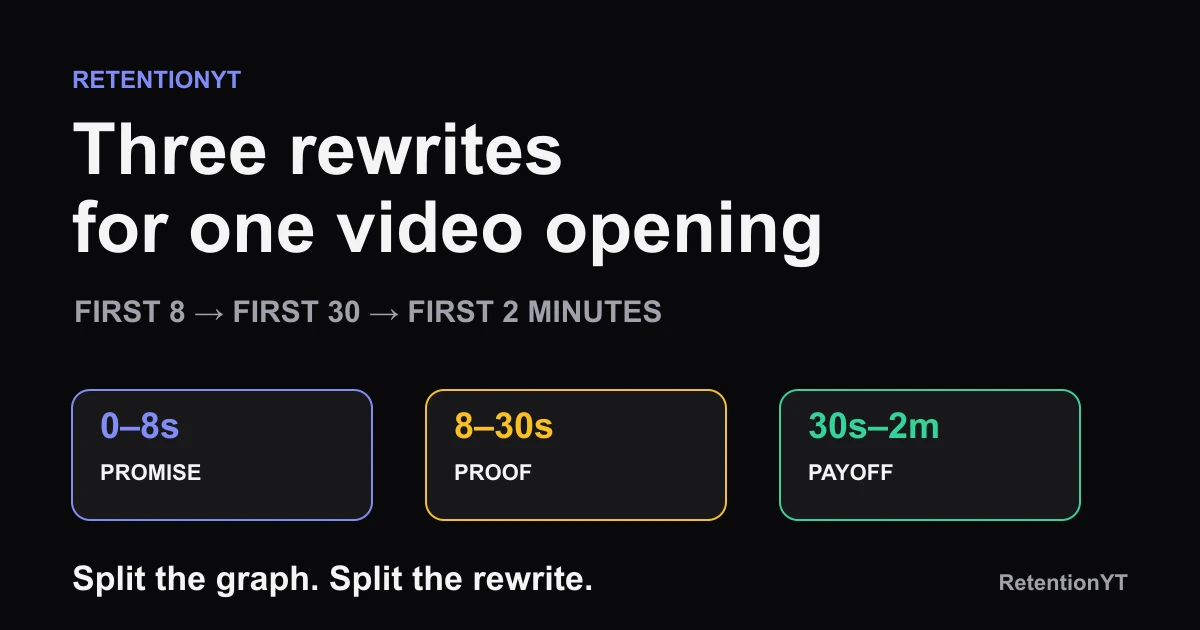
First 8 Seconds, First 30, First 2 Minutes: Three Different Rewrites
YouTube first 8 seconds vs first 30 seconds vs 2 minutes: use three rewrites to fix the promise, proof, and first payoff instead of one vague intro edit.
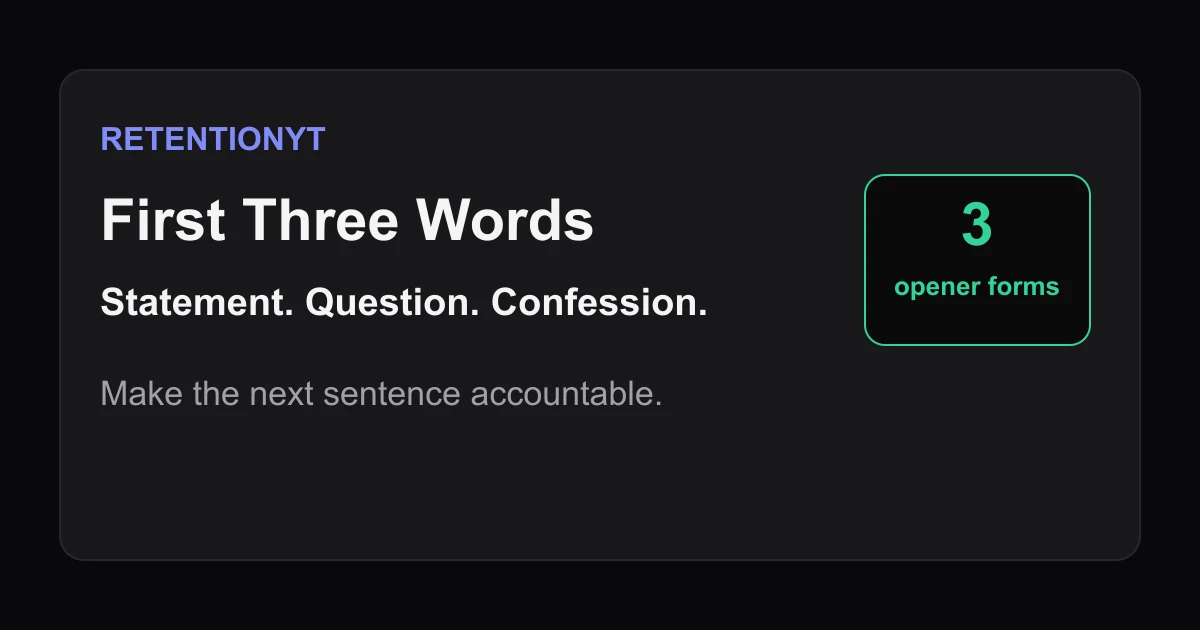
First Three Words: Statement vs Question vs Confession
Choose the right YouTube hook first three words: compare a statement, question, and confession, then test the opener against your title and first visual.