Jargon Tax: How One Unexplained Term Cliffs a Tutorial
Explain jargon in a YouTube tutorial before viewers have to guess, using a one-clause definition, a visible formula, and a Studio check that protects retention.

10 min readUpdated
In this guide
A tutorial viewer arrives with a question, not a glossary. Give each unfamiliar term a six-to-ten-word definition the first time you say it, and you remove a small decision that can become a hypothetical 12% dip. The definition costs one clause; the jargon tax is what you pay when a viewer has to stop, search, and guess.

What Jargon Tax actually is (and what it is not)
Jargon Tax is a scripting rule: the first use of a specialist term pays for itself with a short definition. “Engaged views — viewers who stayed past the initial seconds” is enough to let a creator continue. The second use can be the term alone because the viewer has a handle for it.
This is not a ban on technical language or a claim that vocabulary explains every exit. It is a timing rule for the instant when a viewer decides whether your next sentence is for them.
A search viewer may have Studio open and one narrow question in mind. If your first sentence assumes the vocabulary, they perform a second search before your tutorial delivers the first answer. Define the term at the point of use, then let the example carry the depth.
| Term or move | Plain-language definition | First-use treatment |
|---|---|---|
| Jargon Tax | The attention cost of an unexplained specialist term | Add one short clause on first use |
| Engaged views | Viewers who stayed past the initial seconds | Define in the spoken sentence |
| Average percentage viewed | Average share watched by viewers who stayed | Pair the term with the metric meaning |
| PITIA | Principal, interest, taxes, insurance, and association dues | Put the expansion beside the abbreviation |
| ICR | Interest coverage ratio, operating profit divided by interest expense | Show the formula, then use ICR |
| DTI | Debt-to-income ratio, monthly debt divided by gross income | Put the formula beside the action |
Why this shows up in YouTube Studio
Studio is where you inspect what happened after the words left your script. Source 2 says the Content tab gives an overview of how your audience finds content, what it watches, and how it interacts with that content; it also defines engaged views as viewers who stayed past the initial seconds, excluding loops. Read that as measurement context, not as a native Jargon Tax score (August 2026, SOURCE 2).
The useful question is not “Does Studio know this term?” It does not label a line as jargon tax. Ask: “What did viewers do after the term, and was the next action clear?” Three abbreviations, a formula, and a new screen can overload one sentence.
The locked SOURCE 1 currently opens to a YouTube Help page about video reach and Reach reports, not the brief’s stated Audience retention page. Do not cite it for unsupported retention-curve, typical-line, or key-moments claims. The curve below is editorial and illustrative.

Source 2 also defines average view duration and average percentage viewed for viewers who stayed. Use those definitions for context, not proof of causation.
Keep the diagnosis narrow. A drop can have many causes. Jargon Tax gives you one hypothesis to test: rewrite the first-use sentence and make the next action easier to follow.
Worked example 1: the failure
Imagine a creator teaching a mortgage spreadsheet. This is an illustrative example, not a YouTube benchmark. The opening says, “Now calculate PITIA and compare it against your DTI before you check the extra lender rule.” A new viewer hears three abbreviations before seeing the cell to edit.
The problem is not advanced vocabulary; it is missing order. The viewer does not know which word matters first, so a correct next screen can arrive after they pause, search, or skip.
| Moment in the illustrative example | What the viewer hears or sees | Likely friction | Better diagnosis |
|---|---|---|---|
| 0:00 | “Calculate PITIA and compare it against DTI” | Three unknowns before the action | Name the first cell and define the first term |
| 0:08 | Spreadsheet zooms out | The promised action is harder to locate | Keep one field large and visible |
| 0:30 | “Check the lender overlay” | A new unexplained phrase appears | Define or defer the phrase |
| End | Formula is finally shown | The viewer had to wait for the handle | Put the smallest useful formula first |
This table is illustrative, not a YouTube report. Read aloud and mark where a viewer asks, “What does that mean?” That is where the tax is charged.
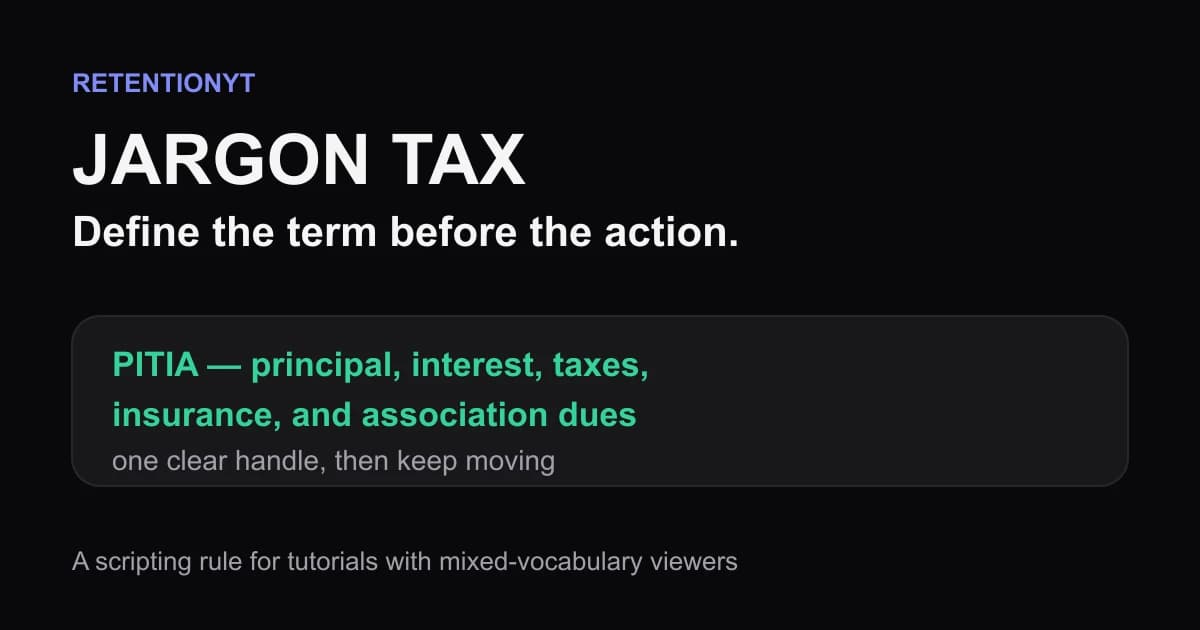
A weak repair replaces PITIA with “the monthly housing number,” sacrificing precision. Keep the term and attach the meaning: “PITIA — principal, interest, taxes, insurance, and association dues — is the monthly housing total in this sheet.” The next action now has a definition and destination.
Worked example 2: the fix
Use the same illustrative tutorial, but change the first 20 seconds. Start with the cell, state the term, define it in one clause, and show the formula before adding the second abbreviation. The viewer needs a route through the first action, not every exception.
The revised opening could be: “Click the housing-total cell. PITIA — principal, interest, taxes, insurance, and association dues — is the monthly total we will compare next. Then we will check DTI, the debt-to-income ratio, against that result.” The sentence keeps the vocabulary, pays the tax once, and gives a sequence.
The board should mirror the words: PITIA = principal + interest + taxes + insurance + association dues. Under it, show DTI = monthly debt ÷ gross monthly income. These formulas are illustrative, not lender policy or YouTube metrics.

The fix is a transcript edit: underline the first term, add six to ten words, attach a visual label, and defer any second unknown term. If the sentence grows long, split the action into two shots.
How to check this in YouTube Studio (step by step)
Jargon Tax is not an official Studio counter. Use the report available to inspect the moment around your wording. The manual method works without signing up: annotate the script, locate the timestamp, compare context, and rewrite the sentence.
-
Mark first use. Highlight each abbreviation, formula, specialist noun, and product label. Add a six-to-ten-word definition beside its first spoken use.
-
Record the timestamp. Note when the term starts and when the next action becomes visible. Use seconds, not “near the beginning.”
-
Open YouTube Studio. Source 2 describes the channel-level Content tab; Source 1 describes Reach reports. Use the report you can actually see instead of inventing a path.
-
Inspect the surrounding response. Ask whether the definition makes the line easier to follow or whether another unknown term follows. Log the timestamp, words, visual, and next edit; do not call the shape proof of one cause.
-
Compare like with like. If you changed several elements at once, you cannot isolate vocabulary. Treat numbers as illustrative unless they came from the locked sources.
-
Rewrite the opening. Keep the accurate term, move or shorten its definition, and place a matching formula on screen. Read it aloud and check that the next action is obvious.

Align the script, voiceover, and overlay: “monthly housing total” and “PITIA” should appear together.
The trap
The trap is treating jargon as a knowledge problem instead of a timing problem. You know the term, so the sentence feels obvious. The viewer meets it at speed while deciding whether the promised result is close.
The trap
The move

“Precision is not the opposite of clarity; unexplained precision is.” — RetentionYT editorial team
Catch three versions in a read-through: an acronym expanded only on a slide, a definition delayed to a later chapter, or a dense glossary before any action. Make a local edit: define only the term blocking the next click or calculation, then defer history and edge cases.
What to do in the next upload
Before recording, separate the Jargon Tax pass from fact-checking. Verify the term, then ask whether a first-time viewer can act after hearing it.
Where RetentionYT fits
Manual method works alone. Product shortens the loop. Use RetentionYT when you want a script review that flags pacing and comprehension risks before you record; keep the definition rule and the Studio check usable without signing up.
Run the list on the next draft. Read the first 30 seconds aloud, then check the full script for terms without a first-use handle.
- Highlight every abbreviation, formula, product label, and specialist noun.
- Define each first-use term in the same sentence.
- Keep the first definition to six to ten words when possible.
- Put the visible formula beside the action, not in a later glossary.
- Record the exact timestamp of the first use.
- Check that the next click, field, or visual is obvious.
- Mark illustrative numbers as illustrative in the script and caption.
- Inspect the relevant Studio response without claiming one cause.
- Rewrite the sentence if a second unknown term follows immediately.
- Link to a deeper explanation only after the first action is clear.
For a second pass, use the related tool to spot pacing and complexity risks. For structure, use How to script a YouTube video and the YouTube script outline template to place the definition before the first demo. The links support the workflow; they do not replace source checking.
Use the rule on every upload: name the term, give the handle, show the action, and deepen the explanation later.
Frequently asked questions
- Should I define terms in a tutorial?
- Yes. Define a term the first time you say it, in the same sentence, then keep moving. A short clause gives a search-intent viewer enough context to follow the next step without pausing to search. You can repeat the term later without repeating the full definition, which protects pace and makes the explanation feel deliberate.
- Does explaining jargon hurt expert viewers?
- Usually not when the definition is brief and easy to skip. Say the term, add one plain-language clause, and let experienced viewers continue. Experts already know the vocabulary; beginners need the bridge. A concise definition protects both groups better than assuming everyone arrived with the same background.
- Can I put definitions on screen?
- Yes. Put a compact definition, formula, or label beside the action you are showing. Read it once, keep it visible long enough to scan, and avoid turning the frame into a glossary. The spoken explanation should still make sense if a viewer misses the overlay, captions, or screen-share moment.
- What if my niche is technical?
- Keep the technical term, but attach a plain-language meaning the first time it appears. For example, say “ICR — interest coverage ratio, operating profit divided by interest expense.” Then use ICR normally. Technical audiences value precision; they do not value spending the next thirty seconds reconstructing an abbreviation from context.
- How long can a definition be?
- Aim for one clause of roughly six to ten words for a normal term. Use a little more space when the definition needs a formula or a unit. If the explanation needs a paragraph, move the detail to a later section, a visual, or a linked resource. The first definition should unblock the next action, not teach the whole subject.
- How do I apply “Jargon Tax” on my next upload?
- Mark every technical term in your script, then write a six-to-ten-word meaning beside its first use. Read the opening aloud, add the definition without slowing the action, and place a matching label on screen. After recording, inspect the early retention shape for the moment that follows the term and rewrite that sentence if viewers leave.
- Where in YouTube Studio do I check “Jargon Tax”?
- Jargon Tax is a scripting rule, not a native YouTube Studio metric. Use Studio to inspect the audience response around the sentence where a term appears. The locked Source 1 currently documents Reach reports, while Source 2 documents Content-tab metrics, so use the exact report available to your account and do not treat the rule as an official Studio label.
- What is the most common mistake with “Jargon Tax”?
- The common mistake is defining a term once in the script but not where the viewer first meets it. Creators often put the explanation in a later chapter, description, or pinned comment. Put the smallest useful definition beside the first spoken use, then reserve the later section for examples, edge cases, and proof.
Give your next script a second look
Paste a script into RetentionYT for suggestions on your hook, pacing, and structure. Choose the edits that serve your video, then check audience behavior in YouTube Analytics after publishing.
Get retention tips in your inbox
Occasional, practical emails on hooks, pacing, and retention. No spam.
Related posts
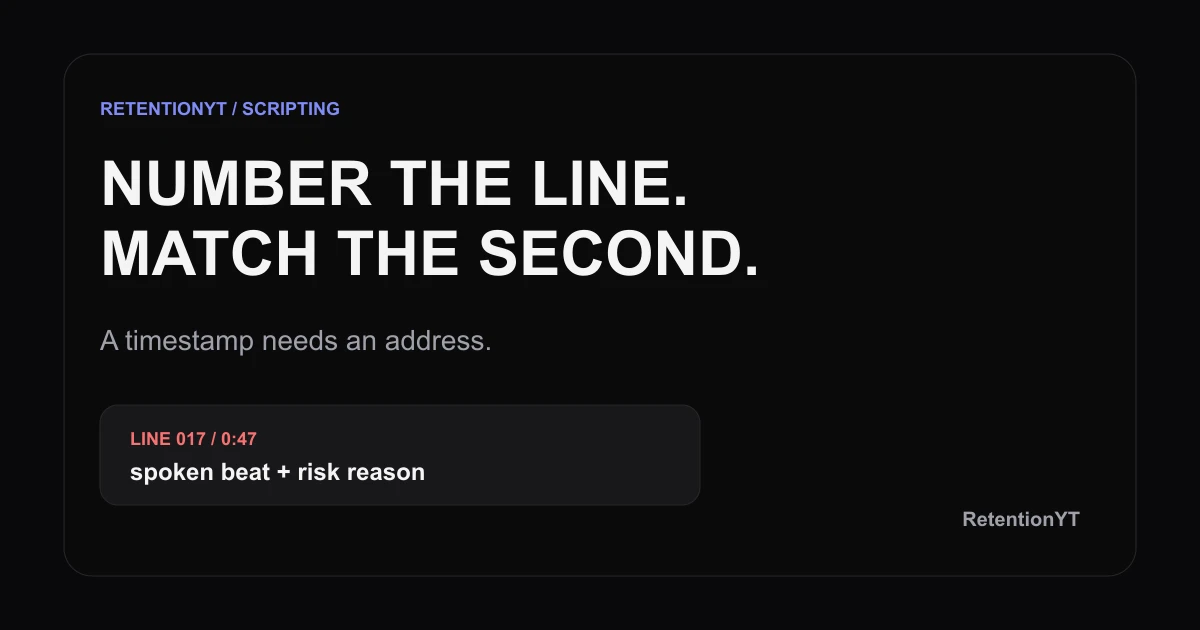
Line-Numbered Scripts: A Template that Matches Studio Seconds
Use a YouTube script template with timestamps and line numbers to match Studio moments to exact sentences, flag risk, and fix pacing before you record.
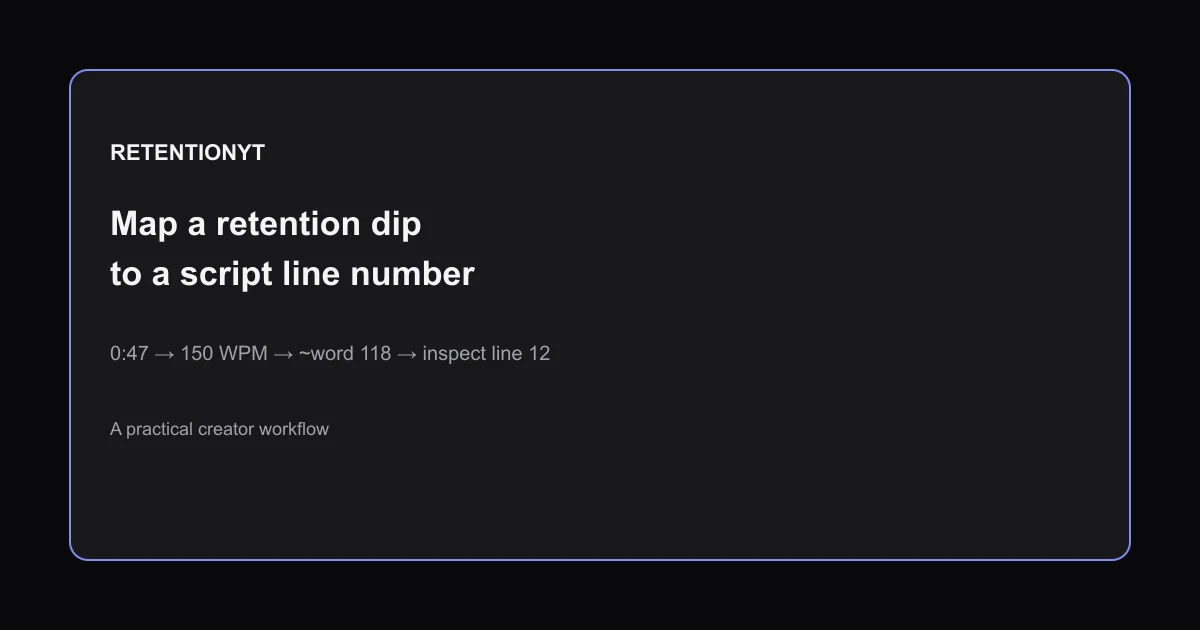
How to Map a Retention Dip to a Line Number in Your Script
Learn how to find which script line caused a retention dip: convert WPM to seconds, number your script, map the timestamp, and rewrite the right line.
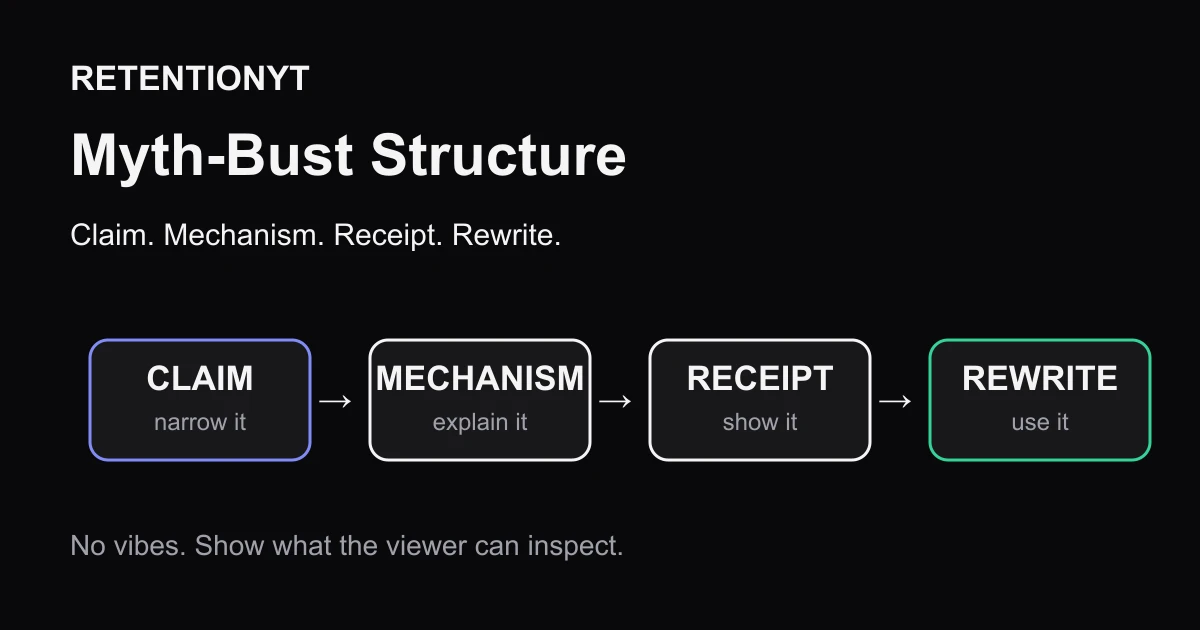
Myth-Bust Structure: Claim, Mechanism, Receipt, Rewrite
Build a YouTube myth-busting video script around a claim, mechanism, receipt, and rewrite so your viewer gets evidence, context, and a move to try tomorrow.