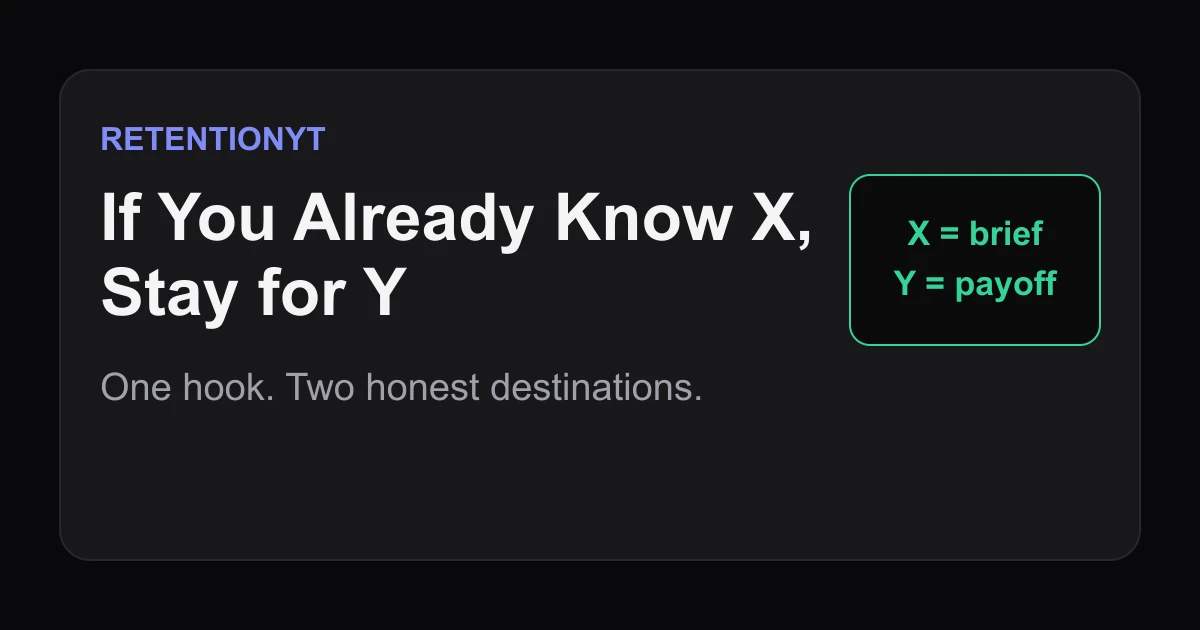
If You Already Know X, Stay for Y
Use “If You Already Know X, Stay for Y” to keep expert and beginner viewers in one YouTube hook, with a ready-to-use template, timing rule, and six examples.

9 min readUpdated
In this guide
If your audience is mixed, use one hook with two clear destinations: “If you already know what a retention curve is, stay for the line-number mapping at 2:10. If you do not, I will define it in one sentence.” You have eight seconds to make the split useful, not awkward. Keep the definition short, then deliver the advanced payoff where you promised it.

What If You Already Know X, Stay for Y actually is (and what it is not)
“If you already know X, stay for Y” is a dual-path hook: one opening sentence that acknowledges a known concept and immediately names a different payoff for viewers who already understand it. X is the thing you will define. Y is the useful application, comparison, test, or mapping that comes later. The line is a promise, not a command to leave.
It is not a license for a long definition, a secret retention switch, or two unrelated introductions. Treat it as a routing label inside one story.
| Part of the line | What your viewer hears | What you must deliver |
|---|---|---|
| If you already know X | “The creator sees that I may be ahead.” | A short, accurate definition for everyone else. |
| Stay for Y | “There is a concrete payoff for me.” | The named application at the promised point. |
| The timestamp or cue | “I can judge the wait.” | A real section, example, or mapping—not filler. |
Where RetentionYT fits
Manual method works alone. Product shortens the loop. Try RetentionYT when you want a second pass on the hook, but do not make an account a condition of using this method.
The six-line set
Replace the brackets with your topic and payoff. Example 1: “If you know the rule, stay for the exception.” Example 2: “If you know the shortcut, stay for the test.” Example 3: “If you know the definition, stay for the rewrite.” Example 4: “If you know the setup, stay for the decision tree.” Example 5: “If you know the tool, stay for the failure case.” Example 6: “If you know the basic move, stay for the comparison.”
These are examples, not published retention benchmarks. Make the payoff visible: “the three-line mapping at 2:10” is a destination; “more advanced tips later” is fog.
Why this shows up in YouTube Studio
You use Studio to separate discovery from attention. The locked SOURCE 1 page says the Reach tab provides a snapshot of click-through rate, watch time, views, and more, with the path Content, selected video, Analytics, then Reach. Second, did different moments hold attention? The locked SOURCE 2 page says the “Key moments for audience retention” report shows how well different moments held viewers’ attention and that typical retention can compare your 10 latest videos of similar length. Inspect the opening and Y; do not treat the graph as proof that one sentence caused a change.
Keep the definition and Y timestamps beside the graph. A dip is a clue, not a verdict.

Use the current YouTube Studio destination for the check, but remember that the available reports and labels can depend on the account, device, and current product interface. Record what you see on the day you review the upload rather than copying an old menu path into your script notes.
Worked example 1: the failure
Imagine an illustrative tutorial titled “Read Your First Retention Curve.” The creator opens with: “Today we are going to talk about audience retention, which is the percentage of viewers who continue watching at different points in your video.” Then comes a 70-second glossary, followed by “later I will show you how to map the curve to your script.”
The definition may be correct, but the opening gives beginners a lecture and experts no destination. “Later” hides the timing, and neither viewer knows what decision they will be able to make.
| Timestamp | Illustrative spoken move | Illustrative viewer signal to watch |
|---|---|---|
| 0:00 | Definition begins immediately. | An early drop may appear before the use case. |
| 0:08 | Glossary continues; no payoff named. | Illustrative 8-second checkpoint, not YouTube data. |
| 0:30 | More terminology, still no mapping. | Illustrative mid-opening friction. |
| 2:10 | Script mapping finally arrives. | Illustrative payoff delay; inspect your actual graph. |
Those numbers are illustrative, not taken from YouTube or a dataset. Keep the beginner explanation, but label both routes first, compress X to one sentence, and make Y concrete.
Worked example 2: the fix
Rewrite the opening as: “If you already know what a retention curve is, stay for the line-number mapping at 2:10. If you do not, it is simply the share of viewers still watching at each point; I will use one curve to show you which sentence to rewrite first.” Beginners know what they will learn; experts know the payoff has a location and form.
Before recording, write the mapping and check that the 2:10 section names the line, observed moment, and rewrite. If it cannot, change Y before publication.

The structure can promise a failure case, comparison, decision rule, correction, source check, or route choice. These are illustrative applications, not platform-performance claims.
For a deeper scripting workflow, use the YouTube script review tool after you have written your own version. It can be a second opinion; it cannot replace the obligation to make Y real.

How to check this in YouTube Studio (step by step)
- Open the published upload and write down the exact sentence used in the first eight seconds. Do not rely on memory; paste the spoken line into your review note.
- Mark the timestamp where X is defined and the timestamp where Y is delivered. Record the final location if editing moved the payoff.
- Open the available audience-retention report. Inspect the opening, definition, and Y as separate checkpoints.
- Compare the shape with your own recent videos of similar length when that comparison is available. Look for a testable difference, not a universal benchmark.
- Read the transcript beside the graph. If a drop sits beside a vague sentence, rewrite it; otherwise note another plausible cause.
- Write one next-upload change: shorten X, move Y earlier, name the destination more clearly, or remove a promise you did not deliver.
Use your notes to explain the moment.
The trap
The trap is using the line as a status signal: “If you already know this, you are advanced.” That flatters experts but gives them no reason to stay, and it can make beginners worry that the video is not for them. The second trap is naming a payoff that is merely another definition. Y must change what the viewer can do, choose, diagnose, or compare.
The trap
The move
Treat the bad version as a red flag. Replace “later” with a timestamp, test, mapping, example, or decision rule; if you cannot name Y, do not add the line.

What to do in the next upload
Build the line into your outline before polishing prose. Connect the cue to the opening and to the section where Y becomes visible. Use the YouTube script outline template and how to script a YouTube video as related references.
- Write the shared promise in one sentence.
- Define X in plain language without a second introduction.
- Name Y as an application, comparison, test, mapping, or decision.
- Put the final timestamp for Y in the outline.
- Keep the opening line short enough to speak cleanly.
- Record the exact words and timestamps after editing.
- Review the opening, definition, and payoff as separate graph checkpoints.
- Compare only with relevant videos or your own prior notes.
- Label your numbers as illustrative unless they come from a verified source.
- Remove the line if you cannot deliver Y.
Run the line through one spoken test. If a beginner cannot explain X or an expert cannot state Y, rewrite the hook; otherwise publish, inspect the report, and carry one lesson into the next script.
One promise can serve two honest destinations.
Frequently asked questions
- How do I write for beginners and experts in one video?
- Write one sentence that names the shared problem, then give each audience a next step. Define the unfamiliar term in plain language for beginners and promise a specific payoff for experienced viewers. The phrase “If you already know X, stay for Y” works because it lets experts self-select without making beginners feel behind.
- Should I tell experts to skip?
- Usually, no. A hard “skip this” instruction can sound like permission to leave. Instead, give experts a reason to stay: name the more advanced payoff, a test, a comparison, or an application that arrives after the short definition. Let the viewer choose the path while your script keeps the main promise intact.
- Does skip-advice hurt retention?
- It can if the line offers no compelling reason to continue. “Skip ahead” is a door; “stay for the line-number mapping at 2:10” is a destination. Treat any effect as a hypothesis to test on your own upload, not as a guaranteed Studio outcome. Compare the early shape of similar videos after publishing.
- Where do I put the stay-for-Y line?
- Put it in the opening, after the main promise and before the definition begins. Keep X short enough to understand immediately, then make Y concrete: a timestamp, worked application, counterexample, or decision rule. If the promised payoff moves, update the wording before you record so the line stays honest.
- Can this be a chapter?
- It can be a useful chapter-planning cue, but the sentence itself is not a YouTube feature. If Y starts at a real timestamp, name that destination in your outline and add chapters through your normal publishing workflow. Do not label an illustrative 2:10 example as a platform benchmark or promise that chapters improve retention.
- How do I apply “If You Already Know X, Stay for Y” on my next upload?
- Choose one beginner definition and one expert payoff before you draft. Write the two-part hook, speak it aloud, place a timestamp on Y, and remove any promise you cannot deliver. Then review the published video’s audience-retention shape and note whether viewers reached the promised payoff. Use the result to revise the next script.
- Where in YouTube Studio do I check “If You Already Know X, Stay for Y”?
- You do not check the sentence as a named Studio setting. Check the video’s audience-retention report for how different moments held attention, then compare your opening and the Y timestamp with your own notes. The exact menu can change, so use the current Analytics and Content or video-level retention views visible in your account.
- What is the most common mistake with “If You Already Know X, Stay for Y”?
- The common mistake is making Y vague: “there is more later” is not a payoff. A stronger line identifies what the experienced viewer will gain and where it arrives. The second mistake is delaying the beginner definition too long. Keep X brief, deliver the definition, and earn the advanced promise instead of hiding the lesson.
Give your next script a second look
Paste a script into RetentionYT for suggestions on your hook, pacing, and structure. Choose the edits that serve your video, then check audience behavior in YouTube Analytics after publishing.
Get retention tips in your inbox
Occasional, practical emails on hooks, pacing, and retention. No spam.
Related posts
Jargon Tax: How One Unexplained Term Cliffs a Tutorial
Explain jargon in a YouTube tutorial before viewers have to guess, using a one-clause definition, a visible formula, and a Studio check that protects retention.
Line-Numbered Scripts: A Template that Matches Studio Seconds
Use a YouTube script template with timestamps and line numbers to match Studio moments to exact sentences, flag risk, and fix pacing before you record.
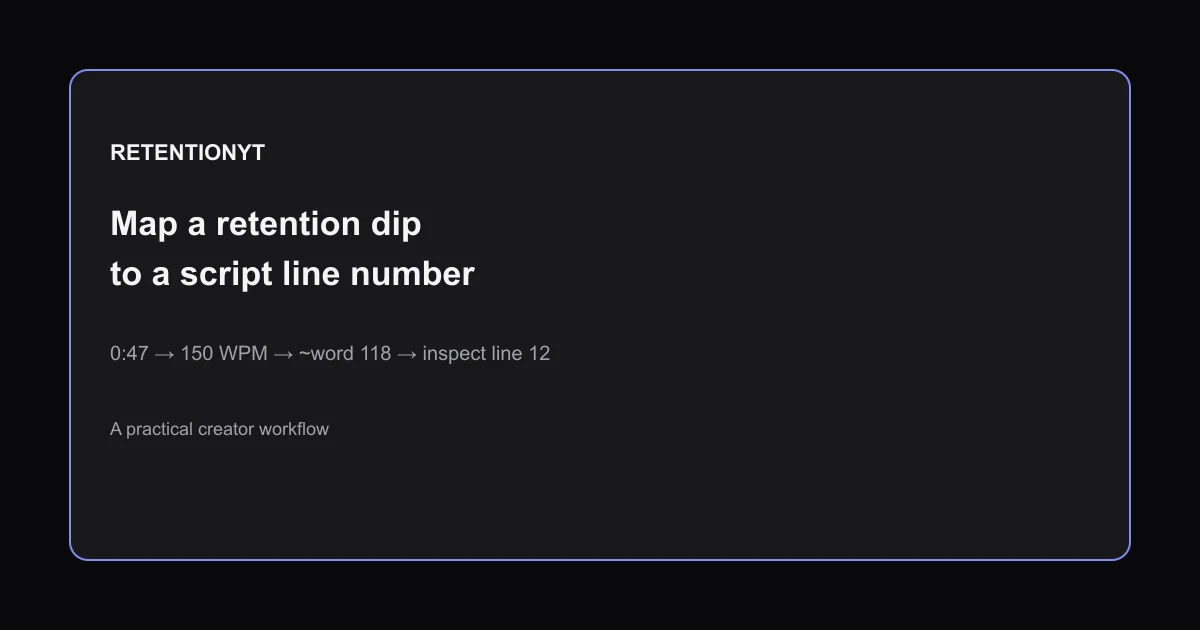
How to Map a Retention Dip to a Line Number in Your Script
Learn how to find which script line caused a retention dip: convert WPM to seconds, number your script, map the timestamp, and rewrite the right line.