'In This Video' as Retention Poison (and What to Say Instead)
The don't say in this video YouTube hook problem: lead with proof, then orient viewers with eight replacements that keep your first 8 seconds moving.

10 min readUpdated
In this guide
If your second sentence is “In this video I will show you,” you have already spent 8 seconds asking for patience. Put the result, object, or mistake first. Then orient the viewer in six words: “I’ll show the graph next.” That is a map after a reason to care, not a table of contents before the proof.

What 'In This Video' as Retention Poison (and What to Say Instead) actually is (and what it is not)
“In this video I will…” is not bad because it explains structure. It is weak when it asks the viewer to wait for the part that makes the structure matter. The sentence names a future tour before you have shown a result, a visible object, a mistake, or a constraint. On a real upload, that delay can make your opening sound like a presentation instead of the start of a video.
The fix is not “never give an agenda.” The fix is to put a reason before the route. Lead with the before-and-after, the finished screen, the failed export, or the number you are about to explain. Then give the smallest map that reduces confusion. A roadmap is useful after proof; it is filler when it is the proof’s substitute.
| Opening move | What the viewer gets first | When to use it |
|---|---|---|
| Table of contents first | A promise of sections | Only when the subject is already clear and the route is genuinely complex |
| Proof then orientation | A result, object, mistake, or contrast | Default for tutorials, explainers, and reviews |
| Object-first cold open | A concrete thing to inspect | When the object itself creates the question |
| Constraint-first opening | The cost, limit, or risk | When the constraint changes the decision |
Proof earns the right to use structure.
These are working rules of thumb, not YouTube benchmarks. Use them to test the opening. If proof needs longer than one sentence, show the object and move the explanation after it.
Use proof plus orientation plus next step: show why the viewer should care, name where you are going, then show what comes next. The opening becomes dense without becoming frantic.

Why this shows up in YouTube Studio
Studio gives you reports to inspect, not a verdict about one sentence. The locked SOURCE 1, accessed in August 2026, documents the computer path through Content, the selected video, Analytics, and Reach, and notes that some reports may not be available on mobile. It currently resolves to “Understand your YouTube video reach,” so this article does not call it an audience-retention page.
The locked SOURCE 2, accessed in August 2026, describes the channel-level Content tab and names metrics including average view duration, average percentage viewed, engaged views, and watch time. Those labels help you inspect a report; they do not prove that one phrase caused a change.
Open YouTube Studio after you have a real upload to inspect. Look for the earliest point where the opening stops matching the promise you made. If you see a sharp early separation in an illustrative curve like the one below, use it as a prompt to replay the first sentences and compare the words with the first visual, not as proof of a universal threshold.

Do not ask what percentage every video should hold. Ask whether the viewer heard a reason to stay before you asked them to remember a list.
Worked example 1: the failure
Here is an illustrative tutorial opening. It is not a published result, channel, or dataset; the useful object arrives late.
“In this video I will show you three ways to clean up your audio. First we’ll cover the room, then the mic, then the edit. By the end, you’ll know what to change.”
The sentence is organized, but it gives no evidence. The viewer hears three topics, not the sound or waveform they are meant to improve. “By the end” pushes the reward away from the first beat.
| Illustrative moment | Spoken line | Job it performs | What is missing |
|---|---|---|---|
| 0:00–0:04 | In this video I will show you three ways to clean up your audio. | Announces a lesson | No audible or visible proof |
| 0:04–0:08 | First the room, then the mic, then the edit. | Lists sections | No reason to choose this lesson now |
| 0:08–0:15 | By the end, you will know what to change. | Delays payoff | No object, contrast, or next action |
Treat those timestamps and lines as illustrative. They are a diagnostic model for your script, not audience data. The failure is structural: the opening spends its first 8 seconds explaining the video’s table of contents while the viewer is still deciding whether the promised problem is real.
Worked example 2: the fix
Keep the same tutorial, but make the first object do the orienting. Show the noisy waveform, play one second of it, and say: “This is the hum that makes your voice sound far away. I’ll remove it in three moves, starting with the room.” The first sentence supplies an object and a consequence; the second gives a route without making the route the headline.
The viewer can hear the problem and predict the next move. Swap the object for a result, mistake, contrast, test, question, constraint, or next action when needed.
Here are 8 proof-led replacements for the filler phrase:
- Result: “The export is clean now; I’ll show the setting that changed it.”
- Object: “This waveform is the problem; watch the left edge first.”
- Mistake: “I lost the voice track here; the recovery starts with one toggle.”
- Contrast: “The top take sounds close, but the bottom take is the one to keep.”
- Test: “This five-second check catches the issue before you render.”
- Question: “Why does the quiet take feel louder? The meter gives us the clue.”
- Constraint: “You have one minute and no new gear; start with this setting.”
- Next action: “Open the clip, mute the room tone, and listen to the gap.”
Read each line against your footage. Do not promise an unseen result or call a working rule “data.”
How to check this in YouTube Studio (step by step)
Start with the upload. Note the first spoken sentence, first visual, and roadmap moment. Check whether the opening matches the title and thumbnail.

- Open the selected video’s Analytics area and identify the report you actually have. The locked YouTube Help page for Reach documents Content, the selected video, Analytics, then Reach on computer. Do not copy a mobile path into your handoff if the report is unavailable there.
- Read the opening aloud while watching the first 15 seconds with sound on. Put a mark beside every sentence that describes the video instead of delivering its first useful object or result.
- Find the first orientation line. If it arrives before proof, rewrite the opening so the first sentence carries a result, object, mistake, or contrast.
- Compare the first visual with the first spoken noun. If you say “the export,” show the export. If you say “this waveform,” put the waveform on screen. A mismatch creates work for the viewer before the lesson begins.
- Inspect the available performance context in the report. The locked content-performance page names average view duration, average percentage viewed, engaged views, and watch time; use the label your report presents rather than inventing a metric.
- Save the original and revised opening as two text blocks. Change one thing at a time: proof before map. Otherwise you will not know which edit helped your next upload.
- After the next upload has enough of your own evidence to review, replay the first eight seconds and note whether the opening now answers the title’s question faster. This is a repeatable review step, not a promise of a particular curve.
The YouTube hook formulas article is useful when you need more opening shapes, while writing hooks that work is useful when you need a repeatable drafting process. Use both as references, not as a substitute for watching your own footage.
The trap
The trap is replacing one empty template with another: “Today we are going to cover” or “Here are three things you need to know.” The words change, but the delay stays. Start with proof or an object, then make the map help the viewer predict the next useful beat.
The trap
The move

Do not use color alone. The cards and graphic say BAD and GOOD so the contrast survives grayscale and small screens. Make it audible or visible in the edit, not merely implied by a label.
What to do in the next upload
Before recording, write the payoff as one concrete sentence and collect the first object, result, or mistake the viewer can inspect. You can do this manually; RetentionYT is optional. For a pre-record check, the related tool can support the review.
- Write the result before writing the greeting.
- Mark the first object the viewer can see or hear.
- Remove “In this video I will” from the opening draft.
- Put the proof in sentence one or the first frame.
- Add one orientation line only if the route needs it.
- Keep the map to the next useful beat, not the whole table of contents.
- Read the opening aloud at the energy you will record.
- Check that the first visual matches the first important noun.
- Review the available Studio report using its actual metric labels.
- Change one opening variable before the next comparison.
Run a deletion test: remove the agenda sentence and read the opening again. If the viewer still knows what to look at and why it matters, the agenda was paperwork. If the video becomes confusing, keep a shorter map after the proof.
A good opening does not hide structure; it earns the right to use it. Lead with something concrete, orient briefly, then deliver the next promised beat.
Frequently asked questions
- Should I say in this video?
- Usually, not as your first sentence. Put the result, object, or mistake on screen or in your voice first, then add a short orientation line if the viewer needs it. A phrase such as I will show the graph next works after proof because it tells the viewer where you are going without making them wait for the reason to care.
- What do I say instead of a table of contents?
- Say the useful result first, then name the next move in a few words. Try: This cut removed the dead air; I will show the before-and-after waveform next. You can also lead with the object, the mistake, or the surprising contrast. The replacement is not another slogan. It is a concrete reason to keep watching.
- Do viewers need to know the agenda?
- Only when the route is genuinely hard to follow. Most viewers need a reason to stay before they need a map. Give them proof, an object, or the cost of the mistake, then orient them in six to ten words. If the video is already obvious from the opening, skip the agenda and keep the first seconds doing useful work.
- Is this different on tutorials?
- Tutorials still need proof before process, but the proof can be a visible end state: the finished edit, the setting, or the measured change. Once the viewer sees what they will make, a short roadmap helps them follow the steps. Do not hide the result behind a greeting, a channel introduction, or a long explanation of your method.
- Can I put the agenda on screen?
- Yes, but treat the agenda as orientation rather than the hook. Show the result or the object first, then use a compact overlay such as three cuts, one export. Keep each label readable and remove the overlay before it becomes a second piece of setup. The screen should support the promise, not replace it.
- How do I apply “'In This Video' as Retention Poison (and What to Say Instead)” on my next upload?
- Write the first spoken sentence after you finish the video's payoff. Replace the template with one of eight moves: result, object, mistake, contrast, test, question, constraint, or next action. Record the opening, place the map after the proof, and inspect the first eight seconds in your own upload data before rewriting the next version.
- Where in YouTube Studio do I check “'In This Video' as Retention Poison (and What to Say Instead)”?
- Open the selected video in YouTube Studio, choose Analytics, and inspect the available performance reports. On the locked YouTube Help page for video reach, the computer path is Content, selected video, Analytics, then Reach. The content-performance page also describes channel-level Content reporting. Use the exact report available to your account rather than assuming every view has the same panel.
- What is the most common mistake with “'In This Video' as Retention Poison (and What to Say Instead)”?
- The common mistake is replacing one empty template with another: Today we will cover, Here are three things, or Let us dive in. The words change, but the delay stays. Start with a specific proof or object, then make the orientation line earn its place by helping the viewer predict the next useful beat.
Give your next script a second look
Paste a script into RetentionYT for suggestions on your hook, pacing, and structure. Choose the edits that serve your video, then check audience behavior in YouTube Analytics after publishing.
Get retention tips in your inbox
Occasional, practical emails on hooks, pacing, and retention. No spam.
Related posts
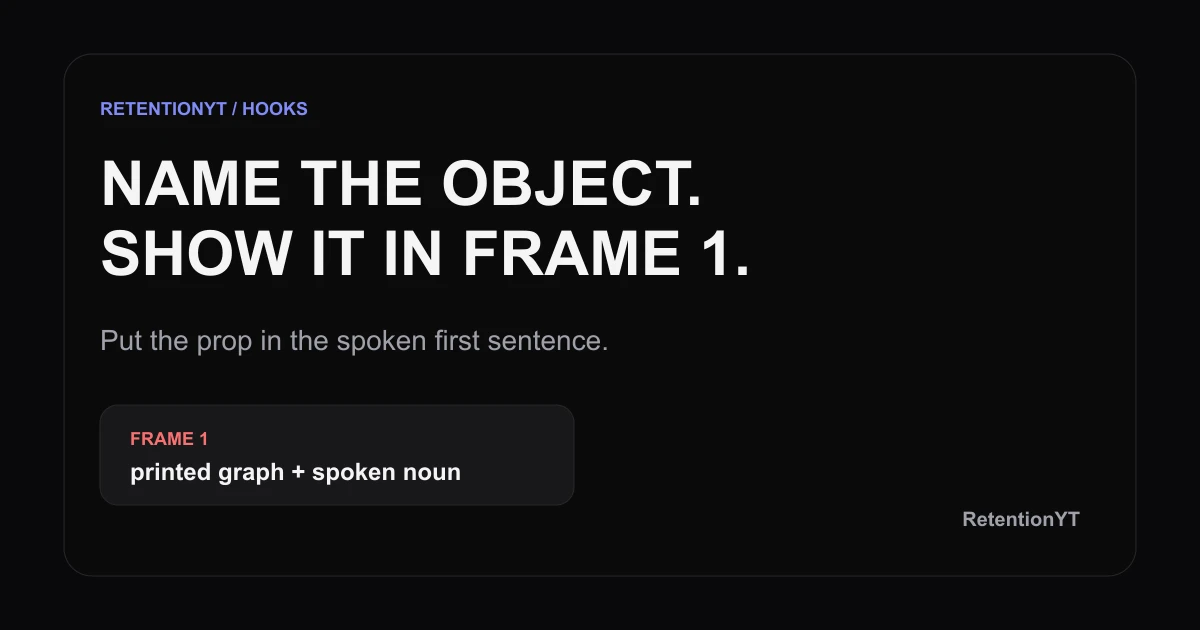
Named Object in the First Frame: How to Write It
Show a named object in frame 1 and say it in sentence 1. Use a graph, timer, or thumbnail to turn an empty desk into a clear YouTube hook today.
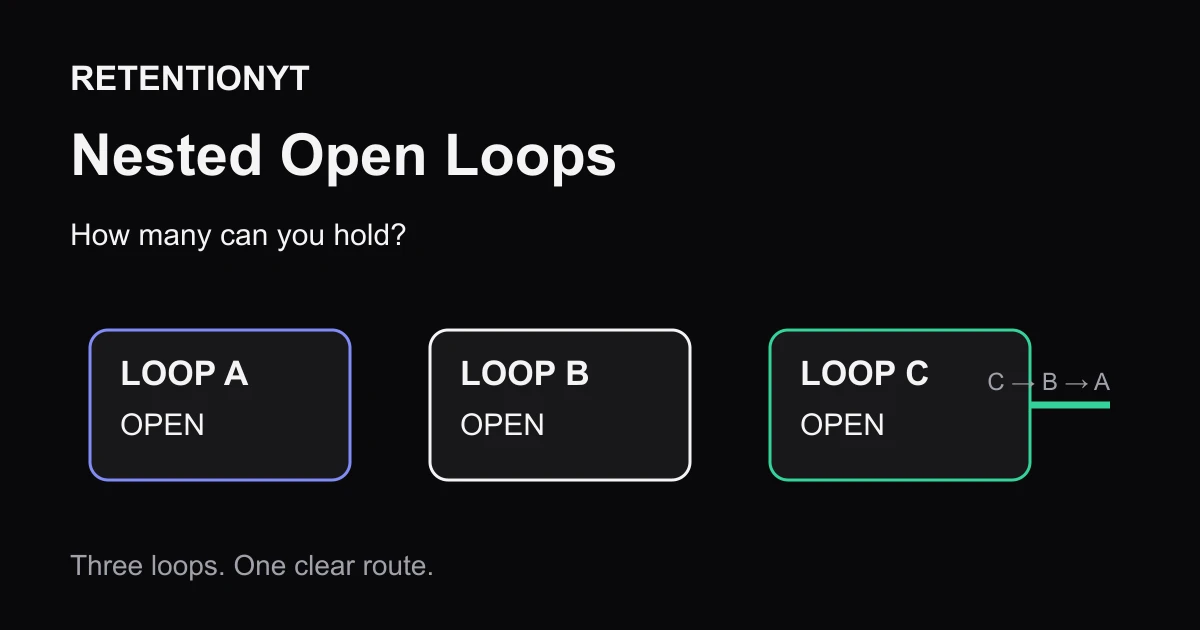
Nested Open Loops: How Many You Can Hold (Max 3)
How many open loops in a YouTube video? Use one for clarity, three max for a 10–15 minute upload, and close each promise in reverse order on camera.
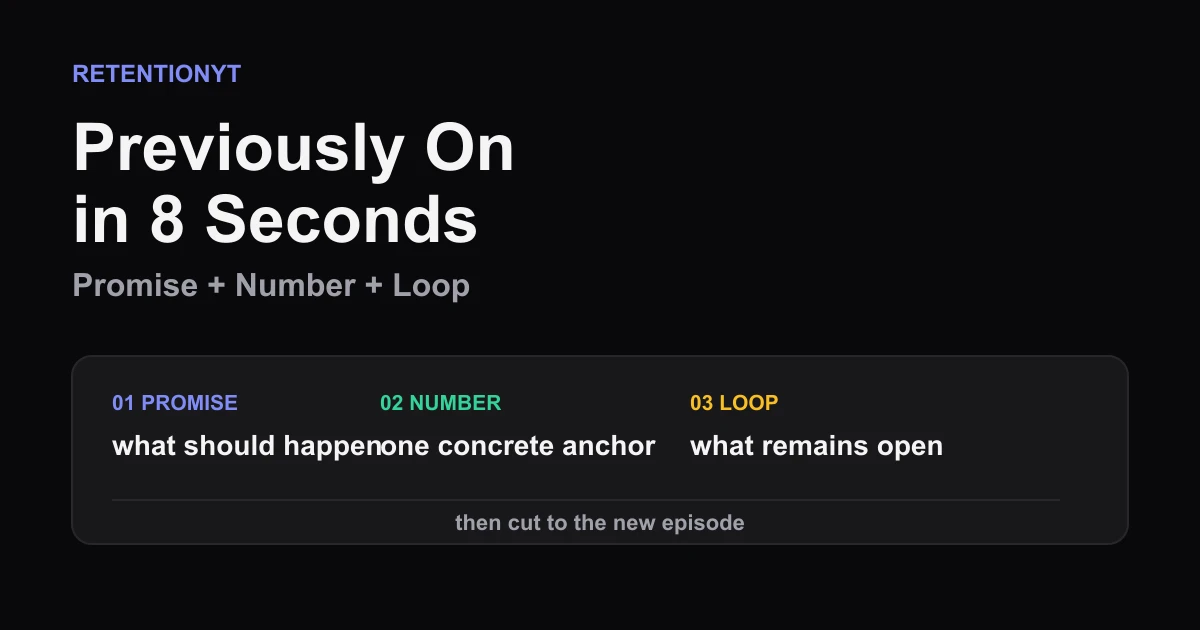
Previously On in 8 Seconds
YouTube previously on recap 8 seconds: compress the last promise, last number, and unfinished loop into one clean opener without a clip-dump montage.