Nested Open Loops: How Many You Can Hold (Max 3)
How many open loops in a YouTube video? Use one for clarity, three max for a 10–15 minute upload, and close each promise in reverse order on camera.

10 min readUpdated
In this guide
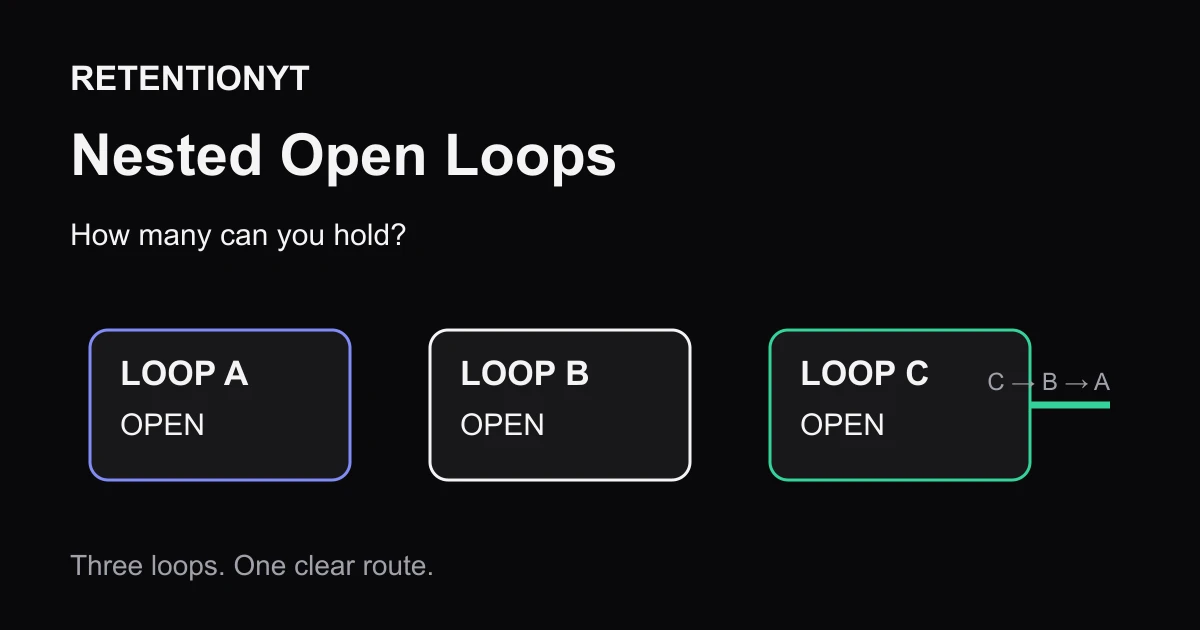
You can hold about three open loops in a 12-minute video, but treat that as a rule of thumb, not a YouTube setting. Name Loop A at 0:07, Loop B at 1:40, and Loop C at 4:10. Close C, then B, then A. If a promise survives into the outro without an answer, your next hook has less credibility.
What Nested Open Loops actually is (and what it is not)
A nested open loop is a promise you leave unanswered so the viewer has a reason to continue. “Nested” means a newer promise sits inside an older one: you open A, then B, then C, and resolve C before B before A. It is a writing choice, not a Studio button.
Three loops can give a 10–15 minute upload shape, provided each promise has a name, a location, and a closing sentence. Five is a warning that your outline may be asking the viewer to remember more than the video can pay off. The promise must point to an answer, demonstration, decision, or reveal.
Where RetentionYT fits
Manual method works alone. Product shortens the loop. Use RetentionYT before recording.
| Loop count | What the viewer must remember | When to use it |
|---|---|---|
| 1 | One unanswered promise | A short tutorial or a single-reveal video |
| 2–3 | Named promises with separate payoff points | A 10–15 minute video with several steps |
| 4–5 | A queue of future promises | Only as a warning to prune or merge |
These are editorial rules of thumb, not YouTube benchmarks. Keep the method manual: write loop labels in the margin and underline each closing line. No account or plug-in is required.

Why this shows up in YouTube Studio
YouTube Studio does not label a line “Nested Open Loops.” You create the labels in your script, then use the retention evidence to see whether the opening, middle, and payoff sections hold together. That distinction matters: you are evaluating a writing pattern against viewer behaviour, not claiming that YouTube has a native loop score.
The locked YouTube Help page the brief calls SOURCE 1 currently opens as “Understand your YouTube video reach.” It describes reach reports and metrics, but it does not provide the audience-retention wording expected in the brief. I have not used it to support a retention claim; the mismatch is recorded in the handoff.
The current SOURCE 2 says that, on a computer, you can open Analytics from the left menu and select Content. Its Videos area includes “Key moments for audience retention,” which shows how different moments held viewers, and it says typical retention can compare your 10 latest videos of similar length. Use those labels as the path and your timestamps as annotations.

Worked example 1: the failure
Here is an illustrative 12-minute upload about fixing a slow editing workflow. The writer opens a first promise in the hook, adds four more “later” teases, and never writes the closing lines. The result feels busy even though the topic is useful: the viewer hears a queue of promises instead of a route.
At 0:07, the hook says, “I found the one setting that cuts export time.” At 1:40, the script adds, “I’ll show you the keyboard shortcut most editors miss.” At 4:10, it says, “There is one final mistake that ruins the whole workflow.” At 8:20, a sponsor transition adds another future reveal. The outro mentions the setting but skips the shortcut and the final mistake.
| Time | Illustrative script move | Loop state | Why it fails |
|---|---|---|---|
| 0:07 | “One setting cuts export time.” | A open | The promise is clear, but no payoff line is reserved |
| 1:40 | “A shortcut most editors miss.” | A + B open | B arrives before A has progressed |
| 4:10 | “A final mistake ruins it.” | A + B + C open | C sounds important but has no named section |
| 8:20 | Sponsor transition adds another reveal | A + B + C + D open | The memory queue grows without a payoff |
| 11:35 | Outro repeats the topic | B, C, and D still open | The video closes without trust-building answers |
These figures are illustrative, not YouTube data. The outline shows the defect: four promises have no closing line. Cut D, merge B into A, and give C a real demonstration.
Worked example 2: the fix
Keep the same topic and use three named loops. State the result, then mark where each loop closes. This structure can scale to shorter or longer videos.
At 0:07, open Loop A: “By the end, you will have a three-step export checklist.” At 1:40, open Loop B: “The second step fixes the setting most editors misread.” At 4:10, open Loop C: “Before the checklist, I’ll show the one shortcut that makes the change visible.” Then pay off C at 5:00, B at 7:20, and A at 10:45.
Your script carries the labels, and each payoff removes one item from the queue. Put a short signpost at every close: “That is Loop C,” “Now Loop B is fixed,” and “Here is the full Loop A checklist.”
A loop is useful only when the finished video knows exactly where to close it.

If the title promises a checklist, make Loop A the checklist. If the title promises a comparison, make Loop A the decision the viewer came to make. Loop B and Loop C can add depth, but they should never compete with the main click promise. For more opening structures, compare this method with the related tool once you have written your own first eight seconds.
How to check this in YouTube Studio (step by step)
Start with the script, not the dashboard. Copy the first sentence that opens each loop into a simple note, add the intended timestamp, and write the exact payoff sentence underneath it. You now have a testable map rather than a vague feeling that the middle “gets slow.”
- Open YouTube Studio and choose the video you want to review.
- In the left menu, open Analytics, then choose Content. The path follows the current YouTube Help wording; the nested-loop labels are your own annotations.
- In the video reporting area, open Key moments for audience retention and locate the retention view for the upload.
- Mark the opening timestamps for Loop A, Loop B, and Loop C beside the curve. If a loop was never opened, write “not used” instead of forcing the plan to fit.
- Mark the first sentence, screen, or action that closes each loop. Use the actual edit timestamp, not the intended timestamp from the draft.
- Look for a drop after an opening and for a steadier section before a payoff. Treat the pattern as a diagnostic clue, not proof of one cause; inspect the wording and edit together.
- Compare the video with similar-length uploads when the report offers that comparison. Do not turn the comparison line into a promise that a particular loop count should produce a particular percentage.
- Rewrite the next script from the evidence: move a payoff forward, delete a weak loop, or make the promise more specific.
You can also use the related post 1 to choose a sharper opening and related post 2 to compress the first two sentences. Both links are optional reading; the manual loop map is enough to produce the next draft.

The trap
The trap is treating suspense as storage. “I’ll reveal that later” costs memory, so use it only for a specific promise with a real payoff. Replace reflexive teases with the next useful action or cut them.
The trap
The move
Watch for three warning signs: two loops promise the same thing, a loop has no payoff timestamp, or the outro is doing emergency work that belongs in the body. Fix the outline before adding transitions or music. The three-loop ceiling is a conservative production rule, not a Studio threshold; document a different structure if your format needs one.

What to do in the next upload
Use this checklist while your next script is open. Do it before recording, because an unclosed loop is cheaper to remove from a document than from a finished edit.
- Write the final payoff sentence before drafting the hook.
- Count the open loops; start at one and stop at three for a 10–15 minute upload.
- Name them Loop A, Loop B, and Loop C in the margin.
- Add the opening timestamp beside each promise.
- Write the exact closing sentence or action for each loop.
- Put the newest payoff first when the structure is nested: C, then B, then A.
- Remove any promise that does not have a real answer in the cut.
- Read the hook aloud and delete “stay for later” filler.
- After publishing, compare your timestamps with the retention evidence in Studio.
- Record the change you will make in the next script; do not overread one curve.
Keep the labels after publication. Ask: “What did I promise, where did I pay it, and what should the viewer now understand?” If you cannot answer in one sentence, the loop is not ready.
Frequently asked questions
- How many open loops should I use?
- Use one open loop when the video has one clear payoff. For a 10–15 minute video, three is a practical maximum rule of thumb: name each promise, give each one a visible place in the outline, and close all three before the outro. If the video is shorter, start with one or two. The limit is about clarity, not a platform setting.
- When do open loops hurt retention?
- They hurt when you keep adding promises before paying off the earlier ones. A viewer can follow one clear question; several unlabelled “stay for later” teases compete for the same attention. If your script has three open promises and none closes for minutes, remove one, bring a payoff forward, or label the sequence so the viewer knows what is still pending.
- Should I close loops in order?
- Not necessarily. Close the most recent loop first when the structure is nested: Loop C pays off, then Loop B, then Loop A. That reverse order lets each answer point naturally to the next unresolved promise. If one loop is the viewer’s main reason for clicking, pay it off at the moment your title promised, even if that changes the order.
- Can Shorts use open loops?
- Yes, but keep the loop small and close it quickly. A Short has less room for a long chain of promises, so one loop tied to a visible action or reveal is usually safer than three. State the question, show progress, and pay it off before the viewer has to remember a complicated sequence.
- What if I forget to close one?
- Treat the missing payoff as a script defect before you publish. Search your outline for the exact sentence that opened the loop, then add a direct answer, a result, or an explicit explanation that the promise changed. Do not assume an outro apology repairs it. If you cannot pay it off honestly, delete the opening tease in the next revision.
- How do I apply “Nested Open Loops” on my next upload?
- Write the final payoff first, then name up to three promises in your outline as Loop A, Loop B, and Loop C. Place them at specific timestamps, mark the first sentence that answers each one, and read the sequence aloud. Build the body so C closes before B, and B closes before A, unless the main title promise requires a different payoff point.
- Where in YouTube Studio do I check “Nested Open Loops”?
- Nested Open Loops is a script method, not a native YouTube Studio report. In the Studio entry point, open Analytics, choose Content, select the video view, and inspect Key moments for audience retention. Compare the timing of your loop openings and payoffs with the moments viewers leave; treat the method labels as your own notes, not platform metrics.
- What is the most common mistake with “Nested Open Loops”?
- The common mistake is using “stay for later” as a substitute for a payoff plan. Creators announce several future reveals, but they do not write the closing lines into the outline. The viewer then has to remember promises that the script itself has forgotten. Name each loop, assign a payoff timestamp, and cut any loop you cannot close cleanly.
Give your next script a second look
Paste a script into RetentionYT for suggestions on your hook, pacing, and structure. Choose the edits that serve your video, then check audience behavior in YouTube Analytics after publishing.
Get retention tips in your inbox
Occasional, practical emails on hooks, pacing, and retention. No spam.
Related posts
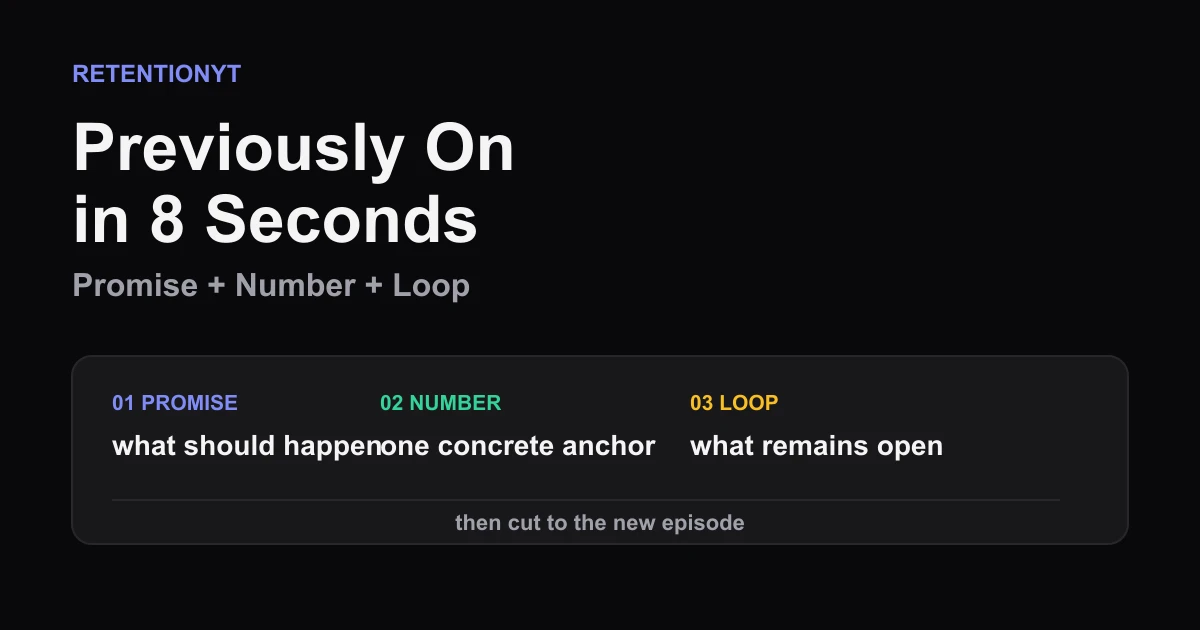
Previously On in 8 Seconds
YouTube previously on recap 8 seconds: compress the last promise, last number, and unfinished loop into one clean opener without a clip-dump montage.
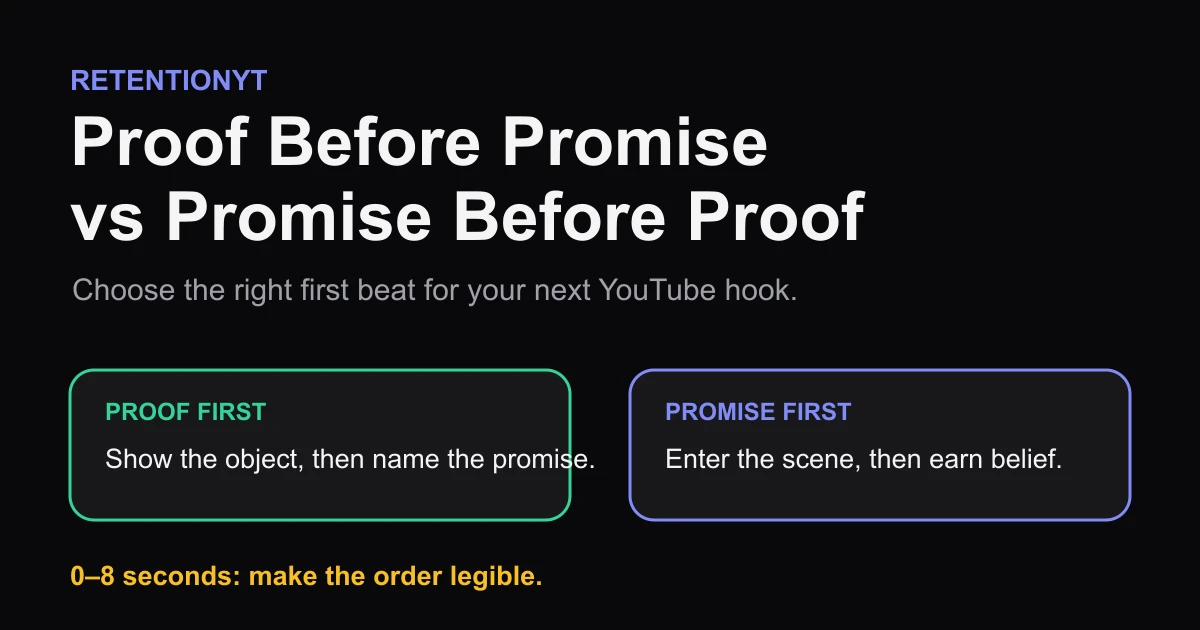
Proof Before Promise vs Promise Before Proof
Show the result or name the promise first? Use a proof object, niche skepticism, and your first 8 seconds to choose the right YouTube hook order.
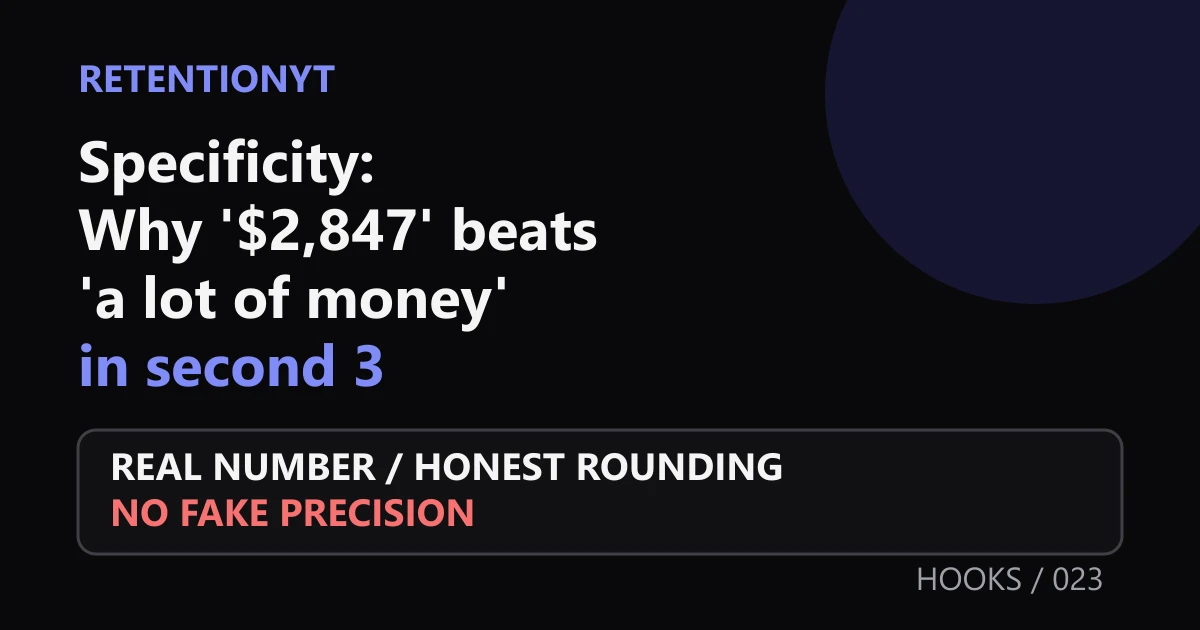
Specificity: Why '$2,847' Beats 'a Lot of Money' in Second 3
Use specific numbers in your YouTube hook to make second 3 concrete. Learn when to use exact figures, honest rounding, and real video evidence without fake precision.