Named Object in the First Frame: How to Write It
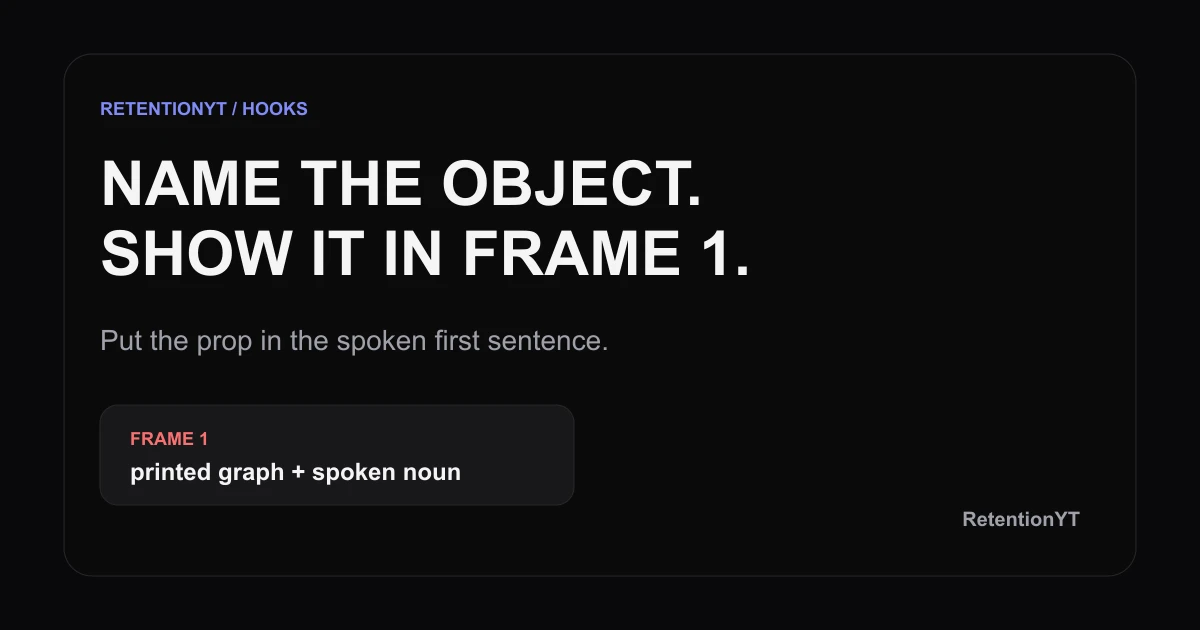
Show a named object in frame 1 and say it in sentence 1. Use a graph, timer, or thumbnail to turn an empty desk into a clear YouTube hook today.

9 min readUpdated
In this guide
Put a named object in frame 1 and in sentence 1. “This cliff at 0:08” plus the printed graph in hand gives the viewer a concrete anchor; your face against a plant does not. A faceless channel can use the cursor, red dip, or timer. Write the object into the script, not only into the B-roll wishlist.

Where RetentionYT fits
Manual method works alone. Product shortens the loop. Use RetentionYT once for a second pass on the wording.
What Named Object in the First Frame actually is (and what it is not)
This is a writing-and-shot-list rule of thumb: pick one concrete object, name it in the first spoken sentence, and show it in the first frame. The object can be physical, such as a printed retention graph or a thumbnail printout, or screen-based, such as a cursor parked on a red dip. The method is about agreement between words and image, not about adding random motion.
It is not a promise that YouTube rewards a prop by itself. It is not a native Studio setting, a guaranteed retention lift, or a licence to cover a weak idea with visual noise. Your job is narrower: make the first sentence point to one thing the viewer can already inspect.
| Choice | What the viewer should see | What you say first |
|---|---|---|
| Printed graph | One marked dip or spike, held close enough to read | “This cliff at 0:08…” |
| Thumbnail printout | The rejected version with one visible flaw | “This thumbnail killed the click…” |
| Timer | A readable countdown already running | “This timer exposes the slow intro…” |
| Faceless interface | Cursor, highlighted line, or red dip | “Watch this red dip…” |
The first frame is a coordination problem. Prepare the prop, camera position, and line as one unit. If the object needs a later zoom, crop, or B-roll insert before it makes sense, it is not doing the work in frame 1.
Why this shows up in YouTube Studio
YouTube Help says that beginning August 24, 2026, views are counted when a video starts to play across Shorts, long-form videos, and live streams SOURCE 1. The same locked page says YPP earnings still use engaged views and engaged watch hours, while YPP eligibility still uses qualified views SOURCE 2. That distinction matters: the named-object method is an editorial test for the opening, not a replacement for platform-defined metrics.
After you publish, use the current video analytics controls in YouTube Studio to inspect what happened around the opening. YouTube Help describes Realtime activity as an estimate of potential view activity that may not match the watch page, so do not treat a first glance at a counter as a verdict. Compare the opening with your own script, shot, and audience context.

Worked example 1: the failure
Imagine a creator explaining why a video loses viewers early. The first shot is an empty desk, the creator says, “Hey, welcome back; today we are talking about retention,” and the printed graph enters at 0:11. The topic is correct, but the opening does not give the viewer a visible noun to hold.
The failure has three parts. The shot contains decoration instead of evidence. The sentence names a category instead of an object. The useful graph arrives after the viewer has already spent the first beat waiting for the explanation.
| Moment | What is on screen | Spoken line | Diagnosis |
|---|---|---|---|
| 0:00 | Empty desk; face in the corner | “Hey, welcome back…” | Illustrative failure: no named object |
| 0:04 | Same desk; title card appears | “Today we will discuss retention” | Illustrative failure: broad category |
| 0:11 | Printed graph finally enters | “This dip is the problem” | Illustrative delay: object arrives late |
Those times are illustrative, not a published benchmark. Keep the example because it exposes the production mistake: the graph existed, but the writer treated it as B-roll instead of writing it into the hook. A shot list can contain the right object and still produce the wrong first frame.
Worked example 2: the fix
Keep the same idea and move the graph into the first shot. Hold the paper beside your face or fill the frame with the marked dip. Rewrite the opening as: “This cliff at 0:08 is where your intro starts charging viewers rent. I will show you the sentence and shot that prevent the empty-desk delay.”
The fix is not the dramatic phrase. The fix is the agreement: “cliff” is spoken, the marked cliff is visible, and the second sentence tells the viewer what will be demonstrated. If the graph is unreadable at phone width, simplify the mark or move the camera closer; do not add a second prop to compensate.

Use the manual method without signing up for anything: choose the object, draft the sentence, stage the shot, record two versions, and review the first eight seconds. The method stands on its own.
How to check this in YouTube Studio (step by step)
First, open the upload or draft and write down the exact object noun. Second, scrub to 0:00 with the sound off: can you identify the object from the frame, or are you seeing only a face, desk, or clutter? Third, play the same opening with the frame hidden: does sentence 1 name the object without a vague “this” that has no visual referent?
Fourth, restore sound and picture. The noun should land while the object is already visible, not after a cutaway. Fifth, watch through 0:08 and note whether the next sentence pays off the object or abandons it for an introduction. These are editorial checks you can run before upload; they do not require a product feature called Named Object in the First Frame.
After publishing, use the current Analytics area in YouTube Studio to monitor the video. Treat any live counter as provisional: YouTube Help says Realtime activity shows estimates of potential view activity and may not match the watch page. The exact Studio labels can change, so follow the current interface rather than copying an old screenshot.

For a script-side check, paste the opening into the YouTube script analyzer. You are looking for a concrete noun, not an automated blessing. Then compare the line with the shot list and, if the hook needs a different structure, review YouTube hook formulas and writing hooks that work without turning the first frame into a collection of competing ideas.
The trap
The trap is using a visible object as decoration. A mug, plant, notebook, or laptop can sit in frame and still be irrelevant if your sentence never names it. The opposite trap is saying “this graph” while showing a full-screen collage where the graph is too small to locate. In both cases, the words and the frame fail to meet.
The trap
The move
Avoid colour-only meaning. In the visual below, BAD and GOOD are printed as labels, so the comparison survives a grayscale or colour-impaired view. Use the same discipline in your own frame: if the red dip is important, add a label, cursor, circle, or spoken noun that tells the viewer why.

What to do in the next upload
Use this as a pre-record pass, not a promise of a particular metric outcome.
- Choose one object that carries the point of the opening.
- Write the object noun into the first spoken sentence.
- Put the object in the actual first frame, not only in B-roll notes.
- Check that the noun and object arrive at the same moment.
- Remove greetings and channel history before the first payoff.
- Make the next sentence explain what the object proves.
- Test the shot at phone width and with sound off.
- Review the first 8 seconds before you upload.
- After publishing, compare the opening with your own analytics context.
Write two versions before you record. Keep the version where the object remains easy to see and the spoken line sounds like something you would actually say.
If the object cannot fit in the frame, choose a screen crop or a single detail instead of shrinking everything. If the visual needs a caption to become understandable, move that meaning into the spoken line. If the line works only after a long setup, it is not your first-frame hook yet.
The deliverable from this method is simple: one concrete object, one first-sentence noun, one matching first frame, and one next beat that pays it off. That is small enough to check before every upload and specific enough to fix without guessing.
Frequently asked questions
- What should be on screen in the first frame?
- Put one concrete object on screen that the viewer can identify without guessing. It might be a printed retention graph, a bad thumbnail printout, or a timer. Say the object in your first spoken sentence so the visual and the promise arrive together. Treat this as a writing rule of thumb, not a YouTube metric.
- Do talking-heads need a prop?
- No. A prop is optional; a clear, named visual is the requirement of this method. If you use a talking head, hold up the graph or thumbnail you are discussing. If the shot is only your face against a plant or empty desk, the viewer has no concrete object to connect to the first sentence.
- What is a named object?
- A named object is a specific thing the viewer can see and hear identified, such as “the red dip at 0:08,” “this rejected thumbnail,” or “the 30-second timer.” It is not a vague promise like “this strategy” or background decoration. The noun should point to one visible item.
- Can the object be on-screen text?
- Yes, when the text is the object and the viewer can read it immediately. A cursor on a highlighted line, a red dip in a chart, or a short title card can work for a faceless video. Keep the phrase short, make the spoken sentence match it, and do not hide the key noun in small type.
- Does this work for faceless channels?
- Yes. In a faceless format, the object can be the interface itself: a cursor, a red dip, a timer, or a highlighted setting. The same rule applies: show the exact visual in frame 1 and name it in sentence 1. The screen replaces the prop; it does not remove the need for a concrete anchor.
- How do I apply “Named Object in the First Frame” on my next upload?
- Before recording, choose one object, write its noun into sentence 1, and place the object in the first frame of the planned shot. Read the line aloud, then check the opening at 0:00 and 0:08. If the object is only listed in B-roll notes, rewrite the opening until the spoken and visible versions agree.
- Where in YouTube Studio do I check “Named Object in the First Frame”?
- You will not find a native YouTube Studio checkbox with this name. Use the method as a pre-record rule, then review the video’s early performance in YouTube Analytics after publishing. The exact navigation and labels can change, so use Studio’s current video analytics controls rather than treating this editorial method as a product feature.
- What is the most common mistake with “Named Object in the First Frame”?
- The common mistake is showing the object later while opening with a greeting, channel pitch, or empty desk. That turns the object into decoration instead of the hook. Another failure is naming a broad idea while showing unrelated clutter. Choose one visible noun, say it immediately, and make the next beat pay it off.
Give your next script a second look
Paste a script into RetentionYT for suggestions on your hook, pacing, and structure. Choose the edits that serve your video, then check audience behavior in YouTube Analytics after publishing.
Get retention tips in your inbox
Occasional, practical emails on hooks, pacing, and retention. No spam.
Related posts
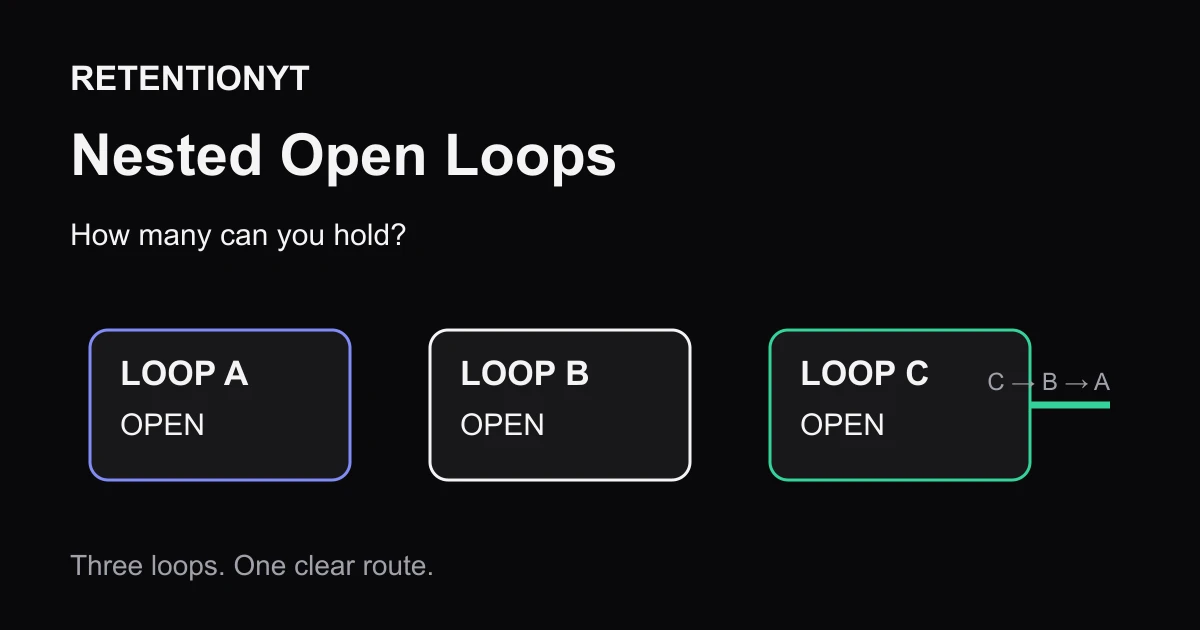
Nested Open Loops: How Many You Can Hold (Max 3)
How many open loops in a YouTube video? Use one for clarity, three max for a 10–15 minute upload, and close each promise in reverse order on camera.
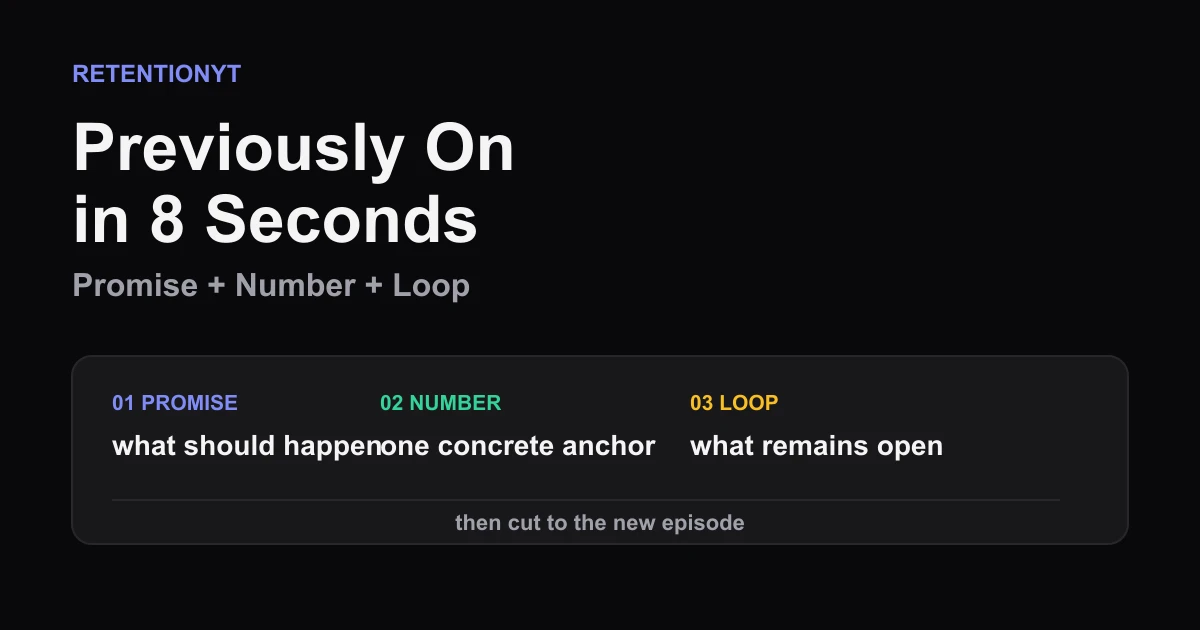
Previously On in 8 Seconds
YouTube previously on recap 8 seconds: compress the last promise, last number, and unfinished loop into one clean opener without a clip-dump montage.
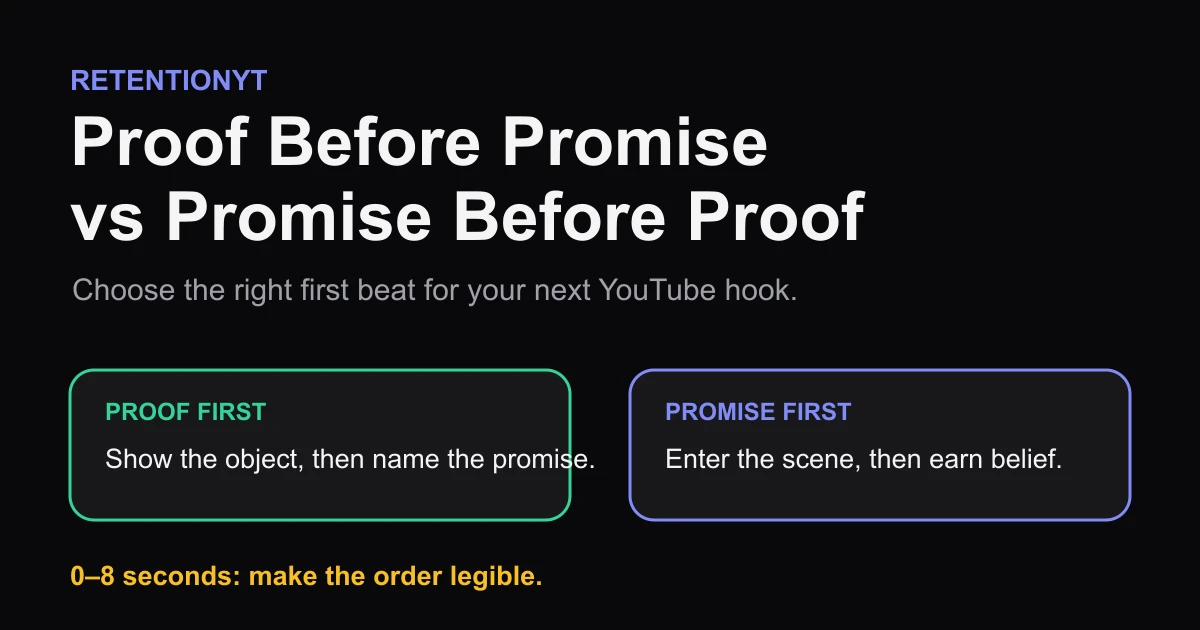
Proof Before Promise vs Promise Before Proof
Show the result or name the promise first? Use a proof object, niche skepticism, and your first 8 seconds to choose the right YouTube hook order.