Previously On in 8 Seconds
YouTube previously on recap 8 seconds: compress the last promise, last number, and unfinished loop into one clean opener without a clip-dump montage.

8 min readUpdated
In this guide
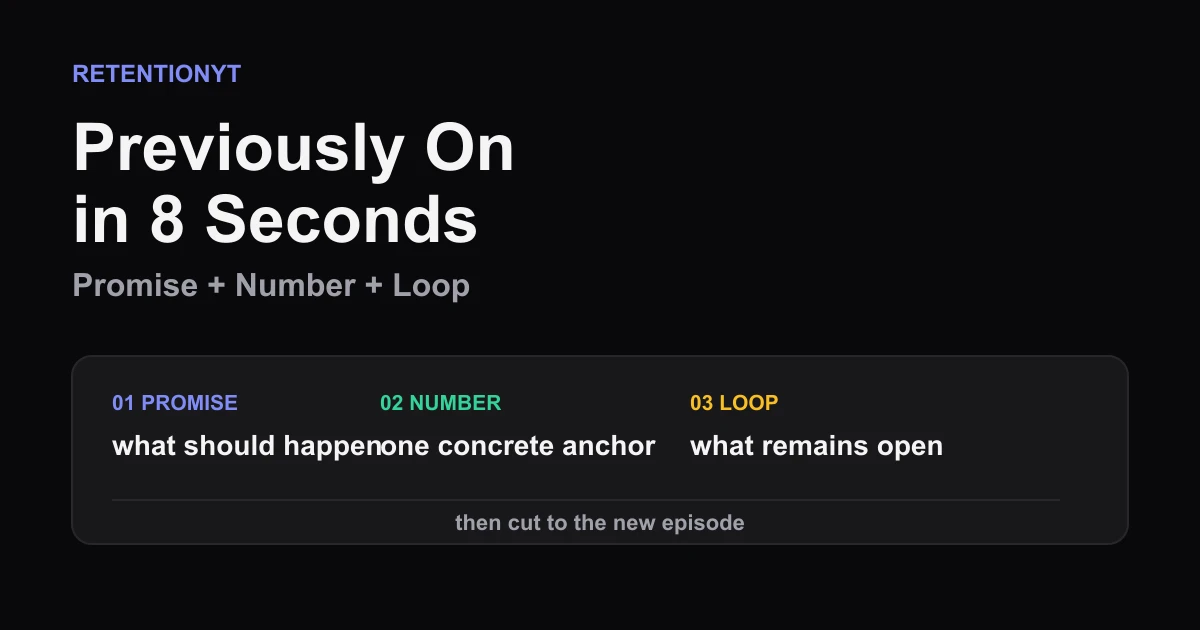
A Previously On recap is 8 seconds: the last promise, last number, and unfinished loop. Not a best-jokes montage. If you cannot recap the last episode in 8 seconds, you have not found its thread. Write three facts, then cut everything that does not move the episode forward.

What Previously On in 8 Seconds actually is (and what it is not)
“Previously On in 8 Seconds” is an editorial format, not a YouTube feature or guaranteed retention threshold. The target forces one decision: what must a viewer remember to understand why this episode starts now? Keep three facts: the last promise, the last number as a concrete anchor, and the unfinished loop that points into the new episode.
| Recap beat | Job | Keep | Cut |
|---|---|---|---|
| Last promise | Restate the expected outcome | One plain promise | Backstory and greetings |
| Last number | Give memory a concrete anchor | One meaningful number | Decorative statistics |
| Unfinished loop | Create a reason to continue | One unresolved question | Every side plot |
The recap should make the next sentence easier to follow. Treat 8 seconds as this brief’s editorial target, not a platform rule.
Where RetentionYT fits
Manual method works alone. Product shortens the loop. Link RetentionYT once here. Not in every H2.
Why this shows up in YouTube Studio
Use Studio to inspect what viewers did after the recap, not to hunt for a report called “Previously On in 8 Seconds.” In August 2026, SOURCE 2 says the channel-level Content tab sits under Analytics and describes Key moments for audience retention. It also says typical retention can compare recent videos of similar length.
Mark the recap end and inspect the handoff. A hold suggests the new episode became clear enough to continue; a drop tells you to inspect the final line, visual, and first new-episode beat. Use the YouTube Script Analyzer as an optional editorial aid, not YouTube evidence.
In August 2026, SOURCE 1 identifies itself as “Understand your YouTube video reach.” It says Reach helps explain how viewers find content and surfaces click-through rate, watch time, and views. Record the video, date range, recap end time, and visible report name.

Worked example 1: the failure
This is an illustrative failure, not a real channel report. A creator opens episode 6 with 20 seconds of episode 5 clips: a door slam, reaction, failed test, and joke. The footage is accurate, but the viewer cannot tell what matters. At 0:21 the host says, “We still need to find out whether the second design works.”
Clips are not forbidden; the problem is making viewers assemble the thread. The promise is buried, the number is missing, and the loop arrives late.
| Timestamp | Illustrative retention | What appears | Failure signal |
|---|---|---|---|
| 0:00 | 100% | Clip montage begins | No promise |
| 0:08 | 72% | Second highlight | Number still missing |
| 0:20 | 49% | Fourth clip ends | Clip-dump fatigue |
| 0:30 | 43% | Open loop finally stated | Orientation arrives late |
| End | 25% | New episode continues | Illustrative only; not YouTube data |
Every number in this table is illustrative, not a benchmark or channel result. The shape is the lesson: motion continues while meaning waits. Use your actual timestamp instead.
Cut the failure in three passes: write the promise, find a meaningful number understandable without old footage, and write the question the new episode answers. If one is absent, find that fact instead of adding clips.
Worked example 2: the fix
Keep the same story. Replace the montage with: “Last time, the second design cut the test from 14 minutes to 9, but we still do not know whether it survives a full run. Today we test that.” The sentence carries the promise, number, and loop.
One two-second shot may support the sentence, but it must not replace it. Add a familiar callback after the episode’s job is clear.

Time the line at your delivery speed. If long, delete adjectives before the promise, number, or loop. If short, add the consequence that makes the loop worth closing.
Keep the new episode’s title and payoff stable. Change the recap order, compare the same handoff, and test orientation.
How to check this in YouTube Studio (step by step)
-
Open YouTube Studio, select the correct channel and video, and sign in before treating the graph as evidence.
-
On desktop, open Analytics and inspect Content. SOURCE 2 documents that channel-level path; record different visible labels and the date.
-
Open the available video audience-retention view or Key moments for audience retention report. The editorial phrase is not necessarily a report name.
-
Mark the recap end. Start at 0:08 for this method, then follow the actual duration and record the visible value without calling it a benchmark.
-
Read the recap beside the graph. Underline the promise, number, and unfinished loop; a missing fact is the first rewrite candidate.
-
Inspect the handoff. Note whether the next line states the new job or jumps into an unexplained scene.
-
If mobile lacks the report, use desktop and record the limitation. Do not invent a path.
-
Rewrite one sentence and choose one supporting visual. Ban clip-dump montages in the first 20 seconds.
-
Read the recap and next line aloud with a timer. The handoff should lead to action.
-
After the next upload, compare the same handoff and save both scripts, time, and report path. Change one variable.

Do not force every series into the same opening. A tutorial may need no recap; plot-heavy episodes need more context.
The trap
The trap is confusing “previously on” with “everything that happened.” A clip dump can be accurate and still make the viewer decide what matters. The right recap selects one thread and points forward.
The trap
The move

Do not speak unnaturally fast to hit eight seconds. Delete words, not comprehension. If no meaningful number exists, use a concrete state such as “one test left” and call it an anchor. Cut from the selected thread to the next action.
What to do in the next upload
Write the recap before the cold open. Reduce the ending to a promise, number, and loop, then let the episode answer it quickly.
- Write the previous episode’s last promise in one plain sentence.
- Choose one meaningful number or concrete state that anchors memory.
- Name the unfinished loop in words a new viewer can understand.
- Combine those three facts into one spoken sentence.
- Time the sentence at your real delivery speed and target 8 seconds.
- Choose one visual that proves one of the three facts.
- Ban clip-dump montages in the first 20 seconds.
- Put the new episode’s action immediately after the recap.
- Mark the recap end time in your Studio notes.
- Compare the same handoff on the next upload.
For alternate hook shapes after the recap, use related post 1 and related post 2 when the previous promise is unclear. Both are optional.
Do not recap everything you made. Recap what the viewer needs: last promise, last number, unfinished loop, then the new story.
A recap earns its seconds when it makes the next sentence easier to understand.
Frequently asked questions
- How long should a recap be?
- For this format, aim for 8 seconds: enough time to restate the previous promise, its most useful number, and the unfinished loop. Treat 8 seconds as an editorial target, not a YouTube rule. If the recap needs 45 seconds, the previous episode’s central thread probably was not clear enough to compress.
- Should I use clips from last video?
- Use a clip only when it carries one of the three recap facts and can be understood immediately. Do not stack highlights to prove that something happened. One purposeful shot, a short line, or a clean graphic is stronger than a clip-dump montage that asks the viewer to remember every moment.
- Can I skip recap?
- Yes, when the new upload stands alone and the previous episode is not needed to understand the next promise. Add a recap when the viewer would otherwise miss the stakes or the open question. If you skip it, put the context into the first line without delaying the new episode’s actual payoff.
- What three facts belong in Previously On?
- Choose the last promise, the last number, and the unfinished loop. The promise tells viewers what was supposed to happen, the number gives the memory a concrete anchor, and the loop explains why this episode starts now. Cut any detail that does not help the viewer predict the next beat.
- Does this work for tutorials?
- Yes. Replace plot language with the previous lesson, result, and unresolved step. For example, name the setting you changed, the measurable result you saw, and the test you have not finished. Keep the recap useful to a first-time viewer, then move straight into the next demonstration.
- How do I apply “Previously On in 8 Seconds” on my next upload?
- Write three short notes from the previous episode: its promise, its strongest number, and its open loop. Combine them into one sentence, time it aloud, then choose one visual that supports the sentence. Remove greetings, logo stings, and unrelated highlights before the new episode begins.
- Where in YouTube Studio do I check “Previously On in 8 Seconds”?
- There is no locked-source evidence that this exact phrase is a standard Studio report. Use YouTube Studio to inspect the video’s audience-retention view and the moment where the recap ends. Compare that timestamp with the next drop or hold, and write down the actual report path shown in your account.
- What is the most common mistake with “Previously On in 8 Seconds”?
- The common mistake is confusing activity with orientation. A fast montage can contain many true moments and still fail to tell the viewer what matters next. Start with the promise, number, and unfinished loop; use a clip only when it clarifies one of them. Speed cannot replace a clear thread.
Give your next script a second look
Paste a script into RetentionYT for suggestions on your hook, pacing, and structure. Choose the edits that serve your video, then check audience behavior in YouTube Analytics after publishing.
Get retention tips in your inbox
Occasional, practical emails on hooks, pacing, and retention. No spam.
Related posts
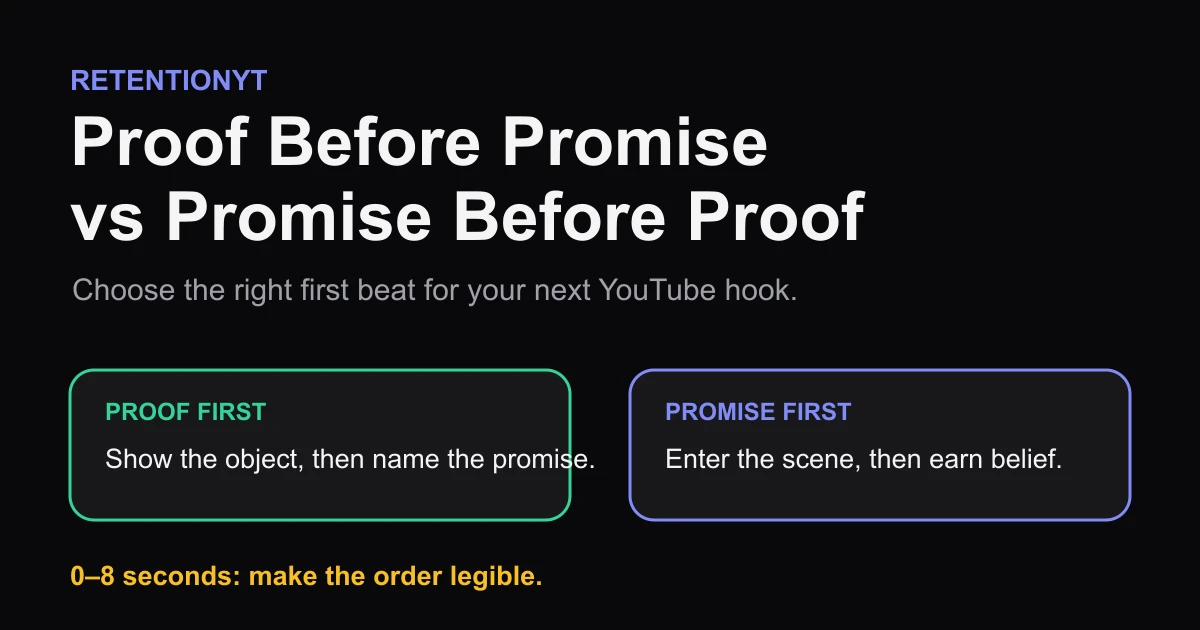
Proof Before Promise vs Promise Before Proof
Show the result or name the promise first? Use a proof object, niche skepticism, and your first 8 seconds to choose the right YouTube hook order.
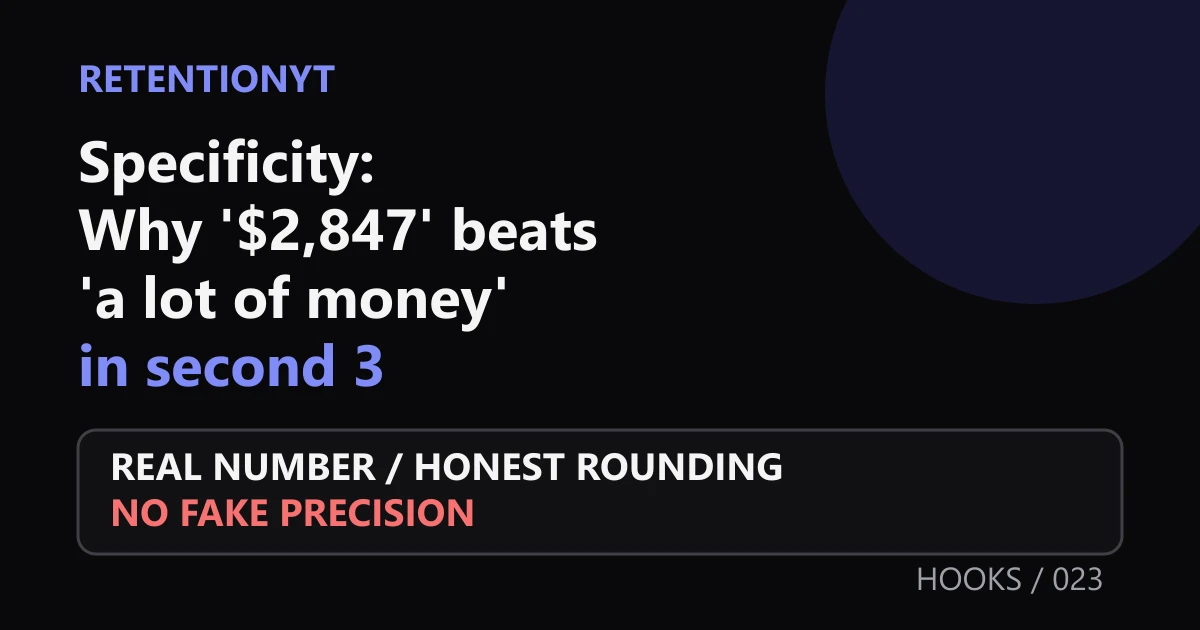
Specificity: Why '$2,847' Beats 'a Lot of Money' in Second 3
Use specific numbers in your YouTube hook to make second 3 concrete. Learn when to use exact figures, honest rounding, and real video evidence without fake precision.
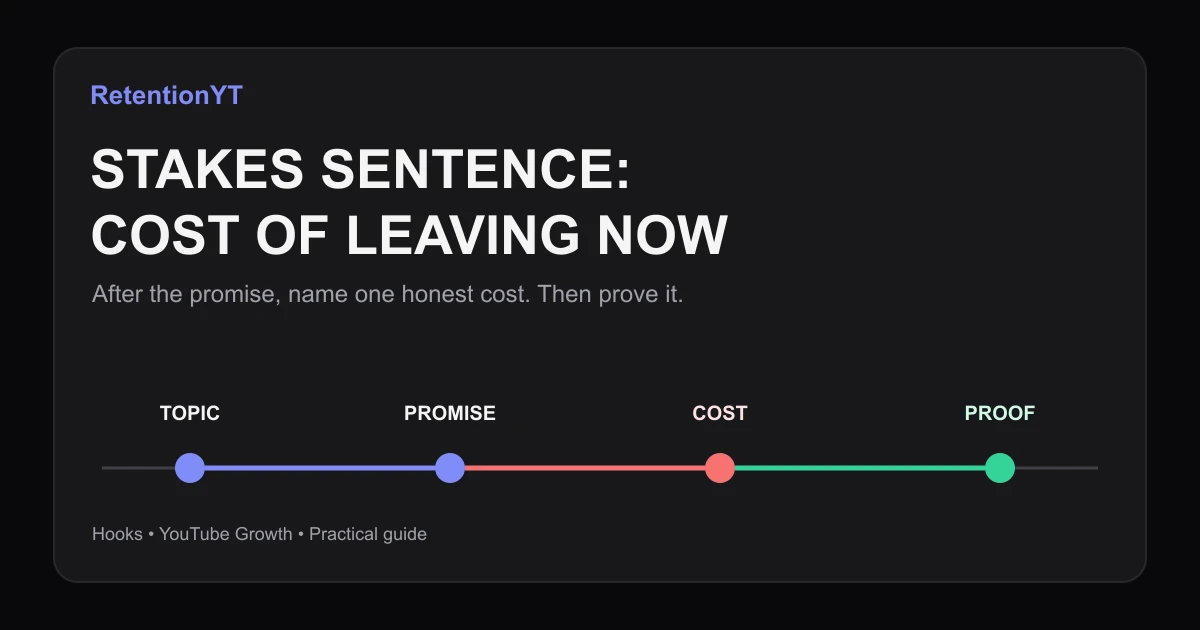
Stakes Sentence: Cost of Leaving Now
Use the YouTube hook stakes what you lose if you leave framework to turn a topic label into a specific cost, with eight practical examples and a Studio check.