Character / Named Example in Tutorials
Use named situations, not invented creators, in YouTube tutorials: four honest rewrites that make examples specific, useful, and safe for retention.

10 min readUpdated
In this guide
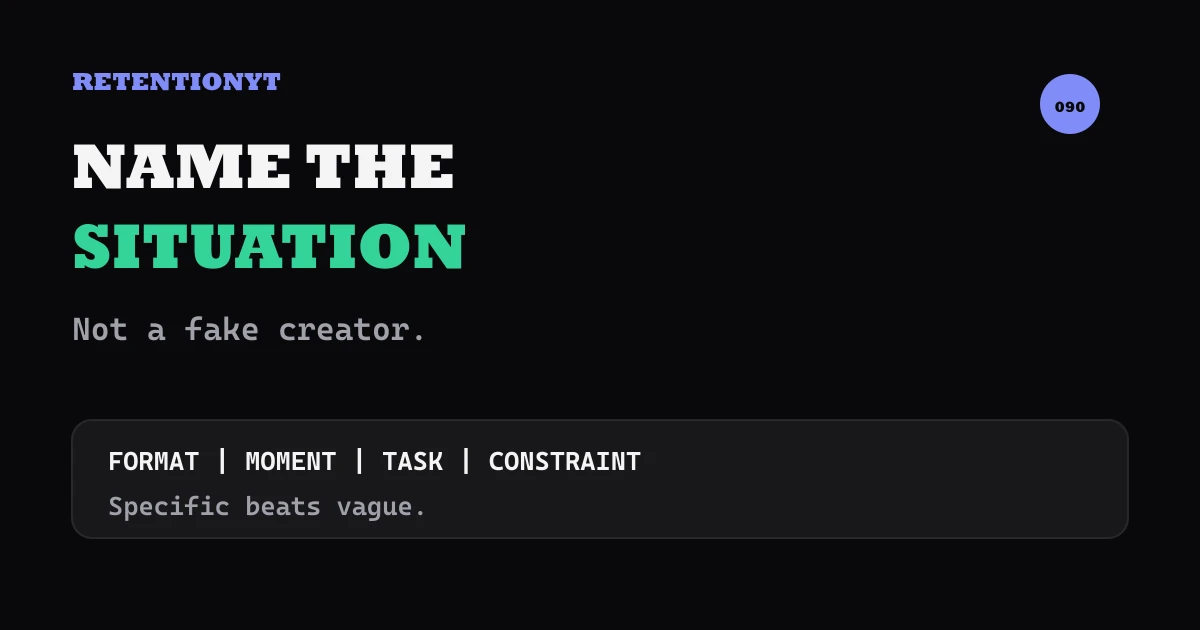
Do not invent Jake the 40k-sub tech YouTuber. Name the situation: a 12-minute tutorial script whose 0:08 is a channel sting. Specific beats vague because your viewer can picture the work. Fake people create false evidence; a named situation gives you a concrete lesson without a character bible.

What Character / Named Example in Tutorials actually is (and what it is not)
A named situation is a concrete teaching scene: format, moment, job, and constraint. “A 12-minute tutorial script whose 0:08 is a channel sting” tells your viewer more than “a creator has a weak intro” without claiming a real creator, channel, or result.
Use a real person only when sourced and necessary; label fictional characters clearly. Never present a made-up person as an observed case study.
Specificity is not fake proof. Use a timecode, task, format, and constraint; never attach an invented subscriber count, channel name, or result.
| Example type | What you name | What you must not imply |
|---|---|---|
| Named situation | Format, moment, task, constraint | A real person or measured result |
| Real character | Person, source, relevant context | Permission or evidence you do not have |
| Fictional character | Clearly fictional role and scene | That the story is a case study |
| Vague example | “Someone” or “a creator” | That vagueness is useful enough |
The four details are format, moment, task, and constraint.
Where RetentionYT fits
Manual method works alone. Product shortens the loop. Use RetentionYT for a second wording pass after you have made the situation specific; you can still write and test the lesson without signing up.
Why this shows up in YouTube Studio
Your example is a scripting choice; Studio is where you inspect the published video around that choice. SOURCE 2 says the Content tab in YouTube Analytics gives an overview of how viewers find content, what they watch, and how they interact, and that the Content tab is available at channel level. Read the exact page before relying on a remembered path: YouTube Help, August 2026.
SOURCE 2 also describes Key moments for audience retention as a report showing how different moments held viewers’ attention. It says typical retention can compare your 10 latest videos of similar length. That supports checking the timestamp of your example; it does not prove that a named situation caused a change.
The locked SOURCE 1 currently describes the Reach tab, not the brief’s supplied Audience retention title. It says Reach helps you understand how viewers find your content and provides a snapshot of click-through rate, watch time, views, and more. It also documents the path through Content, the selected video, Analytics, then Reach, and a report showing how thumbnail impressions led to views and watch time: YouTube Help, August 2026.
Save the wording, timestamp, format, and date; compare the next upload with your own structure. Do not turn an illustrative rewrite into a platform-performance claim.

Illustrative only; test whether the viewer can identify the work and next action.
Worked example 1: the failure
Imagine a fictional 12-minute tutorial script whose 0:08 is a channel sting before a promised screen demo. The writer drafts: “A creator feels nervous about the intro, so they should make the hook more specific.” The sentence sounds harmless, but “a creator” hides the format, the moment, and the decision. It also invites the writer to add a fake backstory later.
The failure is an uninspectable scene. Name the situation, label it illustrative, and show the rewrite.
The following numbers are illustrative, not measured YouTube data. They show how the vague draft and the specific scene differ on paper.
| Illustrative check | Vague draft | Named situation draft |
|---|---|---|
| Example label | A creator | Fictional 12-minute tutorial script |
| Problem moment | The intro | 0:08 channel sting |
| Viewer task | Understand the hook | Reach the promised screen demo |
| Constraint | Not stated | Keep the sting without delaying value |
| Evidence status | Unclear | Explicitly illustrative |
The vague version asks for trust; the specific version gives the viewer a script moment to evaluate without pretending to report a real channel.

The table is illustrative.
Worked example 2: the fix
Rewrite the same fictional scene: “This is a 12-minute tutorial script. At 0:08, the channel sting arrives before the promised screen demo. Keep the sting, but put the first useful screen action immediately after it.” Now the viewer knows the format, timecode, task, and constraint. No creator name, subscriber count, or performance result is needed.
Here are four honest rewrites. Each uses a named situation rather than a fake person.
- Product tutorial. Replace “a creator explains a tool badly” with “a 9-minute product tutorial whose 1:20 is a settings walkthrough.” Rewrite the example around the first control the viewer must find.
- Screen-recording lesson. Replace “someone loses viewers in the setup” with “a screen-recording lesson that spends 22 seconds on a blank project file.” Rewrite the opening to show the first meaningful state change.
- Talking-head tutorial. Replace “a creator sounds robotic” with “a talking-head tutorial with three identical transition lines between steps.” Rewrite one transition as a direct instruction and show the next cut.
- Editing tutorial. Replace “a YouTuber has a slow middle” with “an editing tutorial whose 60% mark contains a three-minute unbroken explanation.” Rewrite the beat as a short before/after demonstration, labelled illustrative if the timing is invented.
Each rewrite names a format and problem moment without claiming a real person experienced it.

The rewrite is the point, not a biography. Cut age, location, subscriber count, and backstory when they do not teach the change.
How to check this in YouTube Studio (step by step)
First, underline every vague noun in your draft: someone, a creator, a YouTuber, or people. Replace one with format, moment, task, and constraint. Mark the sentence illustrative if the situation is invented.
Second, read the sentence aloud and time the moment it describes. A timecode such as 0:08 is a locator for your script, not evidence that a specific second has a universal effect. Keep the next line focused on the rewrite.
Third, record the example as part of the lesson. Show the relevant screen, cut, or sentence rather than adding a biography. If you use a real person, keep the claim inside the source or permission you actually have.
Fourth, open YouTube Studio, select Analytics, and use the reports available to your account. SOURCE 2 documents Analytics then Content at channel level and notes that SEE MORE or ADVANCED MODE can provide expanded reports for specific data, comparisons, and exports.
Fifth, inspect the applicable retention report. SOURCE 2 describes Key moments for audience retention and typical retention comparisons for the 10 latest videos of similar length. Record the exact timestamp of the named situation and the date range you used.
Sixth, compare the example with your own prior upload. Check whether the viewer could identify the format, moment, task, and constraint; whether the rewrite appeared promptly; and whether you avoided invented proof. Change one variable next time.
For optional review, use the related tool, then read how to script a YouTube video and the YouTube script outline template. The manual method works without a signup, and the links are optional study paths.
The trap
The trap is false authority: “Jake has 40,000 subscribers, and this exact hook doubled retention.” A made-up name and number can make a tutorial sound researched while giving the viewer nothing verifiable. The second trap is the opposite: “someone’s intro is weak,” with so little detail that the viewer cannot apply the rewrite.
The trap
The move

Do not hide invented numbers in a caption. Label the sentence and visual when the number is not from SOURCE 1 or SOURCE 2; cut details that do not help the rewrite.
What to do in the next upload
Before recording, find one vague example and replace it with four fields: format, moment, task, and constraint. Decide whether the situation is sourced, real with permission, fictional, or illustrative. Then show the rewrite before adding context.
- Circle vague nouns such as someone, a creator, or a YouTuber.
- Name the format: tutorial, screen recording, talking head, or edit.
- Add a script timecode or a clearly described moment.
- State the task the viewer is trying to complete.
- State the constraint that shapes the rewrite.
- Label invented scenes and numbers illustrative.
- Do not invent a creator, channel, subscriber count, or result.
- Keep any real-person claim inside its source or permission.
- Show the rewrite immediately after the situation.
- Save the wording and timestamp before checking Studio.
- Compare the next upload with your own prior structure.
Use this line: “Illustrative: a [format] reaches [moment] while trying to [task], but [constraint]. Rewrite it by [next action].” If you can fill the line without a fake biography, the example is ready.
Name the situation, not the person you invented.
Specific examples make tutorials easier to follow when the specificity points to a real script decision. Name the work, moment, task, and constraint; label the scene; show the rewrite; then let your own Studio evidence inform the next upload.
References
Frequently asked questions
- Should I use characters in tutorials?
- Use a character only when the person is real, permission-safe, and necessary to the lesson. For most tutorials, name the situation instead: “a 12-minute tutorial script whose 0:08 is a channel sting.” That gives the viewer a concrete image without inventing a creator, subscriber count, result, or backstory.
- Can I make up a creator example?
- You can create an explicitly fictional situation, but do not present a made-up creator as a real case study. Label it in the sentence: “Imagine a fictional tutorial…” Avoid names, channels, subscriber counts, and performance results that imply evidence. The useful part is the decision, not a fake biography.
- What is a named situation?
- A named situation identifies the work, moment, and constraint without pretending a person exists. For example: “a 12-minute tutorial script, a 0:08 channel sting, and a promised screen demo.” It is more specific than “someone’s video,” but it does not require a character bible or invented history.
- Does specificity help retention?
- Specificity can make an example easier to picture and apply, but it is not a guaranteed retention lift. Replace vague nouns with a timecode, task, format, or constraint, then deliver the lesson. Review the result in your own Studio reports instead of claiming that one example caused a graph change.
- How do I keep examples honest?
- Separate observed facts from teaching examples. Use real names only when you have a source and a reason to use them; otherwise label the scene illustrative or fictional. Never add a subscriber count, channel name, benchmark, or performance result just to make a paragraph sound authoritative.
- How do I apply “Character / Named Example in Tutorials” on my next upload?
- Find one vague example in your draft, then write its format, timecode, task, and constraint. Replace “a creator struggles with the intro” with “a 12-minute tutorial script whose 0:08 is a channel sting.” Keep the situation illustrative, demonstrate the rewrite, and save the exact wording for your post-upload review.
- Where in YouTube Studio do I check “Character / Named Example in Tutorials”?
- Use YouTube Studio after publishing to inspect the reports available for your channel and video. YouTube Help describes Analytics and Content at channel level, plus a Key moments for audience retention report and typical retention comparison for the 10 latest videos of similar length. Record the example’s timestamp and compare it with your own uploads.
- What is the most common mistake with “Character / Named Example in Tutorials”?
- The common mistake is inventing a named creator to make a lesson feel proven: “Jake has 40,000 subscribers and this hook doubled his retention.” That is a factual claim without evidence. Name the situation instead, label numbers illustrative, and let the rewrite—not a fake biography—carry the lesson.
Give your next script a second look
Paste a script into RetentionYT for suggestions on your hook, pacing, and structure. Choose the edits that serve your video, then check audience behavior in YouTube Analytics after publishing.
Get retention tips in your inbox
Occasional, practical emails on hooks, pacing, and retention. No spam.
Related posts
News/Explainer: Timestamped Facts vs Story
Script a YouTube news explainer with the fact and date first, then what did not change and what to do. Use the story only after the viewer has the answer.
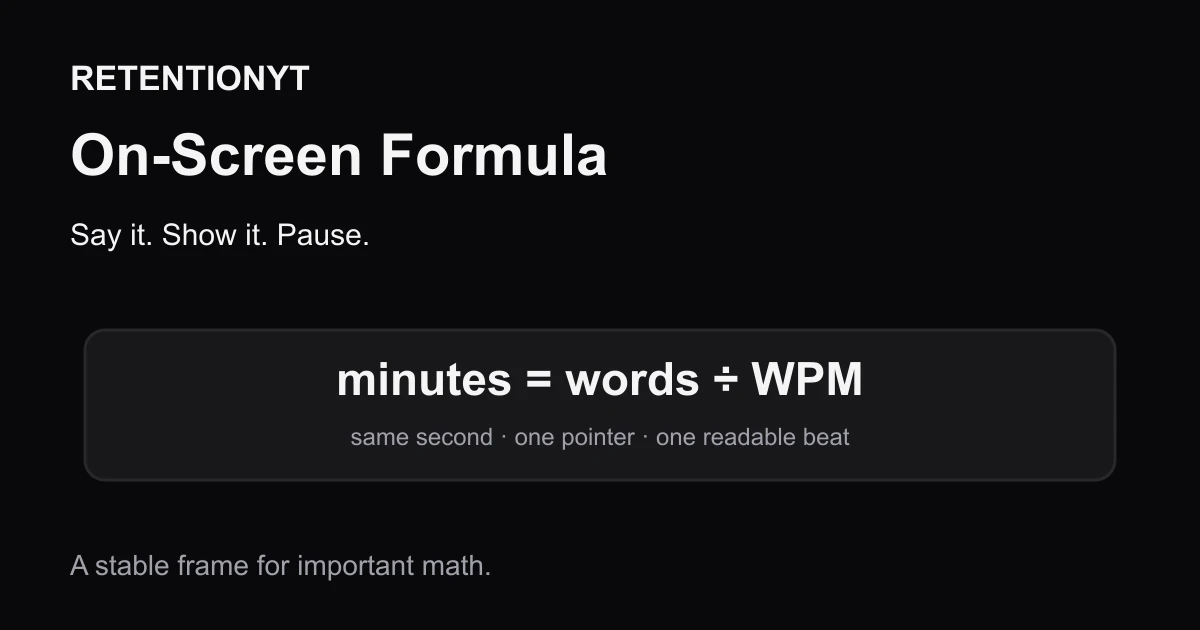
On-Screen Formula Beats Spoken Math
Put every important formula on screen as you say it. This YouTube tutorial method makes math pauseable, searchable, and easier to follow without slowing your spoken delivery.
On-Screen Text vs Spoken Redundancy
Should on-screen text match spoken words on YouTube? Let captions carry accessibility, then make every extra lower third add proof, direction, or a visual—not a duplicate sentence.