Specificity: Why '$2,847' Beats 'a Lot of Money' in Second 3
Use specific numbers in your YouTube hook to make second 3 concrete. Learn when to use exact figures, honest rounding, and real video evidence without fake precision.

9 min readUpdated
In this guide
Say $2,847 if that is the number in your story. Say about $3,000 if you rounded. Do not say “a lot of money” at second 3, and do not invent $2,847 for flavour. Specificity is a practical hook-writing rule: give the viewer a concrete thing to picture, then make sure your video can defend it.

What Specificity actually is (and what it is not)
Specificity is the move from an abstract scale word to a concrete, checkable detail. “A lot of money,” “much faster,” and “a huge audience” ask the viewer to do the imagining for you. “$2,847,” “eleven minutes,” and “1,200 viewers” give the hook a shape. Use only the detail your video can support.
| Hook ingredient | Vague version | Specific version | Safety check |
|---|---|---|---|
| Money | “a lot of money” | “about $3,000” | Say you rounded when you did. |
| Time | “much faster” | “six hours to eleven minutes” | Use the timings from your actual process. |
| Count | “many attempts” | “the third export” | Count the attempts; do not estimate for drama. |
| Result | “a huge improvement” | “from 42% to 57% in our test” | Label the test scope and date. |
The “three seconds” figure above is a writing constraint for this brief, not a YouTube benchmark. Likewise, the examples in the table are craft examples unless your own footage, notes, or reporting supplies the numbers. If the evidence is private, choose a truthful range or a less sensitive detail instead of dressing up a guess.

Why this shows up in YouTube Studio
You do not go to Studio to find a button labelled “Specificity.” Write the hook first, publish it, then compare the wording with evidence from your own upload. A curve does not prove that one number caused a fixed result.
YouTube’s locked Help page says the Reach tab provides a snapshot of metrics including click-through rate, watch time, views, and more. Its computer path is YouTube Studio → Content → select a video → Analytics → Reach. That gives you a documented place to review the video after the promise has met real viewers (YouTube Help, August 2026).
The second locked Help page documents a different path: YouTube Studio → Analytics → Content at the channel level. For videos, it describes a “Key moments for audience retention” report and says you can compare with typical retention for your 10 latest videos of similar length (YouTube Help, August 2026). Use that report as context, not as proof that a specific word caused a specific curve.

Worked example 1: the failure
Here is an illustrative failure, built to show the wording problem rather than report a real channel result. The creator’s video explains how a freelance project changed their monthly cash flow. At second 3, the draft says: “This project made us a lot more money, and I’ll show you how.” The viewer gets a promise but no scale, time, or object to hold onto.
“A lot” makes the viewer guess the outcome. Use a real invoice total, dated payment record, or safely shareable range; if exact disclosure is not appropriate, use a truthful rounded or bounded statement.
Table 2 — Illustrative worked-example numbers. These values are invented for the craft demonstration and are not YouTube data or a RetentionYT case study.
| Draft element | Failure line | What the evidence should replace it with | Why the change helps |
|---|---|---|---|
| Scale | “a lot more money” | “about $3,000” (illustrative) | Gives the promise a visible size. |
| Time | “recently” | “in the first 30 days” (illustrative) | Sets a usable time boundary. |
| Proof | “I’ll show you how” | “the invoice and three steps” (illustrative) | Names the artifact and route. |
| Risk | none | “before you copy the pricing” (illustrative) | Tells the viewer what to watch for. |
Do not copy the table into a script without checking your own records. “About $3,000” is a good line only when your result is genuinely near that amount and the rounding does not hide a material difference. If the total was $2,847, use that exact figure when you can show it; if exact disclosure is not appropriate, say “about $2,800” or “just under $3,000,” whichever is true and safe.
Worked example 2: the fix
The illustrative rewrite is: “This project brought in about $3,000 in its first 30 days. I’ll show you the invoice, the pricing change, and the one line I nearly left out.” The first sentence gives a rounded result and a time window. The second names proof and opens a question without pretending that the number is a universal outcome.
Test the line against the footage: can viewers see or hear the evidence, does “first 30 days” match the period measured, and is “about” honest? If not, rewrite before recording. A real $2,847 payment is useful; a number from nowhere is a prop that weakens trust.
How to check this in YouTube Studio (step by step)
Before publishing, highlight every scale word in the hook: “a lot,” “huge,” “faster,” “many,” or “massive.” Write the underlying object, count, date, duration, or amount. If you cannot name the evidence, make the claim modest or remove it.
Write three variants: exact figure, honest rounded figure, and a concrete non-money detail. Read them aloud at performance pace and keep the version that sounds like your real story.
After publishing, open YouTube Studio and use the documented reports, not a guessed path. Compare the opening with the promise; investigate wording, delivery, title, thumbnail, edit, and audience match rather than blaming the number alone. Record the hook, upload date, video length, and observation for the next upload.
The trap
The trap is fake precision: a number with more digits than the evidence deserves. “We made $2,847” is stronger than “we made about $2,800” only when $2,847 is the real, relevant amount. If it came from a rough memory, the specificity is cosmetic and the promise is brittle.
Do not confuse a report label with a copywriting concept. Studio may show retention, views, impressions, click-through rate, and other metrics, but “Specificity” is the check you apply to your hook. Keep the editorial rule and platform evidence separate.
The trap
The move

What to do in the next upload
Make the check repeatable: use a real detail, a defensible hook version, and a note about what you saw after publishing.
- Open the draft hook before you open the camera app.
- Circle every vague scale word in the first 8 seconds.
- Replace one abstraction with a real number, count, date, object, or duration.
- Mark the number as exact, rounded, a range, or illustrative in your notes.
- Remove any figure you cannot trace to your own video or records.
- Read an exact, rounded, and non-money variant aloud.
- Record the upload date and the exact hook version.
- Review the documented Studio report path after you have evidence.
- Compare with your own prior uploads, not an invented benchmark.
- Rewrite the next hook from the lesson, not from a vague feeling.
Use the manual method without signing up: collect evidence, rewrite the line, record three variants, and inspect your result. RetentionYT and the YouTube script analyzer can shorten the pre-recording loop, but the evidence check is still yours.
For more structure, read YouTube hook formulas and writing hooks that work. Neither replaces checking whether your number is real.

At second 3, can a viewer repeat the promise, and can you point to the evidence after publishing? If not, replace the number, round it honestly, or remove it.
Frequently asked questions
- Should I use exact numbers in hooks?
- Use an exact number when it is real, relevant, and easy to defend from the video itself. A concrete figure gives your viewer something to picture, while a vague phrase like ‘a lot’ leaves the promise blurry. If the exact figure is private or noisy, round honestly and say that you rounded.
- Is rounding OK?
- Yes. Rounding is honest when the precision would not change the decision or when the source number moves slightly. Say ‘about $3,000’ for a result near $3,000, not ‘$2,847’ unless that is the real figure you show or explain. The rule is accuracy at the level your evidence can support.
- Why do specific details retain better?
- Specific details make a hook easier to understand and test. A viewer can picture ‘six hours down to eleven minutes’ and decide whether that outcome matters; ‘much faster’ gives no clear outcome. Treat this as a practical writing rule, not a promise of a fixed retention lift.
- Can I make up an example number?
- You can use a made-up number only when you label it as illustrative and make clear that it is not your channel’s result. Never present a fabricated figure as proof, a case study, or a Studio outcome. For a published hook, replace the illustration with the real number from your video, notes, screen, or source.
- What if I cannot share the real number?
- Use a truthful range, a sensible rounded figure, or a non-numeric concrete detail. You can say ‘just under three thousand dollars,’ ‘nine days,’ or ‘the third export’ if those statements are accurate and safe to share. Do not hide behind ‘a lot’ when a less sensitive but still truthful detail would work.
- How do I apply “Specificity” on my next upload?
- Write the hook after you know the video’s real payoff. Circle every vague scale word, replace each with a verified number, object, time, or count, then read three variants aloud. Keep the version that is easiest to defend and put the mechanism after the promise, not before it.
- Where in YouTube Studio do I check “Specificity”?
- Specificity is a writing check, not a number you need to locate in a dashboard. For post-publish feedback, use the Studio paths documented by YouTube: Content, choose a video, Analytics, then Reach; or Analytics, then Content at channel level. Read the early shape of your own retention evidence without calling it a benchmark.
- What is the most common mistake with “Specificity”?
- The common mistake is swapping one vague phrase for an impressive number that the video cannot prove. ‘We made a ton of money’ is soft, but a made-up ‘$2,847’ is worse. Check the number against the footage, use honest rounding when needed, and keep the promise no larger than the evidence.
Give your next script a second look
Paste a script into RetentionYT for suggestions on your hook, pacing, and structure. Choose the edits that serve your video, then check audience behavior in YouTube Analytics after publishing.
Get retention tips in your inbox
Occasional, practical emails on hooks, pacing, and retention. No spam.
Related posts
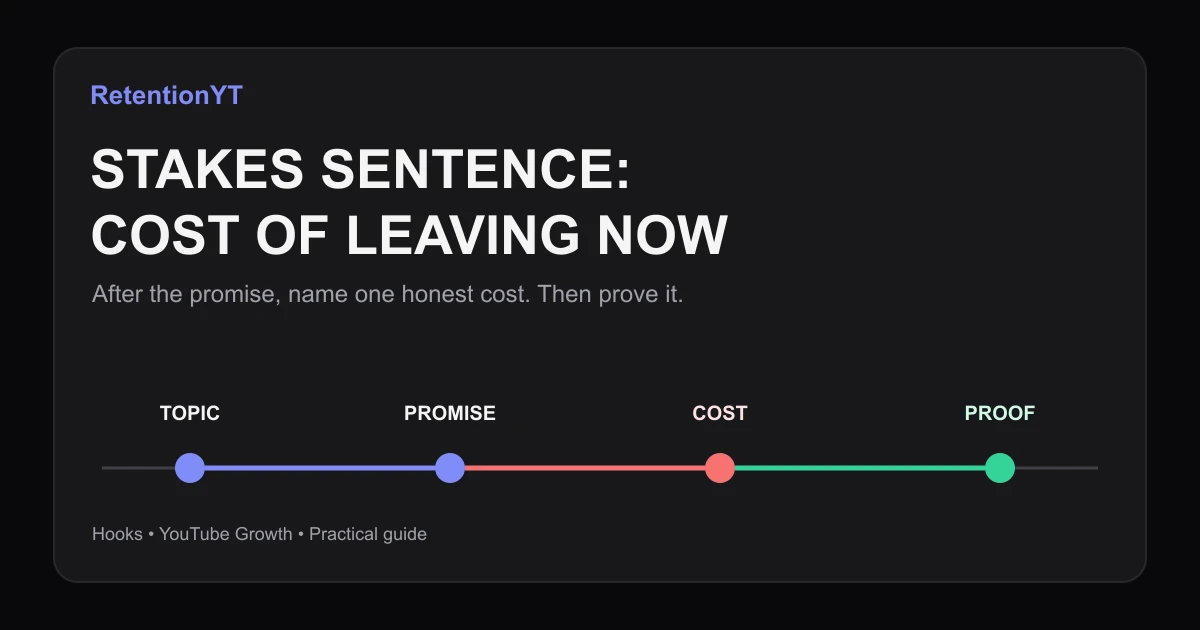
Stakes Sentence: Cost of Leaving Now
Use the YouTube hook stakes what you lose if you leave framework to turn a topic label into a specific cost, with eight practical examples and a Studio check.
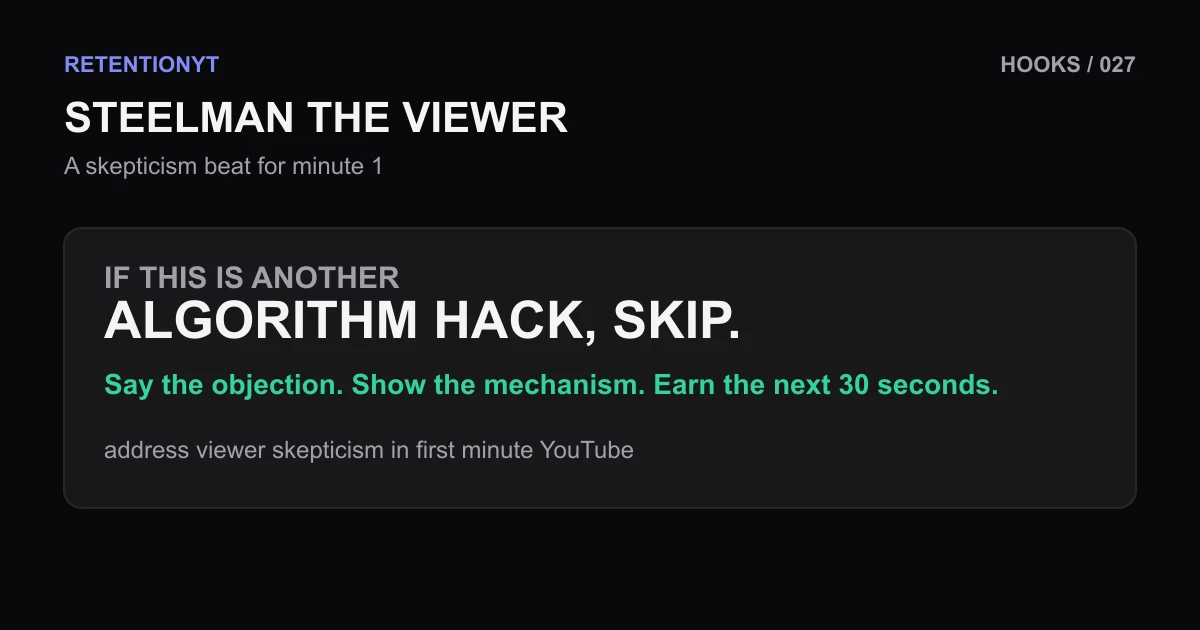
Steelman the Viewer: A Skepticism Beat That Holds Minute 1
Address viewer skepticism in first minute YouTube with a spoken objection, a concrete Studio check, and a repeatable beat for finance, tech, and AI creators.
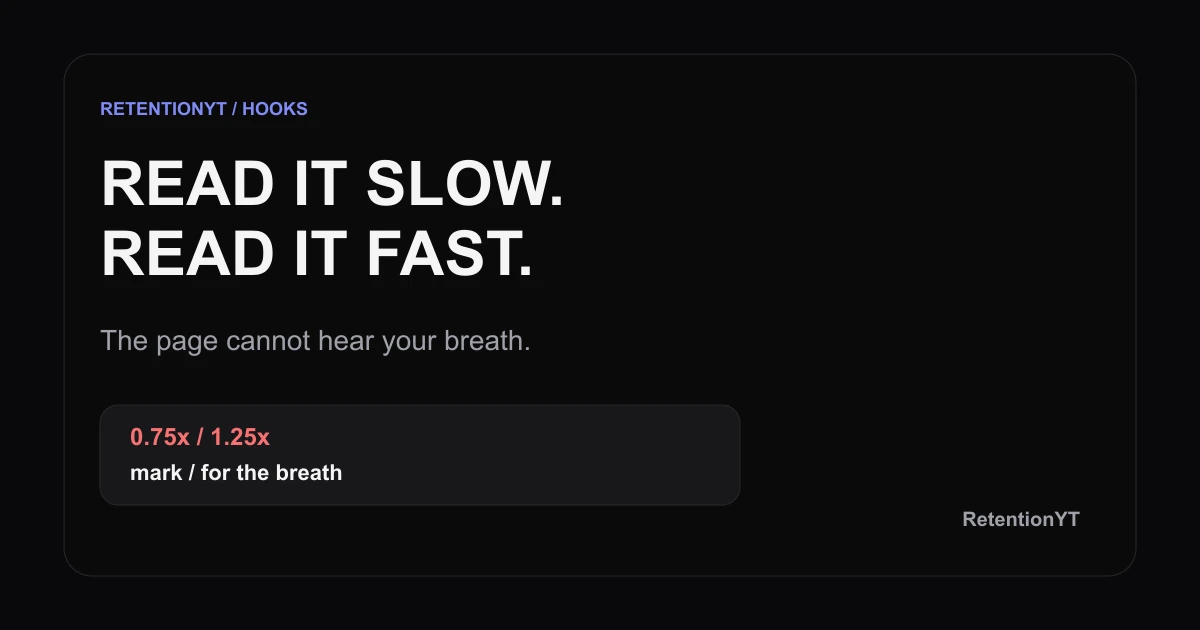
Table-Read Your Hook Out Loud at 0.75x and 1.25x
Read your YouTube hook out loud at 0.75x and 1.25x to expose extra clauses, missing breaths, and weak wording before the camera starts rolling.