Part 2 vs Series Recap: Two Scripts, Two Graphs
Learn how to open YouTube Part 2 with a new stake, an eight-second recap, and a skip timestamp instead of a recap cliff for new episodes too.

10 min readUpdated
In this guide
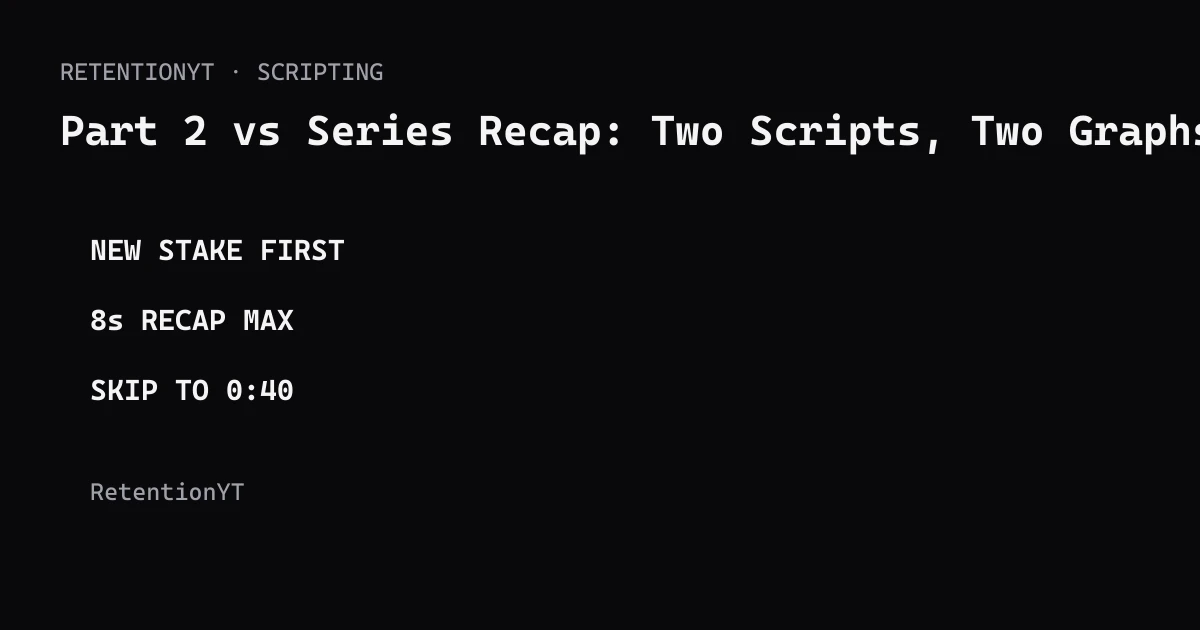
Part 2 should not begin with a 40-second “last time” package. Open on the new stake, give strangers the one fact they need, and keep the recap to eight seconds or move it after the hook. If a returning viewer already knows the setup, say “skip to 0:40” and make that timestamp real.
What Part 2 vs Series Recap actually is (and what it is not)
A Part 2 opening must make a stranger understand why this episode matters while giving a returning viewer enough continuity. Order the information so the new episode earns attention before it explains history.
Start with the new stake. A stake is the consequence, test, deadline, or decision that makes this episode different from Part 1. “The cabin flooded overnight, and today we have six hours to save the wiring” gives a stranger a reason to stay. “Last time on the cabin build” gives context but no current problem.
Then choose one of two scripts. The compact version gives the new stake, one essential fact from Part 1, and a fast handoff into the next action. The returner-friendly version gives the new stake first, offers an eight-second recap, and then says where a returning viewer can skip. Both are editorial templates, not platform guarantees.
A recap is context, not the episode's main promise. Put it after the hook when it needs more than one sentence. Explain any series term in the sentence where it first appears: a “recap cliff” is an opening where context delays the new episode's first meaningful beat.

Why this shows up in YouTube Studio
Your script decision happens before Studio can show evidence. After publishing, use Analytics to inspect how viewers found and interacted with the content, but do not assume a recap caused every change.
The locked Source 1 URL currently opens as “Understand your YouTube video reach.” It says the Reach tab helps you understand how viewers find content and provides metrics such as click-through rate, watch time, and views. It does not support the brief's causal claim that recaps poison recommended traffic, so this article does not attribute that claim to Source 1. Read the YouTube Help Reach page for the page actually opened in August 2026.
Source 2 says the Content tab gives a channel-level overview of how viewers find content, what they watch, and how they interact. Its computer path is YouTube Studio, Analytics, then Content. That is useful context for reviewing the finished Part 2; it is not evidence that one recap length works for every audience. See the YouTube content-performance guide for the current wording.

Worked example 1: the failure
Imagine Part 1 ended with a damaged boat engine. Part 2 opens: “Last time, we bought the boat, drove it home, discovered the engine problem, called a mechanic, and learned that the fuel line might be blocked. Today we are going to continue the story.” The episode spends its opening retelling a problem before showing what changed overnight.
For a returning viewer, much of the recap is familiar. For a recommended viewer, it does not answer why this minute matters. The recap becomes a cliff because the Part 2 action stays off-screen.
The numbers below are illustrative planning numbers, not YouTube data. They show how to diagnose two scripts without claiming that a table measured viewer behavior.
| Time | Recap-first line | Risk | Editorial diagnosis |
|---|---|---|---|
| 0:00 | “Last time, we bought the boat…” | Red | History arrives before the new stake |
| 0:20 | Fuel-line explanation | Amber | Context continues without a new decision |
| 0:40 | “Today we continue” | Red | Promise is still vague |
| 0:55 | Engine inspection begins | Green | Concrete action finally appears |
Rewrite the first minute by separating essential context from story history. Keep the fact that the engine failed; cut the purchase story, mechanic call, and generic announcement from the opening. Those details can return after the first visual test.

Worked example 2: the fix
The new-stake version opens: “The boat engine failed again, and the tide gives us six hours to find the blockage before the boat is stranded. If you saw Part 1, skip to 0:40; everyone else, here is the one fact you need: the engine turns over, but fuel is not reaching the carburetor.”
At eight seconds, show the engine turning over. Then move into the inspection. A returning viewer receives a route around the context, while a new viewer receives a current problem, a deadline, and a concrete object. The later recap can explain how the failure began without occupying the first beat.
A skip line works only when 0:40 is the real rejoin point. Verify it after the edit and update the script if the cut changes.
For a longer series, use a two-line handoff: “Part 1 found the blockage; Part 2 tests whether the repair holds under load. If you watched the first episode, jump to 0:40. If not, the short version is this.” The recap is now a bridge, not the destination.
| Time | New-stake line or action | Audience job | Test note |
|---|---|---|---|
| 0:00 | Engine failed; tide gives six hours | Stranger sees the new stake | Keep the verb concrete |
| 0:08 | Show engine turning over | Everyone sees the object | Illustrative checkpoint |
| 0:15 | State the one Part 1 fact | Stranger gets orientation | Remove extra history |
| 0:20 | Say “skip to 0:40” | Returner gets a route | Verify edit timestamp |
| 0:40 | Begin inspection | Both audiences enter action | Deliver the promised test |
This is an editorial hypothesis, not a promise about a particular graph. Film the version that makes the next action easiest to understand, then use the published evidence to refine the next episode.

How to check this in YouTube Studio (step by step)
First, close Studio and open the script. Write the new stake in one sentence. If the sentence describes what happened in Part 1 rather than what can go wrong, change, or be tested now, you are still writing the recap.
Second, draft both openings. Script A is compact: new stake, one essential fact, and the next action. Script B is returner-friendly: new stake, a short recap, a spoken skip timestamp, and the next action. Do not let Script B become a third version with extra history; keep the decision visible.
Third, read each version aloud and time the recap. The eight-second ceiling is a rule of thumb for this method. If the essential explanation cannot fit, move the extra context after the hook instead of squeezing words until the viewer loses the point.
Fourth, open the edit and verify the skip timestamp. At the spoken timestamp, the returning viewer should be able to understand the current scene without needing the missing recap. If the cut changes, change the line.
Fifth, after publishing, sign in to YouTube Studio and review the relevant Analytics area. Source 2 documents the channel-level Content path as Analytics, then Content. Use the report as feedback on the finished upload, not as proof that your script forecast was exact.
For a faster pre-film review, use the related tool once. For broader planning, compare the draft with how to script a YouTube video and the YouTube script outline template. The manual method works without an account.
Where RetentionYT fits

The trap
The trap is treating loyalty as the only audience that matters. A returning viewer may enjoy the recap, but a recommended viewer has not agreed to watch a history lesson. The opening must stand on its own before it asks anyone to remember Part 1.
The second trap is hiding the new stake inside a recap sentence. “Last time we found the leak, and today we will see what happens” still makes the viewer wait. Name the consequence, object, deadline, or decision first.
The third trap is using a fake timestamp. A spoken “skip to 0:40” line creates friction if the action starts at 0:52. Treat the timestamp like a production dependency: confirm it after the edit, not only when the script is approved.
The trap
The move
A recap should orient the viewer, not make the new episode wait outside its own opening.
What to do in the next upload
Apply this before you record, while changing the order costs a paragraph instead of a reshoot. Keep the two scripts beside the edit so the timestamp and the spoken line stay synchronized.
- Write the new Part 2 stake before summarizing Part 1.
- Draft a compact opening and a returner-friendly opening.
- Keep the compact recap to eight seconds as a rule of thumb.
- Give strangers one essential fact, not the whole previous episode.
- Put the longer recap after the hook when context needs room.
- Say the skip timestamp aloud and verify it in the edit.
- Show the new object, consequence, deadline, or decision early.
- Read both openings with a stopwatch before filming.
- After publishing, compare the finished opening with Studio evidence.
- Write one change for the next episode instead of chasing a universal formula.
Save the rejected opening as material for a later bridge or end-screen path. The point is not to erase continuity; it is to move it where it helps.
Part 2 is a packaging problem as much as a writing problem. The same footage can feel welcoming or slow depending on whether the first sentence names today's risk. Make the first beat useful to a stranger, then make the history easy for a returner to skip.
Frequently asked questions
- Should Part 2 recap Part 1?
- Only briefly, and only after the new hook. Give a returning viewer the minimum context needed to understand the next beat, then add a spoken skip line with a timestamp. Do not make every viewer watch a full history lesson before Part 2 begins.
- Why does my series recap dip?
- A long recap spends the opening seconds on information a returning viewer already knows while recommended viewers have not yet received a reason to care. Treat the recap as optional context: open with the new stake, show the next problem, then offer a short recap or timestamp.
- How long can a recap be?
- Use eight seconds as an editorial ceiling for the compact recap in this method, not as a YouTube benchmark. If the story truly needs more context, put the longer version after the hook and give returning viewers a clear timestamp to skip ahead.
- Do I need to watch Part 1?
- Your Part 2 should work for a viewer who has not seen Part 1. Name the new situation, explain only the one fact needed to follow it, and let returning viewers skip the context. This keeps the episode legible without turning the opening into a replay.
- How do I write a skip-for-returners line?
- State the new stake first, then say: “If you saw Part 1, skip to 0:40; everyone else, here is the one thing you need.” Replace 0:40 with your real timestamp. The line works only when the later section genuinely begins at that timestamp.
- How do I apply “Part 2 vs Series Recap” on my next upload?
- Write two openings for the same episode. In both, put the new stake in sentence one. In the compact version, add a recap of no more than eight seconds; in the returner-friendly version, put the recap after the hook and add a spoken skip timestamp. Read both aloud before filming.
- Where in YouTube Studio do I check “Part 2 vs Series Recap”?
- The recap decision happens before filming. After publishing, use the Analytics areas available for your channel or video to compare how the finished opening performed with your notes. YouTube Help documents the Content path as Studio, Analytics, then Content at channel level; it does not turn this editorial method into a native report.
- What is the most common mistake with “Part 2 vs Series Recap”?
- The common mistake is writing one opening for loyal returners and assuming recommendations will supply the missing context. Open with the new stake, make the episode understandable to a stranger, and move the longer recap later. Do not promise a skip timestamp that does not match the edit.
Give your next script a second look
Paste a script into RetentionYT for suggestions on your hook, pacing, and structure. Choose the edits that serve your video, then check audience behavior in YouTube Analytics after publishing.
Get retention tips in your inbox
Occasional, practical emails on hooks, pacing, and retention. No spam.
Related posts
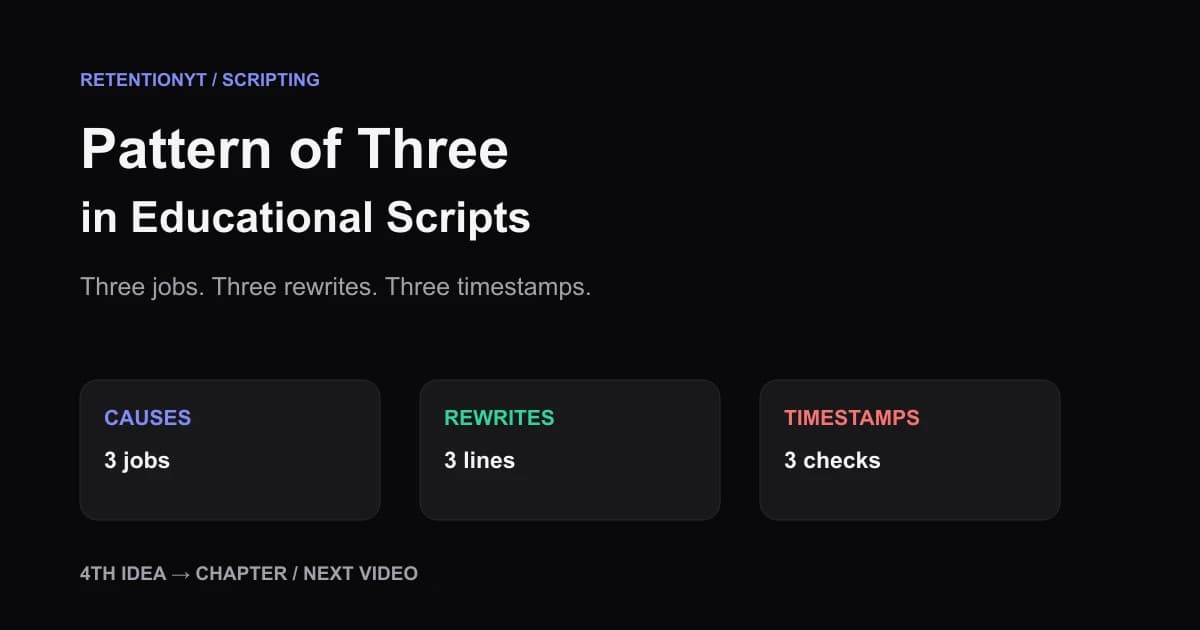
Pattern of Three in Educational Scripts
Rule of three YouTube tutorial script guidance: teach three causes, three rewrites, and three timestamps, then turn a fourth point into a chapter or the next video.
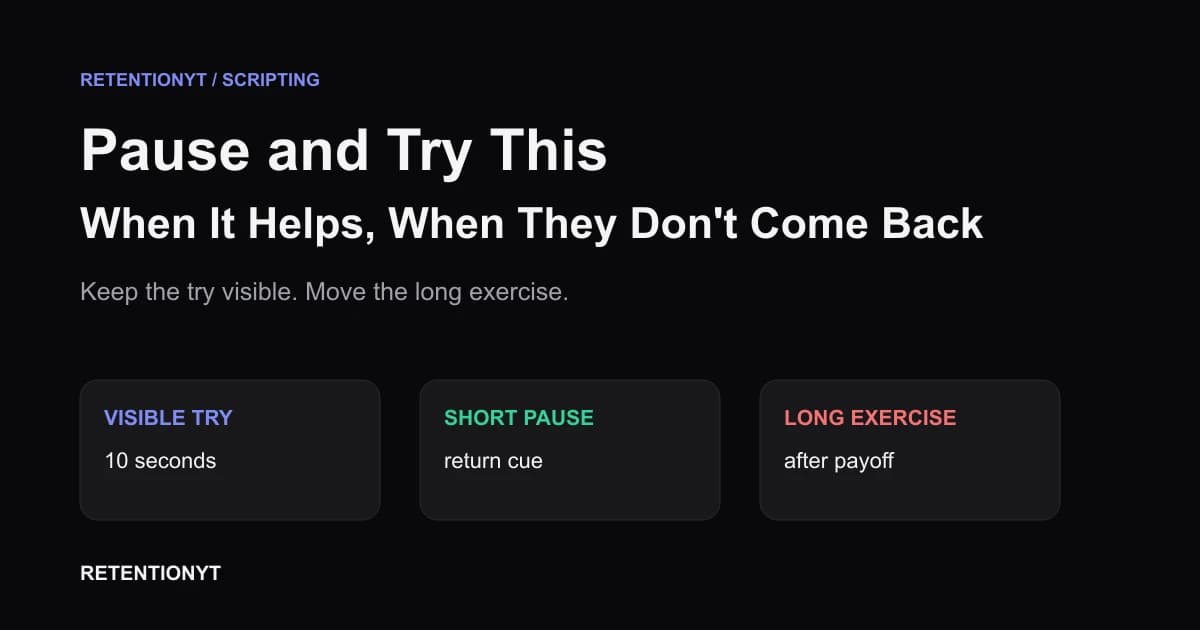
Pause and Try This — When It Helps, When They Don't Come Back
YouTube pause and try this retention advice: move practice after the payoff, or make the action 10 seconds on screen so viewers can try without leaving.
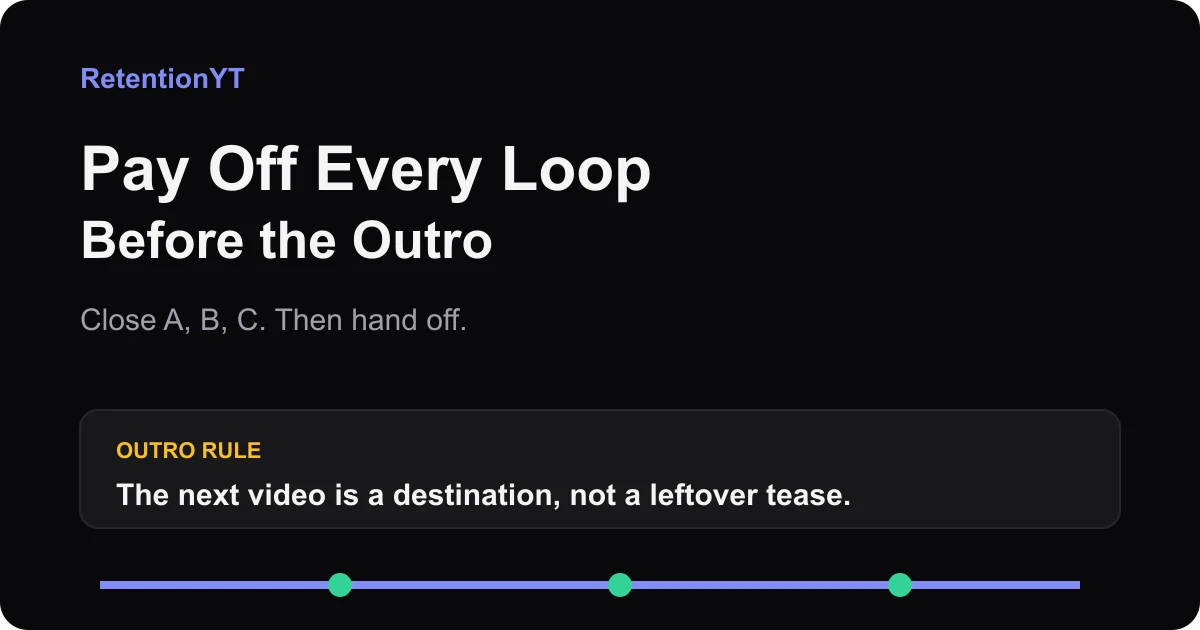
Pay Off Every Loop Before the Outro
Close all open loops before your YouTube outro with a simple A-B-C ledger. Hand off the next video as a clear destination, not a leftover tease from minute 2.