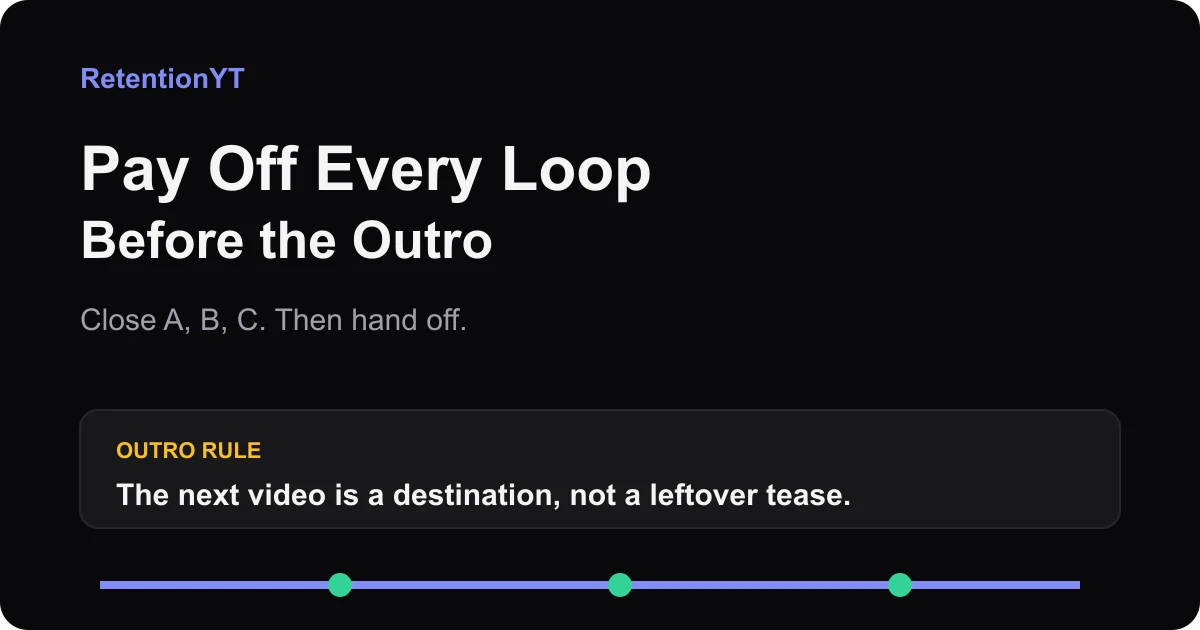
Pay Off Every Loop Before the Outro
Close all open loops before your YouTube outro with a simple A-B-C ledger. Hand off the next video as a clear destination, not a leftover tease from minute 2.

8 min readUpdated
In this guide
Close your three biggest promises before the outro. If A, B, or C is still open when the end screen appears, give the answer now or name the next video as the destination. Your outro should hand off attention, not make the viewer wonder whether minute 2's tease was ever real.

What Pay Off Every Loop Before the Outro actually is (and what it is not)
A loop is a question or promise that keeps the viewer waiting for a later answer. An open loop can be useful in the middle of a video. At the end, however, you need to distinguish a loop you intentionally hand off from one you simply forgot to close.
The method is simple: make a ledger of the promises you created, attach a payoff to each one, and reserve the outro for closeout plus destination. “Closeout” means the viewer can tell what happened to the current video's main questions. “Destination” means the next-video line has its own clear subject.
This is an editorial scripting rule, not a claim that YouTube publishes a universal outro formula. The locked SOURCE 1 URL currently opens a YouTube Help page titled “Manage channel settings,” not the brief-locked “Add end screens to videos.” It does not support a product claim about end-screen elements or timing, so this article uses the source conflict as a limitation rather than forcing a UI fact.SOURCE 1
Ask whether a viewer can list the current video's answers before you offer another video. If not, move the recommendation later or pay off the missing question.
| Loop status | What your script does | Outro action |
|---|---|---|
| Closed | Answer, proof, or result is present | Summarize in one concrete sentence |
| Carried forward honestly | Current video says the next question belongs elsewhere | Name the next-video destination |
| Forgotten | Tease appears again without an answer or handoff | Rewrite, cut, or pay it off |
A, B, and C are the promises that matter in this upload; add D if the script creates another material question. The point is visible closure before the handoff.
Why this shows up in YouTube Studio
The locked SOURCE 2 URL currently opens “Understand your YouTube video reach,” not the brief-locked “Audience retention” page. It documents a computer path through Content, a selected video, Analytics, and Reach, but it does not support claims about a typical-retention or comparison line.SOURCE 2
Use that limitation honestly. Align any curve change with the outro words and visuals. A dip tells you where to inspect, not why the viewer left. If you cannot point to the payoff, the loop is not closed.

Worked example 1: the failure
This is illustrative, not a channel case study or measured dataset. A 10-minute tutorial promises A, the setting; B, the test; and C, the mistake that reverses it. The creator explains A, hints at B, and says C is coming “right after the outro.”
At 8:40, the creator summarizes. At 9:10, the outro begins. At 9:25, the creator says, “And in the next video I will finally show you the mistake.” C is still ambiguous.
The problem is that the line sounds like a delayed answer to the current promise.
| Illustrative timestamp | Ledger state | What the viewer hears |
|---|---|---|
| 2:00 | A open | A setting is promised |
| 5:30 | A closed, B open | The test is teased |
| 8:40 | B partial, C open | Summary begins before proof |
| 9:25 | C still open | Next video is offered as the answer |
Every timestamp is illustrative, not a retention benchmark. The diagnostic is the mismatch: C belongs to the current journey, but the final line pushes it into an unnamed future destination.
Fix it by paying off C before the outro or naming C as the next video's specific question. Do not keep the old tease and add a generic “watch next” line.
Worked example 2: the fix
In the fixed version, A closes at 3:10, B at 6:20, and C at 8:15. The last 30 seconds restate the result, name the important condition, and offer a next video with a specific subject.
“This upload showed you how to change the setting and verify it. The next video tests what happens when the setting is overwritten.” The old loop is closed; the new one has a destination.

Your outro earns the next click by proving the current click was worth it.
How to check this in YouTube Studio (step by step)
Open YouTube Studio, choose the upload, and enter analytics. The current source-supported computer path begins with Content, the selected video, Analytics, and Reach. Do not claim that an inaccessible report was inspected.
First, write the final 30 seconds as four lines: result, condition, handoff, destination. Compare them with the ledger: the first two close the old loop; the last two may introduce a new one.
Second, mark payoff timestamps. Mentioning a promise does not close it; the viewer needs the answer, proof, or result. If it is implied, rewrite or show the evidence.
Third, inspect the graph around the outro and align any change with the audio and visuals before assigning a cause.
Fourth, read the outro with the previous five minutes hidden. Cut orphan teases and keep a minute-2 answer concrete.
Finally, make the destination specific: a working title or clear question, not “watch my other videos.”

For a broader script pass, read the YouTube scripting guide. For a reusable planning sheet, open the YouTube script outline template and add a payoff timestamp beside each promise.
Where RetentionYT fits
Manual loop review works without signing up. If you want a pre-recording pass, use the RetentionYT workflow to flag unresolved promises, then check the real upload after publishing.
The trap
The trap is treating the outro as storage for anything unfinished. Your viewer needs a result, so an old tease matters more than a new recommendation.
Do not over-close. State the result and move; the next-video handoff opens a loop only after the boundary is clear.
The trap
The move
The labels BAD and GOOD are not about tone. They identify whether the old promise is closed and whether the new destination is named. If you cannot draw that boundary in one sentence, the outro needs another edit.

What to do in the next upload
Build the loop ledger before you record. You are not trying to eliminate curiosity. You are deciding which curiosity belongs to this upload and which belongs to the next destination.
- List every promise or tease in the outline.
- Label the three most important loops A, B, and C.
- Add a payoff timestamp beside each loop.
- Confirm the answer, proof, or result is actually present.
- Cut a tease that no longer serves the finished edit.
- Read the final 30 seconds against the ledger.
- Keep the current result before the next-video handoff.
- Name the next video's specific question or working title.
- Do not use a generic recommendation to hide an unfinished answer.
- Check the end of the published graph against the exact outro words.
Manual review works without signing up to RetentionYT. If you want a faster pre-recording check, use the script review tool once, then return to the script and close the loops yourself. Your target is not a longer outro. It is a clean boundary: this video paid off A, B, and C; the next video owns the new loop.
Frequently asked questions
- Should all teases be paid off?
- Pay off every old tease that your current video promised as part of its value. If a question is intentionally being carried into the next video, say that clearly and name the destination. Do not repeat a minute-2 tease as if the current upload forgot it. The viewer should know what closed and what deliberately continues.
- Can the next video be an open loop?
- Yes, when it is presented as a new destination rather than a missing answer from this video. Close the current promise first, then name the next video's specific question or title. That handoff gives the viewer a choice. The mistake is leaving an old loop unresolved and calling the leftover line a recommendation.
- Why do outros feel scammy?
- Outros feel scammy when the video collects curiosity without delivering the promised answer, then asks the viewer to start another video. The fix is visible closeout: answer the current question, show the proof, state the result, and only then offer the next destination. Your wording should make the boundary between old and new loops obvious.
- How do I check I closed everything?
- Make a ledger before recording the outro. List each promise as A, B, or C; write the payoff timestamp; and mark whether the answer, proof, and result are present. Read the final 30 seconds without the rest of the script. If it introduces an old unanswered question, rewrite it or label the next-video handoff explicitly.
- What if I ran out of time?
- Do not stack a new teaser on top of an unfinished promise. Cut the least important loop, deliver a short honest result for the main loop, or move the unresolved question into a clearly named next-video handoff. A shorter closeout is safer than a polished outro that implies the answer is coming and never gives it.
- How do I apply “Pay Off Every Loop Before the Outro” on my next upload?
- Before filming, number every promise in your outline. During the edit, add a payoff timestamp beside each one and reserve the last 30 seconds for closeout plus handoff. Read the outro against the ledger: A, B, and C should be closed. If the next video opens a loop, name its destination after the closeout.
- Where in YouTube Studio do I check “Pay Off Every Loop Before the Outro”?
- Open YouTube Studio, choose the upload, and enter its analytics area. The currently locked help page documents a computer path through Content, the selected video, Analytics, and Reach. Use the report available to your account to inspect the end of the curve around the outro, but do not treat a graph as proof of why a viewer left.
- What is the most common mistake with “Pay Off Every Loop Before the Outro”?
- The common mistake is writing the outro from memory instead of checking the promises in the script. Creators close the big result, forget a small tease from minute 2, and then add a new recommendation. Keep an A-B-C ledger, close the old questions, and make the next-video line a visible handoff.
Give your next script a second look
Paste a script into RetentionYT for suggestions on your hook, pacing, and structure. Choose the edits that serve your video, then check audience behavior in YouTube Analytics after publishing.
Get retention tips in your inbox
Occasional, practical emails on hooks, pacing, and retention. No spam.
Related posts
Podcast Clip to YouTube: What to Cut so the Graph Doesn't Stair-Step
Edit podcast clips for YouTube retention by cutting podcast manners, opening on the claim, and smoothing the stair-step graph left by repeated conversation beats.
Quiz-to-Camera Without Losing Search Traffic
Use a YouTube quiz to camera without losing search traffic: answer the question within 20 seconds, replace “comment below,” and check the result in Studio.
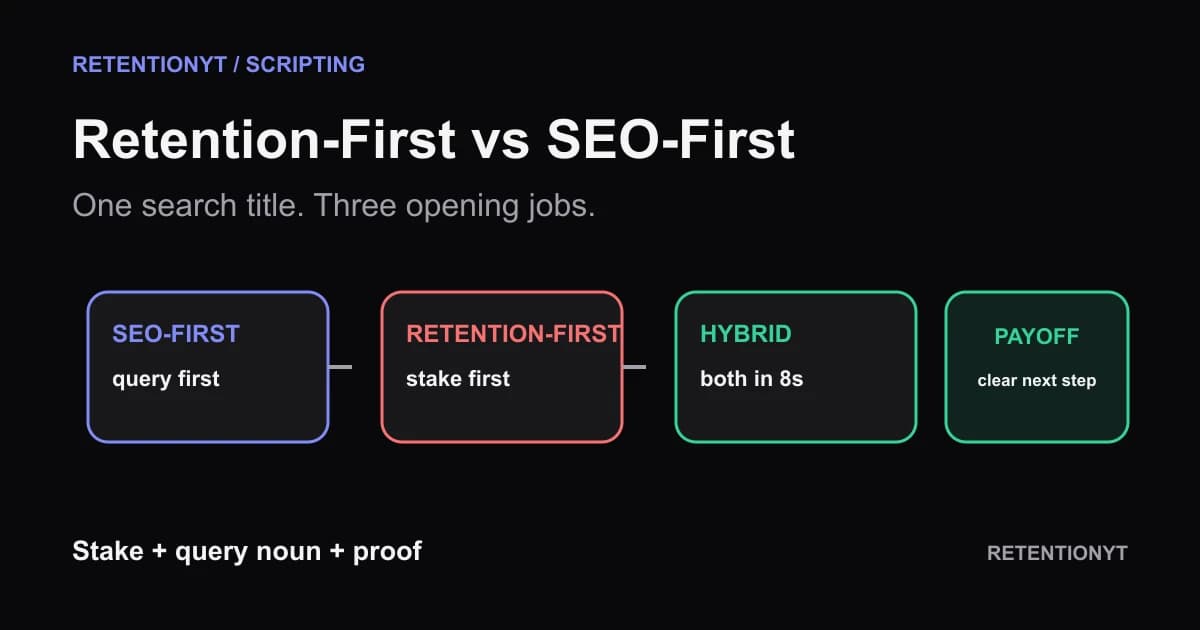
The Retention-First Outline vs the SEO-First Outline
Build a YouTube outline for search vs retention without choosing one audience: compare SEO-first, retention-first, and a hybrid that names the query inside the first 8 seconds.