Pattern of Three in Educational Scripts
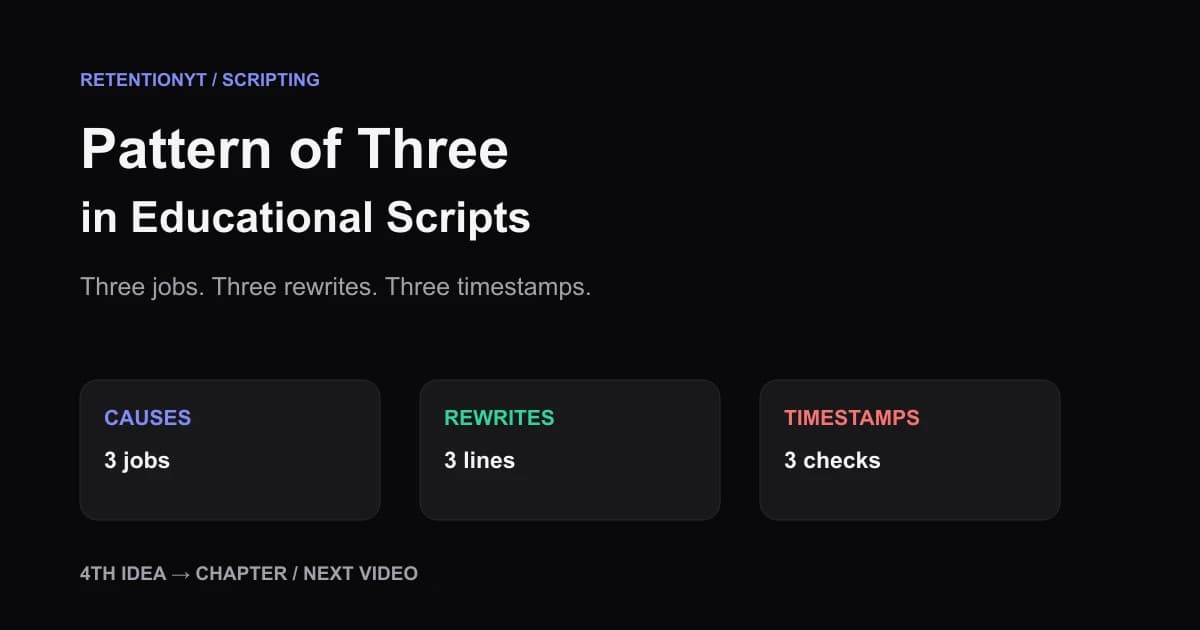
Rule of three YouTube tutorial script guidance: teach three causes, three rewrites, and three timestamps, then turn a fourth point into a chapter or the next video.

8 min readUpdated
In this guide
If your educational middle has 7 loose points, stop adding transitions and build three jobs instead. Teach three causes, show three rewrites, and check three timestamps; a fourth becomes a chapter or the next video. That is a scripting heuristic, not a YouTube metric, so let the title promise and your Studio evidence decide the final shape.
What Pattern of Three in Educational Scripts actually is (and what it is not)
The pattern of three is a packaging decision: three related jobs, delivered in an order your viewer can repeat. It is not a law of working memory, an official YouTube recommendation, or a reason to delete a necessary fourth idea. Treat it as an editorial rule of thumb that keeps an educational middle from becoming a list of nouns.

Start with the viewer's job, not your research pile. If the viewer needs to diagnose a weak intro, rewrite it, and know where to inspect the result, those are three useful chunks. If you have seven facts that do not share a job, you have either three groups with supporting details or a listicle that needs mini-hooks.
| SCRIPT SHAPE | JOB OF THE GROUP | EXAMPLE | WHAT A FOURTH IDEA DOES |
|---|---|---|---|
| Three causes | Explain why the problem happens. | Promise mismatch, slow setup, and missing visual proof. | Becomes a new chapter if it changes the diagnosis. |
| Three rewrites | Give concrete language the viewer can use. | Rewrite the first line, the transition, and the payoff sentence. | Moves to a bonus or the next video if it needs another method. |
| Three timestamps | Tell the creator where to inspect the cut. | 0:08, 0:30, and the first clear mid-video dip. | Gets its own checkpoint only if it answers a different question. |
Why this shows up in YouTube Studio
YouTube Help says the Reach tab helps you understand how viewers find your content and gives a snapshot of metrics such as click-through rate, watch time, and views. On a computer, its path is YouTube Studio, Content, the selected video, Analytics, then Reach (SOURCE 1, August 2026).
The locked performance page says the channel-level Content tab gives an overview of how your audience finds content, what it watches, and how it interacts with your content. Its computer path starts with Analytics and then Content (SOURCE 2, August 2026). Use those views to locate a moment worth inspecting, not to claim that the number three caused a result.

Worked example 1: the failure
Imagine an educator uploads “7 Reasons Your Tutorial Loses Viewers.” The script names seven causes, but each cause gets one sentence, no example, and no bridge to the next. At 0:08 the creator is still defining the problem; at 0:30 the viewer has heard four labels; near the end the promised fixes arrive as a rushed paragraph.
The values below are illustrative, not YouTube data. They describe a hypothetical review model so you can see the structural problem without treating the percentages as a benchmark.
| TIMESTAMP | ILLUSTRATIVE VIEWERS REMAINING | WHAT THE SCRIPT DOES | STRUCTURAL PROBLEM |
|---|---|---|---|
| 0:08 | 88% | Defines seven reasons before showing one. | The opening has no first job or mini-hook. |
| 0:30 | 61% | Names points four through seven in rapid succession. | The middle is a dump with no grouping. |
| End | 34% | Adds the practical rewrites after the list. | The payoff arrives after the viewer has done the sorting. |
Worked example 2: the fix
Keep the topic, but turn the seven causes into three jobs: diagnose the opening promise, rewrite the first eight seconds, and check three timestamps in Studio. Put the supporting causes inside those groups instead of presenting them as seven equal stops. The viewer now knows what each section is for and what will happen next.
A fourth cause becomes a chapter when it changes the diagnosis. If it needs a different audience, different proof, or a new promise, make that change visible. Otherwise, save it for the next video and let this upload complete the three jobs it already promised.


How to check this in YouTube Studio (step by step)
Open YouTube Studio with the upload and the script beside you. You are checking whether your three jobs create a clear route through the lesson, not trying to prove that three is universally better than seven.
-
Write the promise. Copy the title and thumbnail promise into your notes. Under it, write the one result the viewer must have before the end.
-
Group the draft. Draw three boxes labelled diagnose, rewrite, and check, or use three jobs that fit your topic. Put every sentence in one box; anything with no home is a cut, a bonus, or a fourth idea.
-
Add mini-hooks. Write one concrete question before each group. “Which cause is actually visible in your first eight seconds?” is stronger than “Now for point two.”
-
Mark three timestamps. Use 0:08, 0:30, and the first meaningful mid-video or end checkpoint as a starting plan. Replace them when your runtime or format calls for different moments, and label the plan as editorial.
-
Open the video report. On a computer, use Content, select the video, Analytics, then Reach, following the locked SOURCE 1 path. If your account labels differ, use the live menu.
-
Use channel context. At channel level, open Analytics and Content as described by SOURCE 2. Compare the upload with similar-length educational videos where possible; do not treat one curve as a law.
-
Choose one revision. If the first job arrives late, move it. If the middle has no mini-hook, write one. If the fourth point changes the promise, turn it into a chapter or the next video, then record the decision for your next upload.
Where RetentionYT fits
Manual grouping works without a sign-up. RetentionYT can shorten the pre-record loop by helping you review script jobs, hooks, and pacing; RetentionYT is optional, while the three-part structure and Studio check remain manual decisions.
The trap
The trap is using three headings to disguise seven unrelated points. A tidy visual outline does not create a useful lesson if each heading has no job, the examples arrive late, and the viewer cannot tell what to remember.
The trap
The move

For the wider scripting workflow, see how to script a YouTube video. For a timed structure, use the YouTube script outline template. Both are planning references, not proof that three guarantees retention.
What to do in the next upload
Run this ten-tick pass before you record, then revisit the same questions after the upload has enough context to inspect. Keep the plan small enough that you can explain every structural choice.
Three jobs are useful only when the viewer can tell what each job changes.
- Write the title and thumbnail promise in one sentence.
- State the single result the lesson must deliver.
- Group the middle into three meaningful jobs.
- Give each job one concrete mini-hook.
- Place three editorial timestamps beside the moments to inspect.
- Use three rewrites when the lesson needs language, not labels.
- Mark every point that has no group home.
- Route a real fourth idea to a chapter or the next video.
- Label illustrative numbers and editorial timestamps clearly.
- Review one Studio moment and choose one next-upload revision.
A final pre-record option is the YouTube script review tool. Use it to spot hidden dumps and weak transitions, then make the structural decision from your title promise, examples, and actual edit.
Frequently asked questions
- Should tutorials use the rule of three?
- Yes, as a scripting heuristic when three chunks let you finish a useful thought without hiding the payoff. Build three causes, three rewrites, or three steps, then make the next move obvious. It is not a YouTube metric or guarantee; use your own title promise and retention context to decide whether the grouping works.
- What if I have seven points?
- Do not squeeze seven unrelated points into one middle. Group them into three meaningful causes or chapters, give each group a mini-hook, and move a genuinely separate fourth idea to a new chapter or next video. If all seven deserve equal weight, call the video a listicle and give each item a job.
- Does this apply to listicles?
- Yes, but a listicle has a different contract. Keep three top-level groups or use mini-hooks for each item so the viewer can track progress. The rule of three is a way to package the lesson, not a command to delete useful detail. Label any timing or numbers as your editorial plan, not platform data.
- How do I chapter a fourth point?
- Give the fourth point a new job instead of hiding it inside the third. Add a chapter break, state why the angle changes, and use a fresh mini-hook before the point. If it needs a new promise, save it for the next video; the viewer should know whether they are entering a bonus or a new lesson.
- Examples?
- For a tutorial on weak intros, group the lesson as three causes, three line rewrites, and three timestamps to inspect. For a language lesson, teach three phrases, practise them, then add a separate bonus phrase. These are editorial examples, not data from YouTube, so change the grouping to fit your audience and promise.
- How do I apply “Pattern of Three in Educational Scripts” on my next upload?
- Write the title promise, then draft exactly three top-level jobs under it: diagnose, rewrite, and check. Mark the timestamp where each job starts, add a mini-hook before each, and move any fourth job to a chapter or follow-up. After publishing, compare the relevant moments in Studio and change one structural variable next time.
- Where in YouTube Studio do I check “Pattern of Three in Educational Scripts”?
- Open the selected video in YouTube Studio, choose Content, select the video, open Analytics, and use Reach for discovery context. At channel level, open Analytics and Content for broader performance context. If your current account shows different labels, follow the live menu and record the timestamp you inspected rather than trusting an old screenshot.
- What is the most common mistake with “Pattern of Three in Educational Scripts”?
- The common mistake is counting three headings while each heading still contains an unstructured dump. Give every group one job, one mini-hook, and one visible next step. A fourth idea should become a chapter or next video; otherwise the pattern only hides the same seven-point mush behind nicer labels.
Give your next script a second look
Paste a script into RetentionYT for suggestions on your hook, pacing, and structure. Choose the edits that serve your video, then check audience behavior in YouTube Analytics after publishing.
Get retention tips in your inbox
Occasional, practical emails on hooks, pacing, and retention. No spam.
Related posts
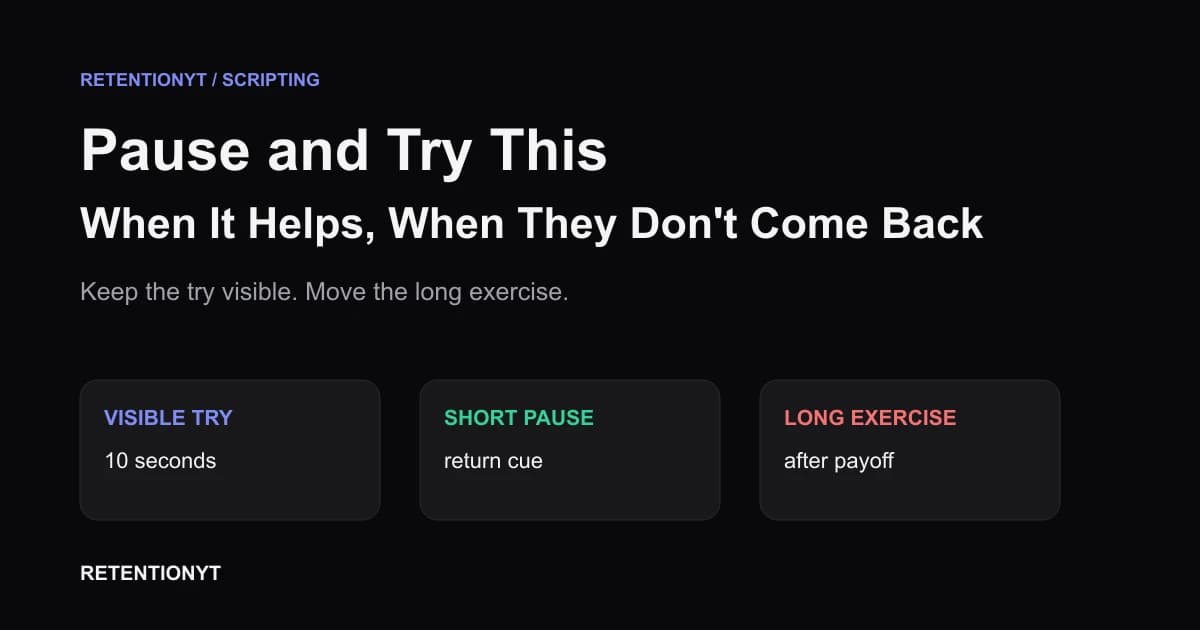
Pause and Try This — When It Helps, When They Don't Come Back
YouTube pause and try this retention advice: move practice after the payoff, or make the action 10 seconds on screen so viewers can try without leaving.
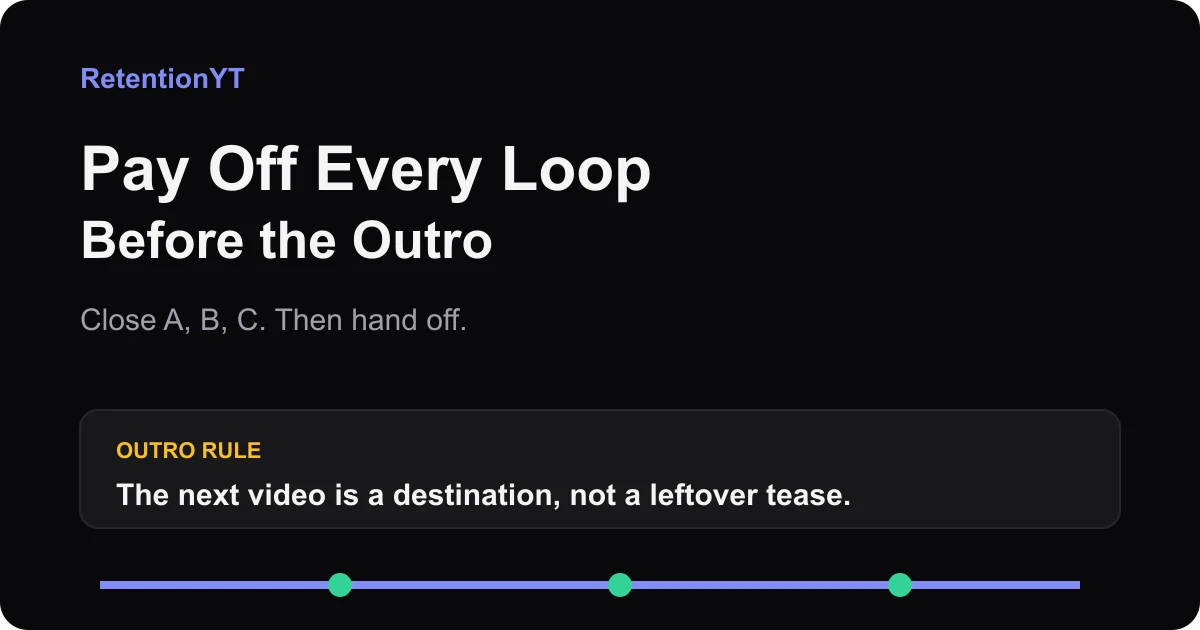
Pay Off Every Loop Before the Outro
Close all open loops before your YouTube outro with a simple A-B-C ledger. Hand off the next video as a clear destination, not a leftover tease from minute 2.
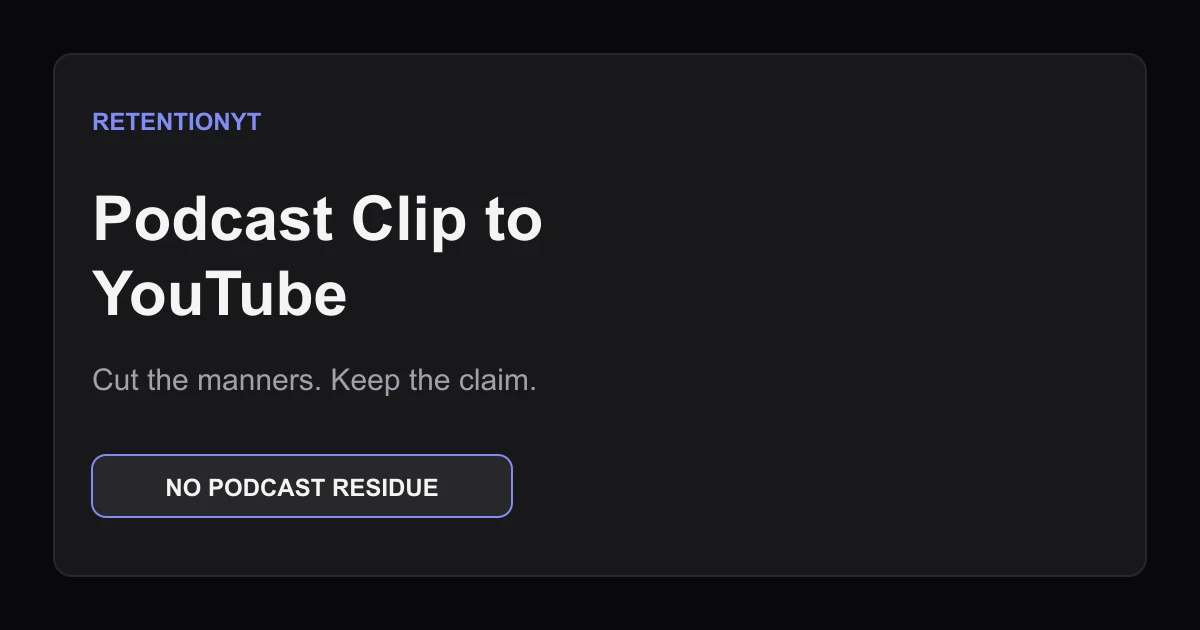
Podcast Clip to YouTube: What to Cut so the Graph Doesn't Stair-Step
Edit podcast clips for YouTube retention by cutting podcast manners, opening on the claim, and smoothing the stair-step graph left by repeated conversation beats.