Playlist Watch-Next: Write the Handoff Sentence
Write a YouTube playlist next-video handoff that names the exact title, matches your end screen, and gives viewers a clear reason to continue watching.

10 min readUpdated
In this guide
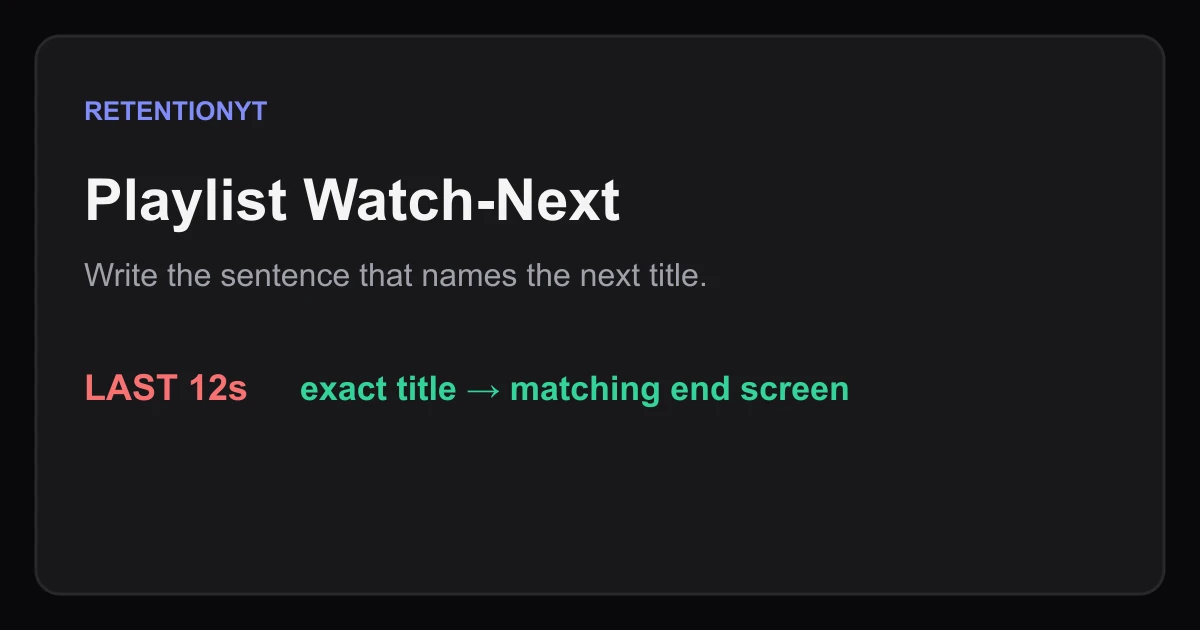
A playlist becomes easier to continue when your last 12 seconds name the next video exactly as the viewer sees it. Say the title, explain why it follows, and point to the matching end-screen choice. “Watch the next one” is a weak handoff; “Next: Fix Your First 30 Seconds” gives the viewer a specific destination. Treat that sentence as an editorial method, not a YouTube promise.
What Playlist Watch-Next actually is (and what it is not)
Playlist Watch-Next is a script-and-packaging check. Before you record, decide which video should follow this one. Then write one final sentence that connects the current payoff to that next item by its visible title. A handoff is the bridge between two pieces of content; it is not a native metric or a guarantee of session time.
YouTube Help defines a playlist as a collection of videos. That definition matters because a playlist can hold an order and a topic, but the container does not write your narration. Your job is to make the sequence legible: current problem, next problem, reason to continue. If a viewer has to guess why the next item belongs, the playlist feels like a folder.
The 12-second handoff pattern
The following is an illustrative writing pattern, not a YouTube timing requirement. In the last 12 seconds, use three beats: name the next item, give its reason, and point to the choice. For example: “Next, watch Fix Your First 30 Seconds. It shows how to turn that weak opening into a clear promise. Tap the video on screen.”
| Handoff part | Job | Illustrative line |
|---|---|---|
| Name | Identify the next visible title | “Next: Fix Your First 30 Seconds” |
| Reason | Explain the sequence | “It solves the opening problem we just found” |
| Pointer | Match the destination | “Choose the video on screen” |
Where RetentionYT fits
Manual playlist mapping works alone. RetentionYT can shorten the script-review loop, but it does not replace checking the title, order, and end-screen destination yourself.

Why this shows up in YouTube Studio
The handoff is written before Studio, but Studio is where you confirm the package you actually published. SOURCE 1 says a playlist is a collection of videos, says creators can manage playlists in YouTube Studio, and explains that videos can be reordered. Those are the product facts you can safely use here: the sequence exists, can be managed, and can change.
The brief labels SOURCE 2 “Audience retention,” but the locked URL currently opens YouTube Help’s “Understand your YouTube video reach.” It supports a Reach report and lists “Playlists featuring this video,” which shows which playlists led to traffic. It does not support the stronger claim that a spoken handoff creates session time or that a particular retention curve is caused by the sentence. That claim is therefore presented only as an editorial hypothesis to test.
In Studio, open the video and inspect the reports available to your account. The exact path and report availability can vary by surface. Your pre-record checklist should not say “Studio will show Playlist Watch-Next”; it should say “I will check the playlist order, the end screen, and the available traffic or retention reports after publish.”

Worked example 1: the failure
Here is an illustrative failure. The current video teaches how to diagnose a weak hook. Its last line says, “There are more videos in the playlist if you want to keep learning.” The playlist contains Fix Your First 30 Seconds, but the viewer hears no title, no reason, and no clear destination.
Illustrative failure map: 12 seconds remain; 0 seconds name the next title; 0 seconds explain the next step; 1 end-screen destination conflicts with the playlist order. These are planning values for this example, not YouTube data.
| Illustrative failure measure | Before fix | Rejection reason |
|---|---|---|
| Named next title | 0 words | Viewer cannot identify the item |
| Reason to continue | vague playlist mention | Sequence is not explained |
| End-screen match | no | Destination conflicts with next item |
Worked example 2: the fix
Keep the same illustrative playlist and rewrite the final line: “Next, watch Fix Your First 30 Seconds. It shows how to repair the opening problem we just found. Choose that video on screen.” The exact title is now audible, the reason follows the current payoff, and the final instruction matches the end-screen destination.
Before recording, put the next thumbnail beside the script. Confirm the title word by word, then read the line at a normal pace. If the sentence runs past the final 12-second budget, cut the explanation before you cut the title. The name is the handoff’s identifier; the reason can be shorter.
Now reorder the playlist so the named item is next. YouTube Help’s playlist page says you can reorder videos by dragging them up or down. Use that product-supported action, then open the end-screen editor and choose the same video. Do not claim that matching these surfaces guarantees a recommendation or a session-time result; it simply removes a preventable mismatch.

How to check this in YouTube Studio (step by step)
First, choose the next video before you write the outro. In a series playlist, choose the next step in the sequence. In a mixed topic playlist, choose the item with the clearest shared problem. Write its visible title in your draft and record the URL or internal identifier in your production notes.
Second, check the playlist itself. YouTube Help’s Create and manage playlists page says playlists can be managed in YouTube Studio and videos can be reordered. Open the playlist, verify the current video’s position, and confirm the named item is directly after it. The article link above is the required SOURCE 1 citation; do not add another copy of that URL.
Third, write the final sentence. Give yourself an illustrative 8–12 seconds. Name the title, give one reason, and direct the viewer to the matching choice. Read it aloud while looking at the thumbnail. If the title is hard to say, rewrite the surrounding sentence, not the destination.
Fourth, configure the end screen to match. The end screen is a separate production surface, so compare it with the playlist after saving. If the editor offers several choices, select the same next video you named. Treat the interface as current product UI, not as a permanent promise made by this article.
Fifth, publish and inspect the reports available to you. SOURCE 2 is currently a Reach page and says its Reach reports include “Playlists featuring this video.” Use the report as evidence about the playlist traffic shown for your video, not as proof that the spoken sentence caused it. Keep a note of the date, title, playlist order, and end-screen destination.

The trap
The trap is saying “watch the next one” while assuming the viewer knows what “next” means. A playlist can contain a clean sequence, but your spoken line still has to connect the current payoff to a specific item. Vague language is especially costly in a mixed topic playlist, where several videos may look plausible.
Another trap is overclaiming product behavior. A playlist is a collection, and SOURCE 2 lists a playlist traffic report; neither locked source says that naming a title creates session time or Suggested distribution. Keep that sentence as a testable editorial hypothesis. That distinction protects the article from turning a workflow idea into a fake platform rule.
A final trap is changing one surface and forgetting the others. When a title, order, or end-screen choice changes, the handoff can become stale. Run the same three-way check at export: spoken title, next playlist item, and end-screen destination.
The trap
The move

What to do in the next upload
Put the next video in the outline before you write the outro. The handoff should arrive after the final useful beat, not before the viewer receives the promised answer. Keep the method manual and visible so a later report can be compared with the decision you made.
- Choose the next playlist item before recording.
- Copy its exact visible title into the script notes.
- Decide whether the playlist is a series or a mixed topic collection.
- Write an illustrative 8–12 second handoff budget.
- Name the title in the last 12 seconds.
- Give one concrete reason the viewer should continue.
- Match the end-screen destination to the named item.
- Reorder the playlist so the named item is actually next.
- Read the sentence aloud with the thumbnail visible.
- After publishing, inspect the reports available in Studio.
- Record the date, order, title, and destination you checked.
For a deeper script pass, use the related tool once after your manual map. For context on the surrounding decisions, read related post 1 and related post 2. Use YouTube Studio to inspect what the published video actually reports.
The next video earns the handoff when your sentence, playlist order, thumbnail, and end screen all name the same destination.
Frequently asked questions
- How do I keep people watching the next playlist video?
- Make the next step concrete before the current video ends. In the last 12 seconds, name the next playlist item exactly as it appears on its thumbnail, explain why it follows, and point to the matching end-screen element. Treat this as an illustrative scripting method, not a YouTube guarantee.
- Should I say the next title out loud?
- Yes, when the spoken title matches the item your viewer can choose next. Saying “watch the next one” is vague; naming the exact title gives the handoff a checkable target. Keep the sentence natural and place it after the final useful beat, rather than interrupting the payoff.
- Do playlists help suggested?
- Do not promise that a playlist causes Suggested traffic. YouTube Help says playlists are collections of videos and its Reach reports include a “Playlists featuring this video” report that shows which playlists led to traffic. Use a playlist to organize a sequence, then inspect your own available reports instead of assuming distribution.
- How long is a handoff?
- Use an illustrative 8–12 second window as a writing budget, not a platform rule. In that window, say what the next video is, why it is the next step, and what the viewer should look for. Read the line aloud and shorten it if the final payoff gets squeezed.
- Series vs mixed playlists?
- A series playlist has a predictable next problem, so the handoff can name episode two, the next test, or the next step. A mixed topic playlist needs a stronger reason for the jump: name the next title and explain the shared question. In both cases, make the sequence understandable without claiming a ranking benefit.
- How do I apply “Playlist Watch-Next” on my next upload?
- Choose the next item before recording, write its exact visible title into the final 12 seconds, and add the same item to the end screen. Rehearse the line with the thumbnail beside your script. After publishing, compare the planned handoff with the playlist order and the reports available in Studio.
- Where in YouTube Studio do I check “Playlist Watch-Next”?
- Playlist Watch-Next is a planning label, not a named YouTube report. You can manage playlists in YouTube Studio, and YouTube Help describes a Reach report for playlists featuring a video. Open Studio, select the video, inspect Analytics, and use the current report names shown for your account.
- What is the most common mistake with “Playlist Watch-Next”?
- The common mistake is making the spoken line, playlist order, thumbnail title, and end screen point to different videos. A viewer then has to decode the sequence. Before publishing, read the handoff aloud while checking the exact next thumbnail and verify that the end-screen destination matches it.
Give your next script a second look
Paste a script into RetentionYT for suggestions on your hook, pacing, and structure. Choose the edits that serve your video, then check audience behavior in YouTube Analytics after publishing.
Get retention tips in your inbox
Occasional, practical emails on hooks, pacing, and retention. No spam.
Related posts
Qualified Views, Engaged Views, Public Views: Three 2026 Definitions
YouTube qualified views vs engaged views 2026: separate the new public counter from the engaged and qualified metrics you use for retention and YPP decisions.
Host-Read Sponsor at Minute 2 vs 6 vs After Payoff
Compare a YouTube sponsor read at minute 2, minute 6, or after a payoff. Use your retention graph to protect the loop instead of trusting a fixed placement rule.
Subscribe CTA at 30% vs End: Retention Cost
Test your subscribe CTA at 30% versus the end: compare the retention cost of an ask at 0:12, after a mini-payoff, and in the closing seconds.