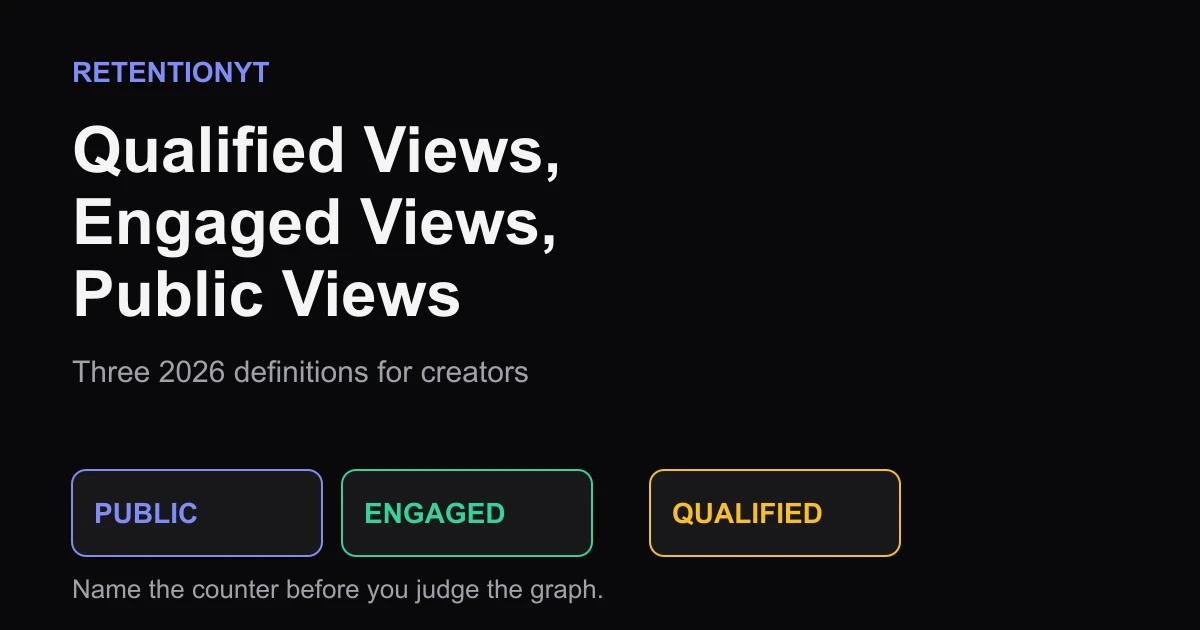
Qualified Views, Engaged Views, Public Views: Three 2026 Definitions
YouTube qualified views vs engaged views 2026: separate the new public counter from the engaged and qualified metrics you use for retention and YPP decisions.

10 min readUpdated
In this guide
You now have three “view” words for three jobs. On 24 August 2026, YouTube changed public counting so a view can start when playback begins from the first frame; engaged views still describe viewers who stay beyond the opening, while qualified views remain the YPP eligibility category. Impressions are not views. Keep the labels separate before you judge your hook.

What Qualified Views, Engaged Views, Public Views actually is (and what it is not)
Start with the job of each number, not the number itself. YouTube’s August 2026 update is about the public counter: across formats, a public view can be counted when a video starts to play from the first frame. That includes a new upload beginning in an autoplay context. YouTube’s August 2026 Help page also says the update does not change YPP earnings or eligibility.
An engaged view means the viewer stayed past the first frame and initial seconds. YouTube describes engaged views as the signal that remains useful for comparing attention before and after the public-counter change. The exact number of seconds is not given as a simple creator-facing threshold, so do not turn “initial seconds” into a made-up 3-second or 5-second rule.
A qualified view is the category YouTube says remains relevant to YPP eligibility. That is a different job again. The new public total is not a replacement for the qualified-view reporting used for eligibility, and the public total is not a shortcut for revenue or watch-time analysis.
An impression is exposure to a thumbnail, not playback. A thumbnail seen without the video starting is not a public view, an engaged view, or a qualified view. This is the boundary that prevents you from blaming the opening seconds for a problem that actually happened before the click or autoplay.
| Counter or signal | What it means in this brief | Use it for | What it is not |
|---|---|---|---|
| Public view | Playback begins from the first frame, including qualifying autoplay playback | Reading the public-facing exposure total on the updated counter | Proof that a viewer stayed or enjoyed the video |
| Engaged view | The viewer stays past the first frame and initial seconds | Comparing attention, retention, and engaged watch-hour reporting | A synonym for every public view |
| Qualified view | The view category YouTube retains for YPP eligibility | Checking the eligibility metric named by YouTube | The new first-frame public counter |
| Impression | A thumbnail is shown without being a view | Understanding packaging exposure before playback | Any type of playback |
Where RetentionYT fits
Manual method works alone. Product shortens the loop. RetentionYT can shorten the repeated retention-review loop after you have named the metric.
The practical translation is simple: public tells you that playback began, engaged tells you that the viewer stayed beyond the opening, qualified tells you which category matters for YPP eligibility, and impressions tell you a thumbnail was shown. Add the category beside every number in your review.
Why this shows up in YouTube Studio
YouTube Studio is where the categories stop being abstract. Engaged views remain available so you can compare attention before and after the public-counter change.
Open your upload’s Analytics area and look for the view and engagement reporting available to the account. A practical navigation rule of thumb is Content, choose the video, then Analytics; YouTube can move labels, so use the current screen rather than treating that path as a locked product specification. You can also open YouTube Studio directly.
Realtime activity is an estimate, and metrics can take time to appear or be adjusted. Save the date, video, panel name, and counter beside every screenshot.

Worked example 1: the failure
Suppose a 24 August 2026 upload has 10,000 impressions, 1,800 public views, 720 engaged views, and 410 qualified views. These numbers are illustrative, not YouTube data, and describe different events.
The failure is writing “The video got 1,800 views but retention was only 40%.” It treats the public count as engaged attention and hides the denominator and reporting window.
| Illustrative example 1 number | Label to write in the review | What you can responsibly ask |
|---|---|---|
| 10,000 | Impressions | Did the title and thumbnail earn enough opportunities to start playback? |
| 1,800 | Public views | How much playback began under the updated public counter? |
| 720 | Engaged views | Did the opening keep viewers past the first frame and initial seconds? |
| 410 | Qualified views | What does the YPP eligibility reporting show for the same period? |
Do not treat 410 qualified views as a cleaned-up version of 1,800 public views. The categories are separate reporting jobs, not pieces to subtract into a hidden “real view” number.

Worked example 2: the fix
Use the same illustrative upload, but change the review sheet: “Impressions: 10,000,” “Public views: 1,800,” “Engaged views: 720,” and “Qualified views: 410.” The labels make the comparison honest before you change a title, thumbnail, hook, or monetisation plan.
Ask one question per row: did the package earn attention, did playback begin, did the opening hold, and what does the YPP context show? For engaged views, inspect the first 8 seconds and retention curve.
Choose one next test: keep the thumbnail and rewrite the first sentence, or keep the opening and test a more specific title. Do not change both at once.
The fix is a clean measurement habit: one upload, one date, one named counter, one decision. When you compare pre-24 August and post-24 August uploads, note the public-count rule so a counting change is not mistaken for a quality change.

How to check this in YouTube Studio (step by step)
-
Write down the upload date. Mark whether it is before or after 24 August 2026; the date matters when you compare public totals.
-
Open the exact video. Choose the upload rather than the channel overview, which can combine different videos and periods.
-
Open Analytics. Note the available views, engagement, retention, and watch-time panels, with the panel name and date beside each number.
-
Separate public from engaged. If the number is the public-facing total, write “public views.” If the panel is reporting people who stayed past the opening, write “engaged views.” Never shorten both to “views” in your spreadsheet.
-
Check the YPP purpose separately. When the question is eligibility, use the qualified-view category named by YouTube. When the question is earnings, use engaged views and engaged watch hours as described by the source, not the first-frame public total.
-
Inspect the first 8 seconds. Use the retention curve to find the first meaningful drop, then compare that point with the promise in your title and opening sentence. This is an editorial diagnosis; it is not a claim that every drop has one cause.
-
Capture evidence. Save the video title, date checked, metric label, reporting window, and a screenshot or export. If Realtime is involved, label it an estimate and revisit after the normal reporting delay.
-
Choose one next-upload test. Change one variable, such as the first sentence or the title, and keep the metric category in the test note. That makes the next comparison reproducible.
For context on attention, compare Watch Time vs Retention. For structured drop-off review, use the YouTube retention tool after naming the metric. For action placement, use CTAs That Don’t Kill Retention.
The trap
The trap is a dashboard screenshot with a large public number captioned “views.” It looks precise but hides the question the number can answer. A first-frame public view shows playback began; it does not prove staying, YPP qualification, or an impression.
A hover is the sharpest example. If autoplay begins, it can create a public view under the new counting rule. If the viewer leaves immediately, that public count does not become evidence of sustained attention. If the viewer continues past the first frame and initial seconds, the event can also be engaged.
The trap
The move

If you want to shorten the review loop, RetentionYT can help you test retention decisions, but the manual method above works without signing up. The product is not a substitute for naming the counter; it is a way to make the repeated review easier after you have defined the question.
What to do in the next upload
Use this checklist before you compare the next graph. Keep the labels in the upload note, the spreadsheet, and the screenshot filename so the evidence stays readable when you return to it a week later.
- Record the upload date, reporting window, and exact video title.
- Write “public views,” “engaged views,” or “qualified views” beside every copied number.
- Keep impressions in their own row; they are thumbnail exposure, not playback.
- Treat first-frame public counting as a counter change, not proof of stronger retention.
- Use engaged views and engaged watch hours for the YPP earnings context named by YouTube.
- Use qualified views for the YPP eligibility context named by YouTube.
- Inspect the first 8 seconds without inventing a universal seconds threshold.
- Label illustrative examples and chart numbers as illustrative in your notes.
- Change one next-upload variable at a time when you want a clean comparison.
- Recheck the same metric category after the reporting window has settled.
The safest review sentence is: “Public views were X, engaged views were Y, and qualified views were Z for this date and reporting window.” It tells your future self what changed and what did not.
The vocabulary change is manageable once you stop forcing one number to answer four questions. Public is playback starting, engaged is staying beyond the opening, qualified is the YPP eligibility category, and impressions are exposure without playback.
Name the counter before you name the result.
Sources used: SOURCE 1 — YouTube Creator Insider, “An update to how we count public views across YouTube”, August 2026; SOURCE 2 — YouTube Help, “How engagement metrics are counted,” accessed August 2026.
Frequently asked questions
- What is a qualified view on YouTube?
- A qualified view is the view category YouTube says it will continue using for YouTube Partner Program eligibility after the August 2026 counter change. It is not the same as a first-frame public view. If you are checking eligibility, use the qualified-view information YouTube provides for that purpose instead of treating the public watch-page total as your YPP number.
- Are engaged views the same as public views?
- No. A public view can be counted when a video starts playing from its first frame, including an autoplay. An engaged view means the viewer stayed beyond the first frame and initial seconds. A click can produce both immediately, but a hover autoplay can begin as a public view and become engaged only if the viewer keeps watching.
- Which view counts for the Partner Program?
- YouTube says YPP earnings remain based on engaged views and engaged watch hours, while YPP eligibility remains based on qualified views. The new first-frame public counter does not replace those categories. Check the relevant YPP or Analytics reporting rather than using the watch-page public number as a shortcut.
- Did qualified views change in August 2026?
- The August 2026 change is to how public views are counted when playback starts. YouTube says YPP eligibility still uses qualified views, and YPP earnings still use engaged views and engaged watch hours. In other words, the public counter changed; qualified views did not become first-frame public views.
- Is a hover a view now?
- A hover autoplay can count as a public view once the video begins playing from the first frame. That does not automatically make it an engaged view. If the viewer stays past the first frame and initial seconds, it can also become engaged; if they leave immediately, do not read the public count as proof of sustained attention.
- How do I apply “Qualified Views, Engaged Views, Public Views” on my next upload?
- Before changing a hook, write down which counter you are looking at. Use the public number to understand exposure, engaged views to judge whether the opening held attention, and qualified views for YPP eligibility. Then compare retention and watch-time signals with the same metric category across uploads instead of mixing the three.
- Where in YouTube Studio do I check “Qualified Views, Engaged Views, Public Views”?
- Use YouTube Studio's video Analytics area as the practical starting point: open the upload, choose Analytics, and inspect the available view and engagement reporting. The exact labels and layout can move. For a current public total, also check the video's watch page, but keep that number separate from Analytics and YPP reporting.
- What is the most common mistake with “Qualified Views, Engaged Views, Public Views”?
- The common mistake is calling all three numbers “views” and then using one as evidence for another. A higher public total does not prove stronger retention, and a qualified-view total is not a first-frame exposure count. Name the counter in your notes, screenshots, and post-upload review before you draw a conclusion.
Give your next script a second look
Paste a script into RetentionYT for suggestions on your hook, pacing, and structure. Choose the edits that serve your video, then check audience behavior in YouTube Analytics after publishing.
Get retention tips in your inbox
Occasional, practical emails on hooks, pacing, and retention. No spam.
Related posts
Host-Read Sponsor at Minute 2 vs 6 vs After Payoff
Compare a YouTube sponsor read at minute 2, minute 6, or after a payoff. Use your retention graph to protect the loop instead of trusting a fixed placement rule.
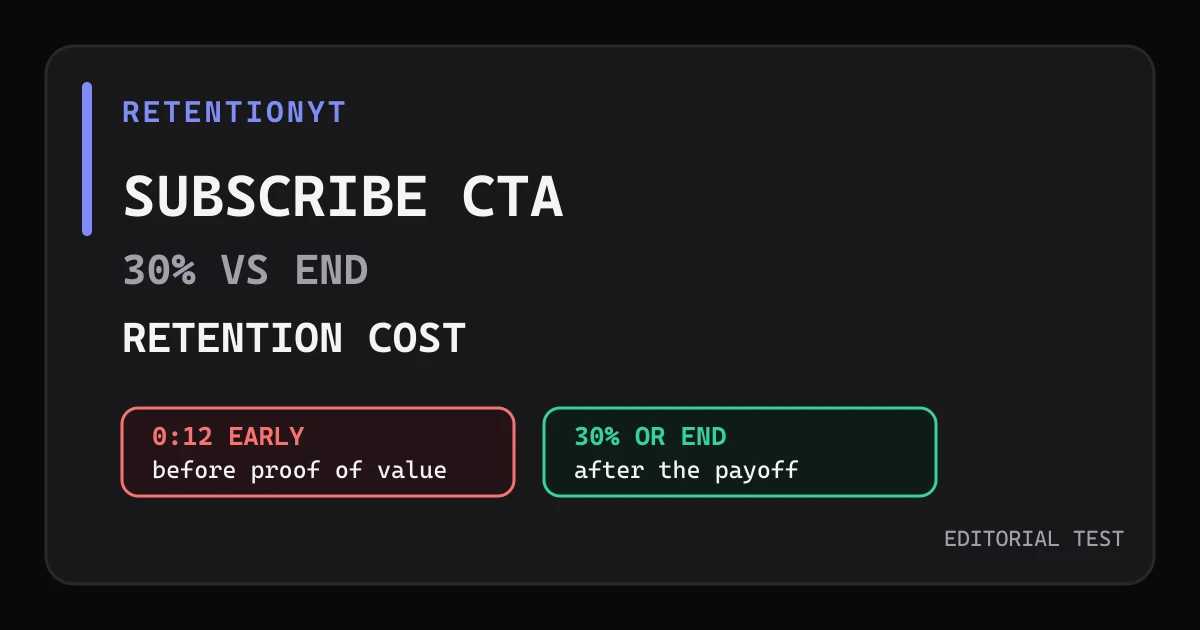
Subscribe CTA at 30% vs End: Retention Cost
Test your subscribe CTA at 30% versus the end: compare the retention cost of an ask at 0:12, after a mini-payoff, and in the closing seconds.
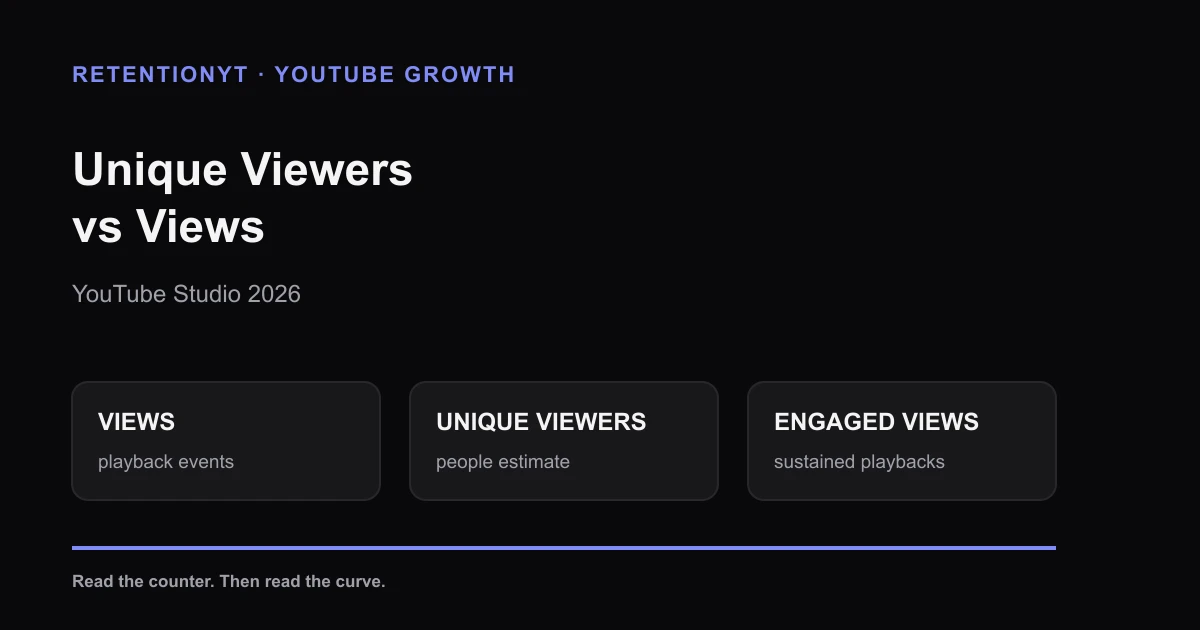
Unique Viewers vs Views in YouTube Studio 2026
Unique viewers vs views in YouTube Studio 2026: understand the new first-frame count, separate people from playbacks, and use retention to judge your next upload.