The Rehook at 25%, 50% and 75%
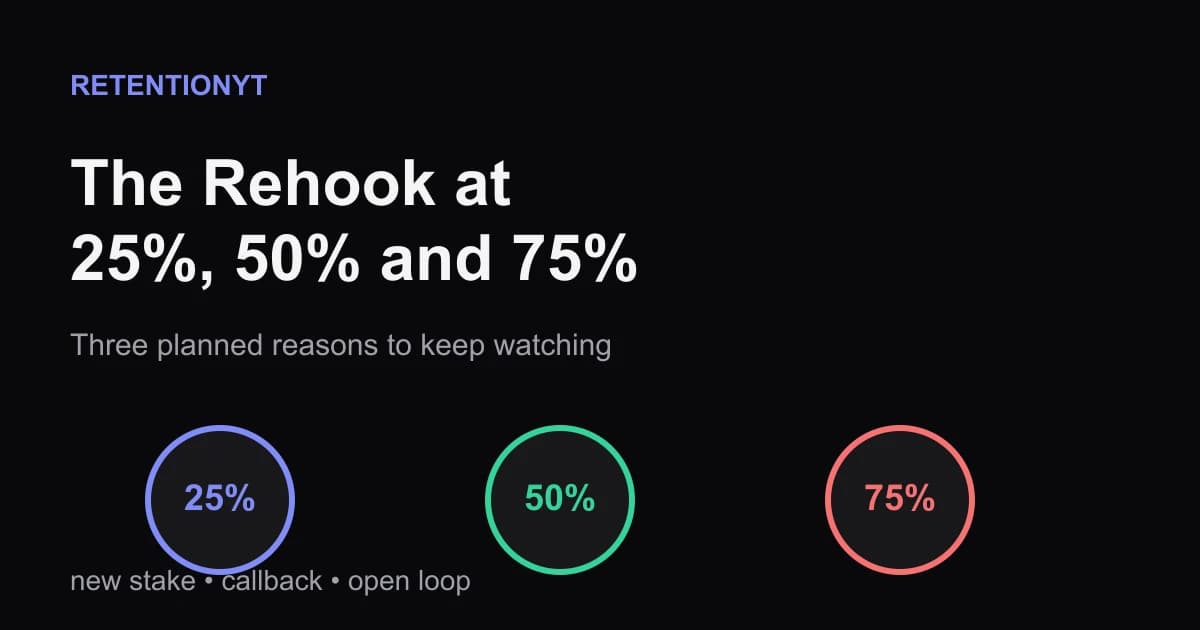
Schedule YouTube rehooks at 25%, 50% and 75% with three repeatable moves: a new stake, a callback, or an open loop that keeps the middle moving.

11 min readUpdated
In this guide
A 12-minute video gets three scheduled rehooks: around 3:00, 6:00, and 9:00. Each one has a job: raise a new stake, call back to the promise you made at 0:08, or open a question you have not closed. Those timestamps are an editorial schedule, not a YouTube rule. Put the notes in your outline before you write the jokes, examples, or transitions.
What The Rehook at 25%, 50% and 75% actually is (and what it is not)
A rehook is a short renewal of the viewer’s reason to continue. It arrives after the opening has done its job and the video needs a fresh reason to spend another minute with you. The useful test is simple: after the rehook, can the viewer say what they are waiting to see, learn, or find out?
The 25%, 50%, and 75% method turns that test into a planning habit. Multiply your planned runtime by 0.25, 0.50, and 0.75. Write one rehook note at each checkpoint, then assign the note one of three jobs: new stake, callback, or open loop. You are not promising that a viewer’s attention changes on an exact second. You are giving yourself three deadlines to renew the promise.
The new stake tells the viewer why the next section matters more than the last one. “Now the result has to survive a real test” is a stake; “here is another tip” is not. The callback reconnects to a detail the viewer already heard, such as the 0:08 promise or a visual shown in the opening. The open loop creates a specific unanswered question and gives the viewer a reason to stay for its close.
This is not a demand to say “stay tuned” three times. It is not a license to drop a loud zoom, a meme, or a sound effect over a sentence that has no new information. A pattern interrupt changes the presentation; a rehook changes the editorial reason to continue. Use both when they serve the same beat, but do not confuse motion with meaning.

A manual outline is enough to use this method. If you want a second pass before recording, RetentionYT can shorten the loop between a draft and a pacing review, but you should be able to write and test the method without signing up.
| Term | What it does | What to write in the outline |
|---|---|---|
| New stake | Raises the consequence or difficulty | “The next test can still fail if…” |
| Callback | Reconnects to an earlier promise or detail | “Remember the 0:08 example? It matters here because…” |
| Open loop | Creates a specific unanswered question | “Before the end, you will see why…” |
Why this shows up in YouTube Studio
You do not install a “rehook” switch in YouTube Studio. You write the beats in your script, publish the video, and then use the analytics available to inspect what happened around those moments. The locked SOURCE 1 describes the Reach area and its reports, while SOURCE 2 explains that the channel-level Content tab shows how an audience finds, watches, and interacts with content.
That distinction matters because your planning timestamps are not published YouTube benchmarks. The curve in the next figure is illustrative — not a published benchmark. It shows the kind of editorial question you can ask: did the line flatten, dip, or recover near a planned rehook, and what sentence or visual was on screen at that moment?

For the mechanics that the locked sources do support, open YouTube Studio and use the Analytics area available to your account. The Content guidance says to select Analytics from the left menu and Content from the top menu at channel level; it also says SEE MORE or ADVANCED MODE can open a more detailed report for specific data, comparisons, and exports. The Reach guidance shows Content, a selected video, Analytics, then Reach.
Do not turn that navigation into a false promise that Studio will explain why a sentence worked. Studio gives you signals and views. Your transcript, edit timeline, and outline supply the explanation. Mark the timestamp, read the surrounding lines, and decide whether the rehook delivered a new stake, callback, or open loop.
Worked example 1: the failure
Take a 12-minute tutorial about fixing a slow laptop. The creator writes a strong 0:08 promise: “By the end, you will know which background process is stealing your speed.” The outline then runs through five settings menus, three definitions, and a long screen recording with no fresh question. The quarter marks exist on the timeline only as numbers, not as beats.
This is an illustrative example, not a channel dataset. At 3:00, the script says “next, open Settings.” At 6:00, it says “now we will look at another option.” At 9:00, it says “finally, let us check the last menu.” The viewer hears a sequence, but not a reason to care more at each stage.
The failure is not that the creator missed a magical 25% threshold. The failure is that the timestamps were treated as alarms instead of writing appointments. A cutaway at 6:00 may change the screen, but it does not renew the promise. A louder sound at 9:00 may create motion, but it does not answer why this last menu matters.
| Checkpoint | Illustrative line | Why it fails |
|---|---|---|
| 3:00 | “Next, open Settings.” | It changes location but adds no stake. |
| 6:00 | “Now we will look at another option.” | It announces sequence without a payoff. |
| 9:00 | “Finally, check the last menu.” | It says the video is ending instead of opening a useful question. |
The diagnosis is practical. If you hide the captions and mute the music, the middle still has no new promise. If you remove the animated zooms, the words still do not tell the viewer what is at risk. The fix begins in the outline, not in a transition preset.
Worked example 2: the fix
Keep the same 12-minute tutorial, the same opening promise, and the same three rough timestamps. Rewrite the checkpoint notes before rewriting the paragraphs. At 3:00, make the next setting a test of the viewer’s original problem. At 6:00, call back to the background process named at 0:08. At 9:00, open a final question that the last screen recording will close.
This is still an illustrative example. The new notes could read: “At 3:00, test the fix on the slowest startup app”; “at 6:00, return to the process from 0:08 and show what changed”; “at 9:00, reveal the one setting that can undo the improvement.” Each line gives the next section a job.

Now the spoken line and the visual can cooperate. The 3:00 rehook might show the startup list while you say, “This is the test: does the fix help the app that slows your boot?” The 6:00 callback can put the 0:08 process name back on screen. The 9:00 open loop can hide the final setting until the next section, but only if the reveal genuinely helps the viewer finish the task.

After the edit, compare your notes with what the video actually says. If the 6:00 callback moved to 6:42 because the demonstration needed more room, update the outline. The schedule keeps you honest; it does not outrank the explanation.
How to check this in YouTube Studio (step by step)
Start with the artifact you control: your outline. Write the runtime, calculate the three quarter marks, and copy the timestamp notes into the script or edit marker list. Make the wording concrete enough that another editor can identify the intended moment without asking what “add energy” means.
Next, publish and wait until the analytics view you use has data. Do not write a made-up benchmark into your QA sheet. When you open YouTube Studio, follow the product navigation supported by the source pages: for channel-level performance, open Analytics from the left menu and Content from the top menu; for reach, the other locked page shows Content, the selected video, Analytics, then Reach.
Then make a small review table. Put the planned timestamp in the first column, the actual timestamp in the second, the rehook job in the third, and the sentence or visual that performed it in the fourth. Your last column should be an observation, not a verdict: “the callback landed after the example,” “the new stake was vague,” or “the open loop was closed before the rehook appeared.”

If you need a second perspective on the writing, use the viewer retention checker once, then return to the script. It can suggest pacing questions, but the final decision is still yours: does this line renew the viewer’s reason to continue, and does the following section pay it off?
The trap
The trap is worshipping the timestamps. A creator sees “25%” in the outline and forces a dramatic reveal even when the section is still explaining the setup. Another creator uses the same sentence at 25%, 50%, and 75%, changing only the zoom and music. Both are obeying the calendar while ignoring the story.
The trap
The move
A second trap is treating a graph as a verdict. Even when an analytics curve moves near a planned timestamp, you do not know the cause from the line alone. Read the script, inspect the edit, and compare the moment with your promise. A dip is a question to investigate, not proof that a specific transition failed.
A third trap is borrowing numbers from someone else’s article. The 3:00, 6:00, and 9:00 times here come from the illustrative 12-minute planning example. They are not a YouTube benchmark, a guarantee, or a product threshold. If your 12-minute video has a natural act break at 4:10, move the rehook and explain the job it performs.
What to do in the next upload
Write the three checkpoints before the first draft becomes too precious. If the outline cannot name the stake, callback, or loop at a checkpoint, that is useful information: the section may be a list without progression, or the promise may be too vague to guide the middle.
- Write the planned runtime and calculate 25%, 50%, and 75%.
- Put one timestamp note in the outline for each checkpoint.
- Assign each note exactly one primary job: stake, callback, or open loop.
- Tie the first callback to a specific word, visual, or promise from the opening.
- Write the next section’s payoff before polishing the rehook sentence.
- Label illustrative numbers as illustrative in your notes and captions.
- Review the actual timestamps after editing instead of pretending they stayed fixed.
- Use Studio analytics as evidence to inspect, not as a magic explanation.
- Pick one rehook to improve in the next upload and leave the rest alone.
For a second related read, see how to read your YouTube retention graph and why viewers leave in the first 30 seconds. Those pieces cover graph reading and opening retention; this one gives you a simple writing schedule for the middle. Keep the jobs separate so you do not turn one article’s method into a universal law.
The practical version is small enough to use today. Open the outline, type three times, choose three jobs, and write the payoff after each job. Then record the video, review what happened, and move the next set of checkpoints to match the idea you are actually making.
A timestamp is not a rehook until it gives the viewer a new reason to continue.
Frequently asked questions
- What is a rehook?
- A rehook is a deliberate moment that renews a viewer’s reason to keep watching after the opening hook. It can introduce a new stake, call back to an earlier promise, or open a question you will close later. In this method, you draft those moments into the outline instead of hoping an edit will rescue a flat middle.
- How often should I rehook?
- Start with quarter marks as a writing schedule: around 25%, 50%, and 75% of the planned runtime. A 12-minute video therefore gets rough checkpoints near 3:00, 6:00, and 9:00. Treat those as planning prompts, not a law; move a rehook when the idea, payoff, or scene naturally changes.
- Is this the same as a pattern interrupt?
- They overlap, but they are not identical. A pattern interrupt changes the viewer’s sensory or editorial experience, such as a visual, sound, or pacing shift. A rehook changes the reason to continue by renewing a stake, calling back to a promise, or opening a question. One rehook can use several pattern interrupts.
- What if my video is 4 minutes?
- Use the same idea with shorter spacing. For a 4-minute video, begin by testing checkpoints near 1:00, 2:00, and 3:00, then move them to fit the actual beats. Do not cram three announcements into the script. Each checkpoint needs a distinct job: raise the stake, reconnect to the promise, or open a clear loop.
- Should rehooks be spoken or visual?
- Either can work, and the strongest versions often pair them. The spoken line supplies the new reason to continue while the visual proves, contrasts, or previews it. If the viewer can understand the rehook with the sound muted, the visual is carrying useful weight; if the visual is busy, keep the spoken promise short and concrete.
- How do I apply “The Rehook at 25%, 50% and 75%” on my next upload?
- Write the runtime, multiply it by 0.25, 0.50, and 0.75, and place three notes in the outline. Label each note as new stake, callback, or open loop. Draft a one-sentence rehook for each, then check that the next section pays it off. After editing, compare the moments with your available Studio analytics and revise the next outline.
- Where in YouTube Studio do I check “The Rehook at 25%, 50% and 75%”?
- Use YouTube Studio for the analytics views available on your channel and video. The locked YouTube Help guidance confirms the channel-level path Analytics, then Content, and the reach guidance shows Content, a selected video, Analytics, then Reach. This article does not invent a retention-menu path because the locked retention URL resolves to a Reach page.
- What is the most common mistake with “The Rehook at 25%, 50% and 75%”?
- The most common mistake is treating 25%, 50%, and 75% as permission to interrupt at random. A timestamp alone is not a rehook. If the line does not add a stake, reconnect to a promise, or open a question that the next section answers, it is filler. Plan the job first, then choose the words, cut, or visual that performs it.
Give your next script a second look
Paste a script into RetentionYT for suggestions on your hook, pacing, and structure. Choose the edits that serve your video, then check audience behavior in YouTube Analytics after publishing.
Get retention tips in your inbox
Occasional, practical emails on hooks, pacing, and retention. No spam.
Related posts
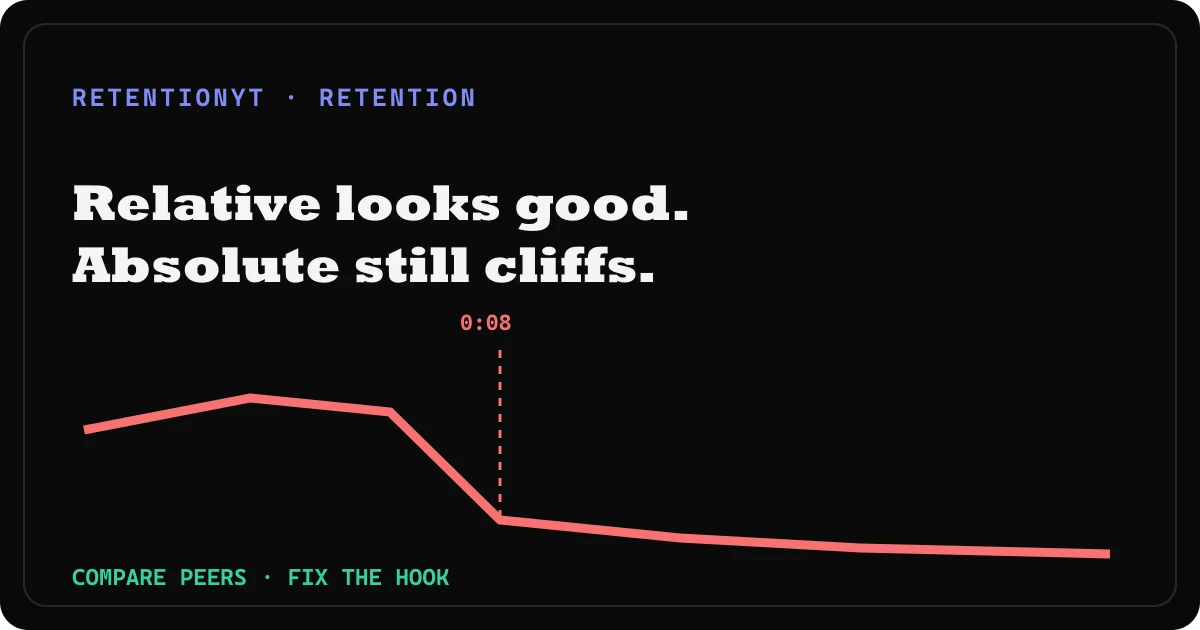
Relative Retention High, Absolute Cliff: What It Actually Means
Relative retention good but absolute retention bad? Read the comparison as context, find the 0:08 cliff, and rewrite the opening that caused it.
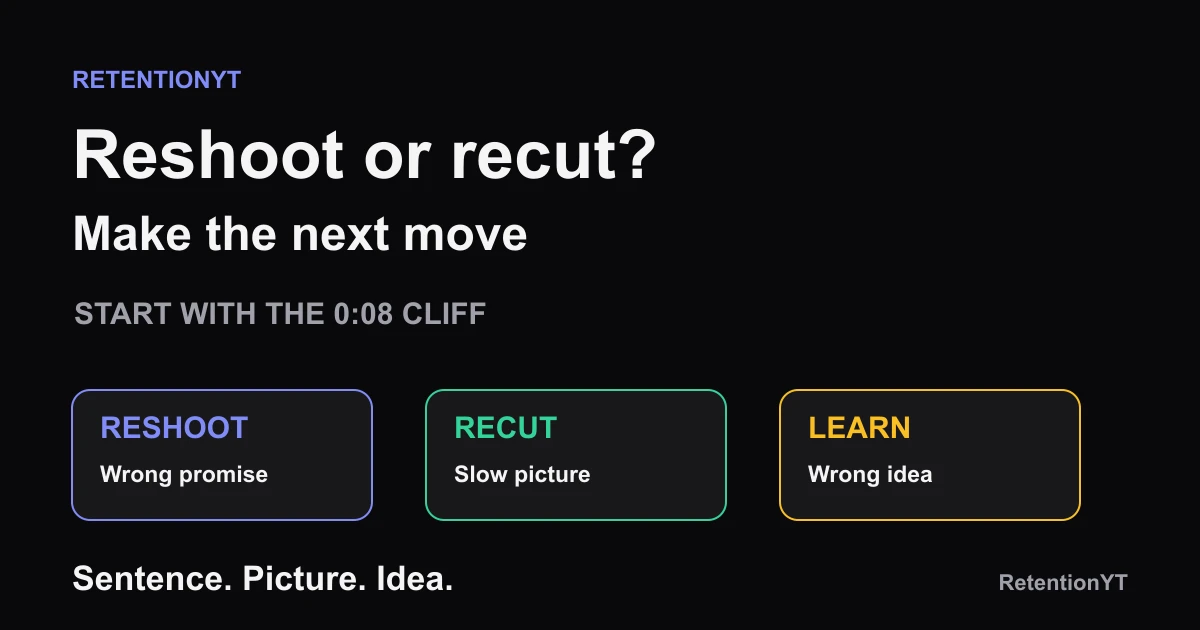
Reshoot the Intro vs Recut the B-roll: A Decision Rule
Should I reshoot YouTube intro or recut? Use the 0:08 cliff to decide whether the sentence, the picture, or the whole idea needs a different next move.
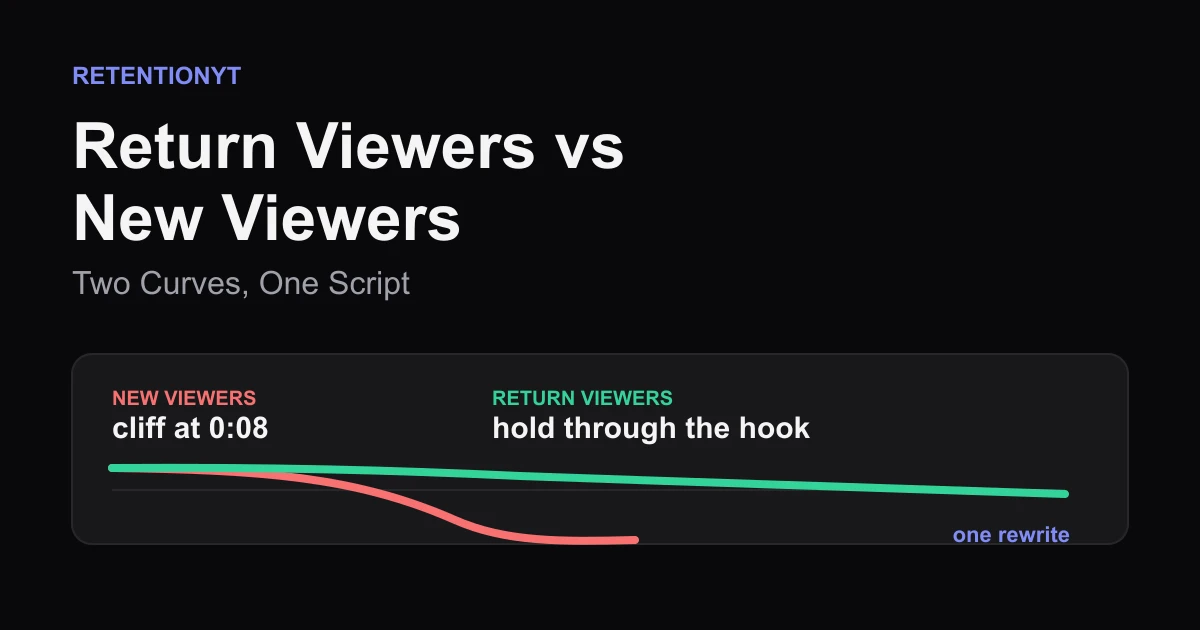
Return Viewers vs New Viewers: Two Curves, One Script
YouTube new vs returning viewers retention is a promise test: read the two curves, find the 0:08 cliff, and rewrite one opening that serves strangers without losing fans.