Reshoot the Intro vs Recut the B-roll: A Decision Rule
Should I reshoot YouTube intro or recut? Use the 0:08 cliff to decide whether the sentence, the picture, or the whole idea needs a different next move.

12 min readUpdated
In this guide
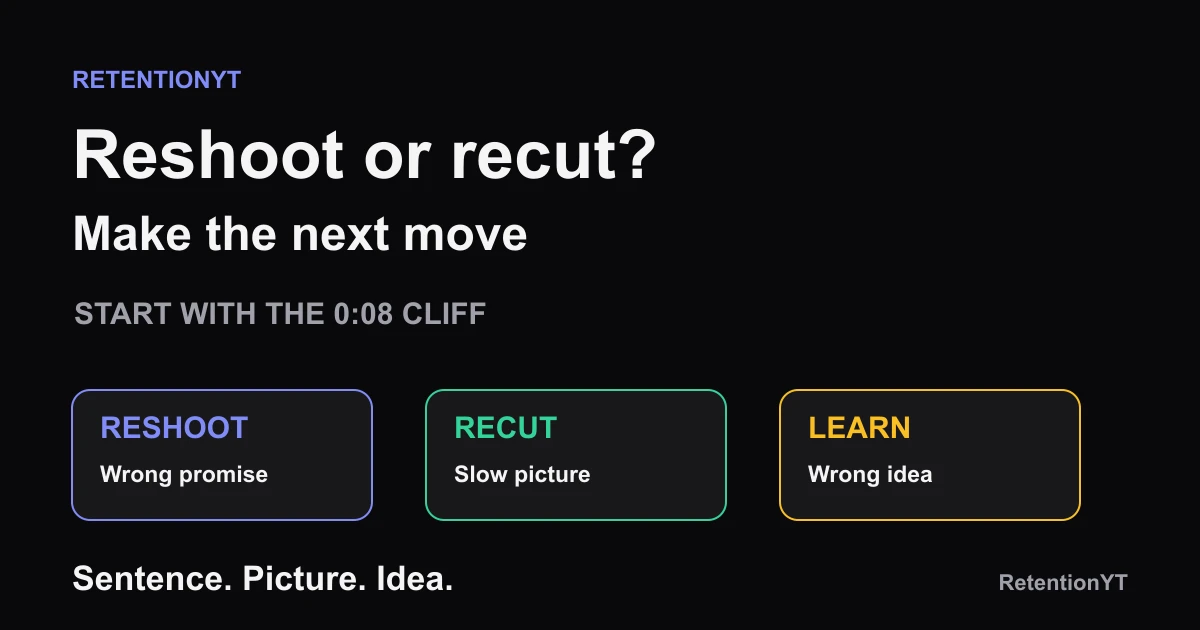
If the graph cliffs at 0:08, do not immediately re-upload a 14-minute video. First ask which part failed: the sentence, the picture, or the idea. Reshoot 15 seconds for the next video when the promise is wrong; recut the next edit when dead air or slow B-roll caused the drop; change the idea when the whole premise is wrong. That decision is a workflow, not a YouTube benchmark.

What Reshoot the Intro vs Recut the B-roll actually is (and what it is not)
This diagnosis rule tells you where to spend the next hour after an early cliff: reshoot the spoken opening, recut the visuals, or carry the lesson into a new video.
A promise mismatch means the spoken opening does not cash the expectation created by the title, thumbnail, or topic. The line may be vague, the result may be buried, or the opening may sound like a different video. Fix the sentence and reshoot a short opening for the next production test. Do not hide a weak promise under faster music.
A picture problem means the words are doing their job but the screen makes the viewer wait. Dead air, a static talking head, a B-roll shot that lasts past its information, or a delayed proof point can make a clear idea feel slow. Keep the promise, tighten the cut, and make the visual change arrive when the sentence needs it.
An idea problem is larger than the intro. The title may attract the wrong viewer or the payoff may not justify the click. No 15-second reshoot can make the wrong promise valuable; document the lesson and make the next idea better.
| What you see at 0:08 | Likely failure | Next move | What stays fixed |
|---|---|---|---|
| Words do not match the click | Promise mismatch | Reshoot the next intro | The learning goal |
| Words are clear but the screen drags | Dead air or slow B-roll | Recut the next edit | The core promise |
| Promise is clear but the idea is wrong | Concept mismatch | Learn and make the next video | The diagnostic evidence |
A reshoot changes spoken performance; a recut changes timing and pictures; a new idea changes the video’s reason.
The manual method works without signing up. The viewer retention checker is an optional pre-record check, not a substitute for reading the graph.
Where RetentionYT fits
Manual diagnosis works alone. Product shortens the loop. Use RetentionYT when you want an additional pre-record check, but keep the sentence-versus-picture decision in your own hands.
A bad first eight seconds is a clue. It is not a production order.
— RetentionYT editorial team
The 0:08 and 15-second markers are editorial, not YouTube thresholds.
Why this shows up in YouTube Studio
YouTube’s locked help pages give you different pieces of the diagnostic context. SOURCE 2 says the Content tab in YouTube Analytics gives a channel-level overview of how viewers find content, what they watch, and how they interact with it. In August 2026, its Computer instructions say to sign in to Studio, select Analytics, then select Content. Under Videos, Key moments for audience retention shows how different moments held attention, and typical retention can compare your 10 latest videos of similar length. SOURCE 2
Use that report to locate a moment, not to blame the whole edit. Mark 0:08, replay the line, then watch the visual without sound. If both fail, investigate the promise; if the words hold up but the screen stalls, investigate the cut.
The locked SOURCE 1 URL currently opens a page titled Understand your YouTube video reach, although the brief labels it Audience retention. The opened page documents a different Computer path: sign in to Studio, select Content, select the video, select Analytics, then select Reach. It also describes Reach metrics such as click-through rate, watch time, and views. That source conflict is recorded in the handoff, and no unsupported retention feature is attributed to SOURCE 1. SOURCE 1
SOURCE 2 also states that, beginning August 24, 2026, views are counted when a video starts to play across Shorts, long-form videos, and live streams. That is a view-counting definition, not proof that your opening worked. A view tells you playback began; the retention report is where you inspect what happened after the start.

Do not infer the fix from the timestamp alone. A cliff can come from a false promise, frozen frame, confusing edit, or wrong viewer. The graph tells you where; replaying sentence and picture tells you what to change. Use read the YouTube retention graph for a longer workflow.
Worked example 1: the failure
Use one fictional example: a creator publishes a 14-minute video promising a fast way to remove dead air from interviews. The opening says, “Welcome back. Today I’m going to walk you through my process and explain why editing interviews can take so long.” The screen stays on a talking head while the creator opens folders and explains the project history.
At 0:08, the viewer has heard a topic but not a result. The title promised a fast removal method, yet the sentence promises a process tour. That is a promise mismatch, so the first instinct should be a reshoot, not a B-roll montage layered over the same weak line.
By 0:30, the creator is still describing the project. Even if the words were stronger, the screen would still be slow: the timeline, the silence, and the before-and-after edit have not appeared. That is a picture problem sitting behind the promise problem.
At 2:00, the demonstration finally begins after the viewer has waited through the wrong opening. Do not re-upload by default; write a truthful 15-second opening for the next interview edit and place proof immediately after it.
| Checkpoint | Illustrative observation | Diagnosis | Wrong repair |
|---|---|---|---|
| 0:08 | Illustrative: topic named, result missing | Promise mismatch | Add louder music |
| 0:30 | Illustrative: folders and history, no proof | Slow visual handoff | Reshoot the same explanation |
| 2:00 | Illustrative: demonstration starts late | Payoff delayed | Re-upload by default |
The table is illustrative, not a RetentionYT dataset or YouTube benchmark. It shows why one early cliff can contain more than one defect.
First ask whether the sentence works when the viewer can see the proof. If not, reshoot; if yes, recut the picture.
Worked example 2: the fix
Keep the same fictional idea and change the diagnosis. The next version starts: “This interview has 42 seconds of dead air. I’ll remove it without making the speaker sound rushed, then show the before-and-after before we touch the rest of the edit.” The number is illustrative, the constraint is visible, and the result is specific.
The creator then shows the uncut timeline, plays the first silence, and cuts to the shortened version. That is the proof beat. If the words are clear and the visual changes with the claim, there is no reason to reshoot the sentence because the remaining work belongs to the cut.
The first rehook arrives after the small payoff: “The silence was easy; the repeated explanation is where the interview starts sounding artificial.” Now the next problem is earned by the first result. Recut the B-roll and pauses around that sentence instead of replacing the promise again.
If the creator discovers that the audience actually wanted interview questions rather than editing technique, stop. That is an idea mismatch. Make the next video for the viewer who needs the promised solution; do not spend another afternoon polishing a false starting point.

The fix is a cleaner experiment: sentence, picture, and idea have separate jobs, so the next graph can test it. See the first 30 seconds retention guide.
How to check this in YouTube Studio (step by step)
Open YouTube Studio, note the title, length, publish date, and promise, then follow the evidence rather than frustration.
- Select the video and open Analytics. The two locked sources describe different report paths, so keep the question you are asking in view.
- For the channel-level Content context, use Analytics, then Content. SOURCE 2 says this tab gives an overview of how viewers find, watch, and interact with content.
- For the selected-video Reach context, use Content, select the video, select Analytics, then Reach. SOURCE 1 documents this path on its currently opened page.
- Open the audience-retention or key-moments report available for the video. SOURCE 2 says Key moments for audience retention shows how different moments held viewers’ attention and supports comparison with the 10 latest videos of similar length.
- Mark 0:08 and 0:30. These are editorial checkpoints, not YouTube-published thresholds. Replay the spoken words once with the picture hidden, then the picture once with the words muted.
- If the words contradict the click, write a replacement 15-second opening for the next video. If the words are clear but the picture lingers, recut the visual plan for the next edit.
- If the promise and picture are both coherent but the viewer is still the wrong viewer, record an idea lesson. Do not call the video a lost cause from one graph shape.
- Log one change, one reason, and one thing you will compare on the next upload. Do not make three simultaneous repairs and then guess which one helped.

Compare typical retention where SOURCE 2 makes it available, but treat different topics, lengths, or audiences as imperfect controls. SOURCE 1 notes that some Reach reports may not be available on mobile devices.
The trap
The trap is treating every 0:08 cliff as a reshoot order. A creator records the same promise again, keeps the static first frame, and wonders why the line still drops. The sentence was not the only defect; the picture kept asking the viewer to wait.
A fast montage cannot make an unclear claim true. Recutting is correct when the words earn the click and visual timing is the problem.
The trap
The move

A related trap is re-uploading by default. The locked sources explain Analytics, not a promise that a new upload repairs an old one. Keep the evidence for the next test.
What to do in the next upload
Before you record, make the decision test visible in the script. Keep one column for spoken words and one for the picture that proves those words. That makes it harder to blame B-roll for a promise that was never clear.
- Write the title and thumbnail promise in one sentence before recording.
- Draft the first 15 seconds so the result or problem is concrete.
- List the first visual action beside every spoken sentence.
- Mark the 0:08 checkpoint as an editorial diagnostic, not a benchmark.
- After publishing, replay the words without the picture and the picture without the words.
- Reshoot the next intro when the sentence is false, vague, or mismatched.
- Recut the next edit when dead air or slow B-roll delays a clear promise.
- Make the next video when the whole idea attracts the wrong viewer.
- Change one primary variable so the next result is interpretable.
- Log the decision and compare it with a similar upload on your own channel.
Use the manual method first. If you use RetentionYT, treat its pre-record feedback as an additional check. For hook practice, see the first 30 seconds retention guide.
At 0:08, separate the sentence from the picture, then decide whether the idea deserves another version.
References
Frequently asked questions
- Should I re-upload to fix retention?
- Usually, no. A re-upload is a new test, not a repair to the evidence on the existing upload. First decide whether the 0:08 cliff comes from the promise, the picture, or the idea. Reshoot a short intro for the next video, recut the next edit, or learn from the miss instead of defaulting to re-uploading.
- When do I reshoot vs recut?
- Reshoot when the spoken promise is wrong, vague, or mismatched with the title and thumbnail. Recut when the promise is clear but dead air, slow B-roll, or a delayed visual makes the opening drag. If the topic itself attracts the wrong viewer, do neither on this upload; use the lesson for the next idea.
- Can I replace just the intro?
- The locked sources for this article document YouTube Analytics reports, not a workflow for replacing only the opening of an existing upload. Do not promise a clip-swap feature that has not been verified. Keep the original upload as evidence, and use a reshot 15-second opening in the next production test.
- Will YouTube let me swap the first 15 seconds?
- Do not build your plan around a first-15-seconds swap unless the control is available in your current Studio workflow and you have verified it. The locked sources here describe Reach and Content analytics, not post-publish clip replacement. Treat the published video as the record, then change the next cut.
- When is the video a lost cause?
- Do not call a video lost from one early cliff alone. If the idea still matches the intended viewer, learn from the opening and make the next version. If the promise attracts the wrong audience or the whole video solves the wrong problem, stop spending edit time on this upload and carry the lesson into a better next idea.
- How do I apply “Reshoot the Intro vs Recut the B-roll” on my next upload?
- Before recording, write the first 15 seconds and list the first visual action beside each sentence. After publishing, inspect the early curve: a promise mismatch points to a reshoot, while dead air or slow B-roll points to a recut. If the idea itself is wrong, document the lesson and make the next video.
- Where in YouTube Studio do I check “Reshoot the Intro vs Recut the B-roll”?
- Open [YouTube Studio](https://studio.youtube.com), select Analytics, and inspect the reports available for the video. SOURCE 1 documents Content, the selected video, Analytics, then Reach; SOURCE 2 documents Analytics, then Content at channel level and lists Key moments for audience retention under Videos. Use the report that matches your question.
- What is the most common mistake with “Reshoot the Intro vs Recut the B-roll”?
- The common mistake is choosing a production fix before naming the failure. Creators reshoot a line when the visual is slow, or recut B-roll when the title made the wrong promise. Start at 0:08, replay the words and picture separately, and decide whether the defect belongs to the sentence, the picture, or the idea.
Give your next script a second look
Paste a script into RetentionYT for suggestions on your hook, pacing, and structure. Choose the edits that serve your video, then check audience behavior in YouTube Analytics after publishing.
Get retention tips in your inbox
Occasional, practical emails on hooks, pacing, and retention. No spam.
Related posts
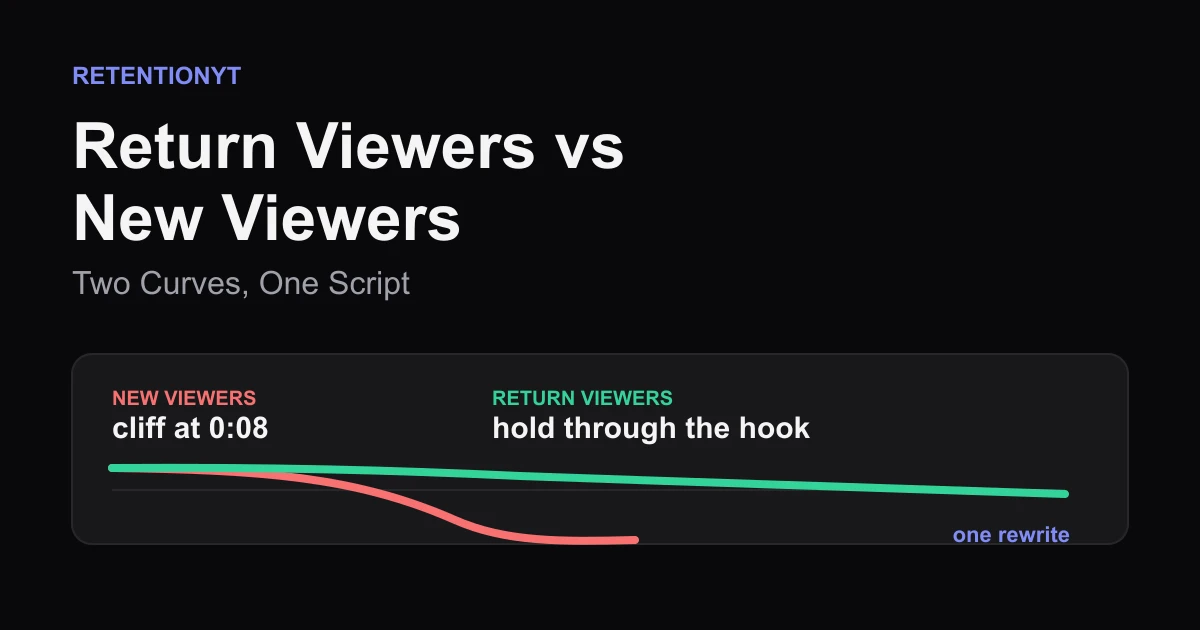
Return Viewers vs New Viewers: Two Curves, One Script
YouTube new vs returning viewers retention is a promise test: read the two curves, find the 0:08 cliff, and rewrite one opening that serves strangers without losing fans.
Search Traffic Is Patient, Suggested Is Not
Learn why YouTube search vs suggested retention can look different, how to split the curve in Studio, and how to rewrite the hook for the impatient source.
What 'Typical Retention' Cannot Tell You (And What Your Last 8 Videos Can)
The limitations of YouTube typical retention line: use the grey comparison line, then check traffic mix, viewer type, and your last 8 in-band videos before rewriting.