Silence as a Scripted Beat
Use a written 1.2-second silence after a number to reset a talking head, expose the next idea, and give a faceless edit a clear graph hold without inventing a promise.

8 min readUpdated
In this guide
Write silence. [SILENCE 1.2s] after a number is a pattern interrupt: a deliberate change in the expected flow. Three seconds of dead air is an illustrative warning, not YouTube data. For a faceless edit, pair the silence with a hold on the circled graph and let the next method arrive without filler.
What Silence as a Scripted Beat actually is (and what it is not)
Silence as a scripted beat is a written pause with a job. Place it after a number or instruction, then hold the relevant frame. The marker is a production instruction, not a graph promise.
A pattern interrupt deliberately changes rhythm. Constant talk can become a pattern too, so a short silence creates contrast. The next visual or method must earn that space.
| Scripted silence | Accidental dead air |
|---|---|
| Has a duration and a reason | Appears because the performer lost the line |
| Follows a number or change | Follows nothing the viewer can inspect |
| Holds a graph, caption, or screen | Leaves the frame static and unexplained |
| Hands off to the next method | Delays the method without a job |
The 1.2-second cue is editorial, not a platform benchmark. Three seconds is illustrative; there are no guaranteed lifts.
You can write and record this manually. RetentionYT is optional for a pacing pass.
Where RetentionYT fits
Manual method works alone. Use RetentionYT if a draft review helps you choose a cut.

Why this shows up in YouTube Studio
The YouTube Help page, August 2026 says the channel-level Content tab shows how audiences find and interact with content.
Under Videos, it describes Key moments for audience retention and comparison with the 10 latest similar-length videos. It does not promise a lift from silence.
The other locked URL is a Reach page, not Audience retention. It documents Studio → Content → Analytics → Reach and reach metrics. See YouTube Help, August 2026; the mismatch is in 00-HANDOFF.txt.
Worked example 1: the failure
This is an illustrative editing timeline, not channel data. The creator says, “The click-through rate was 4.8 percent,” then leaves an unmarked gap while searching for the next screen. The number is illustrative, and the viewer has no cue about what to inspect.
| Illustrative failure beat | Illustrative time | Screen state | Problem |
|---|---|---|---|
| Number is spoken | 0:06 | Chart appears | No pause cue |
| Dead air | 0:07–0:10 | Cursor wanders | Viewer lacks a job |
| Method arrives late | 0:11 | New slide | Energy resets too late |
The timing and 4.8 percent are illustrative. The failure is the lack of a written duration, held visual, and hand-off; the performer patches the hole with filler or an irrelevant cutaway.
Do not speed up every sentence. Mark the number, state what to inspect, and write the next method directly after the hold.
Worked example 2: the fix
Keep the same illustrative lesson, but make the pause deliberate: “The click-through rate was 4.8 percent. [SILENCE 1.2s] Hold the circled number, then compare it with the next thumbnail.” The number and timestamps remain illustrative cues. The performer knows not to fill the gap, and the editor knows which frame should remain stable.
At 0:06, say the number; hold the circled chart until 0:07.2, then move to the comparison method. Shorten a long pause or fix an unreadable graphic.

The curve is not evidence of causation; inspect the line, held frame, and next method as one edit.
How to check this in YouTube Studio (step by step)
Use the report path you actually see. The sources document different contexts; record a dated timestamp, not a report named Silence as a Scripted Beat.
- Write the beat before recording. Put the number, the exact cue, and the visual hold in the script. Use [SILENCE 1.2s] as a starting constraint.
- Open the analytics context. SOURCE 2 documents Content at channel level and describes Key moments for audience retention under Videos. SOURCE 1 documents the selected-video Reach path. Open YouTube Studio and use the context your account exposes.
- Mark the spoken timestamp. Note where the number ends, where silence begins, and where the next method starts. Keep those marks in your edit notes.
- Inspect the frame. Ask whether the held graph, caption, or screen gives the viewer one obvious thing to read. If not, revise the visual before lengthening the gap.
- Compare carefully. If your account shows typical retention, use the comparison context described by SOURCE 2. Do not call an illustrative curve a benchmark or assign causality from one moment.
- Make one rewrite. Shorten the cue, move the silence, change the visual, or bring the method closer. Do not change every variable at once.
- Save the evidence. Record the access date, report wording, timestamp, and next-edit decision.
This runs without signing up. For a broader pass, see how to script a YouTube video and the YouTube script outline template.

The trap
The trap is treating silence as decoration. An empty frame asks the viewer to wait without telling them why. If every sentence gets [SILENCE 1.2s], the marker becomes background noise.
The third trap is stretching the gap to avoid a cut. Shorten it when the viewer has finished reading; keep it when the number needs contrast and the next method is ready.
The trap
The move
The examples are illustrative, and the good line is a template until it matches your screen. The SVG states BAD and GOOD in text, so meaning does not depend on colour.

What to do in the next upload
Choose one number before recording. Decide what the viewer should notice, write the marker, and put the held frame beneath it. If the pause does not clarify the next method, remove it.
- Choose one meaningful number or contrast in the outline.
- Write [SILENCE 1.2s] after the spoken line.
- State what the viewer should inspect during the hold.
- Keep the frame stable and readable.
- Do not fill the gap with “um,” a restatement, or extra music.
- Mark the timestamp in the edit notes.
- Show the next method immediately after the pause.
- Treat all sample numbers and timings as illustrative.
- Review the report your account actually exposes.
- Record the access date, wording, and one next-edit decision.
Use this template: “The number was [real number]. [SILENCE 1.2s] Hold [specific visual], then [next method].” Replace brackets with a true instruction; change the frame if it cannot support the pause.
The manual workflow is complete without RetentionYT. Use the product only for a specific review loop.

A pause earns its place when the viewer knows what to notice next.
Frequently asked questions
- Does silence help YouTube retention?
- Silence is an editorial tool, not a guaranteed retention lever. A written pause can interrupt constant talk and make a number or screen change easier to notice. Test it against your own edit: keep the pause short, show the relevant visual, and review the retention report your account exposes rather than claiming the pause caused a result.
- How long can a pause be?
- Start with [SILENCE 1.2s] as a practical writing cue, not a platform rule. A longer pause may suit a reveal, while a shorter one may preserve pace. Record the spoken line, screen state, and pause together, then listen back. If the beat feels like dead air instead of a deliberate hand-off, shorten it or cut it.
- Should I write pauses in the script?
- Yes. Write the pause as an action cue—[SILENCE 1.2s]—after the number or line you want the viewer to process. The marker gives the performer a repeatable target and gives the editor a cut point. It does not guarantee a graph change; it simply makes the intended interruption survive recording.
- Is this only for drama?
- No. Use a scripted silence in tutorials, explainers, reviews, and screen recordings when a number, contrast, or instruction needs room. Drama may use silence for emotion, but a working creator can use it for clarity. Keep the following method visible so the pause serves the viewer instead of becoming theatrical filler.
- Faceless example?
- A faceless edit can say, “The drop began at 0:08.” [SILENCE 1.2s] Hold the circled section of the graph, then show the next edit. The numbers and timing in that example are illustrative cues, not YouTube data. The point is to pair silence with a stable visual so the viewer knows what to inspect.
- How do I apply “Silence as a Scripted Beat” on my next upload?
- Choose one number or contrast in the outline, add [SILENCE 1.2s] after it, and write the screen hold underneath. Record the line without filling the gap, then review the finished beat for clarity. After publishing, note the report path and timestamp you actually see, and make one small rewrite for the next upload.
- Where in YouTube Studio do I check “Silence as a Scripted Beat”?
- Silence as a Scripted Beat is an editorial method, not a named Studio report. The locked Help page for content performance describes channel-level Analytics Content and Key moments for audience retention under Videos. Open the report your account exposes, record its wording, and compare the timestamp without treating a curve change as proof of causation.
- What is the most common mistake with “Silence as a Scripted Beat”?
- The common mistake is adding silence without giving the viewer anything to inspect. A gap over a static frame feels accidental; a gap after a number with a held graph or screen has a job. Do not stretch the pause to sound dramatic. Write the duration, hold the visual, and cut it when the next method is ready.
Give your next script a second look
Paste a script into RetentionYT for suggestions on your hook, pacing, and structure. Choose the edits that serve your video, then check audience behavior in YouTube Analytics after publishing.
Get retention tips in your inbox
Occasional, practical emails on hooks, pacing, and retention. No spam.
Related posts
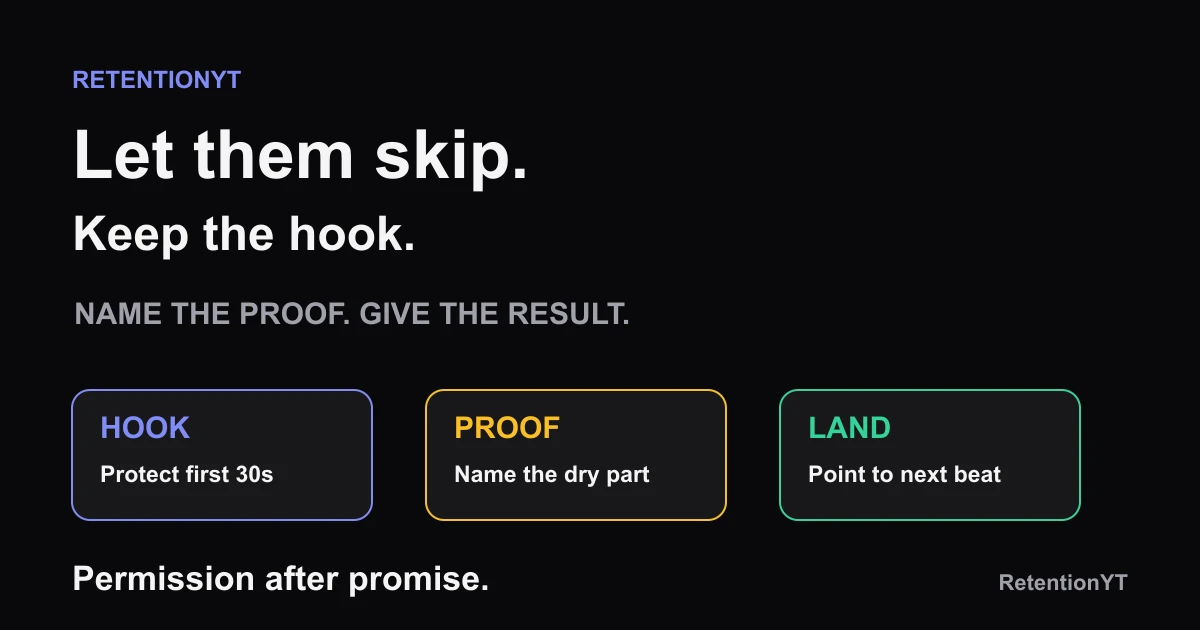
Speed-Up Sections: When to Tell Viewers to Skip
YouTube tell viewers they can skip this part: give mixed audiences a clean chapter, a one-sentence result, and a safe landing point without hiding a slump.
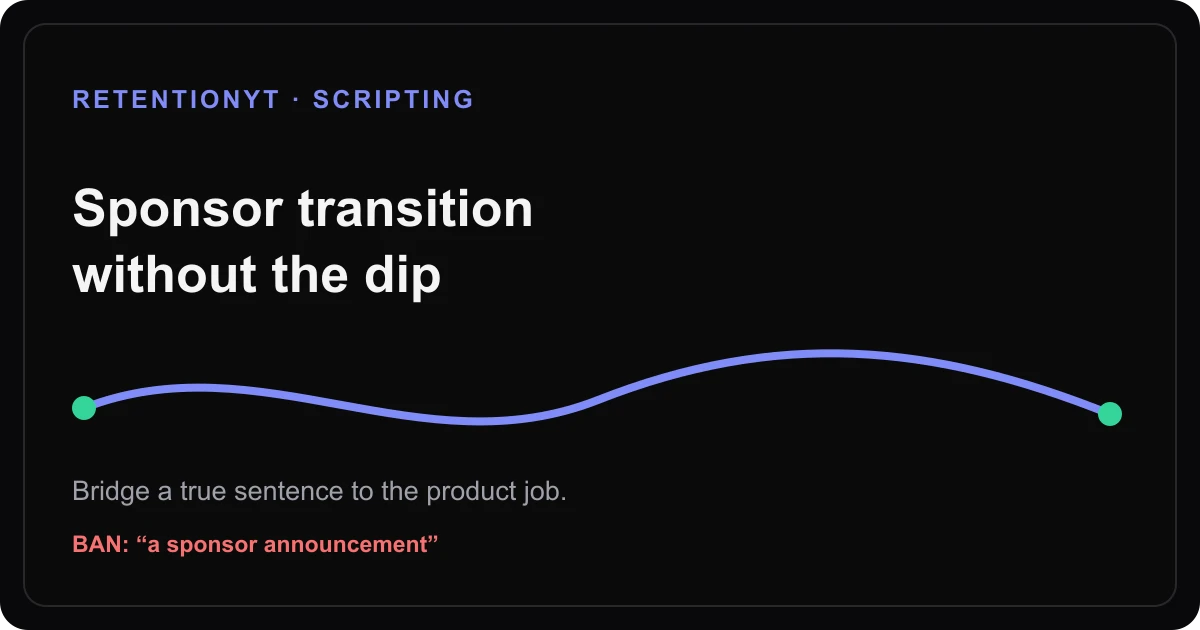
How to Write a Sponsor Transition That Doesn't Look Like a Dip
Write a YouTube sponsor transition that keeps momentum: bridge from a true sentence to the product job, disclose clearly, and return to the video without a dip.
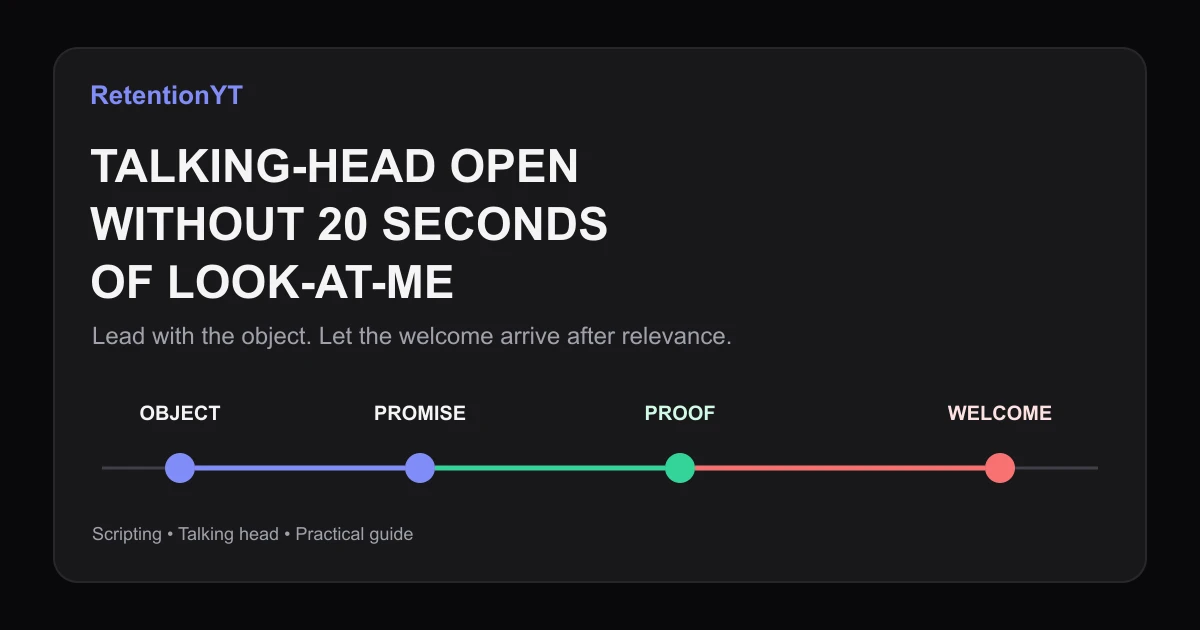
How to Script a Talking-Head Without a 20-Second Look-at-Me Open
Learn how to make your talking head YouTube start talking immediately: lead with the object, move the greeting later, and use your Studio graph to test the change.