Speed-Up Sections: When to Tell Viewers to Skip
YouTube tell viewers they can skip this part: give mixed audiences a clean chapter, a one-sentence result, and a safe landing point without hiding a slump.

11 min readUpdated
In this guide
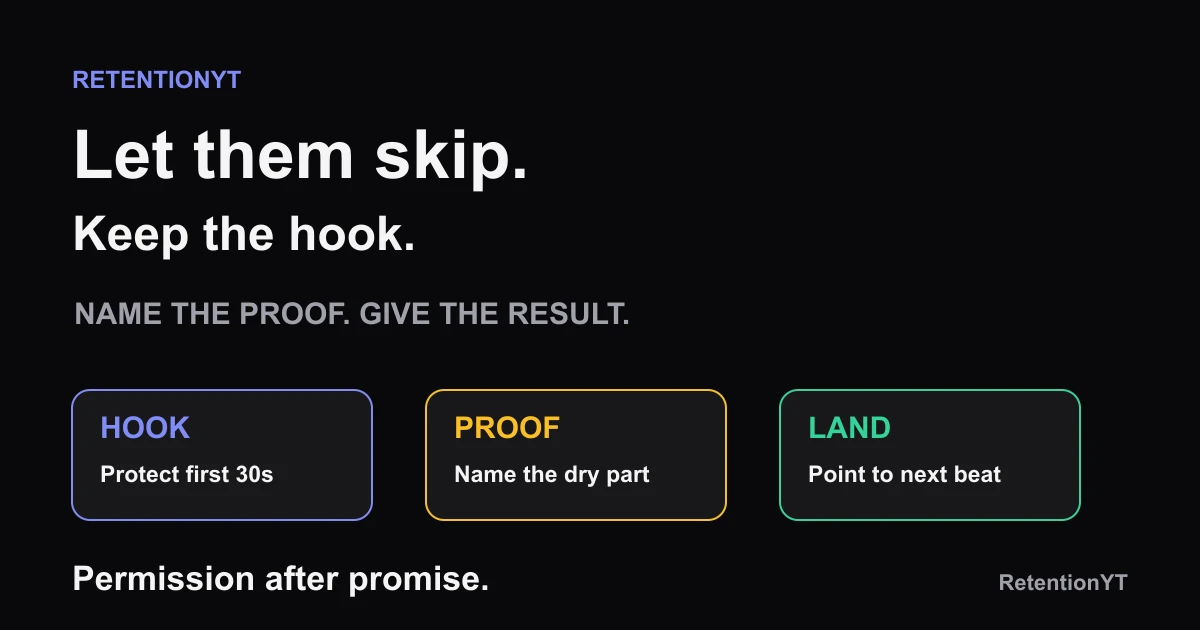
If 30% of your viewers need the proof and 70% do not, say so plainly after the hook and label the section. Give skippers the one-sentence result so they can land at the next beat. Never offer a skip in the first 30 seconds; that is an admission that the hook failed. Rule: keep the promise, then make navigation honest.

What Speed-Up Sections actually is (and what it is not)
Speed-Up Sections is an editorial navigation rule for a necessary-but-dry proof. You tell the viewer what the section establishes, give a compact result for anyone who skips it, and show where the next useful beat begins. The section is still available; you are removing the penalty for a viewer who already knows that proof.
It is not permission to hide a weak hook. The opening still has to earn attention and confirm the title promise. A skip signpost belongs after the viewer understands the problem, the payoff, and why the proof exists. If you place it at 0:08, you are not serving a mixed audience; you are asking the viewer to leave before the video has started.
It is not a promise that viewers will skip in a predictable ratio. The brief’s 30% and 70% split is a planning example, not a platform benchmark.
| Section type | What you say | What the skipper gets | What you protect |
|---|---|---|---|
| Necessary proof | “This shows why the result holds.” | One-sentence result | Trust in the promise |
| Narrow context | “If you know this, jump to the test.” | The next beat | Viewer momentum |
| Repeated setup | “I will compress the background.” | The conclusion | The video’s pace |
A chapter-style label makes the section’s job visible. Call it “the test,” “the setup,” or “the exception,” not “the boring part.”
Manual method works without signing up. If you want a pre-record check for section pacing and script risk, the YouTube script review tool is optional support, not a replacement for your own editorial judgment.
Where RetentionYT fits
Manual method works alone. Product shortens the loop. Use RetentionYT when you want a pre-record check, but decide the section’s promise and skipper result yourself.
A skip permission is navigation, not an apology for a weak opening.
— RetentionYT editorial team
The percentages and 30-second boundary are editorial rules, not YouTube-published thresholds.
Why this shows up in YouTube Studio
The locked pages support measurement context, not a product feature named Speed-Up Sections. SOURCE 2 says the Content tab gives a channel-level overview of how viewers find, watch, and interact with content. Its Videos section says Key moments for audience retention shows how moments held attention and that typical retention can compare the 10 latest videos of similar length. 2
Mark the proof start, permission line, and result landing point. Compare that shape with the editorial job instead of assuming a lower line proves the permission caused the problem.
SOURCE 1 opens as Understand your YouTube video reach, although the brief labels it Audience retention. It documents Content, Analytics, Reach, and metrics such as click-through rate, watch time, and views; it does not document Speed-Up Sections or a suggested-traffic rule. 1
SOURCE 2 also states that, beginning August 24, 2026, views are counted when a video starts to play across Shorts, long-form videos, and live streams. That tells you when a view is counted; it does not tell you whether a dry proof section should be skippable. Keep those questions separate.

If the interface differs, use the report name and evidence it exposes; SOURCE 1 notes that some reports may not be available on mobile devices.
For a broader scripting workflow, see how to script a YouTube video. This article keeps the question narrower: where can you make navigation honest without weakening the hook?
Worked example 1: the failure
Use a fictional educator explaining how to validate a spreadsheet model. The video promises a quick check for one common mistake, but the opening spends 25 seconds defining every column in the model. The proof is necessary for beginners, yet advanced viewers already understand the vocabulary and want to see the check.
At 0:08, the educator says, “Before we begin, let’s review what a row, column, and formula are.” That is not a skip-permission problem yet. It is a promise problem: the viewer clicked for the mistake check and has not heard the result or the condition.
At 0:30, the educator finally says, “If you already know the layout, skip to the formula test at 1:10.” The permission is honest in intent but late and vague in execution. The viewer does not know what they will get at 1:10, and beginners hear “this part is filler” even though the explanation is their prerequisite.
At 1:10, the video resumes with another definition instead of the promised test. That landing point breaks trust. The creator has made the skipper do navigation work without giving a result, and has made the beginner wonder whether the proof matters.
| Checkpoint | Illustrative observation | Diagnosis | Better question |
|---|---|---|---|
| 0:08 | Illustrative: terminology replaces the promise | Hook is delayed | Has the click been confirmed? |
| 0:30 | Illustrative: permission names no result | Navigation is vague | What will the skipper learn next? |
| 1:10 | Illustrative: landing repeats setup | Landing fails | Is the next beat actually useful? |
The timings are illustrative, not a RetentionYT dataset or YouTube benchmark. The failure is structural: permission appears before a result and the landing point does not pay it off.
Do not speed up every definition. Keep a clean proof for beginners, name its job, and give skippers a result that lets them rejoin the test.
Worked example 2: the fix
Keep the fictional spreadsheet lesson, but rewrite the route. The first 15 seconds now say, “One formula check catches the mistake that makes this model look correct. I’ll run it on the finished sheet, then show the setup if you want to understand why it works.” The hook has a job and the proof has a reason.
At 0:30, after the promise is clear, the educator says, “If rows and columns are familiar, you can skip this setup. The result is simple: the check flags a formula that points to the wrong month. Rejoin at 1:05 for the live test.” That is a permission, result, and landing point in three compact moves.
The setup still teaches beginners. The creator labels it “Model setup” rather than “the boring part,” then moves directly to the test at 1:05. The skipper lands on the promised action, not another introduction. If the section is still too long, the creator can tighten the explanation without removing the evidence.

At review, compare the proof section with a similar upload and ask whether the landing beat delivered what the permission promised.
The fix does not guarantee a higher percentage; it makes the viewer’s choices legible. If the proof still slumps, shorten it. If the landing works but the idea attracts the wrong viewer, fix the next topic.
For a reusable planning format with timecodes and word budgets, see the YouTube script outline template. Plan the permission and landing before you record, not while you are defending a finished edit.
How to check this in YouTube Studio (step by step)
Open YouTube Studio, note the video title, publish date, length, and promise, then inspect the available evidence without treating any one number as a verdict.
- Select the video and open Analytics. Write down the exact timestamp where the dry proof starts and where the result lands.
- In the channel-level Content context, use Analytics, then Content. SOURCE 2 describes this route and the Content tab’s overview role.
- For selected-video Reach context, use Content, select the video, select Analytics, then Reach. SOURCE 1 documents this route on its currently opened page.
- Open the audience-retention or key-moments report available for the video. SOURCE 2 says Key moments for audience retention shows how different moments held viewers’ attention and supports typical comparisons with the 10 latest videos of similar length.
- Check that the skip permission is after the hook and after the promise is clear. If it appears in the first 30 seconds, move it later before you diagnose its effect.
- Read the permission aloud. It should name the section’s job, state a one-sentence result, and point to a useful landing beat. If any part is vague, rewrite the script rather than blaming the viewer.
- Compare the proof section with a similar upload from your own channel. Treat the 30% and 70% split, the 30-second boundary, and every example value in this article as illustrative, not as platform thresholds.
- Log one change and one comparison for the next upload. Do not change the hook, the proof, the landing point, the title, and the thumbnail at the same time if you want to learn what moved the shape.

The locked pages explain report context, not a Speed-Up Sections control. If a feature is absent, do not invent a path; record what you inspected and what you will compare next.
The trap
The trap is granting permission too early. “You can skip this part” in the first 30 seconds tells the viewer that the video has not found its point. Even if your intention is to respect mixed audiences, the phrasing can turn the hook into an exit sign.
The second trap is offering a skip without a landing result. “Jump ahead if you know this” makes the viewer guess. State what the section proves and where the next beat begins.
The trap
The move

The third trap is measuring the wrong thing. SOURCE 2’s view definition tells you playback began, not whether a dry section was well signposted. SOURCE 1’s Reach page does not establish whether a skip permission helped or hurt suggested traffic.
What to do in the next upload
Write the permission into the outline before you film. Give the proof a job, give the skipper a result, and give the next beat a landing point. The viewer should be able to choose without being punished for choosing differently from you.
- Keep the first 30 seconds focused on the title promise.
- Mark the necessary-but-dry proof section in the outline.
- Name the proof’s single job in plain language.
- Put the skip permission after the hook and promise.
- Give skippers one accurate sentence with the result.
- Point to a specific next beat where the result is used.
- Call the section setup, test, or exception instead of “the boring part.”
- Check the published retention evidence around the section and landing.
- Compare with a similar upload from your own channel.
- Change one variable on the next upload and log what you learned.
Manual method works without signing up. Respect different knowledge levels without excusing a slow opening. Keep the promise, protect the first 30 seconds, and let the proof earn its place.
References
Frequently asked questions
- Should I tell viewers they can skip?
- Yes, when a later section is necessary for some viewers but repetitive or narrow for others. Put the permission after your hook and after the promise has been made clear. Name what the section proves, give skippers a one-sentence result, and tell them where the next useful beat begins.
- Does that hurt watch time?
- Do not promise a watch-time lift or drop from the permission alone. It is an editorial choice for a mixed audience. A clear signpost may help the right viewer move to the right section, while a vague invitation can expose a weak opening. Compare your own uploads instead of treating the permission as a platform hack.
- Where do I put skip chapters?
- Use the permission after the opening promise, not inside the first 30 seconds. Place it immediately before the necessary-but-dry proof, name the section in plain language, and repeat the result at the landing point. Think of the chapter label as a navigation aid for your viewer, not as an excuse to hide a slump.
- Can I summarise for skippers?
- Yes. Give skippers one sentence that states the result, the condition, or the decision they would have learned in the skipped section. Keep it accurate and short, then continue with the next beat. A summary should preserve the value of the proof without pretending that every viewer needs the same amount of setup.
- Is this bad for suggested traffic?
- The locked sources do not support a rule that a skip permission harms suggested traffic. Treat that outcome as unverified rather than making a prediction. Keep the title promise clear, use the permission only where it helps navigation, and review the resulting retention shape and traffic reports on your own upload.
- How do I apply “Speed-Up Sections” on my next upload?
- Mark the section that proves the claim but slows the broader audience. Keep the hook intact, add a plain-language permission after the promise, state the one-sentence result, and label the next landing point. After publishing, compare the section’s retention shape with a similar upload and change one variable next time.
- Where in YouTube Studio do I check “Speed-Up Sections”?
- Open [YouTube Studio](https://studio.youtube.com), select the relevant analytics reports, and inspect the retention evidence available for your video. SOURCE 2 describes Key moments for audience retention and typical retention comparisons. SOURCE 1 describes the selected-video Reach path. Neither locked page names a Speed-Up Sections control, so do not invent one.
- What is the most common mistake with “Speed-Up Sections”?
- The common mistake is granting skip permission before the hook has earned attention. That tells the viewer the opening is optional and can turn a necessary proof into an escape hatch. Keep the first 30 seconds focused, then use the permission only for a later dry section and give skippers a precise result.
Give your next script a second look
Paste a script into RetentionYT for suggestions on your hook, pacing, and structure. Choose the edits that serve your video, then check audience behavior in YouTube Analytics after publishing.
Get retention tips in your inbox
Occasional, practical emails on hooks, pacing, and retention. No spam.
Related posts
How to Write a Sponsor Transition That Doesn't Look Like a Dip
Write a YouTube sponsor transition that keeps momentum: bridge from a true sentence to the product job, disclose clearly, and return to the video without a dip.
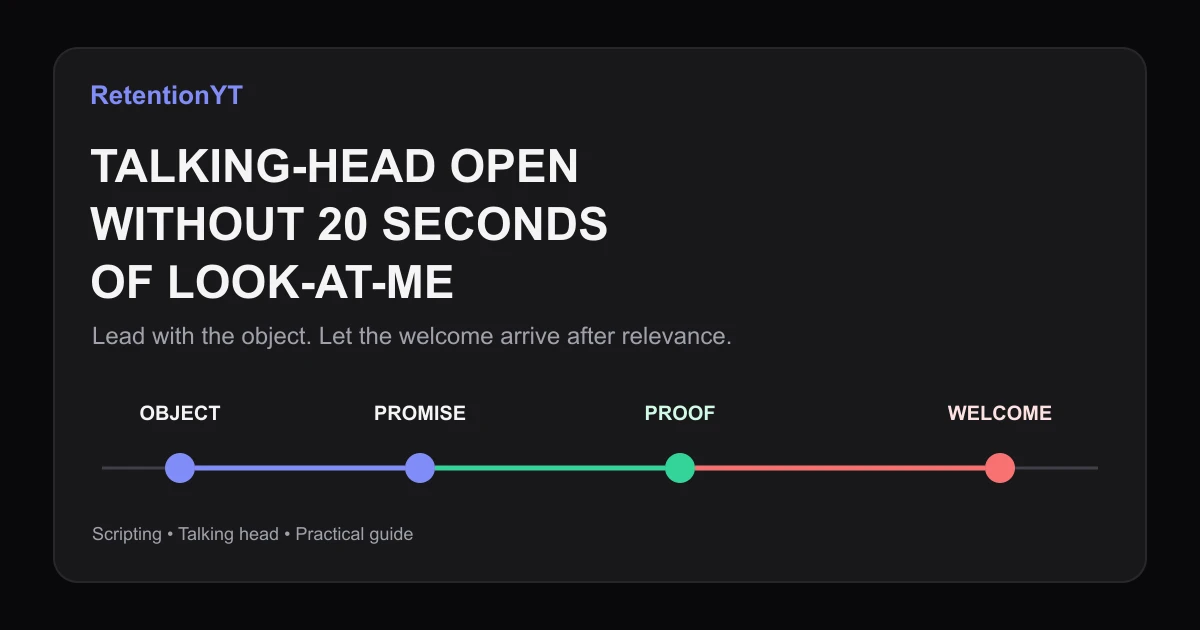
How to Script a Talking-Head Without a 20-Second Look-at-Me Open
Learn how to make your talking head YouTube start talking immediately: lead with the object, move the greeting later, and use your Studio graph to test the change.
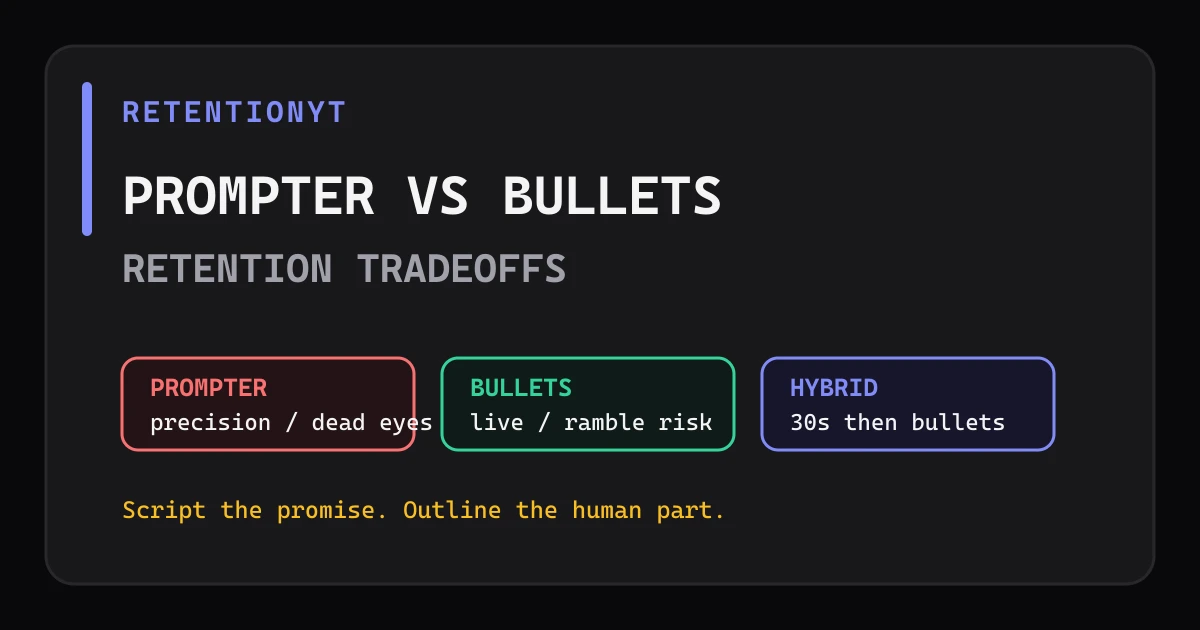
Teleprompter vs Bullet Outline: Retention Tradeoffs
Teleprompter vs outline YouTube retention: script first 30 seconds, loosen the middle with bullets, and choose the method that keeps your delivery precise without sounding read.