How to Write a Sponsor Transition That Doesn't Look Like a Dip
Write a YouTube sponsor transition that keeps momentum: bridge from a true sentence to the product job, disclose clearly, and return to the video without a dip.

9 min readUpdated
In this guide
As of August 24, 2026, your sponsor read should take one connected turn, not announce a new topic. Start with a true sentence from the video, name the problem it exposes, disclose the sponsorship, show the product job, and return to the next step. Write six beats before recording; make the handoff a hinge, not a reset.

What How to Write a Sponsor Transition That Doesn't Look Like a Dip actually is (and what it is not)
A sponsor hinge connects the sentence before sponsorship to the product’s job. It is not an unrelated pitch or a promise that one line eliminates a dip. Write continuity: the viewer should understand why the tool appears now and what happens after the read.
YouTube Help’s locked ad-break page says mid-roll slots on monetized videos that are 8 minutes or longer can be turned on, and that natural breakpoints such as an audio pause or visual transition are more likely to serve than mid-sentence or mid-action placements.1 That page concerns platform-served ads, not creator-read sponsorships. Use it as an editing analogy only: a natural break can help, but it does not replace a useful sentence.
Where RetentionYT fits
Manual method works alone. Product shortens the loop. RetentionYT can help you review pacing before you record, but you can write and test the hinge without signing up.
The jobs are: continue a true thought, name the problem, disclose, show the product job, and return.
| Transition part | What you write | What you avoid |
|---|---|---|
| True sentence | A claim or problem already earned in the video | A cold commercial announcement |
| Disclosure | Plain sponsorship language | Hiding or burying the relationship |
| Product job | The narrow task the tool helps with | A list of unrelated features |
| Return | The next video step | “That’s it” or a reset of context |
Why this shows up in YouTube Studio
Write the sponsor hinge before Studio; use Studio to inspect the moment after publishing. The locked second source opens a Reach page, not the supplied Audience retention page. It gives this path: sign in to YouTube Studio, choose Content, select a video, choose Analytics, then Reach.2 It does not document sponsor reads or their retention response.
Do not turn this heuristic into a YouTube product fact. Record the date and timestamp as an observation.
Source 1 says natural breakpoints are more likely to serve platform ads than mid-sentence or mid-action placements. For a creator-read sponsor, finish the sentence and make the cut intentional.
Worked example 1: the failure
Here is an illustrative failure, not a channel result and not a YouTube benchmark. The creator is explaining why a backup workflow breaks when files are scattered across drives. The last useful sentence is, “If you cannot find yesterday’s project in ten seconds, the system is already charging you interest.”
The script then says: “A sponsor announcement. This video is sponsored by CloudBox. They have storage, sync, folders, version history, and an offer.” The logo and music change while the read lists features without connecting one to the file problem.
At an illustrative handoff mark of 0:08, the viewer has heard “sponsor” but not “why now.” The read abandons the problem and makes the viewer rebuild context.
| Timestamp | Illustrative script state | Viewer question | Failure hypothesis |
|---|---|---|---|
| 0:00 | 100% starting point | What is the cost of scattered files? | The problem is clear |
| 0:08 | 72% after an illustrative dip | Why did the topic switch? | Announcement replaced the hinge |
| 0:30 | 64% illustrative checkpoint | What feature matters now? | Feature list lacks a job |
| end | 38% illustrative endpoint | What did the video promise? | Context was not restored |

Do not hide the sponsor; make the connection legible. The product appears because the video named a problem, not an arbitrary commercial marker.
Worked example 2: the fix
The creator writes: “If you cannot find yesterday’s project in ten seconds, the system is already charging you interest. This video is sponsored by CloudBox, and that is exactly the problem its version history solves: finding yesterday’s file without guessing which copy is current. I will show the setup, then return to the recovery test.”
That version has a true sentence, disclosure, product job, feature, and return. The numbers remain illustrative; compare the same handoff and ask whether the hinge clarified the next step.
Write six transitions before choosing one. These are original working lines, not claims about a sponsor’s product performance:
- “Mystery file copies are the problem. This video is sponsored by CloudBox; let’s use version history, then test recovery.”
- “You saw the buried payoff. This video is sponsored by FocusBoard; let’s put the next action where you can see it, then return to the rewrite.”
- “A noisy room caused that audio problem. This video is sponsored by ClearMic; let’s compare its cleaner starting signal with the edit.”
- “We named the workflow handoff. This video is sponsored by RouteDesk; let’s map it in one place, then continue.”
- “Do not guess which hook earned the replay. This video is sponsored by RetentionYT; let’s review the pacing, then return to the hook test.”
- “That missing backup is the risk. This video is sponsored by VaultNote; let’s run the check, then return to the failure case.”
All six lines use the same structure: true sentence, disclosure, product job, return. Keep the matching line.

How to check this in YouTube Studio (step by step)
-
Write the handoff before you open Studio. Put the last true sentence, disclosure, product job, proof beat, and return line in one block. If it cannot be read as one thought, keep editing.
-
Mark the planned timestamp. Use mm:ss, such as 0:08. Treat it as a working marker, not a published benchmark. Note the date and video length.
-
Publish with one controlled change. Changing title, thumbnail, opening, sponsor wording, music, and edit together prevents a readable test. Keep the change explainable in one sentence.
-
Open the report your account actually shows. The locked SOURCE 2 page currently documents the Reach path: sign in to YouTube Studio, choose Content, select a video, choose Analytics, then Reach. It does not verify sponsor-read retention.
-
Read the surrounding words and edit. Inspect the sentence before disclosure, first product claim, visual change, and return line. If a movement appears, write “the feature list arrived before the product job,” not “the sponsor caused every exit.”
-
Compare like with like. When the report is available, compare the same timestamp window on the next upload. A changed line and result give an observation, not a universal platform rule.
For a broader script workflow, read how to script a YouTube video. For a timed structure, use the YouTube script outline template. The YouTube script review tool can shorten the pre-recording pass, while the manual hinge method works without an account.

The trap
The trap is saying “sponsor” before explaining why the viewer should care. “A sponsor announcement” announces a break without carrying forward the problem already in view.
A second trap is hiding disclosure in a joke or low-contrast caption. Write the relationship and product connection plainly.
The trap
The move

A visual change supports the line but cannot disguise a weak one. A close-up can show the job; a lower-third can clarify disclosure.
“The sponsor read should answer the problem the viewer was already carrying.”
What to do in the next upload
Draft the handoff while the script is flexible. Read the line before it, disclosure, and return without music; if the logic holds plainly, the edit has something solid to support.
- Copy the last true sentence from the video into the sponsor block.
- Name the viewer problem in the next line, without inflated language.
- Write a clear sponsorship disclosure that the viewer can understand.
- Give the product one job that answers the problem you just named.
- Choose one proof beat instead of listing every feature.
- Write the return line before you add music or a logo animation.
- Mark the planned handoff in mm:ss and label any numbers illustrative.
- Keep the sponsor block short enough to read as one connected thought.
- Test one wording or edit change at a time when comparing uploads.
- Review the surrounding sentence and visual, not only the sponsor logo.
Read the six beats aloud: true sentence, problem, disclosure, job, proof, return. If the line fits any unrelated video, rewrite it for this problem and product.
Frequently asked questions
- How do I transition into a sponsor?
- A sponsor transition works best when it continues a problem you have already named. Finish the thought, disclose the sponsorship plainly, explain the product job in that problem, and return to the video. Start with the viewer’s question, not a generic announcement. The six hinges in this guide are writing patterns, not a promise about how any graph will move.
- Why do sponsor reads dip?
- Sponsor reads can feel like dips when the script announces a new topic before connecting it to the viewer’s current problem. That is an editorial diagnosis, not a universal platform rule. Read the sentence before the handoff, the disclosure, and the first product claim as one unit. If the connection is missing, rewrite the hinge before changing the logo, music, or entire outline.
- Should I joke about the sponsor?
- You can joke if the joke sounds like you and does not hide the disclosure or delay the product job. Put the joke after the connection is clear, keep it short, and make sure the viewer still knows why the tool belongs in the video. A joke cannot repair a sponsor read that has no bridge back to the problem.
- Can I disclose and pivot in one sentence?
- Yes, you can write a concise disclosure and pivot in one sentence when the wording stays clear. For example: “This video is sponsored by X, and because we just hit that problem, here is how X helps.” Then show one relevant use. Keep the sentence honest, avoid implying a personal result you cannot support, and return to the promised topic.
- Do I need a visual change?
- No. A visual change can help the viewer recognise a new beat, but it cannot replace a connected sentence. If you change visuals, keep them simple: a product close-up, a relevant screen, or a short label. The writing still has to name the problem, disclose the sponsorship, show the product job, and return to the video’s next step.
- How do I apply “How to Write a Sponsor Transition That Doesn't Look Like a Dip” on my next upload?
- Use the workflow as a pre-recording check: identify the last true sentence, name the problem it proves, write a clear disclosure, connect the product to that problem, add one proof beat, and write the return line. Mark the handoff timestamp in your script. On the next upload, compare the same moment without assuming that one result proves a rule.
- Where in YouTube Studio do I check “How to Write a Sponsor Transition That Doesn't Look Like a Dip”?
- The supplied SOURCE 2 URL currently opens YouTube Help’s Reach page. Its computer path is sign in to YouTube Studio, choose Content, select a video, choose Analytics, then choose Reach. That page does not document sponsor-read retention. Use the path only for the Reach report it names, and do not claim that it verifies this article’s sponsor-transition method.
- What is the most common mistake with “How to Write a Sponsor Transition That Doesn't Look Like a Dip”?
- The most common mistake is announcing the sponsor as if the story has ended. “A sponsor announcement” names a commercial break but gives the viewer no reason to care now. Replace it with a hinge from a true sentence to a relevant product job. Disclose clearly, show one useful proof beat, and return before the viewer has to rebuild context.
Give your next script a second look
Paste a script into RetentionYT for suggestions on your hook, pacing, and structure. Choose the edits that serve your video, then check audience behavior in YouTube Analytics after publishing.
Get retention tips in your inbox
Occasional, practical emails on hooks, pacing, and retention. No spam.
Related posts
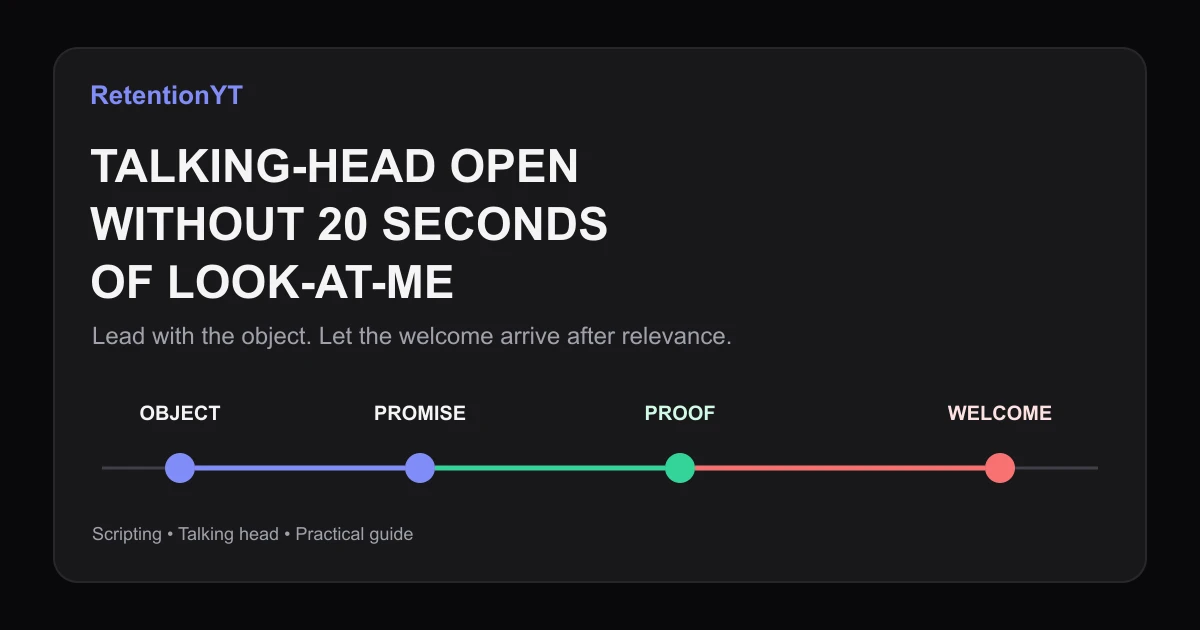
How to Script a Talking-Head Without a 20-Second Look-at-Me Open
Learn how to make your talking head YouTube start talking immediately: lead with the object, move the greeting later, and use your Studio graph to test the change.
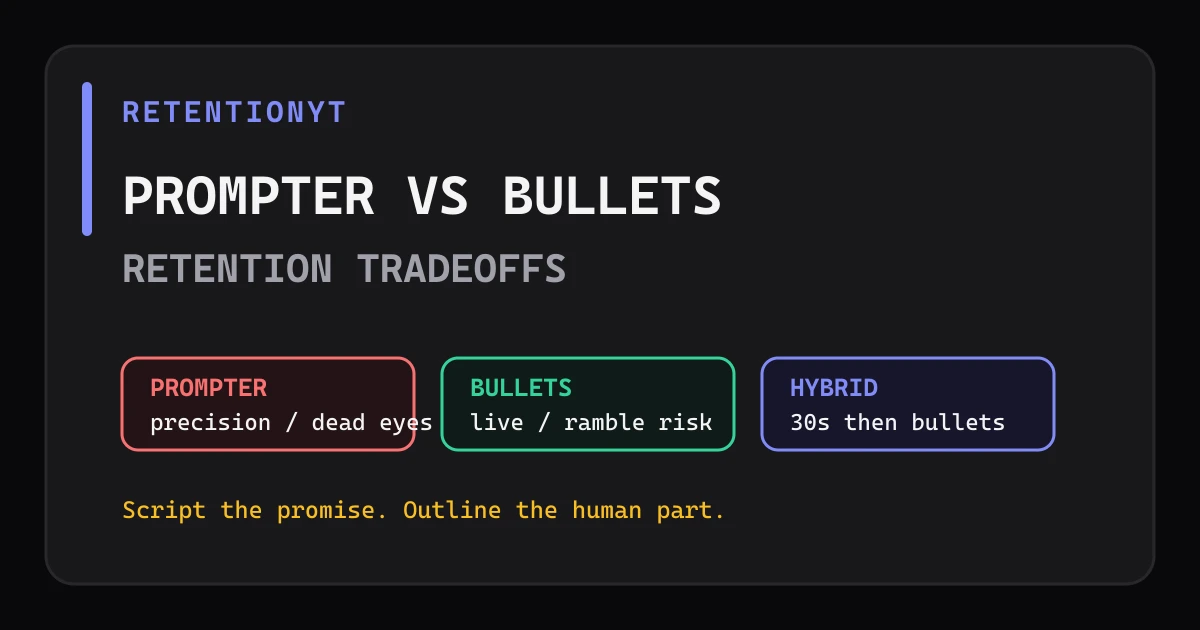
Teleprompter vs Bullet Outline: Retention Tradeoffs
Teleprompter vs outline YouTube retention: script first 30 seconds, loosen the middle with bullets, and choose the method that keeps your delivery precise without sounding read.
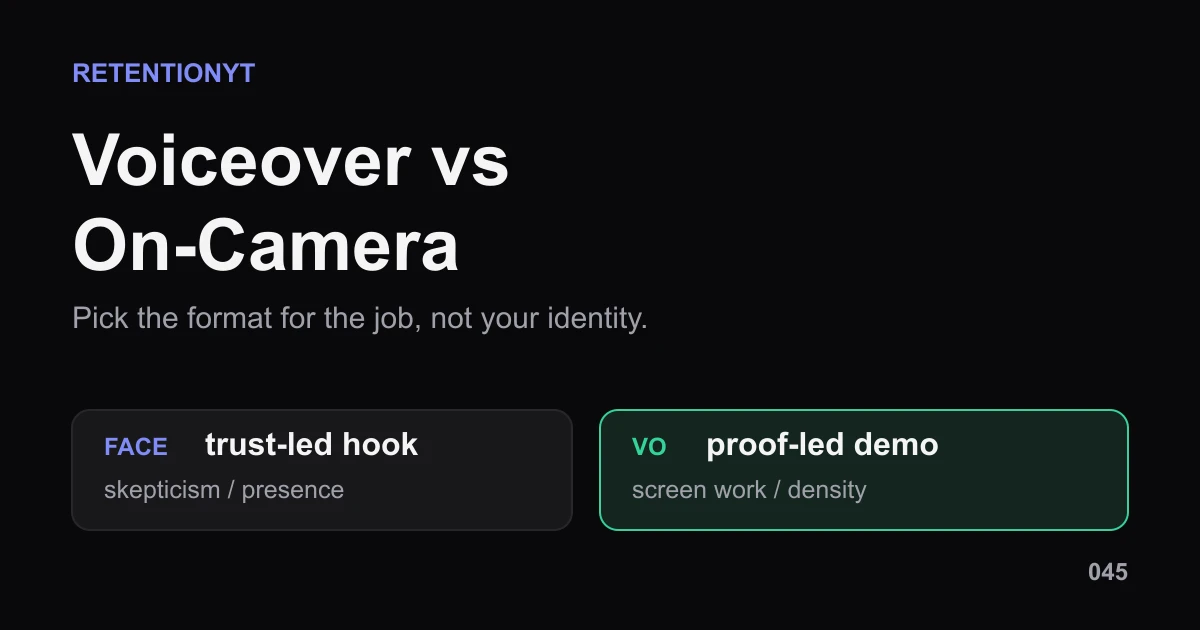
Voiceover vs On-Camera: When the Graph Prefers Each
Voiceover vs talking head YouTube retention is not a winner-takes-all choice. Pick face, voiceover, or hybrid by video job, then test the handoff in Studio.