How to Script a Talking-Head Without a 20-Second Look-at-Me Open
Learn how to make your talking head YouTube start talking immediately: lead with the object, move the greeting later, and use your Studio graph to test the change.

9 min readUpdated
In this guide
If your talking-head video starts with 20 seconds of waving and saying hello, a stranger may not know why stay. Put the object in sentence one, make the promise, and move the greeting toward 0:25 if your graph supports it. Lead relevant.

Where RetentionYT fits
Manual method works alone. Product shortens the loop. Use RetentionYT for a second pass on the opening; the object-first decision still comes from your real video promise.
What How to Script a Talking-Head Without a 20-Second Look-at-Me Open actually is (and what it is not)
This cold-open choice makes sentence one name the object, problem, or result instead of asking a stranger to wait through an introduction. Your face can remain in frame; the change is what the words and shot do with it.
It is not a ban on greetings, smiles, waves, or personality. It is a rule about order: give a new viewer context first, then greet them when the greeting no longer competes with the promise.
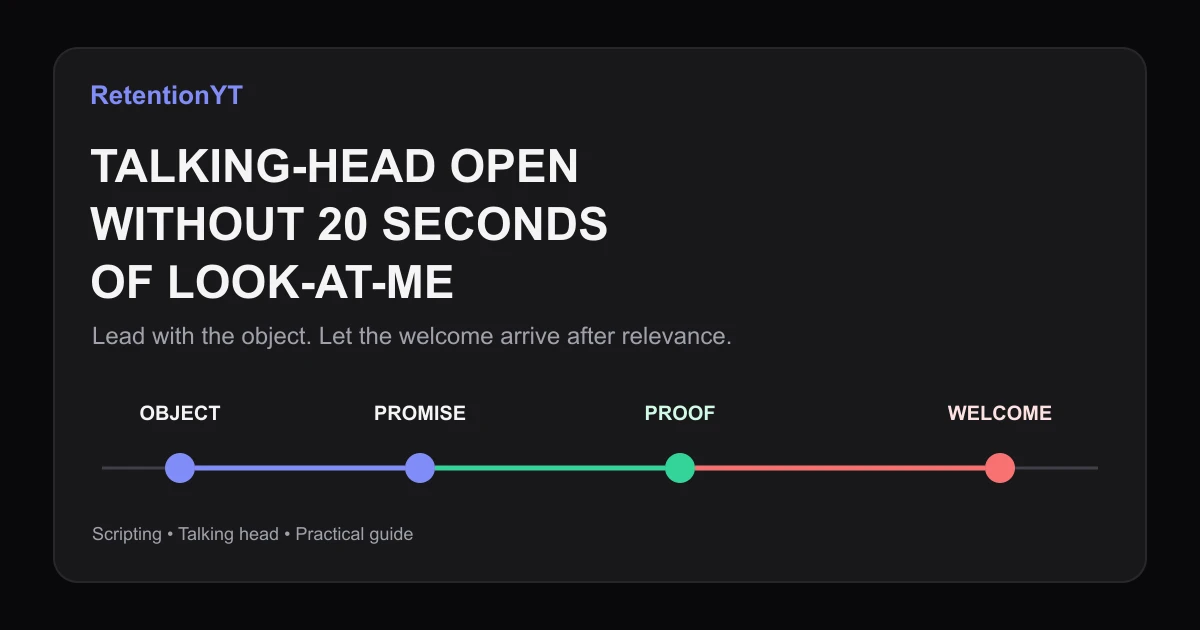
The shape is object → promise → proof → welcome. “This setting is recording the wrong frame rate” names the object. “I will show the two checks that fix it” states the promise. The menu and correction provide proof; “welcome back” can follow.
| Opening part | Job | Look-at-me version | Object-first version |
|---|---|---|---|
| Sentence 1 | Orient a stranger | “Hey guys, welcome back” | “This menu is recording the wrong frame rate” |
| Promise | State the payoff | “Today we have a great video” | “I will show the two checks that fix it” |
| First shot | Reduce guesswork | Host settling into frame | Menu, object, mistake, or result |
| Welcome | Add personality | First spoken beat | Later beat, if earned |
These are editorial checkpoints, not YouTube benchmarks. The 20-second and 0:25 timings are illustrative. Use your report to place it.
SOURCE 2 describes Key moments for audience retention, which shows how different moments held attention; it also says typical retention can compare your 10 latest videos of similar length.2 Use that to decide what to review, not to claim a wave or greeting caused a change.

Why this shows up in YouTube Studio
Use YouTube Studio to review the published sequence, not your personality. Compare the shot, sentence, promise, and proof with the welcome’s timing.
SOURCE 2 says to sign in to YouTube Studio, select Analytics, then Content. SEE MORE or ADVANCED MODE opens an expanded report for data, comparisons, and export.2 In Videos, Key moments for audience retention shows how moments held attention; typical retention compares your 10 latest videos of similar length.2
The locked SOURCE 1 URL opens a Reach page, not the Audience retention page named in the brief. Its verified workflow is Content, selected video, Analytics, Reach; it covers discovery, impressions, views, average view duration, and watch time.1 The conflict is in the handoff.
For pre-recording context, compare How to Script a YouTube Video That Keeps Viewers Watching and YouTube Script Outline Template. They do not replace Help sources.
Worked example 1: the failure
Consider an illustrative camera-settings tutorial. The creator waves, sits down, says “Hey guys, welcome back,” and explains the topic. The first object appears at 0:20. A new viewer hears about the host before the fix.
Then the creator says, “Today we are going to talk about a setting that changed my workflow.” It is vague: no object, outcome, or reason to continue.
| Illustrative time | Opening beat | What is missing | Diagnosis |
|---|---|---|---|
| 0:00 | Wave and greeting | Subject | Host is introduced before the problem |
| 0:08 | Welcome-back context | Object | Stranger lacks a reason to orient |
| 0:20 | Camera menu appears | Early proof | Useful content arrives after the setup |
These times are invented, not YouTube data or a RetentionYT benchmark. The failure is sequence: attention is requested before the object appears.
Do not become flat or rude. Keep the face and smile; cut the delay. Start on the menu, name the problem, and promise the correction.
Worked example 2: the fix
The illustrative rewrite starts: “This camera menu is recording the wrong frame rate.” Sentence two states the payoff: “I will show the two checks that fix it before your next take.” The first shot shows the menu.
At 0:08, the creator proves the mismatch with the setting. At an illustrative 0:25, the creator can say, “If you are new here, welcome; now let’s run the second check.” Warmth follows relevance.
Before and after:
- Before: “Hey guys, welcome back. I hope you are doing well. Today we are talking about a camera setting.”
- After: “This camera menu is recording the wrong frame rate. I will show the two checks that fix it before your next take.”
The second version earns its place because the viewer identifies object, outcome, and proof. Follow your graph rather than copying timing.

How to check this in YouTube Studio (step by step)
1. Write the object sentence
Write sentence one to name the on-screen thing, footage problem, or desired result. Remove “hello,” “welcome back,” and channel context while testing.
2. Add one promise
Say what the viewer will understand, fix, or see next. Connect it to the visible object.
3. Mark proof in seconds
Mark the first proof. In an illustrative example it may be 0:08; mark a later welcome at illustrative 0:25 to test its position.
4. Open the verified report
In YouTube Studio, follow SOURCE 2: sign in, choose Analytics, then Content. In Videos, locate Key moments for audience retention and inspect moments held.2 If available, compare typical retention across your 10 latest videos of similar length.2
5. Compare the script to the graph
Ask: Did sentence one name the object? Did the promise precede the greeting? Did the shot support the words? Did proof arrive before patience was requested? A graph cannot prove causation, but it can guide investigation.
6. Check Reach separately
SOURCE 1 is a Reach page. Its verified path is Content, selected video, Analytics, Reach, and context includes discovery, impressions, views, average view duration, and watch time.1 It does not prove a greeting’s effect.
7. Revise one line
Keep the face and delivery. Rewrite sentence one, move the welcome, and record proof timestamp and date.

The trap
The trap is confusing “no 20-second look-at-me open” with “no human presence.” Smile, look into the lens, and sound like yourself while showing the object. Remove the delay, not the person.
The trap
The move
Another trap is replacing the greeting with an inflated hook. “This will change everything” is louder, not object-first. If it cannot point to an object, problem, or result, rewrite it.
Lead with the thing the viewer came for; let your personality make the lesson human.

What to do in the next upload
Use this checklist on the script and rough cut. Put your voice behind a clear object and promise.
- Put the object, problem, or result in sentence one.
- Show that object in the first shot when possible.
- State one useful promise before greeting the audience.
- Remove the 20-second wave, sit-down, and channel preamble while testing.
- Mark the first proof timestamp in seconds.
- Treat 0:25 as an illustrative welcome checkpoint, not a platform rule.
- Keep your face, smile, and delivery if they support the lesson.
- Inspect Key moments for audience retention after publishing.
- Compare typical retention only where the report provides it.
- Record the wording, date, and next revision.
Use the RetentionYT script review tool once after drafting. The manual method works without signup. Read sentence one as a stranger: if it names the object and reason to stay, keep it; otherwise cut or move it.
References
Frequently asked questions
- Should talking-head videos start with hello?
- Not necessarily. Start with the object, problem, or result the viewer clicked for, then greet viewers after the promise. A hello is weak as a cold-open first beat. Read sentence one aloud: can a stranger identify the subject immediately, before the host introduction begins?
- When can I greet the audience?
- Greet viewers after the promise and first useful beat. A short welcome around 0:25 is an illustrative checkpoint, not a platform rule. If it delays the demonstration, move it later or cut it. Let the first proof complete the handoff from object to personality.
- Does welcome-back hurt new viewers?
- A welcome-back line can confuse a new viewer when it assumes a relationship before explaining the video. Keep your personality, but attach it to the subject: say what you are showing first, then welcome viewers once they know why the video is for them.
- What is the first shot?
- Make the first shot show the object, screen, mistake, or result named by the title. Your face can remain on screen, but point somewhere specific: a menu, part, or line. The shot should reduce guesswork, not introduce the host. Give the viewer a visual anchor before the introduction expands.
- Can I smile without a 20-second hello?
- Yes. A smile, eye contact, or quick reaction can carry warmth without taking twenty seconds. Keep the spoken line focused on the viewer’s object or problem. Warmth and immediate value can coexist; a long self-introduction is optional. Let the delivery show who you are while the words serve the lesson.
- How do I apply “How to Script a Talking-Head Without a 20-Second Look-at-Me Open” on my next upload?
- Write the first sentence as an object or outcome, not a greeting. Pair it with one clear promise, record the first proof timestamp, and move any welcome to a later beat. Review the published video in YouTube Studio, compare the opening with your own recent videos, and revise one line for the next upload.
- Where in YouTube Studio do I check “How to Script a Talking-Head Without a 20-Second Look-at-Me Open”?
- Open YouTube Studio, choose Analytics, and select Content. In the Videos area, use Key moments for audience retention to inspect how different moments held attention. YouTube says typical retention can compare your 10 latest videos of similar length. The report can show where to investigate, but it cannot prove that a greeting caused a drop.
- What is the most common mistake with “How to Script a Talking-Head Without a 20-Second Look-at-Me Open”?
- The most common mistake is replacing a long greeting with a vague claim. “This will change everything” is still about the host’s promise, not the viewer’s object. Put the object in sentence one, state the useful outcome, and show evidence before adding a welcome. One clear change beats a louder introduction.
Give your next script a second look
Paste a script into RetentionYT for suggestions on your hook, pacing, and structure. Choose the edits that serve your video, then check audience behavior in YouTube Analytics after publishing.
Get retention tips in your inbox
Occasional, practical emails on hooks, pacing, and retention. No spam.
Related posts
Teleprompter vs Bullet Outline: Retention Tradeoffs
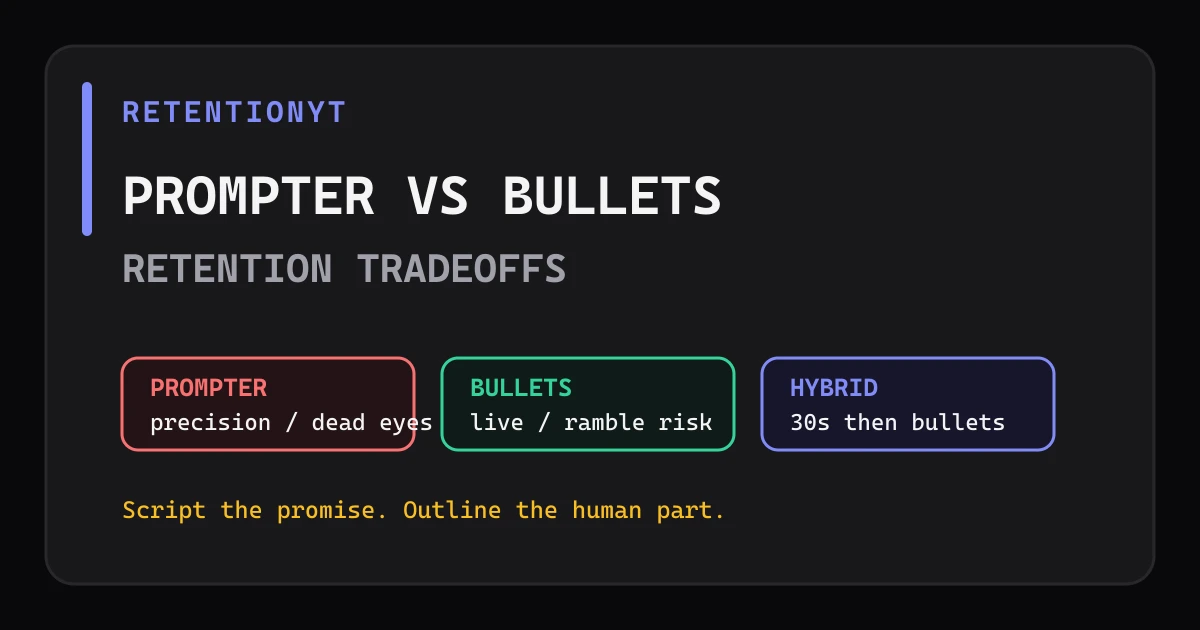
Teleprompter vs outline YouTube retention: script first 30 seconds, loosen the middle with bullets, and choose the method that keeps your delivery precise without sounding read.
Voiceover vs On-Camera: When the Graph Prefers Each
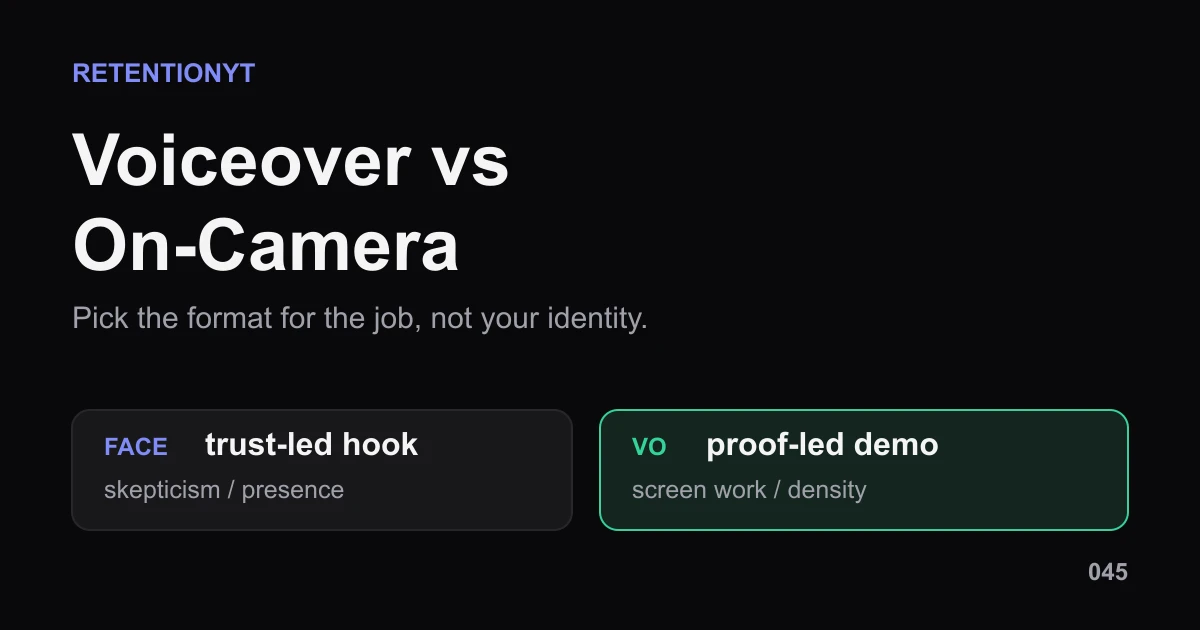
Voiceover vs talking head YouTube retention is not a winner-takes-all choice. Pick face, voiceover, or hybrid by video job, then test the handoff in Studio.
Words-to-Seconds: Convert WPM So Your Graph Matches Your Script
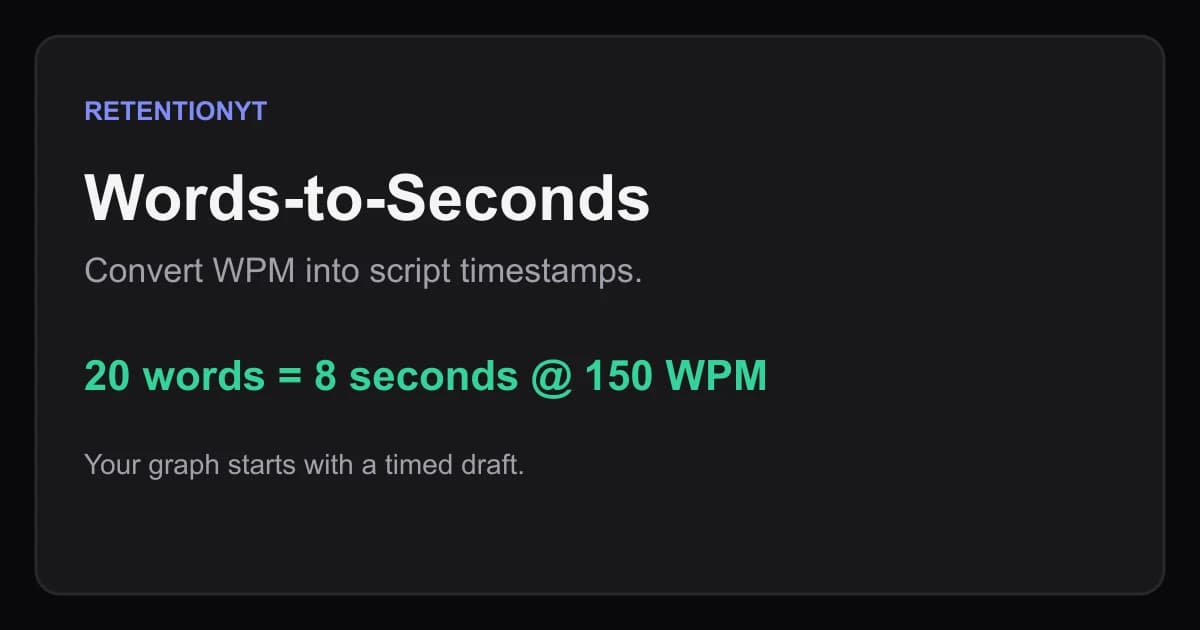
Convert WPM into YouTube script timestamps with a practical words-to-seconds table, worked examples, Studio checks, and pacing moves for talking-head and voiceover videos.