Table-Read Your Hook Out Loud at 0.75x and 1.25x
Read your YouTube hook out loud at 0.75x and 1.25x to expose extra clauses, missing breaths, and weak wording before the camera starts rolling.

8 min readUpdated
In this guide
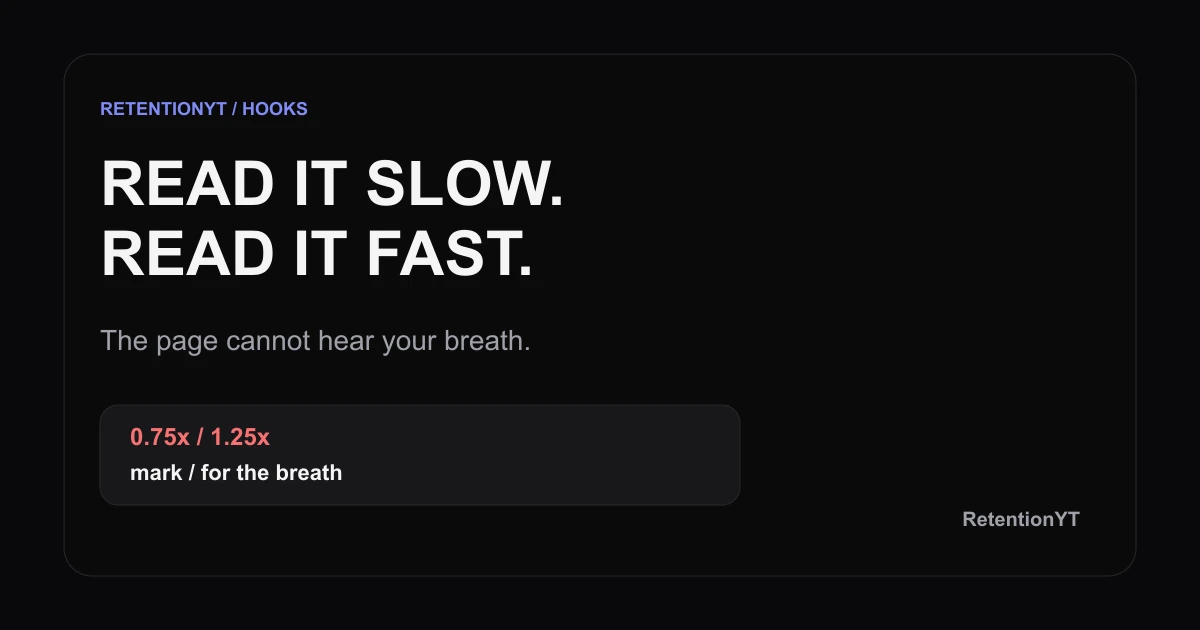
Use 10 minutes: read your hook once at 0.75x and once at 1.25x. The slow pass exposes extra clauses; the fast pass exposes missing breaths. Mark / where you need air, color each line by risk, and rewrite before you spend an hour filming takes. The page can look clean while your mouth proves it is not.

Where RetentionYT fits
Manual method works alone. Product shortens the review loop. Use RetentionYT after you have marked the hook yourself; do not treat the tool as a substitute for speaking the words.
What Table-Read Your Hook Out Loud at 0.75x and 1.25x actually is (and what it is not)
A table-read tests your draft before recording. Copy the hook into a small table, read it at 0.75x and 1.25x, then record extra clauses, missing breaths, repeated words, or a late promise.
The method is not a Studio feature, guarantee, or replacement for filming. It is a pre-record check: the page shows intent; the read tests whether you can say it clearly.
Keep the table simple: line number, slow-read note, fast-read note, and action. The row is your revision address.
| Field | What you write | Decision it supports |
|---|---|---|
| Line | One spoken beat in order | Find the exact sentence later |
| 0.75x read | Extra clause, awkward setup, or clear | Cut or keep the slow shape |
| 1.25x read | Breath problem, stumble, or clear | Add a slash or shorten |
| Action | Keep, split, shorten, or rewrite | Turn sound into a draft change |
A breath mark is a slash placed where a speaker can pause without breaking the idea. It is a drafting signal, not a promise that the edit will pause there. If a line needs three slashes to survive, it probably contains more than one spoken job.
Why this shows up in YouTube Studio
The locked SOURCE 1 page opens as “Understand your YouTube video reach,” not “Audience retention.” It says Reach helps you understand how viewers find content and gives the path: sign in to YouTube Studio, choose Content, the video, Analytics, then Reach. It lists views, average view duration, and watch time.
The locked SOURCE 2 page says the channel-level Content tab covers how your audience finds, watches, and interacts with content. Use it for performance context, not for a claim that YouTube stores breath marks or identifies a sentence’s effect.
A table gives any review moment a nearby sentence to inspect. That is an editorial rule of thumb, not a claim that YouTube assigns graph events to script lines. No typical curve or comparison benchmark is invented here.

Worked example 1: the failure
A creator writes a 42-word hook as one paragraph: “If you want better videos, today I am going to explain the workflow I have been testing because it helped me plan faster and there are three things you need to know before you start.” It looks tidy but forces too many ideas into one breath.
The example is illustrative, using made-up times rather than YouTube data.
| Read | Illustrative observation | Line risk | What breaks |
|---|---|---|---|
| 0.75x | “today I am going to explain” feels like setup | Amber | The promise arrives late |
| 1.25x | “because it helped me plan faster” crowds the breath | Red | The sentence loses its landing |
| Review moment | 0:08 is inside the long sentence | Red | The draft has no small address |
The failure is not enthusiasm. One breath carries four jobs, and one paragraph gives the review no useful address.
Worked example 2: the fix
Split the hook into beats and keep the promise first: “Your hook may be clear on the page and still fail in your mouth. Read it at 0.75x and 1.25x, mark every breath slash, and you will know which line to rewrite before the camera rolls.” Each beat now has one job.
At 0.75x, cut clauses that add context. At 1.25x, mark a missing breath or stumble. Then read once at normal pace.

Use the related hook formulas when you need a different opening shape, and use the writing-hooks process when you need a repeatable drafting pass. Those pages are related editorial reading; the locked YouTube Help pages remain the source for Studio product behaviour.
How to check this in YouTube Studio (step by step)
Finish the read before opening a report. Put the numbered hook in front of you, read at 0.75x, and mark detours plus natural breath slashes. Read again at 1.25x; mark red lines where you swallow a word, rush a noun, or lose the promise. Rewrite only those lines, then run one normal-speed read.
After publishing, open the current report available to your account. SOURCE 1 documents the public path through Content, Analytics, and Reach. SOURCE 2 describes the channel-level Content tab. The exact report and controls can vary by account and format, so do not look for a native “Table-Read Your Hook” setting.

Keep notes next to the draft. If a line looks clear but sounds crowded, shorten it. If a line feels slow only because your read was unnatural, test again at normal energy.
The trap
The trap is treating 0.75x and 1.25x as performance targets. They are stress tests: slow exposes structure, fast exposes breath and crowded wording. Neither predicts viewer behaviour or replaces a filmed take.
Do not mark only “good” or “bad.” Write the reason: extra clause, missing breath, buried promise, repeated word, or awkward handoff.
The trap
The move

The brief calls SOURCE 1 “Audience retention,” but its current locked page is “Understand your YouTube video reach.” The published method therefore uses the page’s verified Reach navigation and metrics only. The curve and all timing examples in this article are editorial or illustrative, not published YouTube benchmarks.
What to do in the next upload
Run this checklist before you film the hook.
- Copy only the hook and the next transition into the table.
- Give each spoken beat a line number in order.
- Read once at 0.75x and note extra clauses.
- Read once at 1.25x and note missing breaths or stumbles.
- Mark
/where a breath can happen without breaking the thought. - Write the reason beside every amber or red line.
- Rewrite red lines before filming multiple takes.
- Read the revision once at normal performance energy.
- After publishing, review the current Studio report available to your account.
- Keep the original estimate and the observed note for the next script.
The method works without signing up. For a second pass, use the script analyzer, but keep your revision address.
References
[1] Understand your YouTube video reach — YouTube Help. The linked SOURCE 1 citation appears in the Studio section.
[2] Understand your YouTube content performance — YouTube Help. The linked SOURCE 2 citation appears in the Studio section.
Frequently asked questions
- Should I read my hook out loud?
- Yes. Reading the hook out loud exposes clauses that look harmless on the page but make your delivery stumble. You hear missing breaths, repeated words, and promises that arrive late. Read the same draft slowly and quickly, mark the trouble spots, then rewrite before you spend time filming multiple takes.
- Why slow and fast?
- A slow read gives each clause room to show its shape, while a fast read tests whether the sentence survives natural performance energy. At 0.75x, extra clauses become obvious. At 1.25x, missing breaths and crowded wording become obvious. Together, the two speeds reveal different problems in the same hook.
- What are breath marks?
- Breath marks are slash symbols you add to the script where a speaker can pause without losing the thought. They are not a promise that the final edit will pause there. Use them to spot sentences that require too many ideas in one breath, then shorten or split the line before recording.
- Do I do this for the whole script?
- No. Start with the hook and the next transition because those lines carry the first promise and hand the viewer into the video. If the opening passes, sample one later section. A focused ten-minute read gives you useful evidence without turning every paragraph into a performance exercise.
- Is this instead of filming takes?
- No. The table-read is a cheap pre-record check, not a replacement for filming. It catches wording and breath problems before you set lights or record several takes. After the read, film your normal versions and compare the spoken result with the marks you made in the draft.
- How do I apply “Table-Read Your Hook Out Loud at 0.75x and 1.25x” on my next upload?
- Copy the hook into a four-column table, read it once at 0.75x and once at 1.25x, mark slashes for breaths, and label each line green, amber, or red. Keep the pass to ten minutes. Rewrite red lines, read the revised hook once more, and then move to your normal filming takes.
- Where in YouTube Studio do I check “Table-Read Your Hook Out Loud at 0.75x and 1.25x”?
- There is no native YouTube Studio control named Table-Read Your Hook Out Loud at 0.75x and 1.25x. Use the method in your script, then review the reports available for your video or channel. SOURCE 1 currently documents Content, Analytics, and Reach navigation; the table-read itself is an editorial workflow.
- What is the most common mistake with “Table-Read Your Hook Out Loud at 0.75x and 1.25x”?
- The common mistake is changing speed without changing the draft. A creator reads quickly, notices a stumble, and keeps the same sentence because it looks fine on screen. Mark the exact clause, add a breath slash, name the risk, and rewrite that line before recording another take.
Give your next script a second look
Paste a script into RetentionYT for suggestions on your hook, pacing, and structure. Choose the edits that serve your video, then check audience behavior in YouTube Analytics after publishing.
Get retention tips in your inbox
Occasional, practical emails on hooks, pacing, and retention. No spam.
Related posts
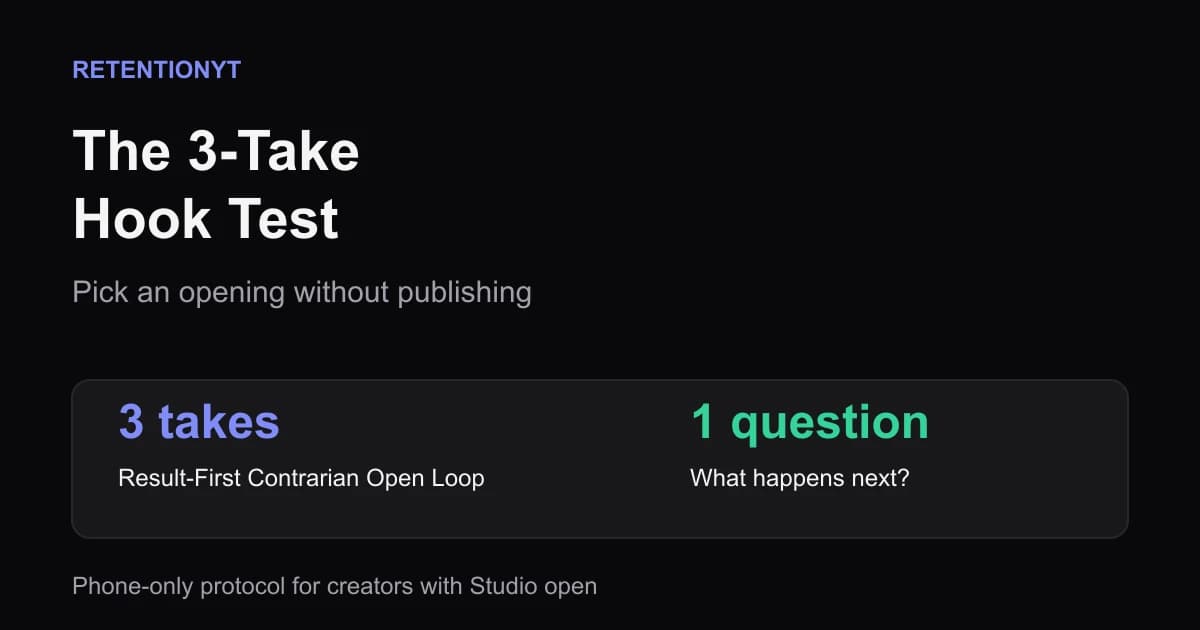
The 3-Take Hook Test: Pick an Opening Without Publishing
Learn how to test YouTube hooks before uploading with three 15-second phone takes, one cold viewer, and a simple question that picks the opening worth filming.
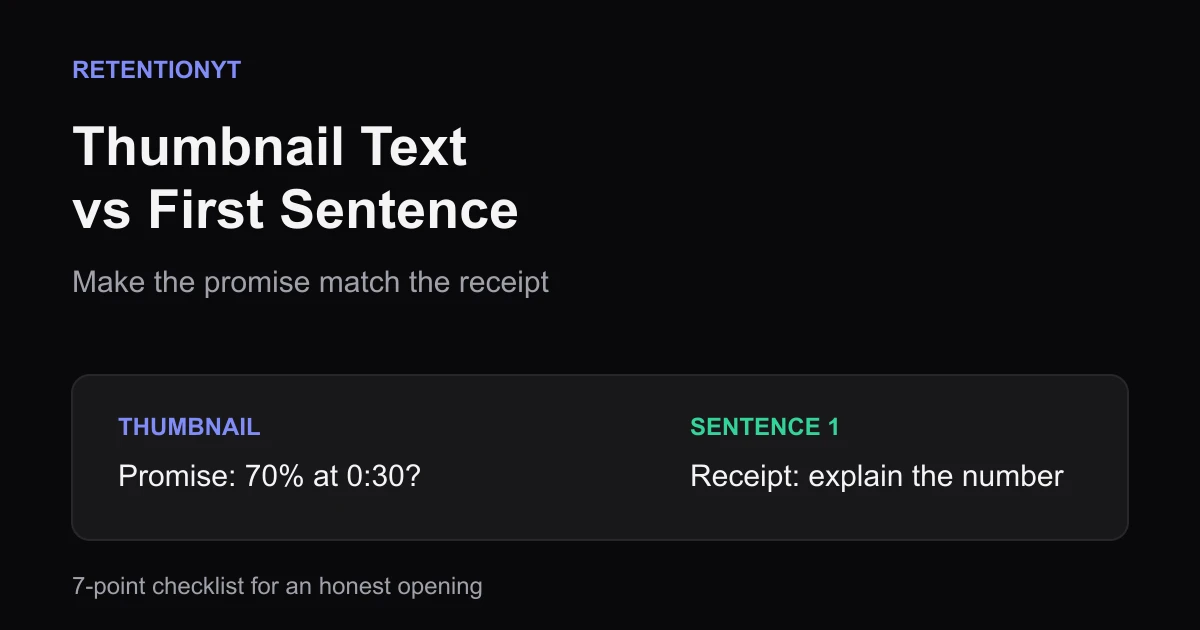
Thumbnail Text vs First Sentence Alignment Checklist
Use this thumbnail text and first sentence alignment checklist before every YouTube upload so the promise on the image matches the receipt in your first 8 seconds.
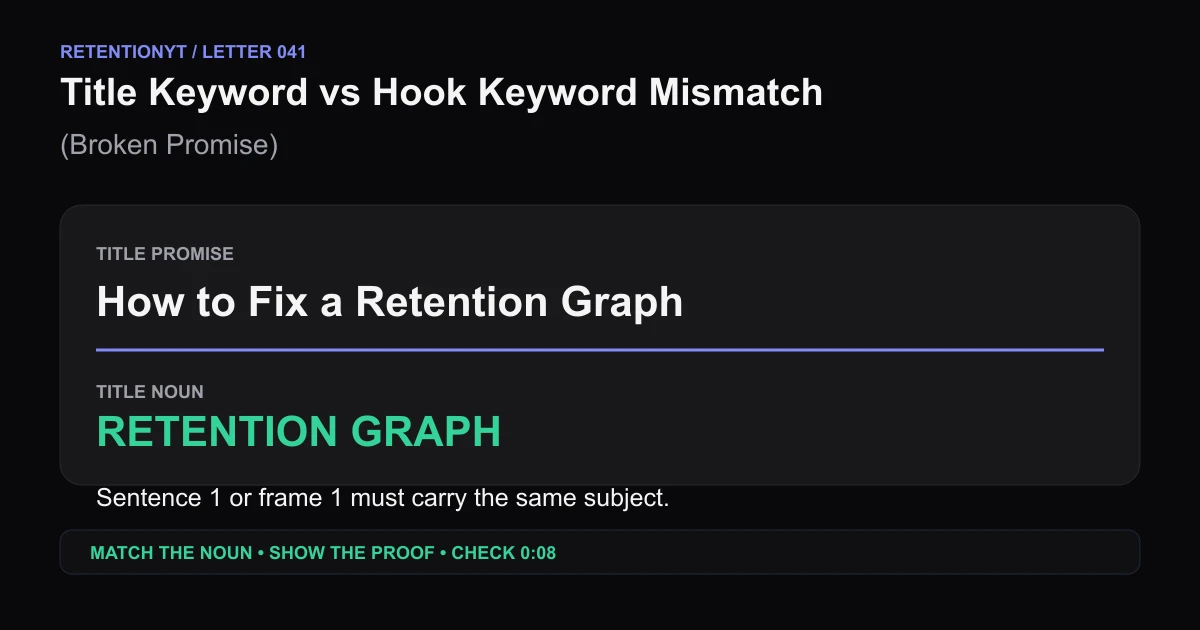
Title Keyword vs Hook Keyword Mismatch (Broken Promise)
Find the noun your YouTube title promises, put it in sentence 1 or frame 1, then use the 0:08 retention checkpoint to repair a broken promise hook.