Teleprompter vs Bullet Outline: Retention Tradeoffs
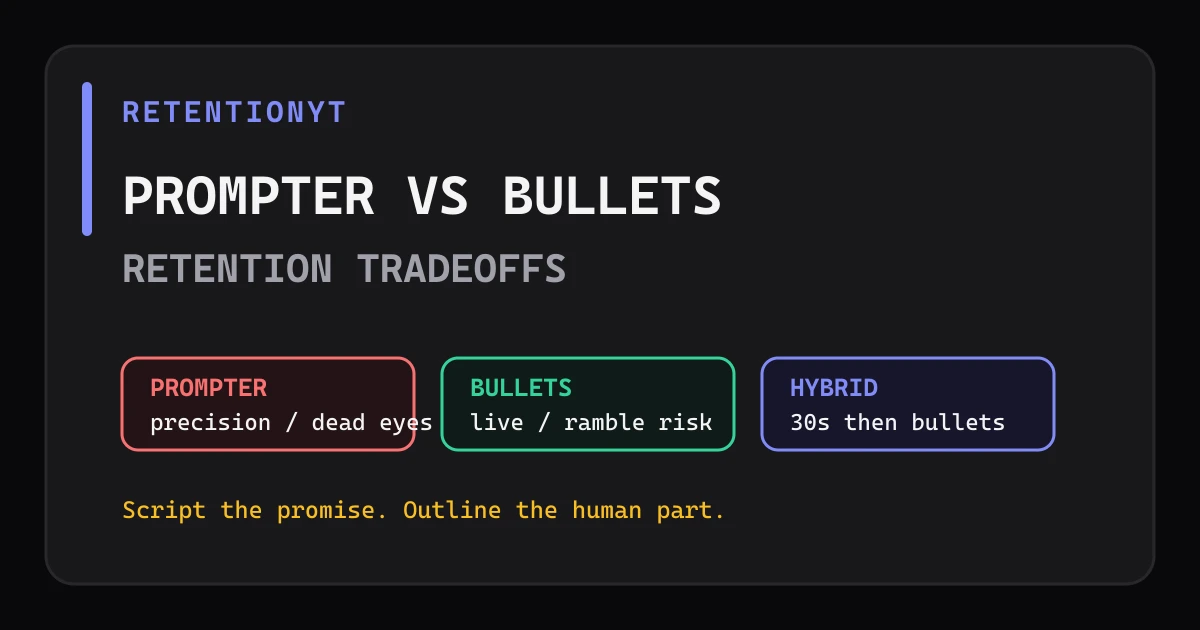
Teleprompter vs outline YouTube retention: script first 30 seconds, loosen the middle with bullets, and choose the method that keeps your delivery precise without sounding read.

10 min readUpdated
In this guide
At 0:08, a loose opening can cost more than a stiff sentence. Use a teleprompter for the first 30 seconds when the hook and promise must land cleanly, then switch to bullet prompts before the middle starts sounding read. The hybrid is a retention choice: prepared where precision matters, loose where examples and emphasis should feel live.

What Teleprompter vs Bullet Outline actually is (and what it is not)
A teleprompter displays your prepared words while you speak. A bullet outline gives you short prompts instead of every sentence. The choice is not “professional versus authentic.” It is a tradeoff between density—how much language you must deliver exactly—and responsiveness—how much room you need to explain, react, and emphasize.
A prompter is strongest when the opening has a narrow job: state the problem, make the promise, and establish the first turn. It becomes risky when the page is dense, the scroll is fast, or your eyes stop meeting the lens. Bullets are strongest when the viewer benefits from a live example. They become risky when a bullet stands for an entire argument and you discover the missing bridge while recording.
| Method | Protects | Retention risk | Use it when |
|---|---|---|---|
| Teleprompter | Exact hook, promise, transitions, and wording | Dead eyes, rushed WPM, or a line that sounds read | Precision is more valuable than improvisation |
| Bullet outline | Live explanation, examples, and responsive emphasis | Ramble slumps, repeated points, or missing bridges | The body needs room to breathe |
| Hybrid | Prepared opening plus flexible body | A careless handoff can change the speaker’s energy | The first 30 seconds need control and the middle needs range |
The hybrid recommendation is an editorial method, not a YouTube rule. The first 30 seconds is a useful place to test it because the opening has a clear promise and little room for wandering. If your first payoff happens later, extend the prepared section until that handoff is complete. If your opening is naturally conversational, use a short outline and test the prompter only for the sentences that must be exact.
Before you choose, record the same 20-second paragraph both ways. Listen for three things: whether the promise is complete, whether your pace accelerates, and whether your eyes stay connected. The better method is the one that keeps those three jobs intact for your audience.
Where RetentionYT fits
Manual method works alone. Product shortens the loop. Start with RetentionYT after you have written the prompter and bullet versions.
Why this shows up in YouTube Studio
Your recording method is a script-side decision, but the published upload gives you performance context. YouTube Help says the Content tab in YouTube Analytics gives an overview of how your audience finds content, what it watches, and how it interacts with the content, and that the tab is available at channel level (Source 2, August 2026). That page does not define a teleprompter-versus-outline report.
The useful habit is to keep the method in the upload notes. Write “prompter,” “bullets,” or “hybrid,” then add the handoff timestamp, the measured speaking rate, and the first payoff. You are not asking Studio to explain the cause. You are giving yourself enough context to compare two editorial choices without relying on memory.

Worked example 1: the failure
This is an illustrative example, not creator data. A talking-head creator writes every word of a ten-minute tutorial, sets the prompter to an illustrative 180 WPM, and keeps the scroll moving while explaining a complicated setup. The opening is accurate, but the delivery speeds up before the viewer has a reason to trust the next section.
The failure is not “using a teleprompter.” The failure is giving every sentence the same production treatment. The hook needs exact timing. The setup needs room for a screen reference. The example needs emphasis and a pause. A dense page turns those different jobs into one fast stream.
| Illustrative failure check | Example value | What it tells you |
|---|---|---|
| Opening read | 0:00–0:30 | Exact wording protects the promise |
| Prompter rate | 180 WPM | Illustrative test value, not a platform benchmark |
| Body format | Full script | Every section receives the same delivery pressure |
| Observed risk | Rushed explanation | The method hides where the viewer needs a pause |
When you review the take, mark every place where you looked at the text instead of the lens, swallowed a word, or added a second explanation. Those marks are not proof that the prompter always fails. They are evidence that this script needs a different level of control in different zones.
Worked example 2: the fix
Keep the opening on the prompter, but shorten it until each line fits one breath. At the first completed promise, switch to bullets: “show the three settings,” “explain the wrong choice,” and “preview the final check.” Each bullet has one job, one example, and one exit line. The camera can feel more alive without making the structure disappear.
This is an illustrative rewrite, not a retention benchmark. Measure your own speaking rate, then set the prompter below the pace that made the first take feel dense. If your natural read is 160 WPM, an illustrative 145 WPM draft may give you more space for emphasis; test it against your own baseline rather than presenting it as a universal number.
The handoff must be scripted too. Say what the viewer has just learned, name the next question, and move into the first bullet. A prepared bridge prevents the middle from feeling like the video has lost its plan.

How to check this in YouTube Studio (step by step)
You are checking the result of a documented editorial choice, not searching for a built-in “Teleprompter vs Bullet Outline” metric. Use YouTube Studio for the available performance context and keep the script method beside your upload notes.
- Mark the first eight seconds, the first 30 seconds, the prompter-to-bullets handoff, and the first complete payoff in your script.
- Write the opening word for word. Remove any sentence that exists only to make the prompter page look complete.
- Convert the body into bullets. Give every bullet one job, one example, and one exit line; add a visual cue where the viewer should see a change.
- Record one short test using the hybrid. Measure your speaking rate from a natural minute and note where your eyes, pace, or emphasis changed.
- Publish using your normal workflow, then sign in to Studio and use the available performance context. The locked YouTube Help page documents the computer path to the Reach area: Content, selected video, Analytics, then Reach (Source 1, August 2026).
- Log the method, handoff timestamp, measured WPM, title, thumbnail, topic, and viewer mix you observed. Label any invented example values illustrative; do not read the figure below as platform data.
If the opening is clean but the middle drifts, keep the prompter only where precision pays and make the bullets more specific. If the handoff is the first visible slump, script the bridge rather than forcing the whole body back onto the prompter.

The trap
The trap is turning a production tool into a personality test. “I am a prompter creator” can make you over-script a section that needs a human example. “I am an outline creator” can make you improvise the first sentence that carries the title promise. Neither identity protects the viewer.
There is a second trap: switching methods without logging where the switch happened. When the opening is on a prompter and the body is on bullets, the change in energy is part of the experiment. Write the timestamp and the reason. If you cannot explain what the handoff protects, it is probably decoration rather than structure.
The trap
The move

What to do in the next upload
Prepare the hybrid before you record. You do not need a perfect prediction; you need a visible decision about where precision ends and live explanation begins.
- Write the first sentence so it confirms the title promise.
- Mark 0:08, 0:30, the handoff, and the first complete payoff.
- Use the prompter for the opening only when exact delivery helps.
- Give every bullet one job, one example, and one exit line.
- Script the bridge between prompter and bullets.
- Measure your natural WPM before choosing a scroll rate.
- Record a short test and listen for rushed emphasis or dead eyes.
- Log the method and handoff timestamp beside the upload notes.
- Use the available Studio context without inventing a native method metric.
- Review the graph and change one scripting variable at a time.
For a second pass, use the YouTube script review tool after the manual read-through. Then compare your structure with How to Script a YouTube Video and YouTube Script Outline Template. Keep the manual method available even if you never sign up for a tool.
Script the sentence that carries the promise; outline the section that needs a human voice.
Your goal is not to sound fully scripted or fully improvised. Your goal is to make the first promise precise, make the middle easy to follow, and leave enough room for the viewer to feel that a real person is explaining the next useful thing.
Frequently asked questions
- Does a teleprompter hurt retention?
- A teleprompter does not automatically hurt retention. It can protect a precise opening while creating a delivery risk if your eyes, pace, or emphasis look mechanical. Read your first 30 seconds aloud, measure the spoken pace, and compare the published graph with a bullet-led version. The method is only useful when the viewer still feels addressed.
- Should I script the whole video?
- Script the parts where wording and timing matter most, especially the hook, promise, transitions, and final takeaway. Use a full script when the topic needs exact language or legal precision. Use bullets when examples benefit from live explanation. A hybrid often gives you a prepared opening and a more responsive middle without pretending one format fits every creator.
- Can I mix prompter and bullets?
- Yes. A practical hybrid is a teleprompter for the first 30 seconds, then bullet prompts for the body. Mark each bullet with one job, one example, and one exit line. This protects the opening promise while leaving room for natural emphasis. Treat the 30-second boundary as an editorial starting point, not a platform threshold.
- Why do I sound fake on a prompter?
- You may be reading for accuracy instead of speaking for a person. Shorten each line, move the text close to the lens, and write the way you talk rather than the way you publish. An illustrative 180 WPM read can also feel rushed; slow the line until the emphasis is clear, then use the measured pace for your next draft.
- What WPM on a prompter?
- Use your measured speaking rate rather than a universal WPM target. Record one minute of your natural delivery, count the spoken words, and start the prompter below that rate if the text feels dense. For an illustrative test, compare 145 WPM with 175 WPM on the same paragraph; label the numbers as your experiment, not YouTube data.
- How do I apply “Teleprompter vs Bullet Outline” on my next upload?
- Write the hook and first promise word for word, convert the middle into bullets, and mark the payoff plus the next visual cue. Record a private take using the hybrid, then note where you looked away, rushed, or improvised a tangent. Keep the final edit comparable to your normal format and log the method beside the retention graph.
- Where in YouTube Studio do I check “Teleprompter vs Bullet Outline”?
- You do not check this phrase as a built-in Studio report. You check the upload's available performance context, then compare the method recorded in your script notes. YouTube Help describes the Reach and Content areas, but it does not define a teleprompter-versus-outline metric, so keep your editorial test label separate from official reporting.
- What is the most common mistake with “Teleprompter vs Bullet Outline”?
- The common mistake is choosing a format by identity: scripted creators refuse bullets, while improvisers refuse preparation. The real failure is an unowned moment. A teleprompter can rush the middle; bullets can hide a missing transition. Give every segment a job, use the method that protects that job, and review the recorded result instead of defending the tool.
Give your next script a second look
Paste a script into RetentionYT for suggestions on your hook, pacing, and structure. Choose the edits that serve your video, then check audience behavior in YouTube Analytics after publishing.
Get retention tips in your inbox
Occasional, practical emails on hooks, pacing, and retention. No spam.
Related posts
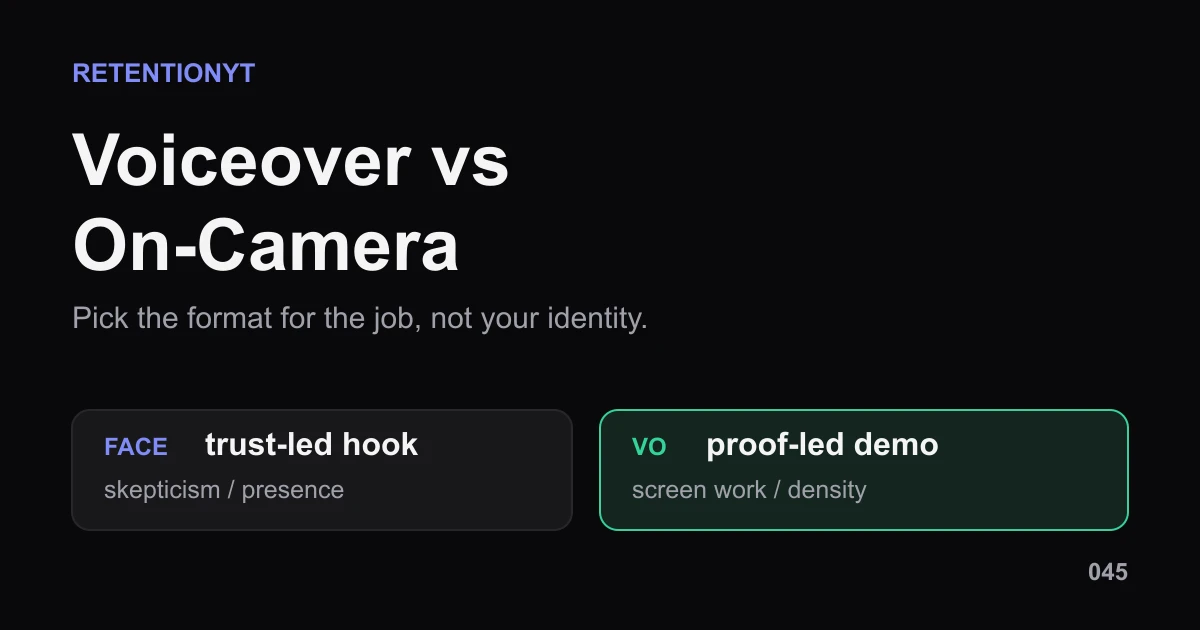
Voiceover vs On-Camera: When the Graph Prefers Each
Voiceover vs talking head YouTube retention is not a winner-takes-all choice. Pick face, voiceover, or hybrid by video job, then test the handoff in Studio.
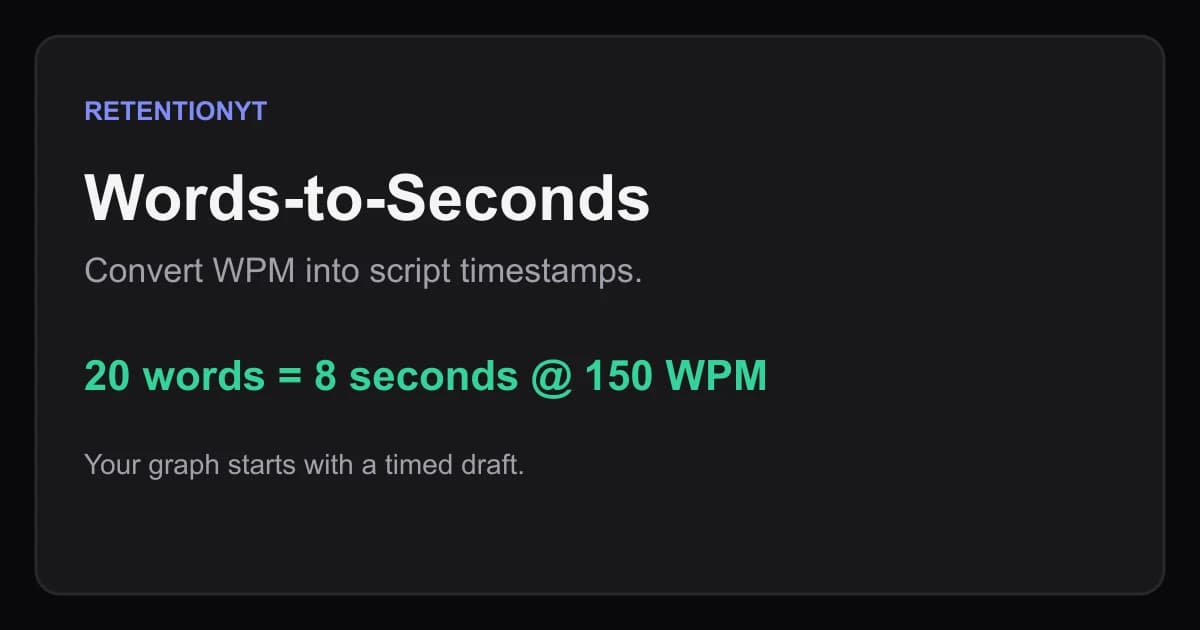
Words-to-Seconds: Convert WPM So Your Graph Matches Your Script
Convert WPM into YouTube script timestamps with a practical words-to-seconds table, worked examples, Studio checks, and pacing moves for talking-head and voiceover videos.
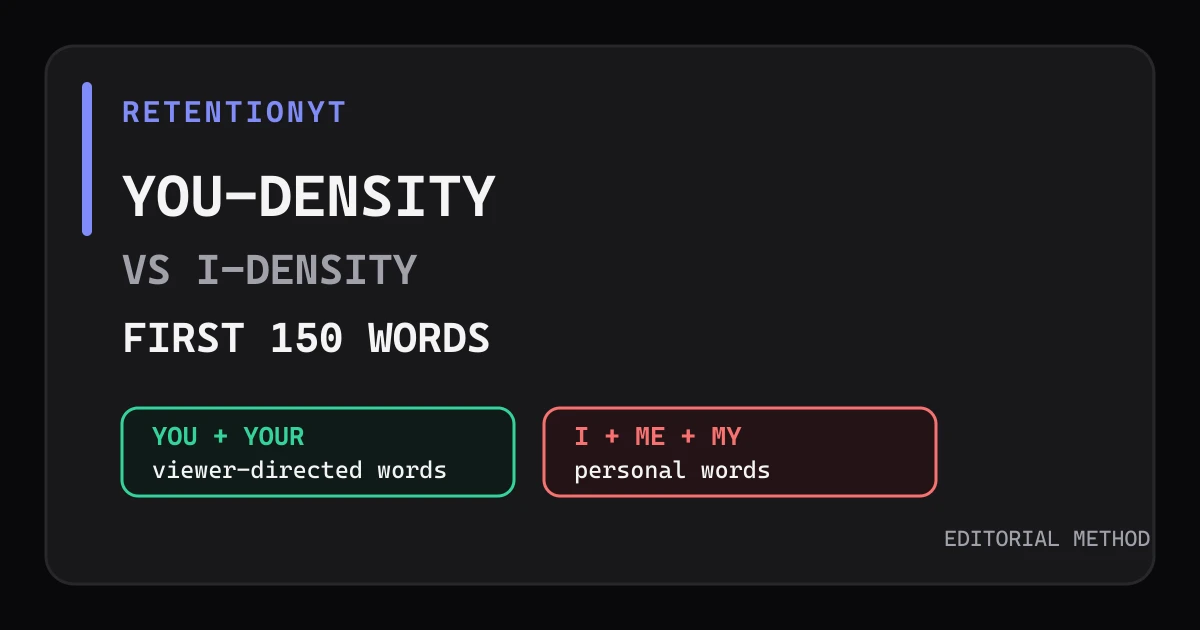
You-Density vs I-Density in the First 150 Words
Use you more than I in a YouTube script intro by counting the first 150 words, spotting diary-style openings, and rewriting the hook for the viewer.