Title Keyword vs Hook Keyword Mismatch (Broken Promise)
Find the noun your YouTube title promises, put it in sentence 1 or frame 1, then use the 0:08 retention checkpoint to repair a broken promise hook.

10 min readUpdated
In this guide
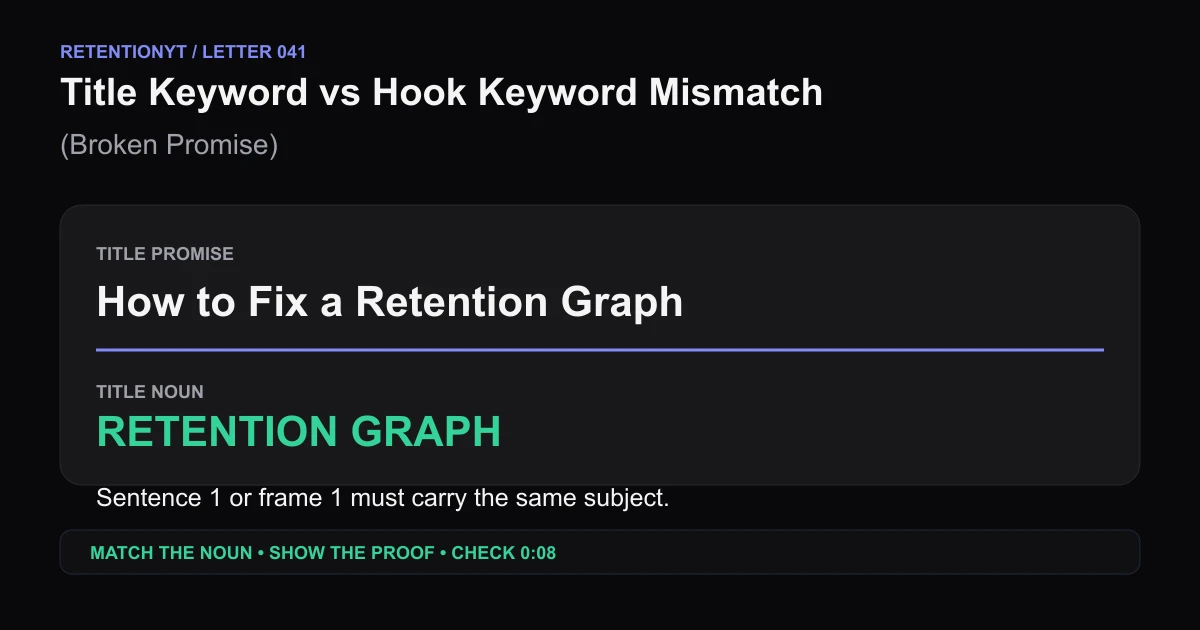
If your title promises a retention graph but sentence 1 says, “I have been thinking about creativity,” you bought a click and spent the first 8 seconds refunding it. Extract the title’s noun, put it in sentence 1 or frame 1, and make the first proof visible before context takes over.
What Title Keyword vs Hook Keyword Mismatch (Broken Promise) actually is (and what it is not)
A title-and-hook mismatch happens when the package names one subject and the opening makes the viewer decode another. The viewer does not need the exact same grammar twice; they need the same object, problem, or outcome to be unmistakable. Call that object the title noun. In “How to read a retention graph,” the noun is “retention graph,” not “creativity,” “growth,” or “the story behind the channel.”
This is a writing audit, not a YouTube feature. A hook keyword is the first spoken or visible wording that tells the viewer what the video is about. A broken promise hook delays, renames, or contradicts the title noun after the click. The practical test is simple: can a stranger identify the promised noun in sentence 1 or frame 1 without borrowing context from your channel?
YouTube’s locked Reach guidance defines thumbnail impressions click-through rate as how often viewers watched after seeing a thumbnail. Its Content guidance describes the impressions-and-CTR report as the path from thumbnail exposure to views and watch time. Those descriptions support a useful separation: CTR helps you inspect the package’s ability to earn a view; early retention helps you inspect what happened after the view began. The sentence that says “these are different jobs” is an editorial interpretation, not a new YouTube metric.1 2
| Mismatch pattern | What the title promises | What the opening does | Repair in sentence 1 or frame 1 |
|---|---|---|---|
| Generic preface | A retention graph | Starts with a personal reflection | Show the graph and name it |
| Synonym drift | YouTube title rewrite | Says “content improvement” | Say “rewrite your YouTube title” |
| Category swap | Camera settings | Opens with creator mindset | Put the camera setting on screen |
| Outcome delay | Remove background noise | Tells channel history first | Name the noise problem and first cut |
| Object omission | A thumbnail audit | Begins with motivation | Show the thumbnail and audit it |
| Audience swap | A beginner tutorial | Addresses advanced operators | State “beginner setup” immediately |
| Method replacement | Three hook formulas | Opens with a case-study story | Name the three formulas before context |
| Proof contradiction | Faster editing workflow | Leads with a slow montage | Show the edit timeline and first move |

Why this shows up in YouTube Studio
SOURCE 1 says the Reach tab helps you understand how viewers find content and provides metrics including click-through rate, watch time, and views. Its computer path is YouTube Studio, Content, the selected video’s Analytics, then Reach. It describes source, impression, and search reports; see SOURCE 1, August 2026.
SOURCE 2 says the channel-level Content tab shows how the audience finds, watches, and interacts with content. Its path is YouTube Studio, Analytics, then Content. For videos, “Key moments for audience retention” shows how moments held attention, and typical retention can compare the 10 latest videos of similar length; see SOURCE 2, August 2026.
The pages do not define “title keyword,” “hook keyword,” or 0:08 as platform terms. Treat 0:08 as an editorial checkpoint.
A clean read of the two signals

Worked example 1: the failure
Imagine a video titled How to Fix a Retention Graph with a thumbnail showing a steep red drop and a green recovery line. The opening says, “There are so many ways to think about making better videos, and before we get into the details, I want to share why this topic matters to me.” Nothing in the sentence names the graph, the drop, or the fix. The click is specific; the first beat is not.
The numbers below are illustrative, not YouTube data. Keep the video, date, report, and transcript beside any real measurement.
| Checkpoint | Illustrative reading | What the mismatch note should say |
|---|---|---|
| Thumbnail impression | Illustrative 100% package exposure | The package names a graph problem |
| Click signal | Illustrative 6.8% CTR | The click says the package is clear enough to test |
| 0:08 | Illustrative 54% still watching | The noun and proof were delayed |
| 0:30 | Illustrative 39% still watching | Context continued after the unanswered promise |

Worked example 2: the fix
Keep the title and thumbnail. Rewrite the opening as: “Your retention graph drops because the first line never names the problem. I’ll show the exact sentence to cut, the first frame to replace, and the proof to check at 0:08.” Now the noun appears in sentence 1, the action is concrete, and the next beat tells the viewer what evidence is coming.
The fix does not guarantee a higher metric. It creates a fair handoff: exact noun, concrete action, first proof, early checkpoint.
A click is a promise; sentence 1 or frame 1 is the handoff.

How to check this in YouTube Studio (step by step)
1. Capture the package before you open the report
Write the title, thumbnail promise, format, publish date, and report date. Underline the noun that carries the click.
2. Open the report path your account exposes
For a selected video, open YouTube Studio, choose Content, select the video, open Analytics, and choose Reach. SOURCE 1 documents that computer path and the Reach reports. At channel level, SOURCE 2 documents Analytics, then Content. Use the current labels shown in your account; some reports may not be available on mobile.1 2
3. Read CTR as package context
Record impressions and CTR context, but do not call it good or bad without a comparison; the locked pages provide no universal threshold.
4. Transcribe sentence 1 and frame 1
Transcribe the first sentence and describe frame 1. Highlight the first title noun or equivalent visual; if it arrives after 8 seconds, note “noun delayed.”
5. Inspect the early retention shape
Open the audience-retention or key-moments report your account provides. SOURCE 2 says it shows how moments held attention and can compare the 10 latest videos of similar length. Use 0:08 as an editorial checkpoint, not a YouTube threshold.2
6. Classify the mismatch
Choose one label: delayed noun, synonym drift, category swap, object omission, audience swap, method replacement, or proof contradiction. Quote the title, sentence 1, and frame 1; if source detail is unavailable, write unverified.
7. Rewrite one opening
Put the title noun in sentence 1 or frame 1, add proof and the next beat, and remove setup that can wait. Read it aloud; if the subject still needs explanation, revise.
8. Compare the next upload honestly
After the next comparable upload, record the title noun, sentence 1, frame 1, proof, 0:08 note, and report date. Change one opening job; a non-reproducible result is a clue, not a platform rule.
Where RetentionYT fits
Manual method works alone. Product shortens the loop. Use RetentionYT when you want another wording pass before recording, but do not treat a tool score as a replacement for checking the title noun, the first frame, and the actual opening.
The trap
The trap is confusing a familiar topic with a clear handoff. “This is about growth” does not tell the viewer what the title noun is doing.
The trap
The move
Keep the conclusion narrow: “this opening delayed the title noun for this upload,” not “search viewers always leave” or “CTR never matters.”1 2

What to do in the next upload
Use the next upload as a controlled writing test. Remove one handoff problem and leave a record another creator can inspect.
- Copy the exact title and underline its main noun.
- Describe the thumbnail promise in one concrete sentence.
- Write sentence 1 and describe frame 1 before recording.
- Put the title noun in sentence 1 or frame 1.
- Add one real proof beat and name the next beat.
- Record the first 8 seconds and mark when the noun becomes clear.
- Open the Reach or Content reports your account exposes.
- Compare the early retention shape with a like-for-like upload.
- Label illustrative numbers and remove borrowed benchmarks.
- Change one opening job before the next comparison.
For structures, read 9 YouTube Hook Formulas and How to Write a YouTube Hook That Actually Works. Use the YouTube script analyzer as a wording prompt, not evidence.
Inspect the noun handoff first.
References
Frequently asked questions
- Why is CTR high but retention low?
- CTR records how often viewers watched after seeing a thumbnail, while audience retention shows how well moments hold attention. A high CTR can therefore coexist with a weak opening when the package earns the click but sentence 1 or frame 1 does not make the title’s main noun clear. Treat the two signals as different jobs, then inspect the first 8 seconds.
- What is a broken promise hook?
- A broken promise hook is an opening that attracts a click with one clear title or thumbnail idea, then delays, renames, or replaces that idea. The fix is not louder delivery. Extract the title noun, put it in sentence 1 or frame 1, and show the first credible proof before adding context the viewer can wait for.
- Does the title word need to be spoken?
- Not always. The title noun must become unmistakable in sentence 1, frame 1, or both. If the first frame clearly shows the promised object while the voice names the action, the match can work. If neither channel makes the noun legible, assume the viewer has to re-interpret the click and audit that delay at 0:08.
- Can the thumbnail carry the promise alone?
- No. The thumbnail can set an expectation, but the opening must make the same subject legible quickly. YouTube describes impressions and click-through rate as thumbnail exposure and views after a thumbnail, while retention concerns attention at moments in the video. Use the thumbnail as a handoff, not as permission to postpone the title noun.
- How do I audit mismatch?
- Write the title noun at the top of a note, transcribe the first 8 seconds, and describe frame 1. Mark the first moment where the noun becomes clear. Compare that moment with the early retention shape and record whether the opening delayed, renamed, or contradicted the promise. Then rewrite one opening and keep the comparison like-for-like.
- How do I apply “Title Keyword vs Hook Keyword Mismatch (Broken Promise)” on my next upload?
- Before recording, underline the title’s main noun, put that noun in sentence 1 or frame 1, and place the first proof beside it. After publishing, review the source and retention reports your account exposes, then check the first 8 seconds against the opening promise. Change one opening job at a time so your next comparison stays readable.
- Where in YouTube Studio do I check “Title Keyword vs Hook Keyword Mismatch (Broken Promise)”?
- For a selected video, open YouTube Studio, choose Content, select the video, open Analytics, and choose Reach for source and impression context. At channel level, open Analytics and Content for content-performance reports. Use the labels and reports available to your account; the mismatch method is an editorial audit, not a native Studio setting.
- What is the most common mistake with “Title Keyword vs Hook Keyword Mismatch (Broken Promise)”?
- The common mistake is rewriting the hook around a louder synonym while leaving the title noun unclear. That changes tone without repairing the promise. Keep the exact noun or a plainly equivalent visual in sentence 1 or frame 1, show a real proof beat, and treat 0:08 as a diagnostic checkpoint rather than a universal platform benchmark.
Give your next script a second look
Paste a script into RetentionYT for suggestions on your hook, pacing, and structure. Choose the edits that serve your video, then check audience behavior in YouTube Analytics after publishing.
Get retention tips in your inbox
Occasional, practical emails on hooks, pacing, and retention. No spam.
Related posts
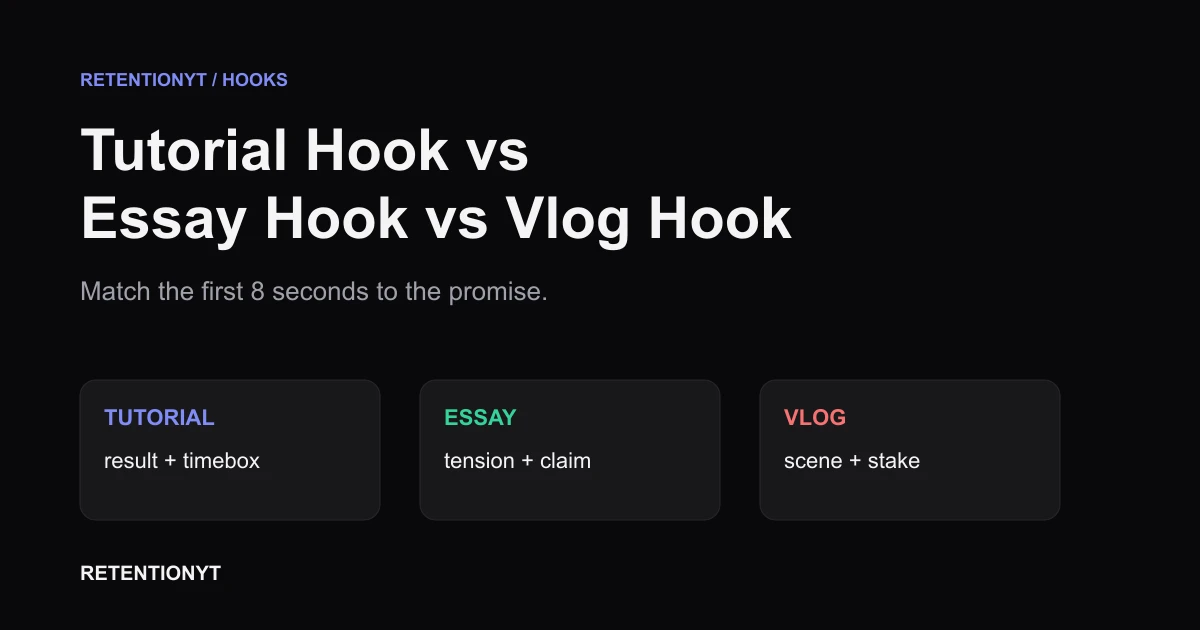
Tutorial Hook vs Essay Hook vs Vlog Hook
Different YouTube hooks for tutorials vs vlogs: match the first 8 seconds to the promise your title and thumbnail make, then check the graph in Studio.
The 2-Second Channel Sting: What It Costs on the Curve
If your YouTube intro animation hurts retention, protect the first 8 seconds: test a 2-second channel sting after the promise, then read the curve in Studio.
Write the Hook for Your Coldest Traffic Source
Write one YouTube hook for the coldest traffic source your video earns, then test the first 8 seconds against the promise your thumbnail and title made.