The 3-Take Hook Test: Pick an Opening Without Publishing
Learn how to test YouTube hooks before uploading with three 15-second phone takes, one cold viewer, and a simple question that picks the opening worth filming.

11 min readUpdated
In this guide
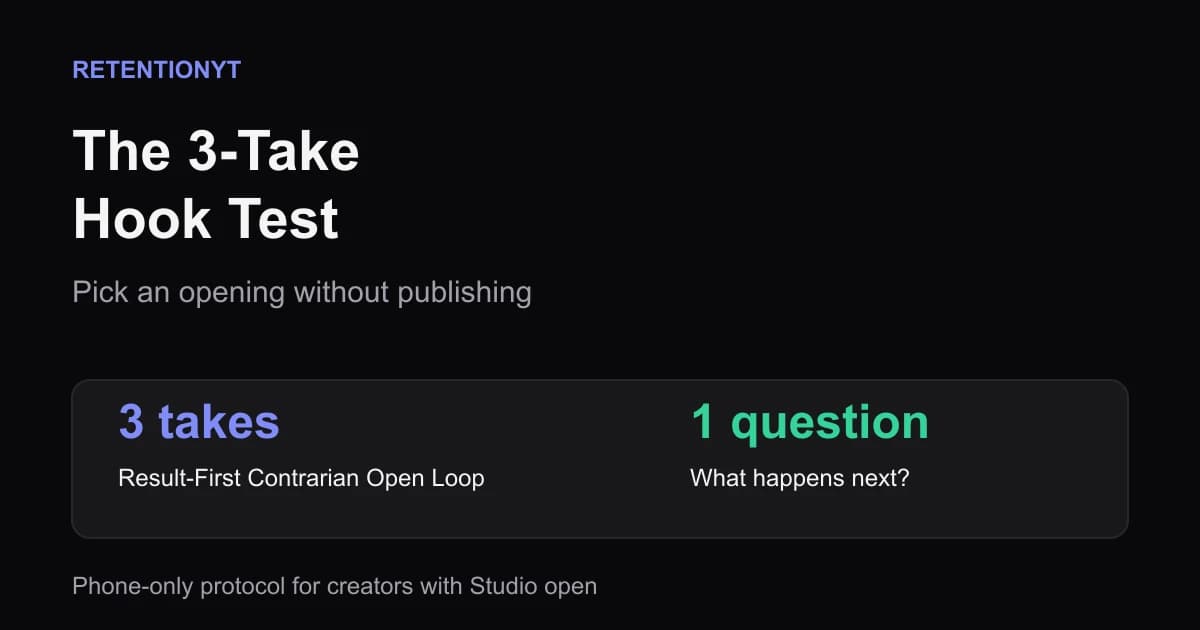
Do not publish a video just to see whether the opening works. As a practical rule of thumb, you can spend about 12 minutes recording three 15-second takes, show them to one cold person, and choose the take that creates the clearest “what happens next?” question. Then write the rest of the video to keep that promise.

What The 3-Take Hook Test actually is (and what it is not)
The 3-Take Hook Test is a pre-recording protocol. Record three versions of the same opening as phone clips and show them to one person who has not been briefed. The viewer’s question is the signal; your preference is not.
The protocol has three named angles. Result-First leads with the outcome: “I cut my editing time from six hours to eleven minutes.” Contrarian challenges a familiar instruction: “You do not need a louder intro; you need a clearer promise.” Open Loop plants a question that the rest of the video must answer: “The useful part is the mistake I made after the first test.” These are writing shapes, not claims about what YouTube guarantees.
Keep the topic and promise fixed; change the opening angle. Deliver each clip as if it were real, without explaining the premise first.
Ask the cold viewer only: “What do you think happens next?” Do not ask which take they liked or whether they would subscribe. A useful answer names the consequence, reveal, process, or problem they expect you to solve.
This is not a YouTube A/B test or a prediction of views, click-through rate, or retention. It is a filter for promise problems before filming and editing.
Where RetentionYT fits
Manual method works alone. Product shortens the loop. Run the clips yourself first, then paste the chosen script into RetentionYT if you want a structural second read before recording the full video.
Why this shows up in YouTube Studio
The pre-publish test and YouTube Studio answer different questions. The first asks which opening earns the next beat; Studio asks what happened after real viewers started watching.
YouTube’s current Reach help page describes the Reach tab as a place to understand how viewers find content and lists metrics such as thumbnail impressions, click-through rate, views, average view duration, and watch time. It also notes that some reports may not be available on mobile devices. That page is useful context for what Studio can show, but it does not validate the winner of a phone rehearsal. SOURCE 1
The current content-performance guidance adds a more specific post-publish distinction: the Analytics Content tab gives an overview of how people find content, what they watch, and how they interact with it. For videos, it includes Key moments for audience retention, which shows how different moments held attention, and it describes typical retention as a comparison with the 10 latest videos of similar length. You use that report after the upload, not during the three-take selection.
On August 24, 2026, the current guidance said views count when a video starts across Shorts, long-form videos, and live streams; that does not turn a rehearsal into a published measurement. SOURCE 2
Worked example 1: the failure
Imagine a video called “How to Plan a Week of YouTube Videos in 30 Minutes.” The creator changes too many variables: “I planned next week’s videos fast,” “Stop using a content calendar,” and “There is one planning step most creators skip.” None names the next beat.
The creator asks four friends in the same niche to vote. They choose the Contrarian take because they enjoy arguing about calendars, but a vote does not reveal the question a first-time viewer wants answered.
They write the video around the line they enjoyed delivering, so the first 20 seconds explain why calendars are overrated while the 30-minute board arrives later. The hook created a position, not a path.
The numbers below are illustrative, not YouTube data and not a published benchmark. They show how a sloppy test can produce a confident but unhelpful decision.
| Take | What changes | Tester group | Decision signal | Result |
|---|---|---|---|---|
| Result-First | Vague speed claim | Four niche friends | “Sounds efficient” | Weak question |
| Contrarian | Attacks content calendars | Four niche friends | “I agree with that” | Opinion, not intent |
| Open Loop | Vague missing step | Four niche friends | “Which step?” | Promising, but under-specified |
The failure is that the creator tested audience agreement instead of expectation. The promise changed between takes, the testers were warm, and the final script answered a debate before showing the promised planning system. Rewrite the promise first, then retest with a cold viewer.
Worked example 2: the fix
The creator keeps the title and rebuilds the openings around one deliverable: a weekly board with seven video slots. The Result-First take is, “I planned seven YouTube videos in 30 minutes with one board. I’ll show you the seven boxes before we fill them.”
The Contrarian take says, “A content calendar will not rescue a weak week.” The Open Loop take says, “The fastest planning step is choosing the viewer problem before the topic.” Both can be demonstrated in the body.
Record all three on the same phone with the same rough framing. Label the files 01-result-first, 02-contrarian, and 03-open-loop so you do not judge a take by memory.
Show the clips to one cold person without naming your favourite. Ask the question and write the answer verbatim. “I want to see the seven boxes” is stronger than “That was good”; “Are content calendars bad?” signals an argument instead of the method.
The example numbers are illustrative, not a YouTube benchmark. The winner is the take whose question points toward the video you can make.
| Take | Illustrative cold-viewer question | What the question points to | Decision |
|---|---|---|---|
| Result-First | “What are the seven boxes?” | The promised planning board | Use |
| Contrarian | “So should I delete my calendar?” | A side debate | Rewrite |
| Open Loop | “What step did you skip?” | The method’s first move | Keep as backup |
Here the Result-First take wins because its question and the planned payoff are the same object. The creator can film the board, fill it in, and answer the question without inventing a second promise. The Open Loop is useful, but it needs a sharper visual or a more specific answer before it leads the upload.
Write the body to the winning promise: show the board, fill it, and finish with the completed week.
For a structural check, use the related tool once. Then see related post 1 and related post 2 for more patterns.
How to check this in YouTube Studio (step by step)
The three-take decision happens on your phone; the Studio check happens after real viewers arrive. Keep the records separate.
-
Save the test record. Keep the three clips, the cold viewer’s exact question, the selected take, and the decision reason.
-
Publish the finished video when the body can keep the promise. Do not upload a test take as a shortcut. The winning opening is only useful if the next section supplies the result, proof, or explanation the cold viewer expected.
-
Open YouTube Studio after the video has data. Go to Analytics and use the report that matches the question you are asking. The interface and report availability can vary by device and channel context, so record the exact report name you used rather than assuming every account displays the same cards.
-
Inspect the opening transition. Look at the first delivered beat, not just the first sentence. Note whether the first visual, spoken promise, and next action line up. If the line promises a board but the video opens with a long greeting, the published opening differs from the tested opening.
-
Review the audience-retention moments. Look for where attention changes, then compare that point with your script and edit. A drop at the first explanation may mean the hook created curiosity but the body delayed the answer. A stable opening followed by a later drop points to a different section.
-
Use comparisons carefully. The current YouTube guidance describes typical retention as a comparison with recent videos of similar length. Use it as context, not as a pass/fail score for the phone test. An illustrative curve in this article is not a published benchmark.
-
Write one learning, not seven theories. Record: “The viewer expected X, the video delivered Y at second Z, and the next upload will change A.” Carry that specific change into the next test.

The trap
The trap is turning the test into a focus group. You explain the title, reveal which take is bold, and collect compliments. The tester then has context a cold viewer will never receive.
The second trap is changing the video after the test. If the winning hook promises a demonstration but the filmed version opens with a monologue, you did not test the published opening. Keep the selected clip beside the script during the edit.
The third trap is treating a question as automatically good. “What happens next?” is useful only when the answer belongs in the planned video. A vague mystery can attract attention for one sentence and then create a sharper drop when the viewer discovers there is no specific payoff.
The trap
The move
Do not over-read a later graph. A drop at 0:30 may belong to the setup, example, or edit rather than the hook. Inspect the transition, and label planning numbers as illustrative when they are not measurements.

Make the test boring: same topic, same time box, same question, one cold person, and one recorded reason.
What to do in the next upload
Run the protocol before you open your editor. Write the promise first, then make the three openings. If you cannot explain what the body will deliver after each take, the issue is not the test; the video still needs a defined payoff.

- Write the video promise as one concrete outcome.
- Record a Result-First take in about 15 seconds.
- Record a Contrarian take without making a claim the body cannot defend.
- Record an Open Loop take with a specific answer you can deliver.
- Keep framing, topic, and rough delivery consistent across takes.
- Show all three clips to one person who is cold to the idea.
- Ask only, “What do you think happens next?”
- Write the viewer’s answer verbatim before discussing the clips.
- Choose the take whose question matches the planned payoff.
- Film the full video so the next beat keeps that promise.
The first question is your selection signal. The second question is your production test: can the next 20–30 seconds pay off what the viewer thinks is coming? If not, rewrite the body or reject the hook, even if the cold viewer’s reaction sounded excited.

After publishing, return to the note. Compare the selected clip with uploaded first eight seconds, inspect the retention moments, and write one testable lesson for the next upload. You need three honest attempts, one person without context, and the discipline to follow the question instead of your ego.
The winning hook is not the one you enjoyed saying; it is the one that makes a cold viewer ask for the next beat.
Frequently asked questions
- How can I test a hook without uploading?
- Record three versions of the same opening as 15-second phone clips. Keep the topic, promise, and rough delivery consistent, then show the clips to one person who does not know the video. Ask what they think happens next. The version that creates the clearest question gives you the strongest starting point without publishing first.
- How many hook takes should I record?
- Record three takes: Result-First, Contrarian, and Open Loop. Three is enough to force meaningful variation without turning the test into a performance contest. Keep each take close to 15 seconds and make the body of the planned video able to deliver the promise. More takes usually add noise before they add insight.
- Can I A/B intros on YouTube?
- You can compare published performance over time, but a pre-publish phone test is a different tool. It does not produce YouTube Analytics data or prove a future winner. It helps you remove an obviously weak opening before you film the full video, then lets the published retention report judge the finished upload.
- What if I am faceless?
- Faceless creators can run the same test with voice-over, captions, screen recordings, or the first shot they plan to use. Keep the visual treatment consistent across takes and change the spoken opening. A cold viewer still reacts to the promise and the unresolved question, even when no face appears on screen.
- Should I test on friends in my niche?
- Use one cold person first, not a panel of friends who already understand your niche. Someone close to the topic can fill in missing context and reward a clever line that a new viewer would skip. If the cold viewer asks a useful follow-up, you have evidence that the hook created a reason to continue.
- How do I apply “The 3-Take Hook Test” on my next upload?
- Write one promise for the video, create Result-First, Contrarian, and Open Loop versions, and record each as a 15-second phone clip. Show one cold person all three without explaining them. Write down the question they ask, choose the take with the clearest next-question, and script the full video to answer it.
- Where in YouTube Studio do I check “The 3-Take Hook Test”?
- The test itself happens before upload, so there is no dedicated Studio report for it. After publishing, use YouTube Studio's Analytics reports to inspect the finished video's audience-retention moments and performance context. Treat the phone test as a selection step, then use the real retention report as the post-publish check.
- What is the most common mistake with “The 3-Take Hook Test”?
- The common mistake is asking which take sounds best to the creator instead of which one makes a cold viewer ask a specific next question. Creators also change the promise between takes, explain the experiment, or let one clip run longer. Keep the test controlled: same topic, same time box, one question, and one recorded decision.
Give your next script a second look
Paste a script into RetentionYT for suggestions on your hook, pacing, and structure. Choose the edits that serve your video, then check audience behavior in YouTube Analytics after publishing.
Get retention tips in your inbox
Occasional, practical emails on hooks, pacing, and retention. No spam.
Related posts
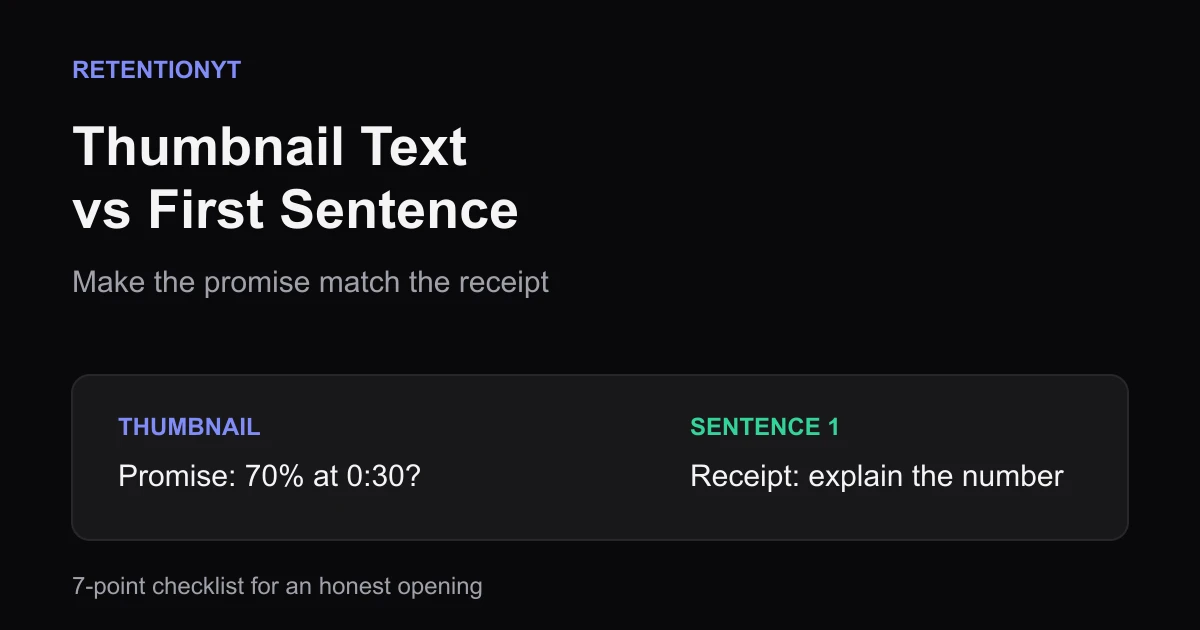
Thumbnail Text vs First Sentence Alignment Checklist
Use this thumbnail text and first sentence alignment checklist before every YouTube upload so the promise on the image matches the receipt in your first 8 seconds.
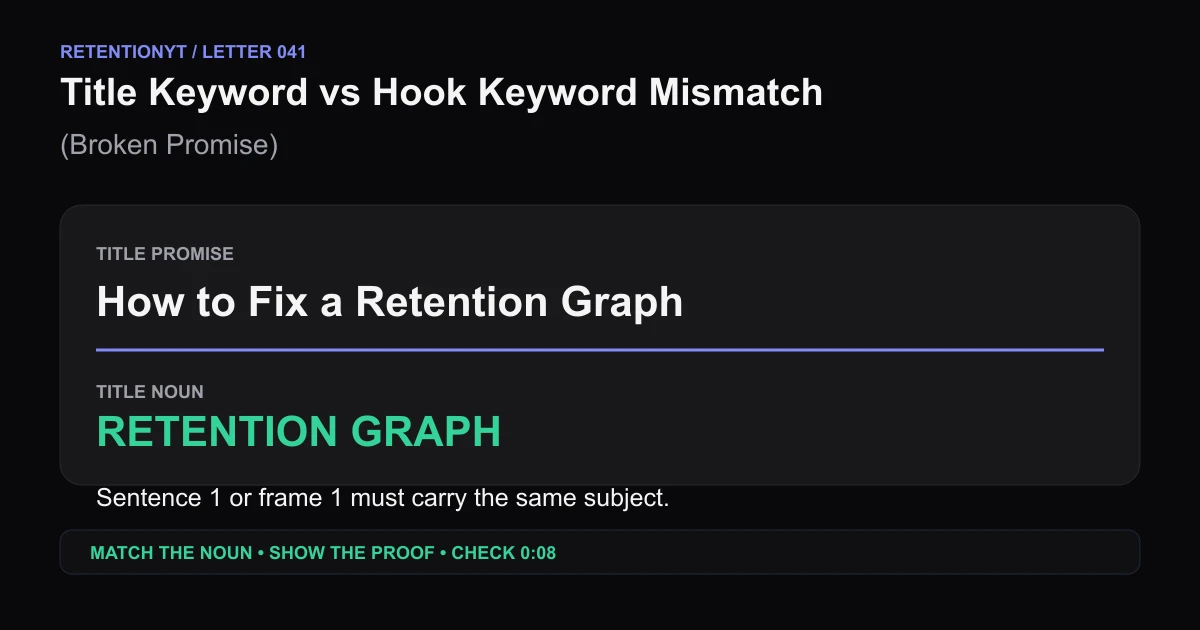
Title Keyword vs Hook Keyword Mismatch (Broken Promise)
Find the noun your YouTube title promises, put it in sentence 1 or frame 1, then use the 0:08 retention checkpoint to repair a broken promise hook.
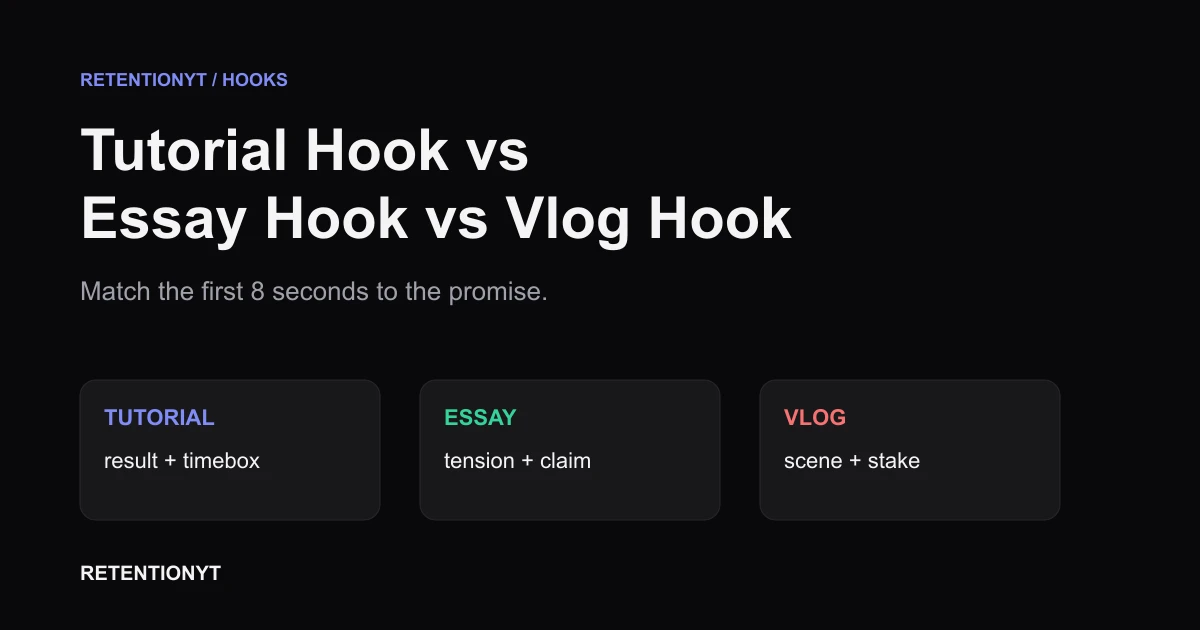
Tutorial Hook vs Essay Hook vs Vlog Hook
Different YouTube hooks for tutorials vs vlogs: match the first 8 seconds to the promise your title and thumbnail make, then check the graph in Studio.