Thumbnail Text vs First Sentence Alignment Checklist
Use this thumbnail text and first sentence alignment checklist before every YouTube upload so the promise on the image matches the receipt in your first 8 seconds.

10 min readUpdated
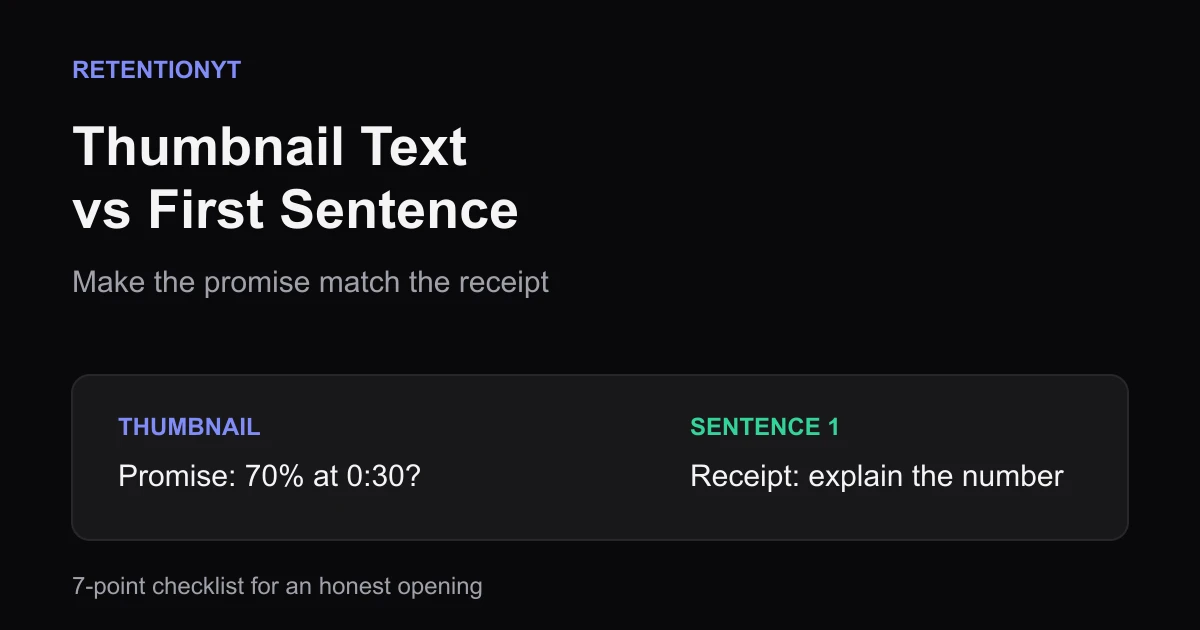
In this guide
If your thumbnail writes a number, your first sentence spends that number. If the thumbnail writes a question, sentence one answers it or tightens it. Use the seven checks below before you record, then compare the planned promise with the actual first 8 seconds after publishing.

What Thumbnail Text vs First Sentence Alignment Checklist actually is (and what it is not)
The checklist is a pre-recording alignment test. It compares the promise a viewer reads on the thumbnail with the first spoken sentence they hear after clicking. The goal is not identical wording; the goal is a recognisable handoff from image to opening.
Call the thumbnail the promise and sentence one the receipt. A promise says what may be worth the click. A receipt is the first delivered evidence that the video understands that promise. When the receipt pays for a different thing, the viewer has to re-evaluate the click before they can care about your next point.
Start with seven checks: promise, key noun, number, outcome, time marker, proof, and next beat. They keep a precise claim stable, concrete, and answerable after the receipt.
The method does not require text on every thumbnail. A face, object, or visual contrast can create the promise; sentence one should name the situation or outcome it implies. Alignment removes one avoidable break, not every cause of low retention.
| Check | Question to ask before recording | Pass condition |
|---|---|---|
| Promise | What does the thumbnail make the viewer expect? | You can write it in one plain sentence. |
| Key noun | Which object, problem, or outcome must stay constant? | Sentence one names or clearly points to it. |
| Number | Does the image show a count, percentage, price, or time? | Sentence one spends it, qualifies it, or challenges it. |
| Outcome | What changes for the viewer? | The opening names the result or stakes. |
| Time marker | When should the viewer expect the result? | The opening does not quietly move the deadline. |
| Proof | What makes the claim concrete? | The next beat supplies a visible or specific reason. |
| Next beat | What question remains after sentence one? | The body can answer it without a new bait-and-switch. |
The receipt can challenge the promise. “The 70% is not the result; it is the warning sign” is aligned when the video genuinely unpacks that number. It has to explain what the viewer clicked to understand.
Where RetentionYT fits
Manual method works alone. Product shortens the loop. Use the checklist first, then paste the script into RetentionYT for a structural read before you record.
Why this shows up in YouTube Studio
The checklist is pre-publish; Studio shows the real upload. There is no “alignment” button. Compare the written promise with the first delivered seconds, then use analytics context to choose the next change.
The current YouTube Help page says the Reach tab helps you understand how viewers find content and provides metrics including thumbnail impressions, click-through rate, views, and watch time. It also notes that some reports may not be available on mobile devices. That supports Studio as post-publish evidence, not as an alignment verdict. SOURCE 1
The current content-performance guidance describes Key moments for audience retention as a report showing how different moments held viewers’ attention. It says typical retention can compare your 10 latest videos of similar length. That can locate a change, but not reconstruct the thumbnail promise.
The same guidance says the Content tab covers how viewers find content, what they watch, and how they interact with it. Its impressions report describes how thumbnails lead to watch time. Use that as post-publish context, not as the seven-point writing decision. SOURCE 2
On August 24, 2026, the guidance stated that views count when a video starts across formats. That does not make a view a verdict on sentence one; the question is whether the opening addressed the click’s promise.
Worked example 1: the failure
A creator makes a thumbnail that reads “70% at 0:30” beside a chart. The title is “Why Viewers Leave Your YouTube Videos,” but sentence one says, “I have been making videos for years, and today I want to talk about audience retention.”
The topic is shared, but the receipt does not spend the number. The viewer clicked for the meaning of 70% at 0:30 and hears a biography plus a broad label.
The number was only an illustrative example, not a published YouTube benchmark. The first sentence must state what it is—or deliberately challenge it.
These figures are illustrative, not YouTube data. They show how a team might record the audit before filming.
| Item | Illustrative planned value | What the viewer expects | Failure finding |
|---|---|---|---|
| Thumbnail text | 70% at 0:30 | An explanation of that number | Sentence one never says 70% or its meaning. |
| First sentence | 0 matching markers | A direct receipt | Topic match is not promise match. |
| Next beat | 0:18 in the draft | The reason behind the number | The payoff arrives after unnecessary context. |
The fix is not simply to repeat “70%” louder. The creator has to decide whether the number is a result, a warning, a comparison, or a claim the video will debunk. Without that decision, the thumbnail is asking the first sentence to pay an unknown bill.
Worked example 2: the fix
The creator changes the thumbnail to “70% leave by 0:30?” The question mark signals that the number is an illustrative teaching device, not a channel measurement. Sentence one becomes, “If your thumbnail promises 70% at 0:30, explain whether that number is real, illustrative, or the mistake you are unpacking.”
Now sentence one names the number, time marker, and implied question without pretending 70% is universal. It pays for the click, then creates the next question: what should a creator measure instead?
The creator records the sentence and shows it to someone who has not seen the brief. If that person describes the creator’s experience instead of the promised clarification, the alignment still needs work.
The example values below are illustrative and are not a published benchmark. The important change is the semantic handoff, not the percentages.
The fix keeps the number, timing, and question aligned. The creator now knows what sentence one must say, what the next beat must prove, and what the body must answer.
If the thumbnail uses only a face, run the same test with the implied situation. Sentence one might say, “That expression is from the moment the edit showed me exactly where the promise broke.” The words are different because the visual promise is different, but the handoff is still explicit.
For a second pre-record check, use the related tool once. Then review related post 1 and related post 2 for alternate openings, not as substitutes for the alignment decision.
How to check this in YouTube Studio (step by step)
Do the seven checks in your notes, then use Studio for the post-publish comparison.
-
Save the thumbnail promise. Copy its exact words; if there is no text, describe the implied outcome in one sentence.
-
Write sentence one below it. Mark the key noun, number, outcome, and time marker.
-
Choose the alignment move. Decide whether sentence one confirms, qualifies, or challenges the promise.
-
Check the next beat. Identify the proof or explanation that follows and can be delivered honestly.
-
Record the opening as delivered. Note what actually appears in the first 8 seconds; a greeting or different claim changes the test.
-
Open YouTube Studio after publishing. Use Analytics reports to inspect the delivered opening and available audience-retention moments; report names can vary by device and channel.
-
Compare the change point. Match any early change to the exact sentence, visual, and next beat. Record what the thumbnail promised and what sentence one delivered.
-
Log one next-upload fix. Keep the selected sentence, observed change point, and revision together.
The current guidance says expanded reports or Advanced Mode can show specific data, compare performance, and export data. Preserve a reviewable note; a graph cannot reveal which unrecorded sentence would have won.

The trap
The trap is confusing shared subject matter with shared promise. “This video is about retention” can describe everything without proving sentence one paid for the click.
The second trap is repeating a number without knowing its status. Label an illustrative number, show the source of a result, or explain the uncertainty behind a question.
The third trap is delaying the receipt with identity or process. “I have been a creator for ten years” and “today we are going to explore” can come later. The first sentence has one job first: connect the click to the video.
The trap
The move
The fourth trap is a technically accurate but irrelevant first sentence. The fifth is asking Studio to solve a pre-publish writing problem; it reports the finished upload, not an unrecorded alternative.

What to do in the next upload
Run the seven core checks before opening the camera app. The thumbnail starts the viewer’s expectation; sentence one shows that the video understands it.

- Write the thumbnail promise or implied outcome in one plain sentence.
- Mark the key noun that sentence one must name or clearly point to.
- Mark every number, percentage, count, price, or time marker and decide its status.
- Make sentence one confirm, qualify, or challenge the promise on purpose.
- State the outcome or stakes before adding identity, credentials, or context.
- Prepare proof or a concrete explanation for the next beat.
- Record the opening and compare the delivered first 8 seconds with the plan.
- Save one Studio observation and one next-upload revision beside the checklist.
Use this final read-aloud: thumbnail promise + first-sentence receipt + next-beat proof = an honest opening. Fix a missing term instead of adding adjectives.

Keep the checklist with the project. Compare planned words, delivered words, and the point where viewer behaviour changed. That record is specific without pretending one upload proves a universal rule.
The thumbnail makes the promise; sentence one shows the viewer you know what they clicked for.
Frequently asked questions
- Should thumbnail text be in the spoken hook?
- Usually, the spoken hook should confirm the thumbnail's main promise without repeating every word. If the image says “70% at 0:30,” your first sentence should spend that number or clearly frame why it is misleading. The viewer should understand the connection before the second sentence creates a new question.
- Is text on thumbnails bad for retention?
- Text is not automatically bad for retention. The risk is a mismatch between the words on the thumbnail and what the opening actually delivers. Keep the text brief enough to read, make the promise specific, and let the first sentence confirm, qualify, or deliberately challenge it instead of ignoring it.
- What if the thumbnail is only a face?
- A face still communicates a promise through expression, framing, and surrounding visual context. Since there may be no literal words to repeat, name the situation or outcome the image implies in your first sentence. The test is whether a new viewer can connect the opening to the reason they clicked.
- How do I check alignment?
- Write the thumbnail promise in one plain sentence, then write the first spoken sentence beneath it. Compare the noun, number, outcome, and time marker in both lines. If the first sentence cannot confirm or explain the thumbnail within the opening beat, rewrite one of them before you record the full video.
- Can I tease a number I reveal later?
- Yes, if the first sentence gives the number a clear job and the video can deliver it. A thumbnail that says “70% at 0:30” should not open with a greeting and postpone the meaning. State whether the number is a result, a target, a comparison, or a claim you will challenge.
- How do I apply “Thumbnail Text vs First Sentence Alignment Checklist” on my next upload?
- Write down the thumbnail promise, identify its key noun or number, and check whether sentence one confirms or tightens it. Then test seven items: promise, noun, number, outcome, timing, proof, and next beat. Fix the weakest item, read the opening aloud, and compare the filmed first eight seconds with the plan.
- Where in YouTube Studio do I check “Thumbnail Text vs First Sentence Alignment Checklist”?
- The checklist is a pre-publish writing check, so it has no dedicated Studio card. After publishing, use Analytics reports to inspect how the opening held attention and compare the delivered first seconds with the promise you wrote down. Studio evaluates the real upload; it does not certify that your thumbnail and sentence matched.
- What is the most common mistake with “Thumbnail Text vs First Sentence Alignment Checklist”?
- The most common mistake is treating a shared topic as alignment. A thumbnail about a result and a first sentence about the creator's process are related, but they are not the same promise. Name the exact outcome, number, or question the image creates, and make sentence one pay for that click before adding context.
Give your next script a second look
Paste a script into RetentionYT for suggestions on your hook, pacing, and structure. Choose the edits that serve your video, then check audience behavior in YouTube Analytics after publishing.
Get retention tips in your inbox
Occasional, practical emails on hooks, pacing, and retention. No spam.
Related posts
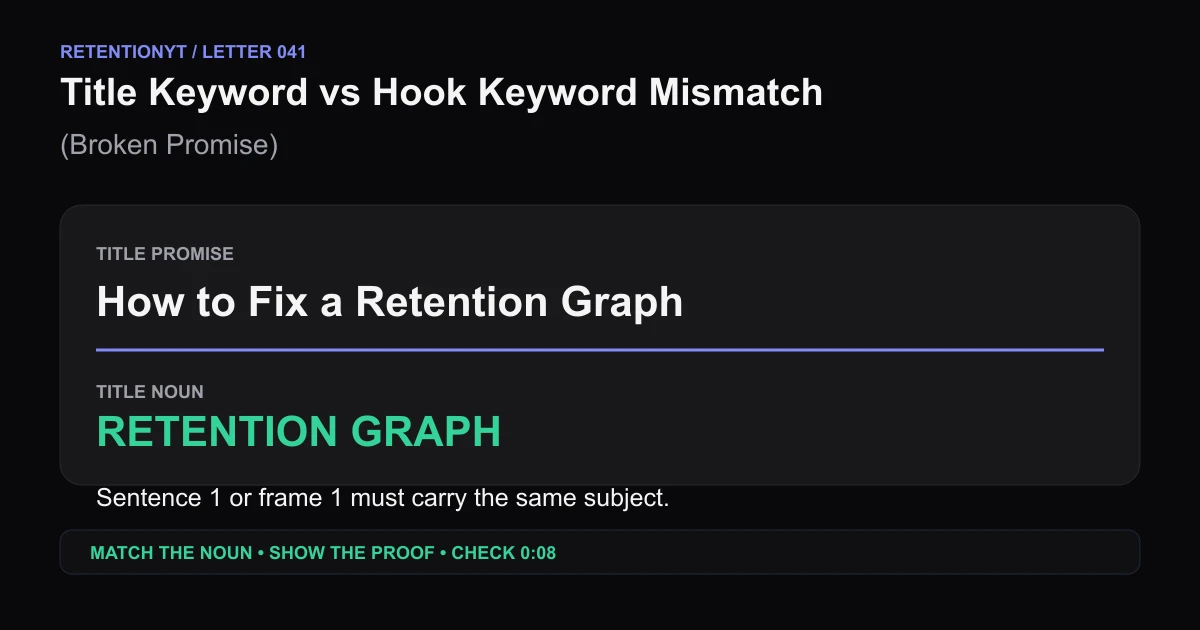
Title Keyword vs Hook Keyword Mismatch (Broken Promise)
Find the noun your YouTube title promises, put it in sentence 1 or frame 1, then use the 0:08 retention checkpoint to repair a broken promise hook.
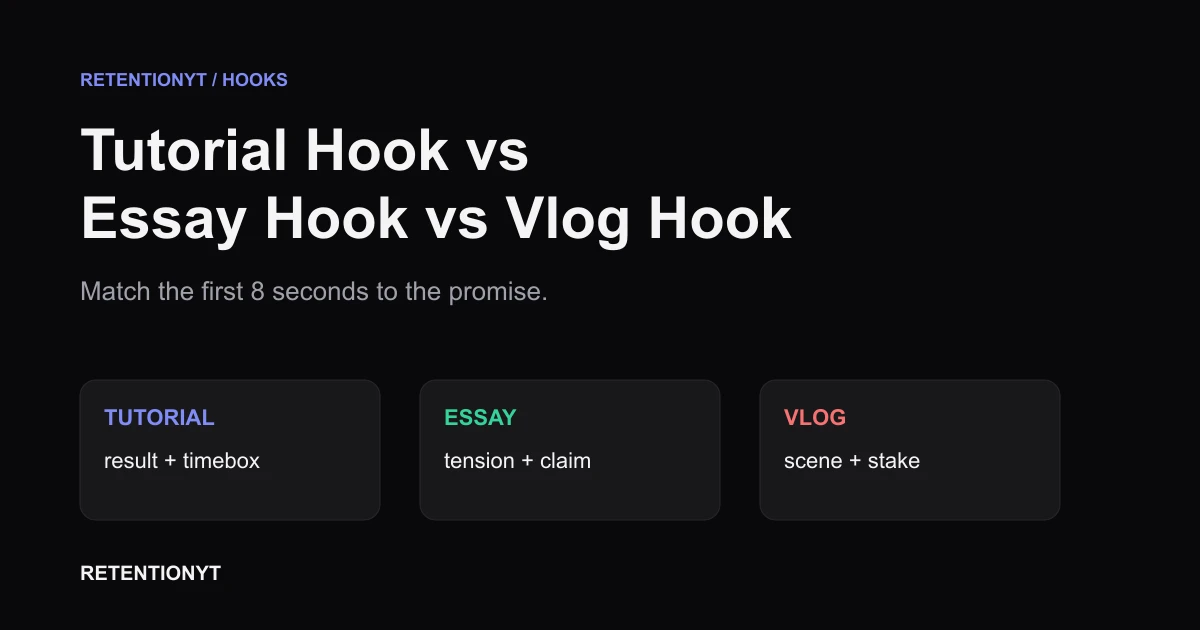
Tutorial Hook vs Essay Hook vs Vlog Hook
Different YouTube hooks for tutorials vs vlogs: match the first 8 seconds to the promise your title and thumbnail make, then check the graph in Studio.
The 2-Second Channel Sting: What It Costs on the Curve
If your YouTube intro animation hurts retention, protect the first 8 seconds: test a 2-second channel sting after the promise, then read the curve in Studio.