Words-to-Seconds: Convert WPM So Your Graph Matches Your Script
Convert WPM into YouTube script timestamps with a practical words-to-seconds table, worked examples, Studio checks, and pacing moves for talking-head and voiceover videos.

10 min readUpdated
In this guide
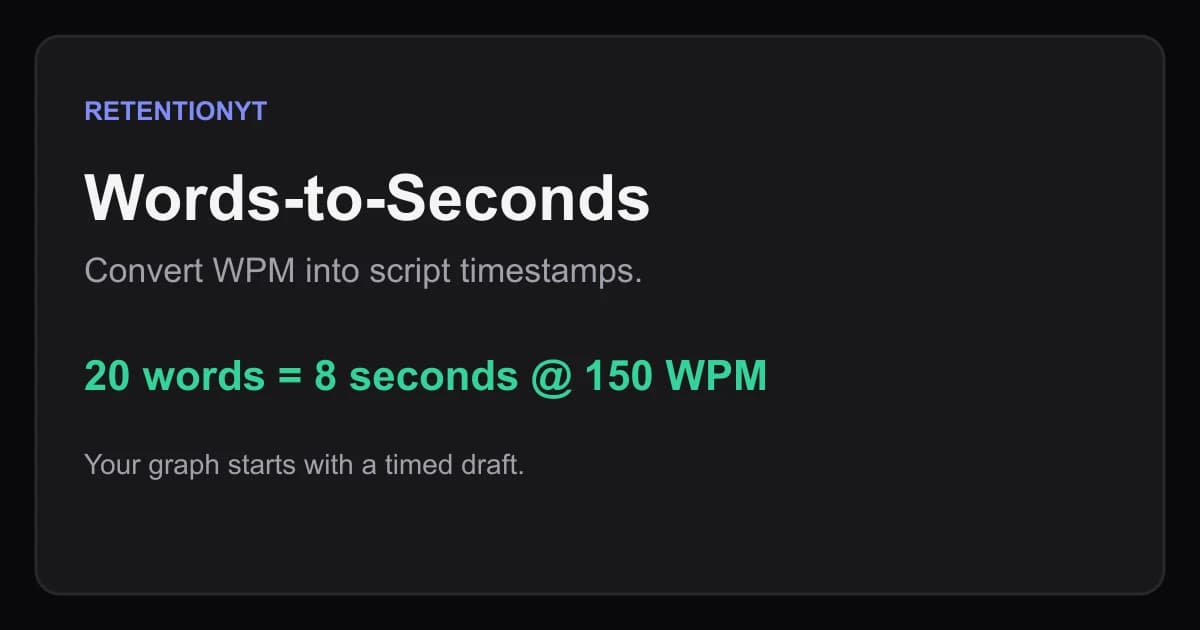
If you write 450 words at 150 WPM, you have 3:00 of spoken material. The first 8 seconds at that rate is about 20 words. If your hook is 80 words, treat it as an intro block, not an 8-second hook. Convert the draft first, then read it aloud and mark where each beat actually lands.
What Words-to-Seconds actually is (and what it is not)
Words-to-Seconds is a planning calculation that turns a word count into an estimated speaking duration. The formula is simple: time in seconds = words × 60 ÷ WPM. WPM means words per minute, the number of spoken words delivered in one minute. If you write 300 words at 150 WPM, the estimate is 120 seconds, or 2:00.
The calculation budgets speech; it does not predict finished length or a Studio metric. Put pauses, demonstrations, b-roll, and edits on the timeline separately.
Where RetentionYT fits
Manual timing works alone. RetentionYT shortens the review loop when you want a script check before recording.
Use one WPM for a first pass, then measure your own voice. The useful number is the rate you can deliver clearly for this script, not a universal creator benchmark.
The conversion table you can actually use
The table below is an illustrative planning table, calculated from the formula above. It shows the word budget that fits inside three useful checkpoints: the first 8 seconds, a 30-second opening block, and a 2-minute section.
| Working rate | 8 seconds | 30 seconds | 2 minutes |
|---|---|---|---|
| 120 WPM | 16 words | 60 words | 240 words |
| 140 WPM | 19 words | 70 words | 280 words |
| 160 WPM | 21 words | 80 words | 320 words |
| 180 WPM | 24 words | 90 words | 360 words |
These are rounded word budgets, so label them as planning estimates. At 150 WPM, the exact 8-second budget is 20 words. At 180 WPM, a 2-minute section can contain about 360 spoken words, but that does not mean the viewer experiences two minutes of uninterrupted speech. If you add a demonstration, the section grows.
For your draft, write a target beside each block, count only spoken words, and put [pause], [screen], or [cut] on separate production notes.
Talking-head versus voiceover
Talking-head timing needs room for eye contact, gestures, resets, and the occasional sentence that sounds natural only after you remove it. Start with an illustrative 120–160 WPM range, record a 30-second sample, and replace the range with your measured rate. A lively delivery can be faster without being clearer; do not raise WPM to squeeze a weak outline into a target duration.

Why this shows up in YouTube Studio
You plan with words and timestamps, then inspect what happened in Analytics after the upload. The locked SOURCE 1 explains that the Reach tab helps you understand how viewers find a video and includes metrics such as click-through rate, watch time, and views. It also gives a Studio path for a selected video: Content, Analytics, then Reach.
That source does not support the brief’s description of an audience-retention graph or a typical/comparison line. The article therefore does not present those as SOURCE 1 facts. For the content-performance context that is supported, YouTube’s SOURCE 2 says the Content tab gives an overview of how your audience finds content, what it watches, and how it interacts with content. It also describes “Key moments for audience retention” under Videos and says typical retention can compare your latest videos of similar length.
Use the distinction when you work. Words-to-Seconds is your pre-record map; Studio is where you inspect the published video’s available analytics. In Studio, compare a planned hook boundary with what your actual report shows, but do not claim the formula caused a curve shape. The curve is a visual planning aid, not a published benchmark.
Open YouTube Studio only after you have a video to inspect. If the page sends you to sign-in, that is an access step, not evidence that Studio contains a Words-to-Seconds feature. Your manual timing method still works in a draft, a recording, or an upload that has not accumulated report data.
Worked example 1: the failure
Here is an illustrative failure. You plan a tutorial at 150 WPM and write 450 spoken words. The formula gives 450 × 60 ÷ 150 = 180 seconds, or 3:00. You assume the opening is short because the finished target is only three minutes.
Then you count the first block and find 80 words before the first useful instruction. At 150 WPM, 80 words take about 32 seconds. Your “8-second hook” is not an 8-second hook; it is a 32-second opening.
The problem is not the arithmetic. The problem is using a total-runtime estimate without assigning budgets to the beats that make the video work.
Illustrative failure map: 80 words at 150 WPM = about 0:32; the intended hook boundary was 0:08; the overage is about 0:24 of speech. Those numbers describe this example only. They are not YouTube performance data.
| Illustrative failure measure | Calculation | Result |
|---|---|---|
| 80-word opening at 150 WPM | 80 × 60 ÷ 150 | 32 seconds |
| Intended hook boundary | fixed planning target | 8 seconds |
| Spoken overage | 32 − 8 | 24 seconds |
Worked example 2: the fix
Now keep the same illustrative 450-word script and divide it before rewriting. Give the first 8 seconds a 20-word budget at 150 WPM. Give the next 22 seconds up to 55 words for the promise and proof. Reserve the remaining 375 words for the explanation, demonstration, and close, while noting every non-speaking beat separately.
Rewrite the opening so it makes one concrete move: “Your 450-word script is three minutes at 150 WPM, but an 80-word intro spends 32 seconds before the first step.” That sentence is 21 words in this illustrative draft, close to the 20-word budget. The following block can show the formula and the table instead of adding another greeting or roadmap paragraph.
Mark the draft like this: 0:00–0:08 — hook — 20 words; 0:08–0:30 — why the estimate matters — 55 words; 0:30–2:20 — steps and screen beats — 275 spoken words plus visual pauses; 2:20–3:00 — recap and next action — 100 spoken words. Read it aloud, then move the boundaries to match your actual delivery.
The fix is not “talk faster.” It is to give the hook a limit, give the proof a job, and keep editing time visible. If your natural read is 140 WPM, recalculate the same word blocks.

How to check this in YouTube Studio (step by step)
First, finish the draft map before you open the dashboard. Write the WPM beside the script, count each spoken block, and mark the expected start and end time. Add a second line for visual beats, because the spoken estimate cannot see a screen recording or an intentional pause.
Second, record a short sample in the same format as the upload. Do not use a fast read for a calm tutorial and call it your channel rate. Count the words you actually speak in 30 seconds, convert that sample into WPM, and recalculate the blocks that matter most: hook, first proof, first transition, and close.
Third, publish or open the video in Studio. YouTube Help’s source-supported path for Reach is: sign in to Studio, select Content, select the video’s Analytics, and choose Reach. The Content-performance page also describes the channel-level Content area and the video-level key-moments report. Interface labels can change, so follow the current page rather than treating this article as a permanent UI screenshot.
Fourth, compare boundaries, not fantasies. If your script map says the first explanation ends at 0:30, inspect what your report makes available around that moment. Note whether you changed the words, cut the setup, inserted a visual, or paused. Write a post-upload note about what changed at the boundary.

The trap
The trap is treating a neat number as a measurement. “This is a 3-minute script” sounds precise, but it can mean three minutes of uninterrupted speech, three minutes including a demonstration, or a three-minute upload after cuts. Those are different things. Write the definition next to the number.
The trap
The move

What to do in the next upload
Start with the promise your viewer needs, not a greeting. Set a word budget for the first 8 seconds, then write the next block so it proves why the viewer should stay.
Use this repeatable sequence. It works without signing up and keeps your assumptions visible:
- Choose a working WPM and write it at the top of the draft.
- Count spoken words separately from production notes.
- Convert every block with words × 60 ÷ WPM.
- Mark 0:00, 0:08, 0:30, the main payoff, and the close.
- Label all calculated examples as illustrative in prose and captions.
- Read the hook aloud and trim it to its actual job.
- Add pauses, demonstrations, b-roll, and title cards as edit beats.
- Record a 30-second sample and update your personal WPM.
- After publishing, inspect the available Analytics reports in Studio.
- Log what changed between the script map and the finished cut.
If you want a deeper structure pass, use the related tool once after your manual map. For the next draft, connect the timing notes to related post 1 and related post 2, then keep the words-to-seconds table beside your outline.
A timestamp is a promise about where the next useful beat arrives; make the beat earn the timestamp.

Frequently asked questions
- How many words is 8 seconds?
- At 150 words per minute, 8 seconds is about 20 words: 150 multiplied by 8, divided by 60. Treat that as a planning budget, not a law. Your actual delivery changes with pauses, emphasis, pronunciation, and edits, so read the hook aloud and mark the real spoken finish before you record.
- How do I timestamp a YouTube script?
- Choose a working WPM, count the words in each script block, and calculate seconds with words multiplied by 60 divided by WPM. Write the resulting start and end times beside each block. Then read the block aloud once, adjust for pauses or on-camera actions, and carry the revised timestamps into your shot list.
- What WPM is a talking-head?
- There is no single correct talking-head speed. Use an illustrative starting range of 120–160 WPM, then measure your own read. A calm explanation, a dense tutorial, and an excited intro will not land at the same pace. Record 30 seconds, count the words, and use that personal rate for the first draft.
- Does editing time count?
- Words-to-Seconds estimates spoken words, not the time spent editing, b-roll, pauses, title cards, screen recordings, or reaction shots. Add those non-speaking beats separately to the timeline. If your script predicts 3:00 of speech, the finished video can be longer or shorter after you place those visual and editorial moments.
- How long is 1000 words on camera?
- The illustrative range is 6:15 at 160 WPM, 7:09 at 140 WPM, and 8:20 at 120 WPM. Those are spoken-word estimates, not a promise about final runtime. Pauses, demonstrations, cuts, and visual beats add time, so read your own script and replace the estimate with measured footage.
- How do I apply “Words-to-Seconds” on my next upload?
- Before recording, choose a WPM, split the script into hook, setup, sections, and close, and put a timestamp beside every block. Read the draft once and revise the marks. After publishing, compare the timing map with the retention report in Studio. Keep the manual method; use RetentionYT only if it shortens your review loop.
- Where in YouTube Studio do I check “Words-to-Seconds”?
- Words-to-Seconds is a planning calculation, not a native Studio report. For the published result, open Studio, choose the video, and inspect Analytics. The exact reports available depend on the surface and account, so use the Content and video analytics areas described in YouTube Help rather than looking for a button named Words-to-Seconds.
- What is the most common mistake with “Words-to-Seconds”?
- The common mistake is treating a word-count estimate as the finished runtime. A formula predicts spoken duration; it does not know your pauses, breaths, visual demonstrations, cuts, or pickup lines. Mark those separately, read the script aloud, and label chart numbers illustrative so a planning estimate is never mistaken for YouTube performance data.
Give your next script a second look
Paste a script into RetentionYT for suggestions on your hook, pacing, and structure. Choose the edits that serve your video, then check audience behavior in YouTube Analytics after publishing.
Get retention tips in your inbox
Occasional, practical emails on hooks, pacing, and retention. No spam.
Related posts
You-Density vs I-Density in the First 150 Words
Use you more than I in a YouTube script intro by counting the first 150 words, spotting diary-style openings, and rewriting the hook for the viewer.
Chapters as Mini-Hooks: Writing Chapter Titles That Don't Leak Viewers
Learn how to write YouTube chapter titles that protect retention: turn spoilers into mini-hooks, add a five-second recap, and check the cut in Studio.
How to End a YouTube Video: Outros That Keep Viewers Watching
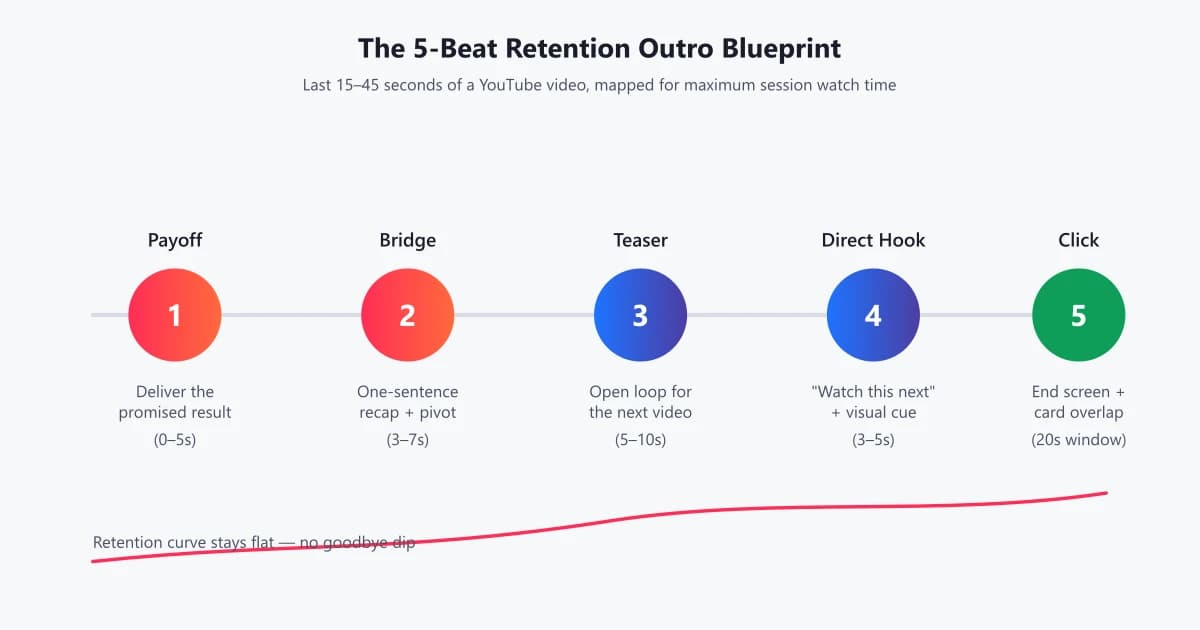
'Thanks for watching' is where retention goes to die. Learn how to script YouTube outros that hand viewers straight into the next video — with templates, WPM pacing data, and before/after examples.