Tutorial Hook vs Essay Hook vs Vlog Hook
Different YouTube hooks for tutorials vs vlogs: match the first 8 seconds to the promise your title and thumbnail make, then check the graph in Studio.

11 min readUpdated
In this guide
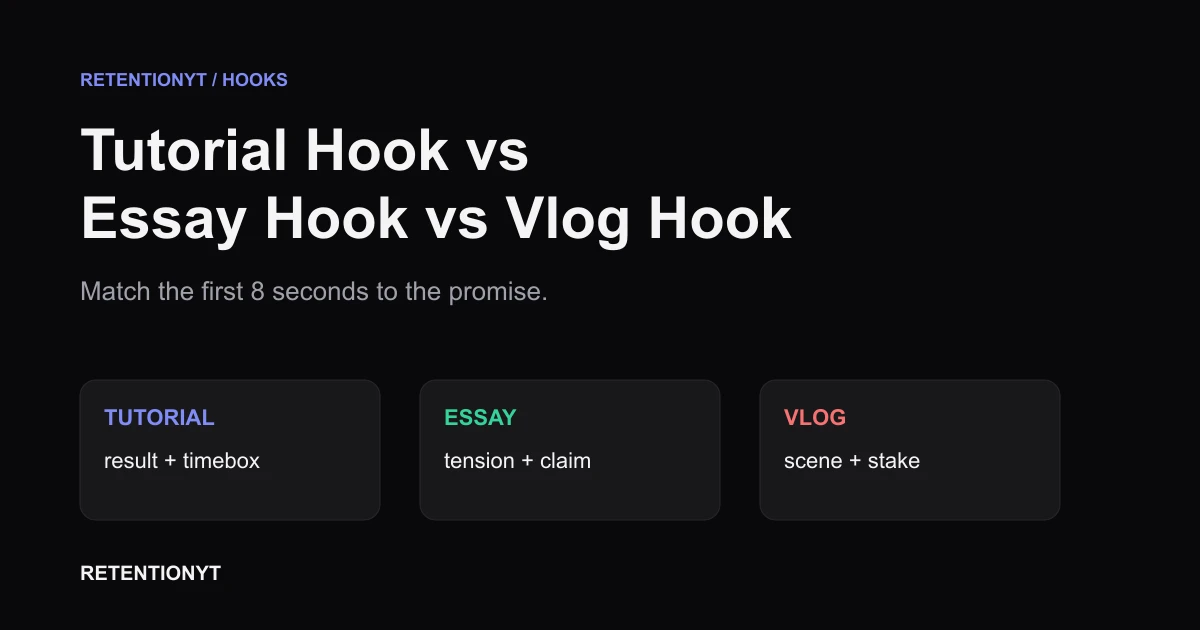
A tutorial hook promises a result and a timebox. An essay hook puts tension around a claim. A vlog hook drops you into a scene with a stake. If your thumbnail promises a screen-share and your opening spends 8 seconds on childhood backstory, the click and the opening disagree. Choose the format before you write line one.
What Tutorial Hook vs Essay Hook vs Vlog Hook actually is (and what it is not)

| FIRST 8S JOB | FIRST LINE PATTERNS | FAILURE MODES |
|---|---|---|
| Tutorial — outcome plus timebox. Tell the viewer what they will be able to do and when the useful result begins. | “By the end of this, your [thing] will [result].” “In the next [timebox], fix [specific problem].” “This setting removes [pain] without [trade-off].” | A childhood story before the screen appears; a generic “welcome back”; a bold challenge with no how-to payoff; a time promise the lesson never keeps. |
| Essay — tension plus claim. Put a disagreement, contradiction, or surprising explanation in view without flattening the argument. | “The obvious explanation for [topic] is wrong because [tension].” “We keep asking [question], but the evidence points to [claim].” “The trade-off nobody mentions is [specific tension].” | A conclusion with no question left; a dramatic fact that is never argued; a list of opinions; a tutorial-style promise to “show you how” when the video is an argument. |
| Vlog — scene plus stake. Give the viewer a place, action, and consequence they can picture immediately. | “At [place], we have [time] to [goal].” “The plan was [plan]; then [turn].” “If [decision] fails today, [stake].” | A diary preamble about deciding to film; a montage with no problem; a scene with no consequence; a lecture that postpones the promised experience. |
Why this shows up in YouTube Studio
You do not need to guess whether the opening matched the click. You can use the reports already available in YouTube Studio as a review loop. The locked YouTube Help instructions say the Reach tab gives a snapshot of how viewers find content and related metrics; on a computer, the path is YouTube Studio, Content, the selected video, Analytics, then Reach (SOURCE 1, August 2026).
The channel-level Content tab adds a wider view of how your audience finds, watches, and interacts with content. The same YouTube Help page says the tab is available at channel level, and its computer path starts with Analytics and then Content (SOURCE 2, August 2026). Use the video-level view to inspect the upload; use the channel-level view to compare formats without pretending one video explains your whole channel.
For audience retention specifically, the current Content performance page describes a Key moments for audience retention report and says typical retention can compare your 10 latest videos of similar length. That gives you a sensible comparison set: similar length first, format second, personal baseline third. It does not give you permission to copy another creator's curve.

The page also defines metrics such as average view duration and average percentage viewed. Those labels tell you what to inspect, not what your hook must score. The product is a measurement surface; your format choice remains an editorial decision.
Worked example 1: the failure
Imagine a tutorial titled “How to Clean Voice Audio in 10 Minutes,” with a thumbnail that says “CLEAN VOICE / 10:00.” The creator borrows an entertainment-style opening: “I locked myself in a room with the worst microphone I could find, and what happened next changed everything.” It has energy, but the viewer still does not know whether the promised audio fix is about to appear.
That mismatch is the failure, not the fact that the line is dramatic. A tutorial viewer can tolerate a scene if the scene proves the result or introduces the problem. They should not have to decode the format while the clock is running.
The numbers below are illustrative, not YouTube data. They are a simple review model for one hypothetical upload; do not present them as a benchmark or a forecast.
| SECONDS | ILLUSTRATIVE VIEWERS REMAINING | WHAT THE VIEWER HEARS | DIAGNOSIS |
|---|---|---|---|
| 0:00 | 100% | “Worst microphone I could find.” | A challenge is introduced, but the tutorial result is still hidden. |
| 0:08 | 70% | “What happened next changed everything.” | The hook has spent its opening window on suspense without a practical anchor. |
| 0:30 | 50% | “First, let’s discuss microphone history.” | Context arrives before the promised fix; the viewer pays with attention. |
| End | 30% | The cleanup workflow finally begins. | The useful section may be solid, but it is late for the people who needed orientation. |
The table is not saying every dramatic opening creates that shape. It is showing how to reason from the promise. If the first line could introduce a vlog, challenge, documentary, or essay with equal ease, it may be too broad for a how-to. Narrow it until the viewer can say what they will get and why the first beat is relevant.
Worked example 2: the fix
Keep the same title and thumbnail. Replace the opening with: “In the next 10 minutes, you’ll turn this muddy voice into clean dialogue without buying a new microphone. First, I’ll show the one filter that fixes the rumble, then we’ll set the level so it still sounds natural.”
This version does three jobs in order. It names the outcome, repeats the timebox already promised by the thumbnail, and previews a path without giving away every setting. The viewer can now identify the video as a tutorial before the detailed explanation starts.


Use the same discipline for an essay or vlog. An essay version might start with the contradiction its evidence will test. A vlog version might start at the room, road, or decision where the day can change. The surface words differ; the underlying test is the same: can your viewer tell what kind of attention the next beat will reward?
After publishing, do not rewrite the story in your head from one curve. Check the opening against the actual cut, title, thumbnail, and first visual. Write down one diagnosis, make one targeted change on the next upload, and keep the rest of the format stable enough to learn from the comparison.
How to check this in YouTube Studio (step by step)
Open YouTube Studio without changing the upload first. The goal is not to hunt for a flattering number; it is to see whether the opening creates a question your video answers. Keep the script, title, thumbnail, and final cut beside you so the graph has context.
-
Write the promise before opening the report. Copy the title and thumbnail wording into a note. Under it, write “result,” “claim,” or “scene,” then add the one thing the viewer expects in the first 8 seconds. This is your comparison point.
-
Open the selected video. Follow the current computer path described by YouTube Help: Content, select the video, Analytics, then Reach. Menu labels and availability can change, so read what your account shows rather than treating a remembered path as permanent.
-
Check the discovery context. The Reach area is useful for understanding how viewers found the video and how the thumbnail led into viewing context. Do not turn that into a claim that the hook alone caused every result; traffic source and packaging affect who arrives.
-
Review the retention moments. At the channel level, open Analytics and Content, then locate the video performance and audience-retention context available in your account. If typical retention is shown, compare with videos of similar length, as the source describes. Start with your own baseline.
-
Mark the first meaningful change. Put a timestamp beside the first clear dip, hold, or lift. Then watch that exact section with audio and picture. Ask which of the three jobs it was attempting: result, claim, or scene. A curve is a clue; the edit is the evidence you can act on.
-
Compare promise to payoff. If the title says “10 minutes” but the opening offers no timebox, rewrite the line. If the essay announces a claim but never creates tension, sharpen the contradiction. If the vlog shows a beautiful shot without a stake, add the decision or consequence that makes the scene matter.
-
Choose one next-upload change. Do not change the hook, title, thumbnail, pacing, and topic simultaneously. Write one new opening, preserve the rest where possible, and note what question the revision is meant to test. That makes the next review more useful than a vague request for “better retention.”
Where RetentionYT fits
Manual method works alone. RetentionYT shortens the loop by giving you a place to inspect your script before you record. RetentionYT is optional; the format check, rewrite, and Studio review above do not require an account.
The trap
The trap is treating “viral” as a format. A high-energy opening is not automatically a tutorial hook, and a quiet opening is not automatically an essay or vlog hook. The job is defined by the viewer's expected payoff, not by how loud the edit feels.
The trap
The move

For more raw patterns to adapt, keep 9 YouTube hook formulas beside your draft. For a process that turns your own payoff into a two-sentence opening, see how to write hooks that work. Use both as idea banks, not as permission to skip the format check.
What to do in the next upload
Before you record, run this ten-tick pass. Keep it beside the upload in progress, then return to it after the first review in Studio. The goal is a clean decision, not a dramatic rewrite of everything.
The best hook is not the loudest line; it is the fastest honest explanation of why this video is worth the next minute.
- Write the exact title and thumbnail promise in one sentence.
- Label the format: tutorial, essay, vlog, or a deliberate hybrid.
- Choose the first-8-second job: result, claim, or scene.
- Draft one opening line that names the job without a greeting.
- Add a timebox for a tutorial, tension for an essay, or a stake for a vlog.
- Check that the first visual proves or frames the same promise.
- Read the line aloud and remove throat-clearing words.
- Write two variants: one result-first and one problem-first.
- Watch the opening beside the title and thumbnail before exporting.
- After publishing, mark one timestamp and one next-upload change in Studio.
If you want another pre-record pass, the YouTube script analyzer can sit beside your manual review. Treat its output as a prompt for editing, then make the final decision from the actual script, cut, promise, and audience response.
Frequently asked questions
- Should tutorials use cold opens?
- They can, but the cold open still needs to prove the tutorial's result quickly. Show the finished outcome or the problem being solved, then name the timebox or next step. A dramatic scene that never connects to the promised how-to spends your opening budget on atmosphere instead of orientation.
- What is a good vlog hook?
- A good vlog hook drops the viewer into a specific scene and gives that scene a stake. Start with an action, location, decision, or consequence, then hint at what can change before the day ends. The line should make the viewer want to see what happens next, not explain why you filmed.
- Can I use the same hook formula for every video?
- Use the same review process, not the same sentence formula. Every upload needs a clear promise, but a tutorial usually needs an outcome and timebox, an essay needs a claim with tension, and a vlog needs a scene with a stake. Repeating one surface pattern can make the opening feel mismatched.
- Why did a viral-style hook fail on my tutorial?
- It may have created excitement without confirming the tutorial's actual job. If the title and thumbnail promise a practical result but the opening starts with a spectacle, backstory, or broad challenge, viewers must wait to learn what they clicked for. Rewrite the first line around the result, then use the spectacle as proof.
- What does an essay hook need?
- An essay hook needs a claim worth following and a reason the claim is not obvious. Put the tension on the table early: a contradiction, a surprising trade-off, or a question your evidence can answer. Do not present the conclusion as settled before the viewer understands what is being argued.
- How do I apply “Tutorial Hook vs Essay Hook vs Vlog Hook” on my next upload?
- Write down the title, thumbnail promise, and video format before drafting. Choose one first-8-second job, write three opening lines for that job, and delete any line that delays the promise. After publishing, inspect the early retention shape and compare it with your own similar videos before changing the format.
- Where in YouTube Studio do I check “Tutorial Hook vs Essay Hook vs Vlog Hook”?
- Open the selected video in YouTube Studio, go to Analytics, and use the Reach area for the video's discovery context. At the channel level, the Content tab provides broader performance context. The exact labels and availability can change, so use the current menus shown in your account rather than relying on an old screenshot.
- What is the most common mistake with “Tutorial Hook vs Essay Hook vs Vlog Hook”?
- The most common mistake is choosing a line because it sounds energetic instead of because it matches the click. A tutorial opens like a vlog, an essay opens like a sales pitch, or a vlog opens with a lecture. Match the opening's job to the viewer's reason for clicking, then make the next beat earn the promise.
Give your next script a second look
Paste a script into RetentionYT for suggestions on your hook, pacing, and structure. Choose the edits that serve your video, then check audience behavior in YouTube Analytics after publishing.
Get retention tips in your inbox
Occasional, practical emails on hooks, pacing, and retention. No spam.
Related posts
The 2-Second Channel Sting: What It Costs on the Curve
If your YouTube intro animation hurts retention, protect the first 8 seconds: test a 2-second channel sting after the promise, then read the curve in Studio.
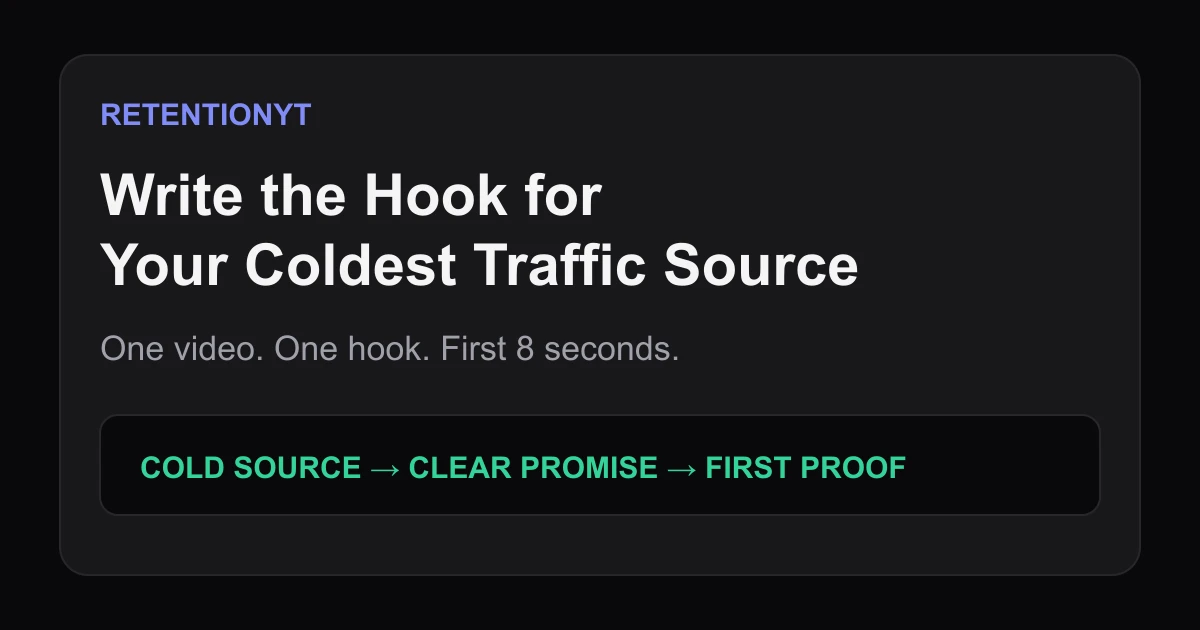
Write the Hook for Your Coldest Traffic Source
Write one YouTube hook for the coldest traffic source your video earns, then test the first 8 seconds against the promise your thumbnail and title made.
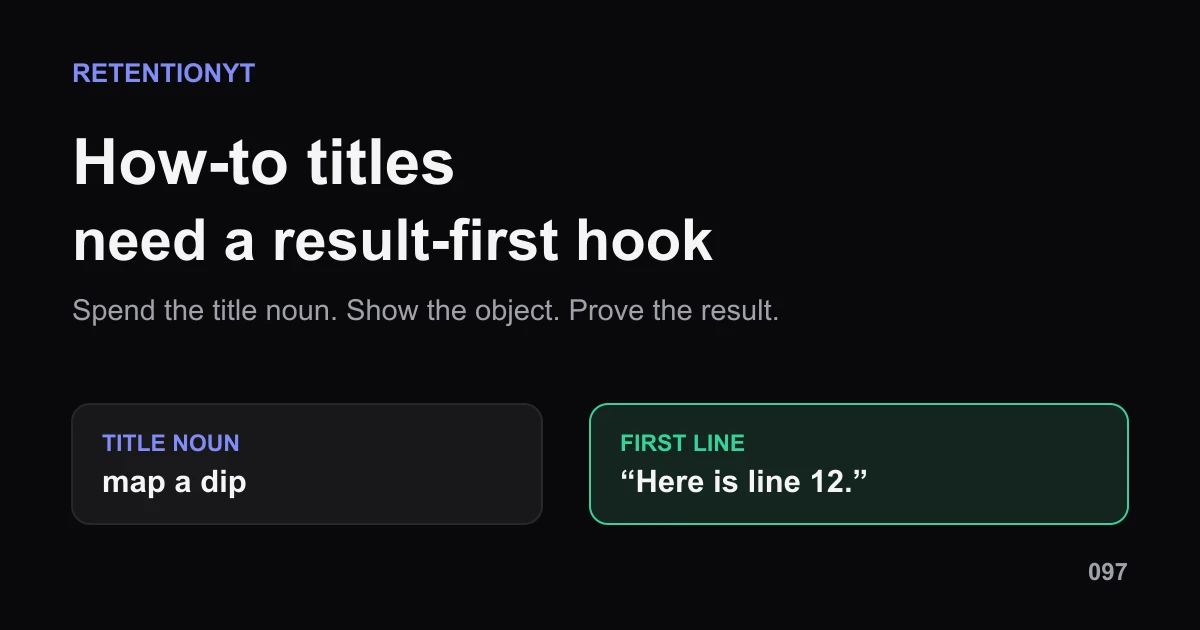
How to Write a Hook When the Title Is a How-To
YouTube how-to title hook that is not boring: turn one title noun into a result-first first line, a visible object, and a proof cue your viewer can follow.