The 2-Second Channel Sting: What It Costs on the Curve
If your YouTube intro animation hurts retention, protect the first 8 seconds: test a 2-second channel sting after the promise, then read the curve in Studio.

9 min readUpdated
In this guide
You have roughly 8 seconds to make the opening earn its place. An 8-second logo animation is not a hook. A 2-second sting after the first spoken promise can live; if your graph shows a cliff at 0:04 while the sting occupies 0:00–0:06, start talking, then brand. Treat those seconds as a rule of thumb, not a published benchmark.

What The 2-Second Channel Sting actually is (and what it is not)
A channel sting is a short branded animation: a logo, sound cue, motion mark, or compact combination that identifies your channel. “Two-second” is a production target, not a platform rule. The job is to make your brand recognizable without asking a viewer to wait through the whole promise window.
It is a placement test: keep the brand asset, change its position, and observe whether the opening gives the viewer a reason to stay before the brand takes the foreground.
| Choice | What the viewer gets first | What you inspect |
|---|---|---|
| Eight-second sting | Brand before the spoken payoff | Whether the promise is delayed and where the curve changes |
| Two-second sting | Spoken promise, then a compact brand beat | Whether the opening stays understandable while the brand remains present |
| Bumper around 0:20 | Promise and first useful beat before longer branding | Whether the bumper interrupts a natural transition |
“Cold open” means you begin with the useful or dramatic moment instead of a formal welcome. “Bumper” means a short branded break between pieces of content. Here, audience retention means the curve showing how different moments held attention; YouTube Help says its key-moments report shows how well moments held viewers’ attention and that typical retention can compare recent videos of similar length in its August 2026 guidance YouTube Help, August 2026.
Why this shows up in YouTube Studio
You need a repeatable place to inspect the result, not a feeling from the edit timeline. On the locked Reach page, YouTube Help directs you to sign in to YouTube Studio, choose Content, select the video, open Analytics, and choose Reach in its August 2026 guidance YouTube Help, August 2026. That page also lists metrics such as views, average view duration, and watch time in its reporting context.
For this test, ask where the viewer curve bends and whether that bend lines up with the brand beat. The content-performance page says the Videos report includes key moments for audience retention and typical retention, which compares the 10 latest videos of similar length. Use those labels where your Studio view provides them; do not present an illustrative chart as channel data.
Worked example 1: the failure
Imagine a tutorial that promises to clean a microphone recording. The creator opens with an eight-second logo animation, then explains the video. The opening may look polished, but the viewer has spent the first beat waiting for the subject.
The values below are illustrative, not YouTube data.
| Timestamp | Illustrative viewer level | Edit state | What to ask |
|---|---|---|---|
| 0:00 | 100% | Logo begins | Has the viewer heard the promise? |
| 0:02 | 82% | Logo continues | Is branding delaying the reason to stay? |
| 0:04 | 68% | Logo continues | Does the curve change during the sting? |
| 0:08 | 58% | Promise finally starts | What useful sentence arrived too late? |
| 0:30 | 50% | Tutorial begins | Did the opening earn the next minute? |
Caption for the example: Illustrative failure shape — not a published benchmark. Do not copy these percentages into a client report as if they came from Studio. Your measured evidence is the actual curve and timestamp from your video.
Rewrite the opening before touching the animation: “This two-minute cleanup removes the room hiss without flattening your voice.” That is a rule-of-thumb example, not a promise to copy.
Worked example 2: the fix
Keep the same tutorial and title. Say the promise at 0:00, run the sting at roughly 0:02, and show proof at 0:04. If needed, test a longer bumper around 0:20.
These values are illustrative, not YouTube data.
Caption for the example: Illustrative fix shape — not a published benchmark. These percentages are a teaching model only.
The fix has three parts: the spoken promise is first; the sting behaves like a signature rather than a pre-roll; and the next visual proves the video is already doing what the opening said it would do. Do not also rewrite the title, replace the thumbnail, change the music, and add a new cold open. Keep the test legible.
If the curve still drops at the same point, inspect the promise and first frame before blaming the brand.

How to check this in YouTube Studio (step by step)
Choose a video whose opening edit you can name precisely, including the promise timestamp, sting timestamp, and first visible curve change.
- Open YouTube Studio and sign in to the channel that owns the upload. The public URL is authentication-gated, not a failed destination.
- Choose Content, select the video, and open Analytics. This follows the public YouTube Help route verified for the locked page.
- Find the audience-retention or key-moments view available for that video.
- Hover over the first visible bend and record the second, not a vague phrase such as “early drop-off.”
- Place that second on the edit timeline. Record the words immediately before and after the sting.
- If the promise begins after the sting, move the promise earlier. If it is already first, inspect sting length, volume, and transition.
- Use the key-moments context when available. The same August 2026 guidance says this report shows how different moments held attention and that typical retention compares recent videos of similar length.
- Label sample percentages illustrative until you have measured your own result.
This manual method works without signing up. RetentionYT and the YouTube Script Analyzer are optional aids; the hook references and writing guide are not substitutes for your curve.

The trap
The trap is treating the sting as a decoration problem. You polish easing, add a sound hit, or export another version while the opening still delays the sentence that tells the viewer why the video is worth watching.
A second trap is treating one curve as a verdict. The locked sources do not give you a causal benchmark for channel stings. Use the graph to choose a question, change one material thing, and document it. The sources also do not give a subscriber-specific answer to whether viewers skip stings, so do not invent one.

The trap
The move

Keep the brand brief enough to feel like punctuation after the line, not the beginning of a different show. That is editing judgement, not a promised percentage.
What to do in the next upload
Choose one upload and freeze the question: does a short sting after the promise give the opening more room than a longer sting before it?
- Write the first spoken promise before animating the logo.
- Mark 0:00, the promise timestamp, the sting timestamp, and 0:20 if you plan a bumper.
- Export one version with the sting after the promise.
- Keep the title, thumbnail, and first useful visual aligned with the promise.
- Label every sample percentage as illustrative unless it came from your measured report.
- Open Studio when reporting is available and inspect the curve.
- Record the first visible bend as a timestamp.
- Compare the revised opening with a similar upload from your own channel.
- If the curve still bends early, rewrite the promise before blaming the logo.
- Save the next edit decision in your production notes.
Success means you can explain what changed and what the curve showed next.
Remember: promise first, brand second, graph before opinion.
Frequently asked questions
- Do intro animations hurt retention?
- They can, when the animation occupies the opening promise window and the viewer has not heard a reason to stay. Treat that as a testable hypothesis, not a universal rule. Compare your own curve with the sting before and after the first spoken promise, label sample numbers illustrative, and keep the version that protects the opening without hiding the brand.
- How long can a channel sting be?
- Two seconds is a practical ceiling for the sting in this workflow because the point is to keep branding visible without giving it the whole opening. It is a rule of thumb, not a YouTube limit. If two seconds still delays your promise, shorten it or move it to a bumper around 0:20 and check the next curve.
- Should I put the logo first?
- Only if the logo does not delay the promise your title and thumbnail created. Start with the spoken payoff, then let the short sting land as a bumper. If brand rules require the logo first, compress the animation until the viewer reaches the reason to watch quickly, and use your retention graph to test the trade-off.
- What about bumpers at the end?
- An end bumper does not spend the opening promise window, so it is a useful place for a longer brand moment when the video supports it. Finish the payoff, signal what comes next, then show the brand. Treat this as a rule of thumb and use your own audience-retention curve rather than assuming every viewer behaves alike.
- Do subscribers skip stings?
- Some viewers may skip or leave during any opening, but the locked sources do not provide a subscriber-specific sting benchmark. Do not invent one. Compare the same channel's openings, mark the exact second where the curve changes, and separate an illustrative example from a measured result in your notes.
- How do I apply “The 2-Second Channel Sting” on my next upload?
- Write the first spoken promise before the logo animation, place the two-second sting after that sentence, and keep the rest of the opening unchanged where possible. Note the intended timestamps. After the upload has reporting to inspect, compare the curve with your prior opening and record what changed instead of treating an illustrative curve as proof.
- Where in YouTube Studio do I check “The 2-Second Channel Sting”?
- Open YouTube Studio, choose Content, select the video, open Analytics, and use the audience-retention or key-moments view available for that video. The locked Help pages confirm the Content and Analytics path and explain that key moments show how moments held attention. Your account may show different reports or availability.
- What is the most common mistake with “The 2-Second Channel Sting”?
- The common mistake is moving the logo but leaving the promise vague, late, or unchanged. The sting is not the whole diagnosis. Write one concrete opening sentence, mark the seconds, move only the brand beat, and compare the resulting curve. If the promise still arrives late, the edit has not fixed the hook.
Give your next script a second look
Paste a script into RetentionYT for suggestions on your hook, pacing, and structure. Choose the edits that serve your video, then check audience behavior in YouTube Analytics after publishing.
Get retention tips in your inbox
Occasional, practical emails on hooks, pacing, and retention. No spam.
Related posts
Write the Hook for Your Coldest Traffic Source
Write one YouTube hook for the coldest traffic source your video earns, then test the first 8 seconds against the promise your thumbnail and title made.
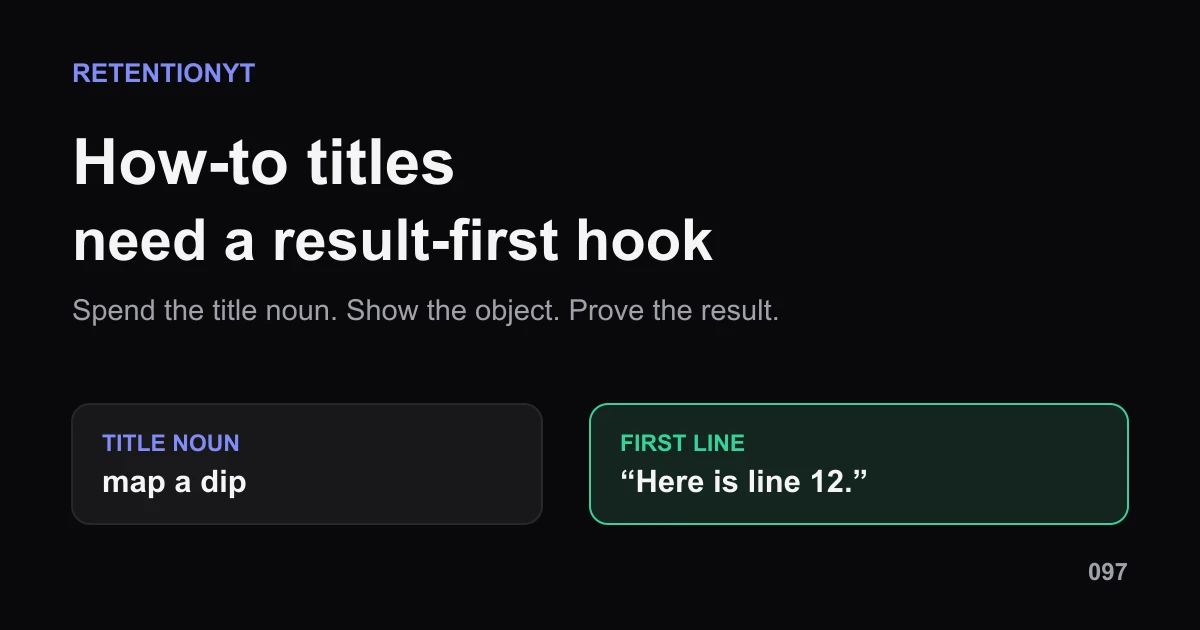
How to Write a Hook When the Title Is a How-To
YouTube how-to title hook that is not boring: turn one title noun into a result-first first line, a visible object, and a proof cue your viewer can follow.
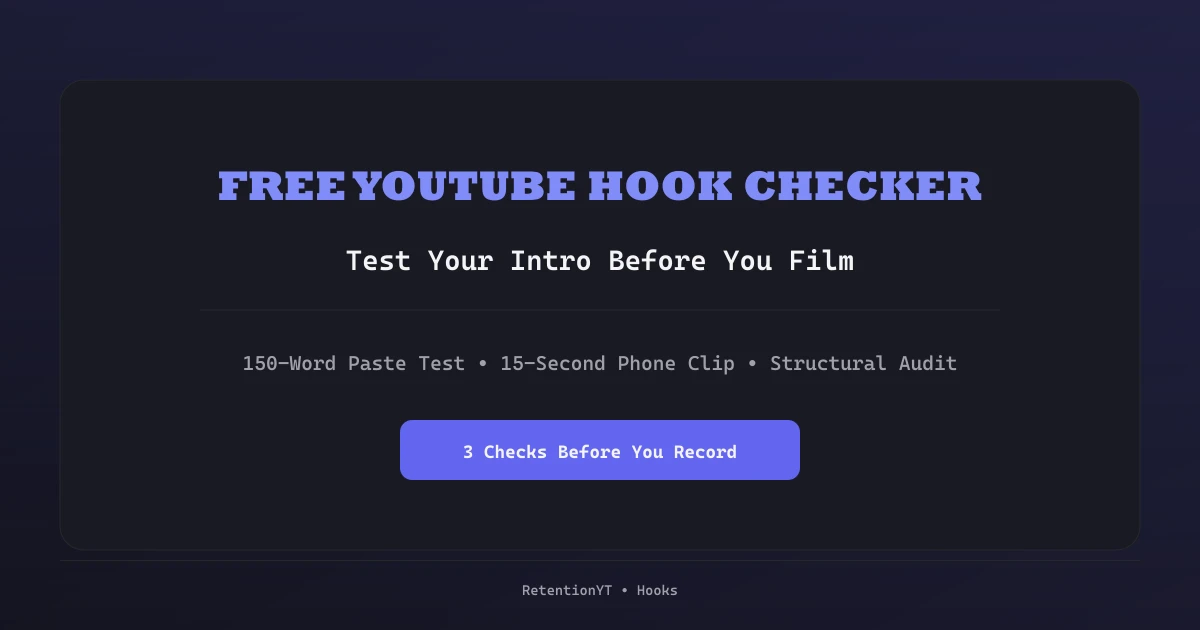
Free YouTube Hook Checker: How to Test Your Intro Before You Film
Test a YouTube hook before you record: a 150-word paste test, a 15-second phone clip, and a structural audit — so you fix the first 8 seconds on paper, not in the edit.