Members CTA Without a Drop
Place your YouTube membership ask after a complete public payoff, then offer a specific member-only file so viewers get the method without feeling held hostage.

9 min readUpdated
In this guide
Give the public viewer the complete method first. Then, after a real payoff, mention one member-only file they can use to apply it. For an illustrative edit, a 0:20 ask before the first useful step is the wrong shape; a short ask after the first complete result is the safer test. The public video must stand alone before you invite the next step.

What Members CTA Without a Drop actually is (and what it is not)
A membership CTA invites a viewer to join your channel membership. Finish the public lesson, name one useful member-only asset, and keep the invitation short.
The word “perks” matters. YouTube’s Channel memberships guidance says creators can offer members-only perks such as badges, custom emoji, posts, members-first videos, live chat, Shorts, and videos. It also says creators can promote their memberships program and must deliver the perks they make available. Read the current Channel memberships guidance from YouTube Help (August 2026) before promising a perk your channel cannot maintain.
The public viewer gets the method; the member gets a file that makes it easier to apply, such as a worksheet, checklist, edit map, or extended example.
| Placement decision | Public viewer receives | Member receives | Editorial test |
|---|---|---|---|
| Before the first useful step | A promise and an interruption | A reason to join before value exists | Reject unless the opening itself is the payoff |
| After the first complete payoff | The full method so far | A specific file that extends application | Preferred starting test |
| Post-roll or close | The completed lesson and next-view option | A clear invitation to the asset | Low-interruption alternative |
| Repeated in every section | Fragmented attention | The same offer several times | Usually too much; remove repetition |
This is editorial method, not a promise that every ask preserves retention. The locked SOURCE 2 URL is currently a Reach page, and any example number here is illustrative.
Where RetentionYT fits
Manual method works alone. Product shortens the loop. RetentionYT can help organize repeated CTA and retention reviews after you have decided what public value and member value should be.
Why this shows up in YouTube Studio
The locked SOURCE 2 page opens as Understand your YouTube video reach, although the brief calls it Audience retention. It says Reach helps explain how viewers find content and gives metrics such as CTR, watch time, and views, with an Android path through Studio, Content, a selected video, Analytics, and Reach.
Use Audience retention from YouTube Help (August 2026) only for the wording the locked URL actually contains. If your current Studio account exposes a more detailed retention panel, treat the panel name and graph as a current UI check, not as a promise made by this article. Record the date, report name, and CTA timestamp beside your review.
The graph is a review signal, not a causal verdict. Inspect the public result, asset specificity, CTA wording, transcript, and edit timeline before choosing a change.

Worked example 1: the failure
In an illustrative 8-minute tutorial, the host says at 00:20, “The full worksheet is for members,” before the first useful step. The method appears at 02:10, followed by a vague repeat at 06:50. These times are illustrative, not YouTube data.
The failure is not simply “the CTA happened early.” The deeper problem is that the public viewer was asked to pay attention to a missing lesson. The ask turned the next section into a hostage clip. The second problem is repetition: the late ask still does not explain what members receive, so it adds friction without adding clarity.
| Illustrative moment | What the viewer sees | Failure label | Better question |
|---|---|---|---|
| 00:20 | Membership ask before the first useful step | Gate before value | Has the public viewer received a result yet? |
| 02:10 | Public method begins late | Delayed payoff | Can the first useful step arrive earlier? |
| 06:50 | Repeated vague membership ask | Unclear offer | What exact file does a member receive? |
The bad version also creates a bad diagnosis: the public promise is incomplete, the asset is vague, and the ask repeats without a new value moment.

Worked example 2: the fix
Use the same illustrative tutorial, but deliver the first useful method at 01:05 and the public mini-result at 02:00. Then say: “Members can download the printable checklist; the method you just saw is complete either way.” Keep the close focused on the next video.
Now the public viewer has a result before the ask. The member offer is concrete, and the invitation does not imply that the rest of the lesson is hidden. If you test 0:20 against 02:00, label both ideas illustrative, not a YouTube benchmark.
The fix is easier to review: compare the timestamp and exact line with the surrounding shape. If the change remains visible, shorten the ask or move it closer to the close.

How to check this in YouTube Studio (step by step)
-
Write the public method first. Mark the first point where a viewer can use the lesson without joining. That is your public payoff.
-
Choose one member asset. Use a file, checklist, template, or extended example. SOURCE 1 supports the idea of members-only perks; it does not tell you which asset your audience will value.
-
Place the ask after the payoff. Write one sentence that names the asset and says the public method remains complete. Avoid a vague “join for more.”
-
Save the timestamp. Record the CTA time, the preceding payoff time, and the exact script line. If you use 0:20, 01:05, or 02:00 in a planning example, mark it illustrative.
-
Open Studio. Go to the current Analytics area for the selected video in YouTube Studio. The locked SOURCE 2 page gives a Reach path on Android, but your current UI may present equivalent reports differently.
-
Inspect the evidence. Review available graph or Reach metrics, comments, and the transcript. One movement does not prove causation.
-
Run one change. Shorten the ask, move it later, or change the member asset. Keep the public method constant when you want a cleaner comparison.
-
Archive the result. Save the script version, timestamp, graph capture, asset promise, and decision. Use the YouTube retention tool exactly once as an optional structured review step; the manual method works without signing up.
For adjacent decisions, compare Watch Time vs Retention when you need to separate watched minutes from the shape of attention. Use CTAs That Don’t Kill Retention when you are reviewing other CTA types, not as a replacement for the locked YouTube sources.
The trap
The trap is treating membership value as missing public value: “Members get the real checklist,” before the public viewer has a usable method. The viewer hears a paywall, then meets a second vague ask at the end.
Make the public lesson stand on its own; the member gets a tool for application.
The trap
The move

If you want to shorten the repeated review loop, RetentionYT can organize the work after you choose the public payoff and member asset. It does not replace the editorial decision, and you can use the manual method without signing up.
What to do in the next upload
Before recording, write the public result in one sentence. Then write the member asset in one sentence. If either sentence is vague, the CTA is not ready.
- Write the complete public method before the membership invitation.
- Mark the first public payoff with a timestamp.
- Choose one specific member-only file, checklist, template, or example.
- Keep the first membership ask short and place it after the payoff.
- Label 0:20, 01:05, 02:00, and other planning numbers illustrative.
- Save the exact CTA line beside the timestamp.
- Check the graph or available Studio evidence around the ask.
- Read comments for signs that the public lesson felt incomplete.
- Change one variable: timing, wording, or member asset.
- Keep the public method constant when testing timing.
- Archive the script version, graph capture, and decision.
A strong CTA gives the public the promised lesson, then offers members a concrete file that makes it easier to use again. Review the evidence and move the ask when the script says it belongs elsewhere.
Give the public the method; give members the file that helps them use it.
Source note: YouTube Help SOURCE 1 and SOURCE 2 were opened on 24 August 2026. SOURCE 2’s locked URL currently opens a Reach page rather than the detailed Audience retention page named in the brief; that conflict is recorded in the handoff and QA reports. All times and curve shapes are illustrative, not YouTube data.
Frequently asked questions
- When should I mention YouTube memberships?
- Mention memberships after the viewer has received a complete public payoff, not before the answer or method. Then name one specific member-only asset, such as a worksheet, template, or extended file. The ask should feel like an optional next step for a satisfied viewer, not a gate placed in front of the lesson.
- Will a members CTA hurt public retention?
- It can create friction when it interrupts the public method, but the locked YouTube sources do not establish a universal causal effect or benchmark. Treat the CTA as an editorial test: keep the public lesson complete, place the ask after value, and inspect the graph and comments for evidence instead of assuming the outcome.
- Should members get extra lessons in the same video?
- Give public viewers the complete method in the video. Members can receive a separate file, checklist, worked example, or follow-up asset that helps them apply the method. YouTube documents members-only videos, posts, Shorts, and other perks; the extra value does not need to make the public lesson feel incomplete.
- Is a post-roll enough?
- A post-roll can be enough when the main goal is a low-interruption membership invitation, especially if the video already delivered its promised result. You can also place one short, value-anchored mention earlier, but do not repeat the ask through every section. Test the smallest version that gives viewers a clear next step.
- Do I put members on the end screen?
- Use the end screen for the next viewing decision first, then mention the member asset in the spoken close or description when it fits. An end screen is a navigation surface, not a place to hide the public method. If membership is the next step, make the offer concrete and keep the public video complete.
- How do I apply “Members CTA Without a Drop” on my next upload?
- Write the public method first, mark its first complete payoff, and place a short membership line immediately after that payoff. Name one file members receive, keep the ask under one breath, and leave the rest of the lesson public. After publishing, compare the CTA timestamp with the surrounding graph shape and note viewer comments.
- Where in YouTube Studio do I check “Members CTA Without a Drop”?
- Open YouTube Studio, select the video, and use the current Analytics area to inspect the available Reach or retention-related report. The locked SOURCE 2 URL currently opens a Reach page, so do not assume its title guarantees a specific retention panel. Record the report name, date, and timestamp you reviewed so your decision is reproducible.
- What is the most common mistake with “Members CTA Without a Drop”?
- The common mistake is selling the missing part of the lesson instead of offering a useful next asset. If public viewers feel they were denied the method, the CTA becomes a hostage clip. Finish the public promise, offer a specific file to members, and use the graph as a review signal rather than a guarantee.
Give your next script a second look
Paste a script into RetentionYT for suggestions on your hook, pacing, and structure. Choose the edits that serve your video, then check audience behavior in YouTube Analytics after publishing.
Get retention tips in your inbox
Occasional, practical emails on hooks, pacing, and retention. No spam.
Related posts
Why YPP Qualified Views Did Not Change With First-Frame Counting
Separate YouTube’s first-frame public counter from qualified views for YPP, so a larger public number does not trigger an avoidable RPM panic.
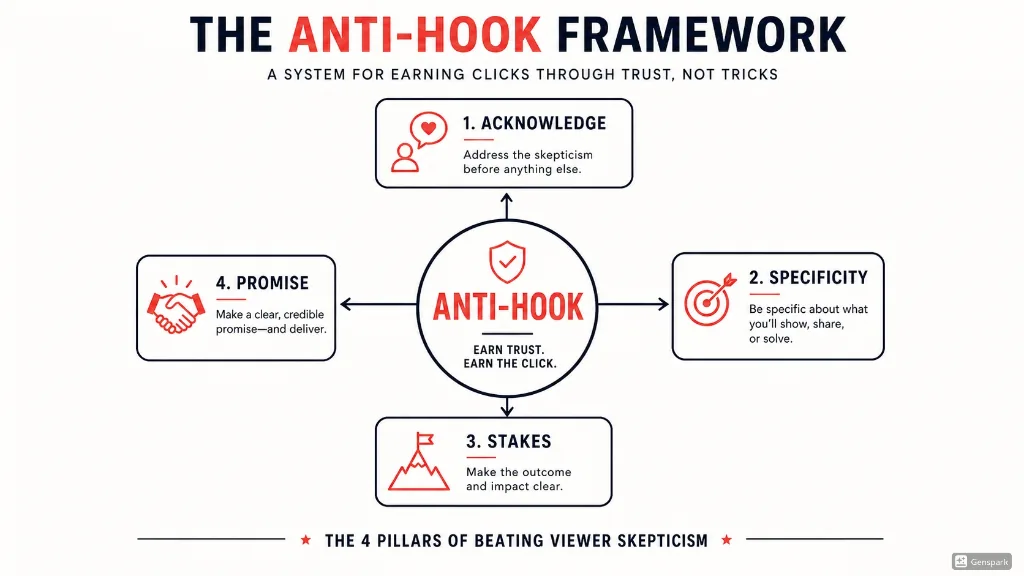
The Anti-Hook: How to Beat Viewer Skepticism in 10 Seconds
Learn the Anti-Hook framework — a proven system for beating YouTube viewer skepticism in the first 10 seconds. Frameworks, scripts, examples, and templates from RetentionYT.
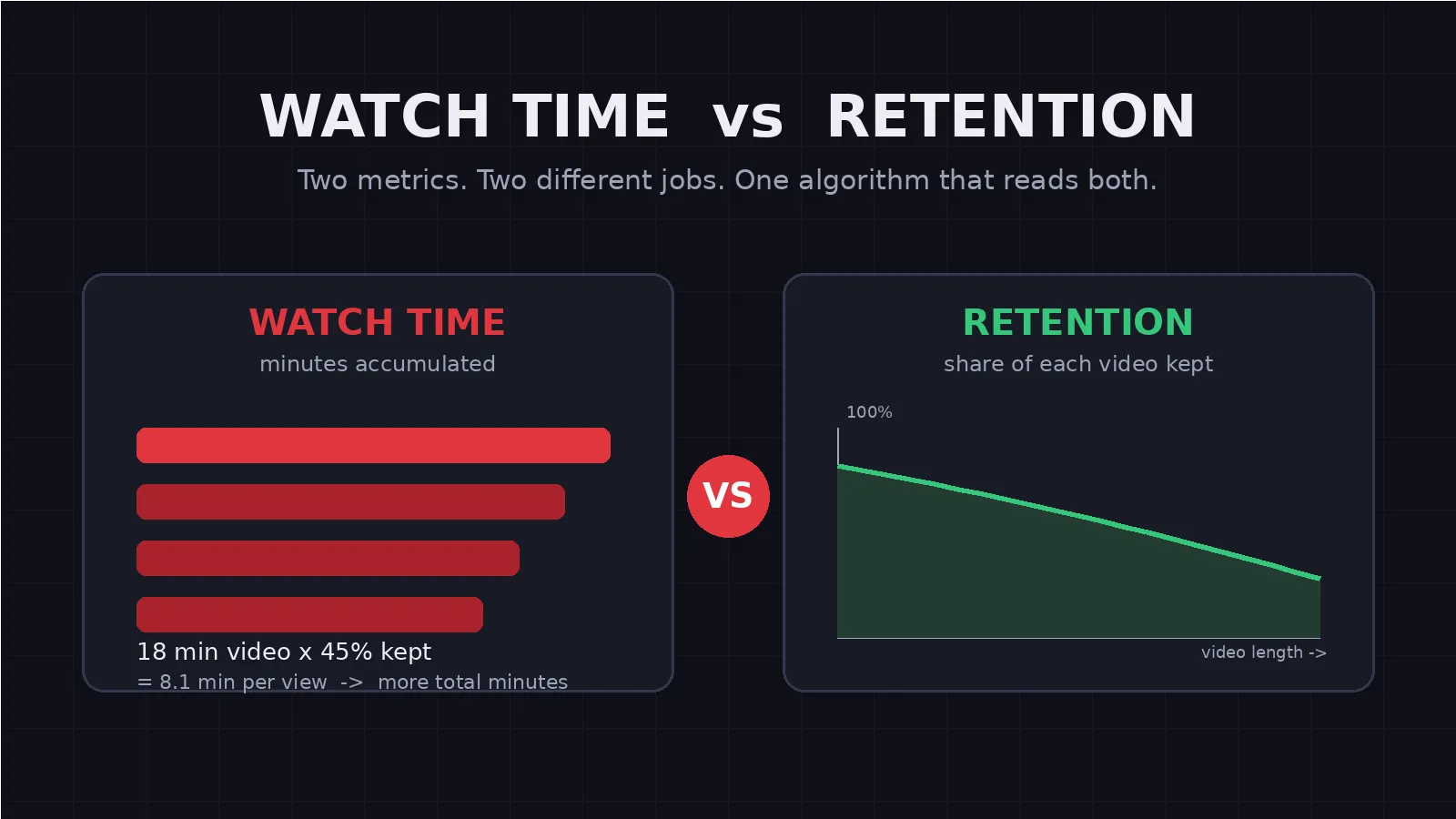
Watch Time vs Retention: What the YouTube Algorithm Actually Rewards
Watch time vs retention sound alike but measure different things. Learn what the YouTube algorithm actually rewards and how to choose the right video length.