Why YPP Qualified Views Did Not Change With First-Frame Counting
Separate YouTube’s first-frame public counter from qualified views for YPP, so a larger public number does not trigger an avoidable RPM panic.

9 min readUpdated
In this guide
On August 24, 2026, YouTube changed the public view counter so playback can count from the first frame. That does not turn the public number into a YPP qualified view: the locked Help source says YPP earnings still use engaged views and engaged watch hours, while eligibility still uses qualified views. Treat RPM panic as a category error until you compare the right measure.
What Why YPP Qualified Views Did Not Change With First-Frame Counting actually is (and what it is not)
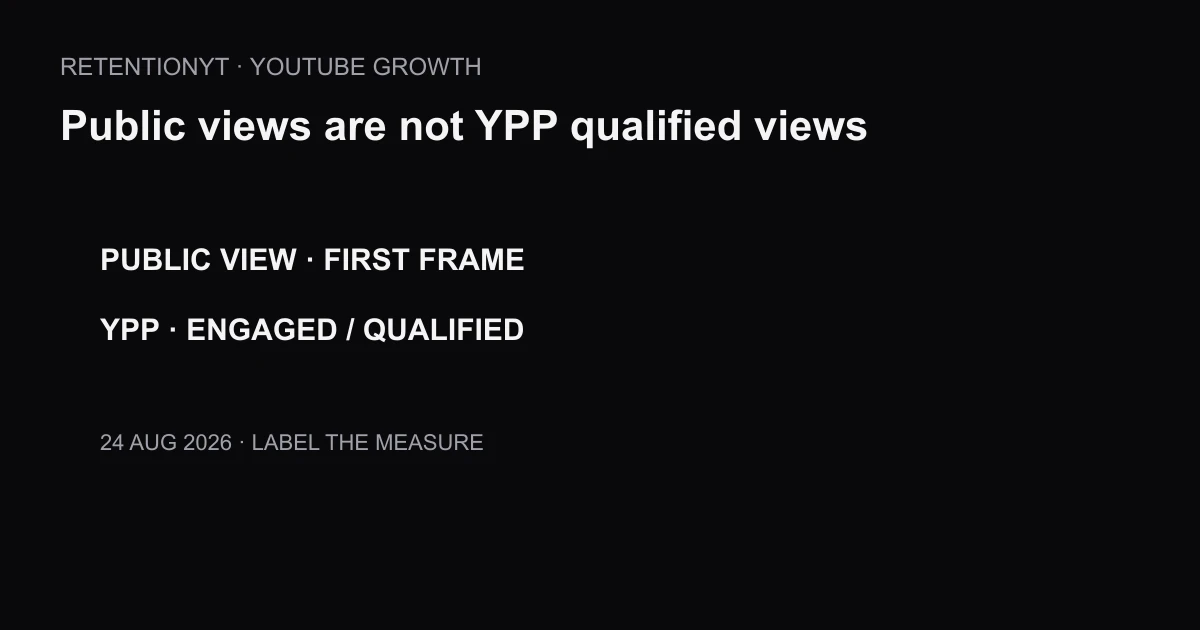
The change is a label-and-counter distinction. A public view is the watch-page number; after August 24, YouTube says views count when a video starts across Shorts, long-form videos, and live streams. Qualified views serve YPP eligibility, while engaged views are named for YPP earnings.
Those numbers can move differently without either one being broken. A faster public counter does not prove that your audience watched more, RPM fell, or eligibility changed. Name the counter; then decide whether it answers your question.
The locked Creator Insider video describes the first-frame public-counting update and distinguishes it from engaged views. It also says the update is not a recommendation-system change. Because the video was unavailable to the browser behind an unusual-traffic page, that source is recorded as direct video-analysis evidence rather than a verbatim transcript.

Why this shows up in YouTube Studio
The locked Source 2 page, How engagement metrics are counted, says views begin counting when a video starts to play across formats beginning August 24, 2026. The same page says the update does not impact YPP earnings or eligibility: earnings remain based on engaged views and engaged watch hours, while eligibility remains based on qualified views.
That page warns that legitimate metrics may take time to appear and that YouTube may slow, freeze, change, or discard low-quality playbacks while confirming engagement. Realtime activity is an estimate and may not match the watch page.
The locked Source 1 video, An update to how we count public views across YouTube, is the Creator Insider explanation of the public first-frame change. Use it for the change itself, not as permission to merge public views with qualified views.
There is no native Studio report named after this article. Start with the labels your account actually shows. If a qualified-view display is not available in your context, mark it unavailable and do not use the public counter as a substitute.

Worked example 1: the failure
Imagine a creator opens the watch page on August 24 and sees 1,200 public views, compared with 900 on a similar earlier upload. They conclude that monetisable viewing must be weaker because RPM looks different, then cut the next intro from 20 seconds to 5 seconds without checking the relevant YPP measure.
That conclusion combines three questions: what the public counter counts, what viewers engaged with, and what YPP uses for earnings or eligibility. The public number can change because the counting rule changed; it cannot, alone, tell you why RPM moved.
The numbers in this example are illustrative planning numbers, not YouTube data.
| Number on screen | What the creator assumes | What it actually answers | Better question |
|---|---|---|---|
| 1,200 public views | Monetisable viewing rose | Public counter changed | What happened to engaged views? |
| 900 prior public views | Old baseline is comparable | Different counting context | Are dates and definitions aligned? |
| RPM changed | Hook must be broken | Revenue ratio needs context | Did qualified/engaged measures change? |
The failure is not caring about RPM. The failure is asking the public counter to answer a YPP question.

Worked example 2: the fix
The fix starts with a dated note: “August 24, 2026 — public counter uses first-frame starts.” Next to it, write the actual decision: “I am evaluating YPP earnings,” or “I am evaluating YPP eligibility.” That sentence determines which measure belongs in the comparison.
For earnings, keep engaged views and engaged watch hours in the note. For eligibility, keep qualified views in the note. Keep the public counter as its own line so you can explain what changed without pretending the lines are interchangeable.
Suppose the same illustrative upload shows 1,200 public views, 740 engaged views, and a qualified-view number that your account exposes separately. The correct move is not to celebrate or panic from 1,200. It is to compare each value with the same metric and a sensible date window, then decide whether the hook needs work.
| Decision | Illustrative observation | Correct response |
|---|---|---|
| Public counter | 1,200 after first-frame change | Record the date and label |
| YPP earnings | Engaged views are the relevant line | Compare like with like |
| YPP eligibility | Qualified views are the relevant line | Do not substitute public views |
| Content decision | No causal proof from one counter | Keep testing the hook |
This is an illustrative worksheet, not a YouTube report. If your Studio labels differ, copy the visible label and preserve the uncertainty.

How to check this in YouTube Studio (step by step)
First, write the date: August 24, 2026. Then write the number you are looking at and its exact label. If it says views, do not rewrite it as qualified views or engaged views in your notes.
Second, name the decision. RPM is a revenue question; eligibility is a YPP qualification question; an intro rewrite is a content question. The same public counter should not be used as the sole answer to all three.
Third, open YouTube Studio and use the Analytics or monetisation areas available to your account. Source 2 says Realtime activity shows estimates that may not match the watch page, so do not treat a short delay as proof that the public counter is wrong.
Fourth, compare like with like. For YPP earnings, use engaged views and engaged watch hours as named by the locked Help source. For eligibility, use qualified views. For public reporting, use the public counter. Keep the date window visible.
Fifth, test the video decision manually. Watch the first 8 seconds, write the promise, and note whether the first payoff arrives. You can do this without signing up to RetentionYT. If you want a faster pre-record review, the YouTube retention tool can shorten the loop; RetentionYT is optional.
For context, compare watch time versus retention and CTA placement, but do not import their claims as evidence for YPP qualification. This letter’s locked sources are the authority for the August 24 counting distinction.
Where RetentionYT fits

The trap
The trap is a category error disguised as a dashboard comparison. A public number is easy to see, so it becomes the number used for RPM, YPP eligibility, recommendations, and content quality all at once. The locked sources do not justify that merge.
A second trap is turning “the public counter changed” into “my audience changed.” The counter is a measurement rule; audience behavior is a separate question. Look for evidence in the correct metric before you rewrite the hook.
A third trap is inventing a Studio path or report name. If your account does not show the exact label you need, record that limitation. Do not ship a confident step that the locked source does not contain.
The trap
The move
A public counter can change without changing the YPP measure that answers your question.
What to do in the next upload
Make a four-line note before you publish: date, public counter, YPP question, and the measure that answers it. After publishing, fill the note from your actual Studio labels. Do not let a larger public number choose your creative strategy by itself.
- Write August 24, 2026 beside the public-counter change.
- Copy the exact metric label into your notes.
- Keep public views separate from engaged views.
- Keep qualified views separate from engaged views.
- Use engaged views and engaged watch hours for the earnings question.
- Use qualified views for the eligibility question.
- Treat Realtime activity as an estimate, not a final watch-page match.
- Record the date window for every comparison.
- Watch your first 8 seconds before rewriting the hook.
- Do not invent a Studio report name or path.
- Run the manual method without signing up to RetentionYT.
- Change one content variable only after the correct metric supports it.
The public counter is not useless; it is simply not every other metric. Label it, date it, and keep it in its lane. Your next content decision should come from the measure that answers the question, not from the biggest number on the screen.
Frequently asked questions
- Did YouTube change qualified views in 2026?
- YouTube changed how public views are counted beginning August 24, 2026: a view is counted when playback starts. The locked Help page says YPP earnings still use engaged views and engaged watch hours, while YPP eligibility still uses qualified views. Do not treat the public counter as a replacement for either YPP measure.
- Will my RPM drop because views went up?
- Not automatically. A larger public counter does not, by itself, mean more monetizable activity or a lower RPM. Compare revenue and engaged-view context in Analytics, and remember that the locked Help page says YPP earnings remain based on engaged views and engaged watch hours. Review your own dates and traffic before changing content.
- What views count for monetisation?
- For the distinction covered here, YPP earnings remain based on engaged views and engaged watch hours, while YPP eligibility remains based on qualified views. The public view counter is a different metric after August 24, 2026. Keep those labels separate when you explain results to yourself or your team.
- Are recommendations affected?
- The locked Creator Insider source describes the public-counting update as separate from recommendation behavior. Do not infer a recommendation change from a larger public number. Continue evaluating the content signals you can actually observe, and do not claim that first-frame counting guarantees more or fewer recommendations.
- Where do I see qualified views?
- Use the Analytics and monetisation areas available to your channel, but do not invent a Studio report name from this article. The locked Help page establishes the definition used for YPP eligibility; the exact display can depend on account context. If a label is missing, record it as unavailable rather than substituting the public counter.
- How do I apply “Why YPP Qualified Views Did Not Change With First-Frame Counting” on my next upload?
- Before publishing, write down the public counter you expect to see and the YPP measure you will use for the decision. After publishing, note the date, compare engaged-view context with the public number, and leave your hook unchanged until you have evidence. This manual method works without signing up to RetentionYT.
- Where in YouTube Studio do I check “Why YPP Qualified Views Did Not Change With First-Frame Counting”?
- There is no native Studio report named after this article. Start with the Analytics reports you already use, then keep the public counter, engaged views, engaged watch hours, and qualified views in separate notes. The locked Help source says Realtime activity is an estimate and may not match the watch page.
- What is the most common mistake with “Why YPP Qualified Views Did Not Change With First-Frame Counting”?
- The common mistake is treating every public view as a monetisation or eligibility view. That category error can make you rewrite a hook, shorten a video, or panic about RPM without checking the relevant YPP measure. Use the public counter for public-counter questions and qualified or engaged measures for YPP questions.
Give your next script a second look
Paste a script into RetentionYT for suggestions on your hook, pacing, and structure. Choose the edits that serve your video, then check audience behavior in YouTube Analytics after publishing.
Get retention tips in your inbox
Occasional, practical emails on hooks, pacing, and retention. No spam.
Related posts
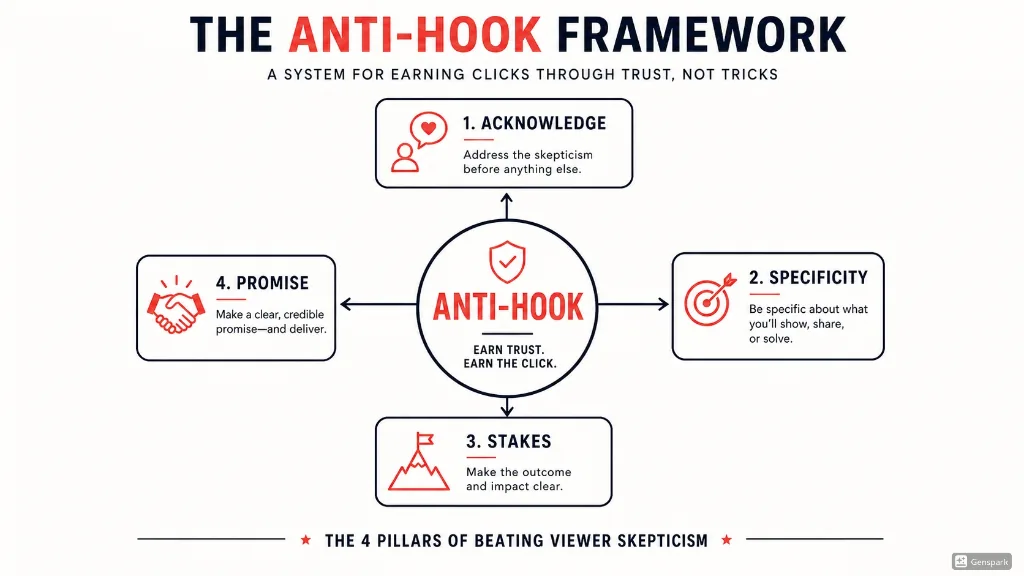
The Anti-Hook: How to Beat Viewer Skepticism in 10 Seconds
Learn the Anti-Hook framework — a proven system for beating YouTube viewer skepticism in the first 10 seconds. Frameworks, scripts, examples, and templates from RetentionYT.
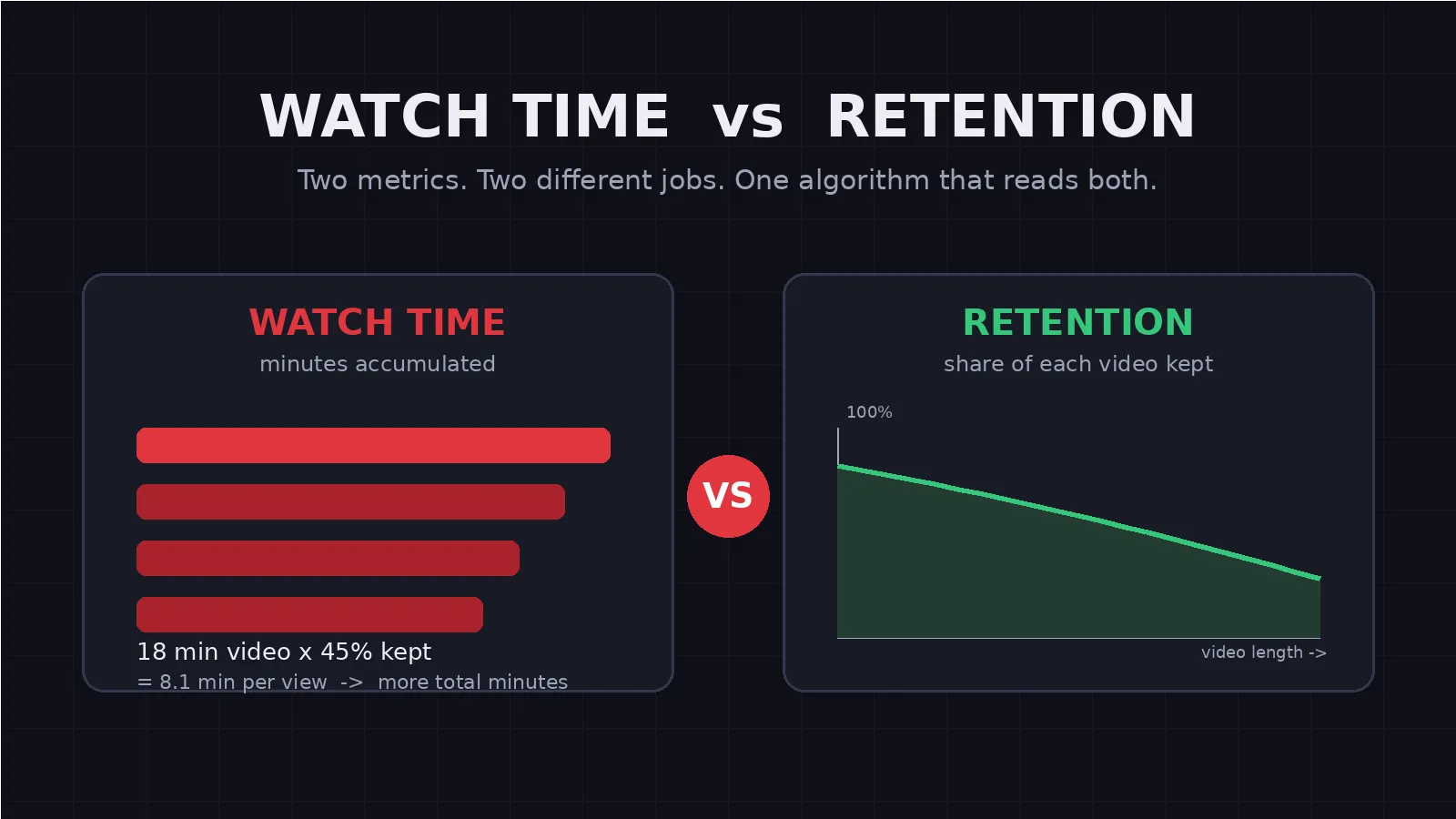
Watch Time vs Retention: What the YouTube Algorithm Actually Rewards
Watch time vs retention sound alike but measure different things. Learn what the YouTube algorithm actually rewards and how to choose the right video length.
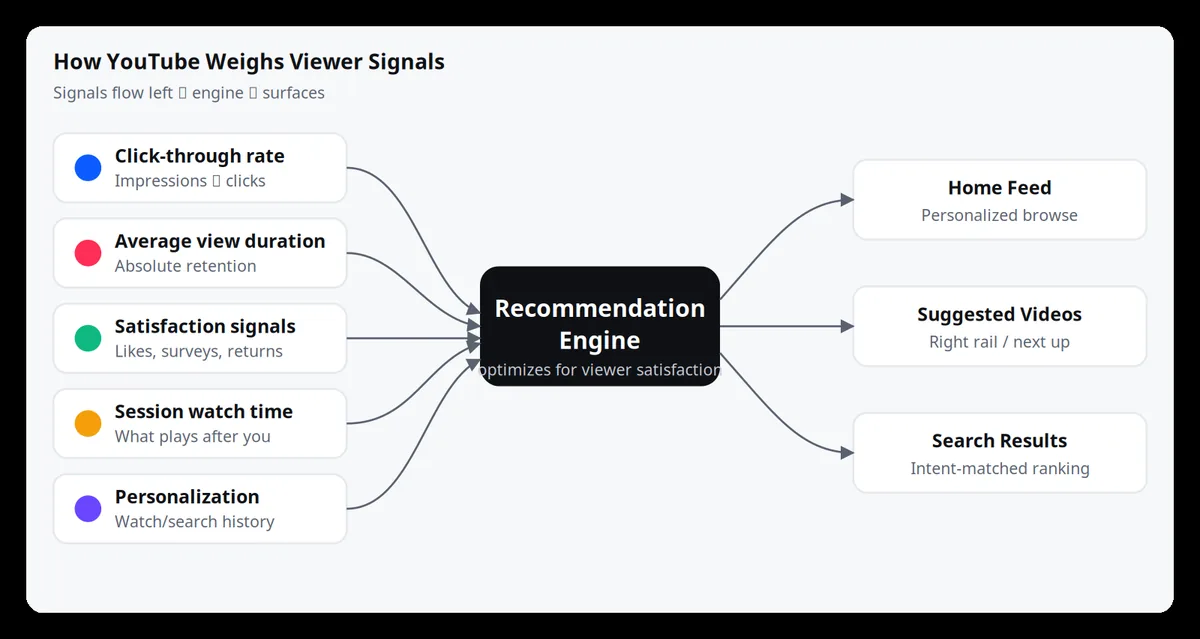
How the YouTube Algorithm Works in 2026 (A Creator's Guide)
How the YouTube algorithm works in 2026: the signals it actually rewards, why retention beats every other metric, and a practical framework creators can use to get more views, watch time, and subscribers.