Description First 150 Characters vs Spoken First Line
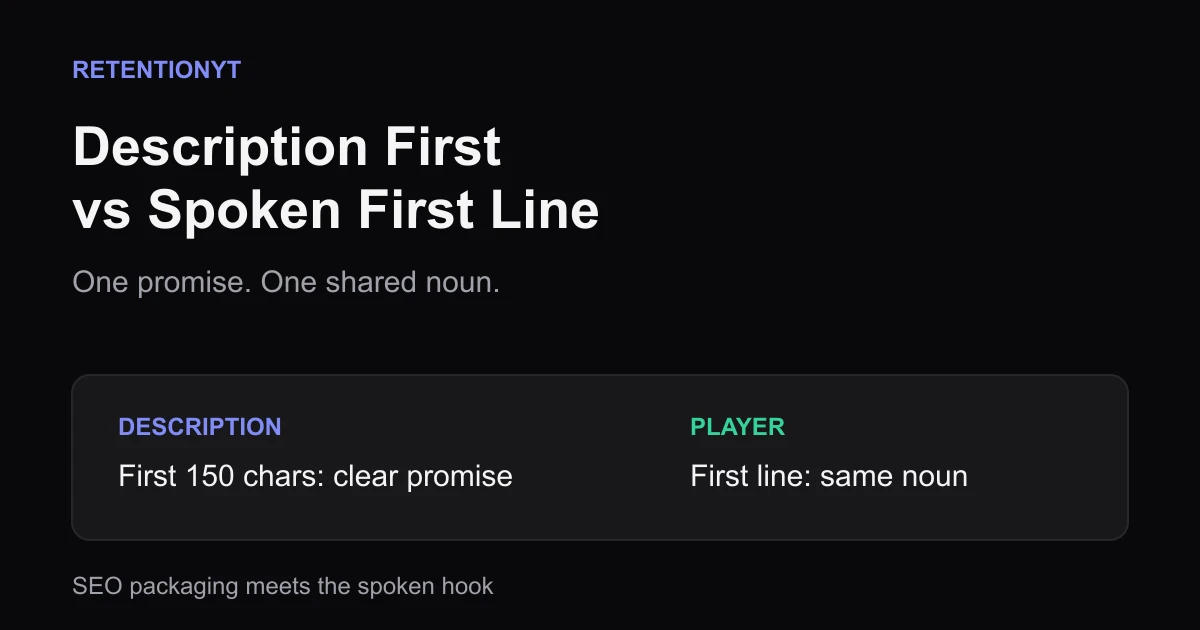
Use the first 150 characters of your YouTube description as a clear search promise, then make your spoken first line deliver the same noun before the vlog detour.

11 min readUpdated
In this guide
Use the first 150 characters as a working description promise, not a keyword bin. Then make your spoken first line deliver the same core noun within the first 8 seconds. If the description says “engaged views vs public views” and you open with coffee, you split the promise. Write both in the same sitting, then run the checklist before recording.

What Description First 150 Characters vs Spoken First Line actually is (and what it is not)
This is a writing alignment check between two packaging layers. The first 150 characters are the opening slice of your written description; the spoken first line is the first sentence the viewer hears. Treat the limit as an editorial constraint for a clean search promise, not as a claim that every YouTube surface displays exactly 150 characters.
The rule is simple: put the title promise into prose, add one useful extra, and make sentence one address the same core noun. The extra can be a result, audience, condition, or comparison. It should sharpen, not split, the promise.
Packaging means the information that frames a viewer’s decision to start. The description can help a reader understand the subject; the spoken line has to move the viewer into the player. They are different jobs, but a shared noun gives them one centre of gravity.
This is not a keyword-density target or permission to paste the title repeatedly, promise an unexplained metric, or bury the useful sentence under a biography. The first line need not copy the description; it can confirm, qualify, or challenge it.
| Layer | Job | Pass test |
|---|---|---|
| First 150 characters | State the title promise in prose plus one extra. | A reader knows the problem or result without a keyword pile. |
| Spoken first line | Deliver, qualify, or challenge the same promise. | A listener can name the shared noun after sentence one. |
| Next beat | Give the first concrete reason to continue. | The extra detail connects to the promised subject. |
| Later description | Add context, links, and detail after the promise. | The opening line remains the clearest promise. |
The manual method works without signing up. Open a blank note, paste your title, write the first 150 characters, underline the core noun, then write sentence one underneath. Keep the wording natural enough to read aloud; a line that only works as metadata will sound like metadata in the player.
Where RetentionYT fits
Manual method works alone. Product shortens the loop. Draft the description and spoken line first, then use RetentionYT to review the script structure before you record.
Why this shows up in YouTube Studio
The checklist is written before publishing; Studio is where you inspect the upload. Compare what you wrote with what you recorded, then use the available reports to decide what to revise.
The locked SOURCE 1 page describes the Reach tab as a way to understand how viewers find content, with metrics including thumbnail impressions, click-through rate, watch time, and views. It notes that some reports may not be available on mobile devices. That is context, not proof a description line caused retention. SOURCE 1
SOURCE 2 says the Content tab covers how viewers find content, what they watch, and how they interact with it. For videos, it lists Key moments for audience retention, typical retention comparisons for 10 latest videos of similar length, and how thumbnail impressions lead to watch time.
SOURCE 2 gives a path for the channel-level Content report: in YouTube Analytics, select Analytics, then Content. SEE MORE or Advanced Mode can show specific data, compare performance, and export data. Use the page’s product wording; use your notes for promise alignment. SOURCE 2
On August 24, 2026, SOURCE 2 stated that views are counted when a video starts across formats. That is a metric-definition note, not a verdict on your opening. Your question remains practical: did the written promise and spoken line point to the same subject before the viewer had to work to connect them?
Worked example 1: the failure
A creator writes a description opening that says, “Understand engaged views vs public views, what each number means, and how to read the difference before you change your next upload.” The first 150 characters contain a clear comparison promise plus one extra: how to read the difference.
The video opens with, “I made coffee, checked my inbox, and then thought we should talk about my morning routine.” The creator may later explain the metric difference, but sentence one pays for a vlog. The written layer and player layer have different nouns, different stakes, and different next questions.
The number in the example is not a YouTube benchmark; it is a labelled illustrative scenario with no invented performance data. The failure is structural, not numerical: the description asks for a metric explanation while the first line asks the viewer to care about coffee.
These are illustrative words, not a dataset. Use the grid to audit the draft before recording.
| Check | Illustrative description line | Spoken first line | Finding |
|---|---|---|---|
| Core noun | engaged views vs public views | morning routine | FAIL: different subject |
| Extra | how to read the difference | coffee and inbox | FAIL: extra does not connect |
| First beat | metric explanation promised | personal update delivered | FAIL: promise split |
Do not fix this by adding more keywords to the description. The writer needs to choose the video’s real job. If it is a metrics explainer, sentence one should name the comparison. If it is a morning vlog, rewrite the first 150 characters so they stop promising a metrics lesson.
Worked example 2: the fix
The creator keeps the metrics lesson and rewrites the opening pair. The first 150 characters now say, “Engaged views vs public views: here is what each number means, why the labels differ, and which comparison to make before your next upload.” The sentence is still an illustrative example, not a platform benchmark.
Sentence one becomes, “Engaged views and public views answer different questions, so let’s separate the labels before you decide what your upload actually did.” It shares the core noun, gives the viewer a clear action, and leaves a useful next beat: which report or comparison to open.
The first line need not repeat the description; it spends the promise and narrows the work.
If the creator wants the coffee story, it can become supporting context after the receipt: “I noticed this while reviewing yesterday’s upload over coffee.” The order matters because the first line is the handoff.
For another pre-record check, use the related tool once. Then review related post 1 and related post 2 for adjacent decisions, not as substitutes for matching the description and spoken line.
How to check this in YouTube Studio (step by step)
Run the editorial check before publishing, then use Studio to inspect the delivered upload. The eight steps below include seven promise checks plus one handoff record.
-
Paste the title promise. Write the problem, result, object, or audience in one plain sentence.
-
Draft the first 150 characters. Put that promise in prose and add one useful extra; do not start with a keyword pile.
-
Underline the shared noun. Mark the exact subject that the spoken line must name or clearly address.
-
Write sentence one. Decide whether it confirms, qualifies, or challenges the description promise.
-
Read the pair aloud. If the written line sounds like metadata or the spoken line starts on a different topic, rewrite before filming.
-
Record the first 8 seconds. Check the delivered words, not the planned words. A greeting, logo, or personal detour can change the handoff.
-
Open YouTube Studio after publishing. Review the description in the upload workflow and use the Analytics reports available for the video. SOURCE 2 describes Analytics and Content reports; availability can vary by device and context.
-
Log one next-upload revision. Keep the first 150 characters, sentence one, one Studio observation, and the next change in the same note.
Do not infer causation from one observation. If an early change appears in the retention report, inspect the exact words, visual, and transition at that point. Your saved pair lets you ask a narrower question than “the algorithm disliked it”: did the upload deliver the promise it wrote down?

The trap
The trap is writing the description for search and the spoken line for your morning. “Engaged views vs public views” followed by “I made coffee” creates two openings. The viewer should not have to decide which promise is the real one.
The second trap is treating 150 as a guaranteed UI boundary. Use it as a disciplined editing limit, then inspect the actual surface where your description will live. Keep the important noun early because the line may be read in different contexts.
The trap
The move
The third trap is stuffing the description after the promise and forgetting the player. More words do not repair a first line that refuses to address the title. The fourth is adding a CTA before the viewer knows the video kept its promise; place the request after the receipt, then review related post 2 if you need a placement reminder.

What to do in the next upload
Write the description opening and spoken first line side by side. The first 150 characters should sound like a useful promise in prose; sentence one should make the viewer feel that promise has entered the player.

- Write the title promise in one plain sentence.
- Shape the first 150 characters around that promise plus one extra.
- Underline the shared noun in the description.
- Make sentence one confirm, qualify, or challenge that noun.
- Remove keyword piles, biography, and unrelated opening context.
- Record and inspect the actual first 8 seconds.
- Use Studio reports to note the delivered opening and any change point.
- Save one description revision and one spoken-line revision for the next upload.
Use the final formula as a read-aloud: description promise + shared noun + spoken receipt = one clear opening. If the first line sounds like a different video, change the line or change the first 150 characters; do not hide the conflict under more keywords.

Keep the pair in your upload notes. After publishing, compare the plan, delivered words, and available Studio reports. The record shows which promise to revise next without claiming one sentence caused every viewer decision.
The description frames the promise; the spoken first line proves you meant the same thing.
Frequently asked questions
- What should the first line of a YouTube description say?
- Write the title promise in plain language, then add one useful qualifier. Name the same problem, result, object, or audience that your spoken first line will address. Do not spend the opening on a keyword pile, channel biography, or unrelated vlog detail. The first line should make the click understandable before the viewer expands anything.
- Does description affect retention?
- A description line does not replace a strong opening, and this checklist does not claim a direct retention effect. Its job is alignment: the description sets a written promise while the player delivers the spoken one. If those promises point at different subjects, your packaging and opening create avoidable confusion before your evidence can work.
- Should description match the spoken hook?
- They should share the core noun and promise, but they do not need identical wording. Let the first 150 characters state the topic and one useful extra; let the spoken first line confirm, qualify, or challenge that promise. A match means the viewer can recognise the connection immediately, not that every word is duplicated.
- How many characters show before more?
- Treat 150 characters as a working editing limit for this method, not a guaranteed display boundary on every surface. YouTube surfaces, devices, and layouts can vary. Count the first 150 characters yourself, put the core promise early, and then check the actual description and opening together in the upload workflow.
- Keywords vs promise in the description?
- Promise first, keyword second. Use the first line to tell a human what the video answers, then include a natural search phrase where it belongs. Repeating related terms without a clear outcome may make the line look optimised while leaving the spoken first line with nothing specific to deliver.
- How do I apply “Description First 150 Characters vs Spoken First Line” on my next upload?
- Draft the title promise, write the first 150 characters in prose, and underline the shared noun. Write sentence one underneath and check whether it confirms, qualifies, or challenges that noun. Remove keyword stuffing, read both aloud, record the first 8 seconds, and save one revision for the next upload.
- Where in YouTube Studio do I check “Description First 150 Characters vs Spoken First Line”?
- There is no dedicated Studio alignment card. Use the upload editor to review the description, then use Analytics after publishing to inspect the reports available for the video. Compare the saved first 150 characters and spoken first line with the delivered opening; Studio reports performance, while your checklist evaluates the promise.
- What is the most common mistake with “Description First 150 Characters vs Spoken First Line”?
- The common mistake is writing a description for search and a spoken hook for a different personal story. A line about “engaged views vs public views” followed by a coffee vlog has two promises. Keep the shared noun visible, put one extra in the description, and make sentence one address that subject before the detour.
Give your next script a second look
Paste a script into RetentionYT for suggestions on your hook, pacing, and structure. Choose the edits that serve your video, then check audience behavior in YouTube Analytics after publishing.
Get retention tips in your inbox
Occasional, practical emails on hooks, pacing, and retention. No spam.
Related posts
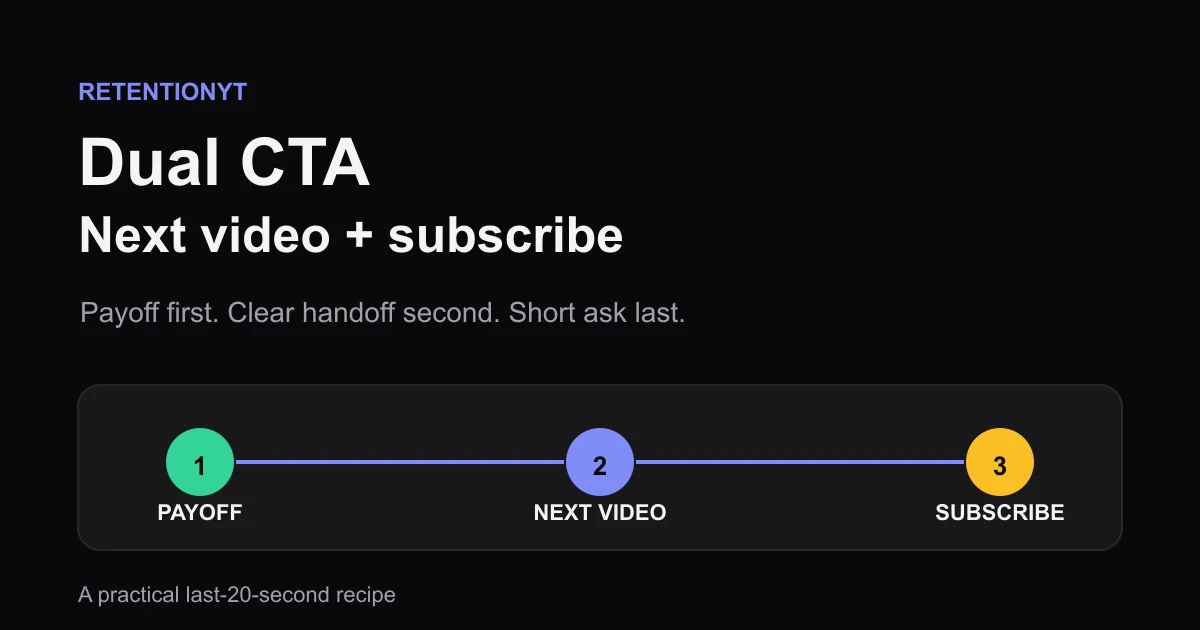
Dual CTA: Next Video + Subscribe Without a Cliff
YouTube outro subscribe and next video without a drop: a dual CTA script for the last 20 seconds, with the next-video title first and a short subscribe ask second.
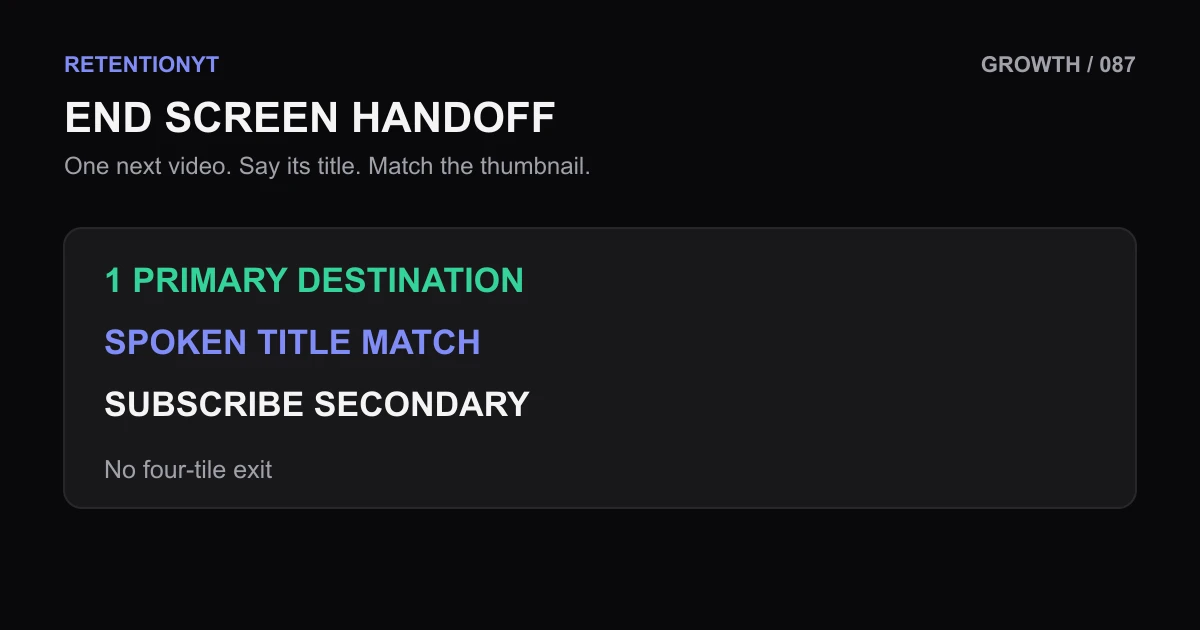
End Screen: One Next-Video Spoken Title That Matches the Thumbnail
Use one clear next-video end-screen element, speak its title verbatim, match the thumbnail promise, and keep the second element for subscribe instead of building a four-tile exit.
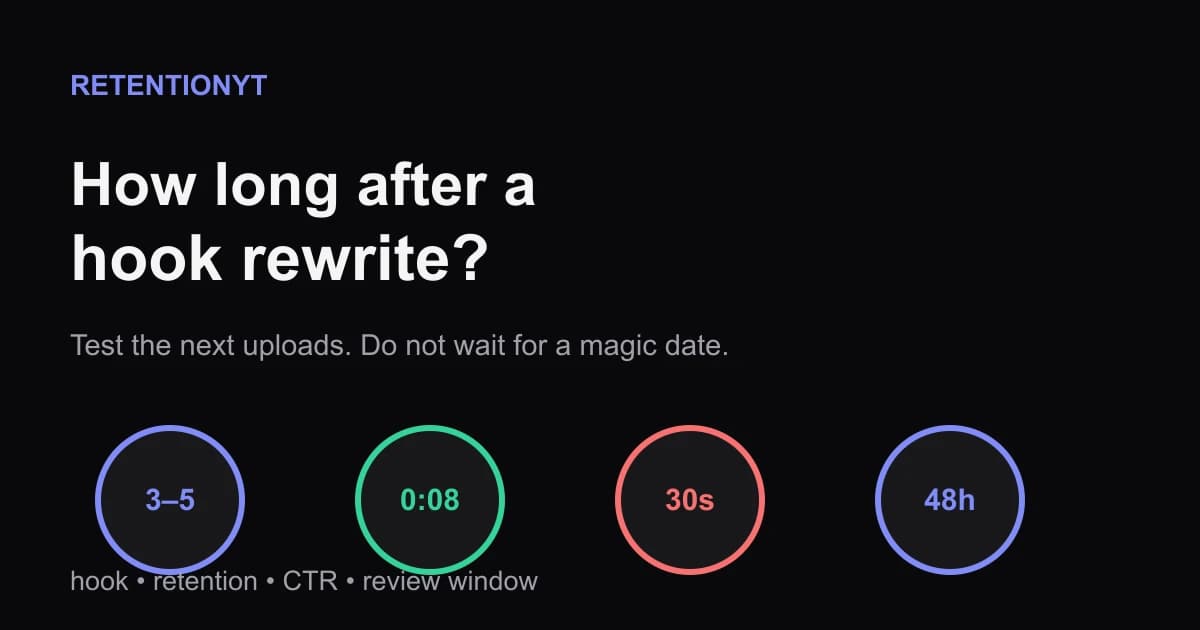
How Long After a Hook Rewrite Do Impressions Move?
How long until YouTube impressions recover after a better hook? Use the next 3–5 uploads, first-30-second retention, CTR, and 48-hour checks without guessing.