How Long After a Hook Rewrite Do Impressions Move?
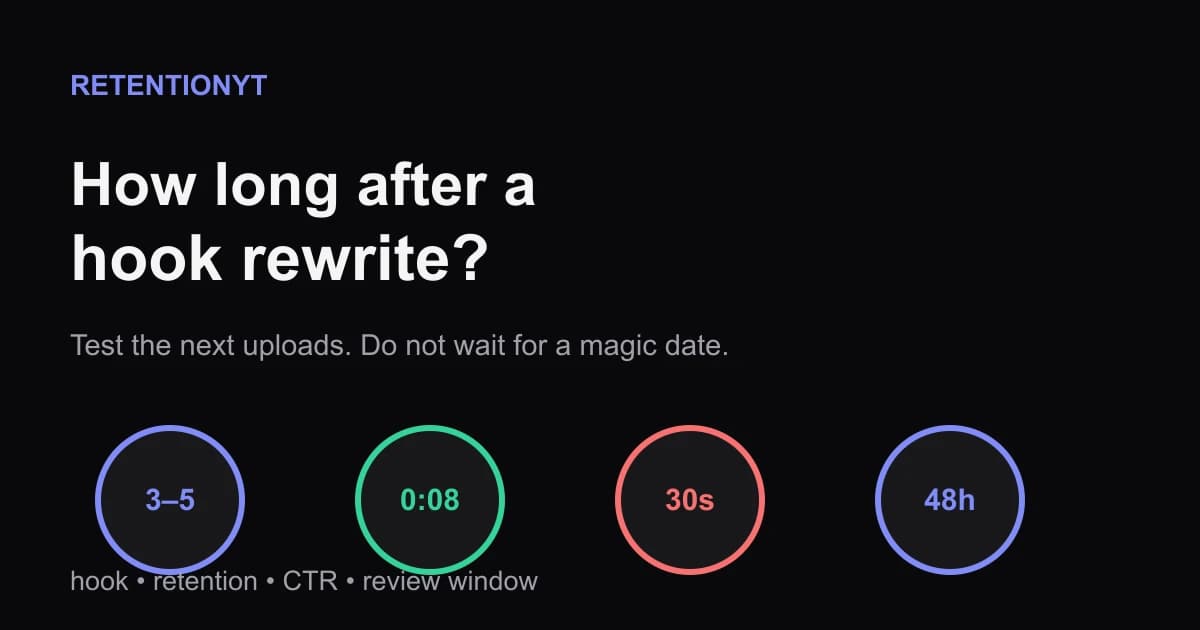
How long until YouTube impressions recover after a better hook? Use the next 3–5 uploads, first-30-second retention, CTR, and 48-hour checks without guessing.

12 min readUpdated
In this guide
A better hook is not a reset button. For the next upload, use 3–5 comparable videos as a rule-of-thumb review window, then inspect the first 30 seconds, CTR, and the first 48 hours. If the opening holds and impressions still stall, test packaging separately. This is a testing schedule, not a published timetable. Rule of thumb: packaging may show in CTR sooner; Suggested movement often needs several uploads with stronger engaged-view signals.
What How Long After a Hook Rewrite Do Impressions Move? actually is (and what it is not)
This is a waiting-and-measuring problem, not a countdown problem. You cannot rewrite the opening of a published video as easily as you can rewrite the next script, so the clean test belongs on the next uploads. Give the new opening enough repetitions to show whether it is helping, and write the checkpoints before you publish.
The practical rule of thumb is 3–5 comparable uploads. “Comparable” means you keep the topic, audience, format, and promise close enough that the comparison is useful. You are trying to avoid the classic mistake of changing the hook, the niche, the thumbnail, the length, and the upload gap at the same time, then calling the result a hook verdict.
The first checkpoint is the opening itself. Write down the promise at 0:08, then check whether the first 30 seconds deliver a clear reason to stay. The second checkpoint is packaging: title and thumbnail earn the click, so compare CTR without equating it with retention. The third is distribution context: note the first 48 hours, traffic mix, and any unusual topic or audience event.
A hook rewrite is not an algorithm unlock. It cannot guarantee more impressions, and it cannot tell you whether a weak result came from the opening, the packaging, the topic, or the audience. Mixed evidence is still useful when the variables stay visible.
| Signal | What it can tell you | What it cannot prove alone |
|---|---|---|
| First-30-second retention | Whether the opening kept attention through the first diagnostic window | That YouTube will automatically expand impressions |
| CTR | How often a thumbnail impression led to a view in the available report | That the hook failed after the click |
| First 48 hours | A consistent early comparison point for your own testing log | A universal recovery deadline |
| Suggested or browse movement | Whether distribution changed in the observed sample | Which single edit caused the change |

The manual method works without signing up. If you want a pre-publish second pass, RetentionYT can shorten the distance between a draft and a pacing review, but the evidence loop still belongs to your outline, upload log, and Studio checks.
Why this shows up in YouTube Studio
You are looking in Studio because the product separates different kinds of evidence. The locked SOURCE 1, opened in August 2026, currently resolves to “Understand your YouTube video reach.” It supports Reach context and the path Content, selected video, Analytics, then Reach. The brief labels that URL “Audience retention,” but the opened page does not support the retention-specific wording requested for it, so those claims are not forced.
The locked SOURCE 2 supports the channel-level Content tab and says it gives an overview of how an audience finds content, what it watches, and how it interacts. It also includes a Videos report section for “Key moments for audience retention” and says typical retention can compare your 10 latest videos of similar length. That is enough to build a check; it is not evidence for a promise that impressions recover on a fixed date.
Open the reports that match the question. If you want to understand what happened after a click, inspect the selected video’s retention-related view. If you want to understand how viewers found the content and how the channel-level reports are organized, use the Content and Reach paths supported by the two locked sources. Keep the interpretation in your own change log.

The curve in Fig. 2 is deliberately labelled Illustrative — not a published benchmark. It shows a measurement habit: check whether the new opening changes the early shape, then check whether the click signal moved in the same direction. It does not claim that a particular percentage, slope, or number of impressions is normal for your channel.
Worked example 1: the failure
Imagine a creator publishes a tutorial after rewriting its first 30 seconds. The new opening states the result at 0:08, but the creator also changes the thumbnail, title, topic angle, upload day, and video length. The first day looks promising, so they declare the hook fixed. The next upload has a different topic and fewer impressions, so they declare the channel broken.
This is an illustrative example, not a channel dataset. The review sheet contains a single row for each upload but no change log. It records views, not the opening promise, CTR, key-moments observation, or traffic context. The creator is trying to answer a causal question with a pile of mixed variables.
| Illustrative upload | What changed | Observation at the review point | Why the conclusion fails |
|---|---|---|---|
| 1 | Hook, title, thumbnail, topic, day, and length | More views on day one | No variable is isolated |
| 2 | Different topic and different packaging | Fewer impressions | Not comparable to upload 1 |
| 3 | Another hook rewrite and a new niche test | Early retention looks better | The audience and promise changed again |
The failure is not impatience alone. It is a broken experiment. The creator cannot tell whether a better opening held attention, whether packaging earned fewer clicks, whether the topic had lower demand, or whether the sample was simply noisy. They also mistake one day’s counter for a durable channel trend.
A second failure hides inside the phrase “impressions recover.” Recover from what? A low CTR problem, a weak first 30 seconds, a mismatch between title and content, or a topic that reached a different audience? Until the creator names the failure mode, the word “recovery” is too vague to measure.
Worked example 2: the fix
Keep the next test narrow. The creator holds the topic family, audience, length range, and packaging style as steady as reasonably possible. They rewrite the first 30 seconds, write down the 0:08 promise, and log the same four checkpoints for each of the next 3–5 uploads. If a packaging change is necessary, it gets its own row and is not silently mixed into the hook verdict.
This is an illustrative example. The new log records the hook sentence, first-30-second observation, CTR, first-48-hour result, traffic context, and a short decision. A decision can be PASS, FAIL, or INCONCLUSIVE; the point is to keep the evidence visible until the window is complete.

At upload 1, the creator checks whether the 0:08 promise is delivered and records the opening shape. At upload 2, they check whether the same promise is still clear without changing the thumbnail system. At upload 3, they look for a repeated pattern instead of a single lucky spike. Uploads 4 and 5 are not mandatory in every situation, but they are useful when the first three are mixed or the topics vary.

Now the creator can make a smaller decision. If the first 30 seconds improve and CTR stays stable, keep the opening structure and test the next section. If CTR falls while the opening improves, test packaging separately. If both look stronger but impressions remain flat, mark the sample inconclusive and inspect traffic context, topic fit, and the next comparable upload instead of claiming the algorithm ignored the rewrite.
How to check this in YouTube Studio (step by step)
First, create the review sheet before publishing. Use one row per upload and columns for upload date, topic family, planned hook, exact 0:08 promise, first-30-second observation, CTR, first-48-hour observation, traffic context, packaging changes, and decision. The date makes “wait a while” repeatable.
Second, open YouTube Studio. SOURCE 2 supports Analytics > Content and the Videos report’s Key moments for audience retention and typical retention comparison. SOURCE 1 supports Content > selected video > Analytics > Reach. Do not claim a path neither page supports.
Third, review the opening at the same boundary for every upload. Start at 0:00, note what the viewer is promised by 0:08, and inspect the first 30 seconds. If the opening works but the promised payoff arrives late, write that down. If the opening is clear but the thumbnail earned fewer clicks, write that down too; the two observations can coexist.
Fourth, check the first 48 hours at the same point in your testing routine. This is a rule-of-thumb comparison window, not a platform deadline. Record the number you actually see, the traffic context, and any unusual event. Do not replace a missing result with an estimate, and do not import benchmarks from another channel.
Fifth, choose one next action. Keep the hook, revise the packaging, cut a slow section, or run another comparable upload. If you changed more than one major variable, mark the result INCONCLUSIVE and simplify the next test. A clean “we do not know yet” is a valid audit result.
If you want a related tool, use the related tool as a pre-publish prompt, not as a substitute for the post-publish evidence. For the mechanics of watch time and retention, read watch time versus retention. For the cost of a badly placed request, read CTA placement. Each link is there to extend the workflow, not to manufacture a recovery promise.
The trap
The trap is treating impressions as a verdict on the hook. Impressions are downstream of several decisions, and the two locked sources do not give you a simple “rewrite this intro and wait N days” rule. A better opening can coexist with weaker packaging, and CTR can coexist with a weak first 30 seconds.
The trap
The move

Packaging changes are allowed, but record them instead of hiding them inside a hook test. Otherwise, the next upload becomes a story you can tell, not an experiment you can learn from.
Ignore illustrative dashboard values on related product pages; they are not SOURCE 1 or SOURCE 2 evidence for your channel.
What to do in the next upload
Write the hook test in plain language before you open the editor. State what changes, what stays steady, what the 0:08 promise is, and when you will review the result. If you cannot say what would count as PASS or FAIL, the test is not ready.
- Write the exact 0:08 promise before recording.
- Keep the next 3–5 uploads comparable where reasonably possible.
- Record the first-30-second retention observation for every test upload.
- Record CTR separately from retention; do not treat them as one signal.
- Set a first-48-hour review point in the sheet before publishing.
- Log title, thumbnail, topic, length, and upload-day changes explicitly.
- Use the SOURCE 2 Content and key-moments guidance for the supported Studio checks.
- Use the SOURCE 1 Reach path only for the facts that page actually supports.
- Mark mixed evidence INCONCLUSIVE instead of inventing a recovery date.
- Choose one next experiment after the review window closes.
Your next upload is the cleanest place to test the rewrite. Do not wait for an imaginary algorithm unlock. Write the promise, repeat the test, check the same windows, and let the record tell you whether the problem is the hook, the packaging, the topic, or still unknown.
A hook rewrite earns a test window, not a guaranteed impression recovery date.
Frequently asked questions
- How long until a better hook gets more impressions?
- Give the rewrite a review window rather than expecting an overnight reset. Use the next 3–5 uploads as a rule of thumb, and inspect each one’s first 30 seconds, CTR, and first 48 hours. This is an editorial testing schedule, not a YouTube-published recovery timetable. Compare like with like before deciding the hook worked.
- Can one video fix my channel?
- Usually, no. One video can teach you whether the new opening is clearer, but it cannot prove that a channel-wide problem disappeared. Treat one upload as a test, then compare the next 3–5 uploads using the same checkpoints. If the openings improve while impressions do not, inspect packaging, topic fit, and traffic sources instead of blaming one intro.
- Should I look at 48-hour retention?
- Yes, as one diagnostic window—not as a magic deadline. A 48-hour review gives you a consistent point for comparing early distribution and the opening’s retention shape across uploads. Pair it with CTR and the key-moments view. If the sample is too small or the topic mix changed, label the result inconclusive and keep testing rather than inventing a recovery date.
- What if hooks improved but CTR fell?
- Separate the signals. If the opening holds better but CTR falls, the hook may be clearer after the click while the title and thumbnail earn fewer clicks. Treat that as a packaging test: keep the opening rewrite, change one packaging variable on the next comparable upload, and document what changed. Do not call the hook a failure from CTR alone.
- Do I need a new niche?
- Not from this evidence alone. A new niche is a large change, while a hook rewrite is a narrow test. First hold the topic, audience, and format as steady as you reasonably can, then compare the next 3–5 uploads. If the same audience repeatedly ignores the promise despite clearer openings and sound packaging, record that pattern before considering a broader positioning change.
- How do I apply “How Long After a Hook Rewrite Do Impressions Move?” on my next upload?
- Write the planned review window before the upload: 3–5 comparable uploads, a first-30-second check, and a first-48-hour check. For each upload, record the hook promise, CTR, key-moments observation, and traffic context. Keep packaging changes separate from hook changes where possible. After the fifth comparison, choose the smallest next experiment supported by the evidence.
- Where in YouTube Studio do I check “How Long After a Hook Rewrite Do Impressions Move?”?
- Use the locked YouTube Help paths that are actually supported. For channel-level performance, open YouTube Studio, choose Analytics, then Content. For a selected video’s Reach view, the other locked page shows Content, the selected video, Analytics, then Reach. The final article avoids claiming that Studio contains a special “hook rewrite recovery” report.
- What is the most common mistake with “How Long After a Hook Rewrite Do Impressions Move?”?
- The common mistake is waiting for a single number to announce recovery. Creators see one day of impressions, change the title, rewrite the intro, and then compare an unrelated upload. Use one review window, keep a short change log, compare the same checkpoints, and mark the result pass, fail, or inconclusive. A tidy record beats a dramatic theory.
Give your next script a second look
Paste a script into RetentionYT for suggestions on your hook, pacing, and structure. Choose the edits that serve your video, then check audience behavior in YouTube Analytics after publishing.
Get retention tips in your inbox
Occasional, practical emails on hooks, pacing, and retention. No spam.
Related posts
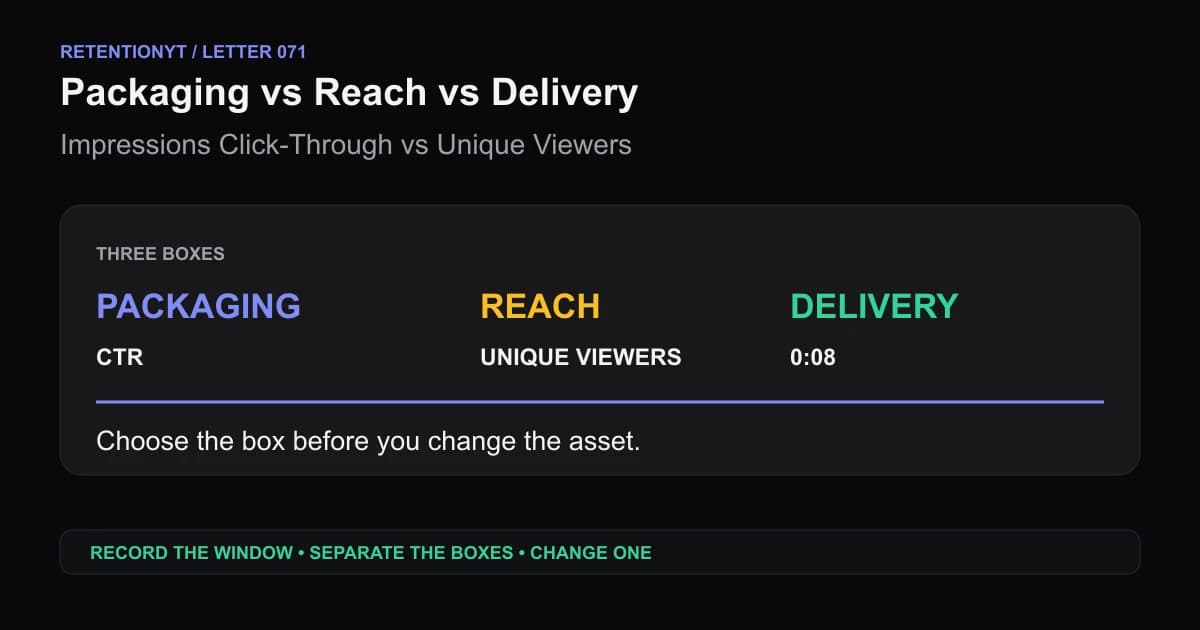
Impressions Click-Through vs Unique Viewers: Packaging vs Delivery
When YouTube CTR is high but unique viewers are low, separate packaging, reach, and delivery before you rewrite the script or replace the thumbnail.
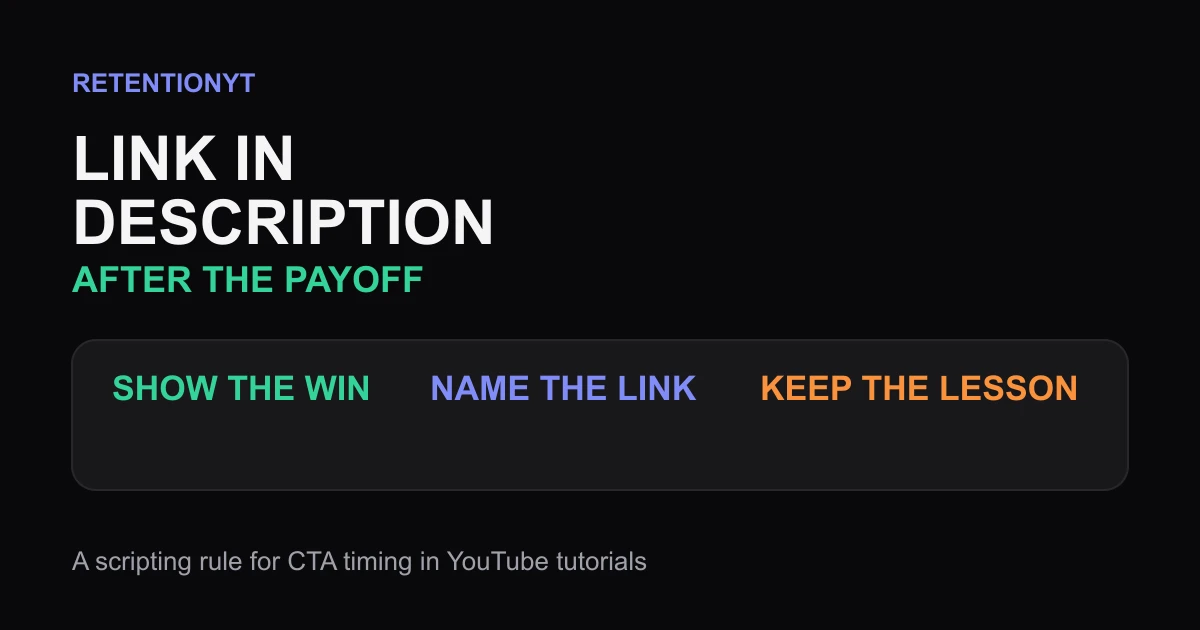
Link in Description Timing: After the Payoff
When to say link in description YouTube creators can use without cutting the payoff: deliver the result first, then place the exit ramp where intent is highest.
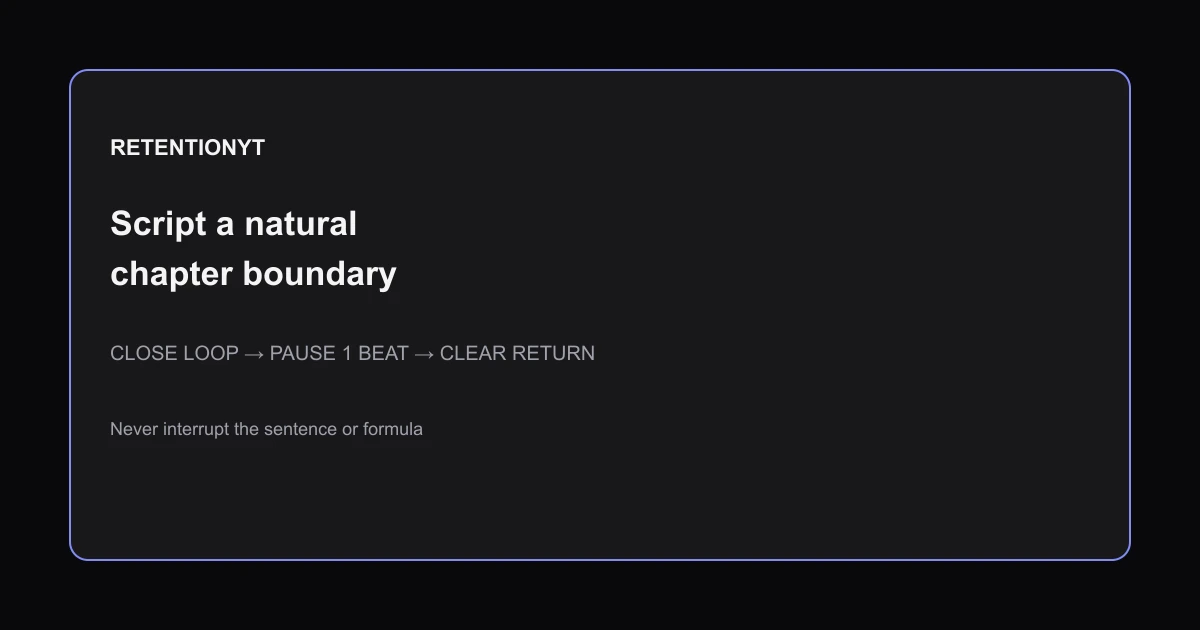
Mid-roll Ad Breaks: Script a Natural Chapter Boundary
Where to put midroll ads YouTube retention: script breaks at closed chapter loops, use a one-second landing pause, and never interrupt a formula or sentence.