Dual CTA: Next Video + Subscribe Without a Cliff
YouTube outro subscribe and next video without a drop: a dual CTA script for the last 20 seconds, with the next-video title first and a short subscribe ask second.

10 min readUpdated
In this guide
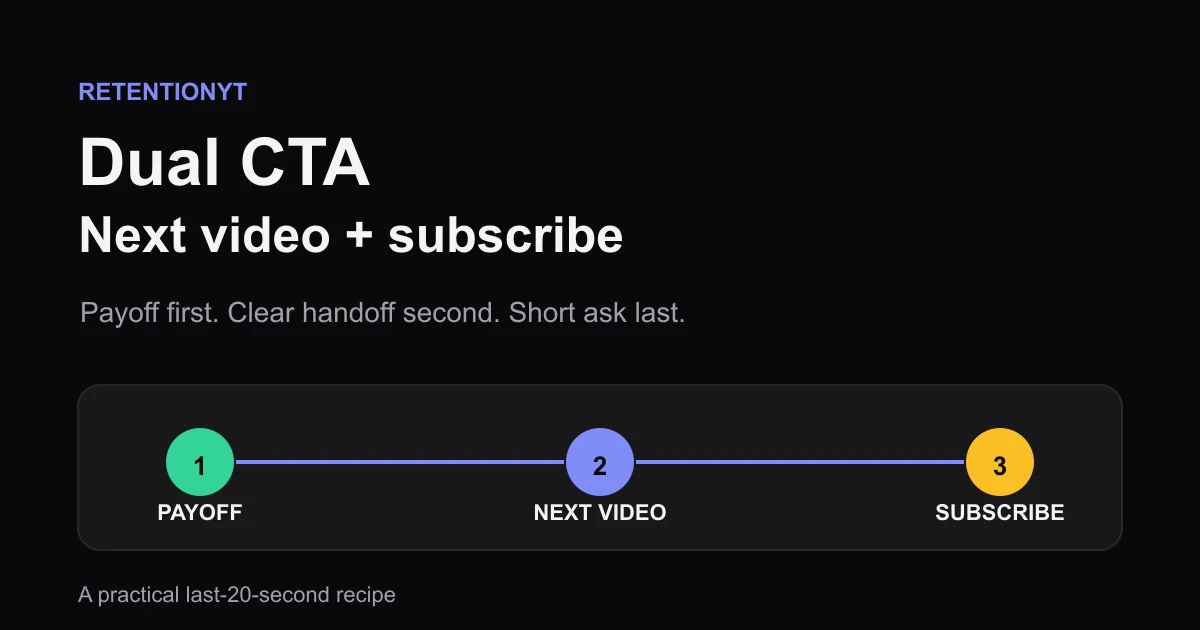
In the last 20 seconds, finish the job in this order: deliver the payoff, name the next video so its spoken title matches the end-screen thumbnail, then use a four-word subscribe ask. That order is a practical rule of thumb, not a platform guarantee. Reverse it and your ending can become a 40-second beg before the viewer sees a clear next action.

What Dual CTA actually is (and what it is not)
A dual CTA, or dual call to action, is one ending that gives the viewer two clear options: continue to a specific next video and, after that handoff is clear, subscribe. The point is not to cram two requests into the last breath. The point is to order them so the next action is concrete before the relationship ask arrives.
Treat the recipe as an editorial rule of thumb. “Next video first” is not a promise that YouTube will extend a viewing session, and “four words” is not a platform limit. You are choosing a short script that protects the payoff, reduces ambiguity, and gives you one repeatable version to test.
| Ending job | What you say | What the viewer should see | What to remove |
|---|---|---|---|
| Payoff | One sentence that closes this video’s promise. | The final proof, result, or answer. | A second introduction or long thank-you. |
| Next video | The specific title or tight title phrase. | The matching end-screen thumbnail. | “Watch another one” with no destination. |
| Subscribe | A short four-word ask, such as “Subscribe for more breakdowns.” | The subscribe option if your layout provides it. | A second pitch, benefit list, or guilt line. |
A dual CTA is not a demand to use every available button. It is not an analytics metric named by the locked YouTube Help pages in this brief. It is a script-and-layout handoff you can apply manually, then inspect against your own outro curve and click results.

Why this shows up in YouTube Studio
Your Studio screen is where you test the ending, not where you find a magic Dual CTA score. The locked sources do not currently support the brief’s expected end-screen guide or audience-retention guide: the first URL opens a channel-settings page, while the second opens a video-reach page. That source conflict matters because it changes what you may safely claim.
The currently accessible YouTube Help channel-settings page, accessed August 2026 documents Studio settings, not end screens. The currently accessible YouTube Help video-reach page, accessed August 2026 documents Content, a selected video, Analytics, and Reach reports, not a Dual CTA metric or audience-retention definition. I use those pages only for the behavior they actually show and keep the CTA sequence as an editorial recipe.
Open Studio on the upload you are testing. If an end-screen control is available, match its thumbnail to the title you plan to speak. Record the current path instead of copying an old tutorial.
After publishing, inspect the last 30 seconds. Mark the first fall against the payoff, next-title, and subscribe beats. Treat rehearsal percentages as illustrative unless they come from Studio.
For a companion on the metric distinction, use RetentionYT’s watch-time versus retention guide. For a placement-focused follow-up, read RetentionYT’s CTA placement guide. These links are reading paths, not evidence for a claim the locked YouTube pages do not contain.
Worked example 1: the failure
Consider an illustrative 8-minute upload whose last 40 seconds are scripted like this: “That is the result. Before you go, make sure you subscribe, turn on notifications, comment what you think, and watch another video on the channel.” The creator then spends 28 seconds explaining the channel before the end-screen cards appear.
| Illustrative moment | What the viewer hears | What the ending is doing | Diagnosis |
|---|---|---|---|
| 0:00–0:08 | “That is the result.” | Closes the promise, but does not show the next action. | Good payoff, incomplete handoff. |
| 0:08–0:24 | Subscribe, notifications, comment, channel history. | Stacks four asks before a destination. | The ending becomes a beg. |
| 0:24–0:40 | “Watch another video sometime.” | Leaves the next video unnamed. | High ambiguity at the handoff. |

These are illustrative timings, not a platform benchmark. The failure is sequencing, not the existence of a subscribe ask. A viewer who might continue has to wait through a list of requests, and the next-video option arrives as a vague instruction rather than a clear title.
Replay the final 40 seconds and mark the first moment where the script stops answering the viewer’s question. Cut the notifications and comment requests from this test. Keep the proof sentence, name one next video, and move the subscribe line after that name.
Worked example 2: the fix
Use the same video and write a 20-second ending as three beats: “That is the three-step fix.” Then: “Next, watch How to Read Your Audience Retention Curve.” Finally: “Subscribe for more breakdowns.” The title in the spoken line must be the same title your end-screen thumbnail makes visible; if the card uses a shorter title, speak the shortest unambiguous version instead.
This is a cleaner experiment because you changed the ending’s order and removed extra requests. The numbers you review afterward are still your own evidence. Do not promise a particular click rate or retention lift; compare the next upload with a similar prior ending and write down what changed.
Use RetentionYT only if you want help pressure-testing the script before recording. The manual method works without signing up: write the three beats, place the matching end-screen option, record the last 20 seconds, and inspect the result after publishing.
How to check this in YouTube Studio (step by step)
- Choose one upload and copy the current last 30 seconds into a note. Mark the payoff, next-video line, and subscribe line separately.
- Open YouTube Studio and select the upload. If you cannot see an end-screen control without signing in, record that access limitation rather than guessing.
- In the available video editor, place the next-video option beside the matching thumbnail or title. The locked source does not currently verify the exact editor path, so use the labels visible in your account.
- Read the last 20 seconds aloud with a stopwatch. The payoff should land first, the next-video title second, and the four-word subscribe ask last.
- Check the screen at the moment you speak the next title. If the title and thumbnail point to different videos, rewrite the spoken line or change the card.
- Publish or use the next eligible test upload. Keep the ending version, date, and destination title in a small log.
- When the report is available, inspect the final 30 seconds and mark the first visible fall. Compare it with the three script beats, not with an invented benchmark.
- Record the next-video click result if your Studio view exposes it. Treat the number as your upload’s observation, not a universal rate.
- Change one variable on the next test: title wording, timing of the subscribe line, or the destination video. Do not change all three at once.

That loop keeps the work honest. The YouTube retention tool can help you pressure-test the script before recording, while your own Studio report remains the place to review the published ending.
The trap
The first trap is subscribe-first language: “Before you go, subscribe…” It makes the ending about the channel before it makes the next action about the viewer. The second trap is the empty next-video line: “Click one of these.” If the spoken title and the visible thumbnail disagree, the viewer has to solve the navigation problem at the exact moment you are asking for another action.

The trap
The move
Do not solve a crowded ending by adding speed, music, or five animated arrows. Remove asks first. The viewer should understand the payoff, destination, and optional relationship ask even if the audio is muted or the card is briefly missed.
What to do in the next upload
Write the ending before you finish the edit. Pick the next video early enough that its title and thumbnail can agree with the spoken handoff. Then reserve the final 20 seconds for the payoff, one destination, and one short subscribe line.
Keep a version note: “Dual CTA v1 — payoff at 0:00, next title at 0:05, subscribe at 0:14.” Those times are your script plan, not a platform rule. If the next upload’s ending improves, keep the version; if it does not, change one beat and test again.
Use this checklist:
- I wrote the payoff before the subscribe line.
- I selected one specific next video.
- The spoken next-video title matches its end-screen thumbnail.
- The next-video handoff comes before the subscribe ask.
- The subscribe line is four words in this test version.
- I removed notifications, comments, and extra asks from the ending.
- I logged the date and version of the final 20-second script.
- I will inspect the final 30 seconds after the report is available.
- I will change one variable in the next test.
Where RetentionYT fits
Manual method works alone. Product shortens the loop. RetentionYT can help you pressure-test the final 20 seconds before recording; it does not replace checking the published upload in your own Studio view.
Give the viewer a clear next action before you ask for a longer relationship.
Frequently asked questions
- Should I ask to subscribe or click next first?
- Use the next-video handoff first, then ask for the subscribe. This is a practical sequencing rule, not a promise about recommendation behavior: give the viewer one clear continuation before adding a relationship ask. In your last 20 seconds, state the payoff, speak the next title exactly as the end-screen thumbnail reads, then use a short subscribe line.
- How long should a dual CTA be?
- Keep the dual CTA to the final 20 seconds as a working recipe, not a platform limit. Spend most of that window on the payoff and the next-video handoff, then reserve about four spoken words for the subscribe ask. If the script needs more explanation, the outro is doing too much; move context earlier and protect the handoff.
- Do end screens need a spoken title?
- An end screen can be easier to act on when your spoken words identify the same next video the viewer sees. Treat that as a clarity rule of thumb, not an official requirement: say the title or a tight spoken version that matches the thumbnail, then let the viewer choose. Do not invent a title that the end-screen card does not show.
- Why does my outro cliff?
- An outro cliffs when the video stops delivering value and switches into a long, generic ask. Viewers hear a second promise, wait for the point, and leave before the next-video option is clear. Replay the final 30 seconds, mark the first drop, and cut channel history, repeated thanks, and multiple requests before rewriting the handoff.
- Can I skip subscribe if I have a strong next video?
- You can skip the subscribe line when the next video is the stronger immediate goal, especially when a second ask would make the ending feel crowded. The dual CTA is a recipe, not a duty: keep the next-video handoff, test the shorter ending, and compare the result with a similar upload. Never pretend the test proves a universal rule.
- How do I apply “Dual CTA” on my next upload?
- Write the final 20 seconds before you record: one payoff sentence, one spoken next-video title that matches the end-screen thumbnail, and a four-word subscribe line. Place the end-screen elements to match that script, record the version, and later compare the outro curve and next-video clicks. Label any numbers in your notes as illustrative.
- Where in YouTube Studio do I check “Dual CTA”?
- YouTube Studio has no locked-source page in this brief that names a “Dual CTA” report. Check the selected video’s analytics and the end-screen controls available in your account, then compare the final 30 seconds with the next-video click result if your Studio view exposes it. Do not assume an old menu path or claim a metric you cannot see.
- What is the most common mistake with “Dual CTA”?
- The most common mistake is asking for subscribe before giving the viewer a clear next action. That reverses the job of the ending: the viewer needs a satisfying payoff and a visible continuation before a short relationship ask. Rewrite the last 20 seconds, keep one next-video title, and remove every extra request.
Give your next script a second look
Paste a script into RetentionYT for suggestions on your hook, pacing, and structure. Choose the edits that serve your video, then check audience behavior in YouTube Analytics after publishing.
Get retention tips in your inbox
Occasional, practical emails on hooks, pacing, and retention. No spam.
Related posts
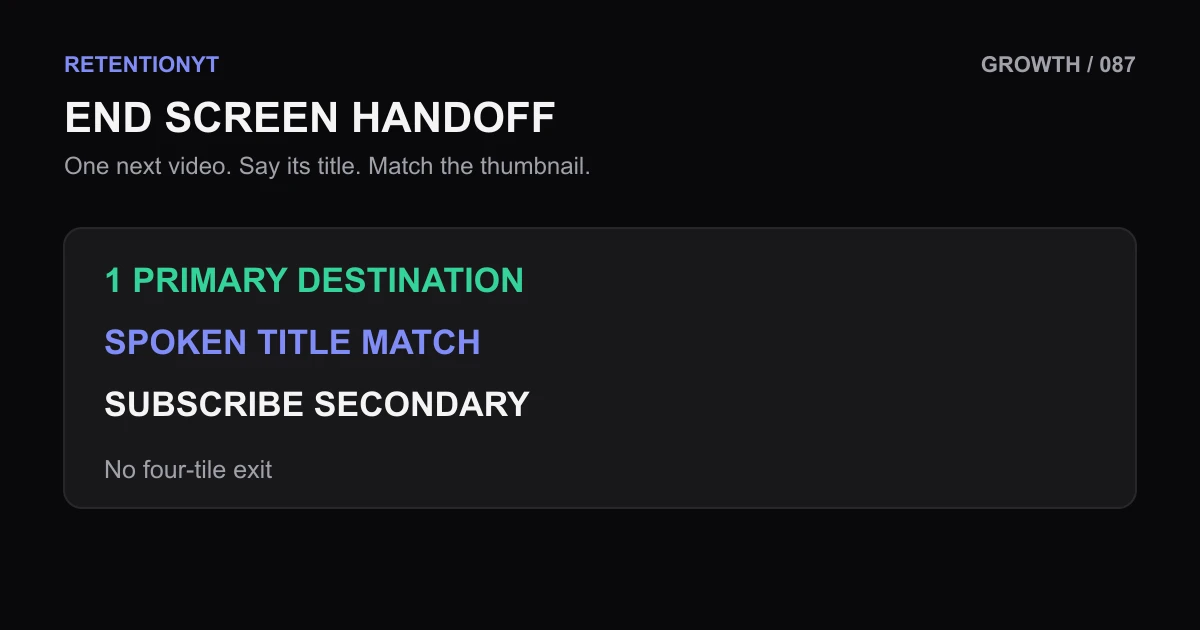
End Screen: One Next-Video Spoken Title That Matches the Thumbnail
Use one clear next-video end-screen element, speak its title verbatim, match the thumbnail promise, and keep the second element for subscribe instead of building a four-tile exit.
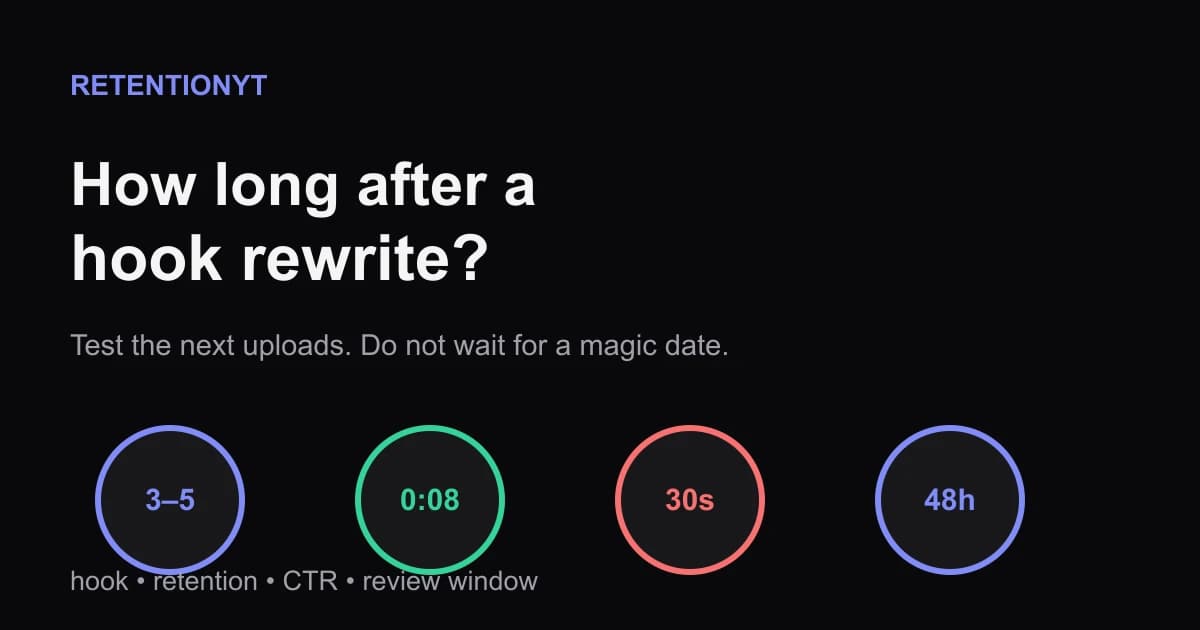
How Long After a Hook Rewrite Do Impressions Move?
How long until YouTube impressions recover after a better hook? Use the next 3–5 uploads, first-30-second retention, CTR, and 48-hour checks without guessing.
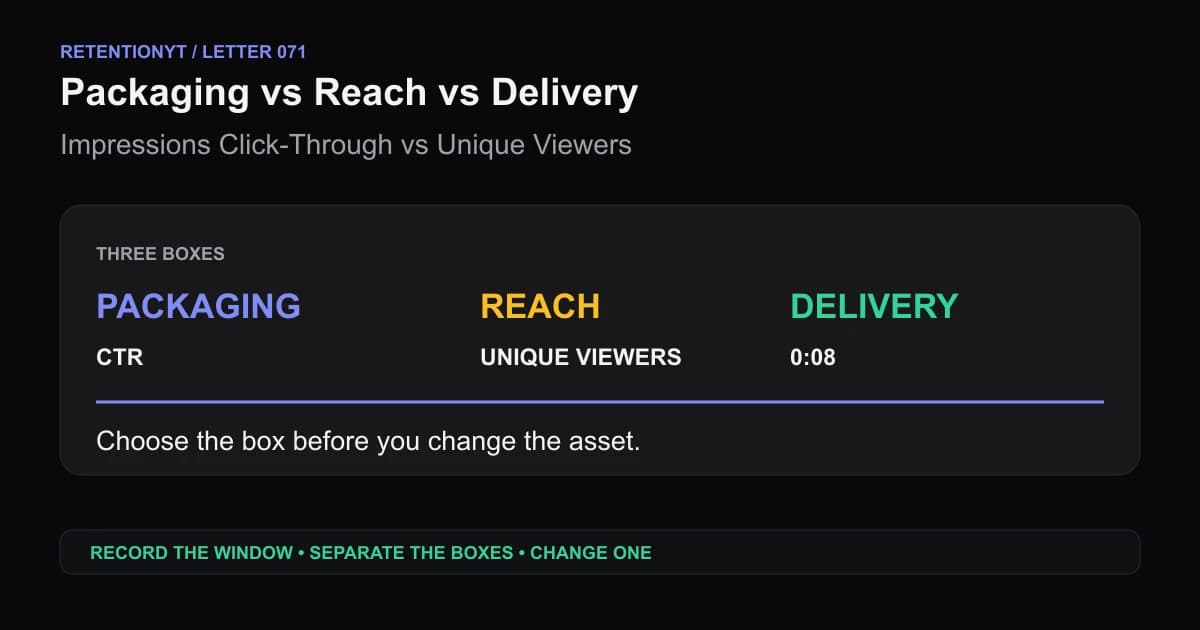
Impressions Click-Through vs Unique Viewers: Packaging vs Delivery
When YouTube CTR is high but unique viewers are low, separate packaging, reach, and delivery before you rewrite the script or replace the thumbnail.