End Screen: One Next-Video Spoken Title That Matches the Thumbnail
Use one clear next-video end-screen element, speak its title verbatim, match the thumbnail promise, and keep the second element for subscribe instead of building a four-tile exit.

9 min readUpdated
In this guide
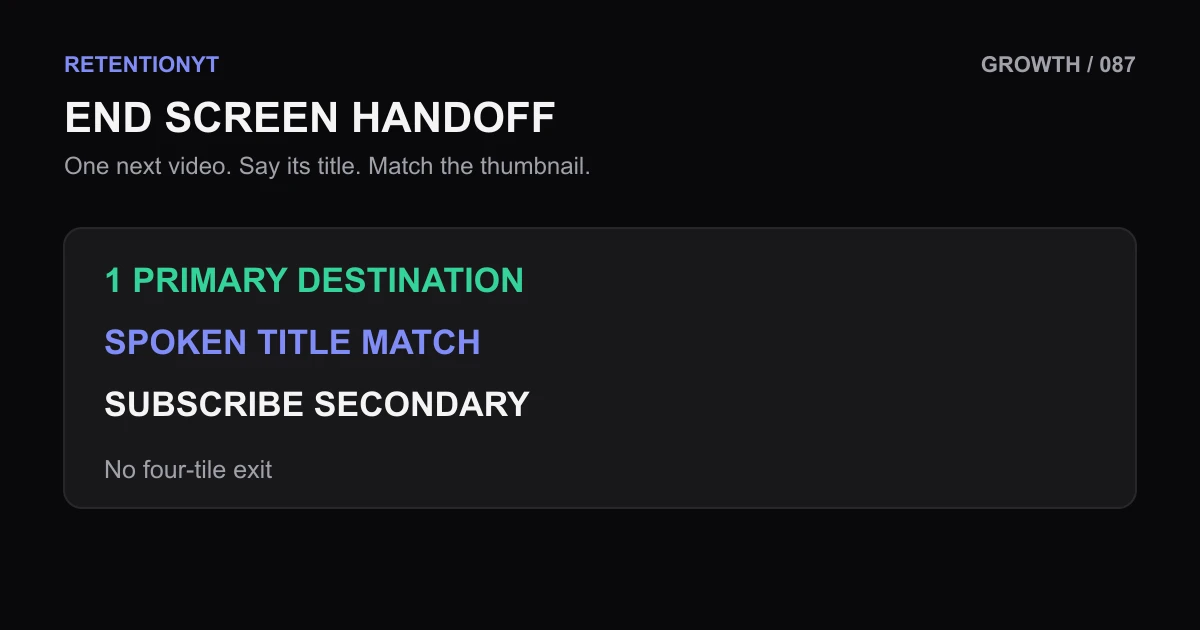
Use one clear next-video element, say its title verbatim, and make the spoken promise match the thumbnail. Keep the outro to a deliberate 15–20 seconds, with subscribe as the secondary element if you need it. Four equal tiles ask your viewer to browse when you should be handing them one obvious next step.
What End Screen actually is (and what it is not)
An end screen is the clickable layer placed over the closing seconds of a YouTube video. It is not the outro script, and it is not a gallery of every video you could recommend. The end screen should finish the current promise by offering one next action that makes sense.
The working rule is simple: one big next-video element, then subscribe if it belongs in the close. Your spoken line carries the handoff. If the tile says “Fix Your Hook in 3 Steps,” your voice should say that title or the same promise, not “Check out something else.”
| End-screen part | Job | Strong version | Weak version |
|---|---|---|---|
| Next-video element | Give one primary next action | One clearly chosen video | Four equal tiles |
| Spoken title | Name the destination | Say the next title verbatim | “Watch another one” |
| Thumbnail | Reinforce the promise | Same central outcome | Different topic or outcome |
| Subscribe element | Provide a secondary action | Small, clearly secondary | Competes with the next video |
This is a creator-side sequencing method, not a guaranteed ranking rule. The locked source labeled SOURCE 1 currently opens YouTube’s channel-settings page rather than an end-screen guide, so it cannot support a claim about end-screen elements or timing. We keep those claims as editorial guidance and document the conflict in the handoff.

Where RetentionYT fits
Manual method works alone. Product shortens the loop. Use RetentionYT if you want a faster pre-publish script review, but decide the next-video promise yourself.
Why this shows up in YouTube Studio
Your end screen is written in the script but checked in the published workflow. YouTube Help’s current Reach page says the Reach tab helps creators understand how viewers find content and provides a snapshot of metrics including click-through rate, watch time, views, and more. It documents the computer path as YouTube Studio, Content, the selected video, Analytics, then Reach. Read the current SOURCE 2 wording before relying on a menu label.
The other locked URL, SOURCE 1, currently resolves to “Manage channel settings,” with steps for Settings and Channel. It does not contain the end-screen instructions named in the brief.
The related tool can shorten a script review, while watch time versus retention gives you a separate way to think about minutes and the share of a video viewers keep. Neither replaces a phone-width preview of the actual ending.
Worked example 1: the failure
Imagine a six-minute tutorial called “Fix Your Audio in 5 Minutes.” At 5:42, the creator says, “Thanks for watching. Pick another video,” while four end-screen tiles appear: lighting, editing, a vlog, and a subscribe panel. None of the titles is spoken, and the thumbnail for the most relevant tile says “Stop Echo Fast.”
The viewer now has two problems. First, the voice gives no reason to choose one tile. Second, the screen offers unrelated destinations with equal visual weight. The close has become a slot machine: click something, or leave.
| Illustrative moment | What appears | Decision problem |
|---|---|---|
| 5:42 | Vague goodbye | No destination is named |
| 5:45 | Four equal tiles | Too many first choices |
| 5:50 | Mixed thumbnails | Promises do not align |
| 5:58 | Outro ends | The handoff never became specific |
These timestamps and the slot-machine comparison are illustrative, not a published YouTube benchmark. They are a script diagnosis for showing why a four-tile collage can create friction. Your own graph and click behaviour are the evidence for your channel.
Worked example 2: the fix
Keep the same tutorial, but choose one next video: “Stop Echo Fast.” Rewrite the close so the creator says, “If your room still sounds hollow, watch Stop Echo Fast next. It shows the three changes I would make first.” Then place the matching video element as the main destination and keep subscribe smaller and secondary.
The thumbnail does not need to copy the title character for character. It needs to reinforce the same outcome: reduce room echo quickly. The spoken words, clickable title, and visual promise now point in one direction.
For a finance creator, the next title might be “Read a Cash-Flow Statement.” For a gaming creator, it might be “Win the First Boss Fight.” For an AI educator, it might be “Build a Reliable Prompt Test.” These are illustrative examples, not channel case studies or published performance claims.


How to check this in YouTube Studio (step by step)
- Open the next upload’s script and write the destination video title above the final paragraph.
- Read that title aloud. Rewrite the sentence until the spoken promise and thumbnail’s central outcome agree.
- Keep 15–20 seconds of clean outro footage as a production target. Do not treat it as a platform guarantee.
- Open the upload’s end-screen editor in YouTube Studio and add one prominent next-video element.
- Add subscribe only as the secondary element, if it serves the close.
- Preview the ending at phone width. Check that the spoken title, tile, and thumbnail point to the same outcome.
- Save the upload date, end-screen start time, element count, and spoken-title wording in your test note.
- To inspect the related Reach report, follow YouTube Help’s documented path: Studio, Content, selected video, Analytics, Reach.
- Compare the next upload with a similar prior upload before changing the element count again.
The related post covers the broader cost of asking for actions during a video. Here, keep the end-screen ask narrow: speak one destination, show one destination, and let the viewer decide without decoding a collage.

The trap
The trap is adding elements because the editor makes them available. Availability is not hierarchy. If every tile is equally loud, your viewer must do the sorting that your outro should have done.
Another trap is reading a different title than the one on the thumbnail. Small wording differences are fine when the outcome is the same; a different outcome is not. Say the title you want clicked, then make the thumbnail support it.
A final trap is turning 15–20 seconds into a rigid platform rule. Use that span as a production target for a clean spoken handoff, then check whether your footage, topic, and audience need more or less. The locked sources do not publish a universal ideal duration for every end screen.
The trap
The move

What to do in the next upload
Write the handoff before you edit the last ten seconds. The cleanest end screen is usually decided in the script, not rescued by adding more boxes in the editor.
- Choose one next video before recording the outro.
- Write its exact title in the script.
- Say the title verbatim in the spoken close.
- Match the thumbnail’s central outcome to that title.
- Keep 15–20 seconds as a production target, not a guarantee.
- Make the next-video element visually primary.
- Add subscribe only as a secondary element when needed.
- Preview the ending at phone width.
- Record element count, start time, and wording for the test.
- Compare against a similar prior upload before changing the mix.
A strong outro does not make the viewer solve a menu. It completes one promise and offers one sensible continuation. When the title, thumbnail, voice, and end-screen element agree, the session handoff becomes easy to understand.
One decision is a session; four equal tiles are a menu.
For another CTA placement perspective, read YouTube CTA placement. Use RetentionYT when it speeds up your pre-recording review; the manual method works without signing up.
Frequently asked questions
- How many end-screen elements should I use?
- Start with one next-video element and, if you need it, one subscribe element. That gives the viewer a primary decision instead of a collage of equal-looking exits. Use more only when the ending has a clear reason for each choice and the labels remain readable on a phone.
- Should I say the next title?
- Yes. Say the next video’s title or its exact promise in the spoken outro, then let the end-screen element repeat that same decision. Verbatim does not mean robotic; it means your voice, words, thumbnail, and clickable destination all point to one next action.
- Does the title have to match the thumbnail?
- It should match the promise, not necessarily every character. If the thumbnail says “Fix Your Hook” and you speak “My Camera Setup,” the viewer receives two different next-video choices. Keep the central outcome aligned, then use the thumbnail and spoken line to reinforce one decision.
- How long is the end screen?
- For this method, plan a spoken outro of 15–20 seconds and leave enough clean footage for the end-screen element to remain readable. The exact editor duration depends on the video and the current Studio interface. Treat 15–20 seconds as a production target, not a platform guarantee.
- Best element mix?
- Use one prominent next-video element and a secondary subscribe element when subscription is part of the ending. The next video gets the spoken title and the strongest visual attention. Avoid four equal tiles unless your viewer genuinely needs four choices and you can explain the decision hierarchy.
- How do I apply “End Screen” on my next upload?
- Choose the one next video before you write the outro. Say its title exactly, keep 15–20 seconds of clean ending footage, add one prominent video element, and place subscribe second if needed. Preview the mobile-sized composition, then save the version whose thumbnail and spoken promise agree.
- Where in YouTube Studio do I check “End Screen”?
- Open the video in YouTube Studio and use the end-screen editor exposed for that upload; menu names can change. For the locked analytics source, YouTube Help currently documents Studio, Content, the selected video, Analytics, then Reach. Use that report to inspect the video, not as a substitute for previewing the end-screen composition.
- What is the most common mistake with “End Screen”?
- The common mistake is offering several equal destinations while saying one vague goodbye. Four tiles turn the final seconds into a choice problem, and a spoken title that differs from the thumbnail weakens the handoff. Choose one next video, say its title, and let the second element stay secondary.
Give your next script a second look
Paste a script into RetentionYT for suggestions on your hook, pacing, and structure. Choose the edits that serve your video, then check audience behavior in YouTube Analytics after publishing.
Get retention tips in your inbox
Occasional, practical emails on hooks, pacing, and retention. No spam.
Related posts
How Long After a Hook Rewrite Do Impressions Move?
How long until YouTube impressions recover after a better hook? Use the next 3–5 uploads, first-30-second retention, CTR, and 48-hour checks without guessing.
Impressions Click-Through vs Unique Viewers: Packaging vs Delivery
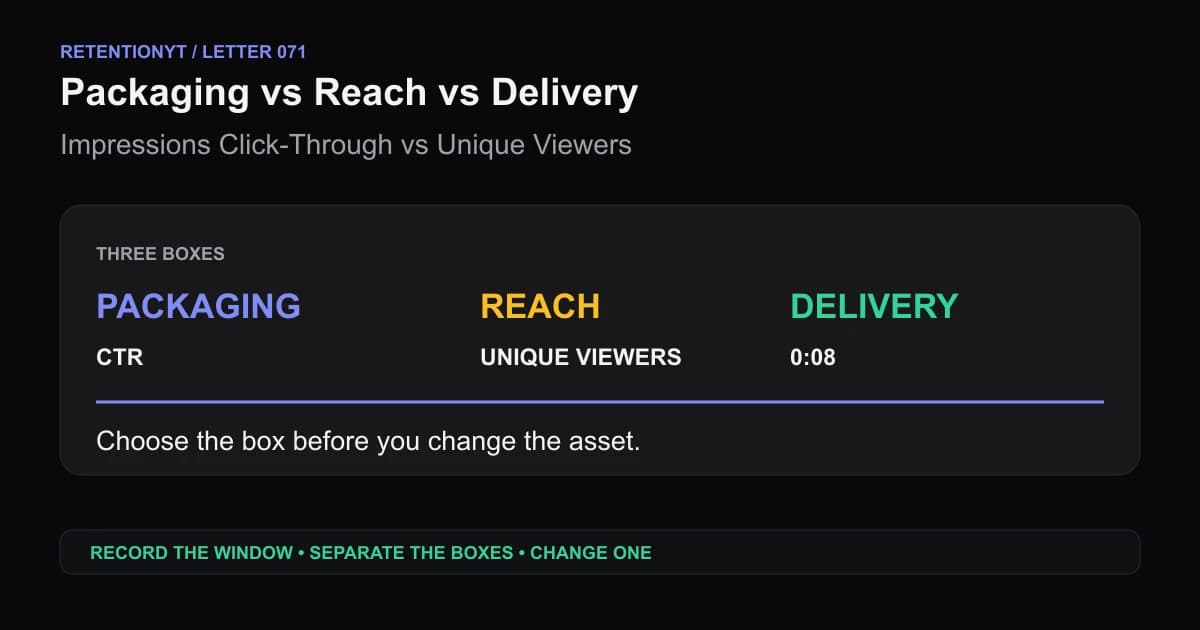
When YouTube CTR is high but unique viewers are low, separate packaging, reach, and delivery before you rewrite the script or replace the thumbnail.
Link in Description Timing: After the Payoff
When to say link in description YouTube creators can use without cutting the payoff: deliver the result first, then place the exit ramp where intent is highest.