Impressions Click-Through vs Unique Viewers: Packaging vs Delivery
When YouTube CTR is high but unique viewers are low, separate packaging, reach, and delivery before you rewrite the script or replace the thumbnail.

10 min readUpdated
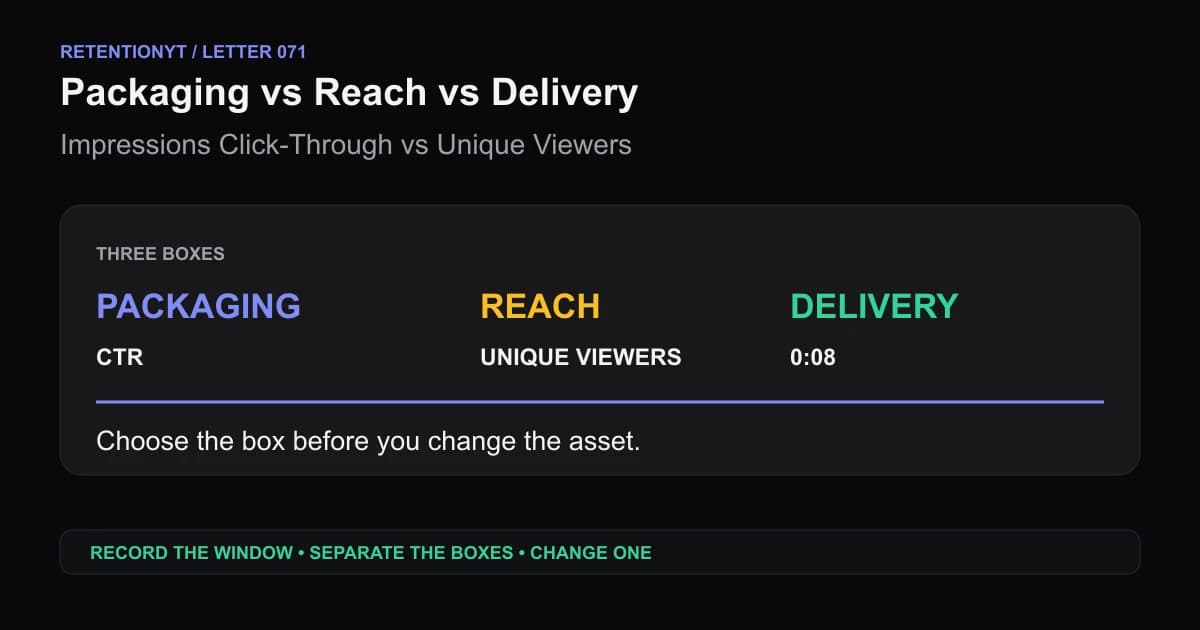
In this guide
If your CTR is high but unique viewers are low, do not rush to rewrite the script. Start with three boxes: packaging earns the click, reach describes how far the offer travelled, and delivery is what happens after playback begins. Then mark the first 8 seconds. A high CTR with a cliff is a delivery problem; a low CTR with a strong graph is a packaging problem.
What Impressions Click-Through vs Unique Viewers actually is (and what it is not)
This is a decision rule for diagnosing the right asset. Packaging means the title and thumbnail that earn a view from an impression. Unique viewers is YouTube’s estimated number of viewers who watched your content within the selected date range. Delivery means how the video performs after the viewer arrives, especially at the first useful retention checkpoint.
The phrase is not a new YouTube metric. It is a three-box note beside one upload: what the thumbnail earned, how many people the report estimates, and what the opening did after playback.
SOURCE 2 says that, beginning August 24, 2026, views are counted the moment a video starts to play across Shorts, long-form video, and live streams. It also says that the update does not change YPP earnings or eligibility: earnings remain based on engaged views and engaged watch hours, while eligibility remains based on qualified views. Read SOURCE 2, August 2026 when you need the exact distinction between public views and those separate engagement uses.
| Box | What to write down | What it can change |
|---|---|---|
| Packaging | Impressions and CTR context | Title, thumbnail, or promise |
| Reach | Unique viewers, public views, and date range | Distribution diagnosis or comparison window |
| Delivery | First 8 seconds and retention shape | Hook, first proof, or opening edit |
A low unique-viewer count is not automatically a reach failure; it may be a narrow window, small impression pool, format difference, or mixed comparison. High CTR is not proof that the opening worked.

Why this shows up in YouTube Studio
SOURCE 2 says YouTube engagement metrics reflect how many times a video or channel has been interacted with, and that systems take time to determine which events are legitimate. It also says metrics may temporarily slow, freeze, change, or discard low-quality playbacks while they are confirmed. That is why your note needs a date range and a report name instead of a screenshot with no context.1
The same page says you can monitor views more closely with YouTube Analytics, while realtime activity shows estimates of potential view activity that may not match the watch-page number. This is a source-supported reason to keep public views, unique viewers, and any realtime number in separate columns. Do not merge them into a single “reach score.”1
The SOURCE 1, August 2026 Creator Insider update says public views count from the first frame across formats and that the change does not affect CTR, average view duration, retention, recommendations, or YPP. The locked video returned an anti-bot response in the browser; its content was inspected through video analysis and the boundary is recorded in the handoff.
Read the three boxes without overclaiming
Start with the report date. Then record the available impressions or CTR context, unique viewers, public views, and first 8-second retention note. If your account exposes a different report name, copy the current label.

Do not call a low unique-viewer number a failure until you know the opportunity pool or call high CTR a success until you know whether the opening delivered.
Worked example 1: the failure
Imagine a video with a clear thumbnail and a title promising a retention audit. The creator sees an illustrative 7.4% CTR and assumes the hard work is finished. They then see a small unique-viewer count, panic about reach, and rewrite the first thirty seconds even though the real issue is that the comparison used a short date range with few impressions.
The values below are illustrative, not YouTube data. They show the shape of a useful note, not a benchmark. Keep the actual upload, date range, source labels, and report names beside any real numbers.
| Checkpoint | Illustrative reading | Failure interpretation |
|---|---|---|
| Impressions | Illustrative 1,200 | The opportunity pool is limited |
| CTR | Illustrative 7.4% | The package earned a test click |
| Unique viewers | Illustrative 84 | The selected window is small |
| 0:08 retention | Illustrative 41% | Delivery also needs inspection |
The mistake is choosing one explanation too early. Compare a more useful window, then rewrite the first proof only if the cliff repeats.

Worked example 2: the fix
Keep the thumbnail for the next comparable upload. Write one note before publishing: “The title promises a retention audit; sentence 1 will name the graph, and frame 1 will show the first drop.” After publishing, record the same date range, impressions context, unique viewers, public views, and 0:08 note.
If the package continues to earn clicks and the same opening cliff appears, fix delivery. Rewrite the first line to name the graph, show the first proof, and state the next beat. If the graph holds but the package receives little opportunity, stop rewriting the script and inspect the title, thumbnail, and distribution context instead.
Use the number to choose the box, not to blame the whole video.

How to check this in YouTube Studio (step by step)
1. Lock the comparison window
Open YouTube Studio. Write the video, format, publish date, report date, and selected date range. A number without a window is not a diagnosis.
2. Record packaging context
Write the impressions and CTR context available for the upload. Do not label a CTR good or bad from a universal benchmark; use a comparable video or the creator’s own history. The source distinction is simple: thumbnail exposure and the view that follows belong in the packaging box.
3. Record reach context
Write unique viewers, public views, and any source or distribution labels your account exposes. Keep unique viewers separate from views. SOURCE 2 says public views count when playback starts after August 24, 2026, while engaged views and qualified views still serve separate purposes. Do not use the public-view change as proof that the thumbnail or hook changed.
4. Mark delivery at 0:08
Transcribe the first sentence and describe frame 1. Then note what happens at 0:08 in the retention view available to your account. If the title promise is still unclear, write “delivery: promise delayed.” If the promise is clear but the graph holds, do not rewrite the opening to solve a packaging or reach problem.
5. Choose one box
Use packaging when impressions exist but the click signal is weak. Use reach when the comparison window or opportunity pool is too limited to support a conclusion. Use delivery when viewers arrive and the early opening repeatedly loses them. If two boxes are weak, choose the one you can change and measure first.
6. Make one controlled change
Change one thumbnail, one title promise, or one opening. Record the old and new wording. Avoid changing all three at once because you will not know which edit changed the result.
7. Review the next comparable upload
After publishing, record the same fields and date range. Compare format with format and topic with topic where possible. A result that does not repeat is evidence for another question, not a new platform law.
Where RetentionYT fits
Manual method works alone. Product shortens the loop. Use RetentionYT when you want a wording pass before recording, but keep the three-box decision tied to your own reports and opening.
For an additional workflow, use the YouTube retention tool as a planning aid, not as a replacement for Studio evidence. Keep the method manual and write down what the account actually exposes.
The trap
The trap is treating every low number as an algorithm problem. If your CTR is 1.2%, the first action is not to polish the hook; the package may not be earning enough opportunity. If your CTR is strong and viewers leave at 0:08, a new thumbnail may only make the same delivery problem arrive faster.
The trap
The move
Do not confuse unique viewers with a count of every person who saw an impression. Do not confuse public views with engaged views. Do not confuse a 0:08 checkpoint with a universal platform threshold. The names matter because the repair follows the definition.

What to do in the next upload
Use the next upload as a controlled diagnostic. Identify whether the next action belongs to packaging, reach, or delivery.
- Record the exact video, format, publish date, and date range.
- Write the thumbnail promise in one concrete sentence.
- Record impressions and CTR context.
- Record unique viewers separately from public views.
- Note the first sentence and frame 1.
- Mark the first 8-second retention checkpoint.
- Label every synthetic number illustrative or remove it.
- Choose one box before choosing a fix.
- Change one thumbnail, title promise, or opening.
- Compare the next upload with a like-for-like reference.
Read Watch time vs retention and YouTube CTA placement for related workflows, not universal targets.
When numbers disagree, write the window, separate public views from engaged uses, identify the box, and check 0:08. Then make one explainable change.
References
Frequently asked questions
- What if CTR is high but unique viewers are low?
- Separate the three signals before changing anything. CTR describes views after thumbnail exposure, unique viewers estimates people who watched in the selected date range, and retention shows how moments held attention. A high CTR with low unique viewers may reflect limited distribution or a narrow reporting window, not a broken script. Compare like-for-like uploads and inspect the first 8 seconds.
- Is that a reach problem?
- It can be, but do not label it from one ratio alone. Check how many impressions were available, where viewers found the content, and whether the selected date range is comparable. If the package earns clicks but the video reaches few people, investigate distribution context. If viewers arrive and leave at 0:08, investigate delivery instead.
- Should I change the thumbnail or the hook?
- Change the thumbnail when the package is not earning enough clicks from the impressions it receives. Change the hook when viewers arrive and the early retention shape drops because the promise is delayed or unclear. Do not recut the hook to solve a packaging problem, and do not redesign the thumbnail to solve a 0:08 delivery problem.
- Where do I see these in Studio?
- Open YouTube Studio and use the Analytics reports available to your account. SOURCE 2 documents engagement metrics and says YouTube Analytics can monitor views more closely, while SOURCE 1 covers the public-view update. For a practical audit, record the date range, impressions or CTR context, unique viewers, and the early retention checkpoint in one note.
- Did 2026 view counting change CTR?
- No. The locked SOURCE 1 analysis and SOURCE 2 state that the August 24, 2026 public-view counting update does not affect CTR, average view duration, retention, recommendations, or YouTube Partner Program earnings or eligibility. Public views begin when playback starts, while engaged and qualified definitions remain relevant to their separate uses.
- How do I apply “Impressions Click-Through vs Unique Viewers” on my next upload?
- Before publishing, write down the thumbnail promise and the first proof. After publishing, record the date range, impressions or CTR context, unique viewers, public views, and the first 8-second retention note. Decide which box is weakest, change one related asset, and compare the next upload with a similar format instead of a platform-wide benchmark.
- Where in YouTube Studio do I check “Impressions Click-Through vs Unique Viewers”?
- Open YouTube Studio, choose Analytics, and inspect the view, reach, engagement, or content reports your account exposes. The exact layout can change, so copy the report names and date range into your note. The method is an editorial diagnostic built from available reports, not a native Studio button named after this phrase.
- What is the most common mistake with “Impressions Click-Through vs Unique Viewers”?
- The common mistake is treating one number as a verdict. A creator sees a low unique-viewer count and rewrites the hook even when the video received few impressions, or sees high CTR and ignores a 0:08 cliff. Keep packaging, reach, and delivery separate; then change the asset that matches the diagnosed weakness.
Give your next script a second look
Paste a script into RetentionYT for suggestions on your hook, pacing, and structure. Choose the edits that serve your video, then check audience behavior in YouTube Analytics after publishing.
Get retention tips in your inbox
Occasional, practical emails on hooks, pacing, and retention. No spam.
Related posts
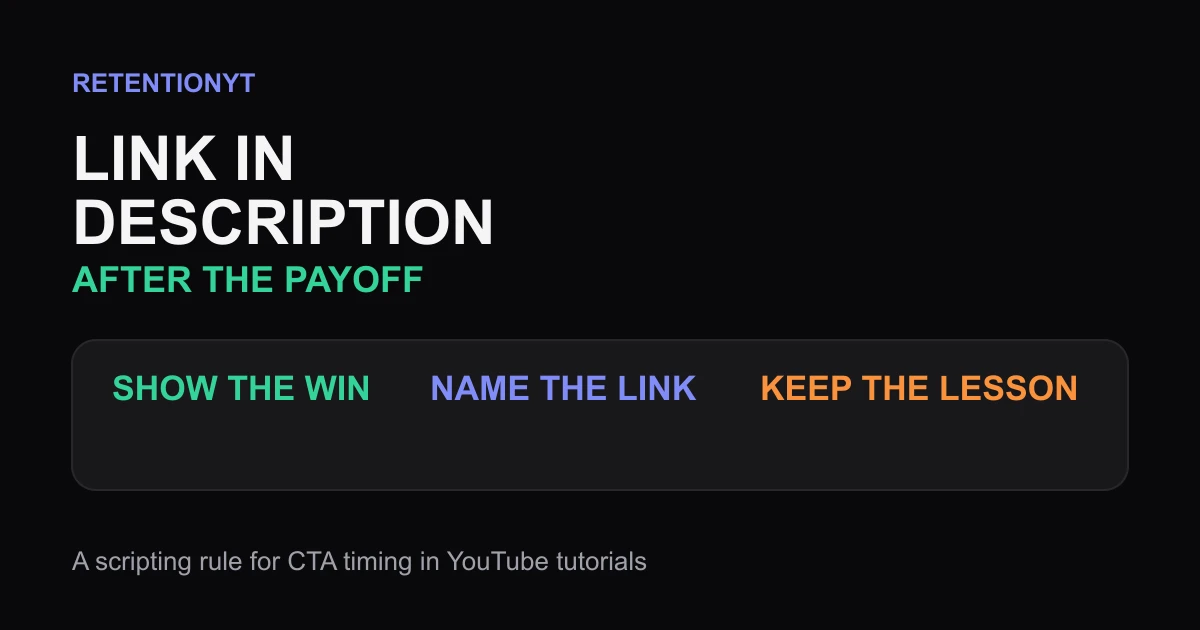
Link in Description Timing: After the Payoff
When to say link in description YouTube creators can use without cutting the payoff: deliver the result first, then place the exit ramp where intent is highest.
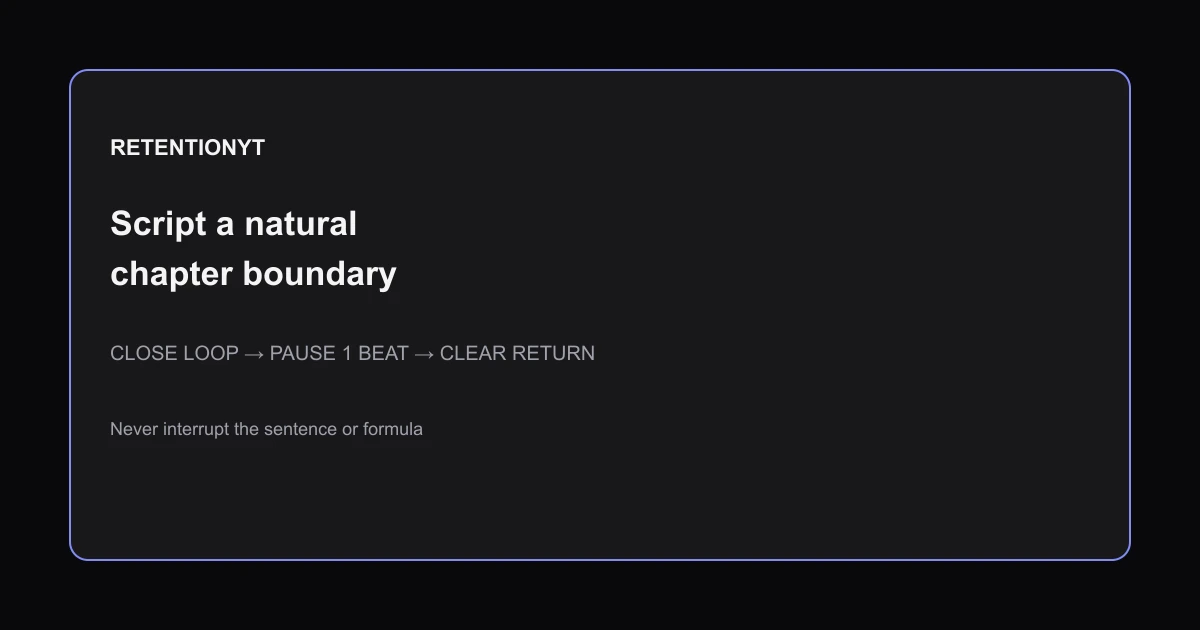
Mid-roll Ad Breaks: Script a Natural Chapter Boundary
Where to put midroll ads YouTube retention: script breaks at closed chapter loops, use a one-second landing pause, and never interrupt a formula or sentence.
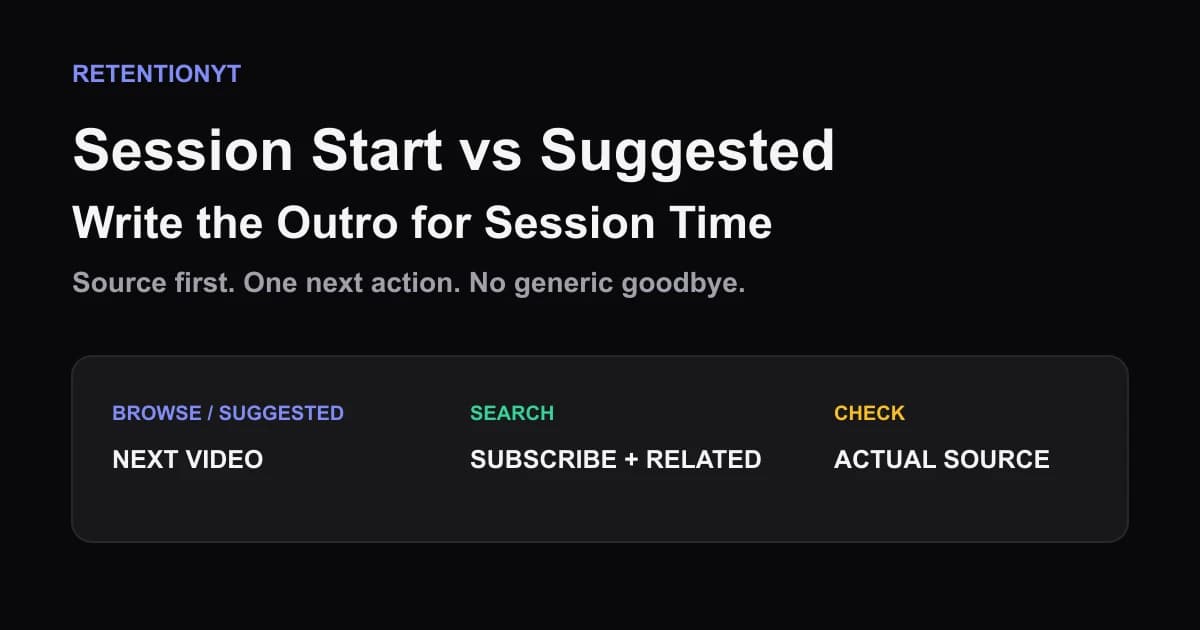
Session Start vs Suggested: Write the Outro for Session Time
YouTube session watch time outro: choose the next video for Browse/Suggested, then use Search traffic to earn a subscribe without a generic goodbye.