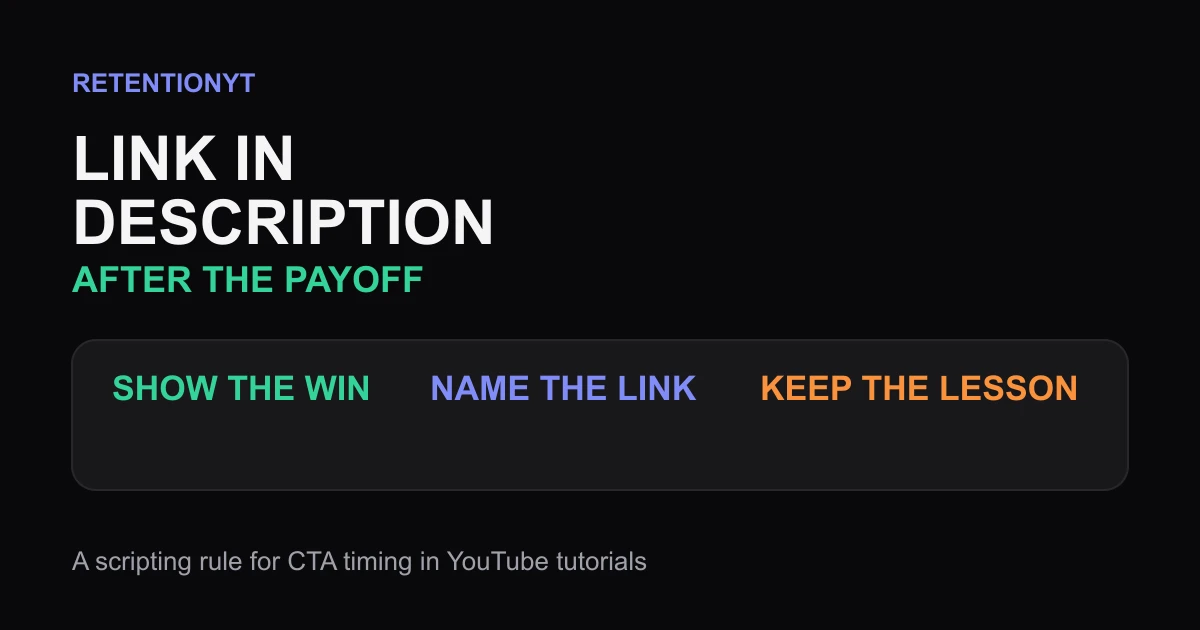
Link in Description Timing: After the Payoff
When to say link in description YouTube creators can use without cutting the payoff: deliver the result first, then place the exit ramp where intent is highest.

9 min readUpdated
In this guide
Say “link in description” after the viewer has a reason to click, not as a pre-roll. At 0:40 it can sound like a leave command; after the rewrite it can sound like a next step. If you demo a tool, show the result first so leaving is optional.

What Link in Description Timing actually is (and what it is not)
Link in Description Timing is a script rule: earn the click before you ask for it. A CTA, or call to action, asks the viewer to do something. “Link in description” is an exit-ramp CTA because it points attention toward another destination.
That does not make the phrase bad. It makes placement part of the job. Before the first result, the CTA competes with the promise. After the result, it can answer the natural next question: “Where can I get the template, tool, or full example?”
No timestamp works for every channel. Use this rule of thumb: show proof, name the destination, and make the action specific. No sign-up needed.
| Moment | What you say | Viewer job | Timing rule of thumb |
|---|---|---|---|
| Before the first result | “Link in description” | Leave or switch context | Avoid unless the link is essential and already explained |
| After a solved step | “The template is in the description” | Continue or open later | Good soft-ask position |
| After the promised outcome | “Use the full tool below” | Choose the next step | Strongest product-ask position |
| End screen | “Watch the next lesson” | Continue on-platform | Keep the core lesson finished first |
Make the destination specific: “the blank worksheet is in the description” gives the click a job. Keep all wording aligned.
These are editorial targets, not YouTube benchmarks. Use them to mark the script.
Why this shows up in YouTube Studio
Source 1 says the Reach tab helps you understand how viewers find content and documents the path through YouTube Studio, Content, the selected video, Analytics, and Reach. It also describes external sites or apps, relevant when a CTA points outside the video (August 2026, SOURCE 1).
Source 2 says the Content tab summarizes how your audience finds content, what it watches, and how it interacts with content, and is available at channel level. Neither page names this rule as a native metric, so treat it as a script annotation (August 2026, SOURCE 2).
The locked Source 1 URL opens to a Reach page, not the brief’s stated Audience retention page. It does not expose the requested retention-graph or key-moments wording. The curve below is illustrative; unsupported claims are not assigned to that source.

Log the CTA timestamp, exact sentence, preceding visual, and next promise. Do not treat the shape as proof of one cause; check whether the ask arrived before the viewer had a reason to act.
Worked example 1: the failure
This illustrative example is not YouTube data. A creator records a 6:00 thumbnail tutorial. At 0:40, before the first finished thumbnail appears, the creator says, “The preset pack is linked in the description, so go grab it before we continue.”
The viewer hears a destination before seeing the result. The CTA asks them to leave while the video is still proving value.
| Illustrative time | What happens | CTA problem | Better diagnosis |
|---|---|---|---|
| 0:40 | Link is announced | Exit ask before proof | Move the ask after the first finished thumbnail |
| 0:48 | Screen switches to settings | Viewer still lacks the result | Keep one visual task on screen |
| 1:30 | First partial improvement appears | The link’s value is still unclear | Name the exact asset and show its use |
| 2:10 | Template finally works | Payoff arrives late | Ask after the visible win, then continue |
The timestamps are illustrative, not a published benchmark. The failure is the order: leave command, then proof. Repair that before changing the title or thumbnail.
Worked example 2: the fix
Let the result land at 1:20. Show the finished thumbnail, point to the changed setting, and say: “The preset used here is in the description if you want to copy the setup. Next, I’ll show two mobile settings.”
The viewer sees the win and knows what the link contains. Clicking is optional.

This rule of thumb is not a watch-time guarantee. Move the CTA, keep the destination clear, and record the surrounding seconds.
How to check this in YouTube Studio (step by step)
Link in Description Timing is not an official Studio counter. Use Studio to inspect the CTA context, then use your script as the test record.
-
Mark every exit-ramp sentence. Highlight “link in description,” “download below,” “go to the site,” and similar phrases. Label each one with its exact timestamp.
-
Mark the payoff before each ask. Write the visible result, solved sub-problem, or proof that arrives immediately before the CTA. If there is no payoff, mark the CTA as an early ask.
-
Open YouTube Studio and choose the available report. Source 1 documents the Reach path; Source 2 provides Content-tab context. Use your available report; do not invent a path.
-
Inspect the surrounding response. Compare the seconds before and after the CTA with the words, visual, and next promise. This is a diagnostic observation, not proof of one cause.
-
Check the destination promise. Read the spoken sentence, description line, and linked page together so the viewer knows what the link contains.
-
Rewrite one variable. Move the ask after the first useful result, shorten it, or make the destination more specific. Keep the rest stable enough to learn.

Use the related tool, watch time versus retention, and YouTube CTA placement for workflow context; the locked sources remain evidence for product behavior.
The trap
The trap is treating every link mention as harmless housekeeping. Your viewer hears a request to leave before the tutorial has earned it.
The trap
The move

“The cleanest CTA is the one the payoff makes reasonable.” — RetentionYT editorial team
Three versions appear often: a pre-roll ask before any result, a vague destination, and a repeated sentence with no new reason. Fix the order locally. Keep the lesson useful without the link, show the result, name the destination, and return to the next promise.
What to do in the next upload
Before recording, separate the CTA timing pass from fact-checking. Verify the destination and claim, then ask whether the viewer has enough value to understand the click.
Where RetentionYT fits
Manual method works alone. Product shortens the loop. Use RetentionYT when you want a script review that flags pacing risks before you record; keep the payoff-first rule and Studio check usable without signing up.
Run this list on the next draft. Read the first 90 seconds aloud to catch an early exit command.
- Highlight every “link in description” or equivalent exit phrase.
- Record the exact second of each spoken CTA.
- Mark the visible payoff immediately before each ask.
- Replace vague destinations with one specific thing the link contains.
- Show the product or template result before asking viewers to leave.
- Keep the tutorial useful for viewers who never click.
- Use a card only when it supports the same next step.
- Avoid repeating the same CTA without a new reason.
- Check the description and destination for matching language.
- Inspect the surrounding response in Studio without claiming one cause.
Use the rule on every upload: show the win, name the next step, and keep the link optional when the video can stand alone. Open the door after the viewer sees why it matters.
Frequently asked questions
- When should I mention the link in description?
- Mention it after the viewer has received a useful result, not before the first payoff. In a tutorial, show the finished step, pause for the next action, and then say exactly what the link contains. If the link is essential to understand the video, make it optional by showing the result on screen first.
- Does it hurt watch time?
- It can interrupt attention when the ask arrives before value or sounds like a command to leave. A useful rule of thumb is to place the spoken link after a solved sub-problem, then return to the video’s next promise. Treat the timing as a testable script choice, not a guaranteed effect on watch time.
- Should I also use a card?
- Use a card when it supports the same next step and does not compete with your spoken explanation. Say what the card opens, keep the tutorial result visible, and let viewers choose. A card is a navigation option; it should not replace the proof or force a viewer away before the main payoff.
- Can I say it twice?
- You can, but two spoken asks need two different reasons. Put the first after an early useful win and the second after the final result only if the destination still matters. Repeating the same sentence without new value trains viewers to ignore it and gives your edit another interruption to test.
- What about affiliate links?
- Use the same timing rule, then add the disclosure and destination context your audience needs. Explain what the link is for, show the relevant result before the ask, and avoid implying that clicking is required. This article does not establish legal disclosure requirements, so follow the rules that apply to your market and platform.
- How do I apply “Link in Description Timing” on my next upload?
- Mark every spoken CTA in your script, label the payoff immediately before it, and rewrite any ask that arrives before a useful result. Record the exact seconds, show the result on screen, say what the link contains, and return to the next promise. After publishing, compare the surrounding response as a rule-of-thumb test.
- Where in YouTube Studio do I check “Link in Description Timing”?
- Link in Description Timing is a scripting rule, not a native Studio metric. Source 1 currently documents the Reach path through YouTube Studio, while Source 2 describes the channel-level Content tab and performance context. Use the report available to your account to inspect the moment around the CTA; do not search for an official card with this name.
- What is the most common mistake with “Link in Description Timing”?
- The common mistake is saying the link before the tutorial earns the request. Creators often place the CTA at 0:40 because the URL is ready, even though the viewer has not seen the promised result. Move the ask after a visible win, explain the destination in one sentence, and keep the main lesson moving.
Give your next script a second look
Paste a script into RetentionYT for suggestions on your hook, pacing, and structure. Choose the edits that serve your video, then check audience behavior in YouTube Analytics after publishing.
Get retention tips in your inbox
Occasional, practical emails on hooks, pacing, and retention. No spam.
Related posts
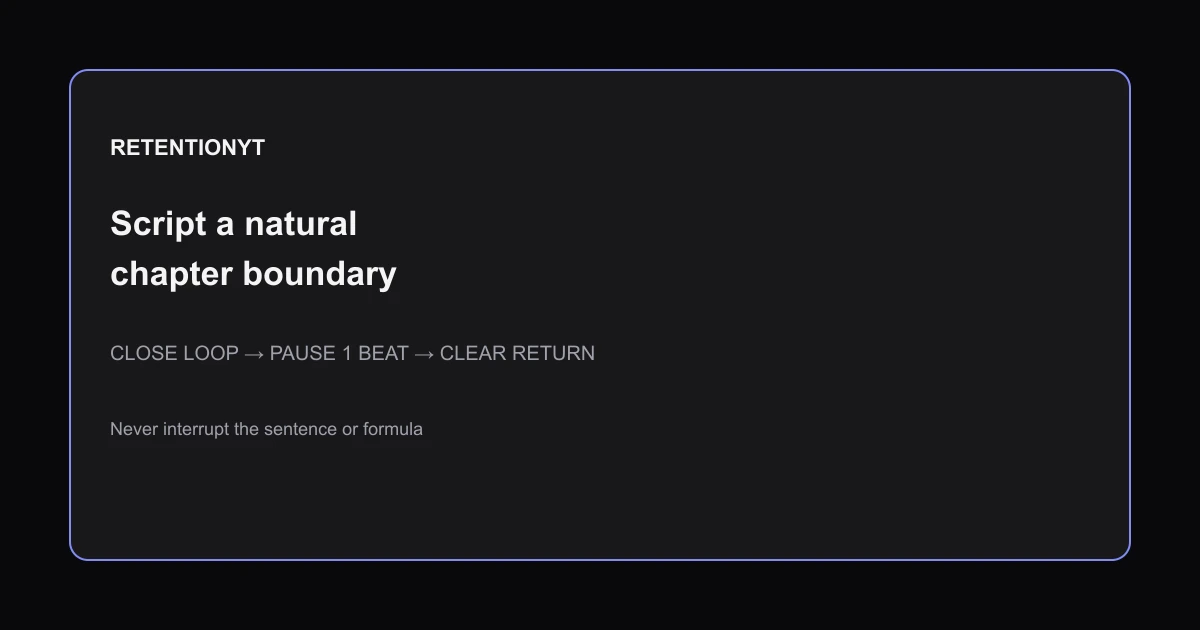
Mid-roll Ad Breaks: Script a Natural Chapter Boundary
Where to put midroll ads YouTube retention: script breaks at closed chapter loops, use a one-second landing pause, and never interrupt a formula or sentence.
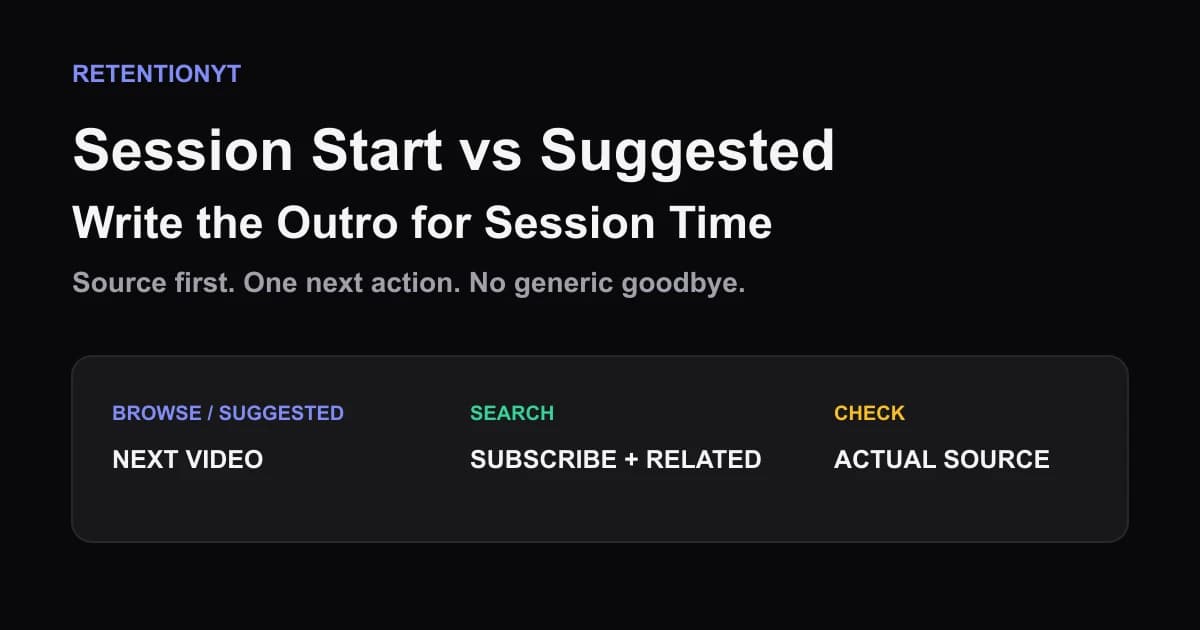
Session Start vs Suggested: Write the Outro for Session Time
YouTube session watch time outro: choose the next video for Browse/Suggested, then use Search traffic to earn a subscribe without a generic goodbye.
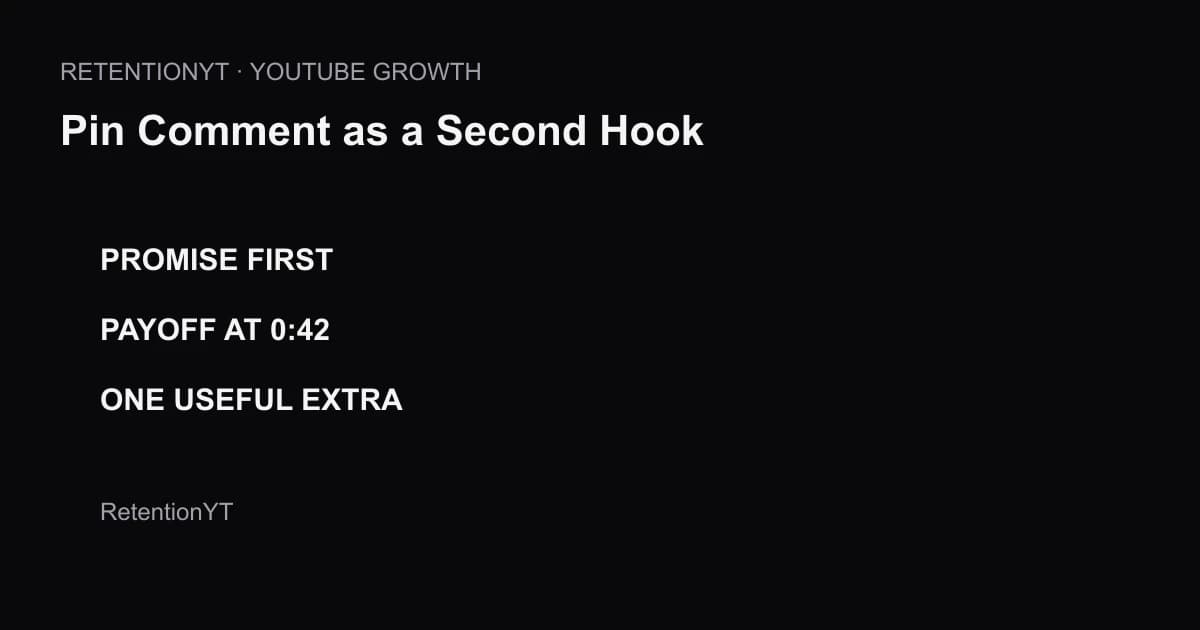
Pin Comment as a Second Hook
Use a YouTube pinned comment as a second hook: restate the promise, point to the first payoff timestamp, and add one useful extra in every upload.