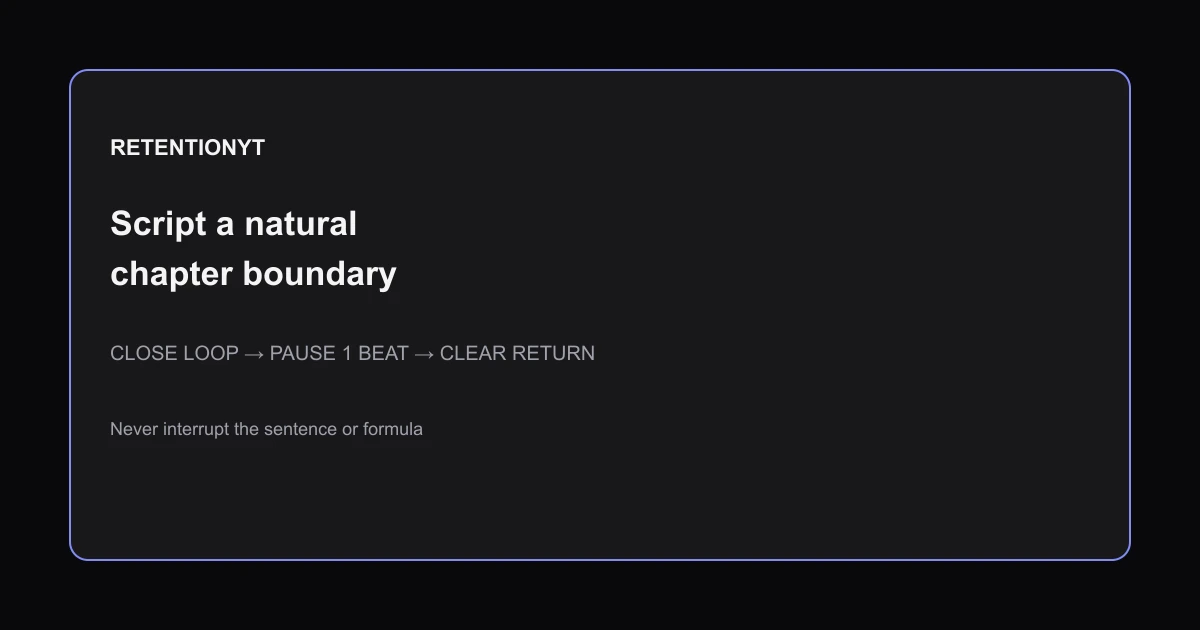
Mid-roll Ad Breaks: Script a Natural Chapter Boundary
Where to put midroll ads YouTube retention: script breaks at closed chapter loops, use a one-second landing pause, and never interrupt a formula or sentence.

10 min readUpdated
In this guide
Put a mid-roll where a chapter already ends: after a finished example, answer, or decision. Never cut through a sentence or formula. At an illustrative 0:15, the viewer may still be waiting for the promise to pay off. Script a one-second pause so the return lands on a new label, not a clause. You cannot script the ad; you can script the runway.

Where RetentionYT fits
Manual method works without signing up. Product shortens the loop. Try RetentionYT when you want a faster retention review.
What Mid-roll Ad Breaks actually is (and what it is not)
A mid-roll boundary is an editorial handoff. You finish one useful unit, give the viewer a small landing moment, and begin the next unit after the break. A closed loop means the question, example, or decision introduced in that section has reached a usable stopping point. It does not mean the entire video is finished.
YouTube’s chapter guidance describes chapters as sections with individual previews that add information and context to portions of a video 1. That makes a chapter boundary a useful script surface for an ad decision: the structure is already visible to the viewer. The ad placement itself still depends on the controls and eligibility available in your account; do not turn this article into a promise about ad delivery.
| Boundary test | Good candidate | Bad candidate |
|---|---|---|
| Thought | Answer or decision is complete | Sentence ends with “because” |
| Formula | Result has been stated | Equation is halfway through |
| Example | Example has a takeaway | Payoff is still delayed |
| Return | Next chapter has a label | Viewer returns to an unexplained clause |
The 0:15 value is illustrative, not a retention benchmark. YouTube’s chapter page requires manual chapters to start at 00:00, include at least three ascending timestamps, and use a 10-second minimum chapter length 1.
Why this shows up in YouTube Studio
Open Studio and select your upload from Content. The settings and reports you see can vary by account, device, and current product state, so use the labels visible in your own account. YouTube’s Help page for reach says the Reach tab provides a snapshot of metrics such as click-through rate, watch time, and views, and notes that some reports may not be available on mobile devices 2.
When you open YouTube Studio, keep the final script beside the editor. Mark the candidate timestamp, last spoken word, pause length, and first return sentence. Update the note if editing changes the runway.

Do not confuse chapters with ads. YouTube says chapters help viewers rewatch parts of a video and that creators can add them or rely on automatic chapters 1. A chapter can clarify the handoff, but it does not guarantee ad delivery.
Worked example 1: the failure
Consider this illustrative script: the host introduces a three-step formula at 08:20, reads the first two steps, and reaches “now divide by the retention window” at 08:42. The editor inserts the ad at 08:35 because the sentence sounds like a convenient pause. That placement interrupts the formula before the operation is complete.
| Illustrative item | Value | Why the placement fails |
|---|---|---|
| Chapter topic | Three-step formula | The unit is not complete |
| Candidate break | 08:35 | Between steps two and three |
| Spoken state | “Now divide…” is unfinished | The clause predicts missing information |
| Return line | “Which gives us…” | It assumes the missing operation |
| Viewer task | Reconstruct the formula | The break adds avoidable friction |
All times and values in this example are illustrative. They are not taken from YouTube data, a RetentionYT customer dataset, or a published benchmark. The point is the sequence: an incomplete formula is a poor landing surface even when the audio contains a natural breath.
Worked example 2: the fix
Keep the same illustrative formula, but move the candidate boundary to 08:49, after the result has been stated and briefly interpreted. Add a one-second pause. Then begin the next chapter with a label such as “When the formula breaks,” followed by a sentence that tells the viewer what they are about to see.
The fix has three visible parts. The last line closes the loop: “That gives us the line number.” The pause is recorded as a production beat, not left to chance. The return opens a new loop: “Now we’ll test the same method on a script with a false pause.”

Use the YouTube retention tool as a faster review surface if it fits your workflow, but keep the manual reasoning visible. The tool can help you align a timestamp with the script; it cannot decide whether the viewer has finished the thought. Your acceptance test is simple: can a returning viewer name where they are and why the next section matters?
A one-second pause is not a promise that every viewer will return. It is a landing pad in the edit. Write it into the script as “PAUSE — 1 beat,” then make sure the music, visual, and chapter label do not create a second, conflicting instruction. The pause should feel like a boundary, not dead air that apologizes for the ad.

Use watch time versus retention as a separate editorial reference when you interpret performance language. Do not compress different metrics into one diagnosis. The source-backed Studio information tells you what a report or metric is; your script note tells you what you changed.
How to check this in YouTube Studio (step by step)
-
Open the upload in Studio and note the current chapter structure. If you add manual chapters, YouTube’s locked guidance requires the first timestamp to be 00:00, at least three timestamps in ascending order, and a minimum chapter length of 10 seconds 1.
-
Print or duplicate the finished script. Draw a boundary line after every closed loop: finished answer, completed example, or decision. Do not mark a boundary only because the speaker took a breath.
-
Write the candidate timestamp and the exact last spoken word. Then write the first sentence after the break. If either line contains an unresolved “because,” an unfinished list, or a formula operator, move the boundary.
-
Add the production beat: “PAUSE — 1 second — new chapter label.” This gives the editor a concrete instruction. Keep the beat illustrative as an editing choice, not as a YouTube requirement.
-
Watch the transition with sound and picture. Check whether the last frame completes the example, whether the label is readable, and whether the return sentence identifies the new task. If the return needs a paragraph of explanation, the boundary is probably too early.
-
Save the video settings and confirm what your account displays. The chapter page says creators can opt out of automatic chapters in Studio, while manual chapter timestamps in the description override automatic chapters 1. Do not assume the same control is available on every account.
-
After publishing, open the available analytics reports. YouTube’s Reach guidance describes metrics including watch time and views and says some reports may be unavailable on mobile 2. Record the date, device, report name, and observation instead of copying an old Studio path.
-
Compare the observation with the script note. Ask whether the break landed after a closed loop, whether the return was clear, and whether the next upload should move the break. Keep one hypothesis per change so you do not mistake a bundle of edits for a proven cause.
If you need to explain the viewer action, link the chapter decision to YouTube CTA placement. A call to action, a chapter label, and an ad return all compete for attention. Put only one main instruction at the landing point.
The trap
The trap is treating a convenient pause as a finished thought. Audio has breaths everywhere; structure does not. If you place the break where the speaker inhales but the viewer still needs the result, the return starts with a missing step.
BAD — the trap
GOOD — the move

The best ad boundary is where the viewer can finish your sentence without you.
What to do in the next upload
Mark chapter loops during the outline, not after the edit is locked. Write the last spoken word, the candidate timestamp, the pause, and the first return sentence in one row. If the row cannot be read without explaining the missing context, it is not ready for a break.
- Start chapter timestamps at 00:00 and keep them ascending when you add manual chapters.
- Use at least three chapter timestamps and respect the documented 10-second minimum chapter length.
- Finish the example, answer, decision, or formula before the candidate break.
- Never place the break in the middle of a sentence, list, or calculation.
- Write “PAUSE — 1 beat” as an explicit production instruction.
- Give the return a new chapter label and one orientation sentence.
- Watch the transition with the final audio, visual, and on-screen text.
- Record the Studio report, date, device, and observation after publishing.
- Change one boundary at a time when you review the next upload.
Frequently asked questions
- Where should I place mid-roll ads?
- Place a mid-roll at a natural chapter boundary: after a complete example, answer, or decision, not inside a sentence or formula. Use the end of a closed loop as the landing point, then leave a short pause before the next chapter label. You cannot control the ad creative, but you can control what the viewer returns to.
- Do mid-rolls ruin retention?
- A mid-roll can create friction, but the break itself is not enough to diagnose a retention change. Treat placement as an editorial decision: protect the opening, avoid interrupting unfinished reasoning, and make the return point clear. Compare the moment with your retention view when available, while remembering that a graph is evidence to inspect, not proof of one cause.
- Should I put an ad right after the intro?
- Do not use the end of a short intro as an automatic ad target. The opening is where you establish the promise and earn attention, so a break at 0:15 can split the promise before the viewer receives value. Wait for a completed chapter or example, and follow current Studio eligibility and ad-setting options for your channel.
- How do I script around ads?
- Write the ad runway as part of the chapter: finish the claim, summarize the result, pause for one beat, then name the next chapter. Keep the sentence before the break complete and make the first sentence after the break easy to re-enter. Mark the boundary in your script so the editor does not place it over a formula, list, or unresolved question.
- Can I disable mid-rolls on some videos?
- Channel and video settings can change, and the exact controls available to you depend on your account and current Studio interface. Open the relevant monetization or ad settings before publishing and record what your account shows. If a video needs uninterrupted reasoning, make that editorial case explicitly and verify the final setting rather than assuming every upload is configured the same way.
- How do I apply “Mid-roll Ad Breaks” on my next upload?
- Before recording, divide the script into chapters and mark each closed loop: finished example, answer, or decision. Choose one candidate boundary, add a one-second pause and a new chapter label, then review the cut with the formula and sentence boundaries visible. After publishing, check the available Studio analytics and record whether the break preserved a clear return point.
- Where in YouTube Studio do I check “Mid-roll Ad Breaks”?
- Open YouTube Studio and select the upload from Content. The exact monetization and analytics panels can vary by account, device, and current product state, so follow the labels that appear in your account. You can also review Reach reports through Analytics when available; some reports may not be available on mobile devices, according to YouTube Help.
- What is the most common mistake with “Mid-roll Ad Breaks”?
- The common mistake is placing the break where the creator feels finished instead of where the viewer has finished a thought. A sentence may sound nearly complete while its formula, example, or payoff is still unresolved. Mark the last word of the loop, add the landing pause, and watch the return sequence before you approve the placement.
Give your next script a second look
Paste a script into RetentionYT for suggestions on your hook, pacing, and structure. Choose the edits that serve your video, then check audience behavior in YouTube Analytics after publishing.
Get retention tips in your inbox
Occasional, practical emails on hooks, pacing, and retention. No spam.
Related posts
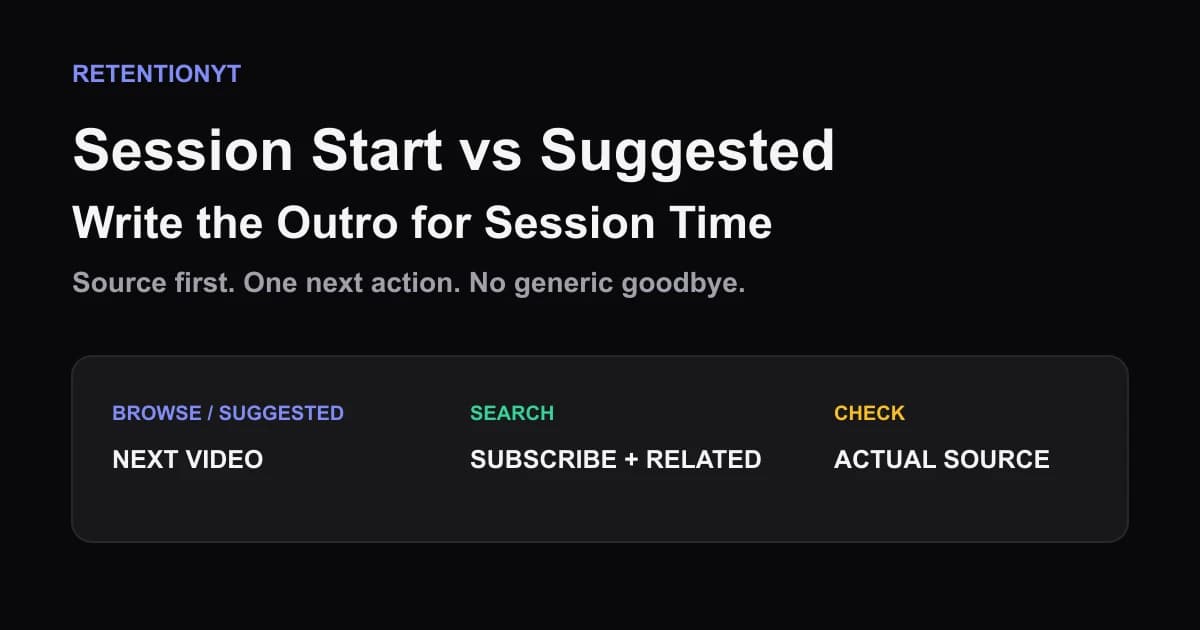
Session Start vs Suggested: Write the Outro for Session Time
YouTube session watch time outro: choose the next video for Browse/Suggested, then use Search traffic to earn a subscribe without a generic goodbye.
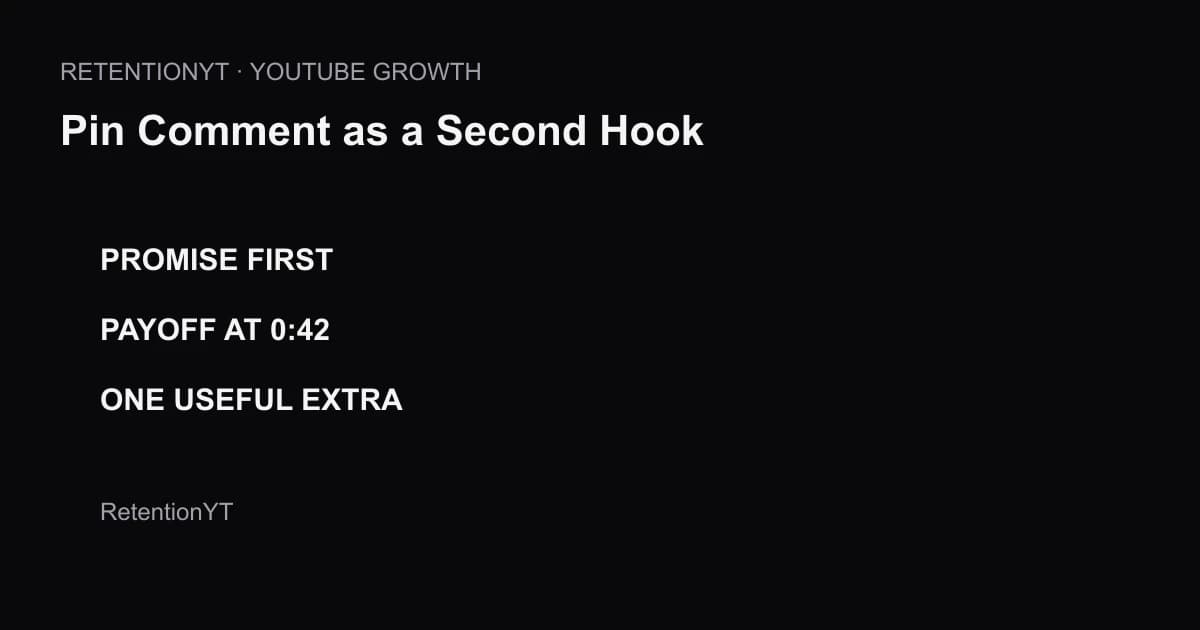
Pin Comment as a Second Hook
Use a YouTube pinned comment as a second hook: restate the promise, point to the first payoff timestamp, and add one useful extra in every upload.
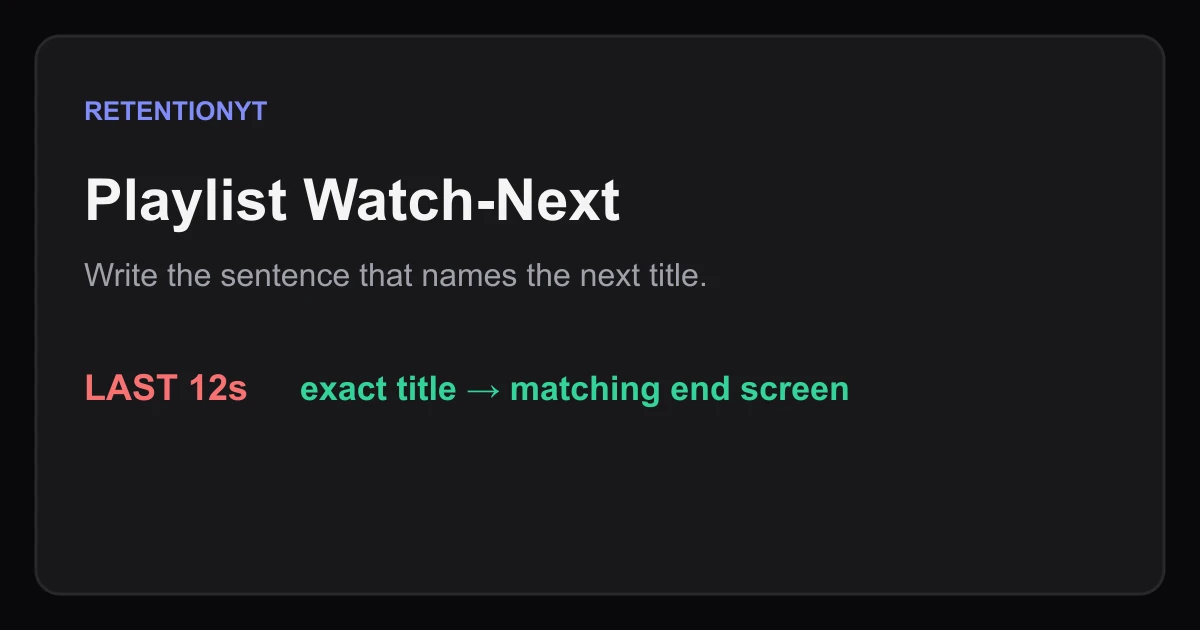
Playlist Watch-Next: Write the Handoff Sentence
Write a YouTube playlist next-video handoff that names the exact title, matches your end screen, and gives viewers a clear reason to continue watching.