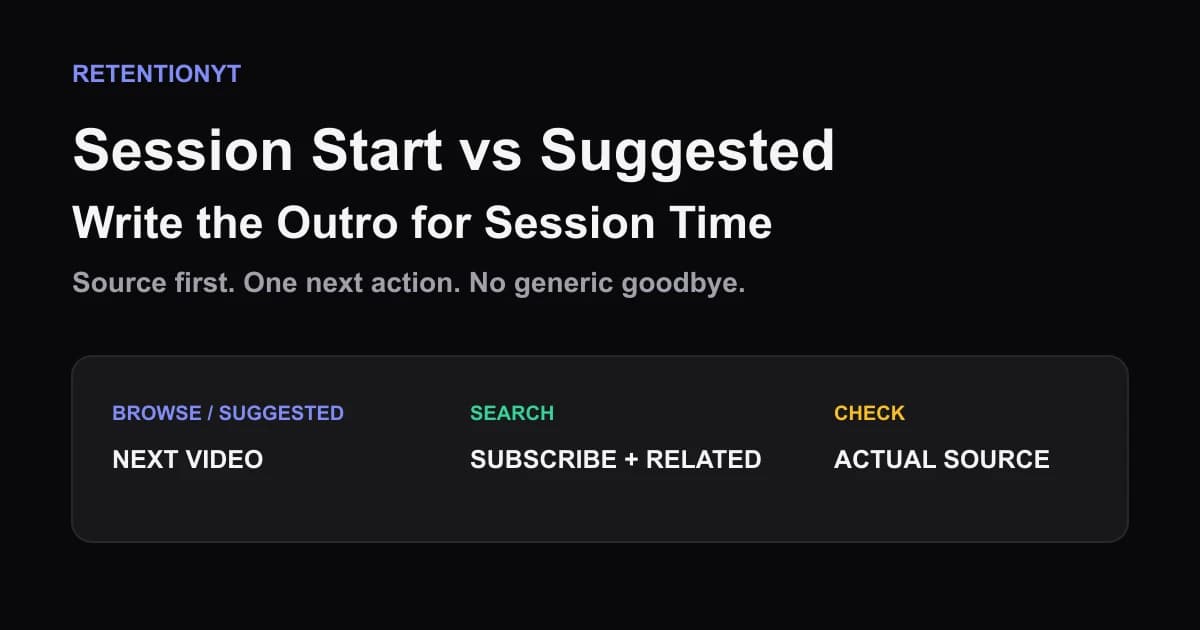
Session Start vs Suggested: Write the Outro for Session Time
YouTube session watch time outro: choose the next video for Browse/Suggested, then use Search traffic to earn a subscribe without a generic goodbye.

9 min readUpdated
In this guide
If this video is a suggested video, your outro’s job is the next click, not a speech about the bell. Read the traffic sources. Write the last 15 seconds for the source you actually have. Suggested traffic wants a sibling video; Search traffic can tolerate a subscribe plus a related choice. That is the working rule for this method, not a YouTube guarantee.

What Session Start vs Suggested actually is (and what it is not)
“Session Start vs Suggested” is an editorial diagnostic, not a documented YouTube feature name. Ask what action is natural after the viewer reaches the end. Browse or Suggested viewers are in discovery; Search viewers are completing a task. Respect that difference.
YouTube’s current Reach documentation describes traffic-source reports and includes “Content suggesting this video.” That gives you a source-aware starting point, but it does not prove that an outro extends a session. The next-video rule is an editorial framework, not a measured guarantee.
| Traffic source you observe | Outro job | Spoken close | Screen action |
|---|---|---|---|
| Browse or Suggested | Continue the viewing thread | “If you want the next test, watch this one.” | One clearly related next video |
| Search | Complete the requested answer | “If this solved it, subscribe for the next guide.” | Subscribe plus one related option |
| Mixed or unclear | Avoid guessing | Finish the promise, then offer one choice | Use the clearest destination you have |
The distinction is not that subscribers are bad or next videos are always better. Finish the promise, then choose the action requiring the least explanation.
Where RetentionYT fits
Manual method works alone. Product shortens the loop. Link RetentionYT once here. Not in every H2.
Why this shows up in YouTube Studio
Use Studio for diagnosis, not for a report named “Session Start vs Suggested.” The current SOURCE 2 page, “Understand your YouTube video reach,” says Reach helps explain how viewers find content and lists click-through rate, watch time, and views. It also notes that some reports may be unavailable on mobile.
This supports checking the viewer’s source, not calling session continuation a standard report. Read the available traffic-source report and write it beside the final 15 seconds. If the breakdown is missing, record that limitation.
The brief’s locked SOURCE 1 URL is live, but its current page is “Manage channel settings,” not an end-screen guide. It does not support the requested end-screen elements or timing claim, so those details are editorial guidance; verify the controls visible in your account.

Compare the same video and date range. Record the report name, source grouping, outro timestamp, and next action. A hold is not proof that a CTA caused continuation, and a drop is not proof that asking was wrong; inspect the whole handoff.
Worked example 1: the failure
This is an illustrative failure, not a real channel report. A tutorial receives Suggested traffic from a related setup video. Its final 18 seconds say, “Thanks for watching, remember to subscribe, hit the bell, comment below, and check the description.” The end-screen cluster shows three unrelated uploads.
The creator asks a context-rich viewer to choose too many actions. Nothing names the next step. The outro ignores the Suggested context and turns a connected viewing path into a menu.
| Time | Illustrative viewer state | Outro event | What the creator should diagnose |
|---|---|---|---|
| 0:00 | 100% | Final payoff begins | Answer is still being delivered |
| 0:08 | 84% | Generic goodbye starts | No source-specific bridge |
| 0:15 | 62% | Four asks and three choices | Attention is split |
| 0:18 | 55% | Video ends | Next action is unclear |
| 0:30 | 31% | Illustrative downstream sample | Not YouTube data or a benchmark |
Every number is illustrative, not a channel result, YouTube benchmark, or causal claim. The teaching point is structural: a connected viewer receives no clear continuation and must process several asks.
Cut it in three passes: write the source, remove mismatched asks, and replace the goodbye with one exact next action.
Worked example 2: the fix
Keep the tutorial and payoff. For Suggested, write: “That fixes the loose hinge. If you’re setting up the next step, watch this follow-up where we test it under load.” The line uses one promise and one sibling destination; the screen should reinforce it.
For Search, use: “That is the fix. If you want more practical repairs without the detour, subscribe; the related guide shows the next setup.” The answer lands before the subscribe, and the related watch stays optional.
These scripts are illustrative, not measured conversion results. Compare the same source grouping and approximate outro position next time; keep the packaging stable, change one outro variable, and record it.

Do not describe this as a guaranteed session-time lift. The source pages do not provide a controlled result for this method. They provide the reporting context; the writing decision is yours.
How to check this in YouTube Studio (step by step)
-
Open YouTube Studio, select the channel and video, and sign in before treating the data as evidence.
-
Open Analytics and locate Reach. SOURCE 2 documents Reach as the place to understand how viewers find content; labels vary by account and device.
-
Read the traffic-source report. Look for Browse features, Suggested videos, YouTube search, or another label your account displays. Do not assume unknown traffic is Suggested.
-
Write the source beside the final 15 seconds. Mark the payoff, outro start, and spoken next action.
-
For Browse or Suggested, choose one sibling video that continues the finished problem, test, or story.
-
For Search, finish the answer before asking for a subscribe. Add one related guide only for the next obvious question.
-
Align voice and screen. If the voice says “watch the load test,” show that live destination.
-
If the next video is unpublished, do not promise its title. Use a truthful subscribe close and update the outro when it exists.
-
Read the close with a timer. Remove greetings, repeated thanks, and mismatched commands.
-
After the next upload, compare the same source, position, wording, and destination. Change one variable and save the observation.

The path is an observation routine, not a claim that Studio contains a “Session Start vs Suggested” report. If your account uses a different label or hides a report on mobile, document what you saw and keep the conclusion narrow.
The trap
The trap is treating every viewer as if they arrived for the same reason. The creator sees “subscribe” as universal, then adds a next video, playlist, comment request, and description link. The viewer gets a menu when friction should be falling.
The trap
The move

Do not confuse a rule of thumb with a product promise. Browse/Suggested → next video and Search → subscribe plus related is the editorial gain for this brief. It is useful because it forces a source check, not because it guarantees a session result.
What to do in the next upload
Write the outro before the final edit. Read the traffic source, identify the last payoff, and choose one obvious destination. Test the same handoff again instead of changing the ending every time.
- Check the video’s actual traffic-source labels before writing the close.
- Mark the final payoff and start the outro after it lands.
- Choose one primary next action for the dominant source.
- Send Browse or Suggested viewers to one related next video when it exists.
- Finish a Search answer before asking for a subscribe.
- Keep the spoken CTA and visible destination aligned.
- Do not name or promise an unpublished next video.
- Remove generic greetings, stacked asks, and unrelated choices.
- Record the report label, date, source grouping, and outro timestamp.
- Compare the same handoff on the next upload and change one variable.
For pre-recording, use the related tool after writing the close. Use related post 1 for watch time versus retention, and related post 2 for CTA placement. These are optional; the manual source check needs no signup.
Do not end with every possible action. End with the action this viewer can understand, take, and continue from.
The best outro does not ask every viewer for the same thing; it makes the next useful action obvious.
Frequently asked questions
- What is session watch time?
- Session watch time is a working editorial term for the viewing that continues after your video, not a guaranteed YouTube Studio metric named exactly that. Use it to ask what a viewer should watch next. Check your actual traffic source and connect the outro to a next video, a related choice, or a subscribe when that fits.
- Should outros always ask for the next video?
- No. An outro should match the job of the traffic that brought the viewer in. For Browse or Suggested traffic, make the next video the clearest action when a sibling exists. For Search traffic, finish the answer first, then offer a subscribe or related resource. Treat this as a rule of thumb, not a platform command.
- Does this change by traffic source?
- Yes, as an editorial decision. YouTube’s Reach documentation includes traffic-source reports and a “Content suggesting this video” report, so start by checking how viewers found the upload. If the source is Browse or Suggested, bridge to a sibling video. If it is Search, let the answer land before you ask for a subscribe or related watch.
- How many end-screen elements?
- Use the smallest set that makes the next action obvious. Start with one next-video choice, then add a subscribe option only when it does not compete with the handoff. The locked source for this letter does not currently document end-screen limits, so do not present a universal count as a YouTube rule.
- Can I say the next title if it is not uploaded yet?
- Do not promise a title that viewers cannot watch yet. If the next upload is not live, name the useful next step without pretending it is available, or keep the outro focused on a subscribe. Once the sibling video exists, revise the end screen and spoken line so the promise points to a real destination.
- How do I apply “Session Start vs Suggested” on my next upload?
- Before recording, identify the traffic source you want to diagnose, choose one next-video bridge for Suggested viewers, and write a separate Search-friendly close. Put the spoken CTA after the final payoff, name the next action plainly, and compare the same ending on the next upload. Change one variable at a time.
- Where in YouTube Studio do I check “Session Start vs Suggested”?
- There is no locked-source evidence that “Session Start vs Suggested” is a standard Studio report. Open the video’s Analytics and Reach area, inspect the available traffic-source reports, and record the labels your account shows. The exact Reach reports can vary by device; if a report is missing on mobile, use the available desktop or account view.
- What is the most common mistake with “Session Start vs Suggested”?
- The common mistake is using one generic goodbye for every source. A creator asks for a subscribe after a Suggested viewer has already been offered a natural next watch, or sends a Search viewer away before the answer is complete. Read the source first, finish the promise, and make one next action explicit.
Give your next script a second look
Paste a script into RetentionYT for suggestions on your hook, pacing, and structure. Choose the edits that serve your video, then check audience behavior in YouTube Analytics after publishing.
Get retention tips in your inbox
Occasional, practical emails on hooks, pacing, and retention. No spam.
Related posts
Pin Comment as a Second Hook
Use a YouTube pinned comment as a second hook: restate the promise, point to the first payoff timestamp, and add one useful extra in every upload.
Playlist Watch-Next: Write the Handoff Sentence
Write a YouTube playlist next-video handoff that names the exact title, matches your end screen, and gives viewers a clear reason to continue watching.
Qualified Views, Engaged Views, Public Views: Three 2026 Definitions
YouTube qualified views vs engaged views 2026: separate the new public counter from the engaged and qualified metrics you use for retention and YPP decisions.