Worksheet CTA: Why It Should Come After the Win
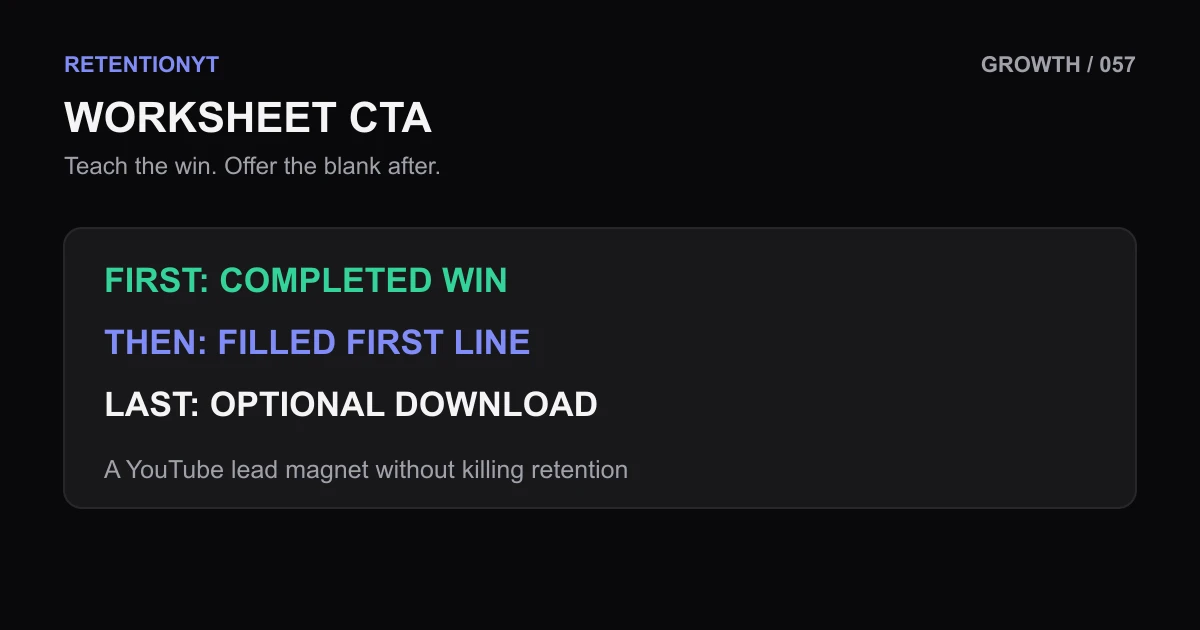
Use a YouTube lead magnet without killing retention: teach one completed win first, then show the filled worksheet line before offering the blank PDF.

9 min readUpdated
In this guide
A worksheet CTA at minute 1 is a leave risk. Teach one completed win first, then show the filled first line and offer the blank as a way to repeat it. Your first test is simple: remove the download ask, watch the lesson, and mark the first moment a viewer can say, “I can do that.”
What Worksheet CTA actually is (and what it is not)
A worksheet CTA is a request to take a companion exercise after the video has delivered a useful result. A call to action, or CTA, is the sentence that asks the viewer to do something next. For a worksheet, that next action might be downloading a PDF, copying a prompt, or filling in a checklist.
The placement is the point. You are not hiding the resource; you are sequencing it after the first payoff. A payoff is the moment when the viewer can see the method produce a result, even if the result is small: one rewritten hook, one completed line, one checked setting, or one decision made with a stated rule.
The worksheet should add practice, not permission to understand. If a viewer must download the file to follow your explanation, the video has moved the lesson outside the video. If the viewer can learn the method without the file, the worksheet can become a useful next step rather than an exit ramp.
| Element | Before the payoff | After the payoff |
|---|---|---|
| Spoken ask | “Download this before we start.” | “Now repeat this with the blank worksheet.” |
| On-screen visual | Blank PDF, tiny URL, or QR code | Filled first line and the next box to complete |
| Viewer decision | Leave to find out whether the file matters | Continue because the file extends a result already seen |
| Creator’s job | Promise a resource | Show the resource’s practical use |
This is sequencing guidance, not a YouTube guarantee. The sources do not publish a universal retention loss or conversion lift for minute-1 worksheet CTAs, so test the hypothesis on your channel.

Where RetentionYT fits
Manual method works alone. Product shortens the loop. Use RetentionYT if you want a faster way to review script pacing, but keep the worksheet placement decision in your own lesson plan.
Why this shows up in YouTube Studio
The CTA is a script variable, and Studio is where you review the published result. YouTube Help says the Reach tab provides a snapshot of how viewers find your content and includes metrics such as click-through rate, watch time, views, average view duration, and watch time. Its computer path is YouTube Studio, Content, the selected video, Analytics, then Reach. Read the current instructions at SOURCE 1 before relying on a menu label.
Ask: did moving the ask change the opening or the behavior around the first payoff? Do not treat one curve as proof of causation. Record the upload date, topic, CTA timestamp, and exact change.
For metric context, SOURCE 2 says that beginning August 24, 2026, views count when a video starts across Shorts, long-form videos, and live streams. That definition does not prove a PDF CTA improved retention.
The practical order is: plan the win, teach it, show the worksheet line, make the ask, then review. Read watch time versus retention for adjacent metric context.
Worked example 1: the failure
Imagine an educator teaching a three-step thumbnail review. At 0:42, before showing an example, the script says: “Pause here, download my free thumbnail worksheet at the link below, and fill in the three boxes before we continue.” The creator has not yet completed a thumbnail review on screen, so the viewer cannot tell whether the PDF will save time or simply create another task.
The visual makes the interruption worse: a blank page and long URL appear before the lesson’s win.
| Illustrative checkpoint | What the viewer has seen | Risk created by the CTA |
|---|---|---|
| 0:00 | Promise: review one thumbnail | No worksheet is needed yet |
| 0:42 | Blank PDF and URL | The lesson pauses before proof |
| 1:00 | Still no completed example | Value remains hypothetical |
| 2:30 | First useful decision | The resource arrived too early |
The checkpoints and timestamps are illustrative, not a published YouTube benchmark. They are a script map for diagnosing order, not a claim about normal performance. If your own data shows a different pattern, your evidence wins.
Worked example 2: the fix
Keep the same lesson, but complete one thumbnail review first. At 0:48, point to the title promise, circle the mismatched phrase, and rewrite one line on screen. Then say: “That is the first check. If you want to repeat it on your next upload, the blank worksheet is below; the first line is the same one I just filled.”
The visual now shows the filled first line, not a blank URL. The viewer has already received a result and can see exactly what the download extends. The CTA is still optional, and the video still works if the viewer never opens the PDF.
For a finance educator, the filled line might be “What decision does this number change?” For a language teacher, it might be one completed correction. For a productivity creator, it might be one finished weekly constraint. The niche changes the win; the order stays the same.


How to check this in YouTube Studio (step by step)
Before recording, write the lesson’s first win in one sentence. Then write the worksheet’s job in one sentence. If the worksheet sentence repeats the lesson instead of extending it, redesign the PDF or remove the CTA.
- Open the script and mark the first completed example, decision, or visible result.
- Draft the CTA after that mark. Name what the blank worksheet helps the viewer repeat.
- Replace a blank URL frame with the filled first line, one highlighted box, or the next action.
- Record the lesson without the CTA and make sure the method still works from the video alone.
- Add the CTA after the payoff, keeping the spoken ask short enough not to reopen the lesson.
- Publish and note the upload date, topic, CTA timestamp, and first payoff timestamp.
- In Studio, select Content, choose the video, select Analytics, and select Reach, following the current YouTube Studio path described by YouTube Help.
- Compare the result with a similar prior upload from your own channel, and write down what changed before changing the CTA again.
The related tool can shorten the review loop, but it is not required. The manual workflow is: mark the win, place the ask, show the filled line, date the test, and inspect the report. For a deeper distinction between minutes and percentage held, compare watch time versus retention.

The trap
The trap is treating the resource as proof of expertise. A polished PDF or “download now” overlay can make the ask louder without making the lesson more useful.
Do not claim that moving the ask later will always increase retention or leads. Topic, audience, promise, and length can change the result; call placement a hypothesis.
A third trap is showing a blank worksheet because the blank feels clean. The blank is useful only after the viewer understands the first completed line. Show the filled line, name the next repetition, and let the URL sit in the background.
The trap
The move

What to do in the next upload
Use this checklist while the script and worksheet are open. You are not trying to hide the offer; you are making the offer arrive after the viewer has a reason to use it.
- Write the first teachable win in one sentence.
- Mark the exact timestamp where the viewer can repeat it.
- Place the worksheet mention after that payoff.
- Show one filled line or completed box on screen.
- Explain the next repetition the blank worksheet supports.
- Keep the video understandable without the download.
- Put the URL in the description or pinned comment as a secondary path.
- Record the payoff timestamp and CTA timestamp before publishing.
- Check the relevant Studio report after publishing and date your note.
- Compare one placement change against a similar prior upload.
If the worksheet is the lesson, design the video around it. If it is extra, let the viewer experience its value first. The sequence is: teach, show, offer, review.
Teach the win before you offer the worksheet.
For more CTA craft, read YouTube CTA placement. Use RetentionYT only if it makes review faster; the manual method remains complete without signing up.
Frequently asked questions
- Should I offer a free PDF in the intro?
- Usually, no. A PDF offer in the intro asks the viewer to leave before they have received a reason to value it. Teach one small, completed win first, then show the worksheet as a way to repeat that process. If the download is essential to understand the video, the video may be functioning more like an advertisement than a lesson.
- Do downloads hurt retention?
- A download can create a leave when the viewer has to pause the lesson, open another page, or decide whether the file is worth saving before seeing the promised result. That is a placement risk, not a universal platform rule. Test the timing on your own uploads, and put the first useful win before the ask.
- When do I mention the worksheet?
- Mention it after the first completed example or payoff, when the viewer has seen the method work. Say what the blank worksheet helps them repeat, show one filled line on screen, and make the URL secondary. A practical starting point is after the first clear win, not automatically at 1:00.
- Can the video work without it?
- Yes. The lesson should stand on its own, and the worksheet should make practice easier rather than make comprehension possible. Before recording, remove the PDF link and check whether a viewer can still follow the example, make the decision, and understand the next step. If not, rewrite the lesson before adding the CTA.
- Do I put the URL on screen?
- You can, but do not make a blank URL the visual event. Show the filled first line, the decision it supports, or the next box the viewer will complete. Put the short URL in a lower-friction place such as the description or a pinned comment, then keep the spoken ask tied to the completed win.
- How do I apply “Worksheet CTA” on my next upload?
- Choose one teachable result, demonstrate it completely, and mark the first moment the viewer can repeat it. Place the worksheet mention after that moment. Show the filled first line, name the remaining steps inside the download, and write down the timestamp so you can compare the CTA placement with the rest of your opening and payoff.
- Where in YouTube Studio do I check “Worksheet CTA”?
- There is no YouTube Studio setting called Worksheet CTA. To inspect the video’s reach reports, YouTube Help says to sign in to Studio, select Content, choose the video, select Analytics, and then select Reach. Use that report path to review the upload, while treating the CTA placement as your own script variable rather than a platform control.
- What is the most common mistake with “Worksheet CTA”?
- The common mistake is offering the blank file before showing why the viewer needs it. A title, URL, and “download below” line do not create value by themselves. Teach one result, display the filled first line, and explain the exact repetition the worksheet supports. If the ask interrupts the lesson, move it after the payoff.
Give your next script a second look
Paste a script into RetentionYT for suggestions on your hook, pacing, and structure. Choose the edits that serve your video, then check audience behavior in YouTube Analytics after publishing.
Get retention tips in your inbox
Occasional, practical emails on hooks, pacing, and retention. No spam.
Related posts
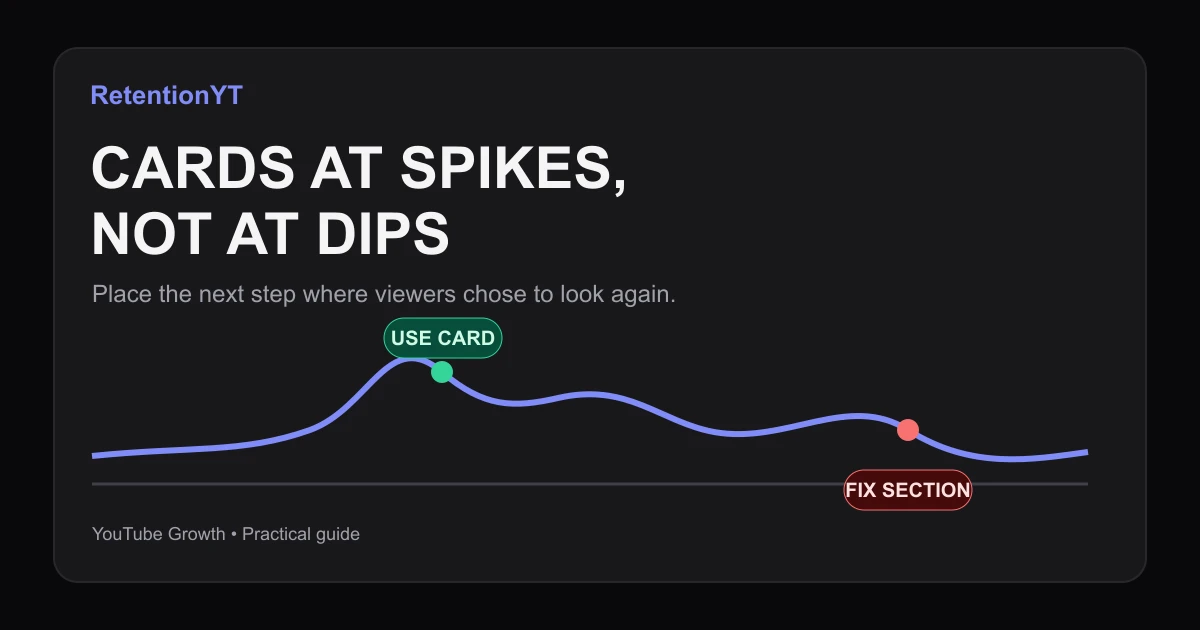
Cards at Spikes, Not at Dips
Learn when to place YouTube cards retention: use rewind spikes as demand signals, avoid dips, and follow a practical Studio workflow on your next upload.
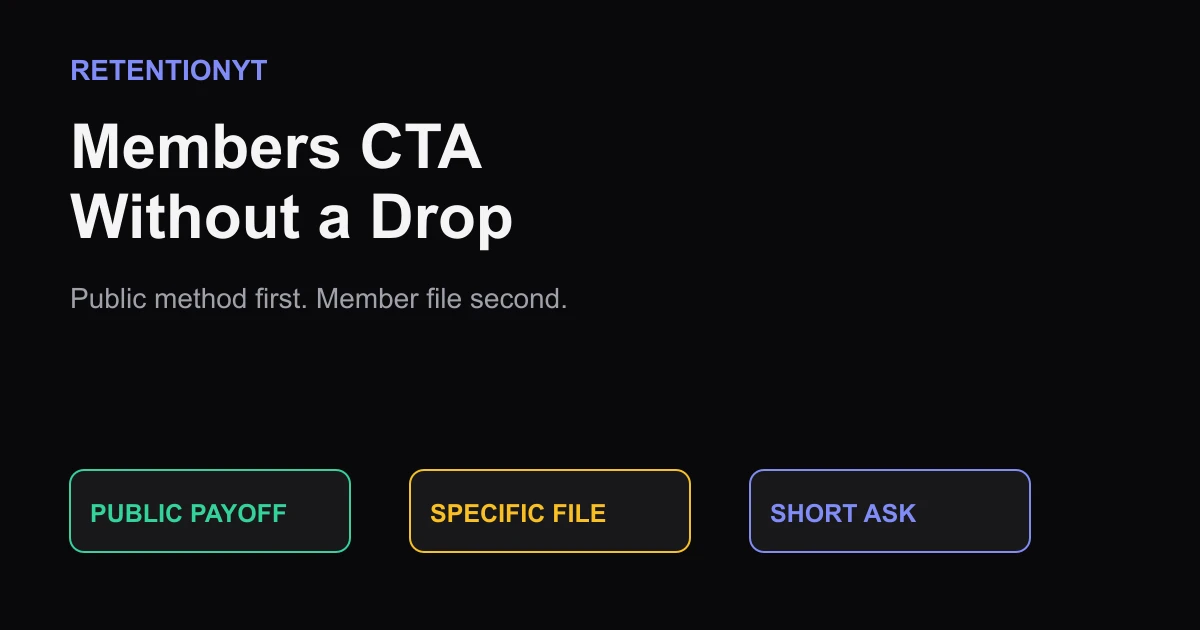
Members CTA Without a Drop
Place your YouTube membership ask after a complete public payoff, then offer a specific member-only file so viewers get the method without feeling held hostage.
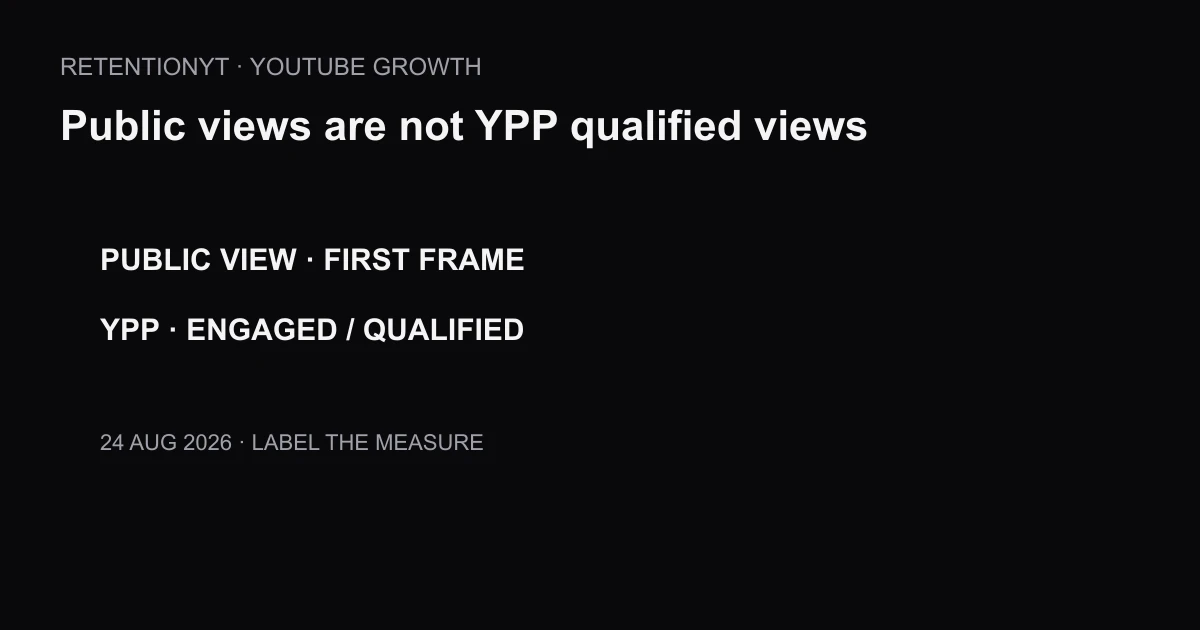
Why YPP Qualified Views Did Not Change With First-Frame Counting
Separate YouTube’s first-frame public counter from qualified views for YPP, so a larger public number does not trigger an avoidable RPM panic.