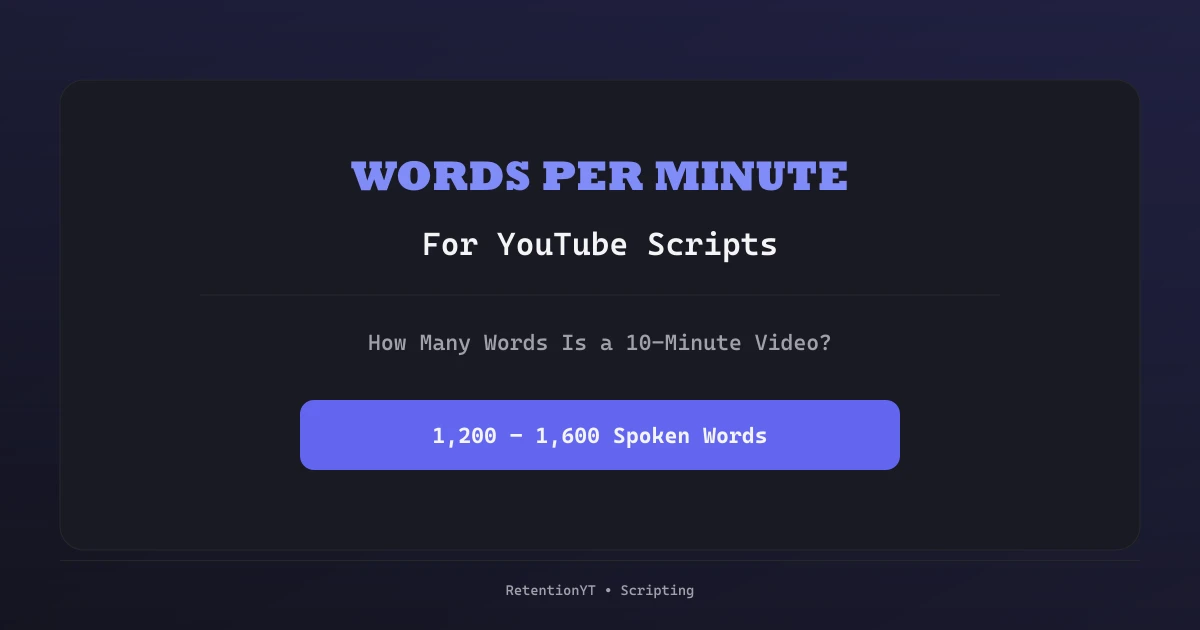
Words Per Minute for YouTube Scripts: How Many Words Is a 10-Minute Video?
Turn a target video length into a word budget before you draft: measure your own speaking rate, subtract the non-speaking minutes, and split the remaining words across the script.

10 min read
In this guide
You wrote what felt like a ten-minute video. It recorded as fifteen. Now you are cutting sentences you liked at 1 a.m. because the pacing collapsed somewhere in the middle, and the only tool you have left is the timeline.
That is a budgeting problem, and it is fixable on the page. Words per minute is the conversion rate between a script and a runtime, and once you know your own number you can decide the length of a video before you write a single line of it.
This post is the arithmetic and the method: how to measure your real speaking rate, how to turn a target duration into a word budget, how to subtract the minutes where you are not talking, and how to split the surviving words across the script. If you want the pacing theory behind the numbers — why 140 words per minute feels different in a tutorial than in a vlog — read YouTube script pacing alongside this. This post stays on the budget.
The one conversion you need
words = target speaking minutes x your words per minute
That is the whole model. Everything else in this post is about getting the two inputs right.
The second input is the one people get wrong. A 130–150 words-per-minute range is the long-standing reference for conversational spoken English — it is a broadcast and speech-coaching convention, not a YouTube statistic and not something the platform publishes. It is a fine placeholder for your first draft, but your own rate is a measurable fact and it takes six minutes to get. Use the reference range until you have measured, then throw it away.
Measure your own rate in six minutes
Do not measure by reading silently, and do not measure by reading "presentation style" at a pace you will never sustain. Measure the way you actually talk on camera.
- Pick three passages of about 200 words from scripts you have already recorded — one from a hook, one from the middle, one from an outro. Different sections have different natural speeds, which is exactly why you want all three.
- Record yourself reading each one on camera, at delivery pace, including the pauses you would really take. Phone audio is fine.
- For each clip, note the seconds it took. Then compute
words ÷ seconds × 60. - Average the three results. That average is your working rate.
A worked example, using round numbers so the arithmetic is visible: 200 words in 82 seconds is 146 wpm; 200 words in 91 seconds is 132 wpm; 200 words in 86 seconds is 140 wpm. The average is 139 wpm, so you budget at 140 — round to the nearest ten, because a script is not a stopwatch.
Two rules about this number. First, it is yours, not your niche's; do not adopt a number from a blog post, including this one. Second, re-measure when your format changes. A rate measured on talking-head footage will overrun on a documentary-style narration track, where the shots need room to breathe.
The duration-to-words table (arithmetic, not data)
Once you know your rate, the table is just multiplication. These are the three columns most creators need — a slower narration pace, a conversational pace, and a dense edited pace:
| Target speaking time | at 120 wpm | at 140 wpm | at 160 wpm |
|---|---|---|---|
| 1 minute | 120 words | 140 words | 160 words |
| 3 minutes | 360 words | 420 words | 480 words |
| 5 minutes | 600 words | 700 words | 800 words |
| 8 minutes | 960 words | 1,120 words | 1,280 words |
| 10 minutes | 1,200 words | 1,400 words | 1,600 words |
| 15 minutes | 1,800 words | 2,100 words | 2,400 words |
| 20 minutes | 2,400 words | 2,800 words | 3,200 words |
So the headline question — how many words is a 10-minute YouTube video? — has an honest answer: roughly 1,200 to 1,600 spoken words, and exactly 10 × your rate once you have measured yourself. Anyone quoting a single universal number is quoting an average of strangers.
Note the column header: target speaking time, not video length. Those are different numbers, and the gap between them is where most overruns come from.
Subtract the minutes you are not talking
A ten-minute video almost never contains ten minutes of speech. Before converting, list the non-speaking blocks you already know the script will contain and price them in seconds:
- Cold open / establishing shot before the first line — 3 to 8 seconds.
- Demo or screen recording where the visual carries the meaning — often 30 to 120 seconds each.
- Montage or b-roll sequence with music only.
- Deliberate silence after a hard claim, or after the hook lands.
- Graphics or on-screen text the viewer needs a beat to read.
Add them up, subtract from the target duration, and convert only what remains. Worked example for a 10-minute target at 140 wpm:
| Block | Time | Speaking? |
|---|---|---|
| Cold open shot | 0:06 | no |
| Product demo | 1:30 | no |
| Two b-roll transitions | 0:20 | no |
| End card | 0:10 | no |
| Non-speaking total | 2:06 | — |
| Speaking time left | 7:54 | yes |
7 minutes 54 seconds is 7.9 minutes. At 140 wpm the budget is 7.9 × 140 ≈ 1,106 words — call it 1,100. Written to the naive 1,400 the same video lands somewhere near twelve minutes, and you discover it after you have already filmed.
If you narrate over the demo instead of pausing, that time moves back into the speaking column. The point is that you decide which column it sits in before drafting, not while editing.
Allocate the budget across the script
A total is not a plan. Split the budget by section so you notice an overrun while it is still a paragraph. A working default for a talking-head video, using the 1,100-word budget above:
| Section | Share | Words | Note |
|---|---|---|---|
| Hook | 5% | ~55 | 20–40 words is often enough; confirm the title fast |
| Context / stakes | 10% | ~110 | why this, why now |
| Main beats (3) | 60% | ~660 | ~220 each; the demo sits inside beat 2 |
| Payoff / synthesis | 15% | ~165 | the thing the title promised |
| Outro + CTA | 10% | ~110 | keep it short, it is the easiest cut |
Those percentages are a starting shape, not a law — a tutorial pushes more into the main beats, a story-led video pushes more into context. What matters is that each section has a number, because a section with no number is a section that expands.
The timed skeleton that this budget drops into is in the YouTube script outline template. Write the budget into the outline before the prose, and each block becomes a small, checkable target instead of a vague intention.
A real pass through the auditor
Here is the workflow on an actual script, in the order it happens.
A 13-minute talking-head explainer, target rate 140 wpm, with a planned 90-second walkthrough and about 30 seconds of b-roll: speaking time is 13:00 − 2:00 = 11 minutes, so the budget is about 1,540 words. The draft came in at 1,860 — roughly 320 words, or a little over two minutes, over budget.
Pasted into RetentionYT, the audit does not tell you "cut 320 words". It reports structure: which sections are dense with new claims and thin on payoff, where the first payoff actually starts, which passages restate a point already made, and a verdict of record / fix first / rewrite. On this script the finding that mattered was a long recap paragraph in the middle beat — the section where the draft was heaviest was also the section that repeated itself.
Cutting the recap took out about 180 words. Tightening two hedged sentences in the intro took another 60. The remaining 80 came out of the outro, which is nearly always the cheapest cut. Re-run, the budget holds and the middle beat reads as new information rather than review.
What the tool did not do is predict a retention percentage. It cannot, and neither can any pre-record checker — the free hook checker post makes the same point about openings. The useful output is structural: this section is dense, this payoff is late, this paragraph repeats. The word budget tells you how much to cut; the audit tells you which words are least expensive to lose. If you want the full description of what the analyzer reads, the YouTube script analyzer page lists it without overclaiming.
Four ways the budget lies to you
You measured a silent read. Reading in your head is faster than speaking. A rate taken from a silent read produces a script that overruns every single time.
You counted stage directions. [cut to b-roll of the dashboard] is nine words you will never say. Keep directions bracketed and out of the count.
You ignored delivery drift. Ad-libs, restarts, and the two seconds you spend finding the next thought all live outside the document. If your finished videos consistently run 5% long, your working rate is 5% slower than you think — adjust it rather than blaming the script.
You budgeted the average, not the sections. A script can hit its total and still feel wrong, because the hook sprawled and the payoff got compressed. That is a pacing problem rather than a length problem, and the pacing post is the fix.
When the draft misses the budget
Over budget (the usual case). Cut in this order: recaps and restatements, hedges ("basically", "kind of", "what I want to say is"), the outro, then the third example in any list of three. Only after all four are exhausted should you cut an actual beat — and if a beat has to go, ask whether it was a separate video.
Under budget. Do not pad. A 9-minute video that earns nine minutes beats a 12-minute video with three minutes of filler, and filler is exactly what gets skipped. Either add a real example, or publish the shorter video and keep the idea for the next one. If you are deciding target length in the first place, best YouTube video length covers that trade-off.
The five-line version
- Pick the target duration.
- Subtract every non-speaking block, in seconds.
- Multiply the remaining minutes by your measured words per minute.
- Split that budget across hook, context, beats, payoff, outro.
- Draft to the section numbers, then audit the structure before you record.
Two minutes of arithmetic replaces an hour of cutting in the timeline, and it does it while the words are still cheap to change.
Want the structural half of this check? Paste your next script into RetentionYT and read the section findings before you film — create a free account and run it on the draft you already have open.
Frequently asked questions
- Should I write a script to a word count or to a duration?
- Write to a duration and use the word count as the instrument. The viewer experiences minutes, not words. The workflow is: pick the target duration, convert it into a word budget using your own measured speaking rate, then hold the draft to that budget. A word count with no duration attached is how a 'ten-minute video' turns into fourteen minutes in the edit.
- Do stage directions and on-screen text count toward the word budget?
- No. Only count words you will say out loud. Keep b-roll notes, camera directions, and on-screen text in a separate column or in brackets, and exclude them from the count. If your word counter cannot skip bracketed lines, copy just the spoken lines into a scratch document before counting.
- How do I budget the parts of the video where nobody is speaking?
- Subtract them from the duration before you convert to words. List the non-speaking blocks you already know about — a demo, a montage, a screen recording, a beat of silence after the hook — estimate each in seconds, subtract the total from the target duration, and convert only the remaining speaking time into words.
- My 1,500-word script ran fourteen minutes. What went wrong?
- Almost always one of three things: you used a generic 140 words-per-minute figure instead of your own measured rate, you counted stage directions as spoken words, or the delivery added pauses, repeated takes, and ad-libs that the page did not contain. Measure your rate from a real recording of yourself, not from a silent read, and re-measure when your delivery style changes.
- Does a tighter word budget improve retention?
- Not on its own. A word budget stops a video from overrunning its idea, which removes one common cause of mid-video drop-off, but it cannot make a weak section interesting. Budget the words, then check the structure separately — the two problems have different fixes.
Give your next script a second look
Paste a script into RetentionYT for suggestions on your hook, pacing, and structure. Choose the edits that serve your video, then check audience behavior in YouTube Analytics after publishing.
Get retention tips in your inbox
Occasional, practical emails on hooks, pacing, and retention. No spam.
Related posts
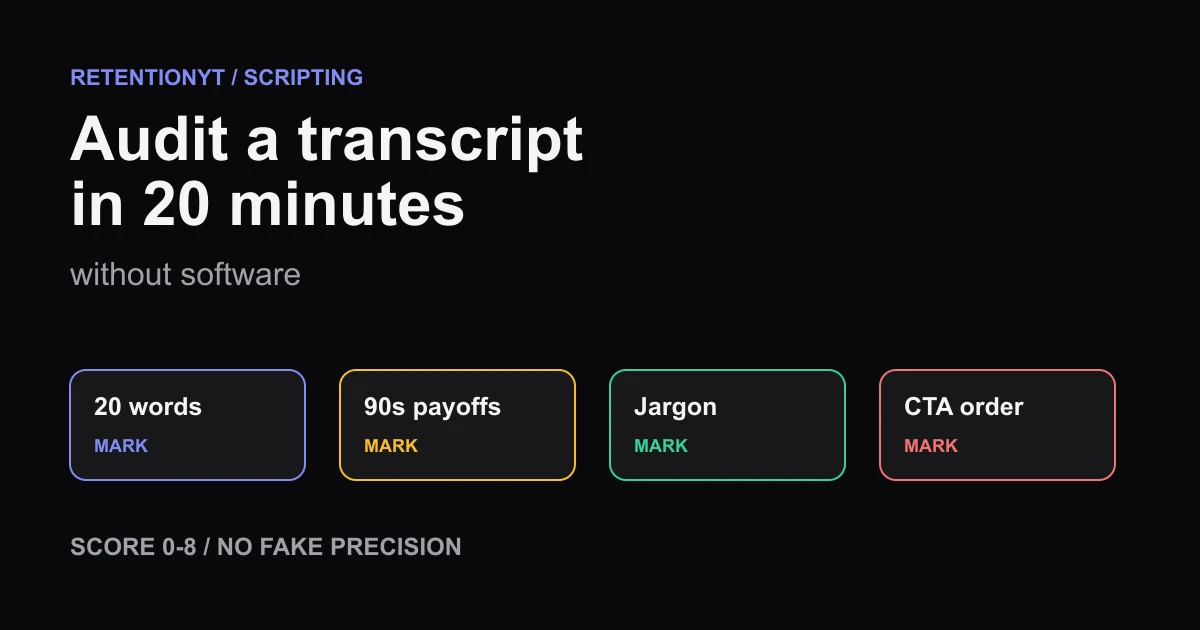
How to Audit a Transcript in 20 Minutes Without Software
Audit a YouTube transcript by hand in 20 minutes: check the first 20 words, mark 90-second payoffs, define jargon, score 0-8, and order your CTA.
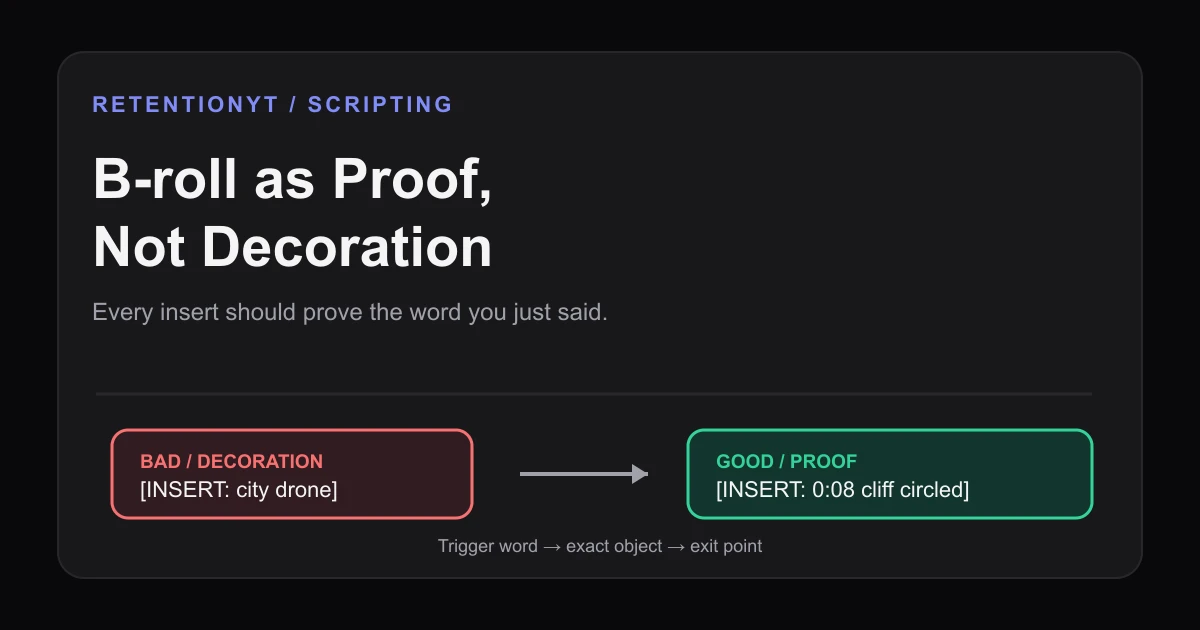
B-roll as Proof, Not Decoration: Script Cues for Inserts
Learn how to script B-roll for retention by tying every insert to a spoken claim, with proof cues, timestamps, failure and fix examples, and a Studio check.
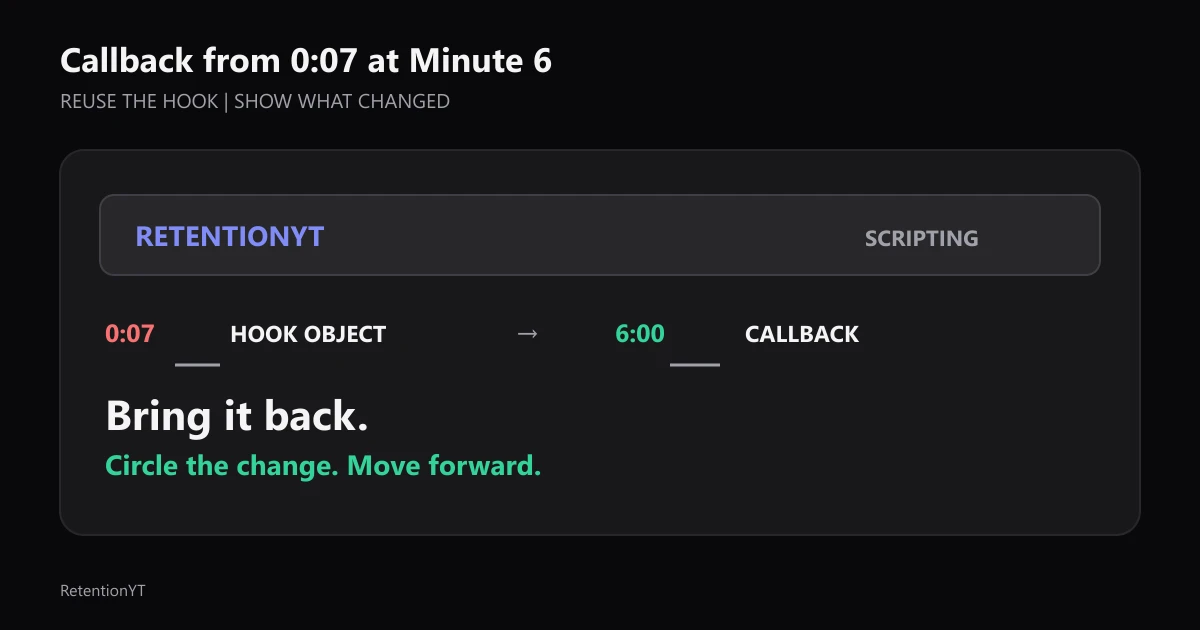
Callback from 0:07 at Minute 6
Use the object or phrase from your 0:07 hook again at minute 6, circle what changed, and write the callback into the outline before the edit buries it.